Mac Game Pads
-
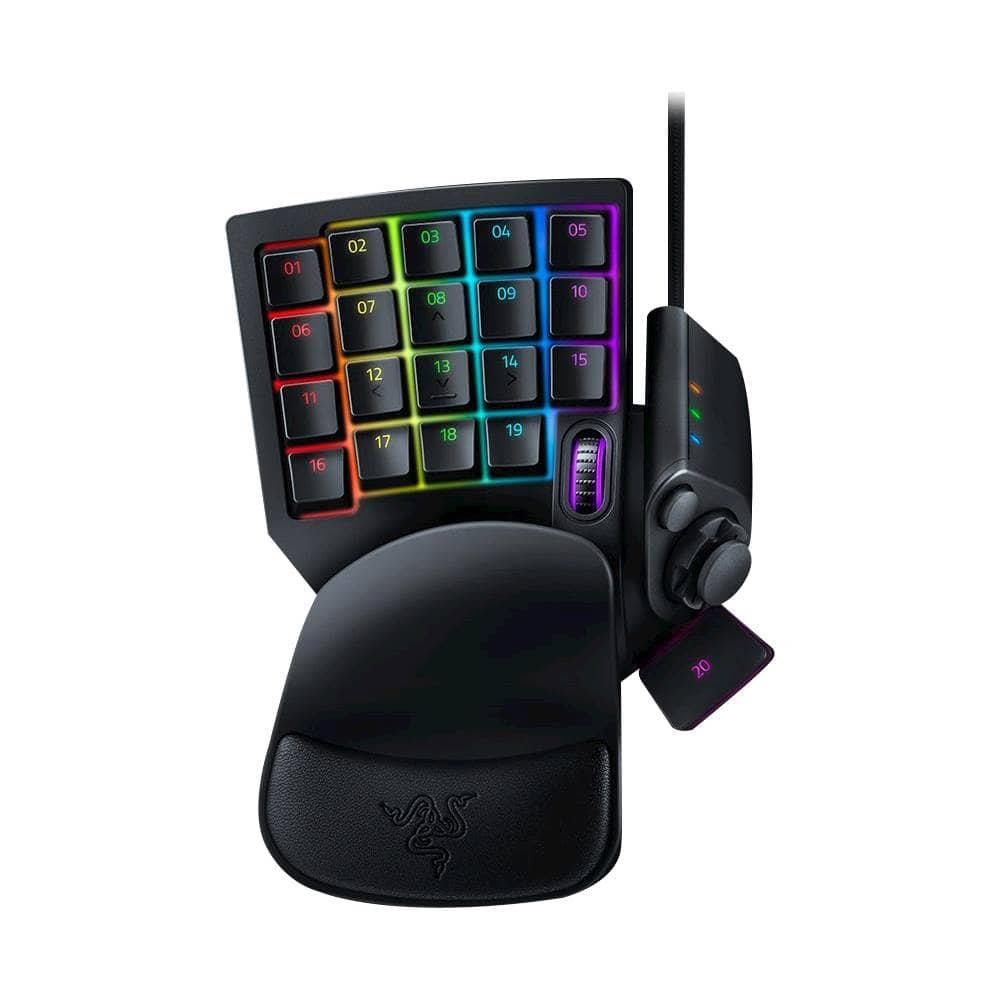
Razer - Tartarus V2 Wired Gaming Mecha-Membrane Keypad with Chroma Back Lighting for Mac and Windows - Black
SKU: J3L9H24RTPGreat for using different keys and macros. The joystick works great. I love having it...I have Best Buy total care and they replace it every time....I love this one handed keyboard....Works great!...Love...
See all Gaming ControllersProduct Description
A black gaming keypad featuring 32 programmable keys, mecha-membrane switches, Chroma RGB lighting, and palm rest.Your price for this item is $69.99Save $10The previous price was $79.99 -
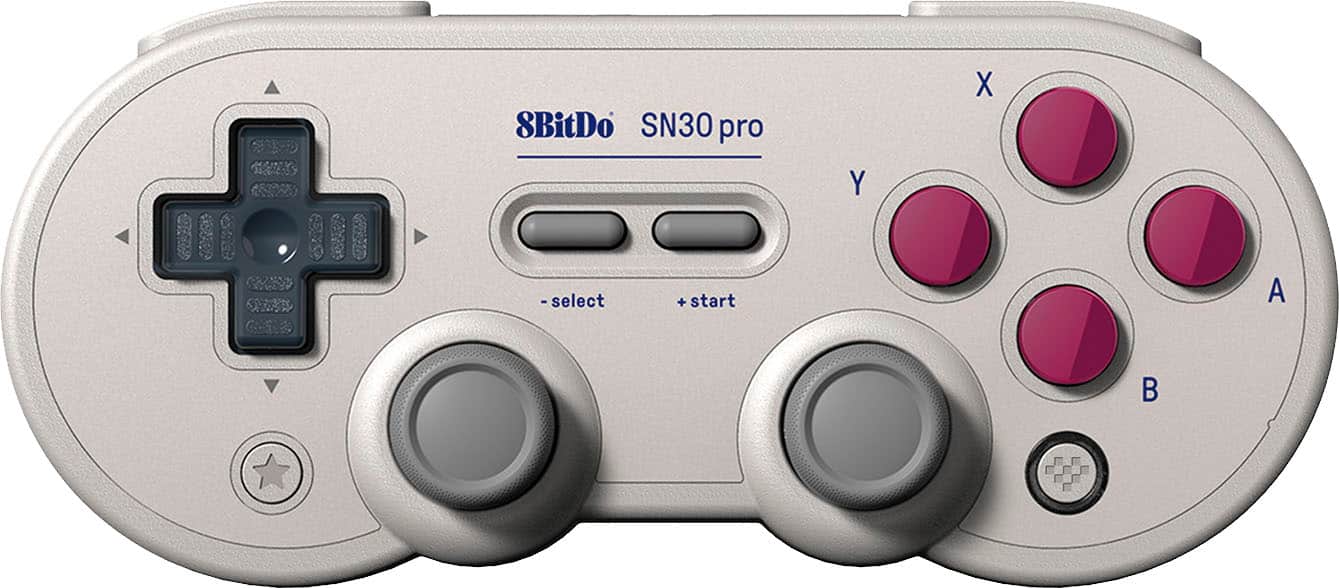
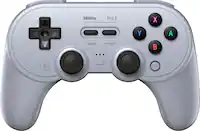
8BitDo - SN30 Pro Wireless Controller for Switch, Windows, macOS, Android and Steam Deck with Hall Effect Joysticks - G Classic
SKU: CZY3JSJLJ9Best controle...Really good.you can buy because it is the best controle...I love this controller....Even the color ways are great!
See all Gaming ControllersProduct Description
A wireless Bluetooth controller in G Classic color featuring Hall Effect joysticks, rumble, and motion controls.Your price for this item is $44.99 -
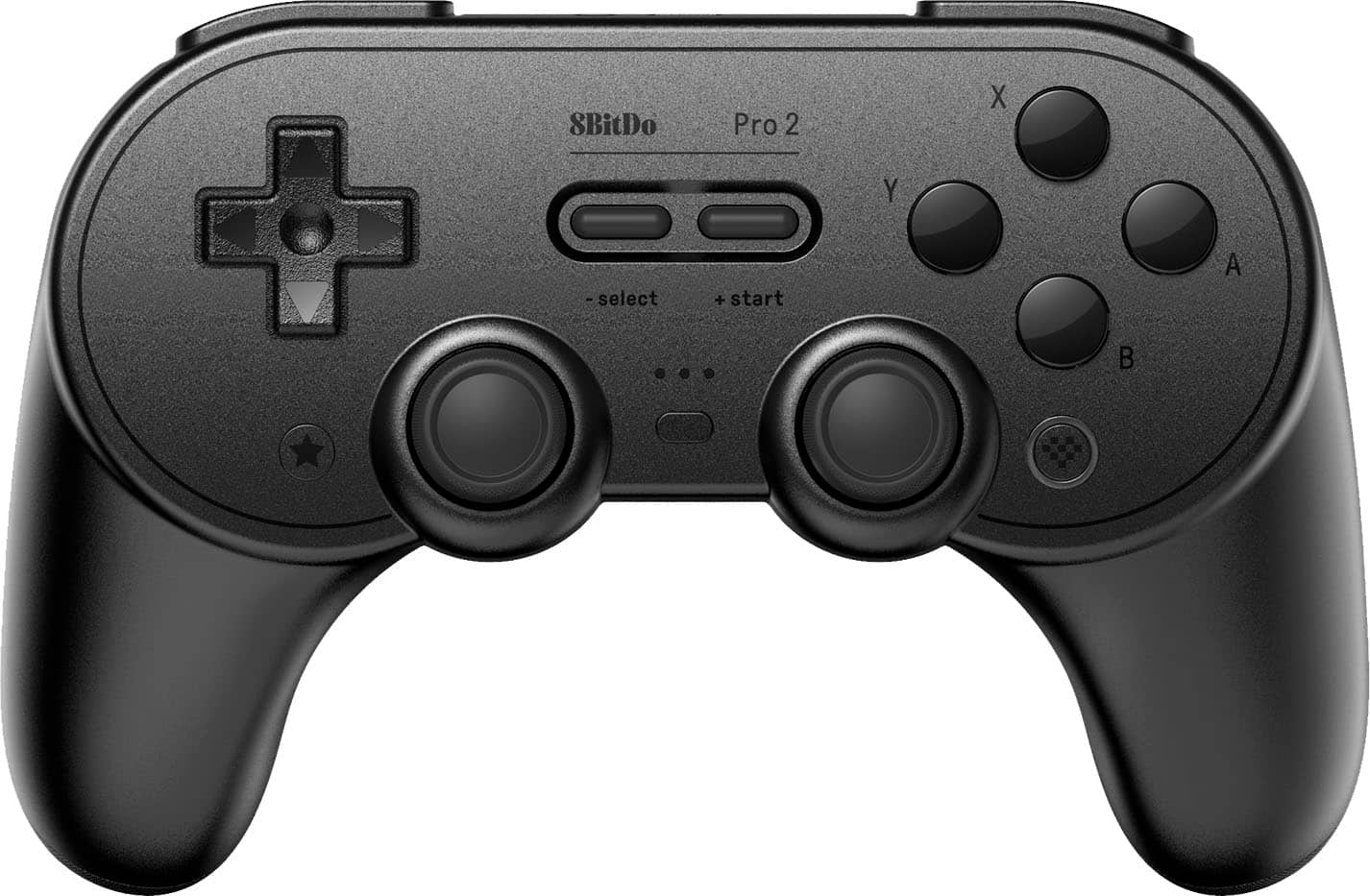
8BitDo - Pro 2 Bluetooth Controller for Switch, Windows, macOS, Android, and Steam Deck with Hall Effect Joysticks - Black
SKU: CZY3JSJLCJGreat packaging and great customer service as well thank you Best Buy I love ya...One of the best feeling controllers....I just wish best buy provided more 8bitdo stuff as all of it feels great to use!...
See all Gaming ControllersProduct Description
A versatile black Bluetooth controller with Hall Effect joysticks, customizable buttons, and USB-C charging.Your price for this item is $39.99Save $10The previous price was $49.99
Best Sellers
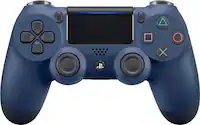


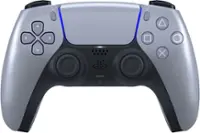
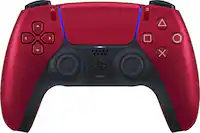
Related Pages
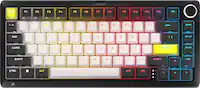


FAQ
Most Mac game pads are designed to work with a wide range of Mac computers, including MacBook, iMac, and Mac Mini models. However, compatibility can depend on the macOS version and available connection ports. Always check the product specifications for supported operating systems and required drivers.
Mac game pads typically connect via USB, Bluetooth, or wireless dongles. USB game pads offer a plug-and-play experience, while Bluetooth models provide wireless convenience. Be sure your Mac supports the connection type of the game pad you choose.
Yes, many Mac game pads can be used not only for gaming but also for controlling media playback, navigating menus, or even customizing shortcuts for creative software, depending on the available software support and button mapping features.
Some Mac game pads are plug-and-play and work immediately after connecting, while others may require you to install specific drivers or companion software to access advanced features or customize button layouts. Check the manufacturer's instructions for details.
Many Mac game pads offer customizable buttons, triggers, and even lighting effects through dedicated software. This allows you to tailor your gaming experience and control scheme to your preferences for different games or applications.