iPod Remotes
-
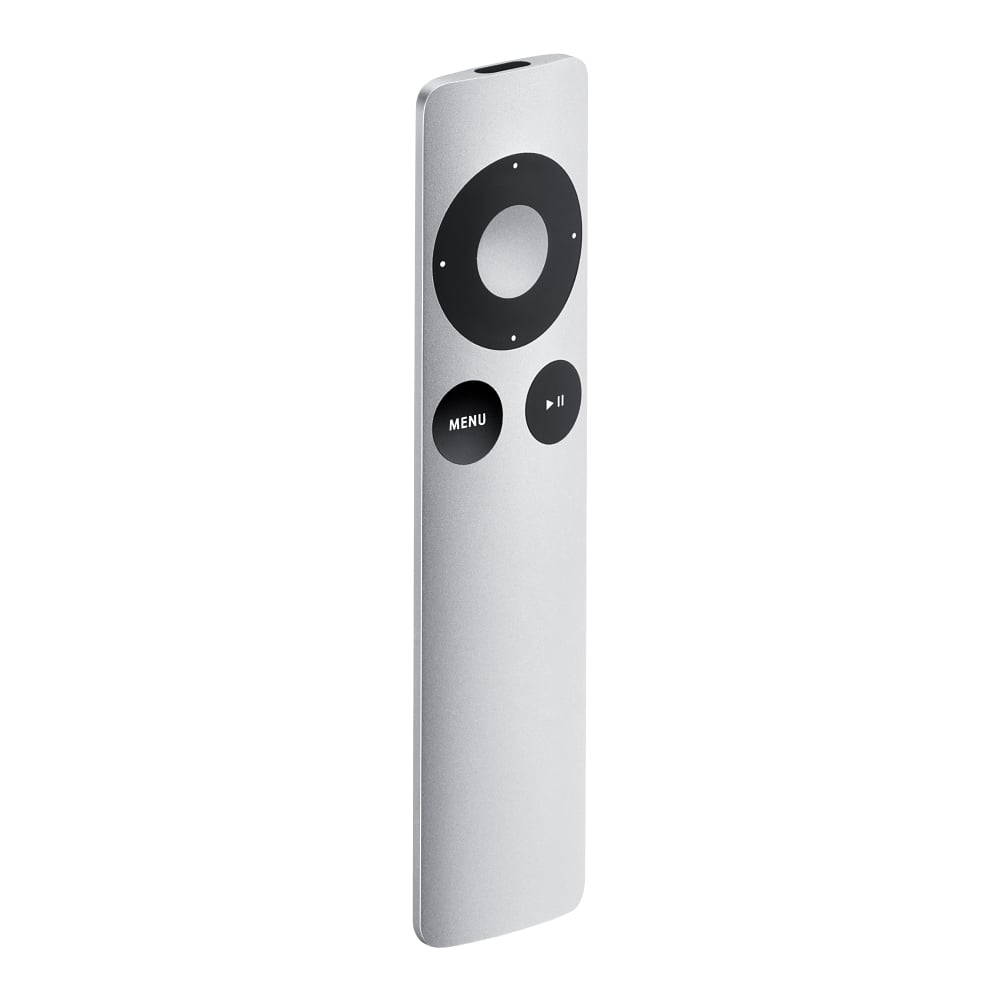
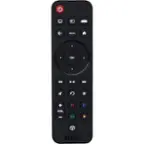
Apple - Remote - Silver
SKU: J3ZR2RZHHHSee all Universal TV Remote ControlsProduct Description
A sleek silver infrared remote that lets you control your Apple devices and media playback with ease.Your price for this item is $29.99 -
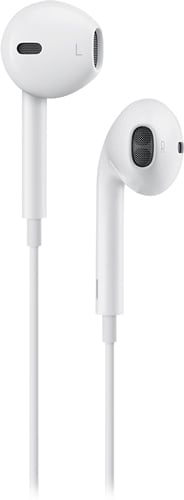
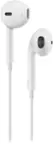
Apple - EarPods with 3.5mm Plug - White
SKU: JJGCQ3WR83Best sound!!! Great earphone quality love how great it sounds...Great product. Great service at best buy. Love it....Great product...Great !!
See all Earbud & In-Ear HeadphonesProduct Description
A pair of white in-ear wired headphones with in-line remote, built-in microphone, and water resistance.Your price for this item is $14.88Save $5The previous price was $19.99 -
Apple - EarPods with 3.5mm Plug - White
SKU: JJ8XJG2435See all Earbud & In-Ear HeadphonesProduct Description
A pair of white wired in-ear headphones with built-in microphone, in-line remote, and water resistance.Your price for this item is $24.97 -
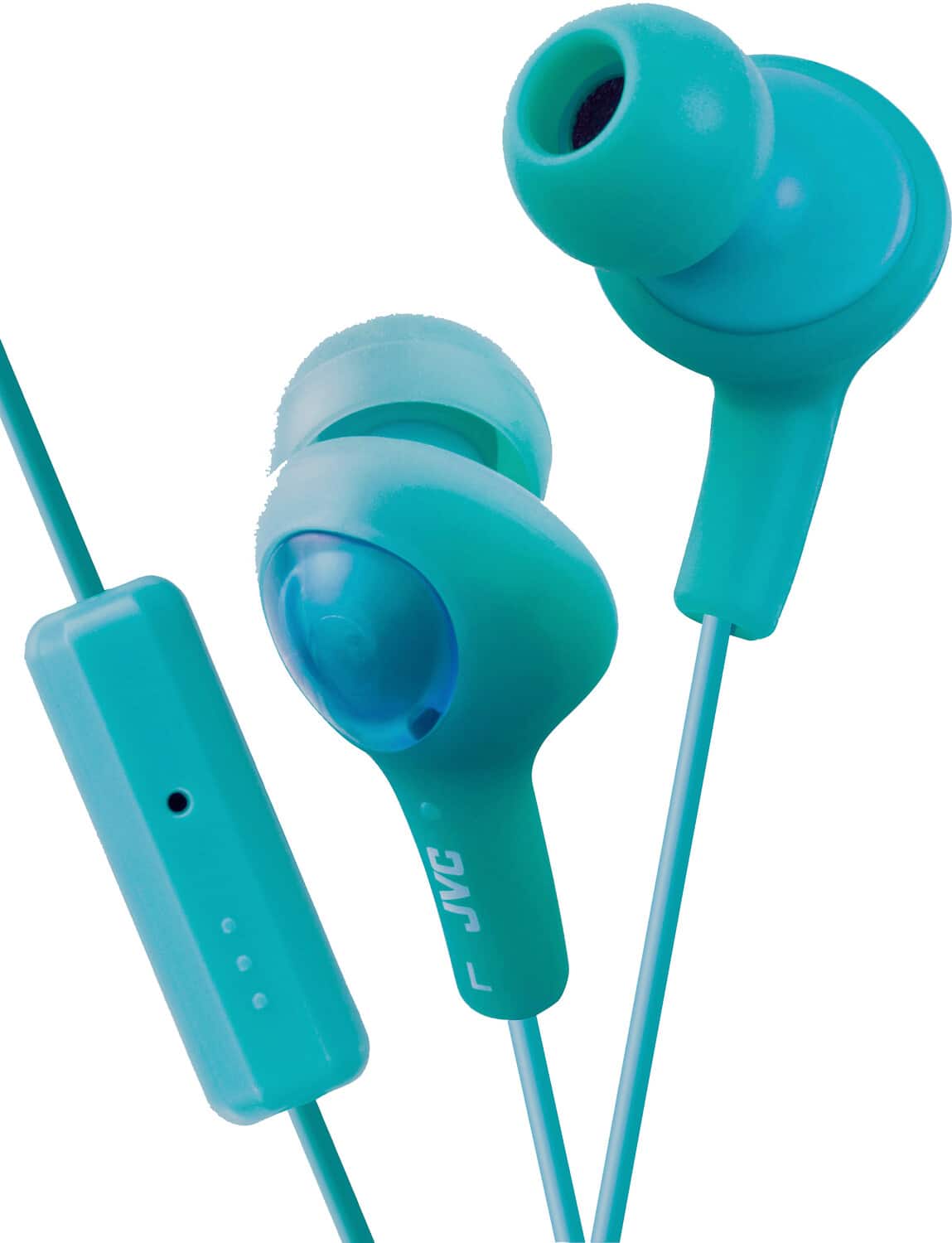
PopMarket - JVC HAFR6G-KX GUMY Plus Earbuds With Microphone & In-line Remote (Green) - HEADPHONES - Multicolor
SKU: J7GH43S39YSee all Headsets & MicrophonesProduct Description
A pair of pistachio green in-ear headphones with soft rubber body, sound isolation, mic, and remote.Your price for this item is $28.79 -
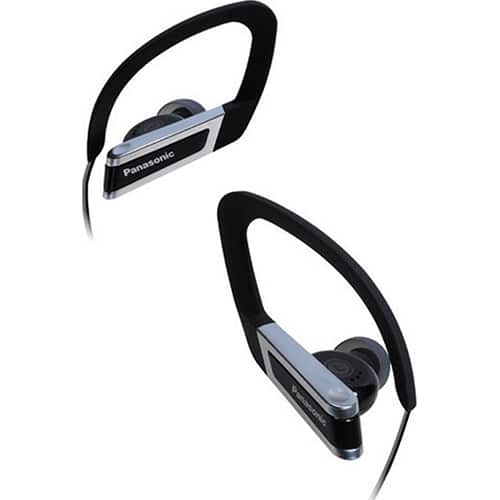
Panasonic Western Gr - Sports Clip Earphones with iPhone Controller RP-HSC200-K - Black
SKU: J3Z7HP8RZ2See all Earbud & In-Ear HeadphonesProduct Description
A black, sweat and water-resistant in-ear sports earphone with iPhone controller, remote, and enhanced sound quality.Your price for this item is $34.99
Best Sellers



Related Pages




FAQ
When choosing an iPod remote, consider features such as wireless connectivity (Bluetooth or infrared), compatibility with your specific iPod model, playback controls (play, pause, skip, volume), and additional functions like voice control or docking capabilities.
Compatibility varies by remote and iPod model. Some remotes are designed for specific generations or connector types, so it's important to check the product details to ensure it works with your iPod.
Some iPod remotes offer universal compatibility and can control other Apple devices or even home audio systems, but this depends on the remote's design and supported features. Always review the product description for supported devices.
Most wireless iPod remotes require batteries or have built-in rechargeable batteries. Wired remotes typically draw power from the iPod itself. Refer to the product specifications for details on power requirements.
Pairing instructions vary by model, but generally, you need to activate the remote's pairing mode and enable Bluetooth on your iPod. Follow the manufacturer's step-by-step instructions included with your remote for the best results.