iPhone Game Controller
-
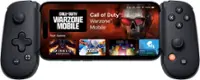
Backbone - One (Lightning) - Mobile Gaming Controller for iPhone - [Includes 1 Month Xbox Game Pass Ultimate] - Black
SKU: J3Q5RY2Y33See all Mobile GamingProduct Description
A portable black mobile gaming controller that turns your iPhone into a console and supports major platforms.Your price for this item is $99.99 -
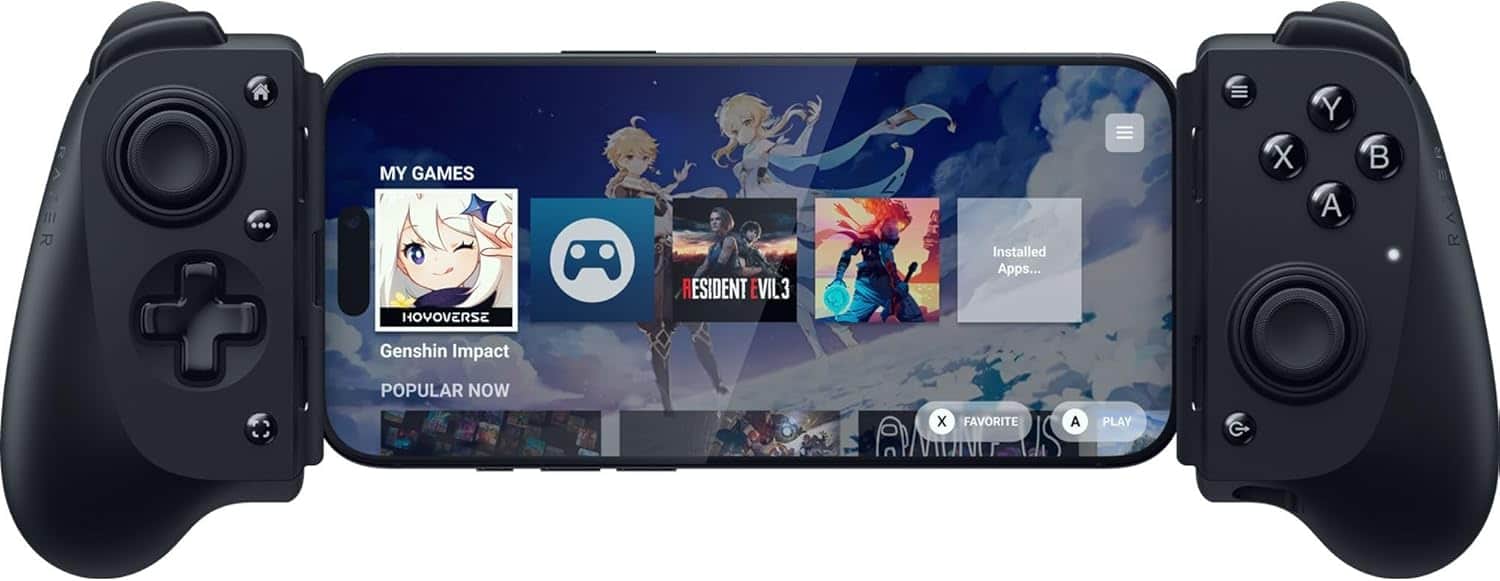
Razer - Kishi V3 Gaming Controller for iPhone 15, 16, 17 & Android: Full Sized TMR Thumbsticks - Dual Back Buttons - Black
SKU: J39HWFHF4FI love it!! It works amazing and I love just playing from bed. Setup is great....We are love it and spend time together and it is easy to use. Good for relaxing. Like it...Great...Love
See all Gaming ControllersProduct Description
A black mobile gaming controller with full-sized thumbsticks, dual back buttons, and universal USB-C compatibility.Your price for this item is $99.99 -
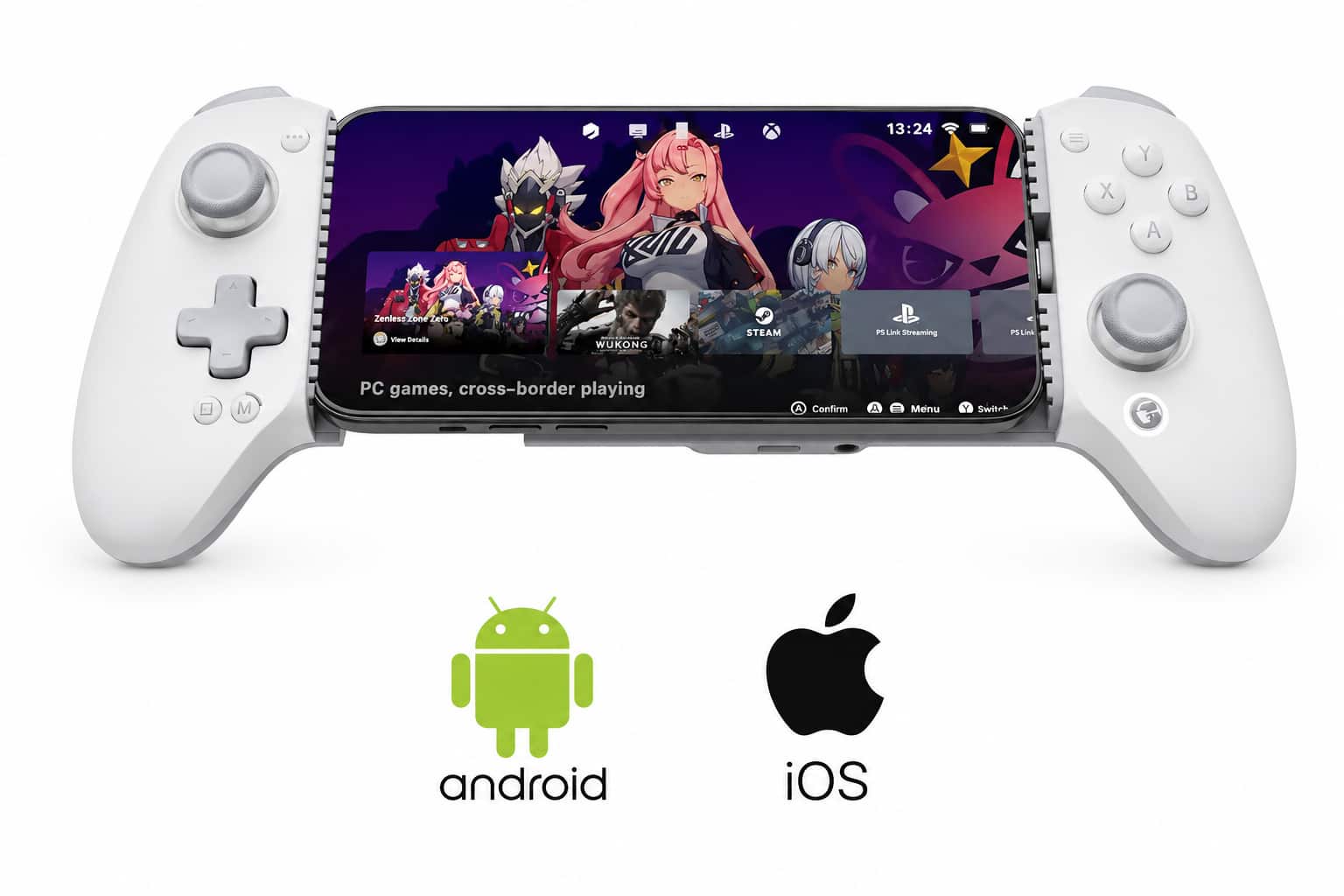
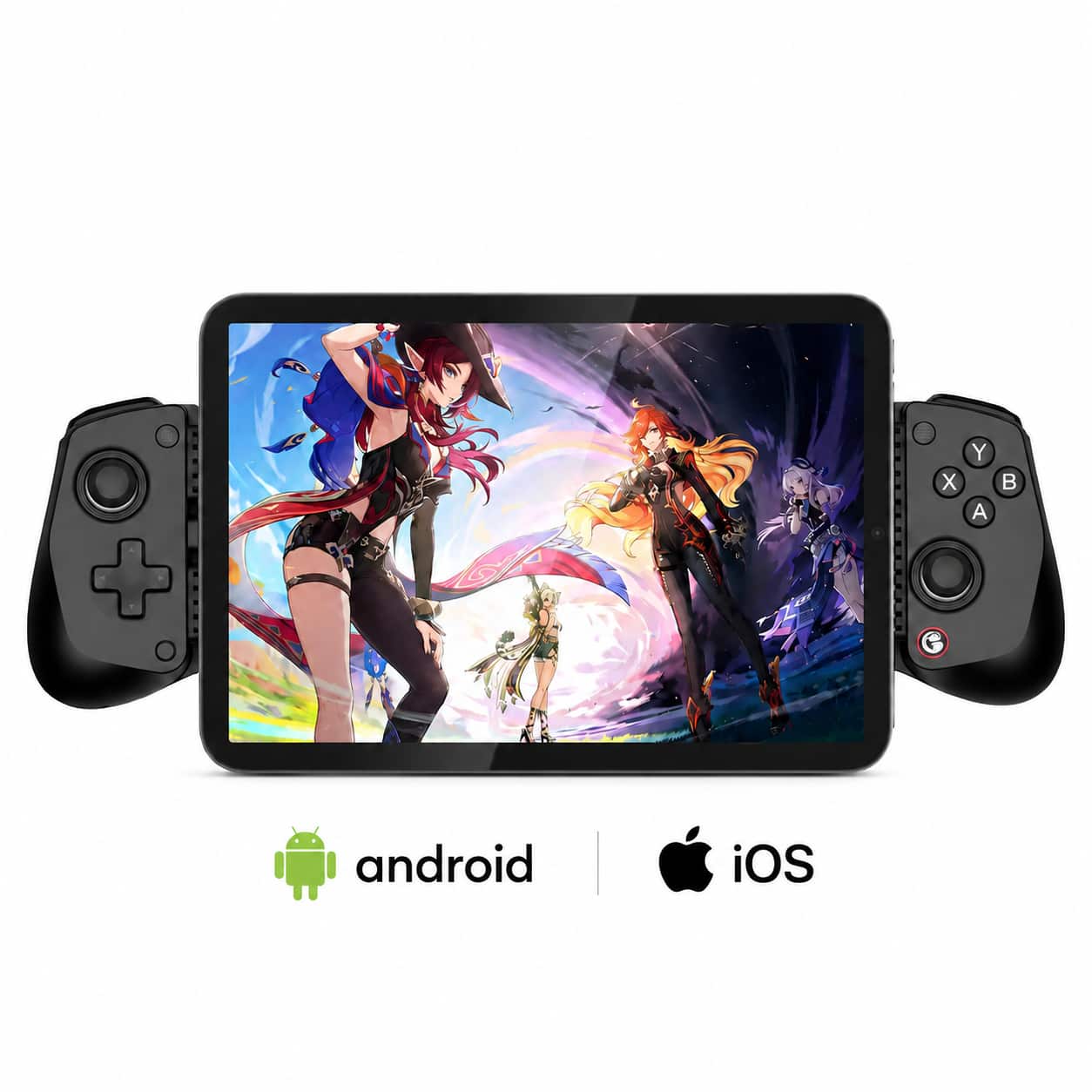
GameSir - G8 Plus Officially MFi Certified Phone Controller for iPhone 15/16/17/iPad Mini & Android - USB-C - 2 Pro Back Buttons - Gray
SKU: J3Q5QYHZ9QLove it...Great product. Glitchy but I think that’s more software related. I would purchase it again.
See all Gaming ControllersProduct Description
A gray, MFi-certified USB-C mobile controller with Hall Effect joysticks and two remappable pro back buttons.Your price for this item is $79.99 -
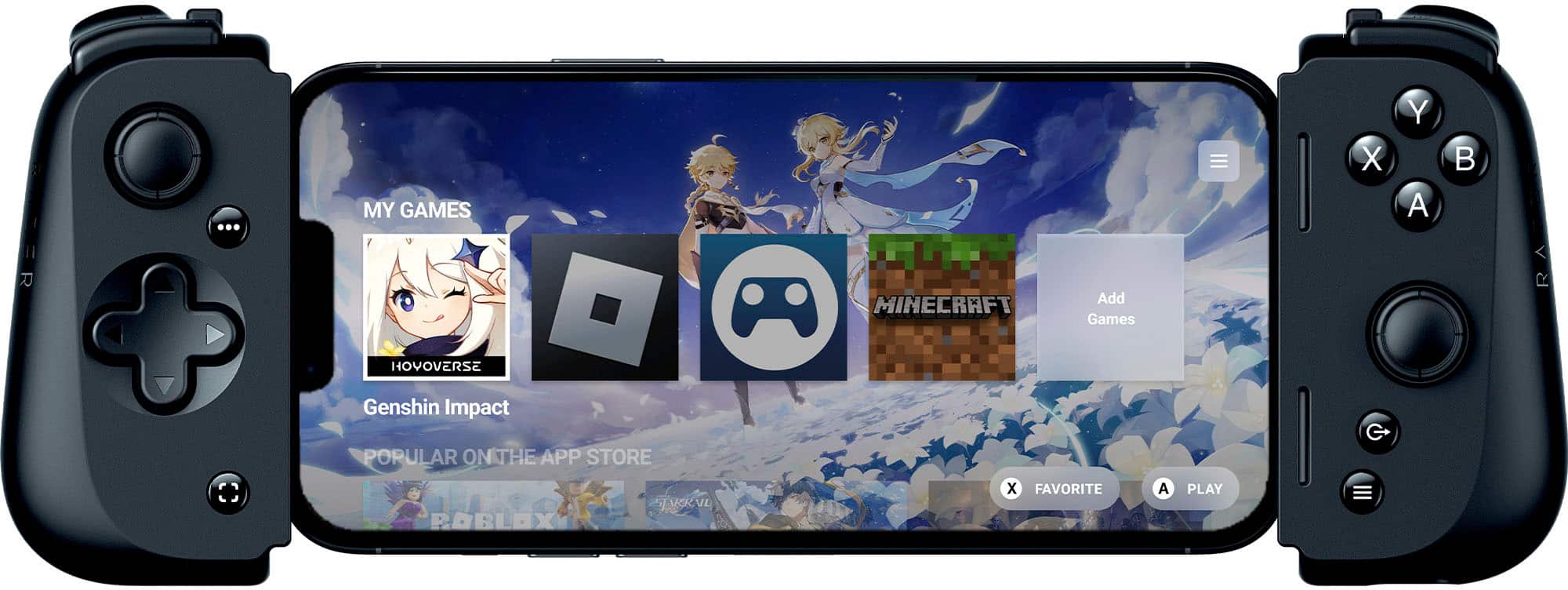
Razer - Kishi V2 Wireless Mobile Gaming Controller for iPhone (Lightning) - Black
SKU: J3GTVWWL29See all Mobile GamingProduct Description
A universal black wireless controller with Lightning connectivity delivers console-style gaming and customizable features for iPhone.Your price for this item is $73.49 -
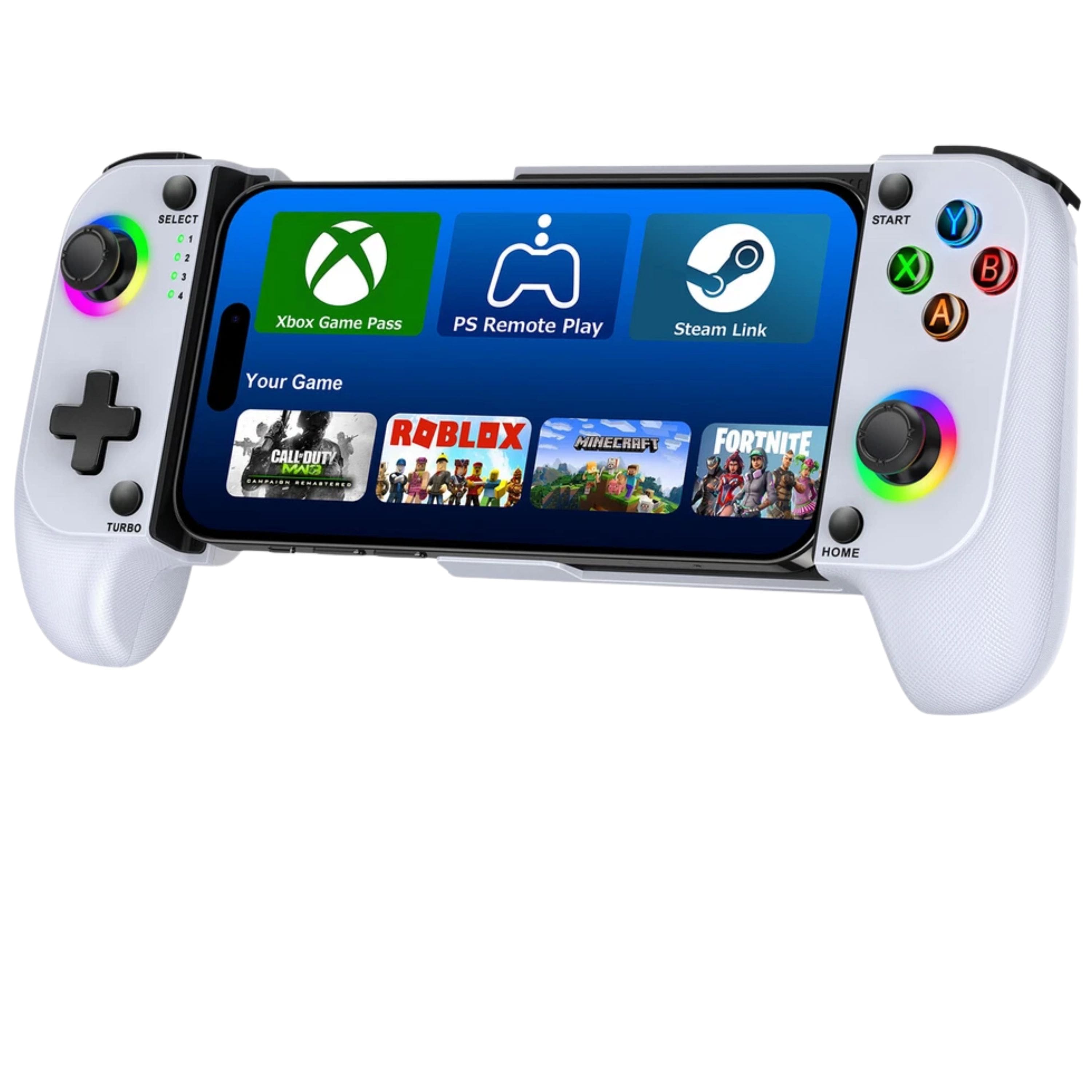
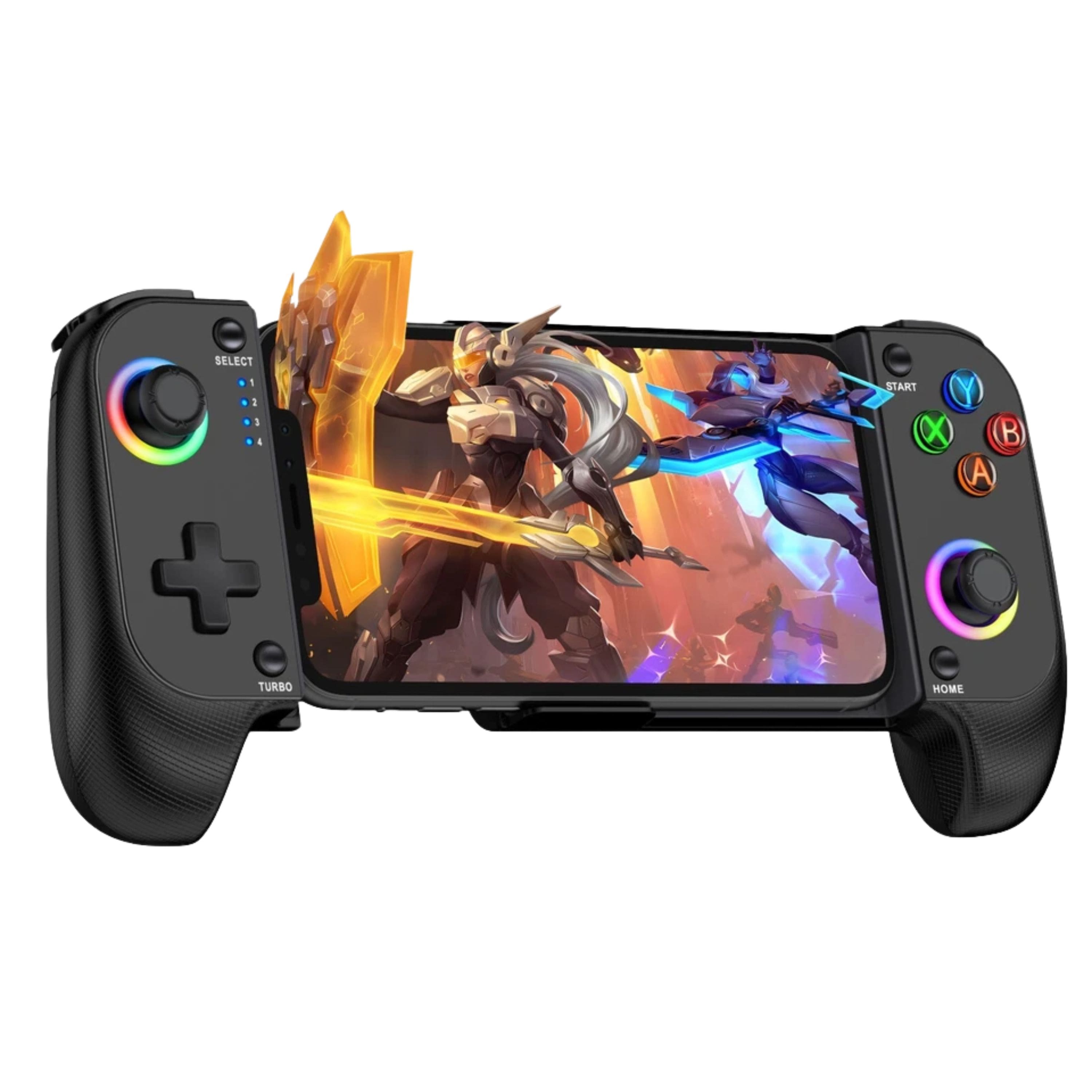
Kitcheniva - Wireless Phone Controller For iPhone/Android And Mobile Gaming Controller With RGB - White
SKU: JF3LXG6L76See all Gaming ControllersProduct Description
A wireless white mobile gaming controller with ergonomic grip, responsive controls, RGB lighting, and adjustable phone holder.Your price for this item is $73.99 -
Razer - Kishi Ultra Wireless Gaming Controller for Android, iPhone, and iPad Mini - Black
SKU: J39HWFH3HGIt's great, I love it....There are a few games that you can't play with it, but the TMNT is the BEST for it....Try it out and I love Razar....Best mobile controller of ALL TIME!!!...Best controller i've...
See all Gaming ControllersProduct Description
A black wireless controller offering console-class ergonomics, immersive haptics, RGB lighting, and multi-platform compatibility.Your price for this item is $104.99Save $45The previous price was $149.99 -
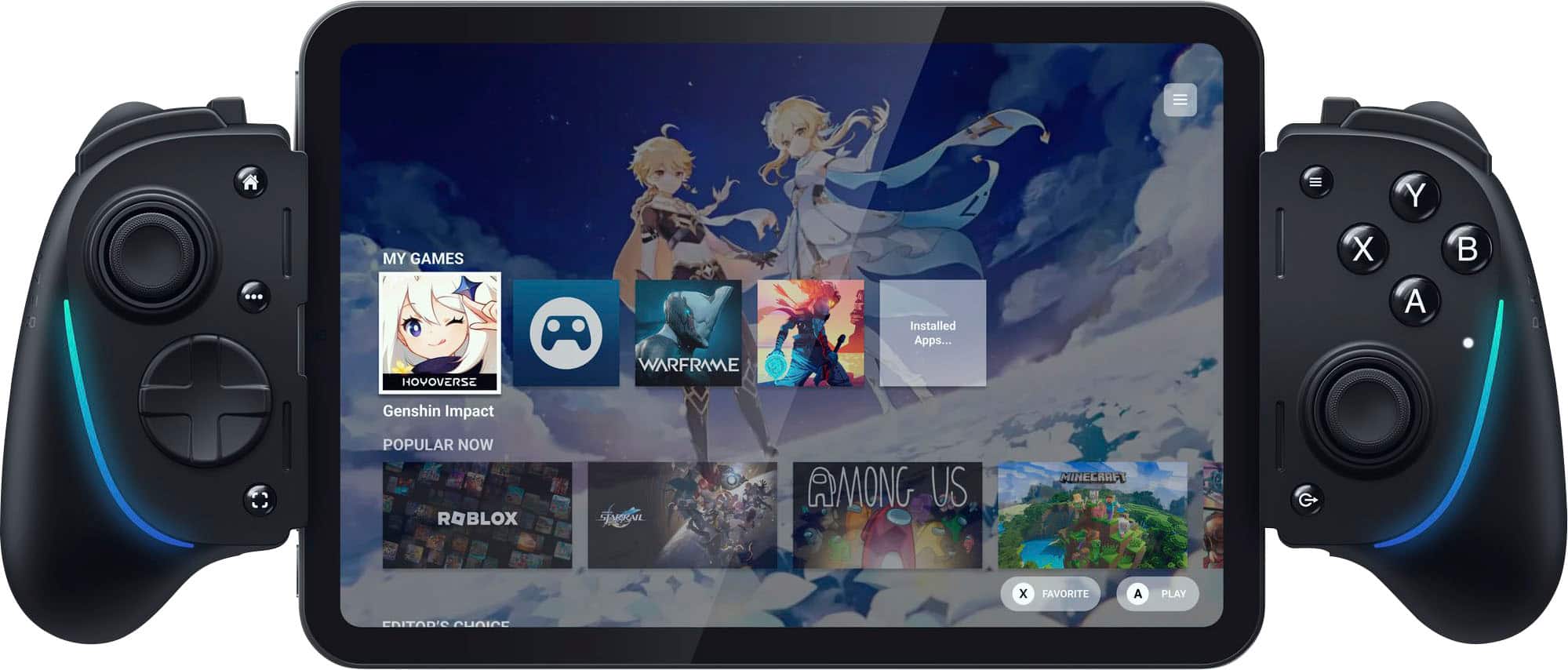
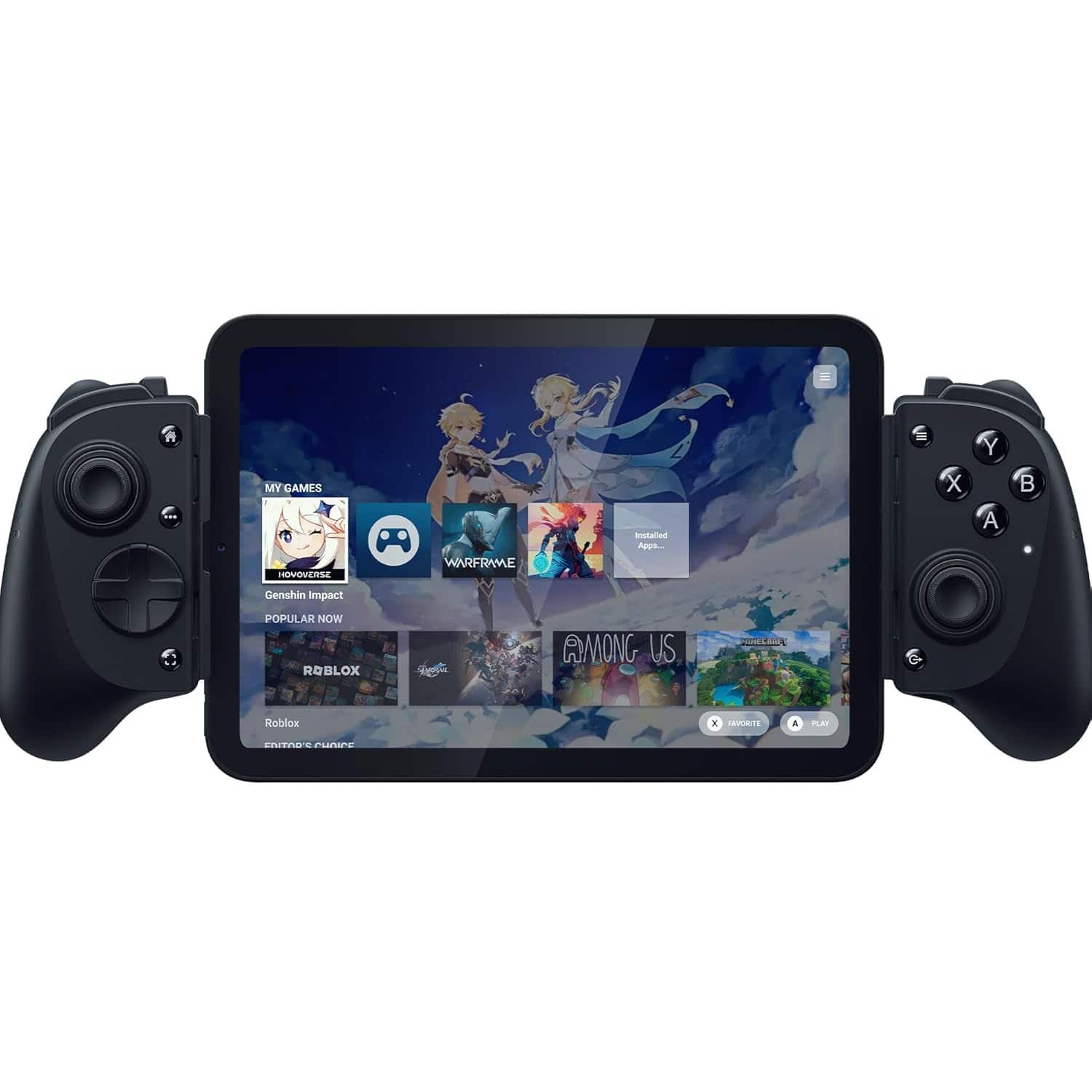
Razer - Kishi V3 Pro Gaming Controller for iPhone 15, 16, 17, Android & iPad mini up to 8": Full Sized TMR Thumbsticks - Black
SKU: J39HWFHF93love...controller.. the buttons are very responsive and the thumbstick feels smooth and precise no lag at all i love...Love it!
See all Gaming ControllersProduct Description
A black full-sized mobile gaming controller with TMR thumbsticks, dual back buttons, and immersive HD haptics.Your price for this item is $149.99 -
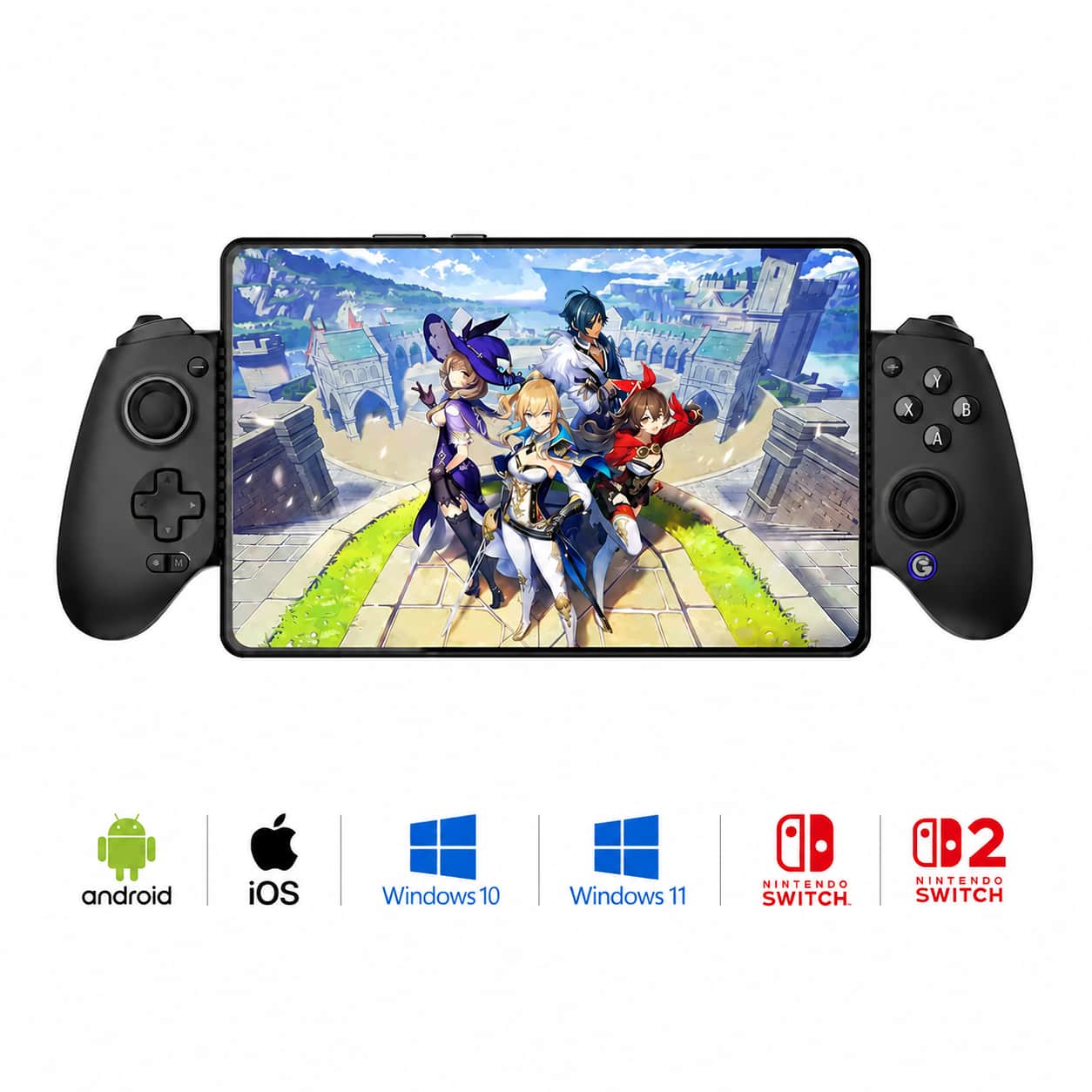
GameSir - G8 Plus Bluetooth Mobile Game Controller Nintendo Switch/Switch 2, iOS, Android, Tablets, Hall Effect Joysticks/Triggers - Black
SKU: J3Q5QYHZ9LRainbow six siege so I researched the best phone gaming remote for my galaxy 7 fold....This one came up as one of the best. I bought I tried it I love it. It is a great remote....Great controller...I've...
See all Mobile GamingProduct Description
A black Bluetooth mobile game controller with Hall Effect joysticks, mappable buttons, and headset jack compatibility.Your price for this item is $79.99 -
GameSir - X5 Lite Mobile Gaming Controller/Phone Controller Android, iOS iPhone 15/16, Hall Effect Joystick, Lightweight Ergonomic - Black
SKU: J3Q5QYHZ95Best product ever...Love it,works perfect and its plug and play,..my son enjoys it...Great buy...Great buy. Inexpensive. Quality little controller....Best bang for the money. iPhone users read instructions...
See all Mobile GamingProduct Description
A lightweight black mobile controller with Hall Effect joysticks, cushioned triggers, and wide Android/iOS compatibility.Your price for this item is $34.99 -
Kitcheniva - Wireless Phone Controller For iPhone/Android And Mobile Gaming Controller With RGB - Black
SKU: JF3LXG6GVQSee all Gaming ControllersProduct Description
A wireless black mobile gaming controller with ergonomic grip, responsive controls, and customizable RGB lighting.Your price for this item is $71.99
![Backbone - One (Lightning) - Mobile Gaming Controller for iPhone - [Includes 1 Month Xbox Game Pass Ultimate] - Black](https://pisces.bbystatic.com/image2/BestBuy_US/images/products/6501/6501539_sd.jpg)
Best Sellers

![Backbone - One (Lightning) - Mobile Gaming Controller for iPhone - [Includes 1 Month Xbox Game Pass Ultimate] - Black](https://pisces.bbystatic.com/image2/BestBuy_US/images/products/6501/6501539_sd.jpg;maxHeight=144;maxWidth=200?format=webp)
Related Pages

FAQ
When choosing an iPhone game controller, consider features such as Bluetooth connectivity, ergonomic design, responsive buttons, compatibility with your iPhone model, and support for popular gaming apps. Some controllers also offer customizable buttons and built-in rechargeable batteries for added convenience.
Not all iOS games support external controllers. Most controllers work seamlessly with games that offer MFi (Made for iPhone) or controller support. You can check the game's description in the App Store to verify compatibility.
Many iPhone game controllers are also compatible with other Apple devices such as iPads and Apple TVs. Always check the product specifications to ensure multi-device compatibility before purchasing.
Most iPhone game controllers are plug-and-play or connect via Bluetooth without the need for additional drivers. However, some advanced controllers may offer companion apps for customization and firmware updates.
To connect your iPhone game controller, turn on Bluetooth on your iPhone, power on the controller, and follow the pairing instructions provided in the controller’s manual. Once paired, your controller should be ready to use with compatible games.