Label Printers For Product Labeling
Label printers for product labeling are essential tools for businesses looking to streamline organization and enhance efficiency. Whether you’re labeling inventory, managing shipping, or creating custom tags, these devices offer a reliable solution for clear and consistent product identification. Explore a variety of label printers for product labeling designed to help your operations run smoothly and keep your workspace organized. Find the right option to meet your business needs and support professional results every time.
Read More-
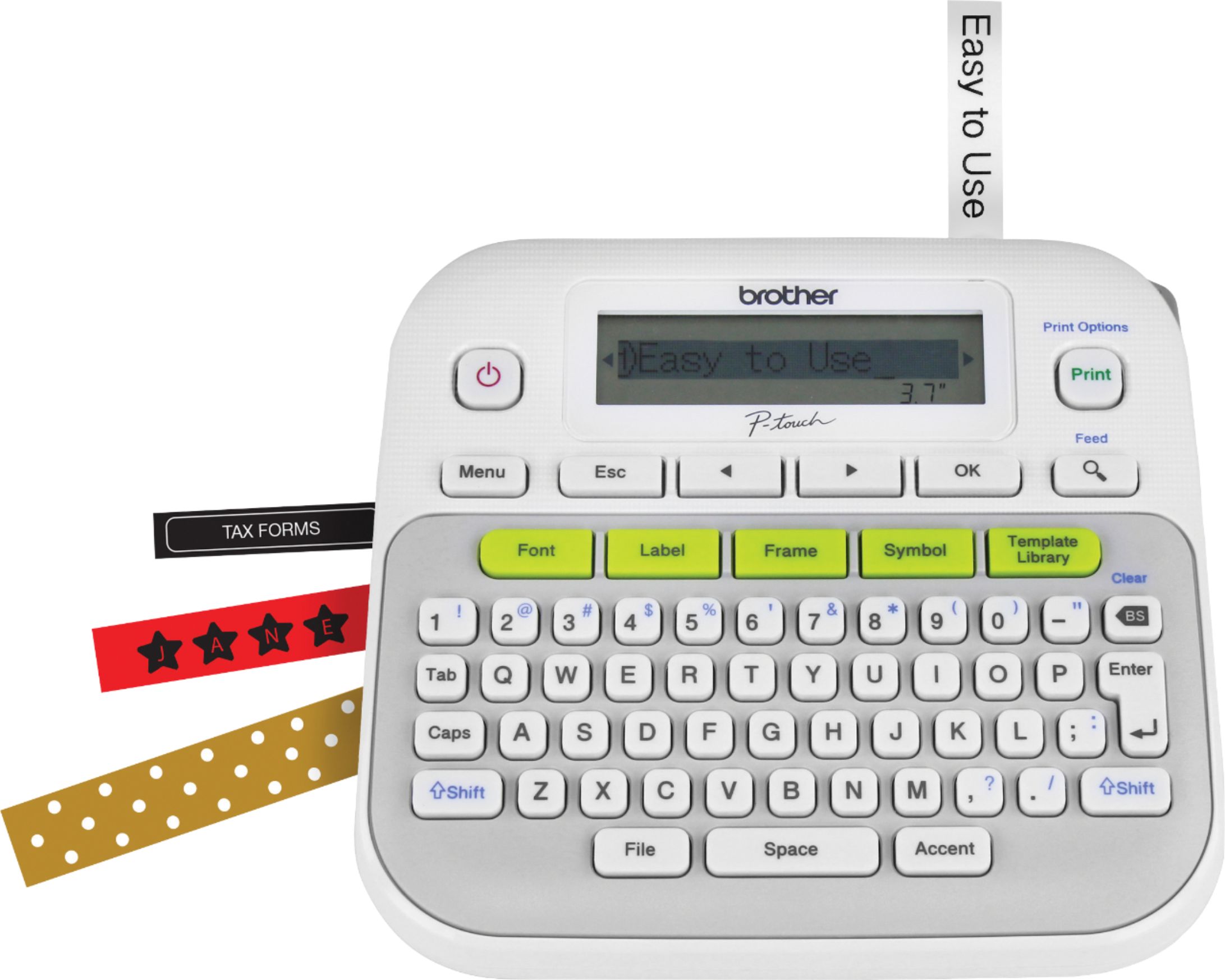
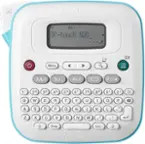
Brother - P-touch, PT-D210, Easy-to-Use Label Maker, One-Touch Keys, Multiple Font Styles, 27 User-Friendly Templates - White/Gray
SKU: J7CJ38WV6VLOVE IT...This is so easy to use and with all the different fonts it makes is one of the best I have used....Best label maker I've owned...This is the second label maker I've owned and it's by far the...
See all Label Makers & AccessoriesProduct Description
A user-friendly white and gray label maker featuring one-touch keys, 14 fonts, and 27 quick templates.$118.76 Your price for this item is $118.76 -
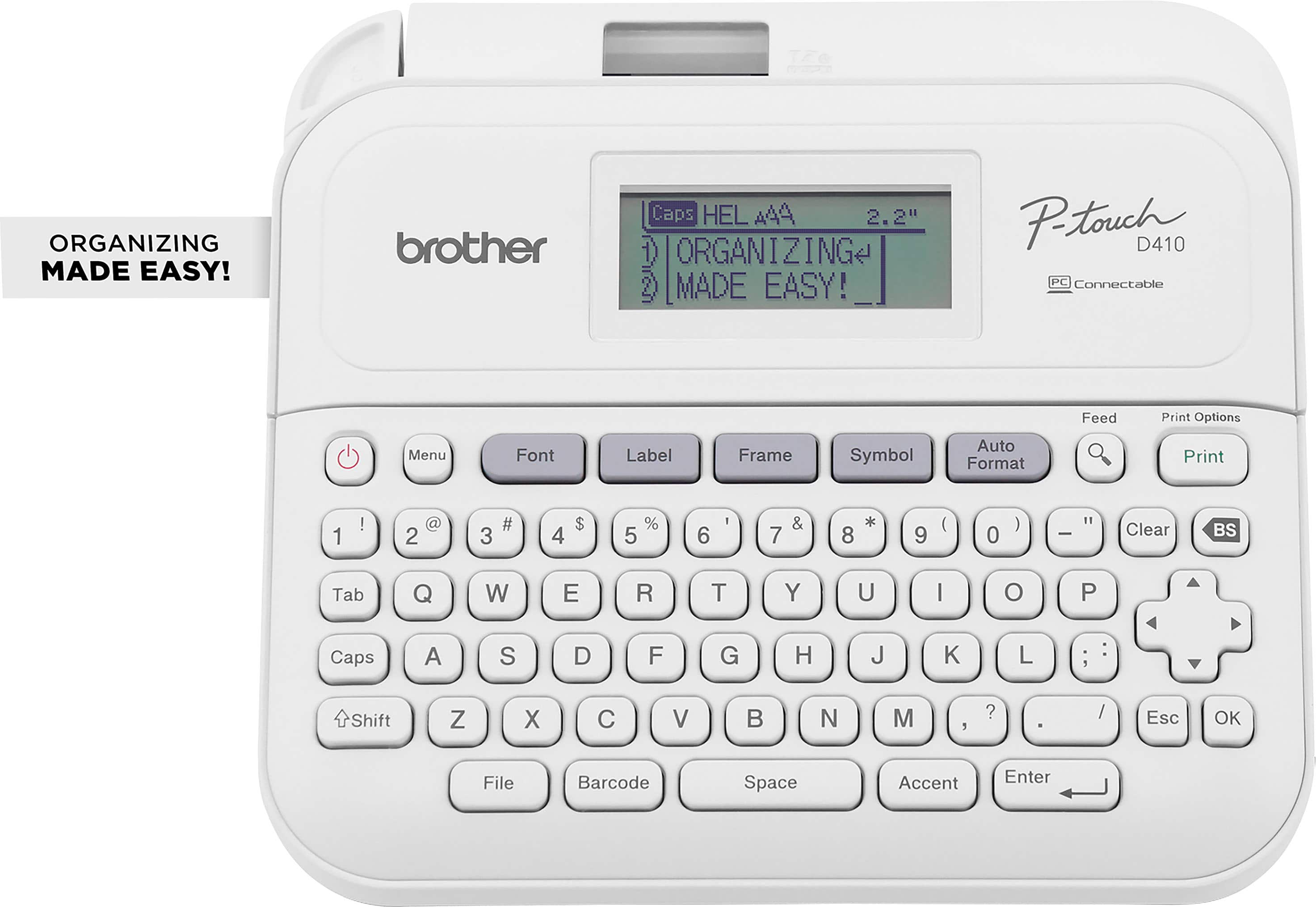
Brother - P-touch PT-D410 Label Printer - White
SKU: J7CJ38ZHWRI love the label maker....Great label maker...So far, it has been working great. My wife uses more than me
See all Label PrintersProduct Description
A versatile white label printer with USB connectivity, 15 fonts, 700 symbols, and a built-in QWERTY keyboard.$69.98 Your price for this item is $69.98Save $0Was $69.99The previous price was $69.99 -
Brother - P-touch, PT-M95, Handy Label Maker, 9 Type Styles, 8 Deco Mode Patterns - Blue Gray and Navy
SKU: J7CJ38K37PWorks great. Never knew how much I needed one until I got one....Awesome looking labels, easy to use, Great price...Love all the capabilities....Love it
See all Label Makers & AccessoriesProduct Description
A portable blue-gray and navy label maker with QWERTY keyboard, 9 type styles, and 8 decorative patterns.$49.98 Your price for this item is $49.98 -
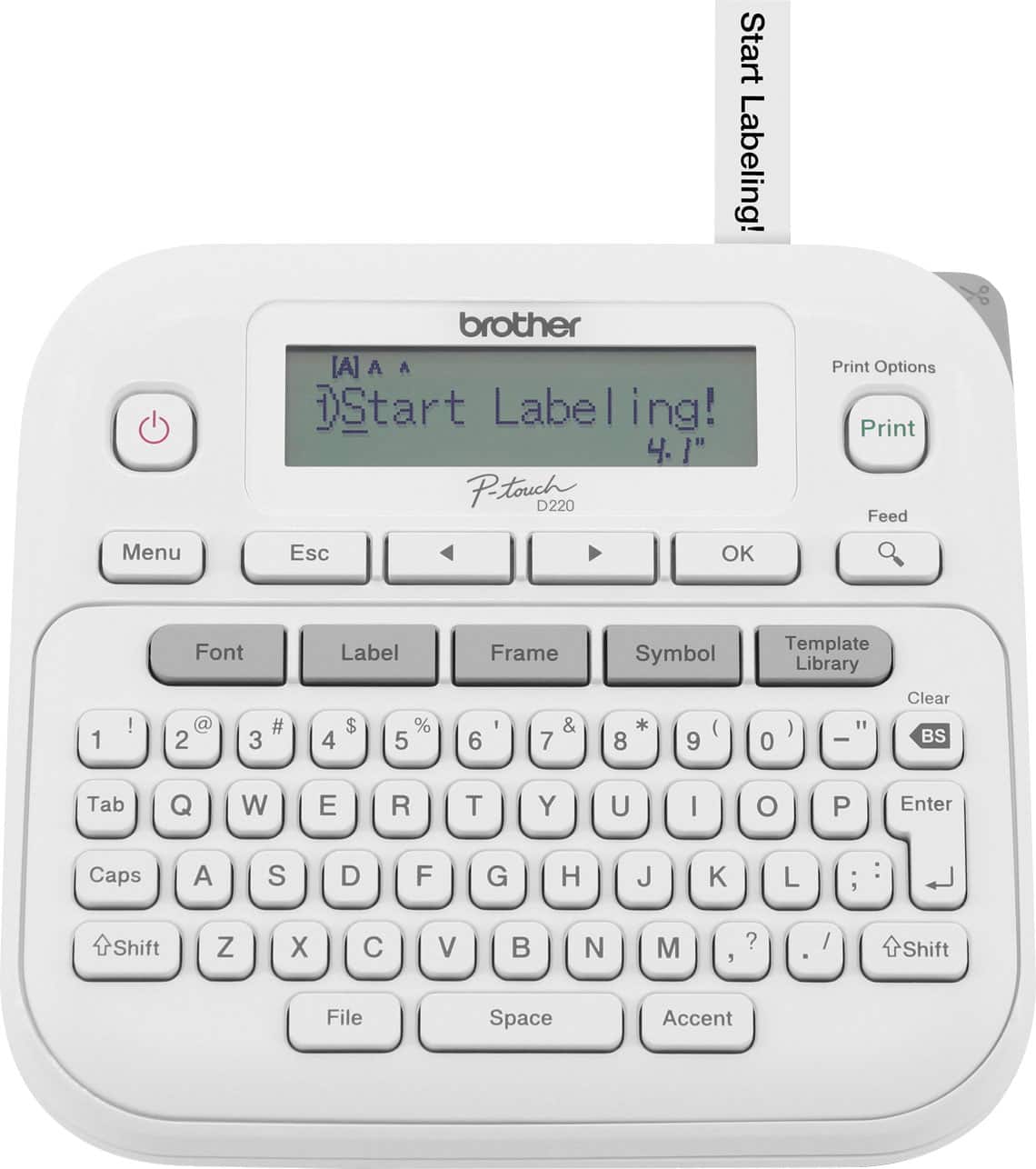
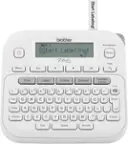
Brother - P-touch PTD220 Label Printer, Great for Personalization and Storage/Organization - White
SKU: J7CJ38ZZX9great little printer...Love the device but the instructions leave a lot to be desired....Instructions fold out to a great big sheet with very tiny type....Love all that the printer can do once you can...
See all Label PrintersProduct Description
A versatile white label printer with QWERTY keyboard, one-touch formatting, and customizable fonts for easy organization.$44.98 Your price for this item is $44.98Save $5Was $50.83The previous price was $50.83 -
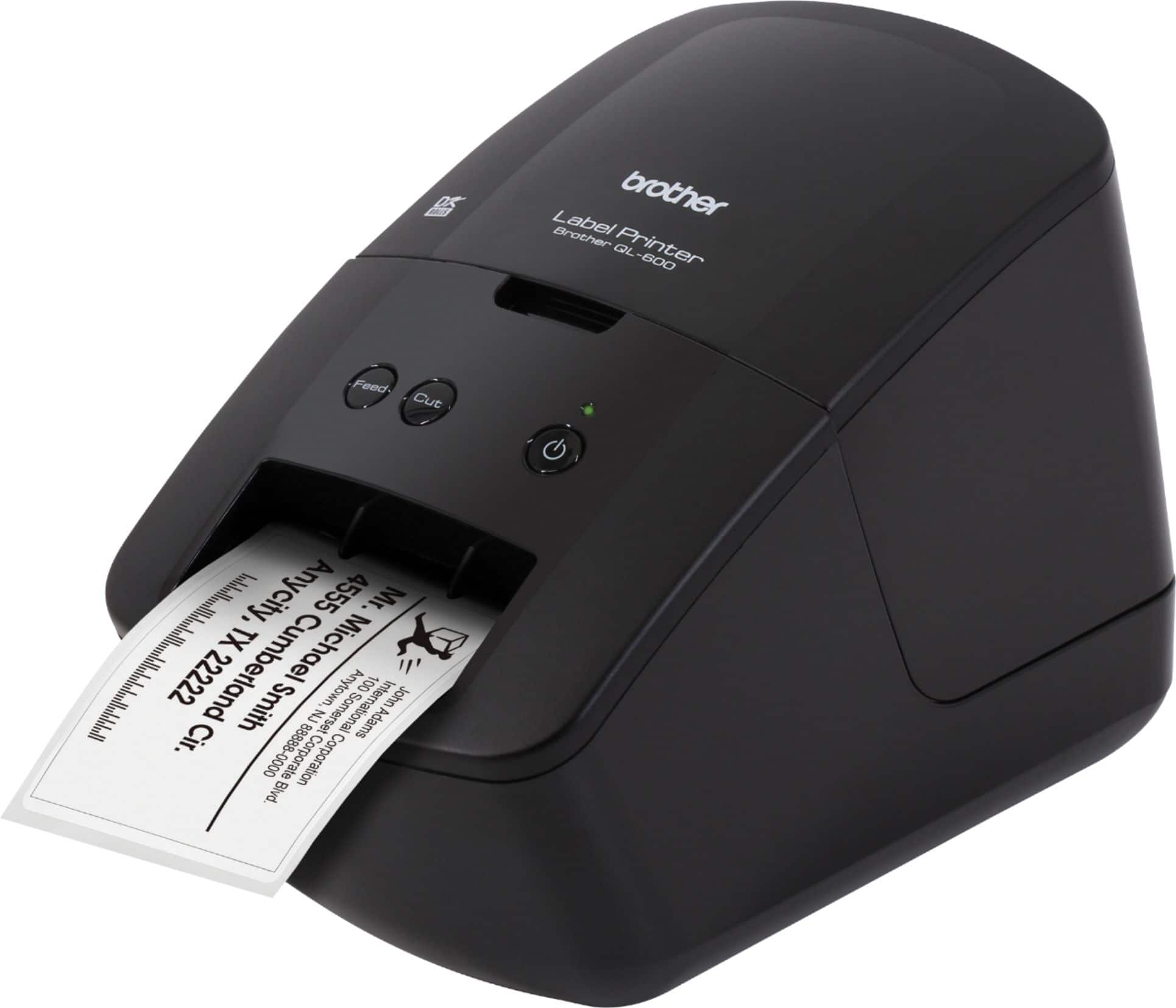
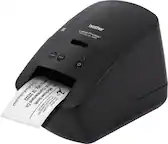
Brother - QL-600 Economic Desktop Label Printer - Black
SKU: J7CJ38Z2CCI love it! Much better than printing on the envelope. Easy to install....Great label orinter...Great label priter that is easy to use and provides handy labels for everything.
See all Label PrintersProduct Description
A compact black desktop label printer offering high-resolution, fast, ink-free printing for home or office use.$113.17 Your price for this item is $113.17 -
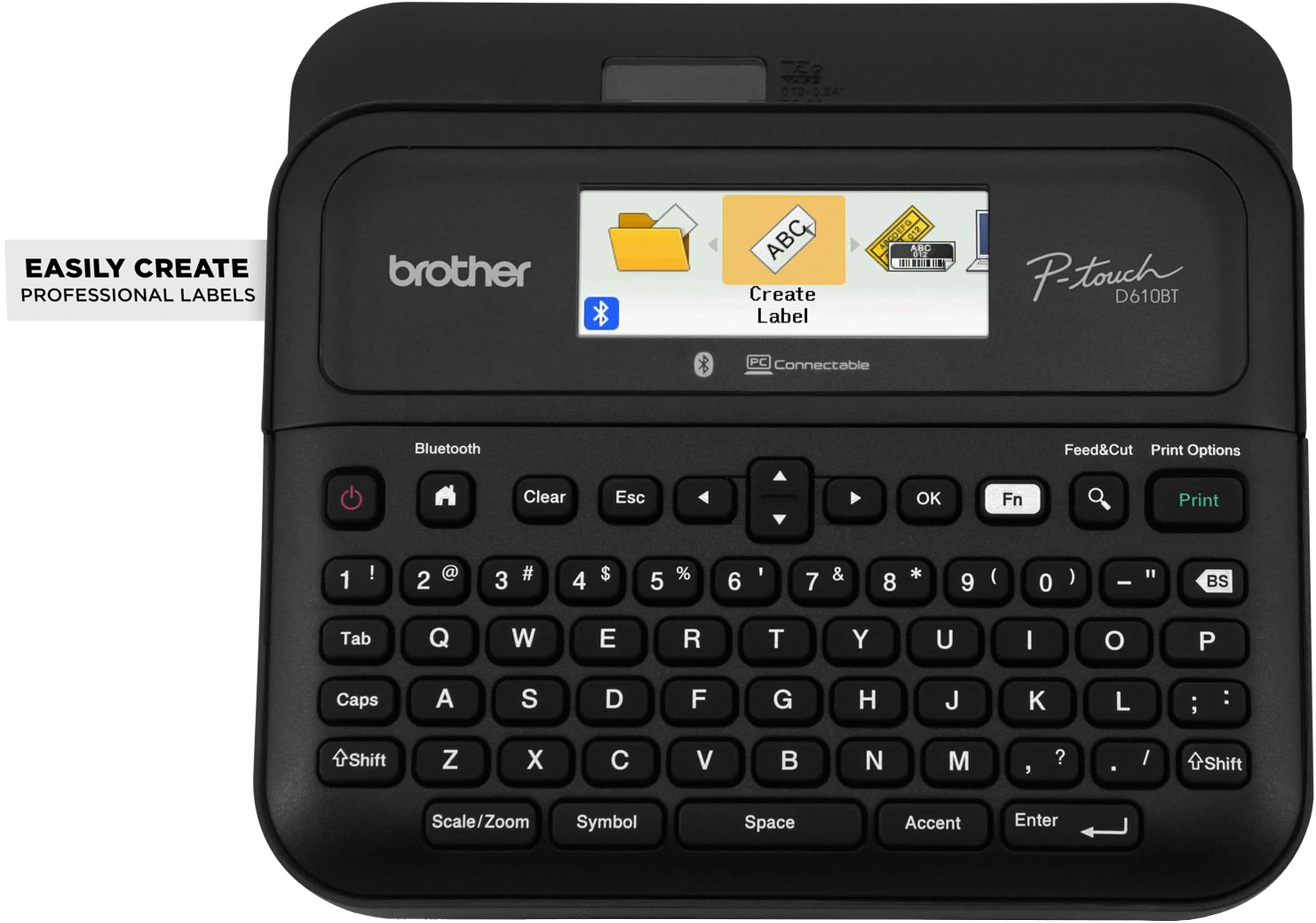
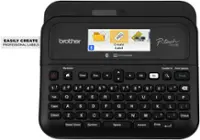
Brother - P-touch PT-D610BT Wireless Label Printer - Black
SKU: J7CJ38ZZJKSee all Label PrintersProduct Description
A wireless black label printer offering high-resolution printing, Bluetooth connectivity, and a built-in automatic label cutter.$114.98 Your price for this item is $114.98 -
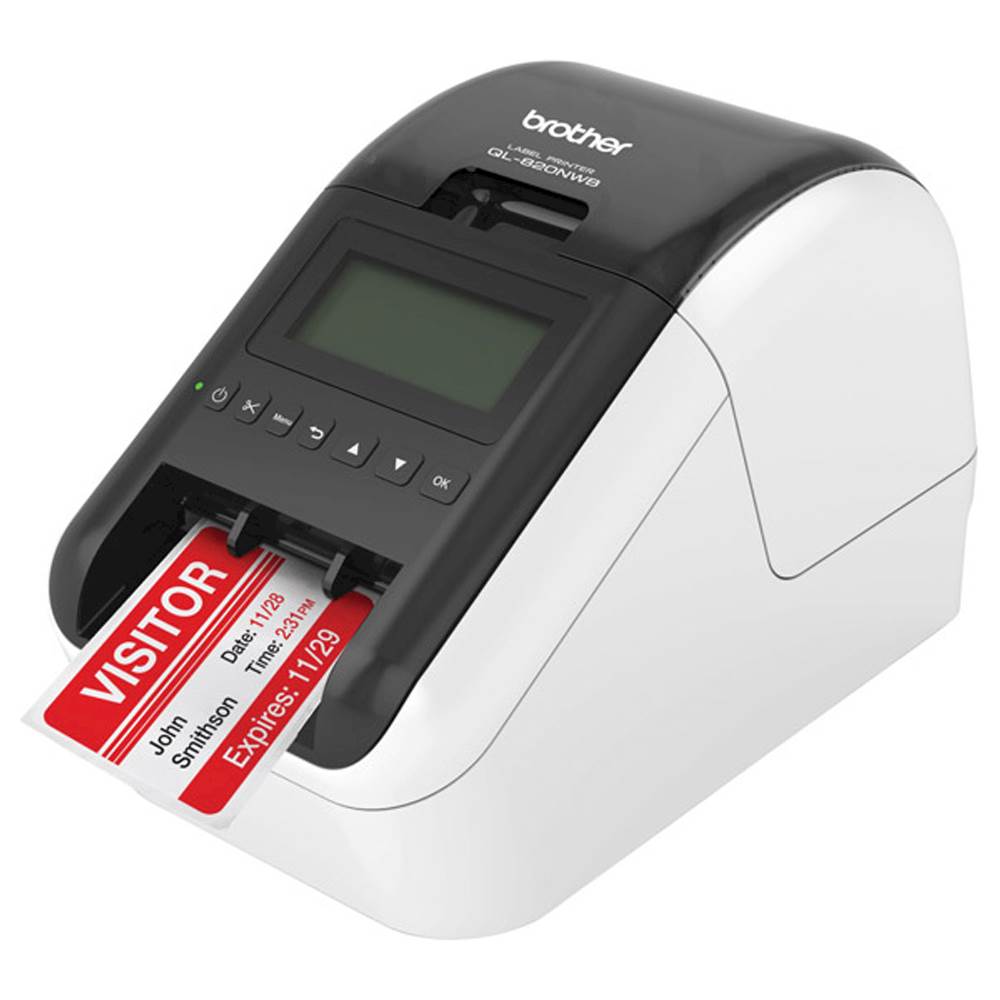
Brother - QL-820NWB Professional Thermal Label Printer with Multiple Connectivity Options - White/Black
SKU: J7CJ38KY2HSee all Label PrintersProduct Description
A versatile white and black thermal label printer offering wireless, Bluetooth, and wired connectivity for efficient labeling.$239.98 Your price for this item is $239.98Save $53Was $293.32The previous price was $293.32 -
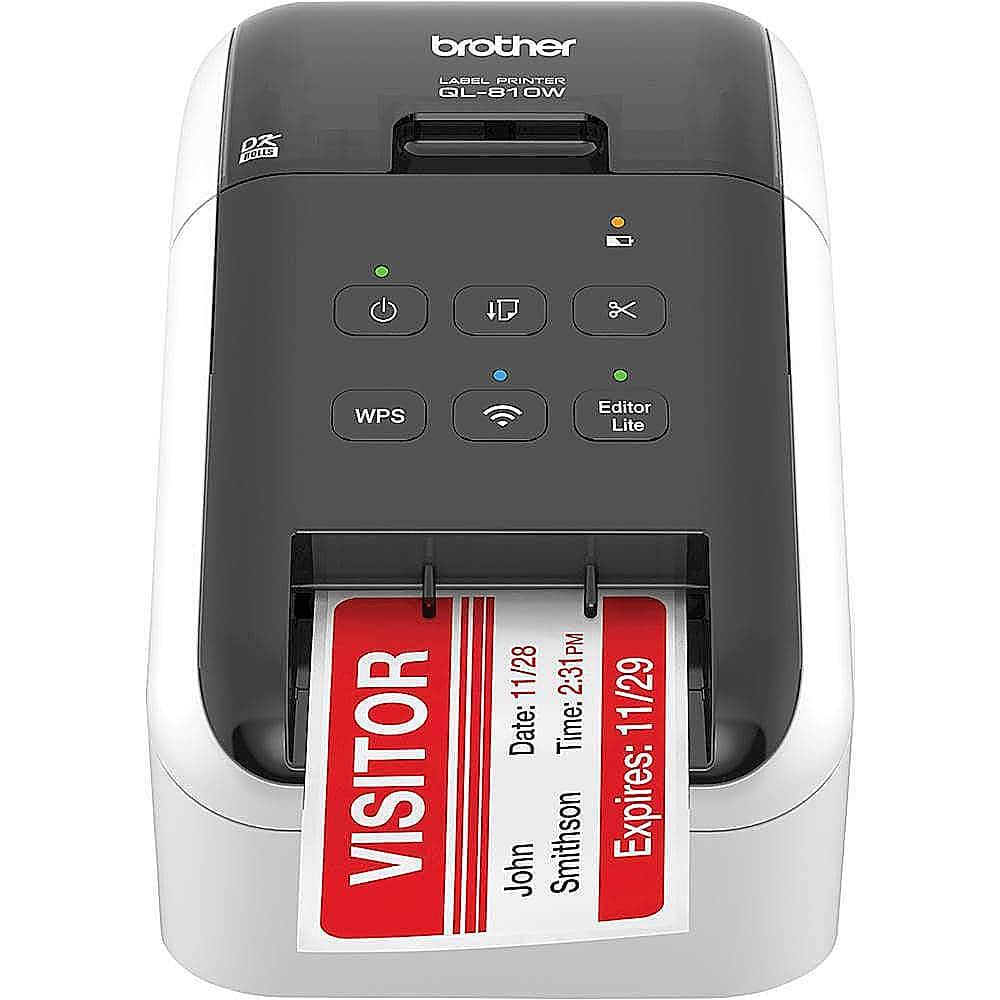
Brother - QL-810W Ultra-Fast Label Printer with Wireless Networking - White/Black
SKU: J7CJ38KY2YThis is a great addition to our office equipment the most handy device ever
See all Label PrintersProduct Description
A wireless, ultra-fast label printer in white/black that prints black and red labels at 300 dpi.$169.98 Your price for this item is $169.98Save $58Was $228.18The previous price was $228.18 -
Brother - PT-P700 PC-Connectable Label Printer for PC and Mac - Black
SKU: J7CJ38WTP6Love it...Love it.
See all Label PrintersProduct Description
A black, PC- and Mac-compatible label printer offering fast printing, automatic cutting, and versatile tape options.$94.99 Your price for this item is $94.99 -
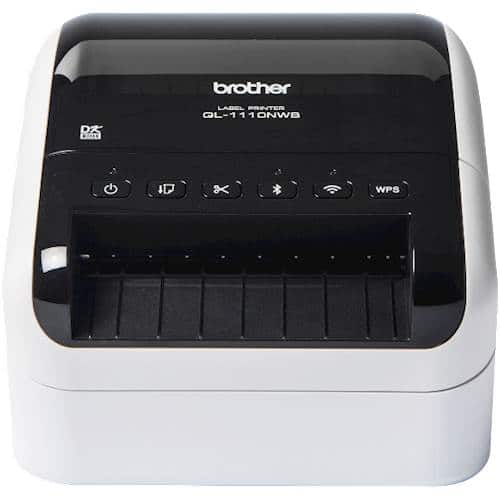
Brother - QL-1110NWB Wide Format, Professional Thermal Label Printer with Multiple Connectivity options - White/Black
SKU: J7CJ38K6GVGreat Label Printer- Love the Wireless Capability...Great quality labels, super fast....We love it
See all All PrintersProduct Description
A high-speed white and black thermal label printer with Bluetooth, Ethernet, and wireless connectivity options.$372.09 Your price for this item is $372.09
- 1
- 2
- ...
- 9
Label printers for product labeling help turn a finished item into something ready for a shelf, market table, online order or customer’s pantry. A well-made label can identify a product at a glance, communicate essential details and give a small business a polished, consistent look across every batch. These printers are useful for makers, home-based businesses, retailers, restaurants, farms, warehouses, offices and anyone preparing products for sale or distribution. They can produce names, prices, barcodes, QR codes, ingredients, directions, lot numbers, expiration dates, contact information and branded graphics on rolls or sheets of adhesive media. A color label printer is often the right fit when packaging needs vivid logos, product photography, illustrations or color-coded varieties, such as different scents of handmade soap or flavors of bottled syrup. Inkjet systems designed for labels can provide smooth gradients and detailed artwork, while higher-resolution printing helps small type, fine lines and intricate graphics remain sharp. For products that primarily need text, barcodes or shipping information, monochrome thermal printing can be efficient and economical. Direct thermal printers create images through heat-sensitive media and generally do not require ink or toner, making them convenient for short-term labels, receipts, shipping identifiers and inventory tags. Thermal transfer printers use a ribbon to create more durable markings that can stand up better to handling, moisture, sunlight or temperature changes. Choosing between these technologies depends on how the label will be used, how long it must remain readable and whether color is part of the package design. A small artisan business may appreciate the flexibility of printing custom labels in short runs rather than ordering large quantities with a long lead time. A busy stockroom may value fast output, dependable barcode readability and easy integration with inventory software. A family organizing homemade preserves, craft supplies or storage bins may prefer a compact setup that is simple to operate and easy to keep near a worktable. For shoppers comparing labeling equipment, related tools such as Price Labelers can also be useful when product identification and pricing need to be handled together.
The label material is just as important as the printer itself. Paper labels are practical for indoor products, temporary packaging, retail price information and dry storage, while glossy stock can make colors and photographs stand out with a smooth, merchandise-ready finish. Matte stock tends to be easier to read under bright lights and often offers a more understated, handcrafted appearance. Synthetic materials such as polypropylene or other plastic-based films are worth considering for items exposed to splashes, condensation, refrigeration, oils or frequent handling. Clear labels can create a “printed directly on the package” effect, although they may require careful planning for contrast and background color. Before selecting a printer, check the supported label widths, roll or sheet format, adhesive type and media thickness. A label intended for a chilled beverage cooler needs different qualities from one placed on a cardboard box stored in a dry office. Adhesive strength also matters: removable labels may be helpful for temporary bins or seasonal displays, while permanent adhesive is better for packaging that should remain identified throughout its life. Print resolution is another important consideration. Around 300 dots per inch is commonly suitable for readable text, clean logos and crisp barcodes, while higher resolution can help with fine artwork, detailed illustrations and photo-quality color. Barcodes should have strong contrast, adequate quiet space and enough size for dependable scanning; a beautiful label is not useful if a checkout scanner or inventory reader struggles to recognize it. For QR codes, keep the printed pattern sharp and test it from the distance and angle customers are likely to use. It is also wise to confirm that the printer works with the design, barcode or inventory software already used in the business. USB connectivity may be sufficient for a single workstation, while Wi-Fi, Ethernet or Bluetooth can make it easier for several people to print from computers, tablets or mobile devices. Portable models may be convenient for markets, pop-up shops and back-room work, whereas a larger desktop unit may be better suited to a permanent packing station and regular production.
Think about the rhythm of the work before choosing a label printer. Someone labeling a few dozen jars after a weekend cooking project may prioritize a small footprint, straightforward controls and inexpensive media. A growing online shop may need faster print speeds, larger rolls, automatic cutting and the ability to reproduce the same design without repeated setup. High-volume operations should look at duty cycle, media capacity, replacement supply costs, print-head maintenance and the time required to change between label sizes. In every setting, a printer that is easy to load and clean is more likely to be used consistently. Keep the intended label dimensions in mind as well: a narrow label can suit a small bottle or tube, while a wider format may be needed for shipping cartons, ingredient panels or large retail packaging. Product labeling can also support organization during the cooler months, when indoor projects, craft sales and seasonal inventory often bring more items to a packing table. A dependable printer makes it easier to refresh packaging, mark gift sets, prepare pantry goods or keep bins of materials clearly identified without relying on handwritten notes that fade or become difficult to read. These devices can make thoughtful gifts for a friend launching a handmade business, a student selling artwork, a home baker assembling packaged treats or a family member who enjoys organizing and crafting. The best choice will balance appearance, durability, speed, connectivity and ongoing media costs rather than focusing on one specification alone. Consider the surface receiving the label, the environment it will encounter, the information it must display and the number of labels likely to be produced in a typical session. With the right combination of printer technology and label stock, product labels can remain legible, attractive and useful from the first package of a new batch through the final item prepared for a customer.
Best Sellers
Related Pages
FAQ
When choosing a label printer for product labeling, consider features such as print resolution, connectivity options (USB, Wi-Fi, Bluetooth), compatibility with your operating system, supported label sizes and materials, and ease of use. Some models also offer automatic cutting and bulk printing capabilities.
Yes, many label printers are compatible with a variety of label materials including paper, polyester, vinyl, and polypropylene. Be sure to check the printer specifications to ensure it supports the material you need for your product labels.
Most label printers come with their own design software or are compatible with third-party applications that allow you to create custom labels. These programs often include templates and tools for adding text, barcodes, logos, and images.
To keep your label printer in good condition, regularly clean the print head and rollers according to the manufacturer's instructions. Use only recommended label materials and replace ink or thermal ribbons as needed. Periodic firmware updates may also help maintain optimal performance.
Label printers typically offer various connectivity options such as USB, Ethernet, Wi-Fi, and Bluetooth. This allows you to connect them directly to a computer or integrate them into a network for shared use among multiple devices.