Early Black Friday Deals & DoorbustersEnds Nov. 15.Shop now

Main Content
Skip to contentGo to Product Search

Early Black Friday Deals & DoorbustersEnds Nov. 15.Shop now

Main Content
Categories & Filters

Labor Day Sale On Chromebooks

Get ready to upgrade your tech for less during the Labor Day Sale on Chromebooks at Best Buy. Discover deals on a wide selection of Chromebooks, perfect for students, professionals, and anyone looking for a reliable device. Whether you’re shopping for work, school, or entertainment, the Labor Day Sale can be an ideal time to find a Chromebook that fits your needs and budget. Enjoy the convenience of shopping online or in-store for Chromebooks during Best Buy’s Labor Day Sale.

Read More
Results
Main Results
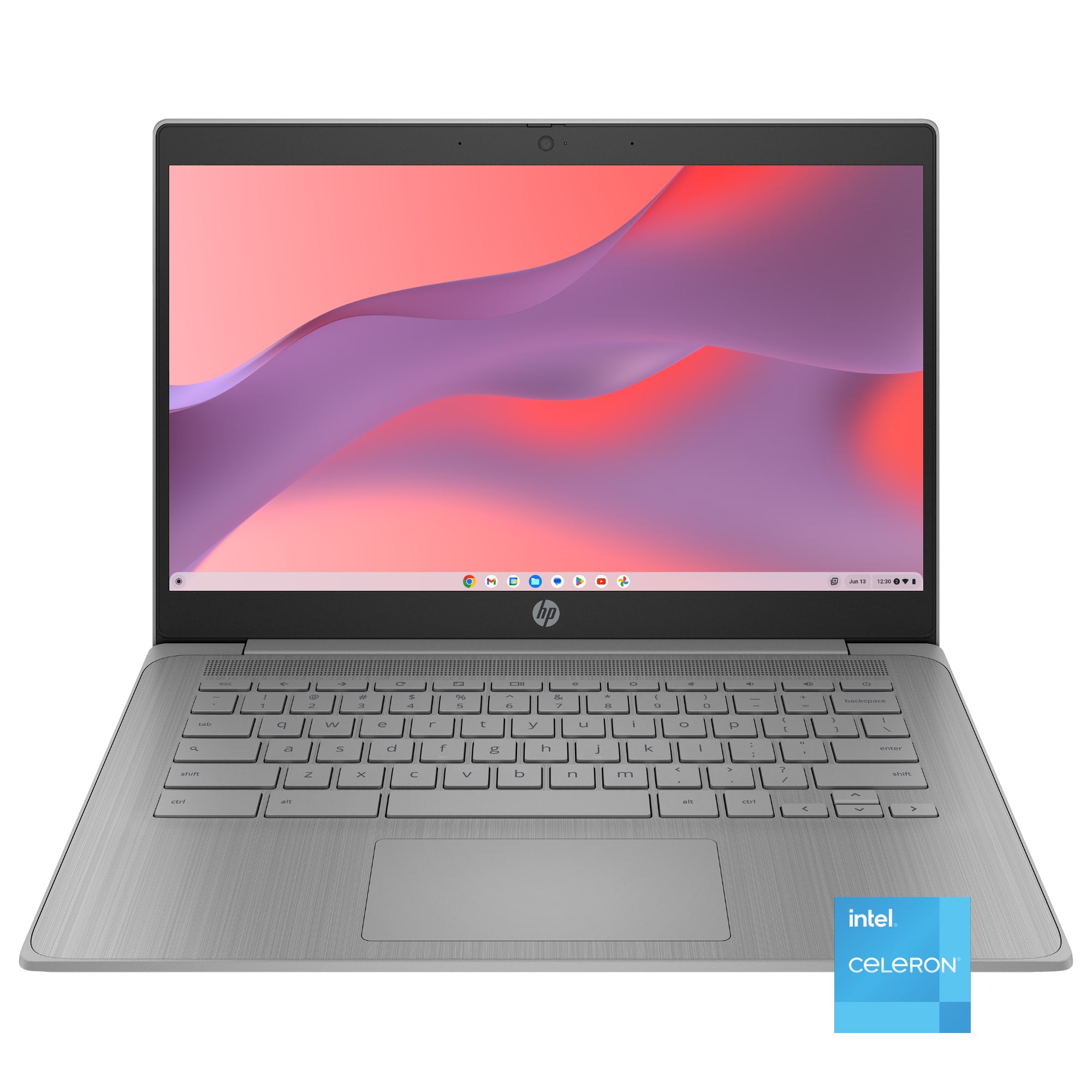
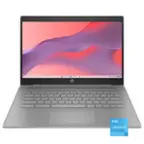
  1. HP - 14" Chromebook Laptop - Intel Celeron N4120 2019 - 4GB Memory - 64GB eMMC - Modern Gray

    SKU: JJG87F49GG

    Product Description

    A sleek modern gray Chromebook featuring Intel Celeron, 4GB RAM, 64GB eMMC, and Chrome OS.
    See all Chromebooks
    Your price for this item is $234.00
    Save $22
    The previous price was $256.63
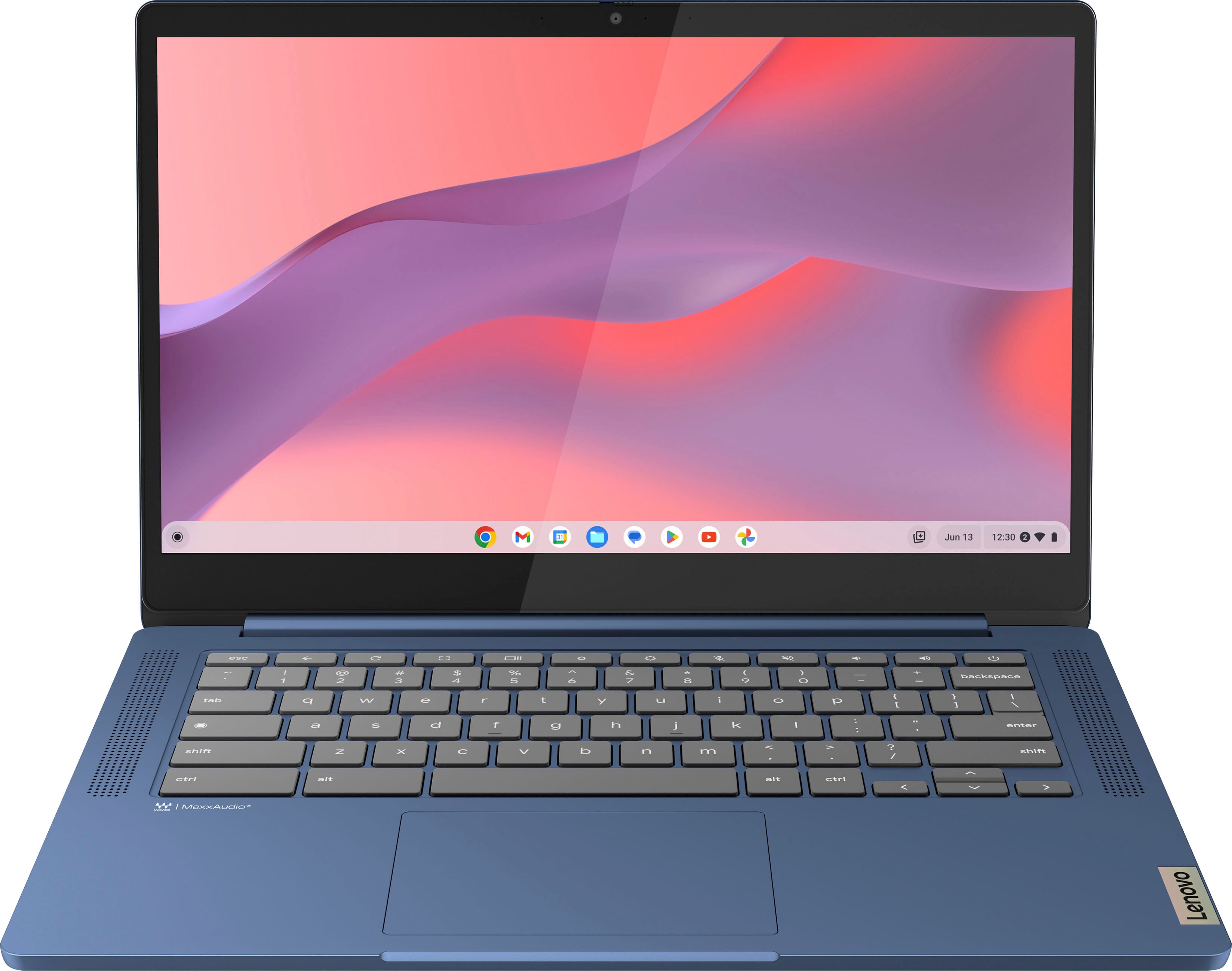
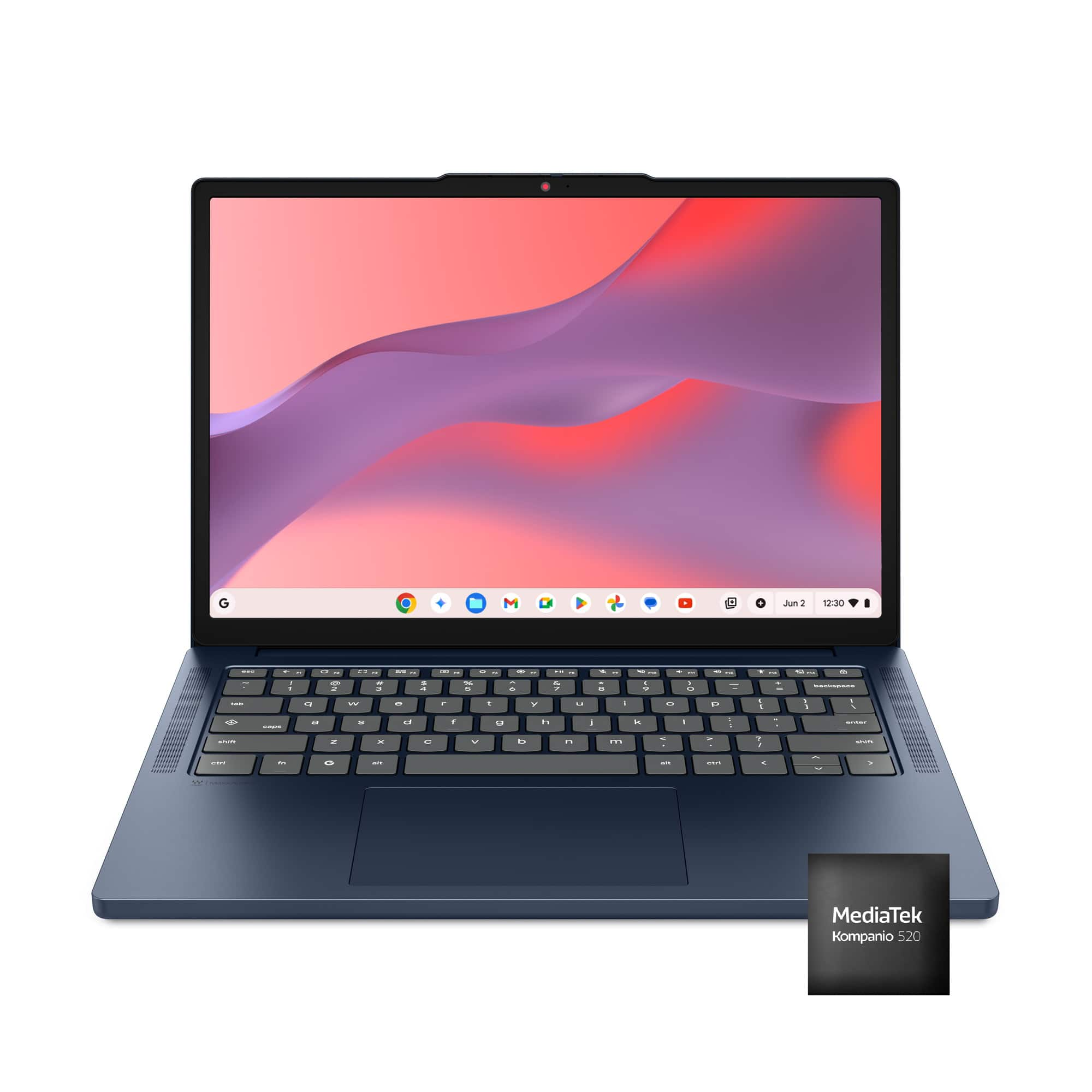
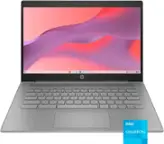
  2. Lenovo - IdeaPad Slim 3 Chromebook Laptop - 14" Full HD Touchscreen Laptop - MediaTek Kompanio 520 2022 - 4GB Memory - 64GB eMMC - Abyss Blue

    SKU: JJG8CHVGY6

    Great product...I love my laptop! Easy to use and very carry around....Great touchscreen laptop...Love it would buy again.

    Product Description

    An ultra-portable abyss blue Chromebook with a 14" Full HD touchscreen, Wi-Fi 6, and 13.5-hour battery.
    See all Touchscreen Chromebooks
    Your price for this item is $249.00
    Save $50
    The previous price was $299.99
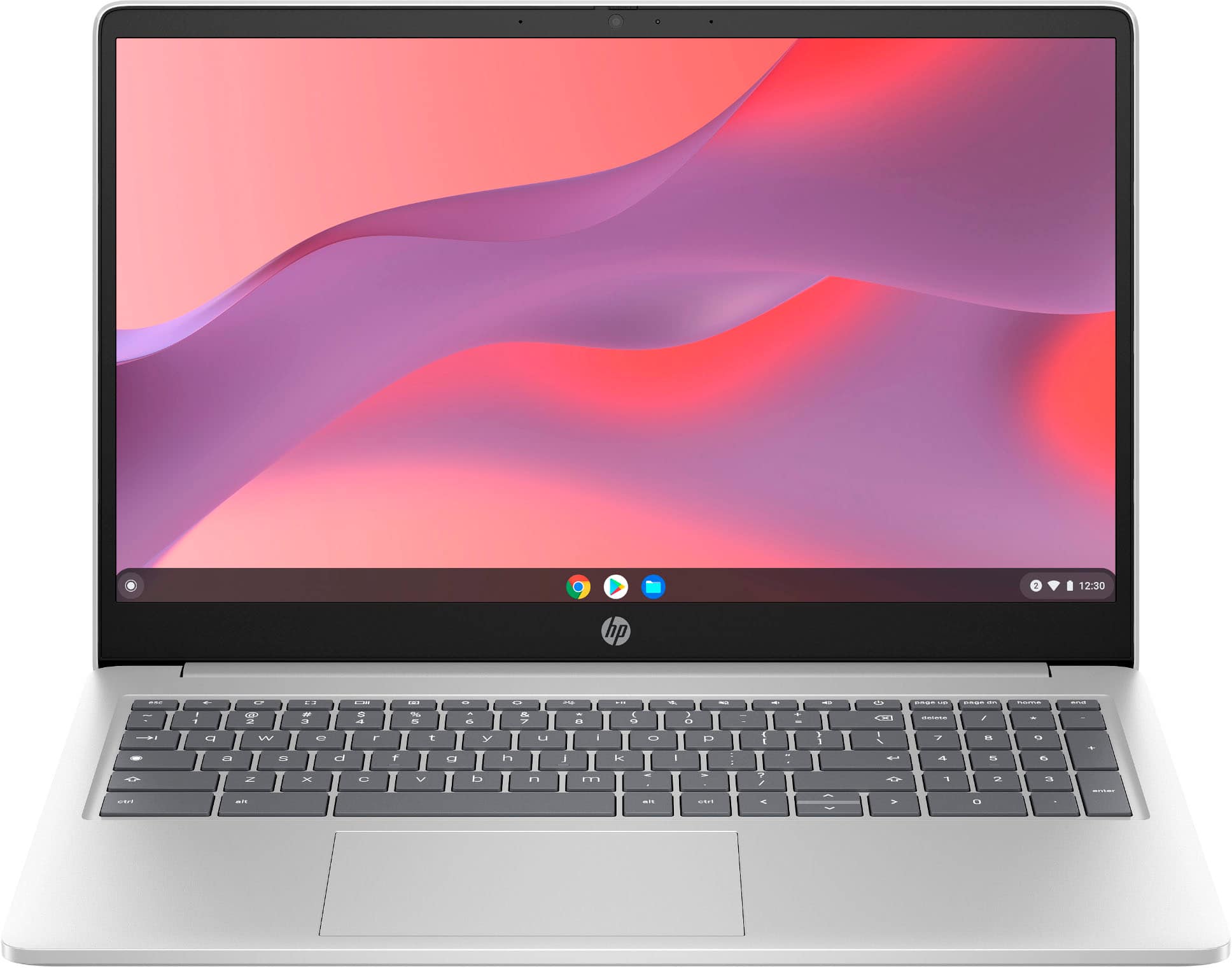
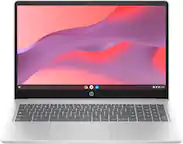
  3. HP - 15.6" Chromebook Laptop - Intel Processor N200 2023 - 8GB Memory - 64GB eMMC - Natural Silver

    SKU: JJGGT9TLQW

    Product Description

    A silver Chromebook featuring an Intel N200 processor, 8GB memory, 64GB eMMC storage, and Wi-Fi 6.
    See all Chromebooks
    Your price for this item is $379.00
    Save $70
    The previous price was $449.99
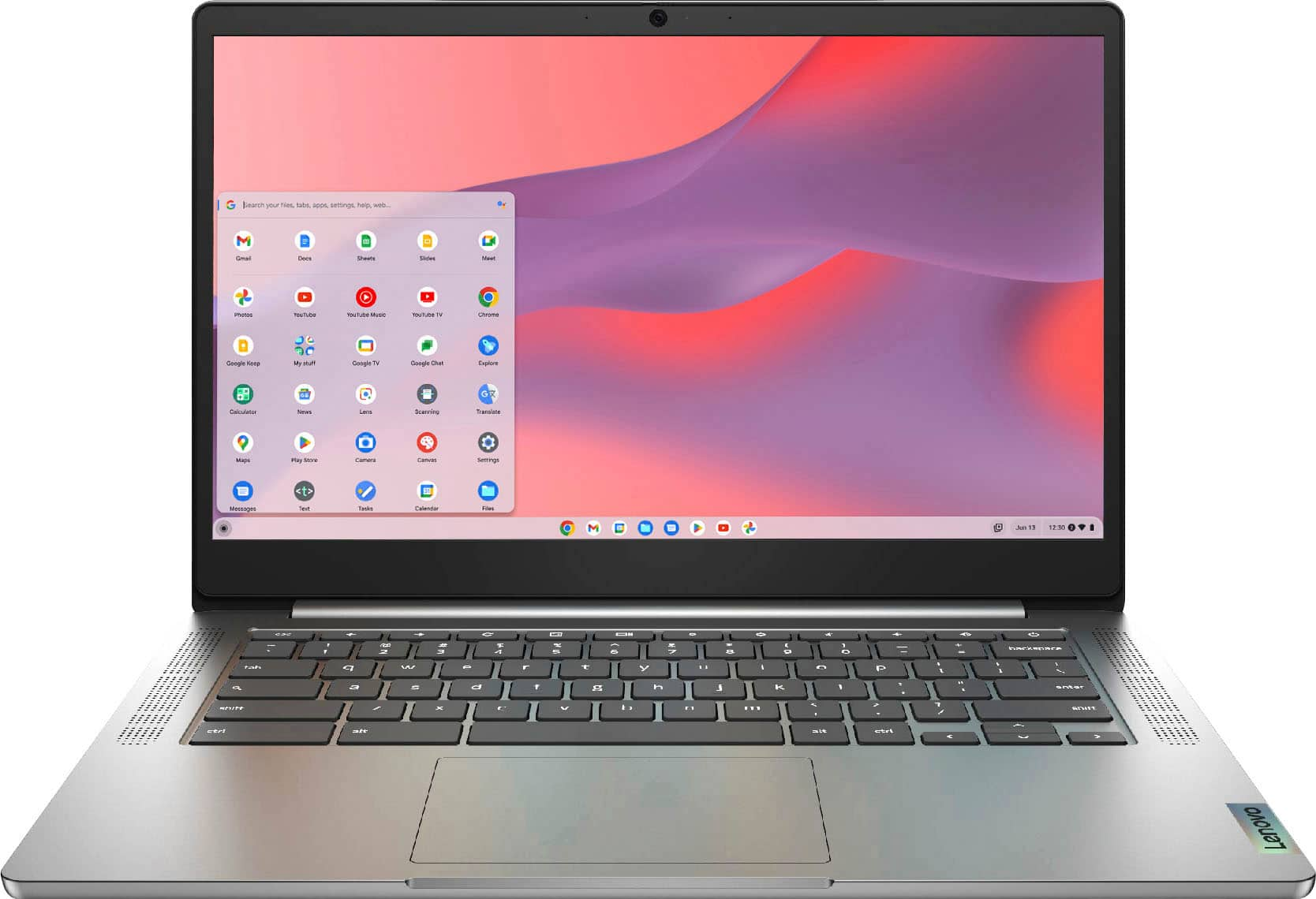
  4. Lenovo - IdeaPad Chromebook 3 14" 2K LCD Touchscreen Laptop - MediaTek MT8183 2019 - 4GB Memory - 64GB Storage - Arctic Grey

    SKU: JJG7HFYJWZ

    best laptop . We own three, issues....Use them for school and leisure , just great and love the touch screen...Amazing computer I love the quality is the best Lenovo is the best

    Product Description

    A gray touchscreen Chromebook with 2K LCD, MediaTek processor, 4GB memory, 64GB storage, and Chrome OS.
    See all Touchscreen Chromebooks
    Your price for this item is $199.99
    Save $119
    The previous price was $319.00
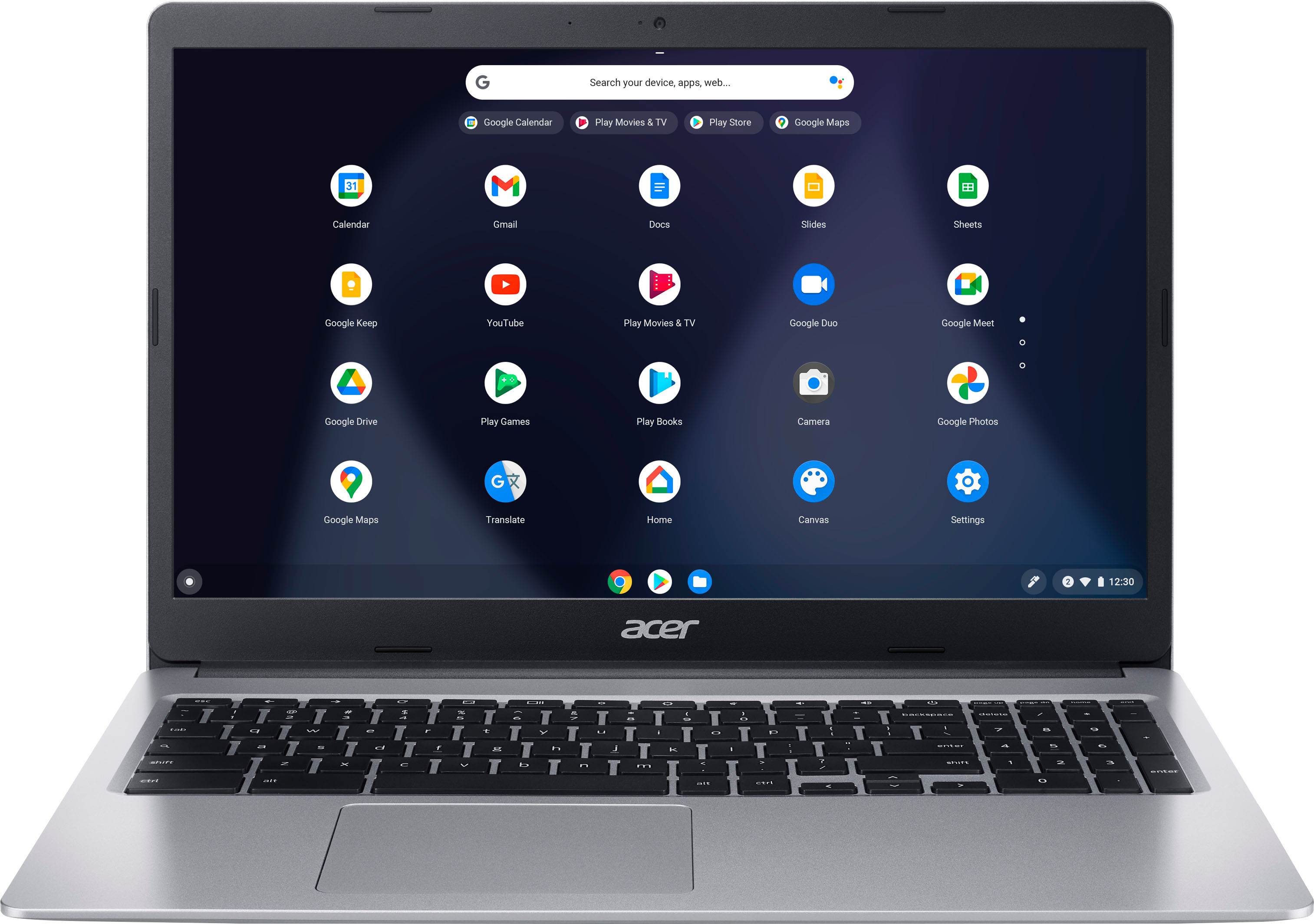
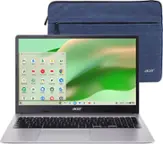
  5. Acer - Chromebook 315-15.6’’ HD Laptop- Intel Celeron N4000 - 4GB LPDDR4- 32GB eMMC - Silver

    SKU: JJ8HLHJS8X

    Product Description

    A lightweight silver laptop with a 15.6" HD display, Intel Celeron processor, and Chrome OS.
    See all Chromebooks
    Your price for this item is $226.90
    Save $2
    The previous price was $229.00
  6. Lenovo - IdeaPad Slim 3 Chromebook - 14" 2K Touchscreen Laptop - MediaTek Kompanio 540 2026 - 4GB Memory - 64GB eMMC - Cosmic Blue

    SKU: JJGH3QCJKR

    Using it for work and personal and I absolutely love the simplicity of syncing my gmail and all the perks...My son needed a chrombook so I looked online and Best Buy had the best deal....Great laptop....

    Product Description

    A lightweight cosmic blue Chromebook with 14" 2K touchscreen, Wi-Fi 6E, and MediaTek Kompanio processor.
    See all Touchscreen Chromebooks
    Your price for this item is $239.00
    Save $180
    The previous price was $419.00
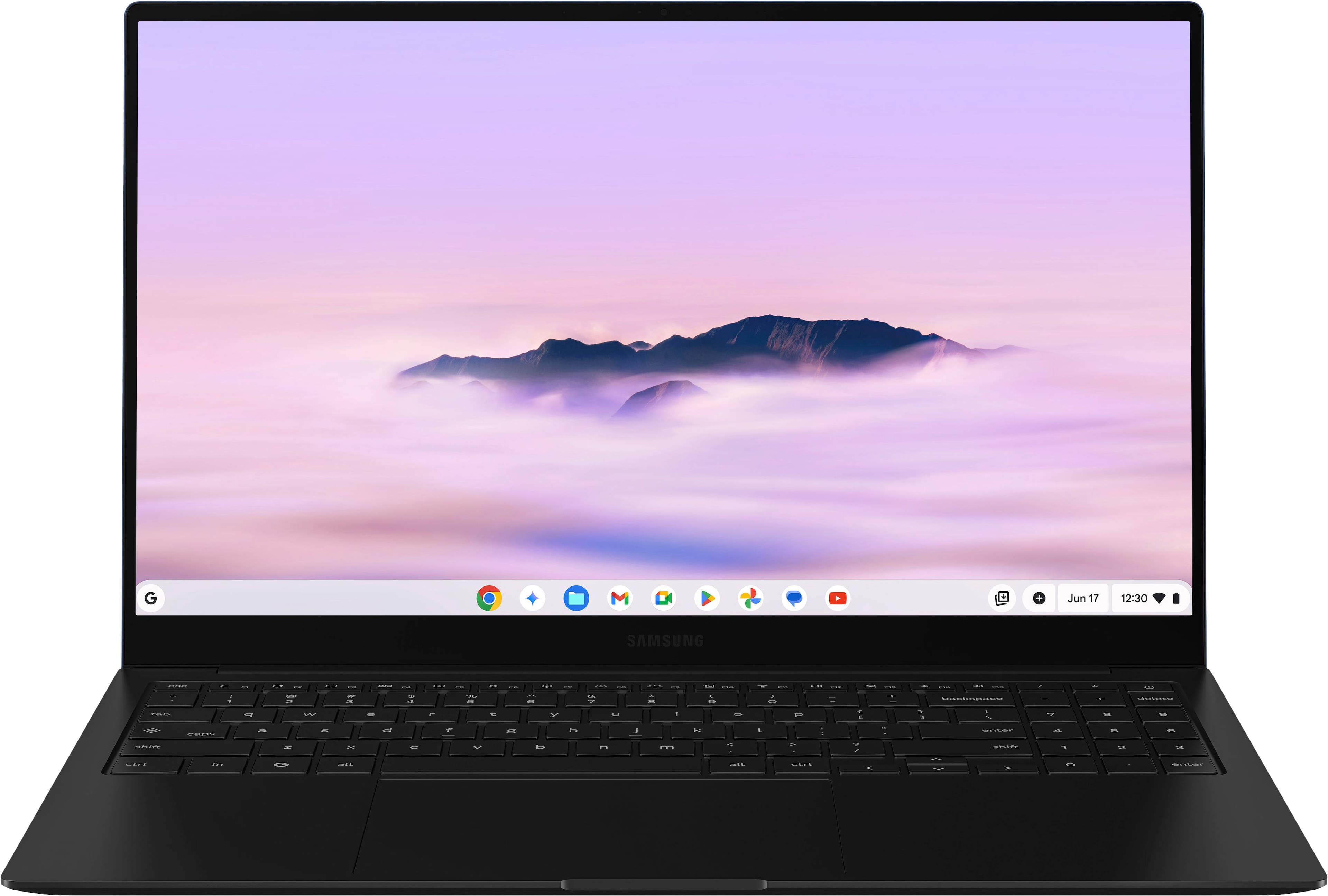
  7. Samsung - Galaxy Chromebook Plus 15.6” with Google AI - AMOLED display - Intel Core 3 - 8GB Memory 256GB Storage - Neptune Blue

    SKU: J3ZYG24W5G

    Great device and service from best buy, saved me $100 already...Best purchase ever...Love the ease of use. The battery life is amazing. Boots up super fast.

    Product Description

    A lightweight Neptune Blue Chromebook with AMOLED display, Intel Core 3, 8GB RAM, and Google AI.
    See all Chromebooks
    Your price for this item is $675.99
    Save $99
    The previous price was $774.99
  8. HP - 14" 2K Touchscreen 2-in-1 Chromebook - Intel Core N150 - 8GB Memory - 64GB eMMC - Sky Blue

    SKU: JJGWKYHHQY

    It has delivered all the great features proclaimed by Best Buy....Very easy to Navigate, I absolutely love the color. The clarity in the screen is awesome....The sound on this Chromebook is great. I love...

    Product Description

    A versatile sky blue 2-in-1 Chromebook with 14" 2K touchscreen, Intel N150, 8GB RAM, and Wi-Fi 6.
    See all Touchscreen Chromebooks
    Your price for this item is $399.00
    Save $150
    The previous price was $549.00
  9. Lenovo - IdeaPad Slim 3 Chromebook - 14" 2K Touchscreen Laptop - MediaTek Kompanio 540 2026 - 8GB Memory 128GB Storage - Cosmic Blue

    SKU: JJGH3QXZZV

    Computer is fine, but “BEST???” Buy??? Just terrible…I’ll never buy from “bad buy” again....The Best Buy Manager and Salesperson was right about this product.

    Product Description

    A lightweight cosmic blue Chromebook with 14" 2K touchscreen, 8GB memory, and Wi-Fi 6E connectivity.
    See all Touchscreen Chromebooks
    Your price for this item is $379.00
    Save $150
    The previous price was $529.00
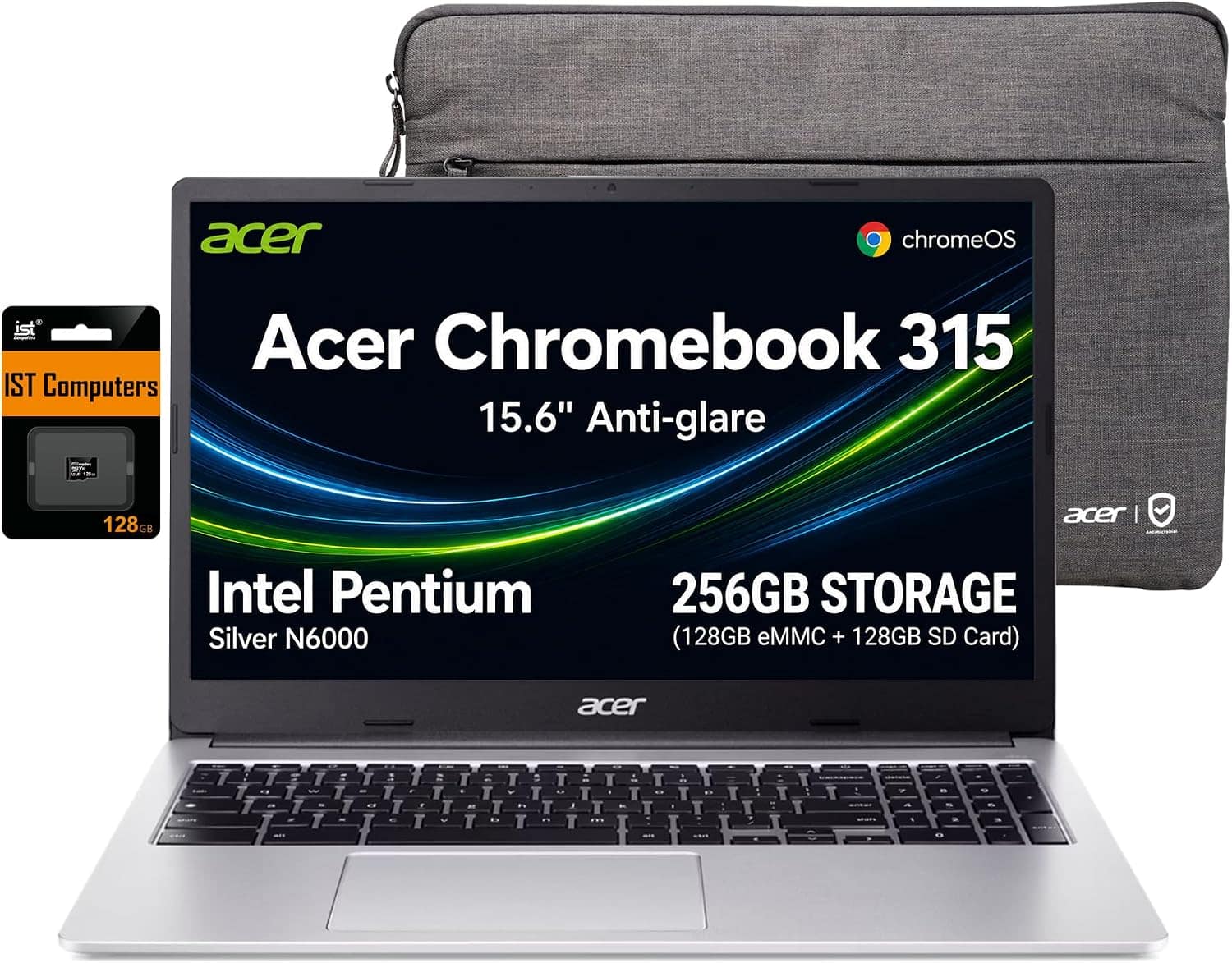
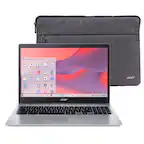
  10. Bundle - Acer - Chromebook 315 – 15.6" HD Laptop with Google AI - Intel Pentium N6000 – 4GB Memory – 128GB eMMC+128GB SD Card - Silver

    SKU: J3GWT6QTGG

    Product Description

    A silver Chromebook with Intel Pentium N6000, 4GB RAM, 256GB combined storage, ChromeOS, and number pad.
    See all Chromebooks
    Your price for this item is $319.99
    Save $180
    The previous price was $499.99

Chromebooks bring a keyboard, a full-size browser, and a streamlined computing experience to everyday tasks, making them a practical part of Labor Day planning for school, work, and home. These laptops are built around a browser-centered operating system, with an emphasis on web applications, cloud storage, and straightforward account access. They suit routines such as writing assignments, checking email, managing a household calendar, joining video calls, and streaming a show after the workday. For students, that can mean moving from a shared classroom document to a research project without switching computers; for a household, it might mean keeping a lightweight laptop nearby for recipes, appointment scheduling, and online forms. The most useful differences between Chromebooks often come down to screen size, processor capability, memory, storage, and physical design. A smaller screen and lighter chassis are easier to carry between classes or tuck into a bag for a commute, while a larger display gives spreadsheets, reading material, and side-by-side windows more room. Screen resolution affects how crisp text looks, and brightness and glare control influence comfort near a window or beneath overhead lighting. A touchscreen adds direct interaction for scrolling, selecting, and annotating, although touch capability does not automatically mean a laptop folds into a tablet. Convertible designs have hinges that support additional positions, including a tent-style setup for watching videos or a folded configuration for touch-based tasks. A traditional clamshell design keeps the focus on keyboard-and-trackpad use. Keyboard spacing, palm-rest depth, and trackpad responsiveness also shape how a computer feels during a long assignment or an afternoon of email. Someone who writes frequently may appreciate a comfortable keyboard more than a foldable hinge, while a student reviewing diagrams may make regular use of touch input. These everyday details help distinguish a computer that simply completes a task from one that fits naturally into a familiar routine.

Performance on a Chromebook depends on both its internal hardware and the demands of the applications being used. Basic browsing and document editing generally require fewer resources than a video meeting running alongside a presentation, several research tabs, and a large spreadsheet. More memory gives active applications and browser tabs additional working room, while processor capability affects responsiveness during heavier multitasking. Local storage matters for downloaded files, offline documents, photos, and installed applications; cloud storage serves a different purpose and depends on the account and service involved. A browser-centered design does not mean every task requires a continuous internet connection. Certain applications support offline work after the appropriate setup, but features vary, and streaming, live collaboration, and many web services still need connectivity. Compatibility is equally important for school and workplace use. Browser-based tools often fit well, while specialized desktop software, required testing applications, or particular accessories may have operating-system requirements that need closer attention. Support for mobile applications also varies by device and account settings, and a familiar application may behave differently on a laptop screen than on a phone. For remote conversations, webcam quality, microphone clarity, and speaker placement can matter as much as raw computing power. A headset connection provides another option for attending a class or meeting without broadcasting the conversation across a shared room. Ports influence how comfortably the laptop connects to the rest of a workspace: USB connections may accommodate a mouse or external storage, while external-display support depends on the computer’s specifications and the cable or adapter used. A USB-C port’s shape alone does not establish whether it supports charging or video output. Wireless capabilities and a reliable network also contribute to smooth calls and quick file transfers. Battery-life estimates are useful context, but actual runtime changes with screen brightness, video use, connected accessories, and workload. For days spent away from an outlet, the combination of realistic battery expectations, a compatible charger, and manageable carrying weight makes a meaningful difference.

Construction and care help determine how well a Chromebook holds up to repeated travel and daily handling. Plastic housings can keep weight manageable, while metal housings may offer a firmer feel; neither material alone establishes how well a laptop will withstand a drop or a spill. Hinge construction, chassis rigidity, and any documented durability testing provide more specific context. Features described as spill-resistant or reinforced should be understood according to the manufacturer’s stated limits rather than treated as protection against every accident. A padded sleeve with a suitable internal fit helps separate the computer from keys, charging plugs, and other objects inside a backpack. Carrying the laptop closed, keeping pressure off the lid, and leaving ventilation openings unobstructed are sensible habits for everyday use. A soft microfiber cloth can remove fingerprints, and cleaning should follow the device’s care instructions, with liquid kept away from ports and openings. Long-term usefulness also depends on software support. Chromebooks receive automatic updates during a defined support period, so the update end date for the exact model is an important consideration, particularly for a computer intended to serve through several school years. Automatic updates and built-in security features support routine protection, but strong passwords, careful account management, and attention to suspicious messages remain important. For shared households, separate sign-ins help keep personal files, browser settings, and schoolwork organized. As a gift, a Chromebook can suit a student starting a new course, a relative who mainly uses online services, or someone who wants a dedicated computer for writing and everyday administration. The recipient’s required applications, preferred screen size, and comfort with a keyboard deserve as much attention as the laptop’s appearance. For households comparing keyboard-focused computing with a more touch-centered format, the related Labor Day Sale On Tablets page offers another device category to consider. A Chromebook’s particular appeal remains the balance of familiar laptop handling and web-based convenience: enough screen space to organize a project, a physical keyboard for getting words onto the page, and a portable design that can move from a desk to the kitchen table without disrupting the task.

FAQ

When shopping for a Chromebook, consider factors such as battery life, screen size and resolution, processor speed, available storage, and whether you need touchscreen functionality. Also, check for compatibility with Android apps and the availability of USB or HDMI ports.

Yes, Chromebooks are popular choices for students and remote workers due to their lightweight design, fast boot times, built-in security features, and seamless integration with Google Workspace apps like Docs, Sheets, and Classroom.

You can access Microsoft Office applications on a Chromebook through the web-based versions of Word, Excel, PowerPoint, and more via your browser. Some Office apps are also available as Android downloads from the Google Play Store.

Chromebooks run on Chrome OS and are designed primarily for cloud-based tasks. They rely heavily on internet connectivity and use web apps instead of traditional software installations. This makes them generally faster to start up and easier to maintain than many traditional laptops.

Chromebooks require minimal maintenance. Updates are automatic and managed by Google, ensuring your device stays secure. Regularly backing up important files to Google Drive is recommended to keep your data safe.