Laptops For Engineering Students
-
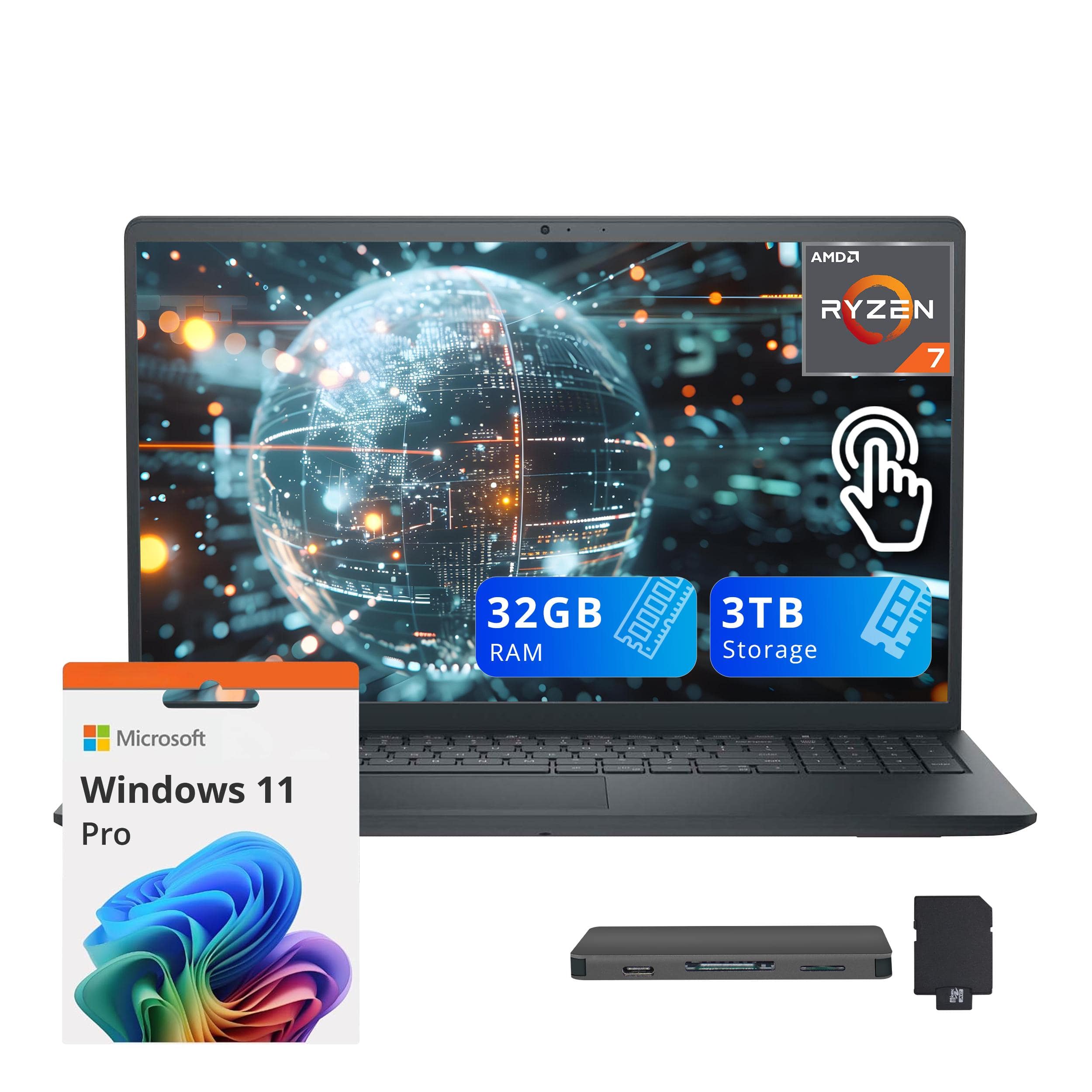
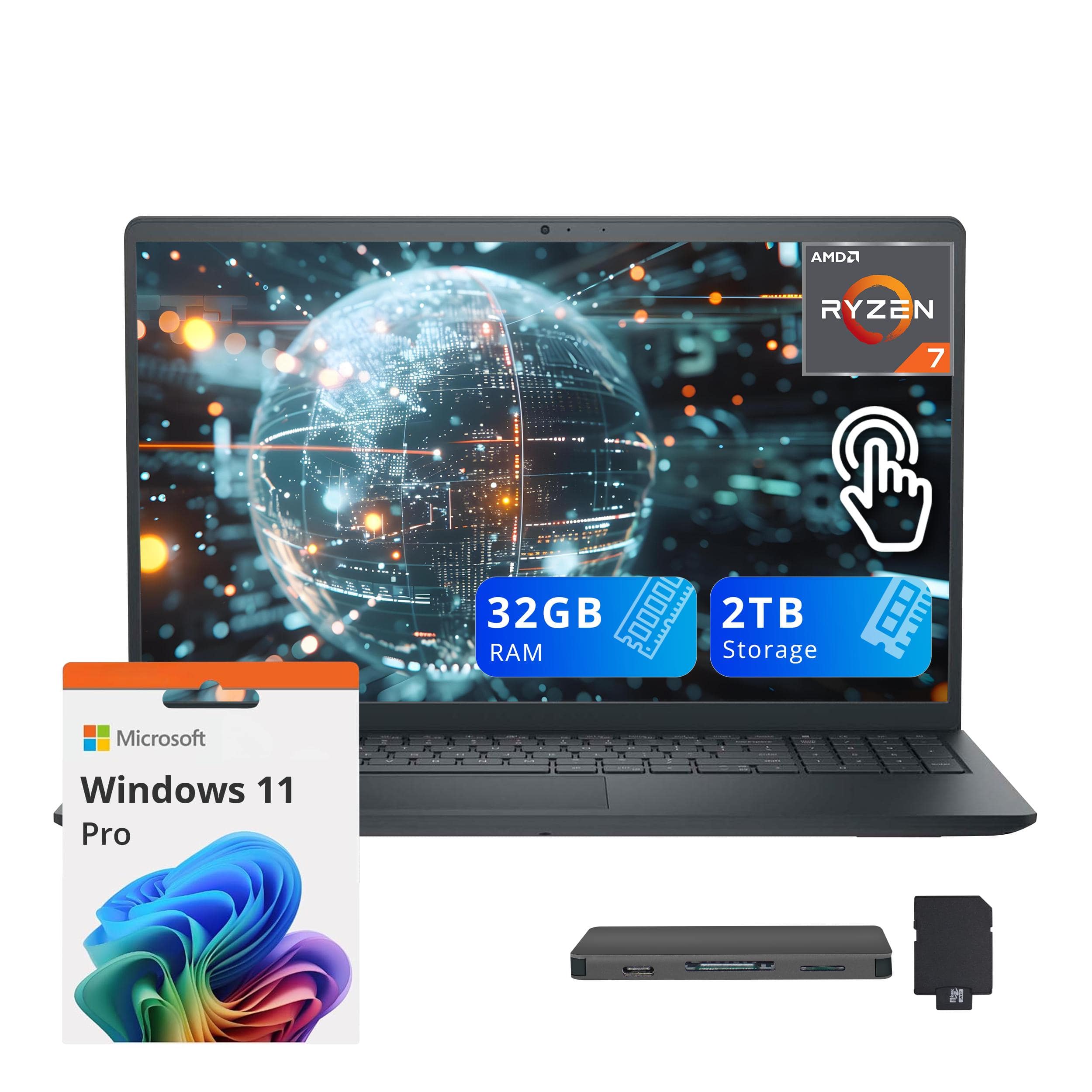
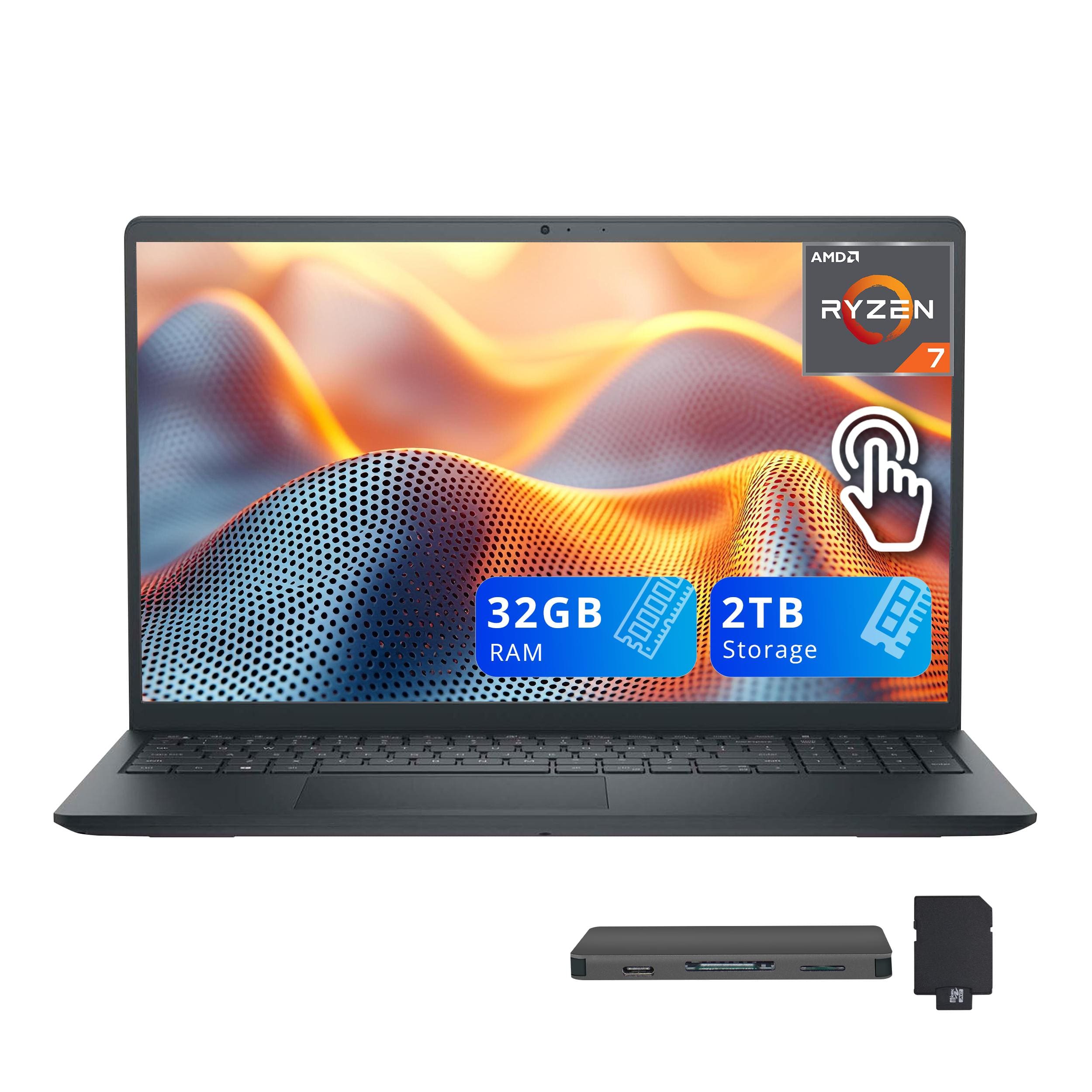
Dell - Upgraded - Inspiron 15.6" Anti-Glare Touchscreen Laptop,AMD Ryzen 7 7730U,32GB DDR4,2TB SSD,Win 11 Pro,1TB Dock Stet - Black
SKU: J3K4L92H93See all Windows LaptopsProduct Description
A sleek black touchscreen laptop with AMD Ryzen 7, 32GB RAM, 2TB SSD, and Windows 11 Pro.Your price for this item is $1,099.00Save $70The previous price was $1,169.00 -
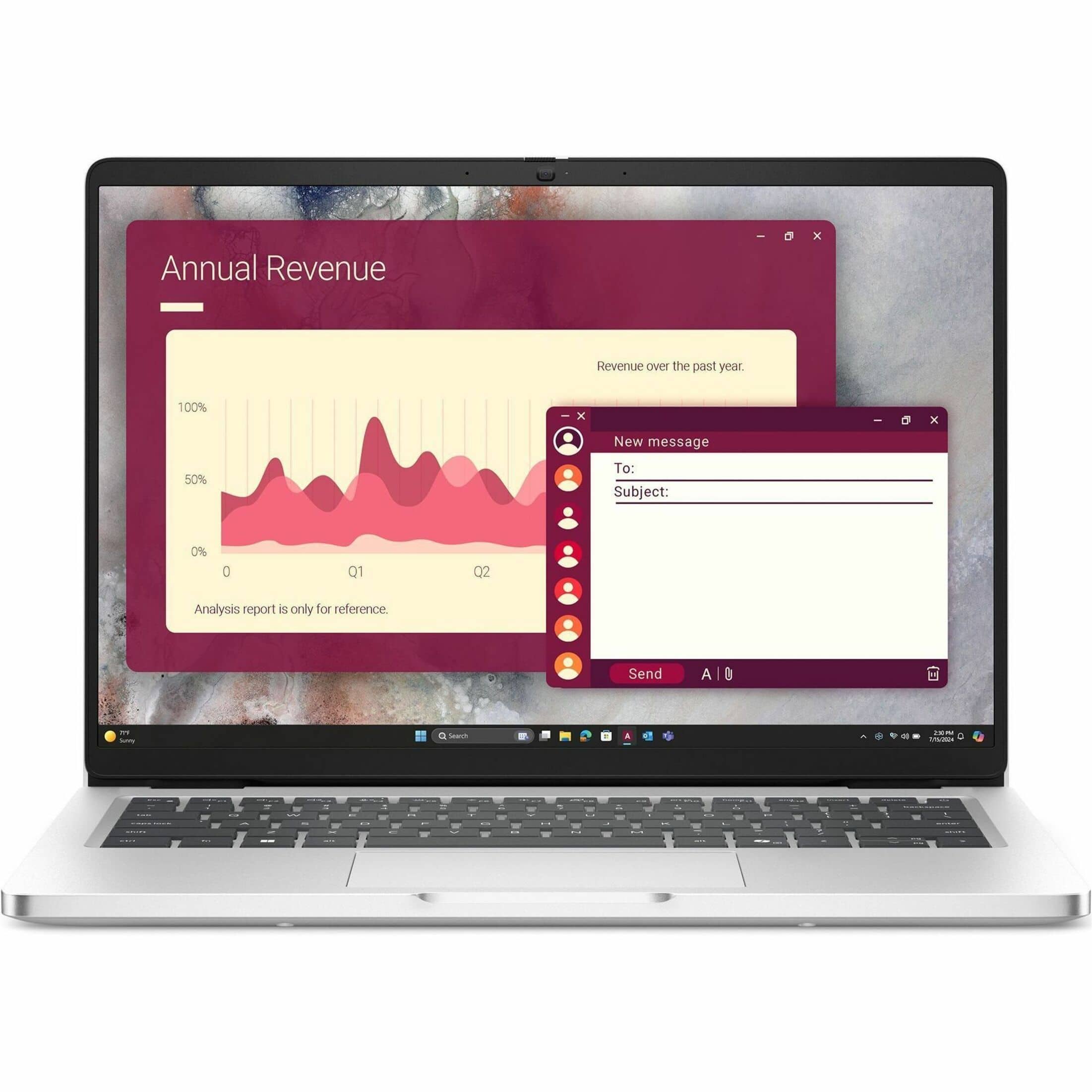
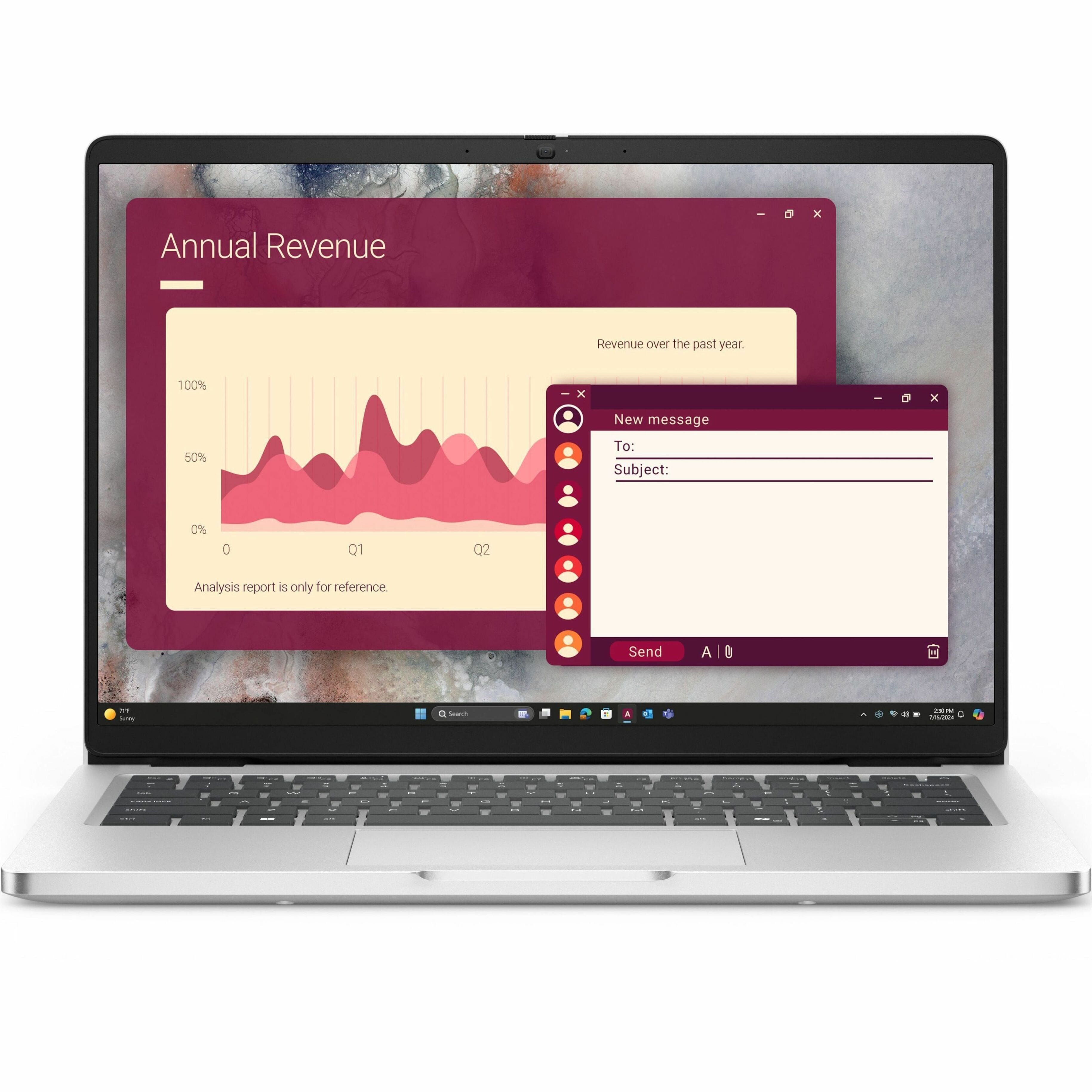
Dell - Pro 14 14" IPS LCD 1920 x 1200 (Full HD Plus) Laptop - Intel Core Ultra 5 with 16GB Memory - 512 GB SSD - Platinum Silver, Silver
SKU: J3K4L63LK6See all Windows LaptopsProduct Description
A sleek platinum silver laptop featuring Intel Core Ultra 5, 16GB RAM, 512GB SSD, and Windows 11 Pro.Your price for this item is $1,049.00Save $650The previous price was $1,699.99 -
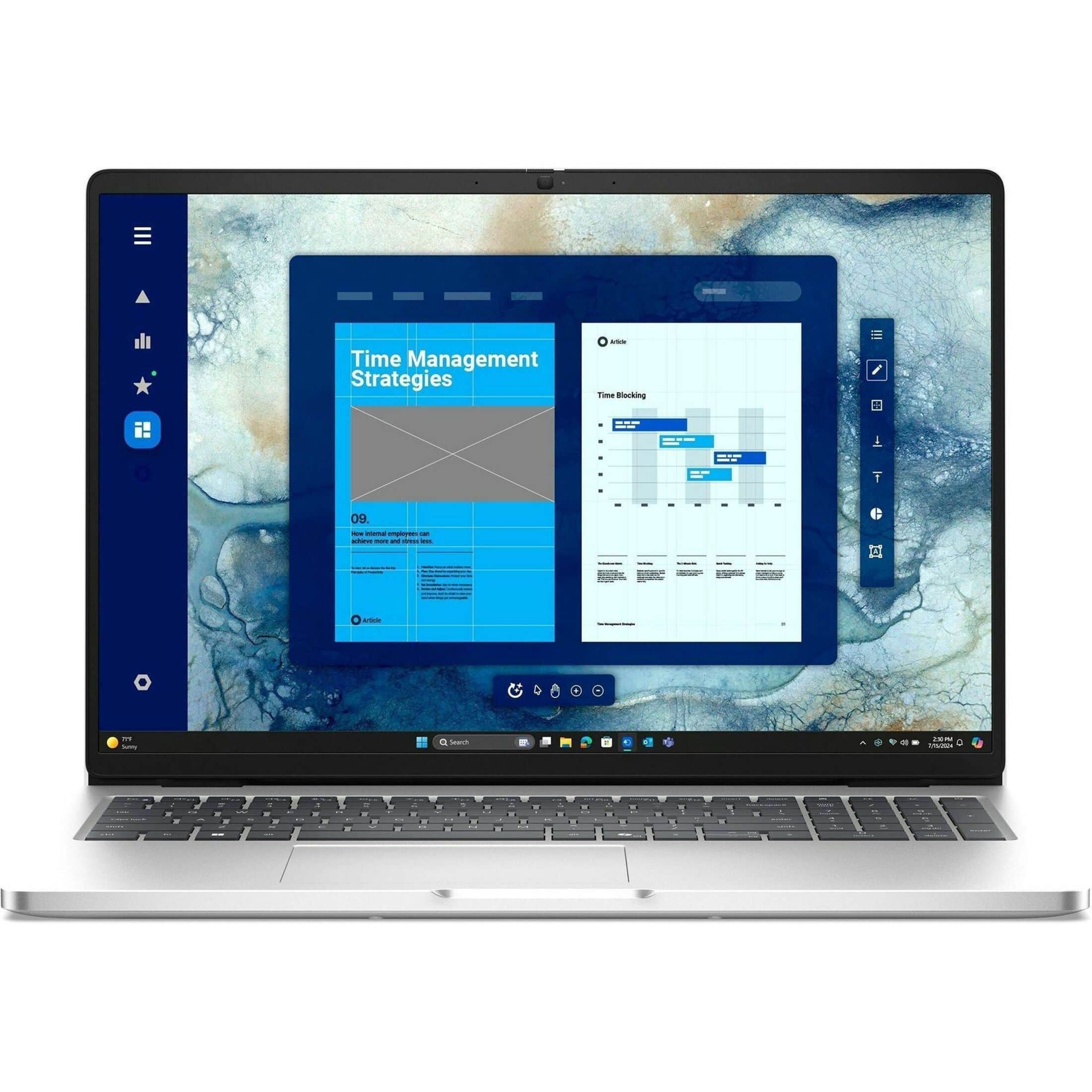
Dell - Pro 16 16" IPS LCD 1920 x 1200 (Full HD Plus) Laptop - Intel Core 7 with 16GB Memory - 512 GB SSD - Magnetite, Other
SKU: J3K4L63LGHI love my new laptop. Works great and was desperately needed....Also, love no interest time to complete payoff on my card.
See all Windows LaptopsProduct Description
A sleek magnetite laptop featuring Intel Core 7, 16GB memory, 512GB SSD, and AI-powered productivity.Your price for this item is $2,089.99 -
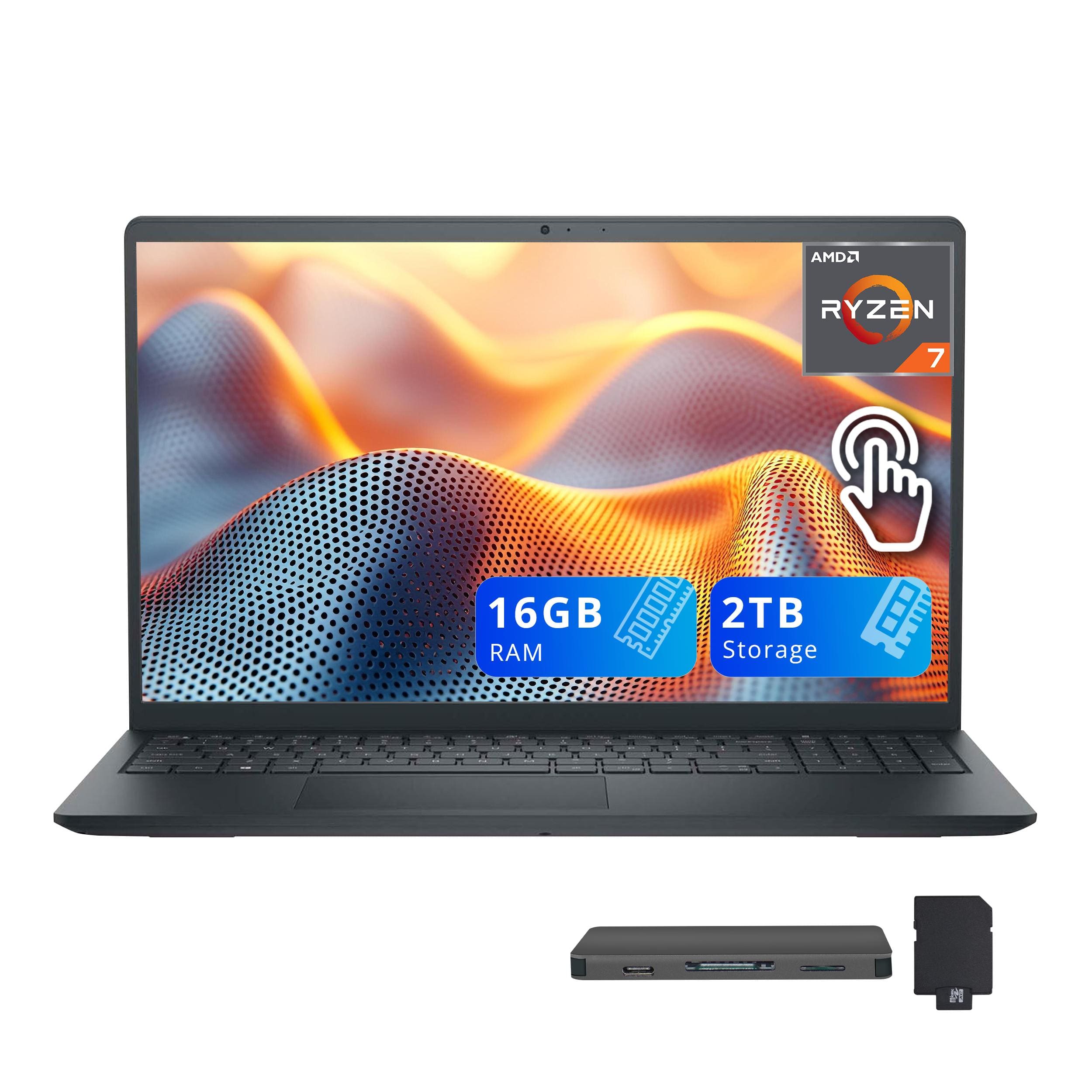
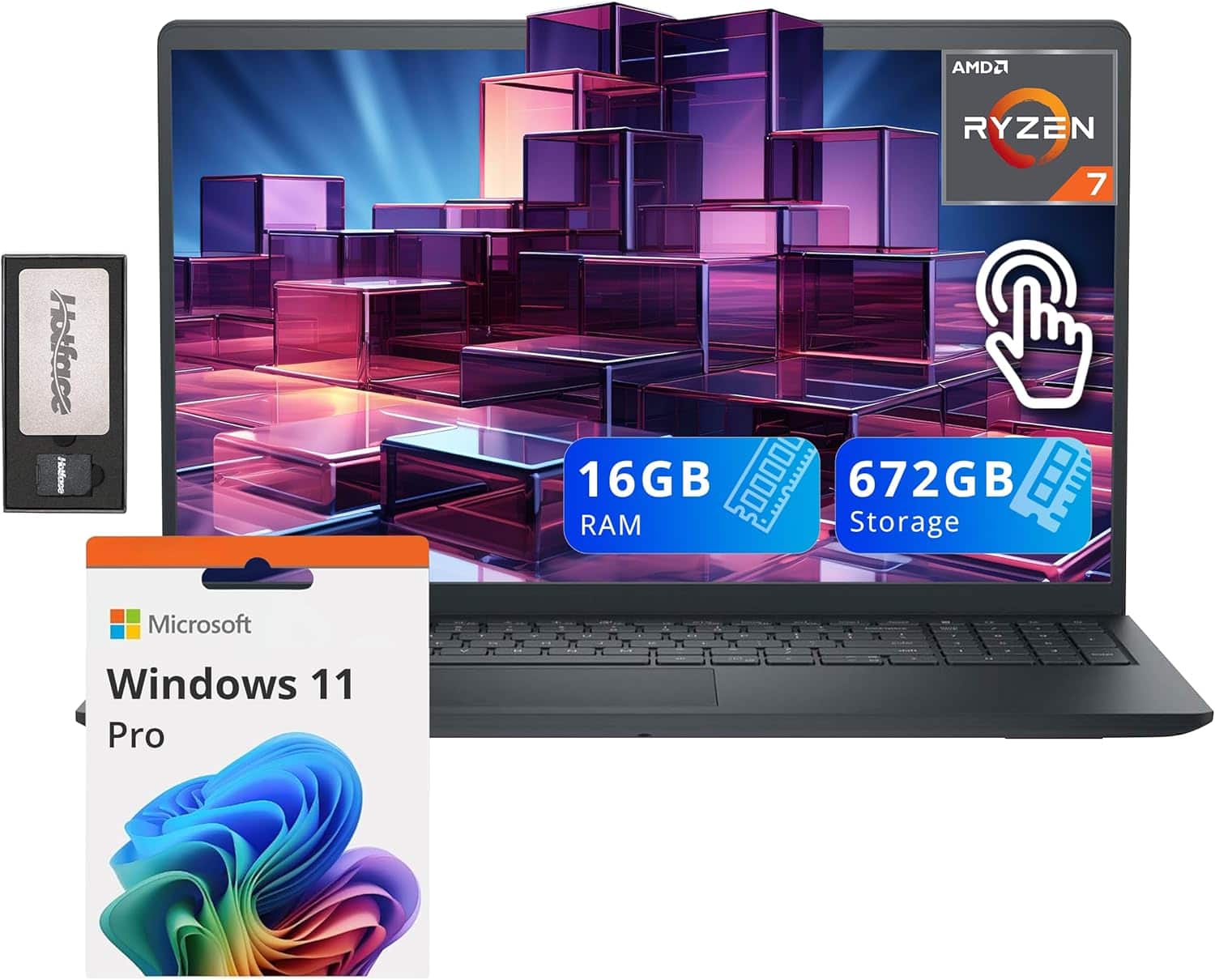
Dell - Inspiron 15.6" Anti-Glare Touchscreen Laptop,AMD Ryzen 7 7730U,16GB DDR4,1TB SSD,Win 11,1TB Dock Set - Black
SKU: J3K4L6843XSee all Windows LaptopsProduct Description
A sleek black touchscreen laptop with AMD Ryzen 7, 16GB RAM, 1TB SSD, and Windows 11.Your price for this item is $879.00 -
Dell - Upgraded - Inspiron 15.6" Anti-Glare Touchscreen Laptop,AMD Ryzen 7 7730U,32GB DDR4,1TB SSD,Win 11 Pro,1TB Dock Set - Black
SKU: J3K4L6CYZXSee all Windows LaptopsProduct Description
A sleek black touchscreen laptop with AMD Ryzen 7, 32GB RAM, 1TB SSD, and Windows 11 Pro.Your price for this item is $949.00Save $50The previous price was $999.00 -
Dell - Upgraded - Inspiron 15.6" Anti-Glare Touchscreen Laptop,AMD Ryzen 7 7730U,16GB DDR4,512GB SSD,Win 11 Pro,160GB Dock Set - Black
SKU: J3K4L6LR3KSee all Windows LaptopsProduct Description
A sleek black laptop with a 15.6" anti-glare touchscreen, AMD Ryzen 7, 16GB RAM, and 512GB SSD.Your price for this item is $799.00Save $200The previous price was $999.00 -
Dell - Upgraded - Inspiron 15.6" Anti-Glare Touchscreen Laptop,AMD Ryzen 7 7730U,32GB DDR4,1TB SSD,Win 11,160GB Dock Set - Black
SKU: J3K4L6C5K5See all Windows LaptopsProduct Description
A sleek black touchscreen laptop with AMD Ryzen 7, 32GB RAM, 1TB SSD, and Windows 11.Your price for this item is $929.00Save $50The previous price was $979.00 -
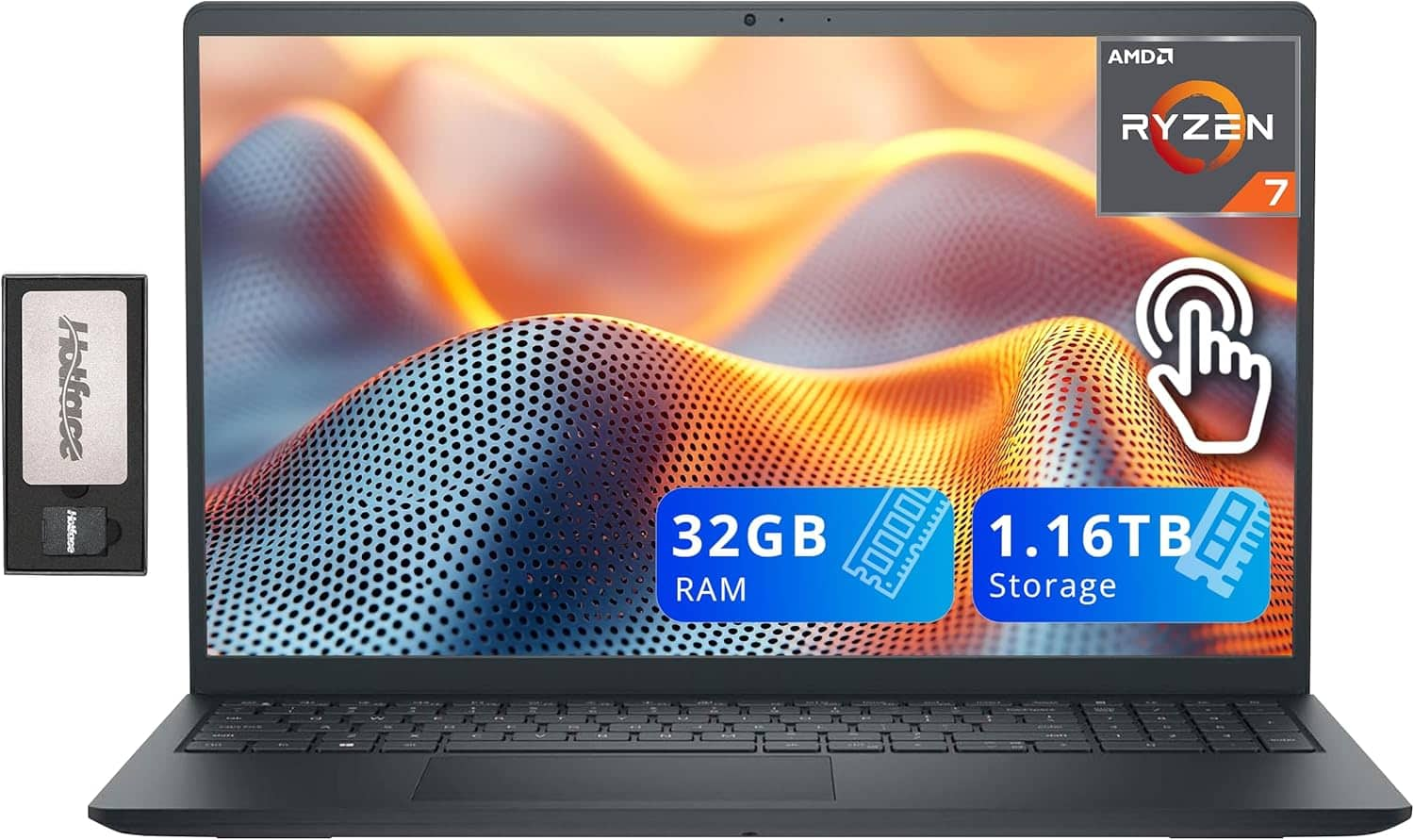
Dell - Upgraded - Inspiron 15.6" Anti-Glare Touchscreen Laptop,AMD Ryzen 7 7730U,32GB DDR4,1TB SSD,Win 11,1TB Dock Set - Black
SKU: J3K4L69TKPSee all Windows LaptopsProduct Description
A sleek black touchscreen laptop with AMD Ryzen 7, 32GB RAM, 1TB SSD, and Windows 11.Your price for this item is $939.00Save $10The previous price was $949.00 -
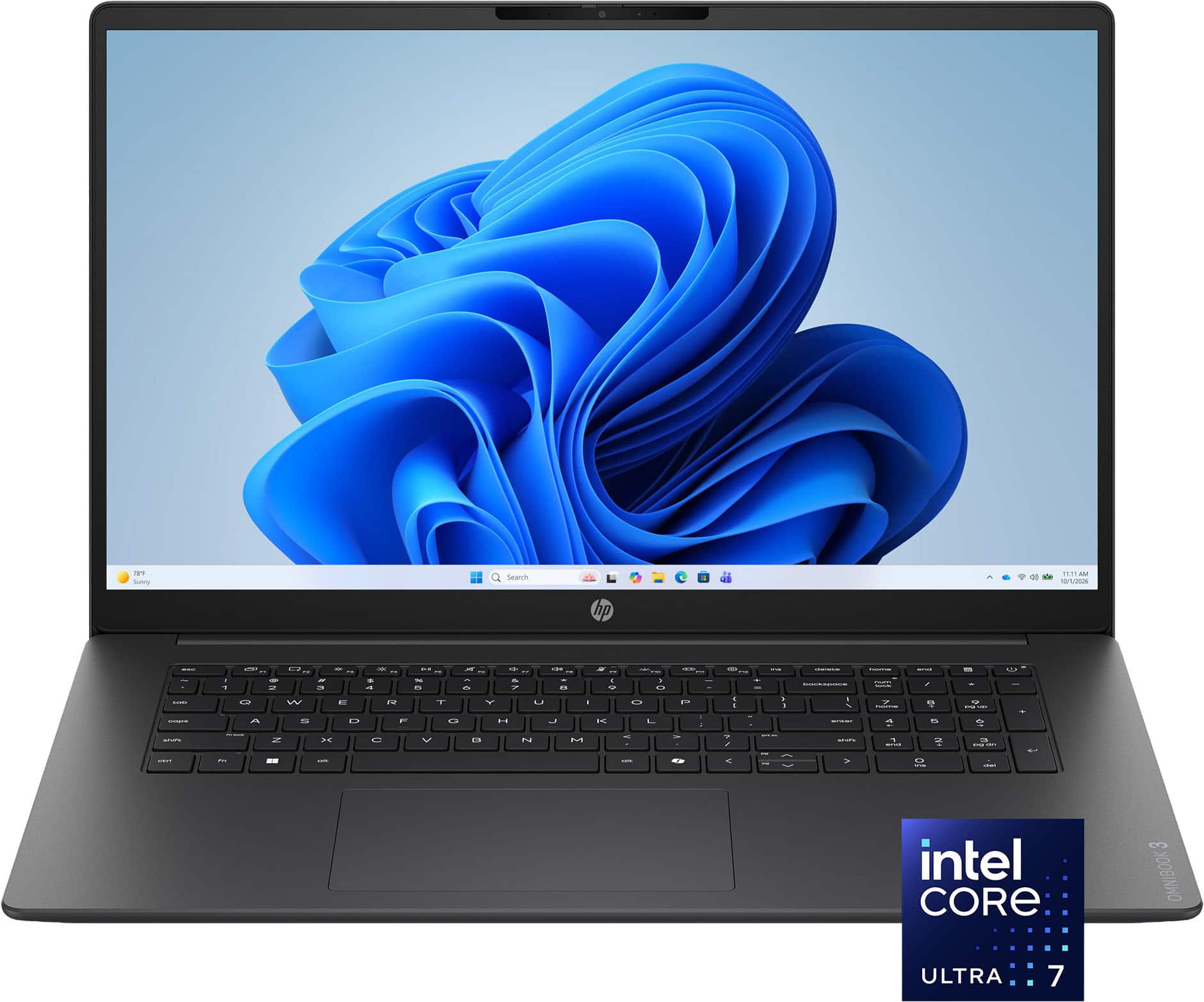
HP - OmniBook 3 17.3" Full HD Laptop - Intel Core Ultra 7 (2025) - 16GB Memory - 1TB SSD - Mica Silver
SKU: JJGWKP9JYJGreat picture, love the key style, and the best part is the setup/transition was so easy....The best laptop for the money. Lighted keyboard is great too!
See all Windows LaptopsProduct Description
A sleek silver laptop featuring Intel Core Ultra 7, 16GB memory, 1TB SSD, and a Full HD touchscreen.Your price for this item is $896.99Save $403The previous price was $1,299.99 -
Dell - Pro 14 14" IPS LCD 1920 x 1200 (Full HD Plus) Laptop - Intel Core 5 with 8GB Memory - 256 GB SSD - Magnetite, Other
SKU: J3K4L63YFSSee all Windows LaptopsProduct Description
A sleek magnetite laptop featuring Intel Core 5, 8GB RAM, 256GB SSD, and Windows 11 Pro.Your price for this item is $1,309.99
Best Sellers



Related Pages







FAQ
Engineering students should look for laptops with a powerful processor (such as Intel Core i5/i7 or AMD Ryzen 5/7), at least 8GB of RAM (16GB recommended), a dedicated graphics card for tasks like CAD or 3D modeling, and ample storage (preferably SSD for faster performance). A high-resolution display and long battery life are also beneficial for long study sessions.
MacBooks can be suitable for some engineering disciplines, especially for coding and general coursework. However, certain engineering software, such as AutoCAD, SolidWorks, or specialized simulation tools, may only be available for Windows. In such cases, a Windows laptop or a MacBook with Boot Camp or virtualization software may be necessary.
A dedicated graphics card is important for engineering students who use software for 3D modeling, simulations, or graphic-intensive applications. It helps render complex graphics smoothly, speeds up computational tasks, and ensures compatibility with professional engineering programs.
Engineering students should consider laptops with at least 512GB of SSD storage. This allows enough space for large software installations, project files, and data sets commonly used in engineering courses. SSDs also provide faster boot times and file access compared to traditional hard drives.
Touchscreen functionality can be useful for engineering students, especially for those who prefer taking handwritten notes, sketching diagrams, or using stylus-supported apps. However, it is not essential for most engineering software or coursework, so it depends on personal preference and workflow.