Magnetic Laptop Privacy Screens - Best Buy
-
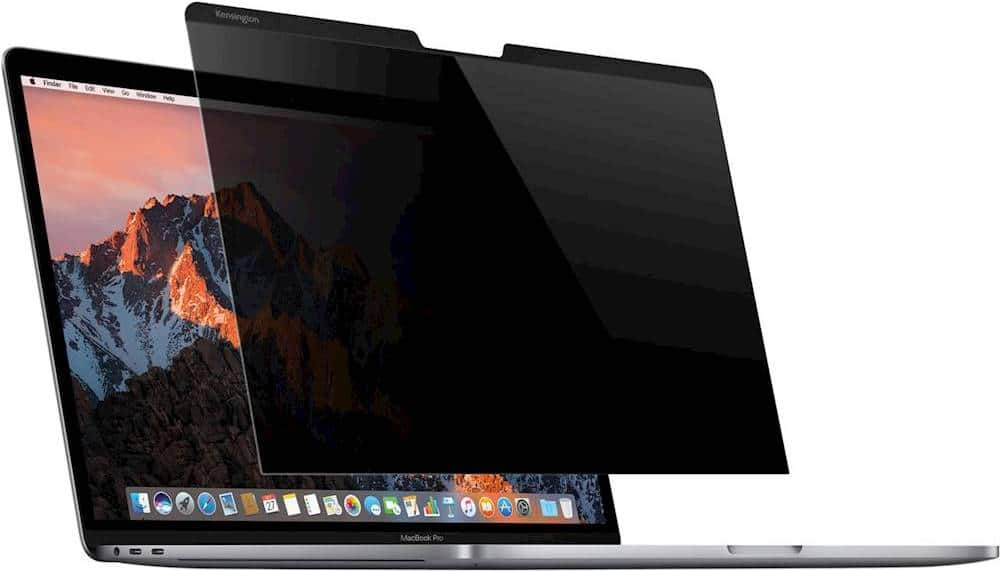
Kensington - MP13 Magnetic Privacy Screen for Apple MacBook Pro 13-inch 2016/2017/2018 - Smoke
SKU: J7RJZZP842See all Monitor & Screen AccessoriesProduct Description
A smoke-colored magnetic privacy screen that reduces glare and narrows viewing angles for confidential laptop use.Your price for this item is $38.99 -
Kensington - MagPro Elite Magnetic Privacy Screen for MacBook 13"- Scratch Resistant, Damage Resistant - Matte
SKU: J7RJZZ8LKLSee all Monitor & Screen AccessoriesProduct Description
A matte magnetic privacy screen that protects your MacBook display, reduces blue light, and limits viewing angles.Your price for this item is $84.49Save $17The previous price was $101.94 -
Kensington - MagPro Elite Magnetic Film Privacy Screen for MacBook Pro 14" 2021 and newer - Black
SKU: J7RJZZ8LFGSee all Monitor & Screen AccessoriesProduct Description
A black magnetic film privacy screen that reduces glare, filters blue light, and attaches residue-free to MacBook Pro.Your price for this item is $93.12Save $28The previous price was $121.41 -
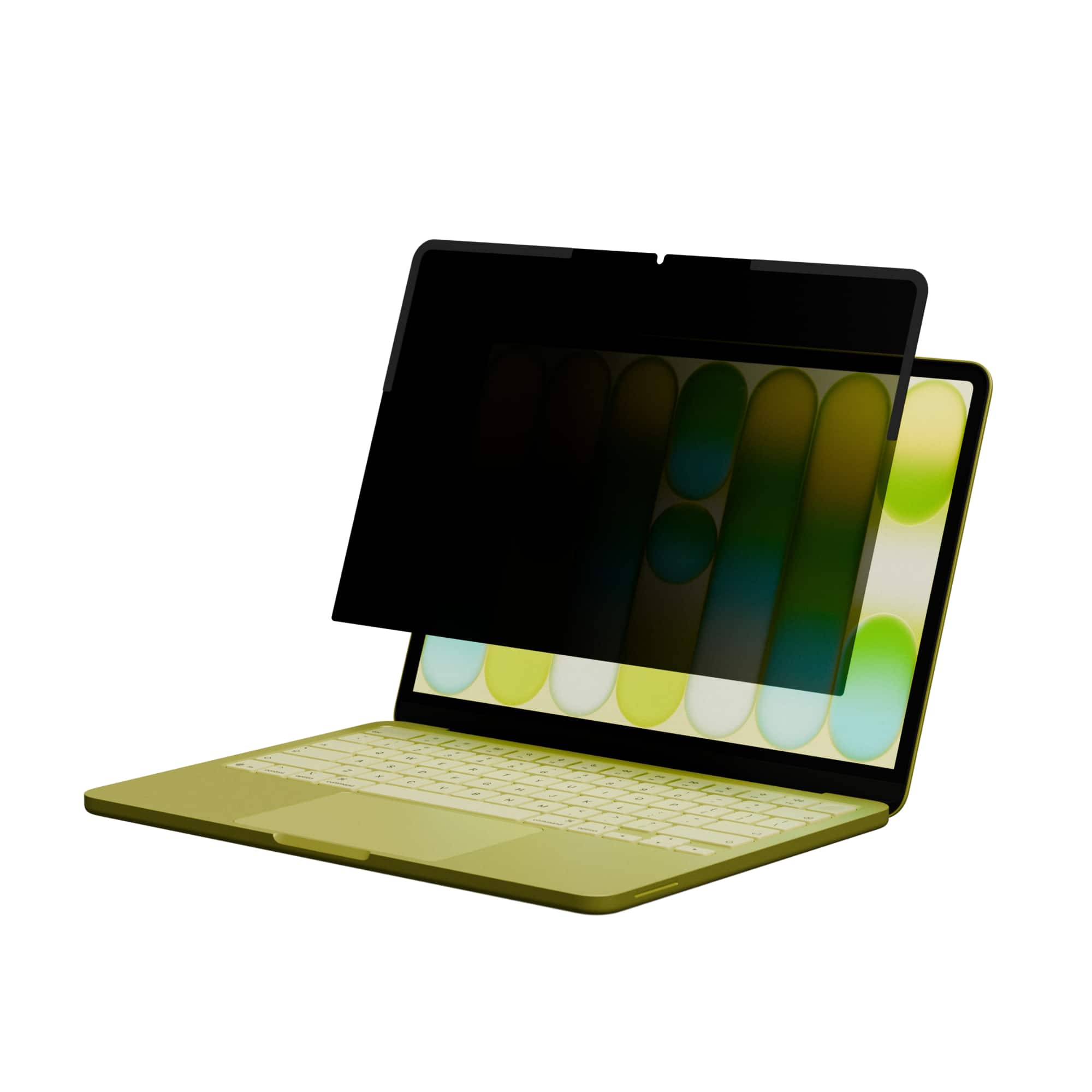
Targus - HyperShield Magnetic Privacy Screen for MacBook Neo - Black
SKU: J3GWPJ252KGreat for students who need it for exams.
See all Monitor & Screen AccessoriesProduct Description
A black magnetic privacy screen with anti-glare coating that limits viewing angle and allows easy attachment.Your price for this item is $49.99 -
Kensington - MagPro Elite Magnetic Privacy Screen for Microsoft Surface Laptop 15" - Black
SKU: J7RJZZ8LK5See all Privacy ScreensProduct Description
A black PET privacy screen that magnetically attaches, limits viewing angles, and reduces blue light and glare.Your price for this item is $60.99 -
Kensington - MagPro Elite Magnetic Film Privacy Screen for MacBook Pro 16" - Black
SKU: J7RJZZ8LFRSee all Monitor & Screen AccessoriesProduct Description
A black magnetic film privacy screen that reduces glare, filters blue light, and attaches residue-free to MacBook Pro.Your price for this item is $77.99Save $18The previous price was $96.56 -
Kensington - K58351WW Magnetic Privacy Screen For 13.3 in. Widescreen Laptops with 16:9 Aspect Ratio - Reversible Matte or Glossy
SKU: J7RJZZ8LQHSee all Monitor & Screen AccessoriesProduct Description
A reversible matte or glossy plastic privacy screen with magnetic attachment, blue light reduction, and anti-glare features.Your price for this item is $76.13 -
Kensington - MagPro Elite Magnetic Privacy Screen for Microsoft Surface Pro 8, 9, 10, and Copilot+ PC Surface Pro (11th Edition) - Black
SKU: J7RJZZCC3YSee all Tablet Screen ProtectorsProduct Description
A black PET privacy screen that magnetically attaches, reducing glare and blue light for Surface Pro devices.Your price for this item is $48.99Save $12The previous price was $60.99 -
Kensington - MagPro Elite Magnetic Privacy Screen for MicroSoft Surface Laptop 13.5" - Black
SKU: J7RJZZJSHYSee all Monitor & Screen AccessoriesProduct Description
A black PET privacy screen that magnetically attaches, reduces blue light, and offers reversible matte or glossy finish.Your price for this item is $54.99Save $15The previous price was $70.63 -
Kensington - K58353WW Magnetic Privacy Screen For 15.6 in. Widescreen Laptops with 16:9 Aspect Ratio - Reversible Matte or Glossy
SKU: J7RJZZ8LH3See all Monitor & Screen AccessoriesProduct Description
A reversible privacy screen with matte or glossy finishes, magnetic attachment, anti-glare coating, and blue-light reduction.Your price for this item is $91.84




Best Sellers


Related Pages



FAQ
They use magnetic attachment to hold the filter in place, but the installation method varies. Some designs connect to compatible laptop bezels, while others use an added attachment strip. Follow the filter’s instructions to see what setup is required.
A reversible filter is designed to be used with either surface facing outward. Some have a matte side and a glossy side. Check the product description for the finishes provided and any instructions for switching between them.
A magnetic laptop privacy screen is a physical display accessory, so the filter itself does not require an app, driver or subscription. Installation involves attaching the screen according to the manufacturer’s directions.
Follow the manufacturer’s cleaning instructions for the filter’s material and coating. Use only the recommended cloth and cleaning solution, and check whether the filter should be removed from the laptop before cleaning.
Use the included sleeve or storage holder if one is provided. Otherwise, follow the manufacturer’s storage guidance and keep the filter flat, clean and separate from items that could scratch or bend it.