Motorola Modem And Router
-
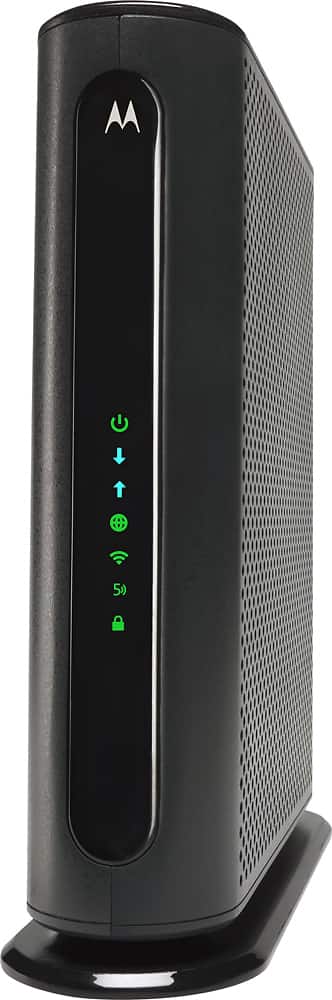
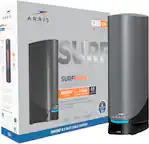
Motorola - Dual-Band AC1900 Router with 16 x 4 DOCSIS 3.0 Cable Modem - Black
SKU: J3QXHQYYTGGreat product....Great Router...Works great.
See all Wi-Fi RoutersProduct Description
A dual-band black modem-router combo with Wi-Fi 5, Power Boost, and parental controls for secure streaming.Your price for this item is $138.99 -
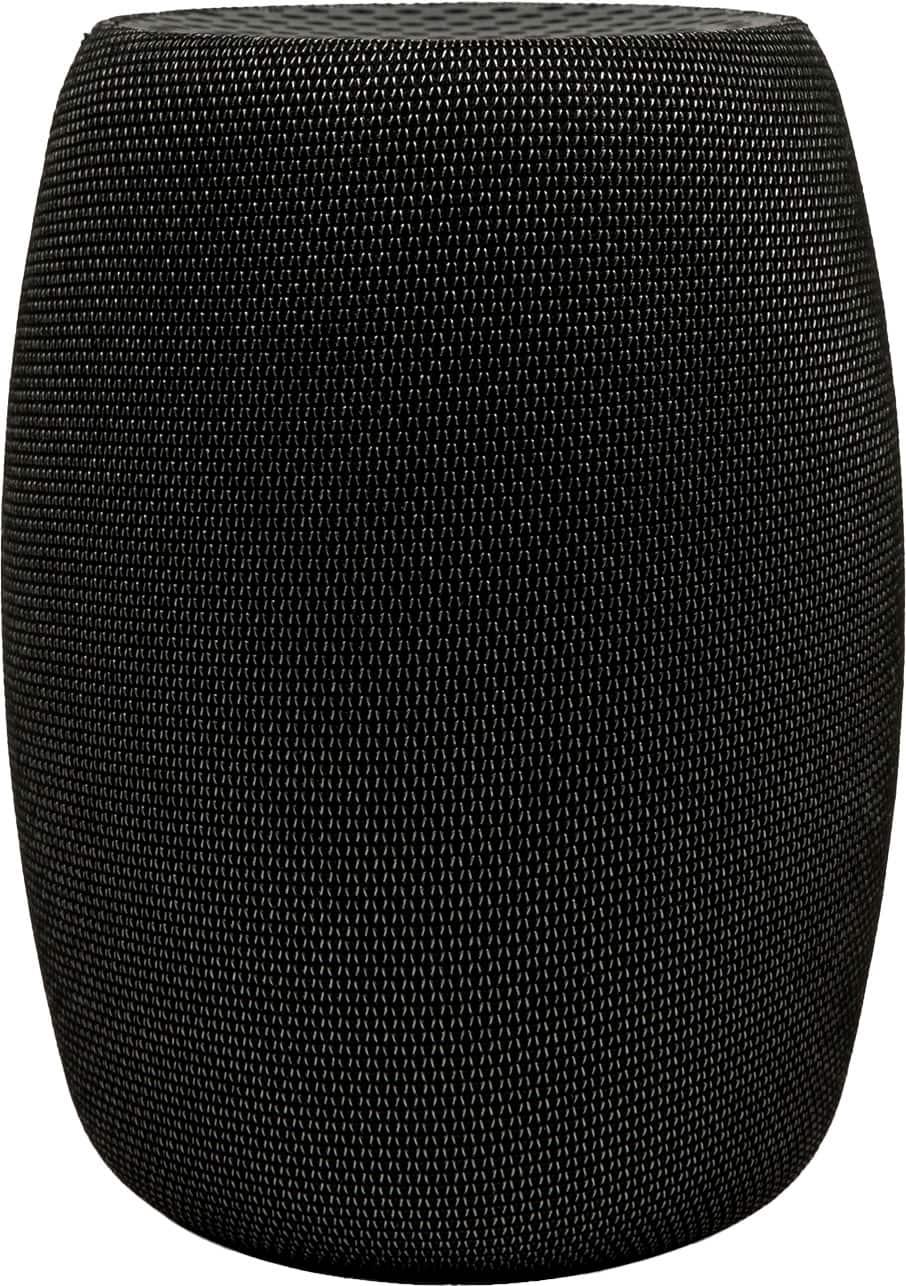
Motorola - B12 32 x 8 DOCSIS 3.1 Cable Modem - Black
SKU: J3R8W2ZJ8ZSee all Cable ModemsProduct Description
A high-performance black cable modem with DOCSIS 3.1 technology for ultra-fast, reliable internet connectivity.Your price for this item is $144.95Save $4The previous price was $149.00 -
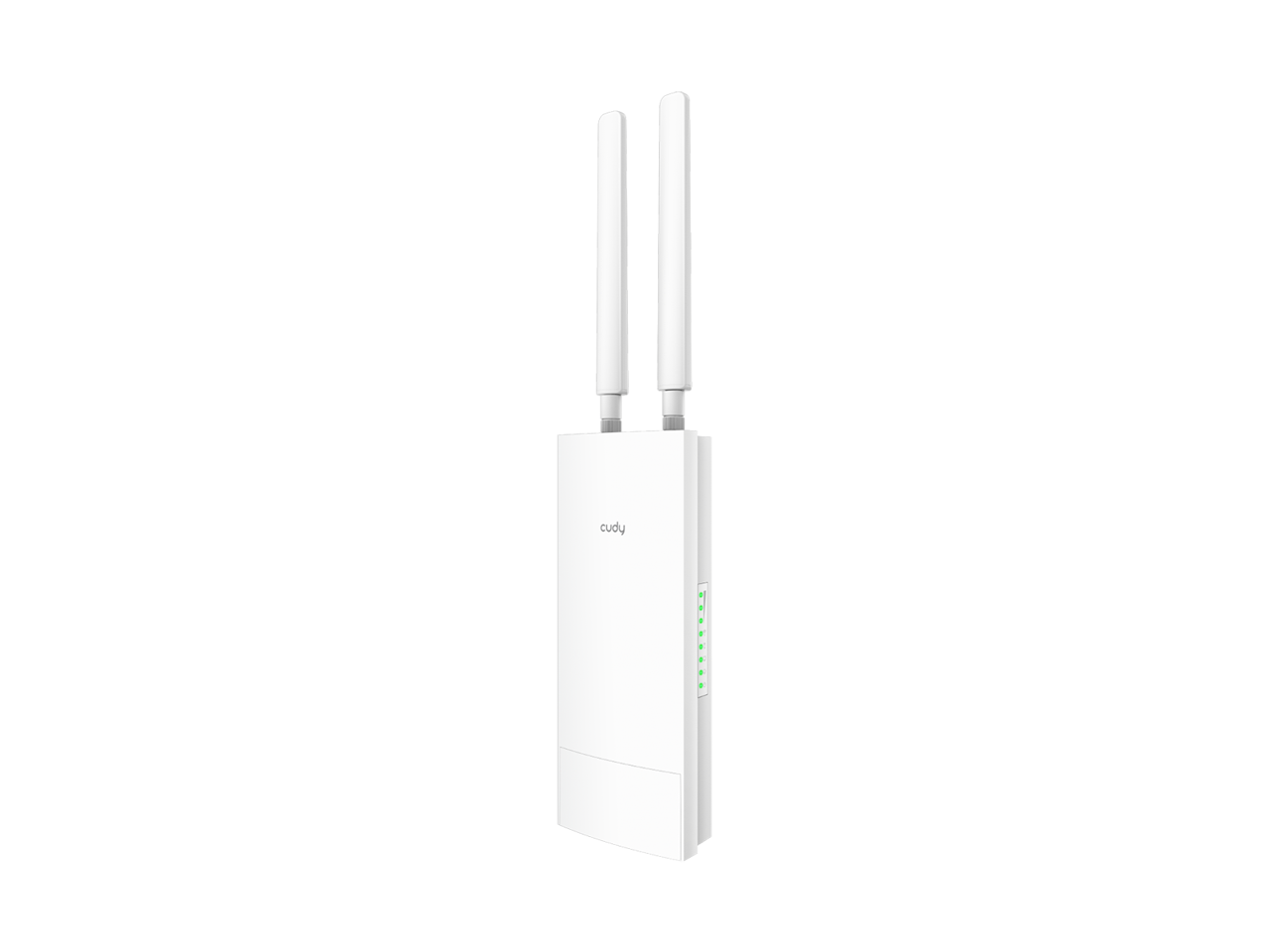
Cudy - LT500 Indoor/Outdoor 4G LTE & AC1200 Wi-Fi Router
SKU: JJ8HCLSH6FSee all Wi-Fi RoutersProduct Description
An indoor/outdoor router with 4G LTE, AC1200 Wi-Fi 5, and integrated modem for versatile connectivity.Your price for this item is $138.49
Best Sellers

Related Pages

FAQ
A Motorola modem and router combo simplifies your home network by combining two essential devices into one. This setup can save space, reduce cable clutter, and make installation easier. It also ensures compatibility between your modem and router, which can help optimize your internet speed and reliability.
Most Motorola modem and router models are compatible with major cable internet service providers such as Xfinity, Spectrum, and Cox. It's important to check the specific model's compatibility list or consult your ISP to ensure optimal performance with your plan.
Setting up a Motorola modem and router involves connecting the device to your cable outlet and power source, then following the on-screen or manual instructions to activate the modem with your ISP. Once activated, you can configure your Wi-Fi network name and password through the device's web interface or mobile app.
Many Motorola modem and router combos offer dual-band Wi-Fi, providing both 2.4GHz and 5GHz wireless networks. Dual-band support allows for better performance, reduced interference, and the ability to connect multiple devices with optimal speeds.
Yes, several Motorola modem and router models include built-in parental controls. These features allow you to manage internet access for specific devices, set schedules, and filter content to help ensure a safer online experience for your family.