PlayStation 4 HDMI
-
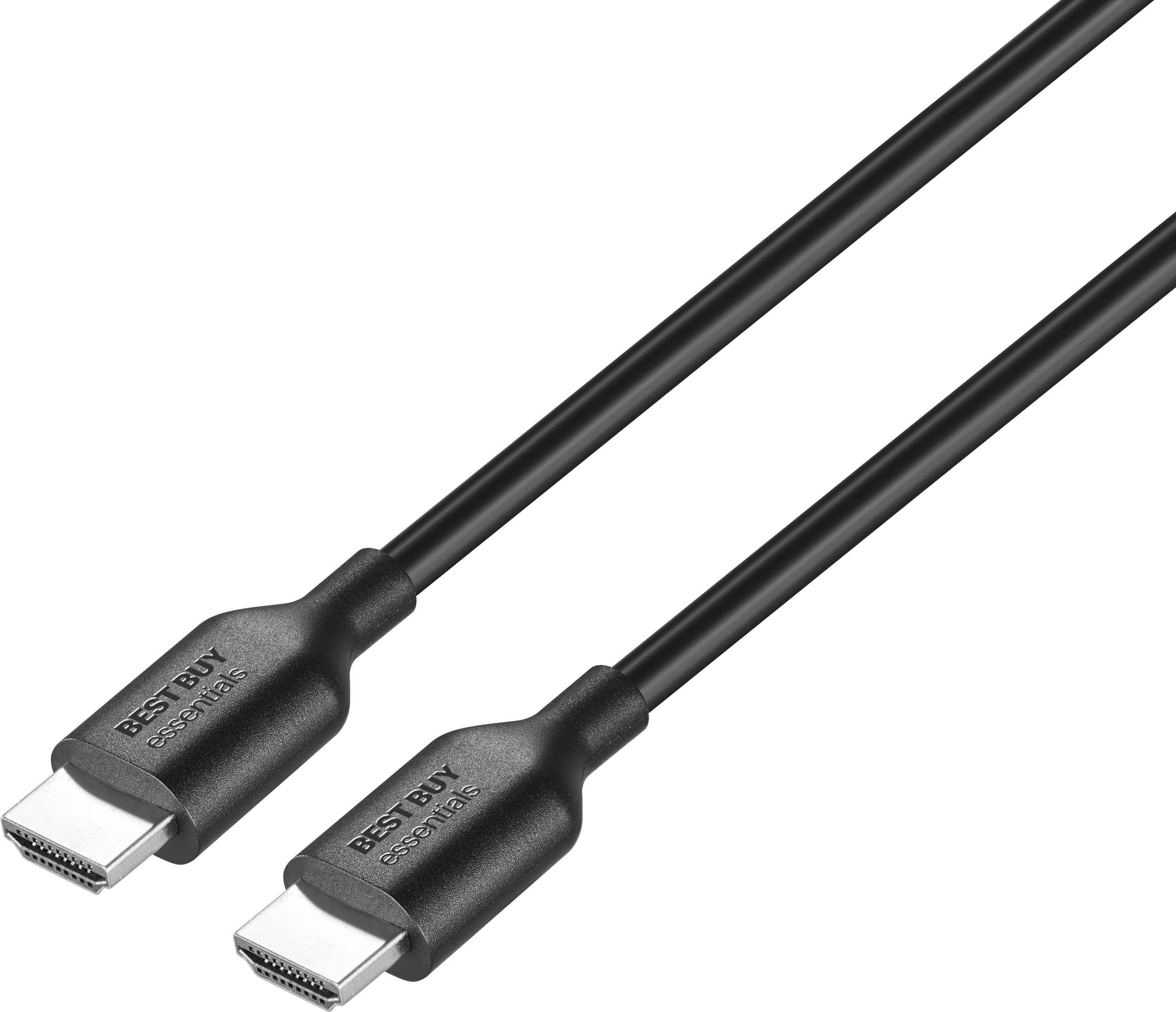
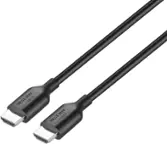
Best Buy essentials™ - 6' 4K Ultra HD HDMI Cable - Black
SKU: J2FPJKPLWSWorks great. Used for work. Great value. Love shopping at Best Buy....Great cable at an affordable price. It's a Best Buy brand.
See all 4K HDMI (2.0) CablesProduct Description
A black HDMI cable supporting 4K Ultra HD at 60 Hz with nickel-plated, corrosion-resistant connectors.Your price for this item is $7.99 -
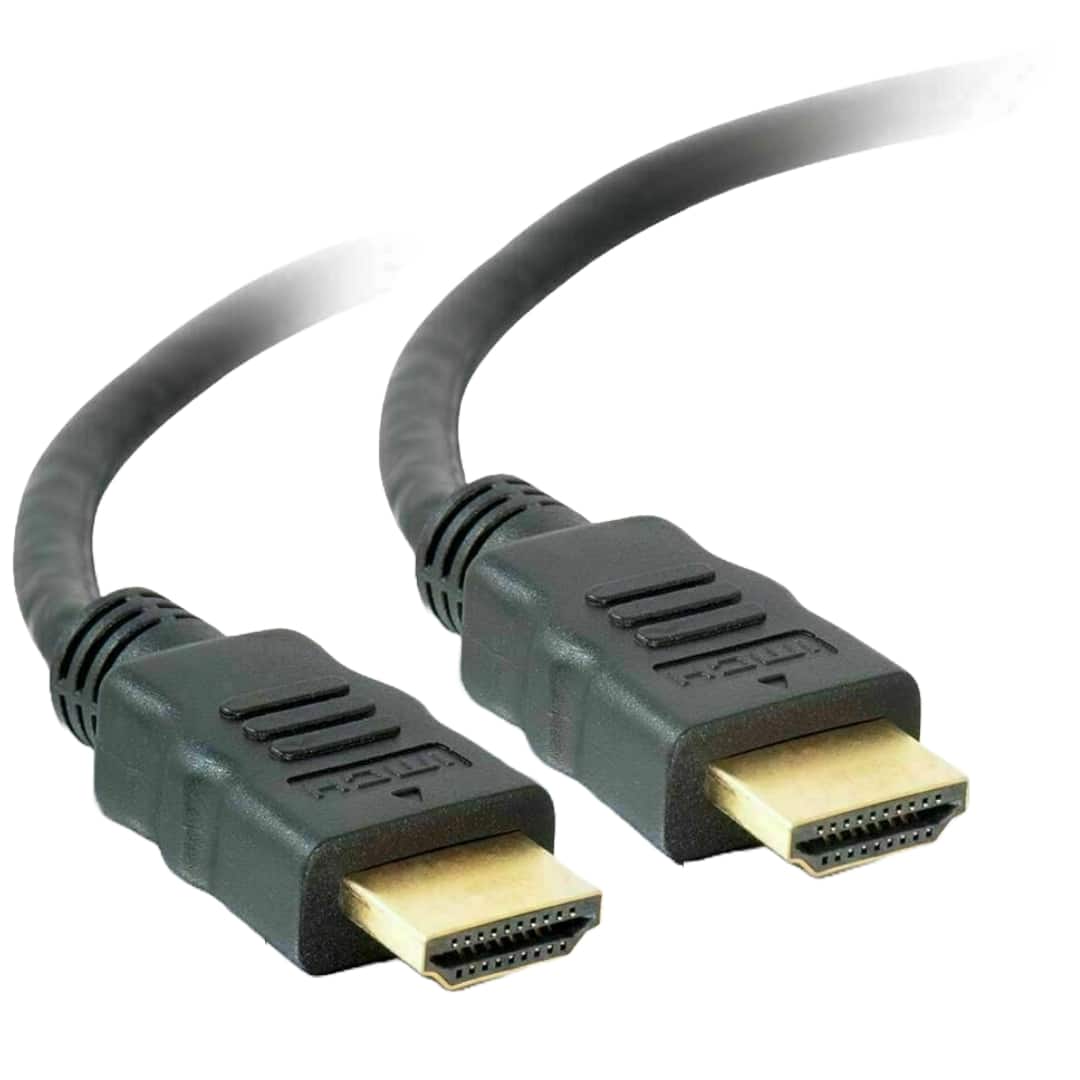
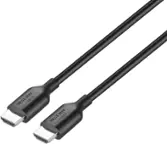
Sanoxy - 6 Feet HDMI-to- HDMI Gold Plated for 4K TV, Gaming Consoles - Black
SKU: B8SKTH3R8ZSee all 4K HDMI (2.0) CablesProduct Description
A black HDMI cable with 24K gold-plated connectors supports 4K, 3D, Ethernet, and audio return.Your price for this item is $15.99 -
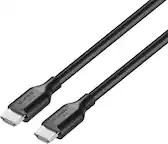
Sanoxy - 3 Feet HDMI-to- HDMI Gold Plated for 4K TV, Gaming Consoles - Black
SKU: B8SKTH3R86See all 4K HDMI (2.0) CablesProduct Description
A black HDMI cable with 24K gold-plated connectors supports 4K, 3D, Ethernet, and audio return.Your price for this item is $14.99 -
Sanoxy - 15 Feet HDMI-to- HDMI Gold Plated for 4K TV, Gaming Consoles - Black
SKU: B8SKTH3RG9See all 4K HDMI (2.0) CablesProduct Description
A black HDMI cable with 24K gold-plated connectors supports 4K, 3D, Ethernet, and audio return.Your price for this item is $16.99 -
Sanoxy - 25 Feet HDMI-to- HDMI Gold Plated for 4K TV, Gaming Consoles - Black
SKU: B8SKTH3RGKSee all 4K HDMI (2.0) CablesProduct Description
A black HDMI cable with 24K gold-plated connectors supports 4K, 3D, Ethernet, and audio return.Your price for this item is $29.99 -
Sanoxy - 10 Feet HDMI-to- HDMI Gold Plated for 4K TV, Gaming Consoles - Black
SKU: B8SKTH3RLWSee all 4K HDMI (2.0) CablesProduct Description
A black HDMI cable with 24K gold-plated connectors supports 4K, 3D, Ethernet, and audio return.Your price for this item is $15.99 -
Sanoxy - 30 Feet HDMI-to- HDMI Gold Plated for 4K TV, Gaming Consoles - Black
SKU: B8SKTH3RLJSee all 4K HDMI (2.0) CablesProduct Description
A black HDMI cable with 24K gold-plated connectors supports 4K, 3D, Ethernet, and audio return.Your price for this item is $29.99 -
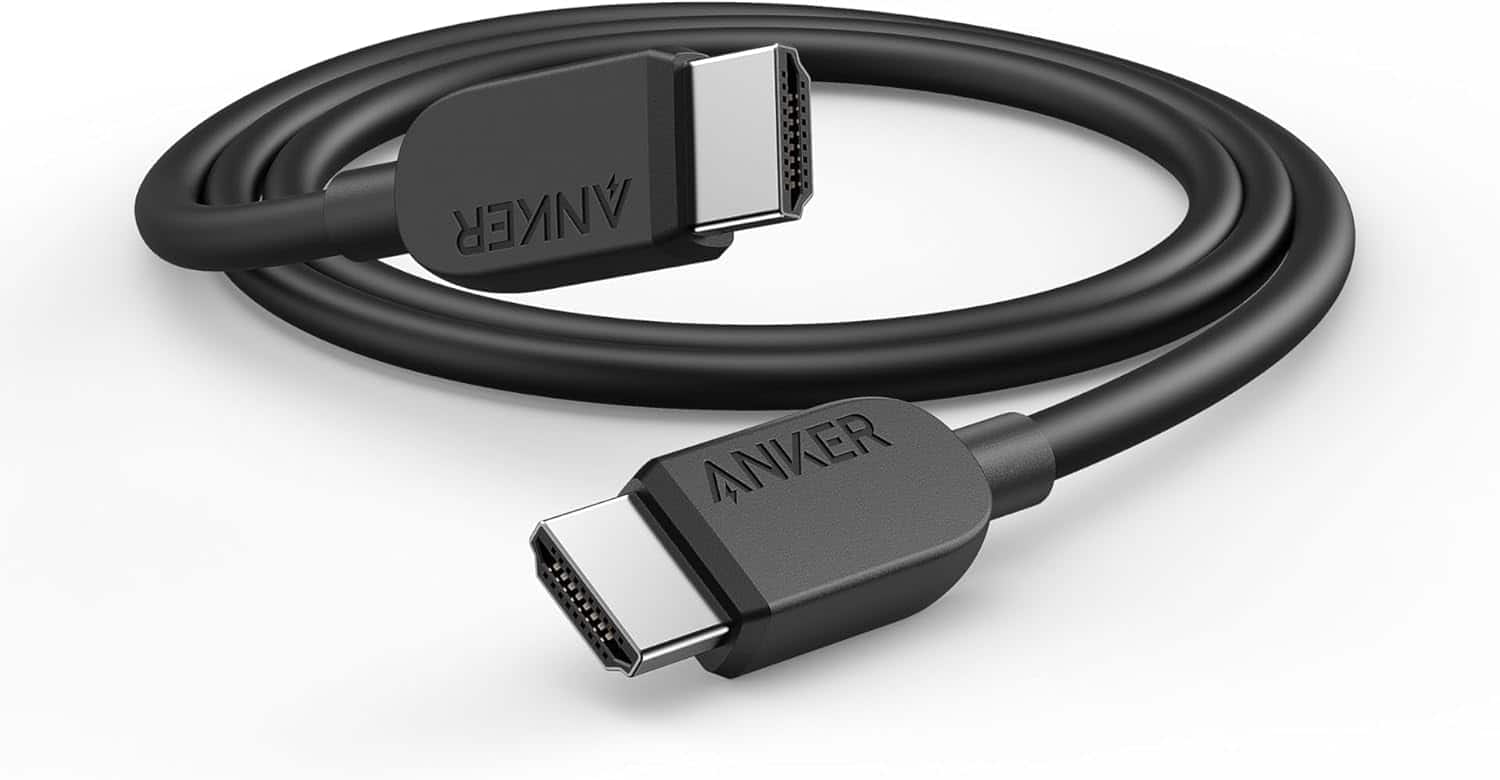
Anker - HDMI Cable 8K@60Hz, 10FT - Black
SKU: JJ858RJX7VSee all 8K HDMI (2.1) CablesProduct Description
An ultra high-speed black HDMI cable supporting 8K@60Hz and 4K@120Hz for gaming and streaming.Your price for this item is $13.99 -
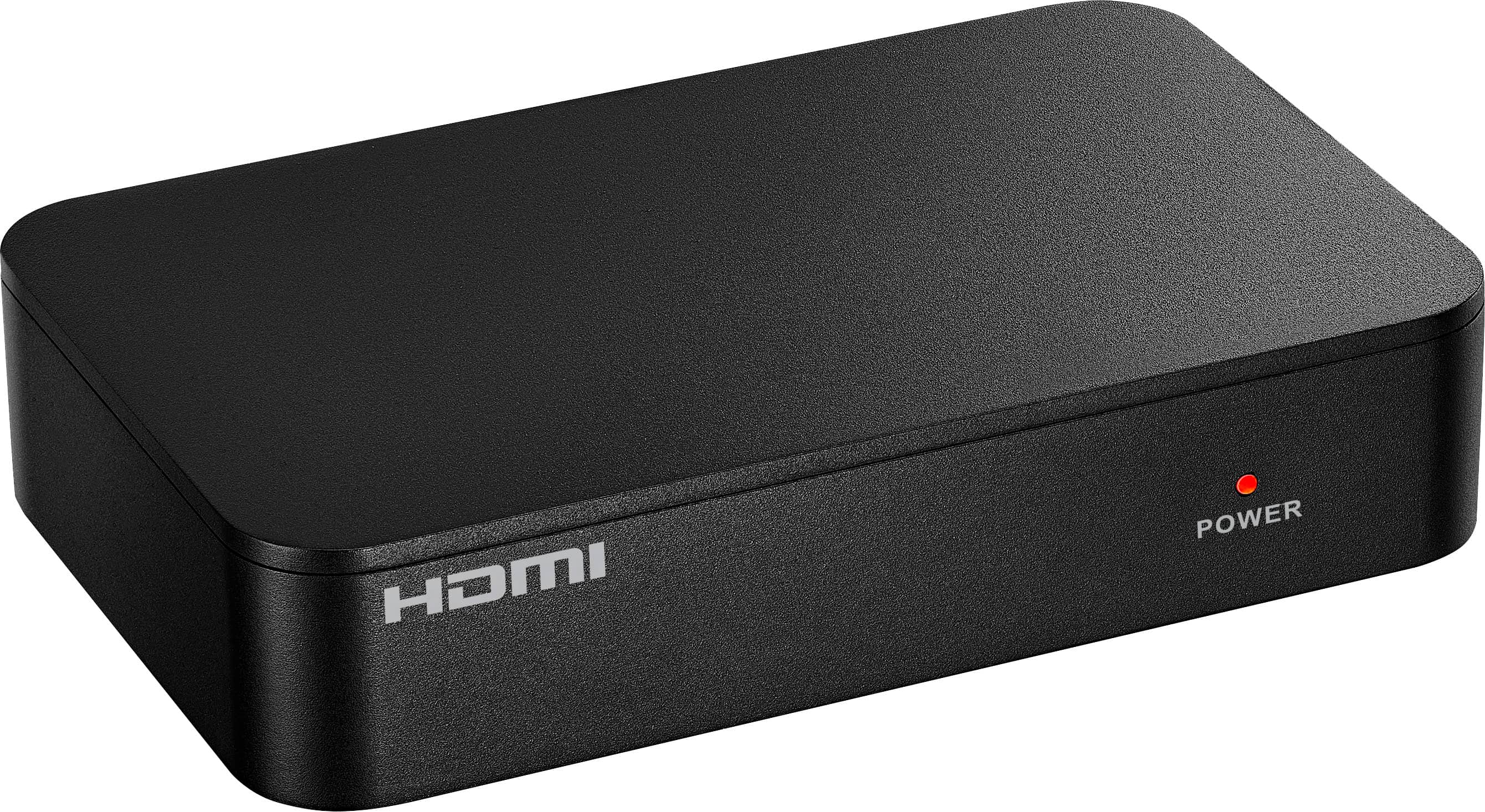
Insignia™ - HDMI 2-Output Splitter with HDR Pass-Through - Black
SKU: J2FPJK92TPbest purchase...great purchase!!.. go for it if u need one!!!!!!!!...Love it!
See all A/V Cables & ConnectorsProduct Description
A black HDMI splitter that supports HDR pass-through and 4K resolution for dual-display setups.Your price for this item is $49.99 -
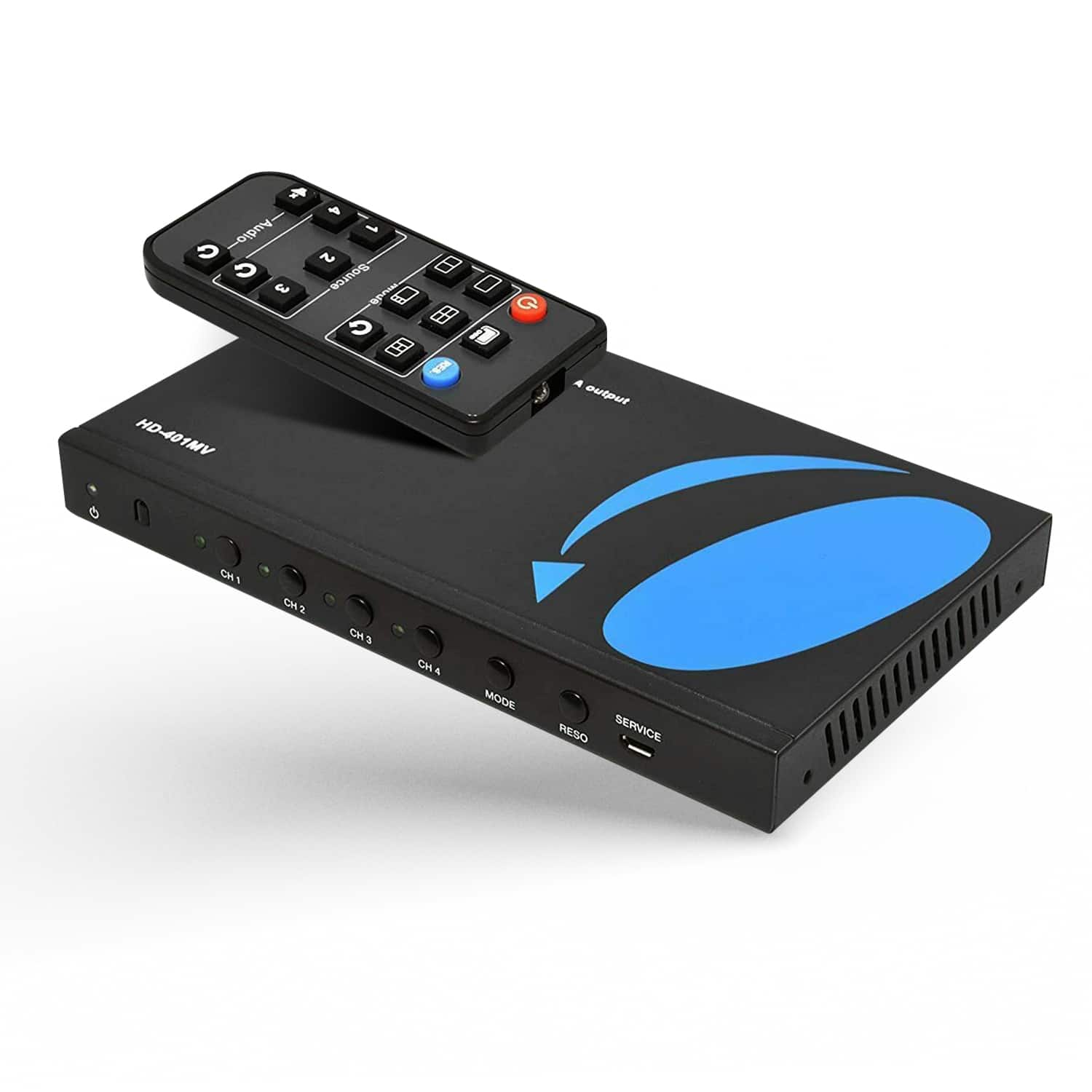
Orei - 1080p 4-port HDMI™ Seamless Switch w/ Multi Viewer (Audio Extract) - HD-401MV - Black
SKU: J3R8Q5F3RGSee all HDMI ExtendersProduct Description
A black 4-port HDMI switch seamlessly displays up to four sources with multi-view and audio extraction.Your price for this item is $64.99Save $5The previous price was $69.99
Best Sellers

Related Pages





FAQ
The PlayStation 4 is compatible with standard HDMI cables, including HDMI 1.4 and HDMI 2.0. For optimal performance, especially for high-definition gaming, it's recommended to use a high-speed HDMI cable.
Yes, HDMI cables used for PlayStation 4 are universal and can be used with other HDMI-enabled devices such as TVs, monitors, Blu-ray players, and other gaming consoles.
The standard PlayStation 4 supports up to 1080p resolution via HDMI. If you have a PlayStation 4 Pro, it can output 4K resolution when connected to a compatible 4K TV using a high-speed HDMI cable.
Simply plug one end of the HDMI cable into the HDMI OUT port on your PlayStation 4 and the other end into an available HDMI IN port on your TV. Then, select the corresponding HDMI input on your TV to display the PlayStation 4 screen.
If your PlayStation 4 is not displaying video, make sure both ends of the HDMI cable are securely connected. Try a different HDMI port on your TV or a different HDMI cable to rule out cable or port issues. You can also restart your PlayStation 4 and TV to reset the connection.