Portrait Mode iPhone 7 Plus
-
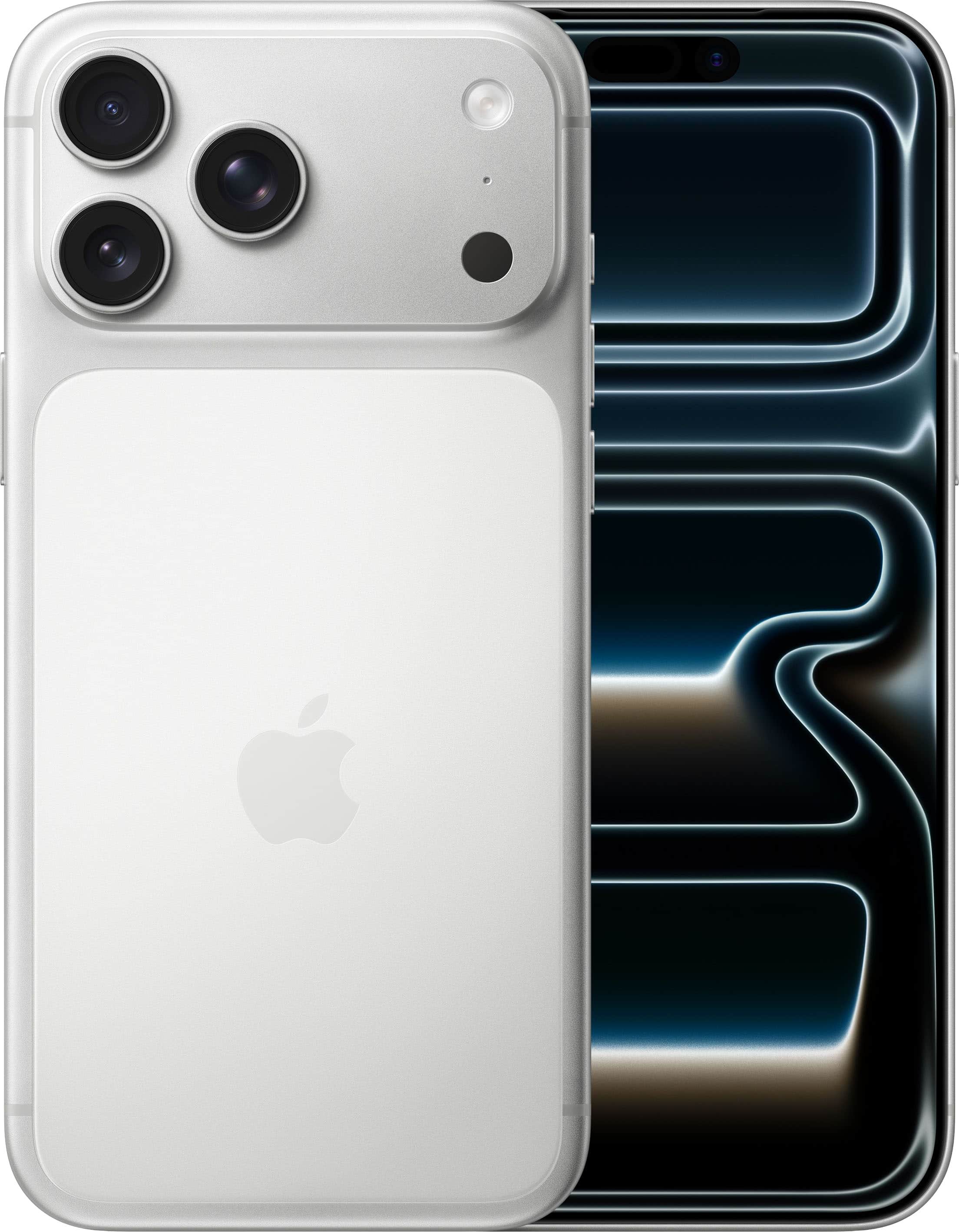
Apple - iPhone 17 Pro Max 256GB - Silver (AT&T)
SKU: JCQ6HQTWYFI can honestly say that the customer service and the gentleman that helped me take care of my iPhone orders were the Verizon wireless and the gentleman, Andrew and Zeke for helping me with the orders...
See all All Cell Phones with PlansProduct Description
A silver aluminum smartphone featuring a 6.9-inch display, A19 Pro chip, and triple 48MP cameras.Your price for this item is $1,199.99 -
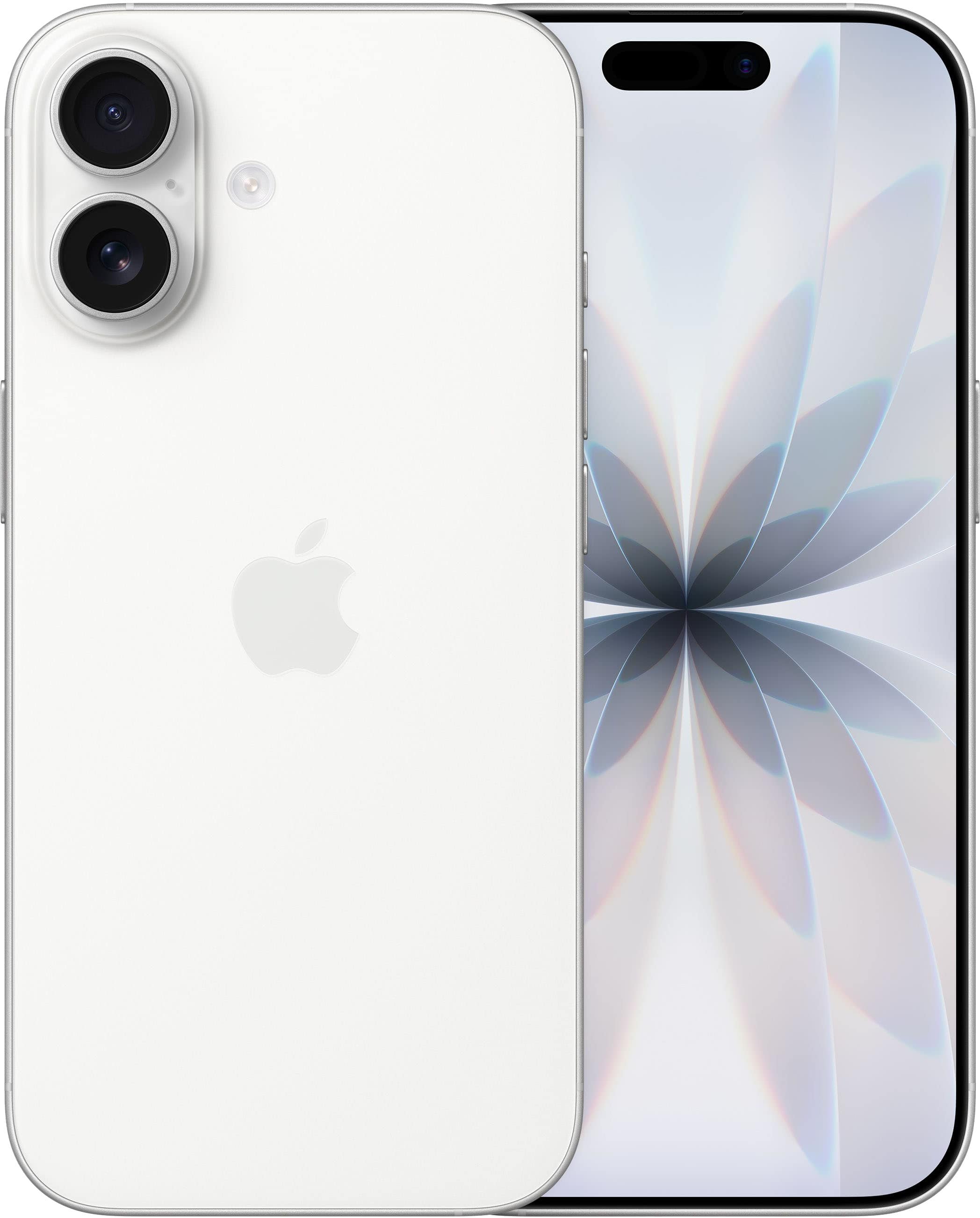
Apple - iPhone 17 256GB - White (AT&T)
SKU: JCQ6HRG6Z7See all All Cell Phones with PlansProduct Description
A white smartphone featuring a 6.3-inch ProMotion display, 48MP cameras, A19 chip, and iOS.Your price for this item is $829.99 -
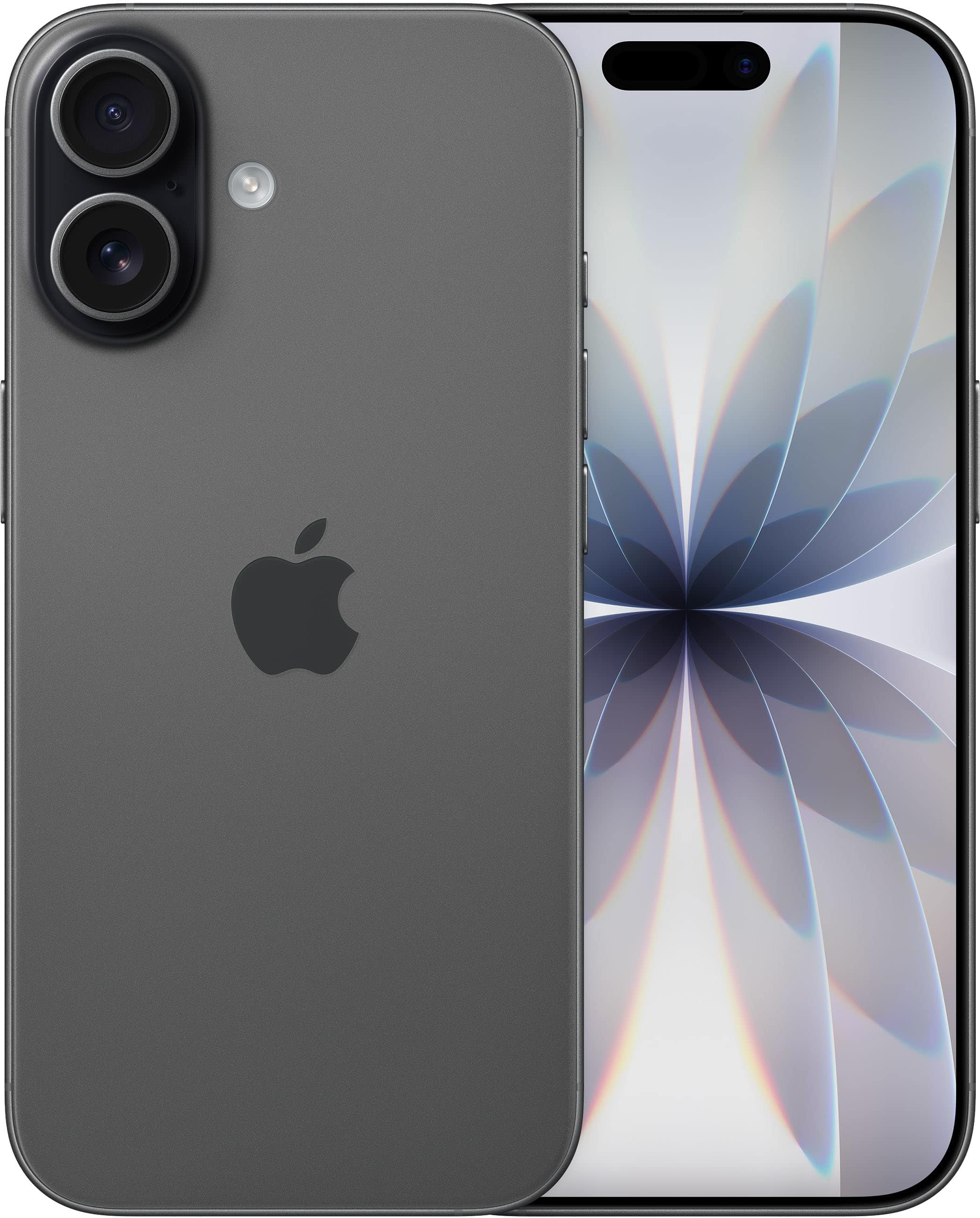
Apple - iPhone 17 256GB - Black (Verizon)
SKU: JCQ6HHJ5RZSee all All Cell Phones with PlansProduct Description
A sleek black smartphone featuring a 6.3-inch ProMotion display, 48MP cameras, and powerful A19 chip.Your price for this item is $829.99
Best Sellers



Related Pages




FAQ
Portrait Mode on the iPhone 7 Plus is a camera feature that uses both rear cameras to create a depth-of-field effect, keeping your subject in sharp focus while beautifully blurring the background for a professional-looking photo.
To enable Portrait Mode, open the Camera app and swipe to the 'Portrait' setting. Frame your subject within the on-screen guidelines, and when the depth effect is ready, simply tap the shutter button to capture your photo.
No, Portrait Mode on the iPhone 7 Plus is only available with the rear dual cameras. The front-facing camera does not support this feature on this model.
Portrait Mode performs best in well-lit environments. In low-light conditions, the feature may not be available or the results may not be as effective, as the camera needs sufficient light to detect depth and separate the subject from the background.
On the iPhone 7 Plus, the amount of background blur (bokeh) is set when you take the photo and cannot be adjusted afterward. Later iPhone models offer adjustable depth control, but this feature is not available on the iPhone 7 Plus.