HP 2600 Printer Ink
-
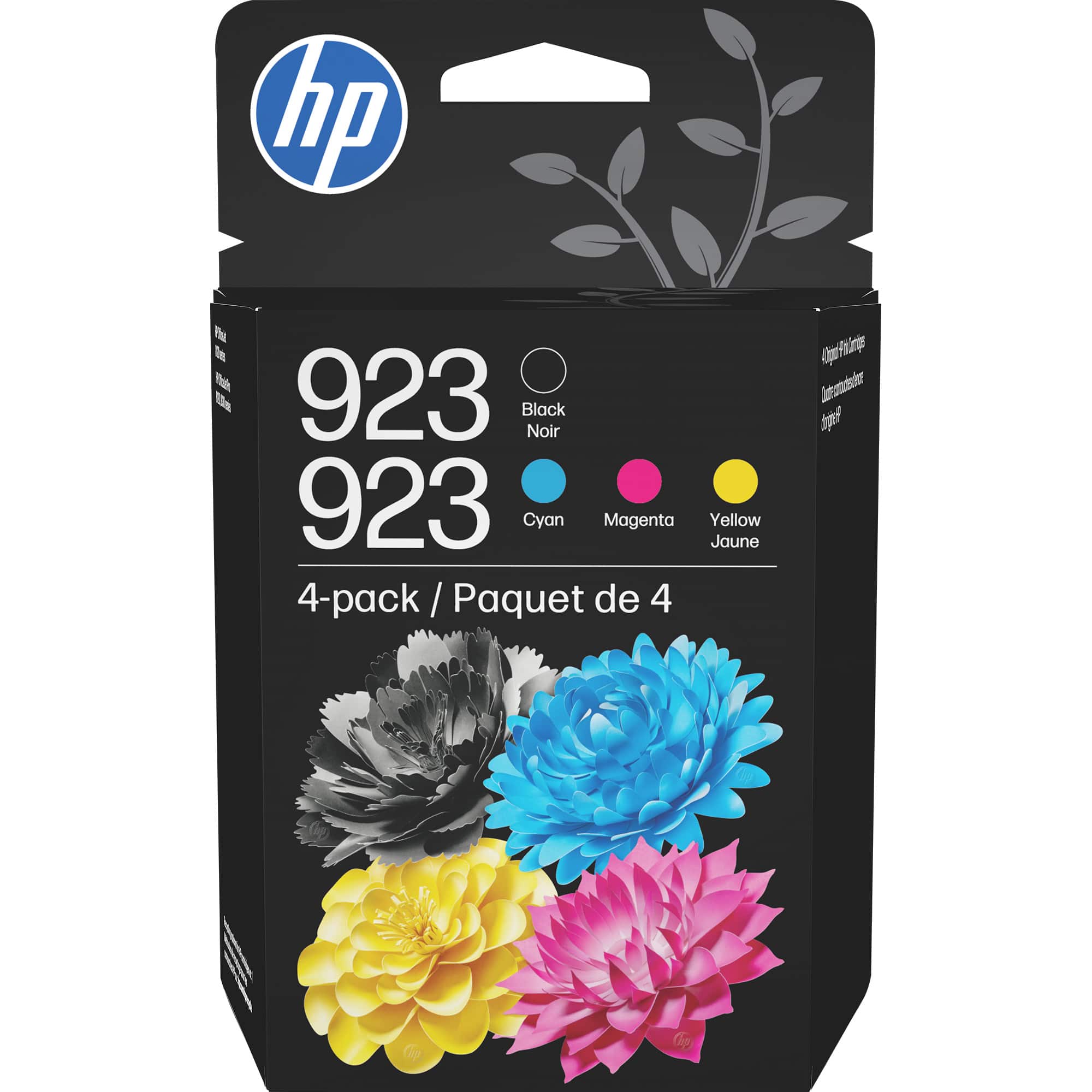
HP - 923 4-Pack Standard Capacity Ink Cartridges - Black/Cyan/Magenta/Yellow
SKU: JJG3JRHQF5Best ink on the market....You will love the quality of this product buy it.....Great price!...Price was great!...Compared to the last time I purchased the exact same thing - I saved over $30 at Best Buy!...
See all Printer InkProduct Description
A four-pack of black, cyan, magenta, and yellow ink cartridges delivers vivid, fade-resistant prints.Your price for this item is $93.89 -
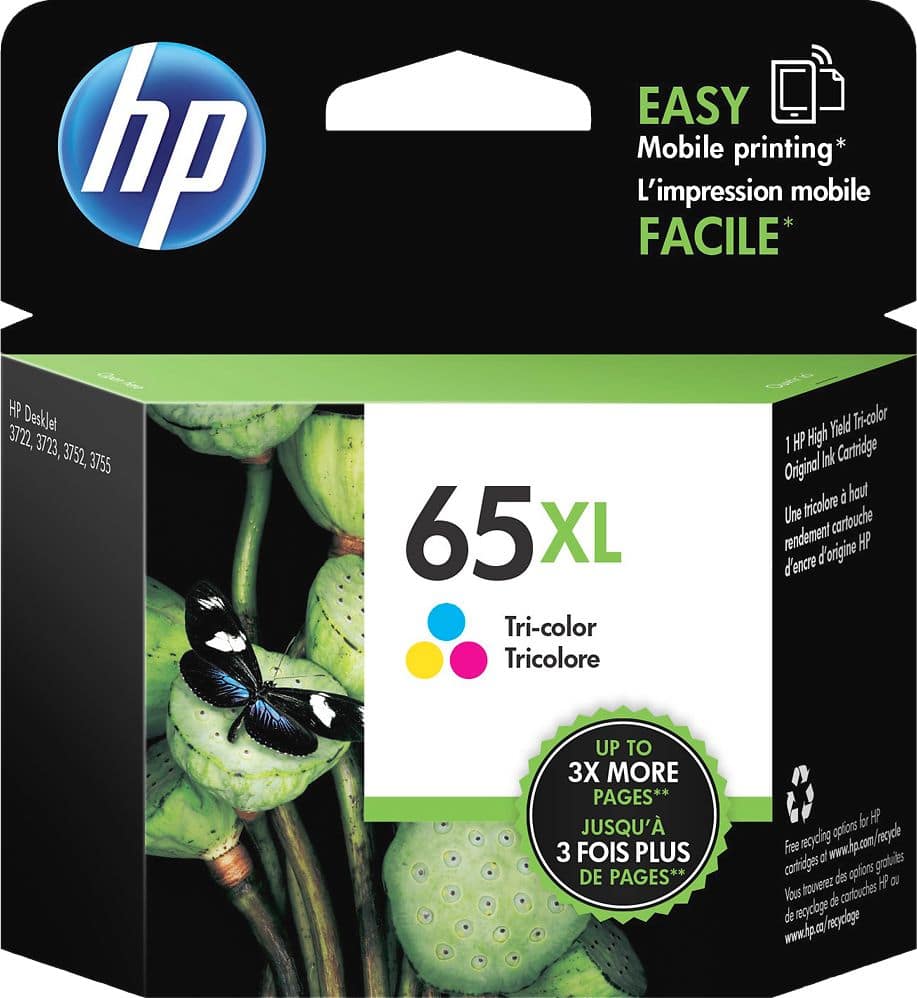
HP - 65XL High-Yield Ink Cartridge - Tri-color
SKU: J3ZZ73FHX4Great Service...Love ordering from Best Buy. Always have product and such fast delivery....Great service...I love shopping online with Best Buy, I’ve always had a good experience.
See all Printer InkProduct Description
A high-yield tri-color ink cartridge delivering crisp, vivid prints for compatible HP printers.Your price for this item is $55.99 -
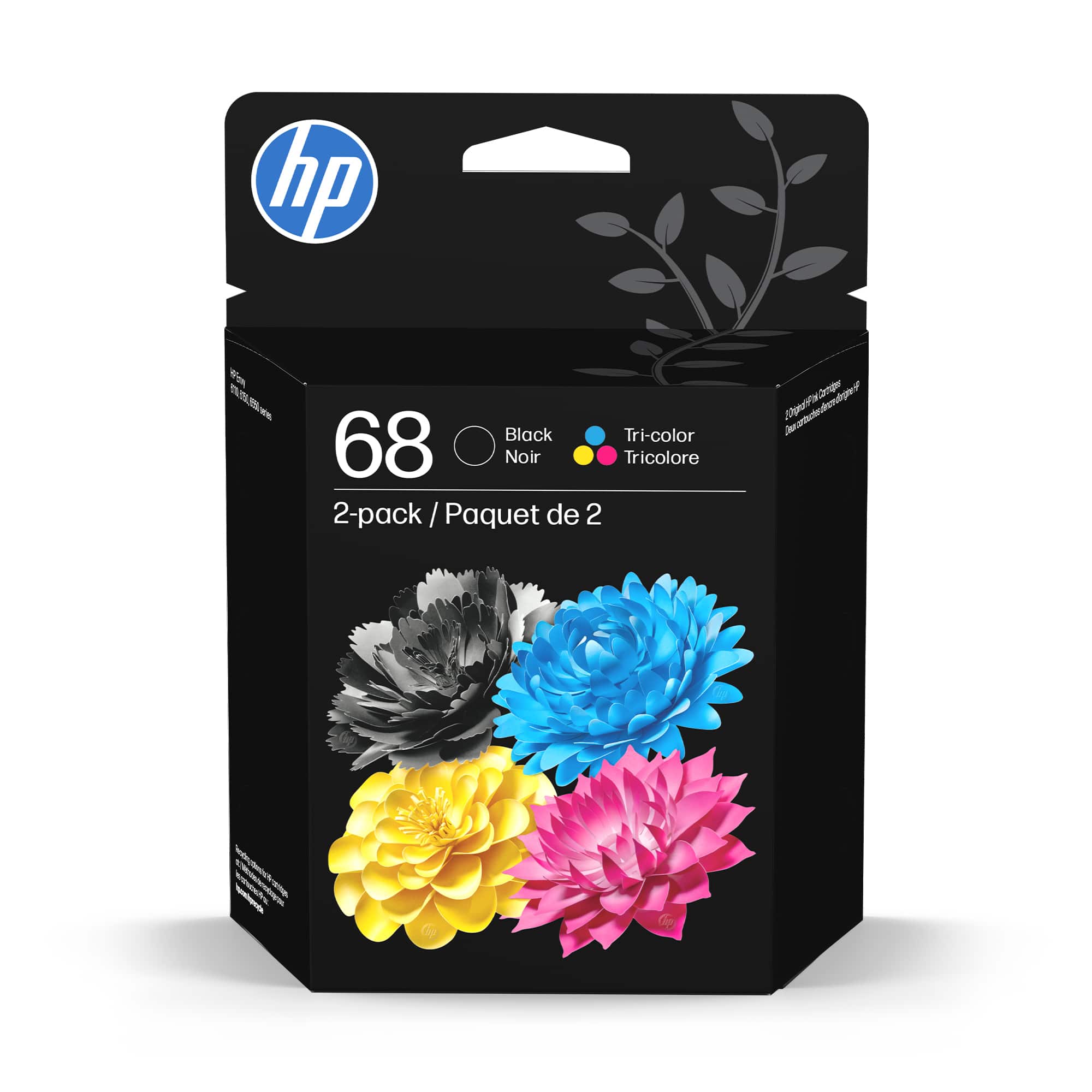
HP - 68 2-Pack Standard Capacity Ink Cartridges - Black/Tri-color
SKU: JJG87F2V2FI LOVE YOU GUYS. A SHOT OUT TO THE GEEK SQUAD. YOU LADIES AND GENTLEMAN ARE THE BEST THERE IS....Great face to face salesmanship and geek squad help....Love Best Buy!...LOVE THE GEEKS
See all Printer InkProduct Description
A reliable ink cartridge set delivering crisp black text and vibrant color prints with water-resistant technology.Your price for this item is $53.89 -
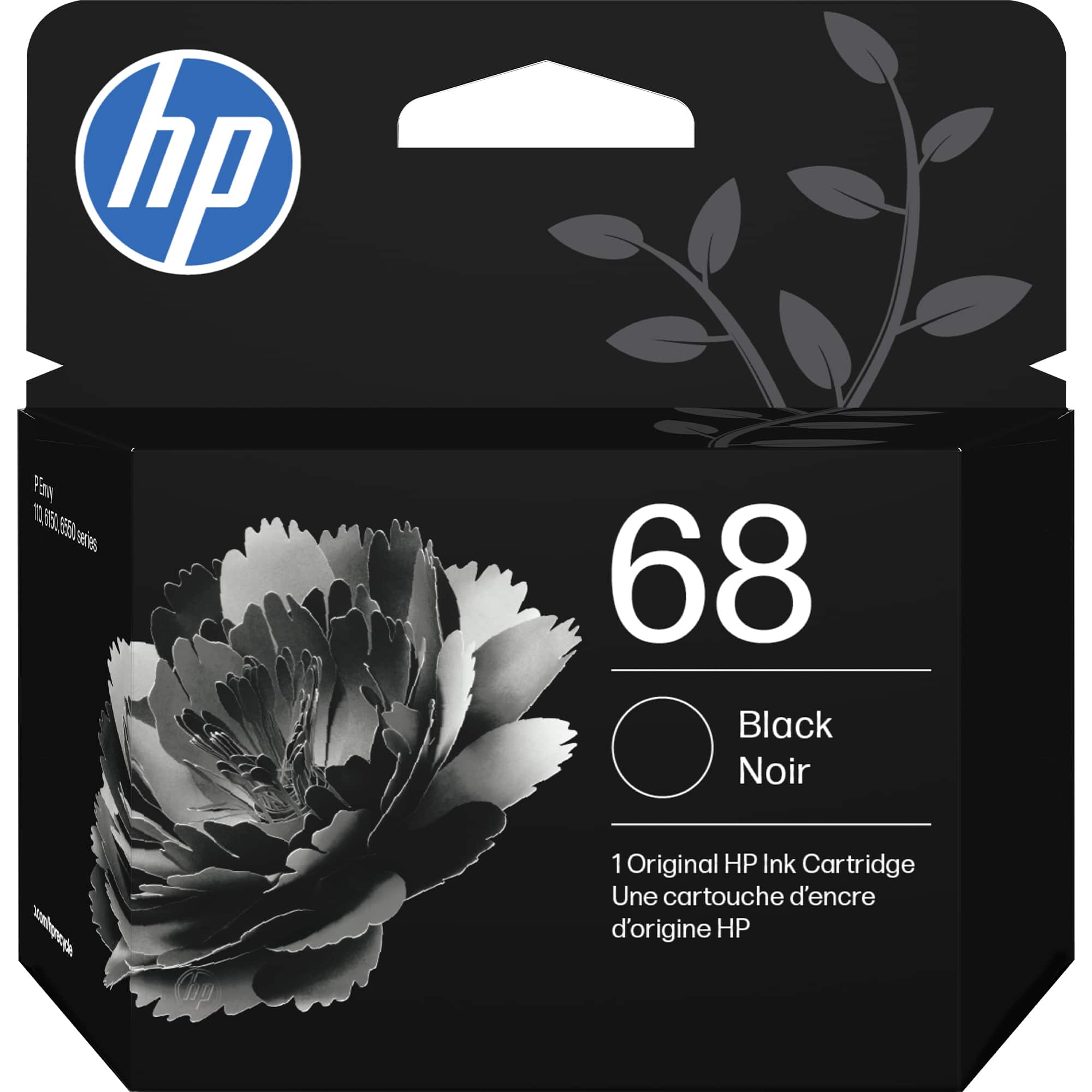
HP - 68 Standard Capacity Ink Cartridge - Black
SKU: JJG87F2VHWVery good great quality and I love it so much and I will come to get some more soon...Still, it's pretty decent in the grand scheme of things, and I like the ease of ordering online from Best
See all Printer InkProduct Description
A water-resistant black ink cartridge delivering crisp, fade-resistant prints with consistent quality and recycled materials.Your price for this item is $26.89
Best Sellers



Related Pages

FAQ
HP 2600 printer ink is designed for use with HP Color LaserJet Pro MFP M2600 series printers. Always check your printer's manual or product details to confirm compatibility before purchasing.
To install HP 2600 printer ink cartridges, open the printer’s front cover, remove the old cartridge, and gently insert the new one into the corresponding slot. Follow the on-screen instructions on your printer for optimal installation.
Yes, HP 2600 printer ink cartridges are available in both color and black options, allowing you to print high-quality documents and vivid color images with the same printer.
Store unused HP 2600 printer ink cartridges in a cool, dry place and keep them sealed in their original packaging until you’re ready to use them. Avoid exposing cartridges to direct sunlight or extreme temperatures.
If your HP 2600 printer ink cartridge is not recognized, try removing and reinstalling the cartridge, ensuring it is seated properly. If the issue persists, power cycle your printer or consult your printer’s troubleshooting guide for further assistance.