Replacement Laptop Batteries
-
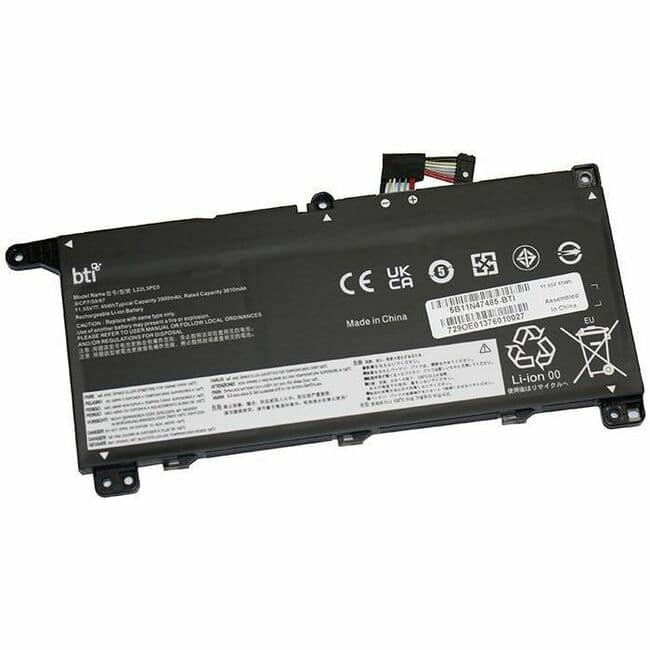
BTI Battery Tech - BTI 5B11N47485-BTI 11.55V 45WHR LI-ION BATTERY 5B11N47485, L22L3PE0, 5B11N47495, 5B11N47497, 5B11L67317, 5B11L67323
SKU: J3ZGJHLY9FSee all Lithium BatteriesProduct Description
A rechargeable 3-cell lithium-ion battery delivering 11.55V and 45Wh for select Lenovo ThinkBook models.Your price for this item is $96.62Save $20The previous price was $117.24 -
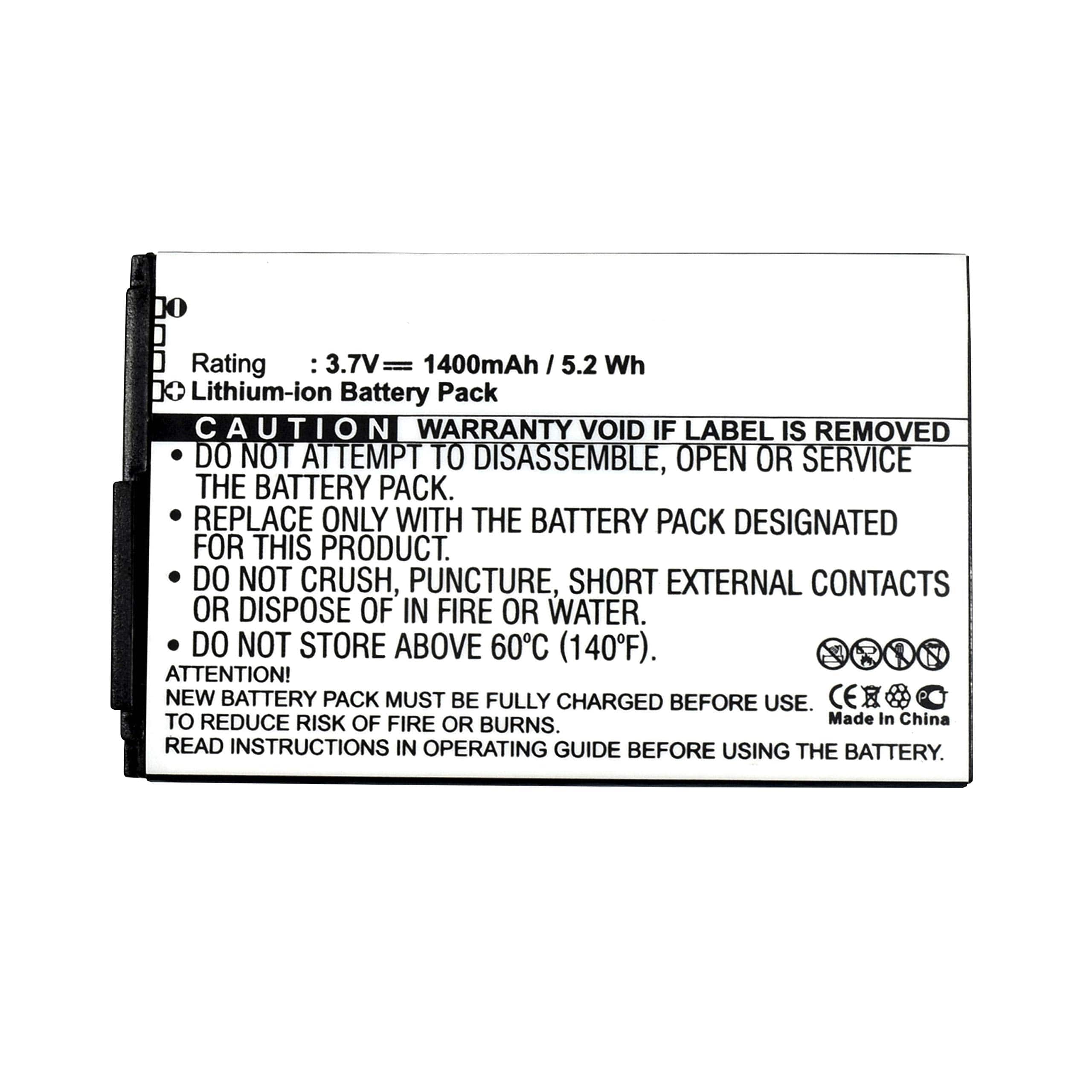
HQRP - Battery for DELL Venue Pro 214L0 1ICP6/67/56 CN-01XY9P-76121 0B6-068K-A01 PA-D008 Replacement
SKU: J3ZSL2SFY4See all All Batteries & PowerProduct Description
A rechargeable lithium-ion battery delivering 3.7V and 1400mAh for reliable Dell Venue Pro power replacement.Your price for this item is $14.95 -
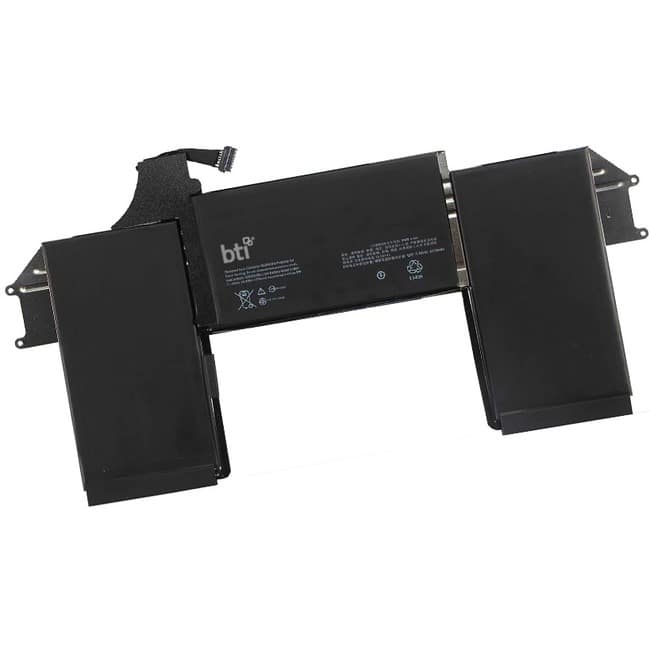
BTI Battery Tech - BTI A1965-BTI 11.4V 50WHR LI-ION BATTERY - For Notebook - Battery Rechargeable - 4800 mAh - 11.4 V DC
SKU: J3ZGJHGQ9SSee all Lithium BatteriesProduct Description
A rechargeable lithium-ion notebook battery delivering 11.4V and 4800mAh for reliable portable power.Your price for this item is $128.80
Best Sellers







Related Pages




FAQ
To find the right replacement battery, check your laptop’s model number, which is usually located on the bottom of your device or in your system settings. Use the model number to search for compatible batteries or filter your search by brand and model on our product listing page.
Most replacement laptop batteries are designed for easy installation. Typically, you can remove the old battery by unlocking the latch and sliding it out, then insert the new battery in its place. For some models, you may need a screwdriver. Always consult your laptop’s manual for specific instructions.
Quality third-party replacement batteries are designed to meet or exceed original manufacturer specifications, ensuring reliable performance. Be sure to choose batteries from reputable brands and check compatibility with your laptop model for optimal results.
Common signs include shorter battery life, unexpected shutdowns, the laptop not charging, or the battery not holding a charge. If you notice any of these issues, it may be time to consider a replacement.
To extend your battery’s lifespan, avoid letting it fully discharge regularly, keep your laptop in a cool, dry environment, and unplug the charger once the battery is fully charged. Regularly calibrating your battery can also help maintain its health.