RGB Backlit Keyboards
-
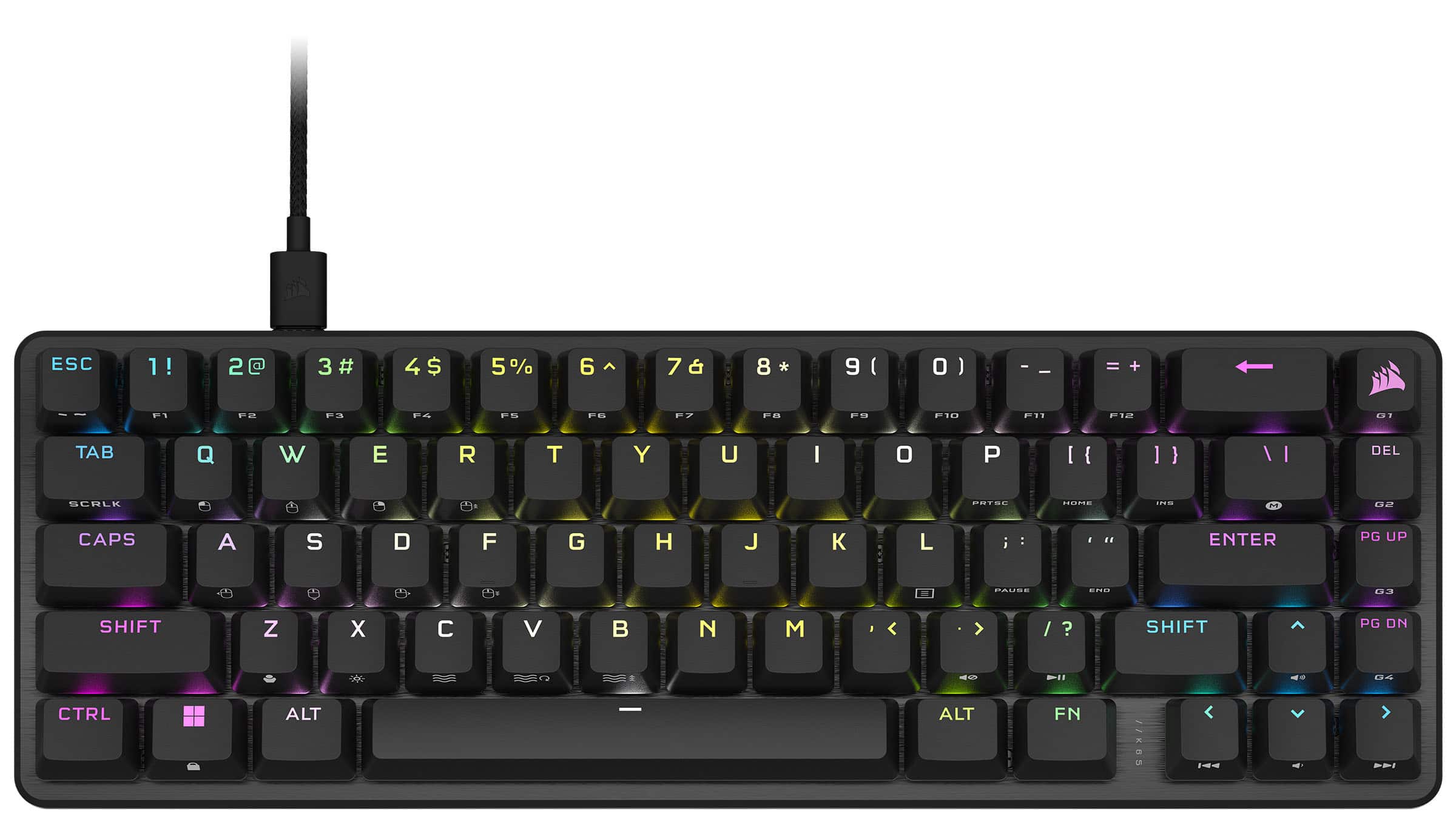
CORSAIR - K65 PRO MINI RGB 65% Optical-Mechanical Gaming Keyboard Backlit RGB LED, OPX - Black
SKU: J39QHT2T9GLove the size and very fun to use. Wish it was wireless but still fun to use....Best keyboard money can buy. This is like the 5th one we have purchased.
See all Gaming KeyboardsProduct Description
A compact black optical-mechanical keyboard featuring RGB backlighting, PBT keycaps, and ultra-fast response time.Your price for this item is $78.99Save $71The previous price was $149.99 -
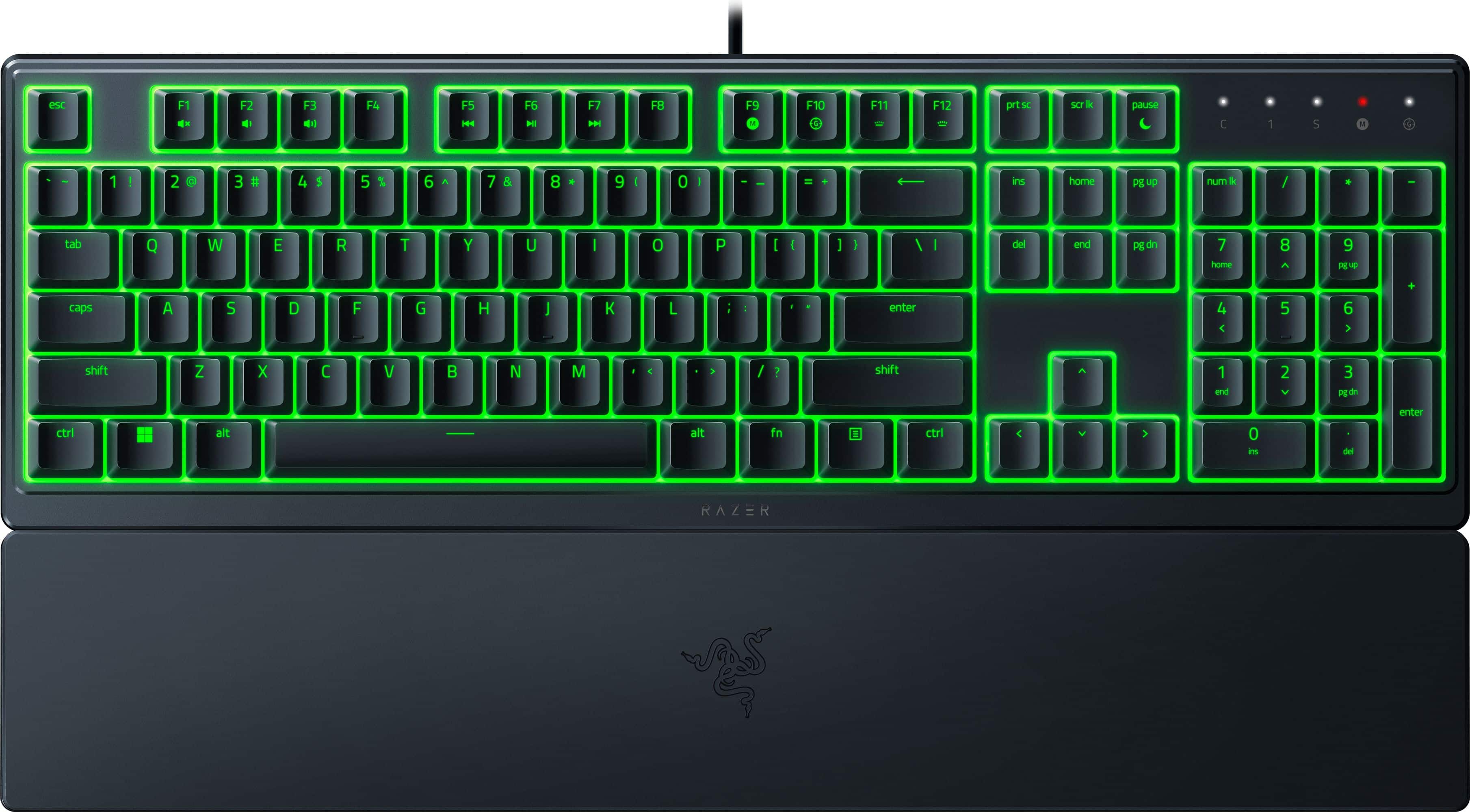
Razer - Ornata V3 X Full-Size Wired Membrane Gaming Keyboard with Chroma RGB Backlighting - Black
SKU: J39HWFQT82Love this keyboard. 2nd one ive had. Best bang for buck...Great Buy!...Best buy had the best price I could find and it was delivered in great shape and very timely.
See all Gaming KeyboardsProduct Description
A full-size black wired gaming keyboard featuring membrane switches, ergonomic design, and customizable Chroma RGB backlighting.Your price for this item is $34.98Save $5The previous price was $39.99 -
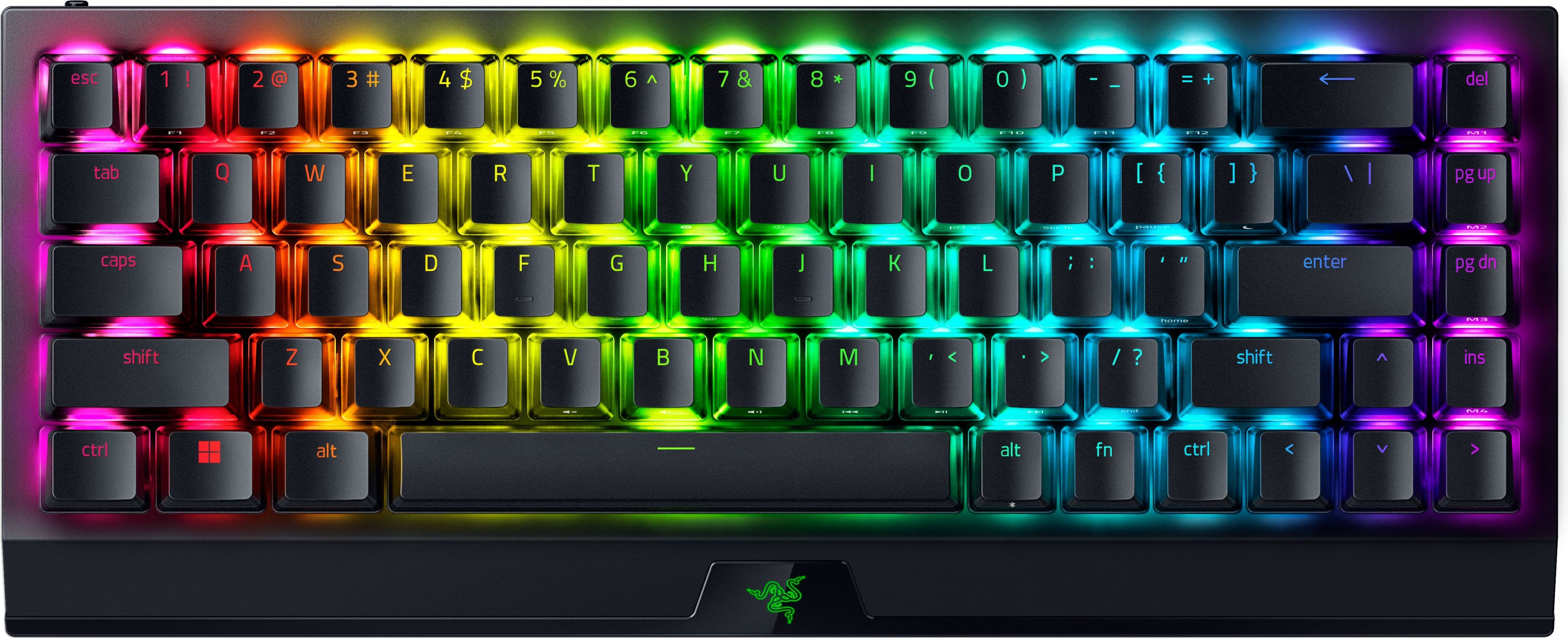
Razer - BlackWidow V4 Mini 65% HyperSpeed Wireless Mechanical Orange Switch Gaming Keyboard with Hot-Swappable Design - Black
SKU: J39HWFHRR6Best Keyboard...Best keyboard I have ever owened....I love the popping sound, love the swappable design so i can change cerain keys for how I like to game...Best one yet....Great jeyboard use it for work...
See all Gaming KeyboardsProduct Description
A compact black wireless mechanical keyboard featuring hot-swappable orange switches and vibrant RGB illumination.Your price for this item is $99.99 -
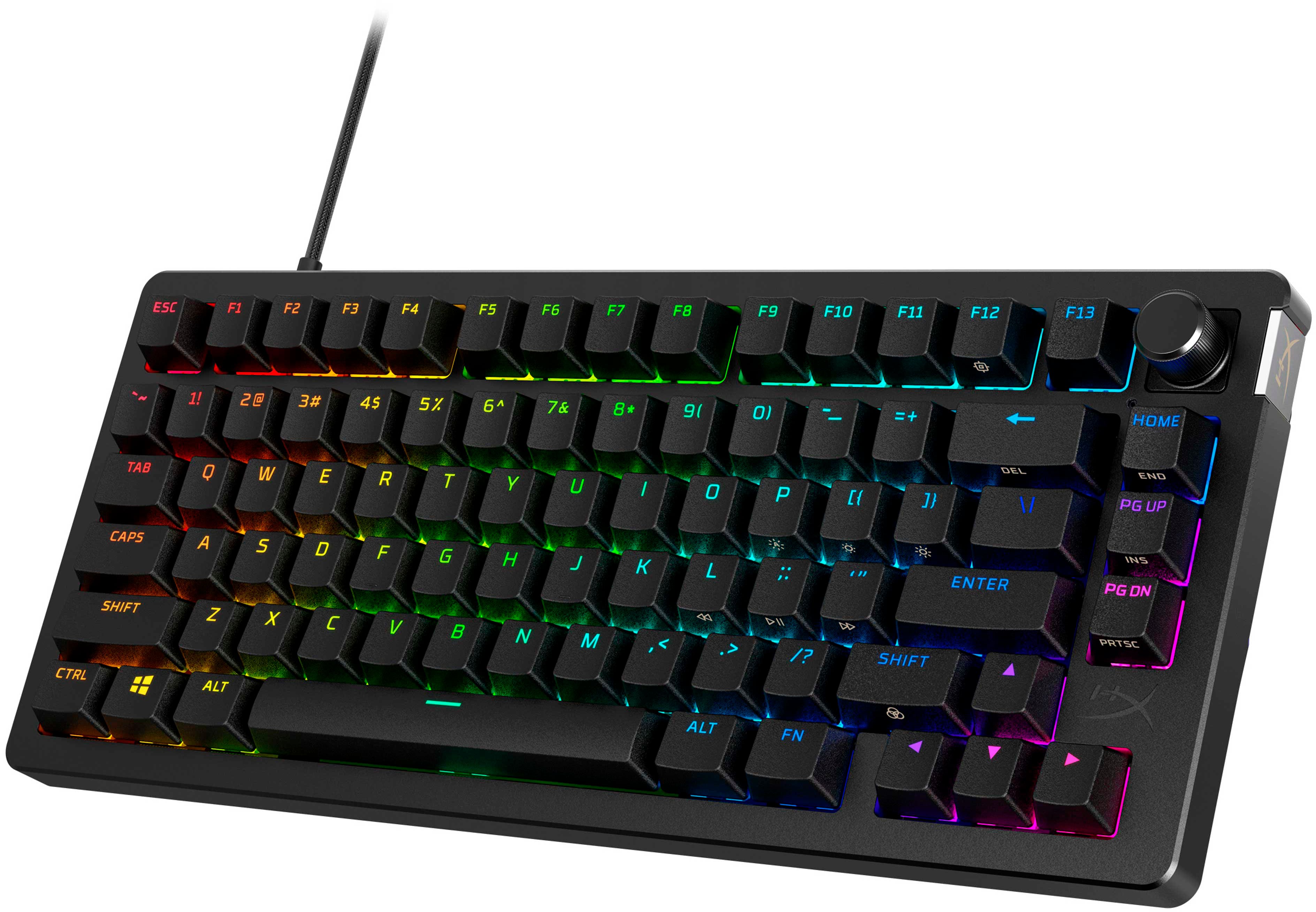
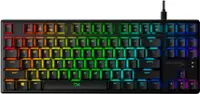
HyperX - Alloy Rise 75 75% Wired Mechanical Linear Switch Gaming Keyboard with RGB Lighting - Black
SKU: JJGGT9YY64Love it...Love this keyboard. Super durable and the LEDs work beautifully...Great durable gaming keyboard!...The first thing I love about this keyboard is its size!...Of course, the next best thing is...
See all Gaming KeyboardsProduct Description
A customizable black mechanical gaming keyboard with hot-swappable linear switches, RGB lighting, and dedicated arrow keys.Your price for this item is $84.99Save $85The previous price was $169.99 -
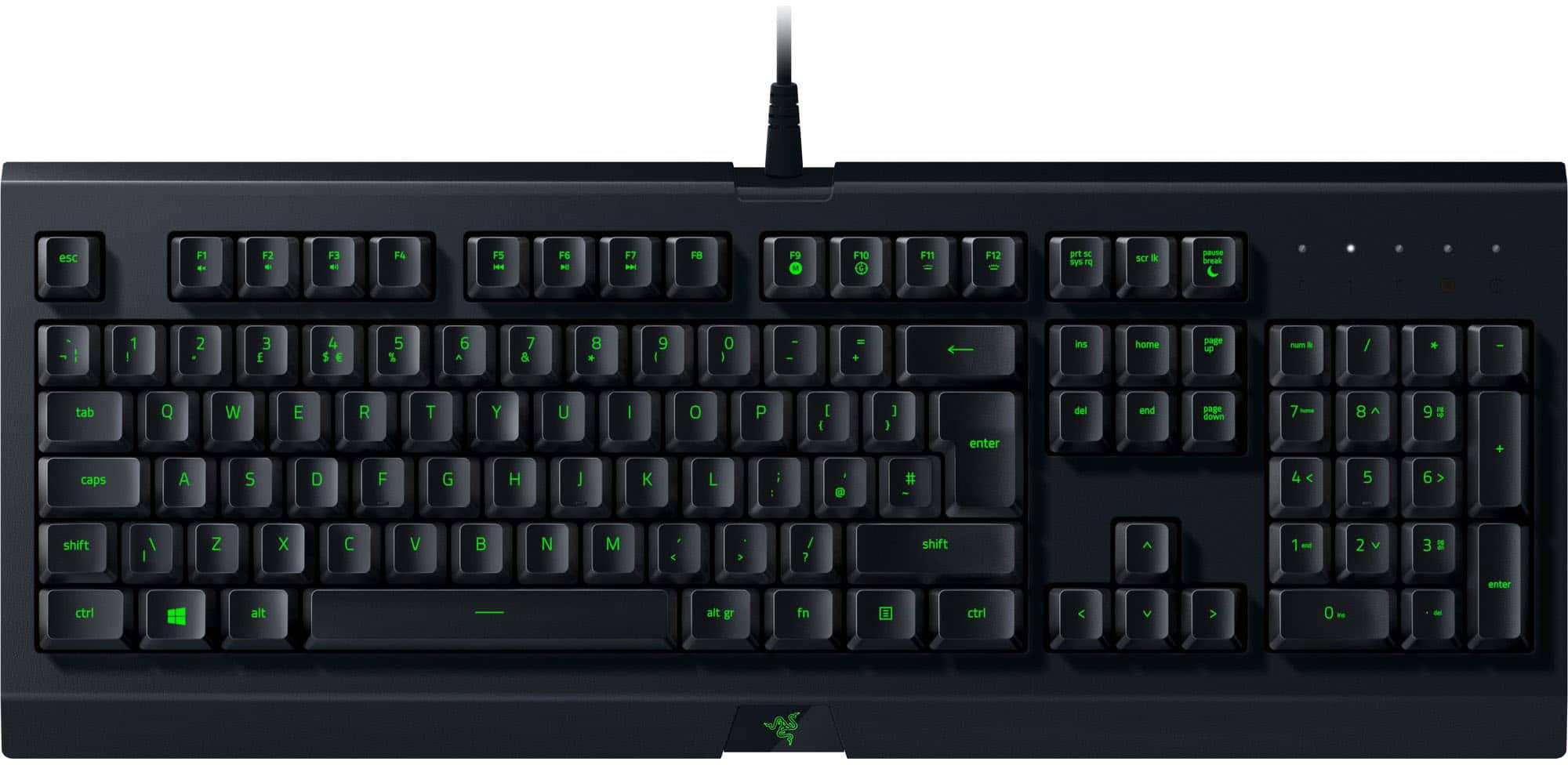
Razer - Cynosa Lite Wired Membrane Gaming Keyboard with Chroma RGB Backlighting - Black
SKU: J3GV652GQJgreat for typing...put the software on my computer that I just didnt need. since I mainly type for school it is not the best...Great for beginner...used a gaming keyboard before this one but I actually...
See all Gaming KeyboardsProduct Description
A black, full-size wired gaming keyboard featuring Chroma RGB backlighting, membrane keys, and spill resistance.Your price for this item is $19.99Save $20The previous price was $39.99 -
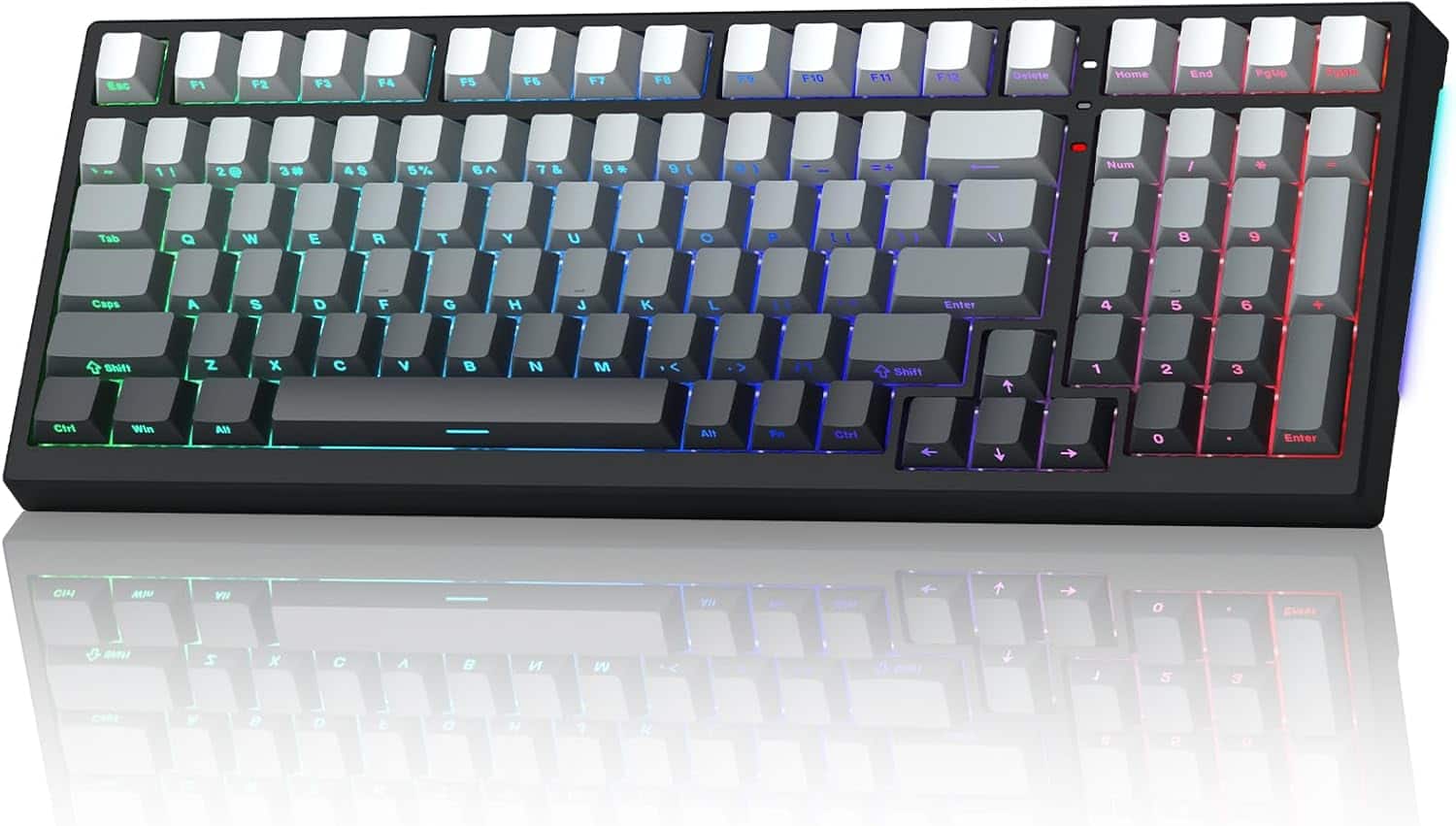
Womier - X98 Wireless 98% Mechanical Keyboard, RGB Backlit Custom Gaming Keyboard with Number Pad - Black
SKU: CX9QZT84X4See all Gaming KeyboardsProduct Description
A wireless mechanical keyboard in black featuring RGB backlighting, PBT keycaps, and a numeric keypad.Your price for this item is $55.99Save $3The previous price was $58.99 -
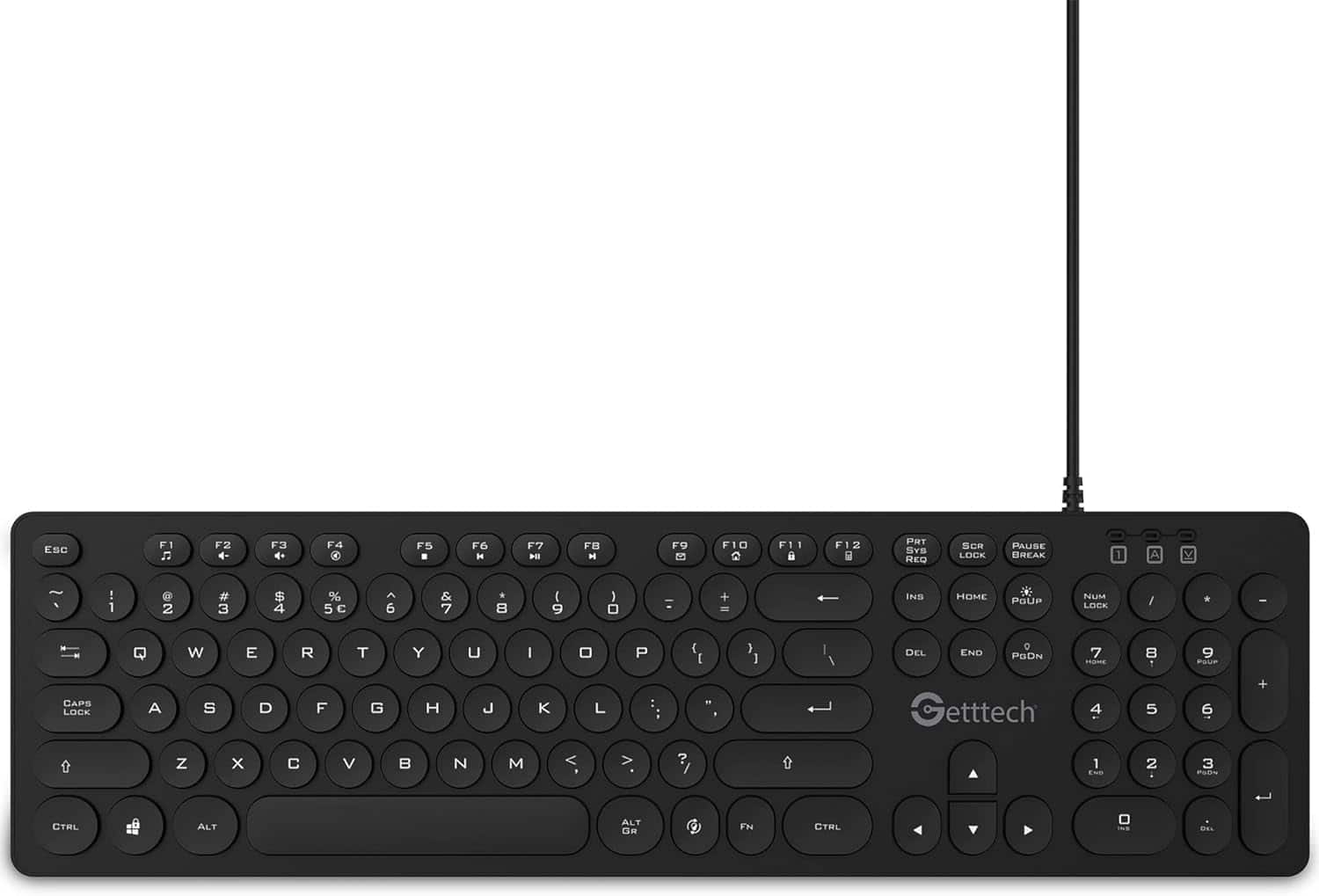
Getttech - Backlit Keyboard Ignite, SKU: GTI-28201G - Gray
SKU: CVXGP2QWXGSee all Wired & USB KeyboardsProduct Description
A gray backlit membrane keyboard featuring 105 responsive keys, multimedia functions, and plug-and-play USB connectivity.Your price for this item is $39.99 -
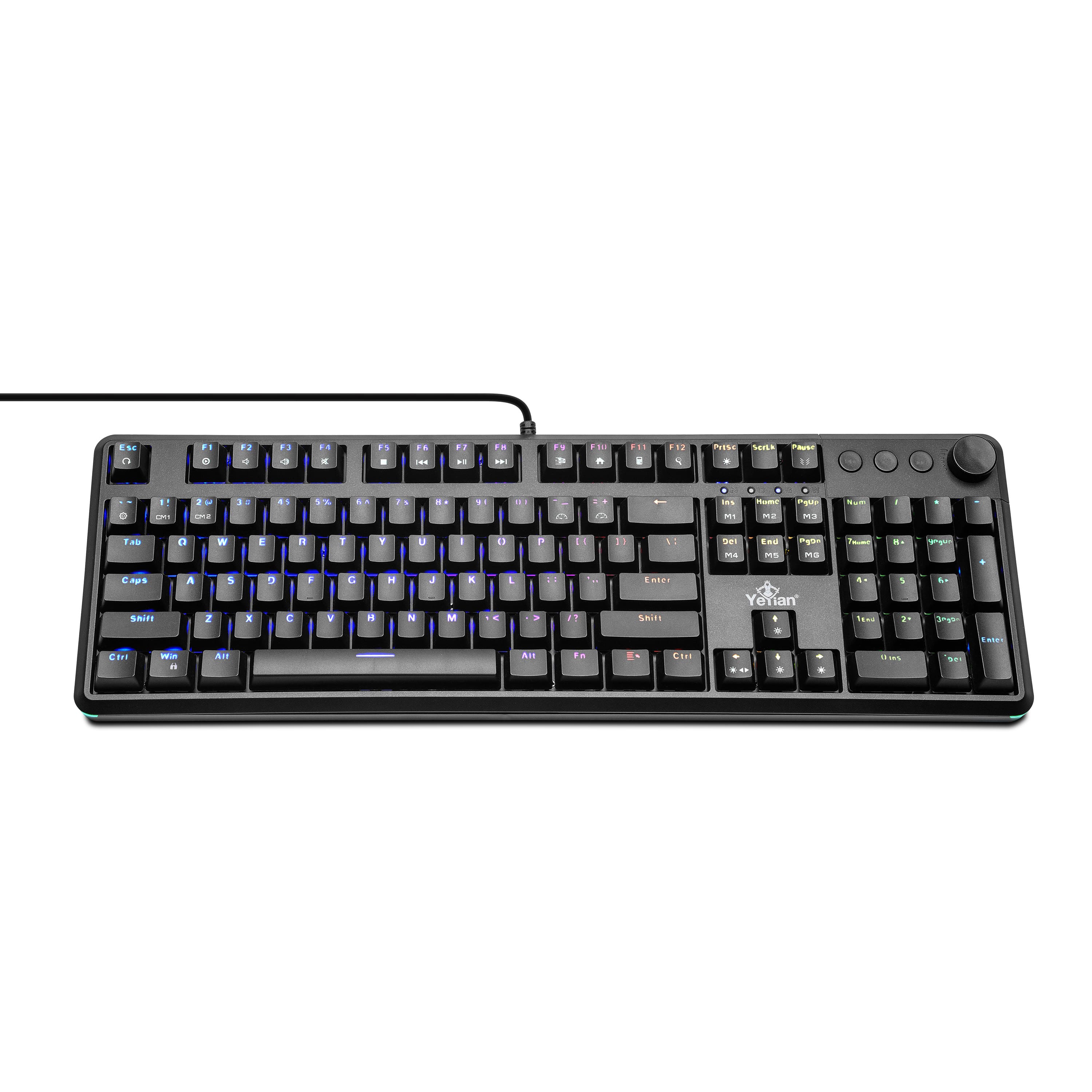
YEYIAN - Asward Series 3000 Red Switch Gaming Keyboard with RGB Lighting - Model: YTM-28207R-EN - Black
SKU: CV256YHXCSSee all Gaming KeyboardsProduct Description
A compact black mechanical keyboard featuring hot-swappable red switches, customizable RGB lighting, and multimedia controls.Your price for this item is $99.99 -
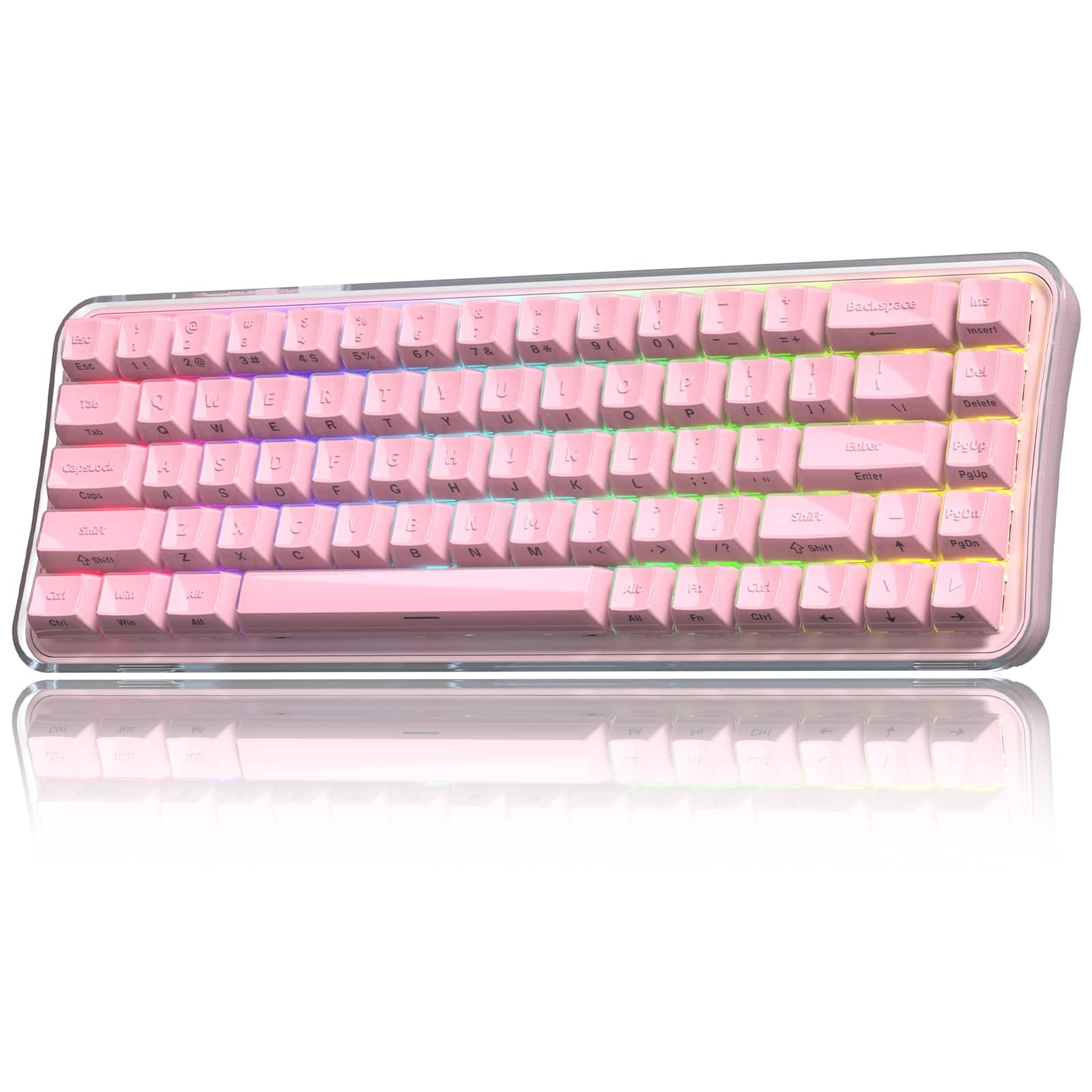
Womier - Q61 PRO Wireless Mechanical Keyboard with RGB Backlit, 60% Mechanical Gaming Keyboard for PC - Pink
SKU: CX9QZTGCGFSee all Gaming KeyboardsProduct Description
A pink wireless mechanical keyboard featuring RGB backlighting, hot-swappable keys, and tri-mode connectivity.Your price for this item is $53.99Save $30The previous price was $83.99 -
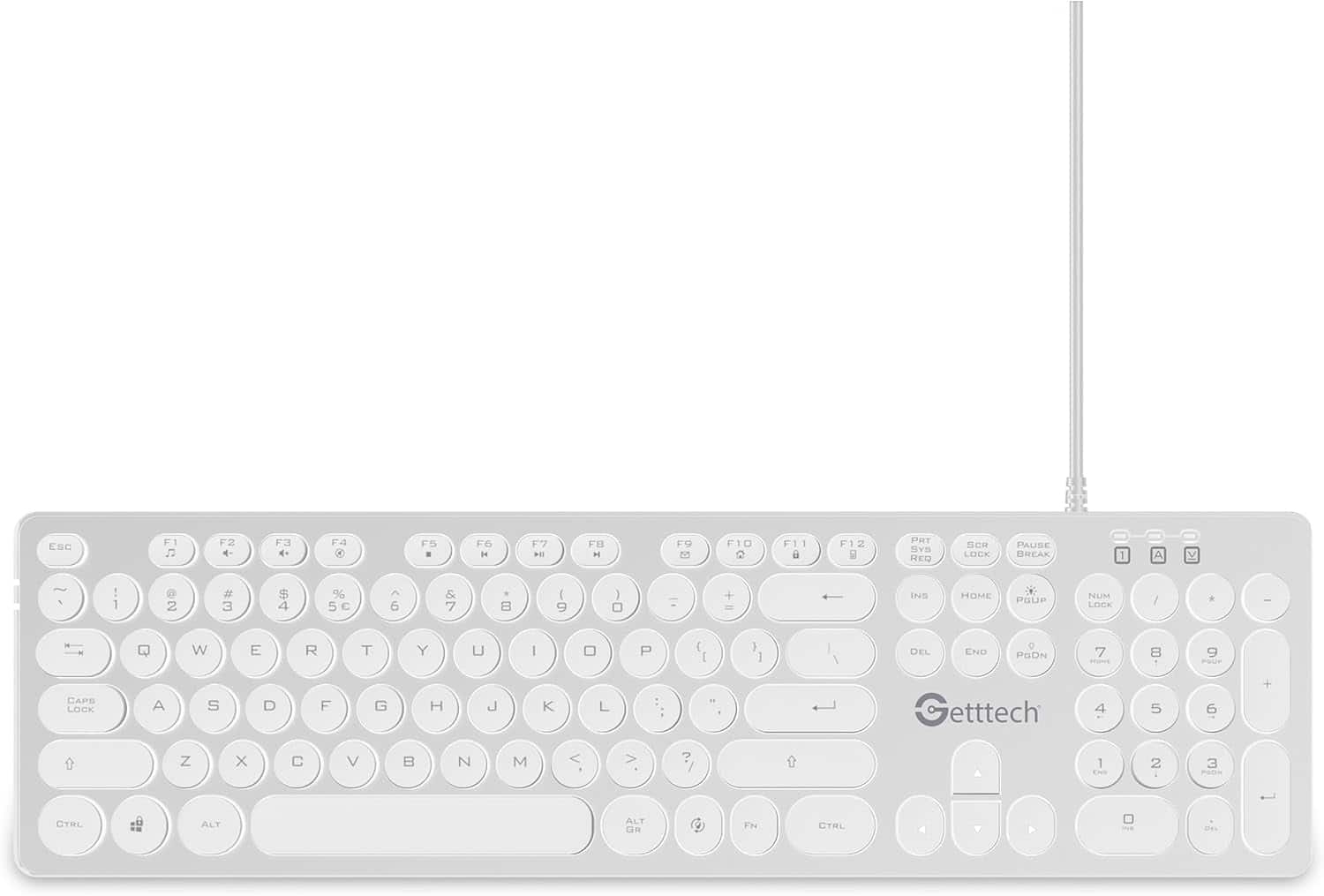
Getttech - Backlit Keyboard Ignite, SKU: GTI-28201B - White
SKU: CVXGP2QWXRSee all Wired & USB KeyboardsProduct Description
A white backlit membrane keyboard featuring 105 responsive keys, multimedia functions, and plug-and-play wired connectivity.Your price for this item is $39.99
Best Sellers



Related Pages


FAQ
When choosing an RGB backlit keyboard, consider features such as customizable lighting zones, programmable keys, mechanical or membrane switches, dedicated media controls, and software support for lighting effects. Some models also offer detachable wrist rests and USB passthrough ports for added convenience.
Yes, most RGB backlit keyboards allow you to personalize lighting effects using dedicated software. You can choose from various color patterns, adjust brightness, create macros, and even synchronize lighting with other compatible devices for a unified look.
Many RGB backlit keyboards are compatible with both Windows and Mac operating systems. However, certain advanced features or software may be optimized for one platform, so it's best to check the product specifications for full compatibility details.
Yes, RGB backlit keyboards come with various switch types, including mechanical switches like Cherry MX, Razer, or Romer-G, as well as membrane or hybrid switches. Each switch type offers a unique typing feel, actuation force, and sound level to suit different preferences.
To clean your RGB backlit keyboard, gently remove dust and debris using a soft brush or compressed air. For deeper cleaning, carefully remove the keycaps (if possible) and wipe the surface with a damp cloth. Avoid using harsh chemicals, and always disconnect the keyboard before cleaning.