Simple Computer For Seniors
-
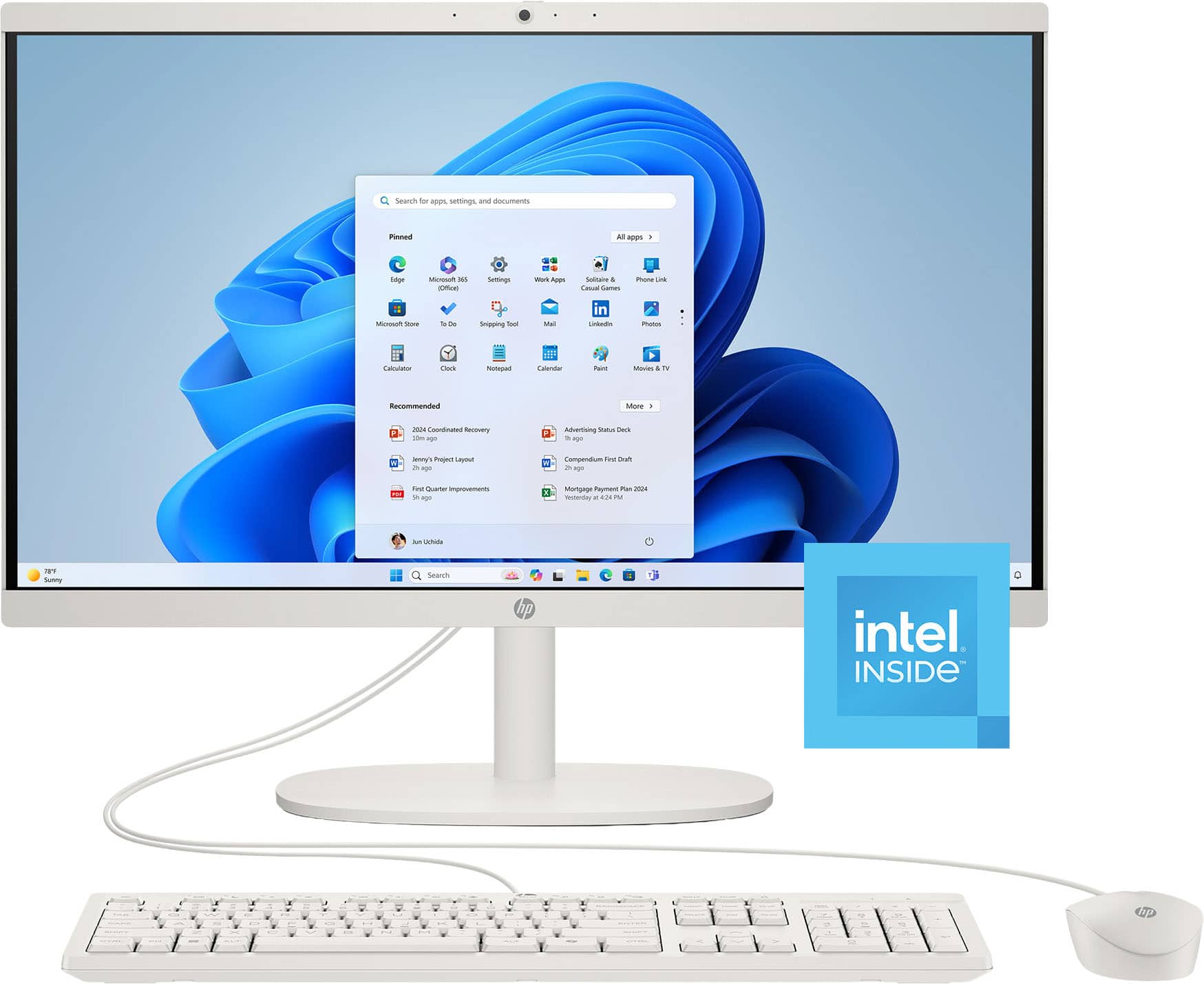
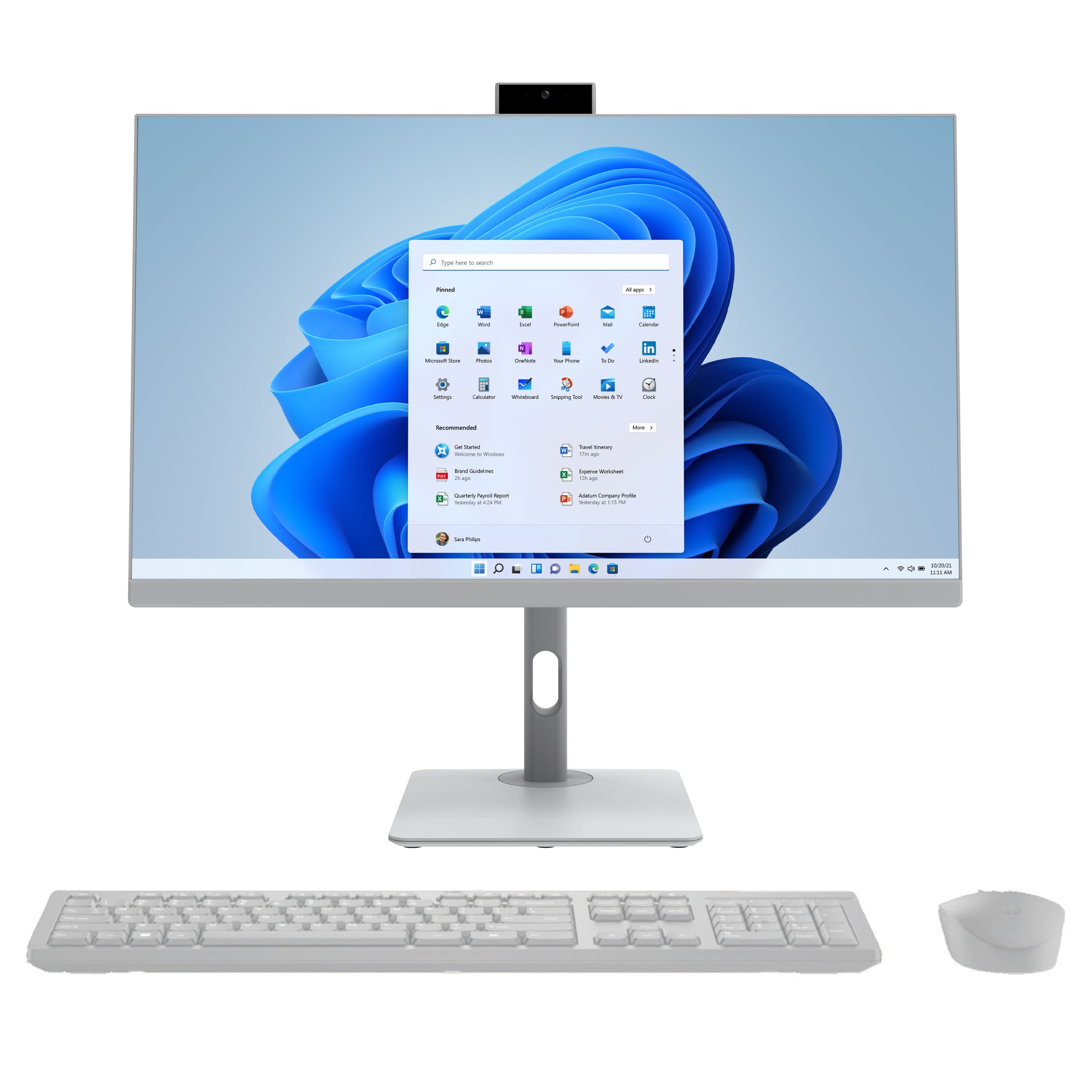
HP - 21.5" All-in-One - Intel Processor N100 2023 - 8GB Memory - 128GB UFS - Cashmere White
SKU: JJGH2Y5H5Hlove my new computer, staff help was great. will recommend best buy...This is the best computer ever. I love it. All in one
See all Non-Touchscreen All-in-One ComputersProduct Description
A sleek cashmere white all-in-one PC with Intel N100, 8GB memory, and 128GB storage.Your price for this item is $453.00Save $87The previous price was $540.43 -
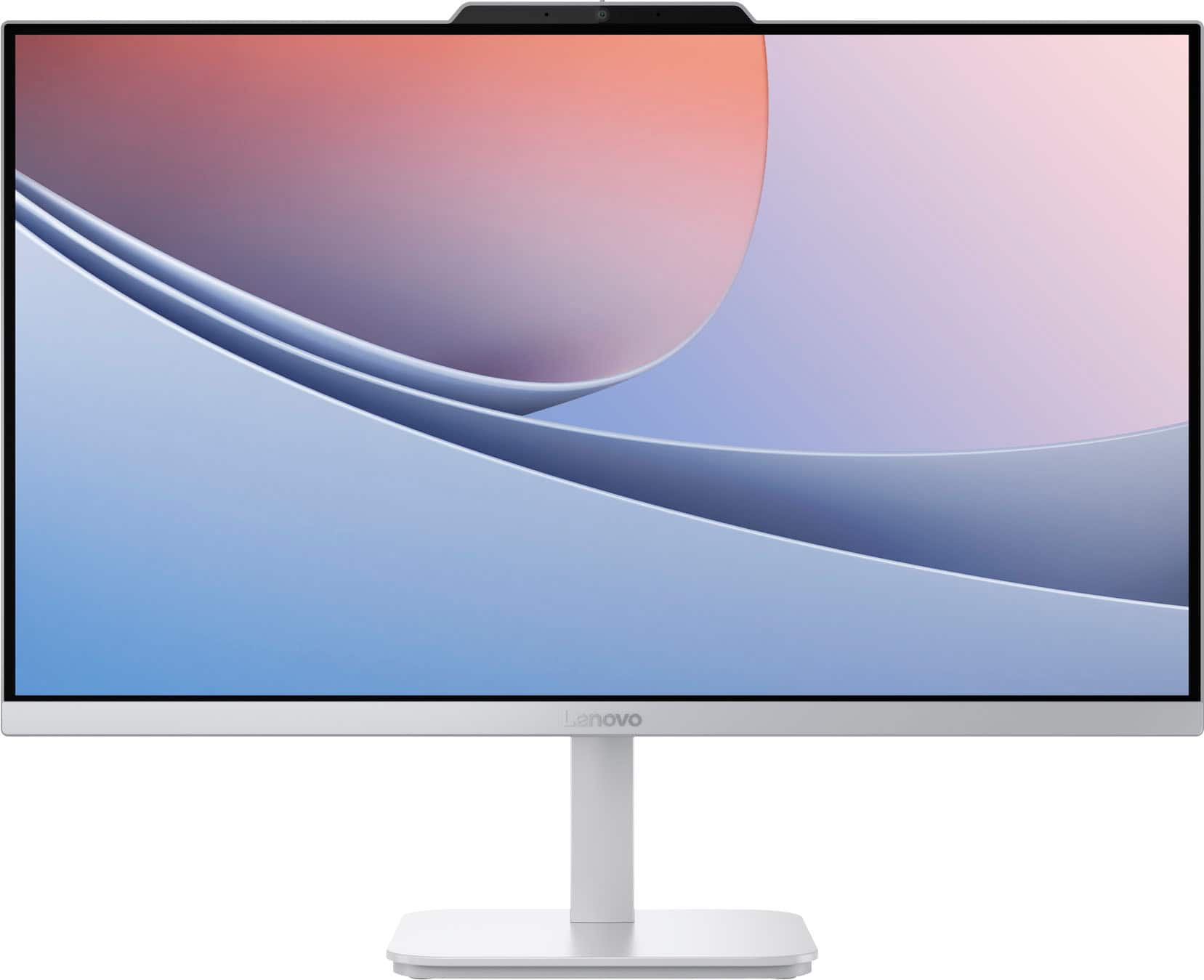
Lenovo - A100 23.8" Full HD All-In-One - Intel Processor N100 - 8GB Memory - 256GB SSD - Cloud Grey
SKU: JJGSHCPF43This all in one is great. It was very easy to put together and was ready to go....The shape and size great for any office space. I just love it...Love it. The sll in one is awsome not alot of parts......
See all Non-Touchscreen All-in-One ComputersProduct Description
A sleek cloud grey all-in-one desktop with 23.8" FHD display, Intel N100, 8GB RAM, and 256GB SSD.Your price for this item is $489.00Save $90The previous price was $579.99 -
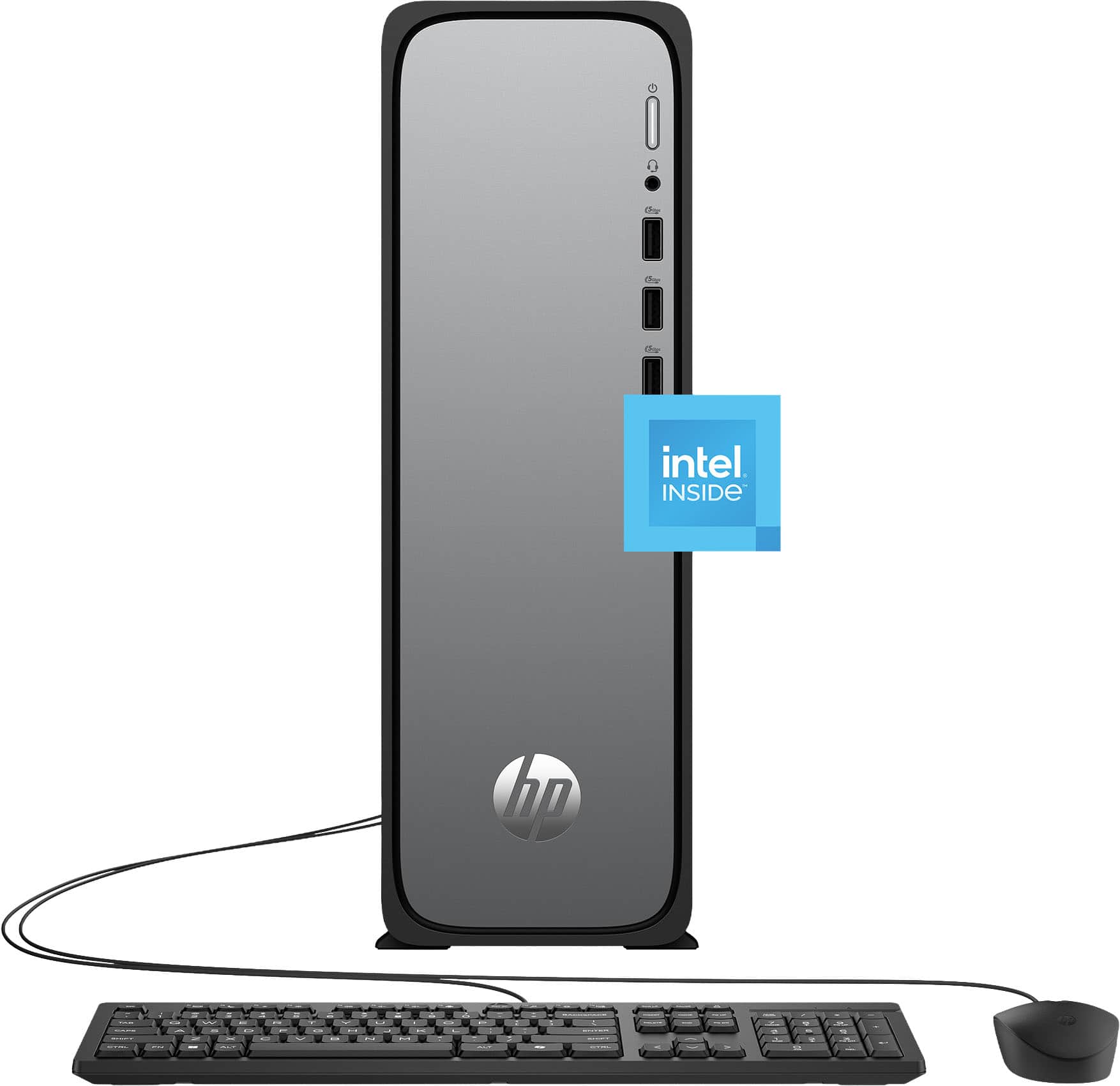
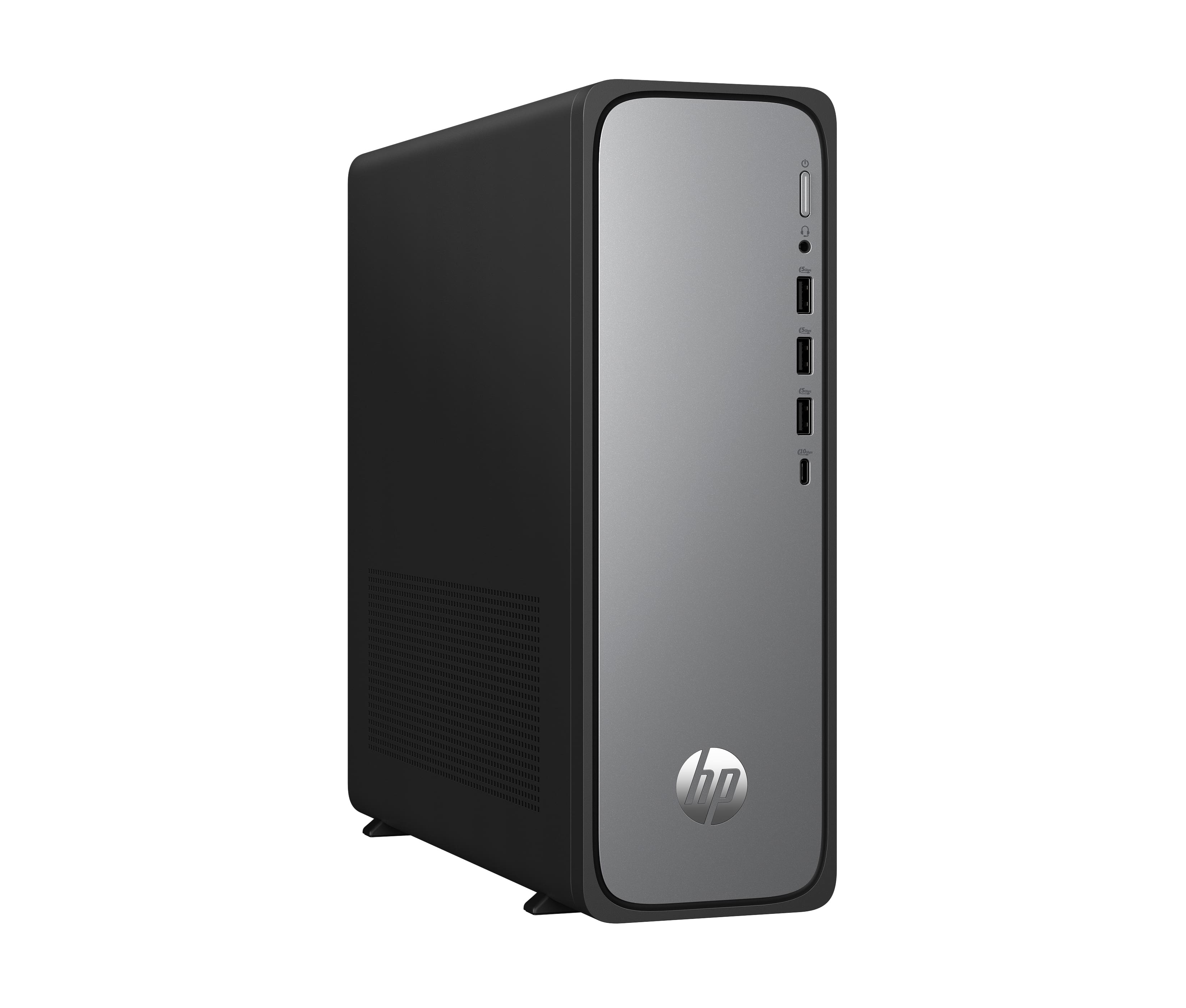
HP - OmniDesk Slim Desktop - Intel Processor 300 - 8GB DDR5 Memory - 256GB SSD - Meteor Silver
SKU: J3YH84QY9GThe speed of funciton is great and the ease of use is wonderful
See all Computer TowersProduct Description
A slim Meteor Silver desktop featuring an Intel Processor 300, 8GB DDR5 memory, and 256GB SSD.Your price for this item is $529.00Save $210The previous price was $739.99 -
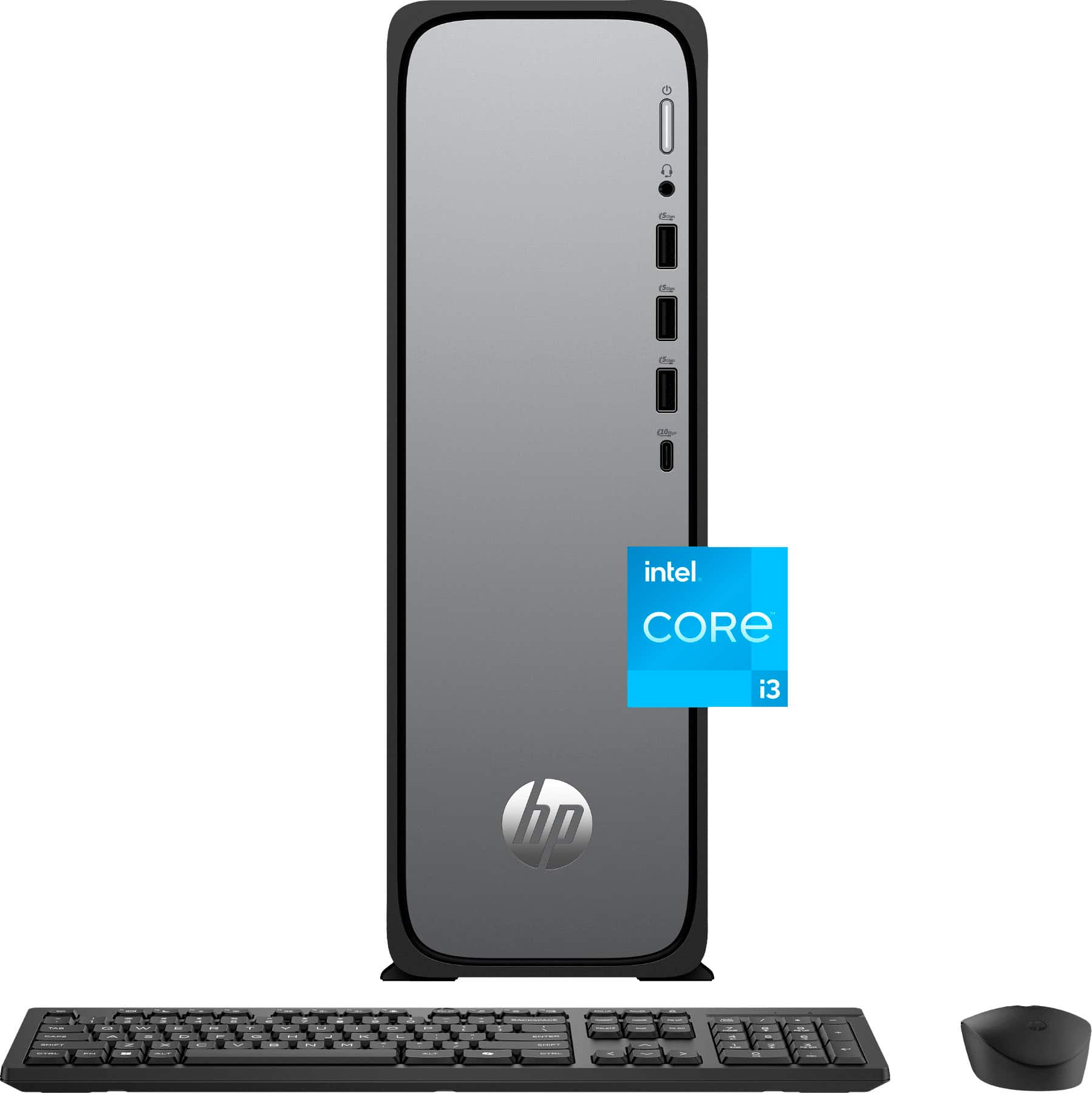
HP - OmniDesk Slim Desktop - Intel Core i3-13100 2023 - 8GB DDR5 Memory - 256GB SSD - Meteor Silver
SKU: JJGQJRKGRLBest Desktop...Love HP and will always buy hp, Plus you cant beat the geek squad protection...And best of all, it was on sale!...Easy to set up and use, and love that Norton 360 is free for 6 months!
See all Computer TowersProduct Description
A slim Meteor Silver desktop featuring Intel Core i3, 8GB DDR5 memory, 256GB SSD, and WiFi 6.Your price for this item is $549.99Save $220The previous price was $769.99 -
27" | FHD | All in-One -Touch Screen | PC | Intel N100 | 4GB/128GB - RWBN12744-GRY - RCA GRAY
SKU: J3PR7PXPCLBEST IN TOWN AND FAMOUSE FOR PEOPLE
See all Touchscreen All-in-One ComputersProduct Description
A sleek gray all-in-one PC with a 27" touchscreen, Intel N100, 4GB RAM, and 128GB SSD.Your price for this item is $699.00 -
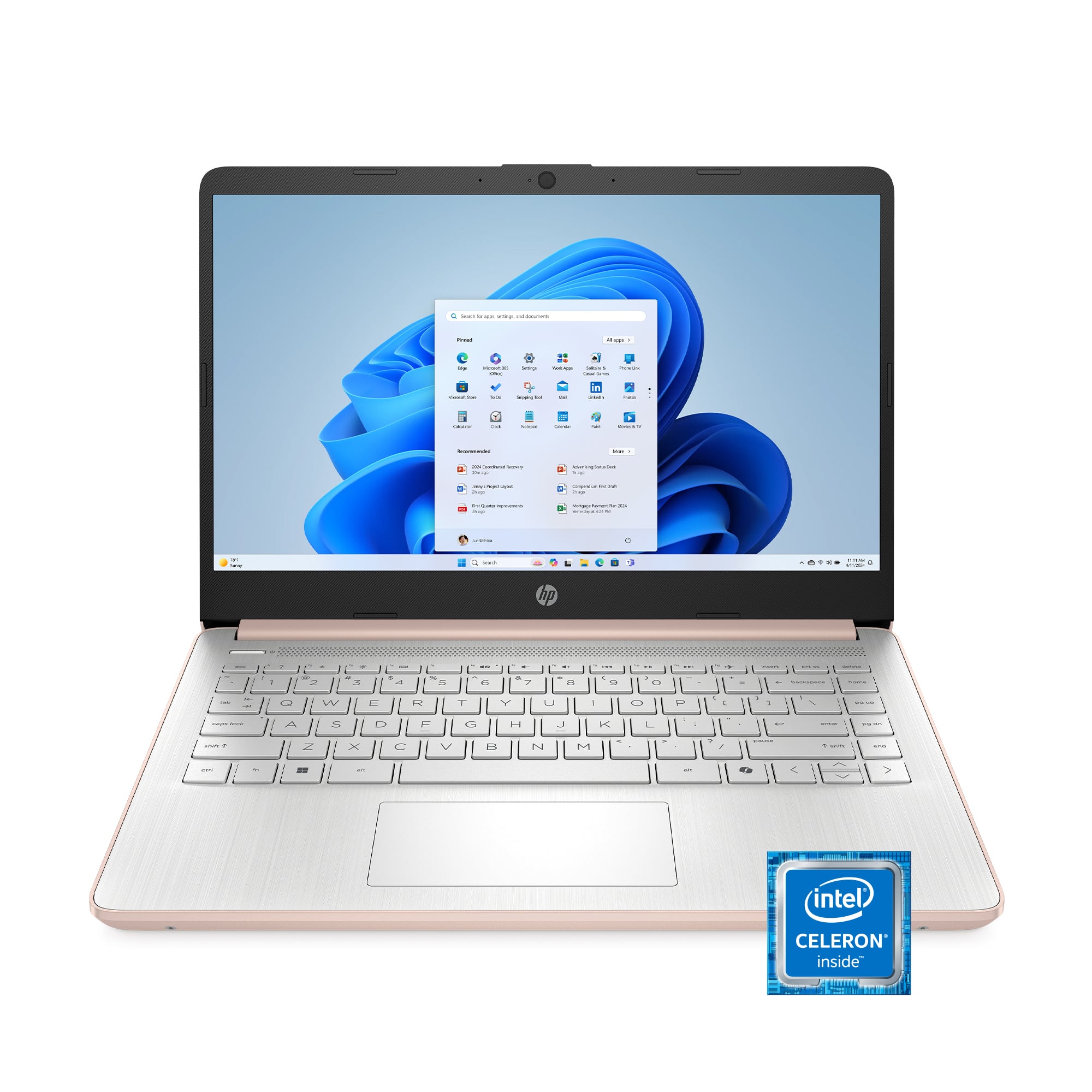
HP - 14" Laptop - Intel Celeron N4500 2021 - 4GB Memory - 64GB eMMC - Pale Rose Gold
SKU: JJGTWP63SHBest laptop...Great laptop...Love this laptop ! I haven’t had any problems with it Z
See all All LaptopsProduct Description
A thin, pale rose gold laptop with Intel Celeron, 4GB RAM, 64GB eMMC, and Windows 11.Your price for this item is $257.73Save $5The previous price was $263.00 -
HP - OmniDesk Slim Desktop PC S03-0010 Intel Processor 300 8GB 256GB Intel UHD Graphics 710 Windows 11 Home - Silver
SKU: JJGQJRT9PQNot great...Works great & is really really fast. Be careful when you get it home & start installing updates.
See all Computer TowersProduct Description
A slim silver desktop PC with Intel processor, 8GB RAM, 256GB SSD, and Windows 11 Home.Your price for this item is $579.00Save $90The previous price was $669.99
Best Sellers






Related Pages







FAQ
Simple computers for seniors often include large, easy-to-read displays, intuitive menus, minimal setup steps, and built-in accessibility options like voice commands or screen magnifiers. Many models also come with simplified operating systems and clear instructions to help seniors navigate their devices with confidence.
Yes, several computers are designed with beginners and non-technical users in mind. These models typically offer streamlined interfaces, pre-installed essential apps, and helpful tutorials. Some even feature dedicated support buttons or remote assistance to provide extra help when needed.
Absolutely! Simple computers for seniors usually come with pre-installed applications for video calling, email, and web browsing. The interfaces are often simplified, making it easy to stay connected with family and friends through popular platforms like Zoom, Skype, or Gmail.
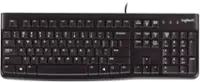
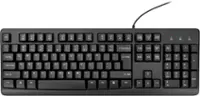
Many simple computers for seniors offer both touchscreen and traditional keyboard options. Touchscreens can make navigation more intuitive, while keyboards provide a familiar way to type and interact with the device. Some models even feature larger keys for easier typing.
Most simple computers for seniors include access to dedicated customer support, either by phone, chat, or remote assistance. Some brands offer step-by-step guides and video tutorials tailored for seniors, ensuring help is always available if you need it.