Best Computer For Surfing The Web
The best computer for surfing the web depends on your daily browsing habits. Compare options for checking email, reading news, and streaming videos, paying attention to memory for managing multiple tabs, screen size for comfortable viewing, and portability if you move between rooms or travel.
What to look for in a computer for surfing the web
Finding the best computer for surfing the web starts with choosing the right balance of performance, screen comfort, connectivity, and ease of use.
1. Everyday Performance
2. Display and Portability
3. Internet Connectivity
4. Operating System and Security
-
1

HP - 23.8" Full HD Touch-Screen All-in-One - Intel Core i3 N300 2023 - 8GB Memory - 512GB SSD - Shell White
About this product
A sleek shell white all-in-one PC with touch screen, Intel Core i3, 8GB RAM, and 512GB SSD.
What customers like
(383)$969.99 Your price for this item is $969.99 -
2
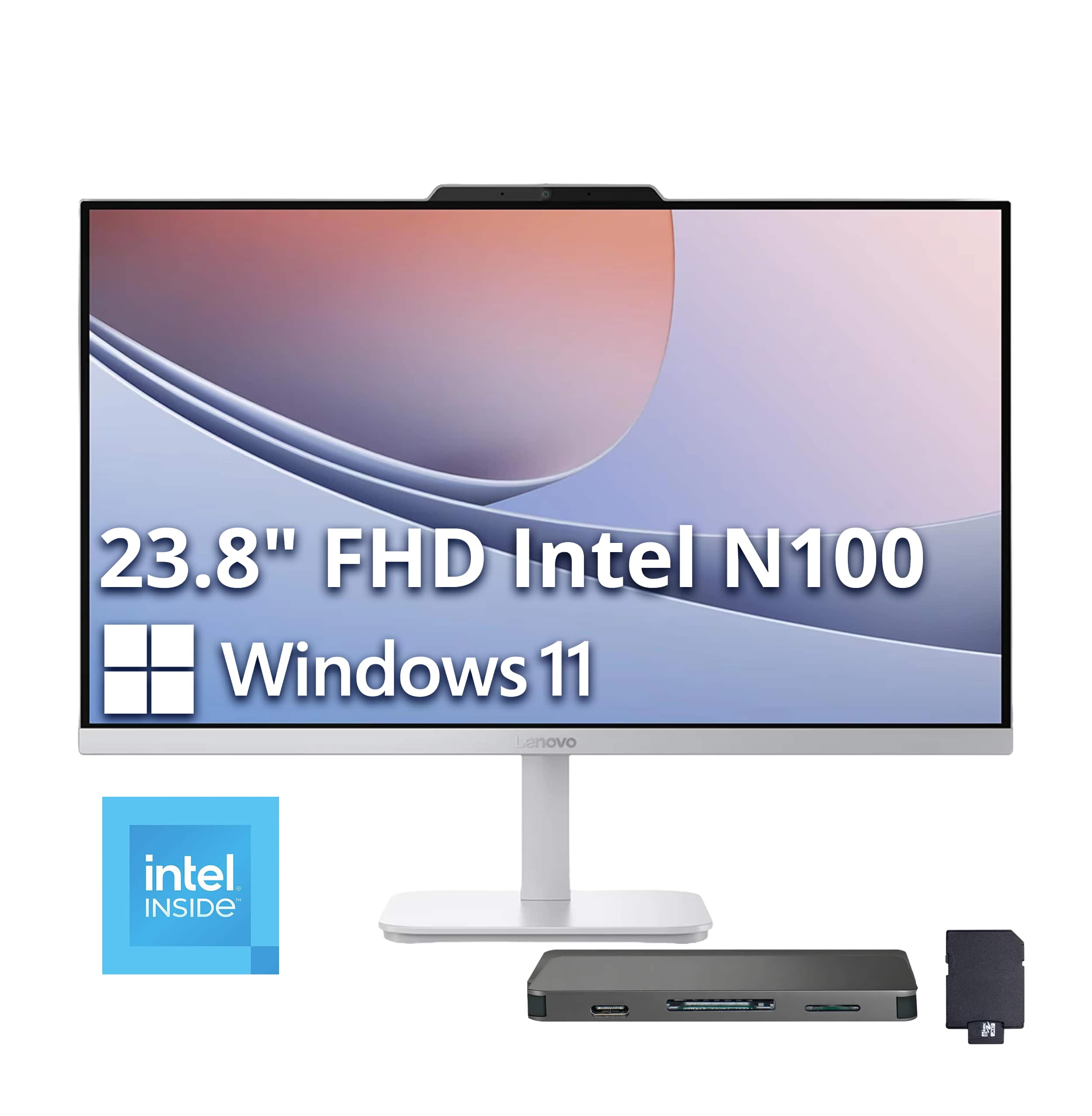
Lenovo - A100 23.8" Full HD All-In-One - Intel Processor N100 - 8GB Memory - 256GB SSD - Cloud Grey
About this product
An all-in-one desktop with an Intel N100 processor, 8GB RAM, 256GB SSD, and Cloud Grey finish.
(0)$549.00Your price for this item is $549.00SAVE $210.00 -
3
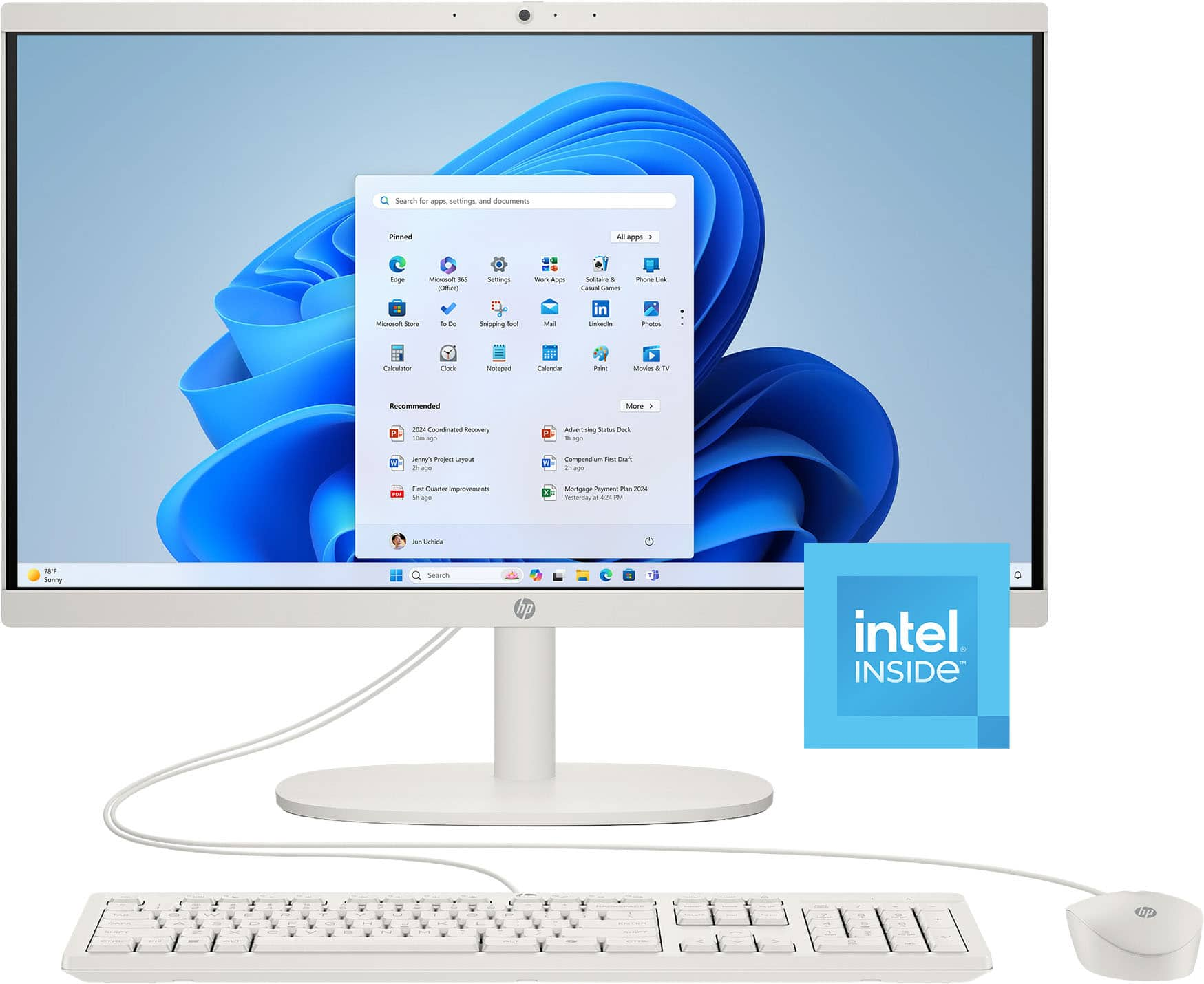
HP - 21.5" All-in-One - Intel Processor N100 2023 - 8GB Memory - 128GB UFS - Cashmere White
About this product
A sleek cashmere white all-in-one PC with Intel N100, 8GB memory, and 128GB storage.
What customers like
(317)$469.00Your price for this item is $469.00SAVE $71.43 -
4
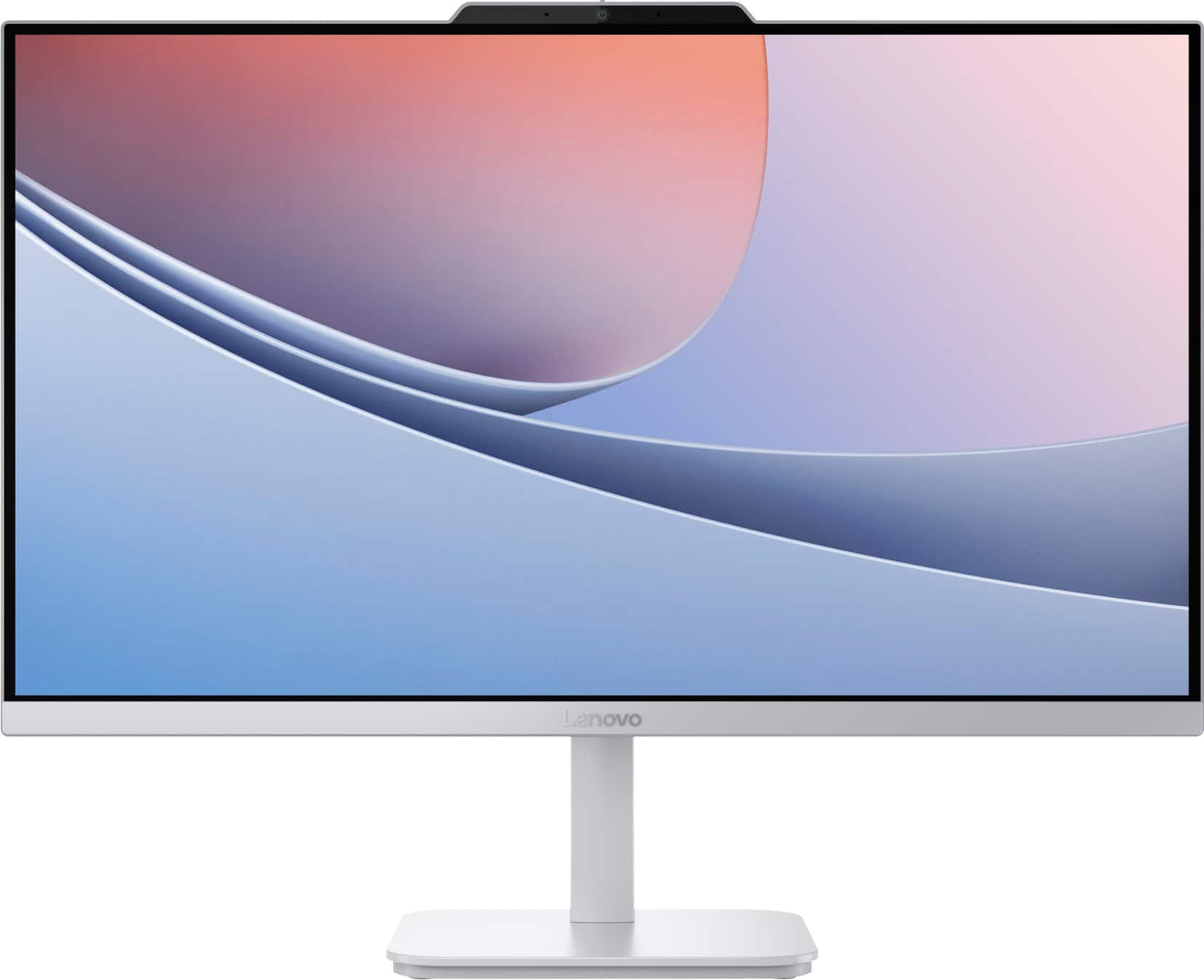
Lenovo - A100 23.8" Full HD All-In-One - Intel Processor N100 - 8GB Memory - 256GB SSD - Cloud Grey
About this product
A sleek cloud grey all-in-one desktop with 23.8" FHD display, Intel N100, 8GB RAM, and 256GB SSD.
What customers like
(233)$499.00Your price for this item is $499.00SAVE $80.99 -
5
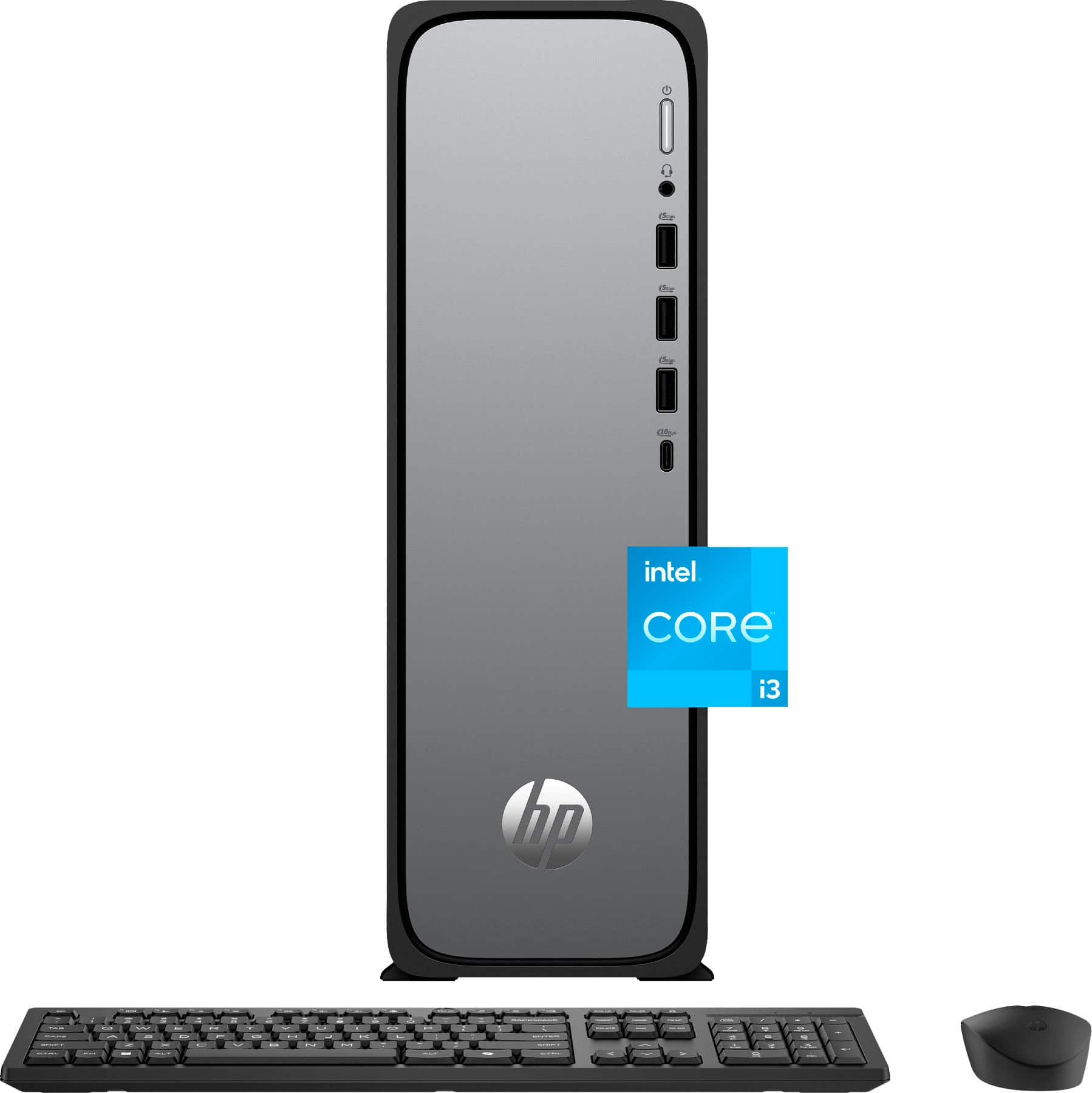
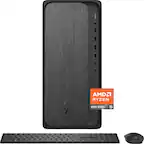
HP - OmniDesk Slim Desktop - Intel Core i3-13100 2023 - 8GB DDR5 Memory - 256GB SSD - Meteor Silver
About this product
A slim Meteor Silver desktop featuring Intel Core i3, 8GB DDR5 memory, 256GB SSD, and WiFi 6.
What customers like
(338)$549.99Your price for this item is $549.99SAVE $220.00 -
6
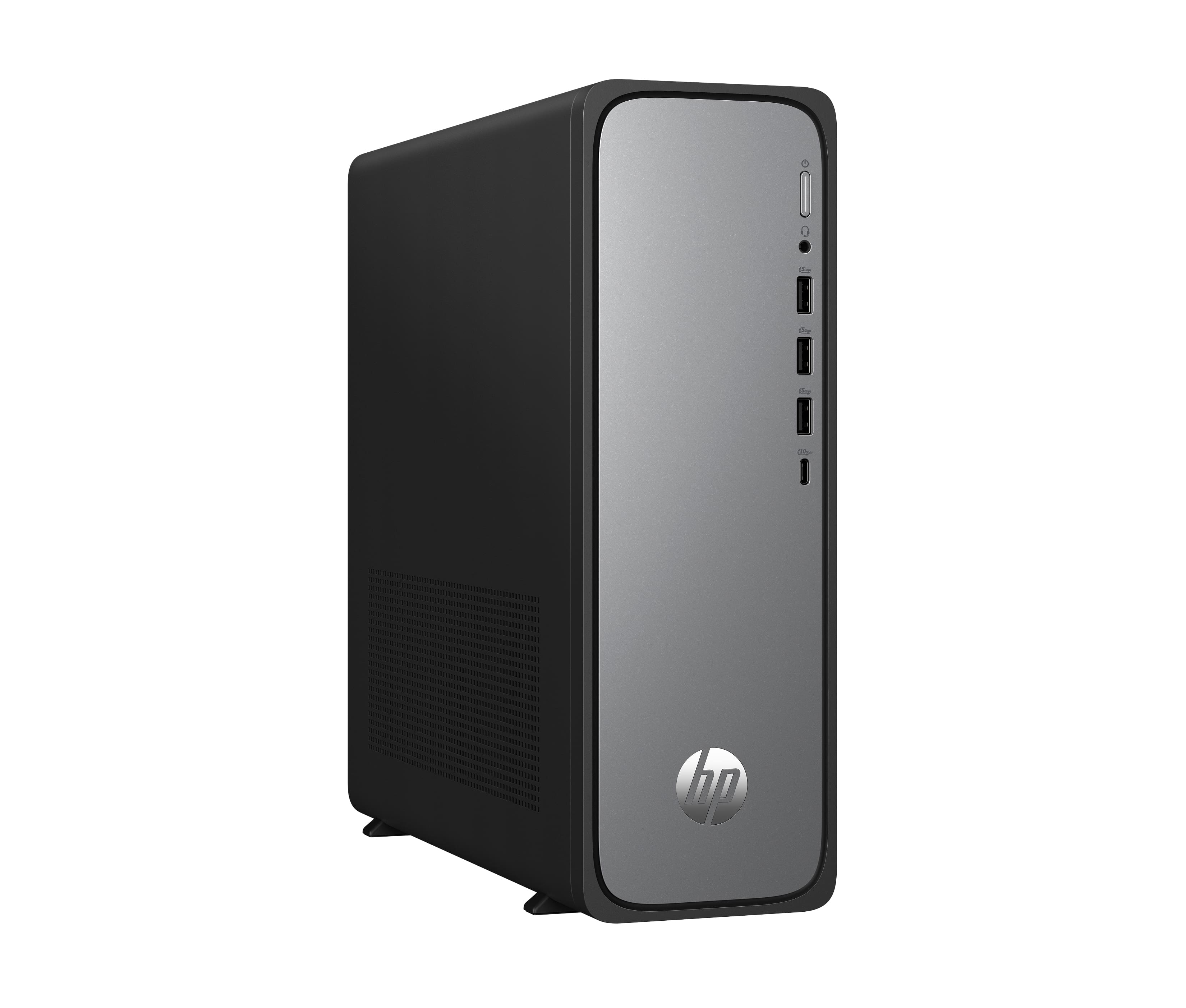
HP - OmniDesk Slim Desktop PC S03-0010 Intel Processor 300 8GB 256GB Intel UHD Graphics 710 Windows 11 Home - Silver
About this product
A slim silver desktop PC with Intel processor, 8GB RAM, 256GB SSD, and Windows 11 Home.
(0)$889.99 Your price for this item is $889.99 -
7
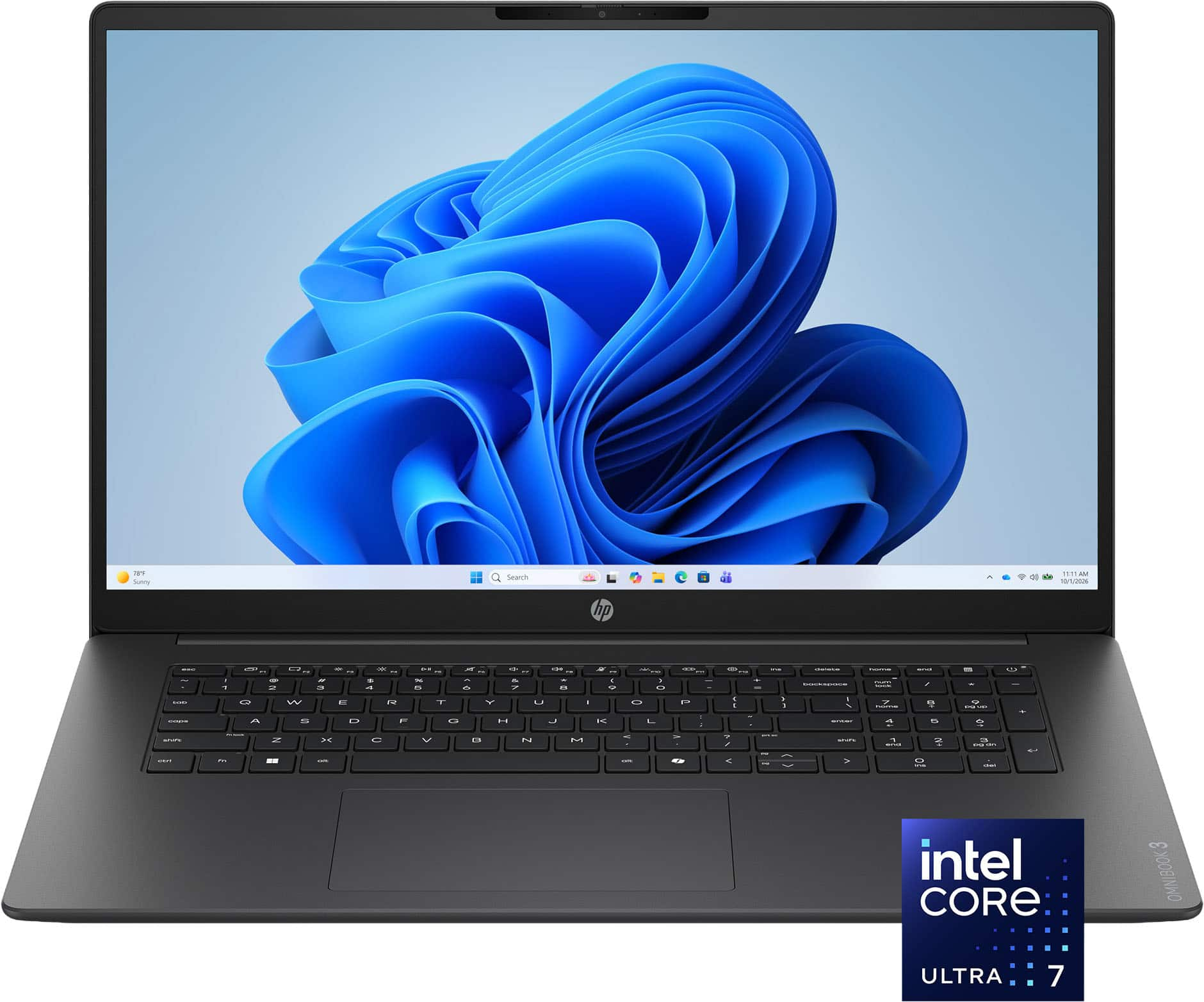
HP - OmniBook 3 17.3" Full HD Laptop - Intel Core Ultra 7 (2025) - 16GB Memory - 1TB SSD - Mica Silver
About this product
A sleek silver laptop featuring Intel Core Ultra 7, 16GB memory, 1TB SSD, and a Full HD touchscreen.
What customers like
(58)$989.00Your price for this item is $989.00SAVE $310.99 -
8

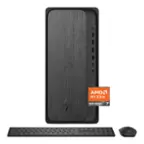
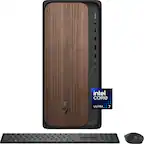
HP - OmniDesk Desktop - AMD Ryzen 3 8300G 2024 - 8GB DDR5 Memory - 256GB SSD - Gray Wood
About this product
A sleek gray wood desktop featuring an AMD Ryzen 3, 8GB DDR5 memory, and 256GB SSD storage.
What customers like
(137)$599.99Your price for this item is $599.99SAVE $170.00 -
9
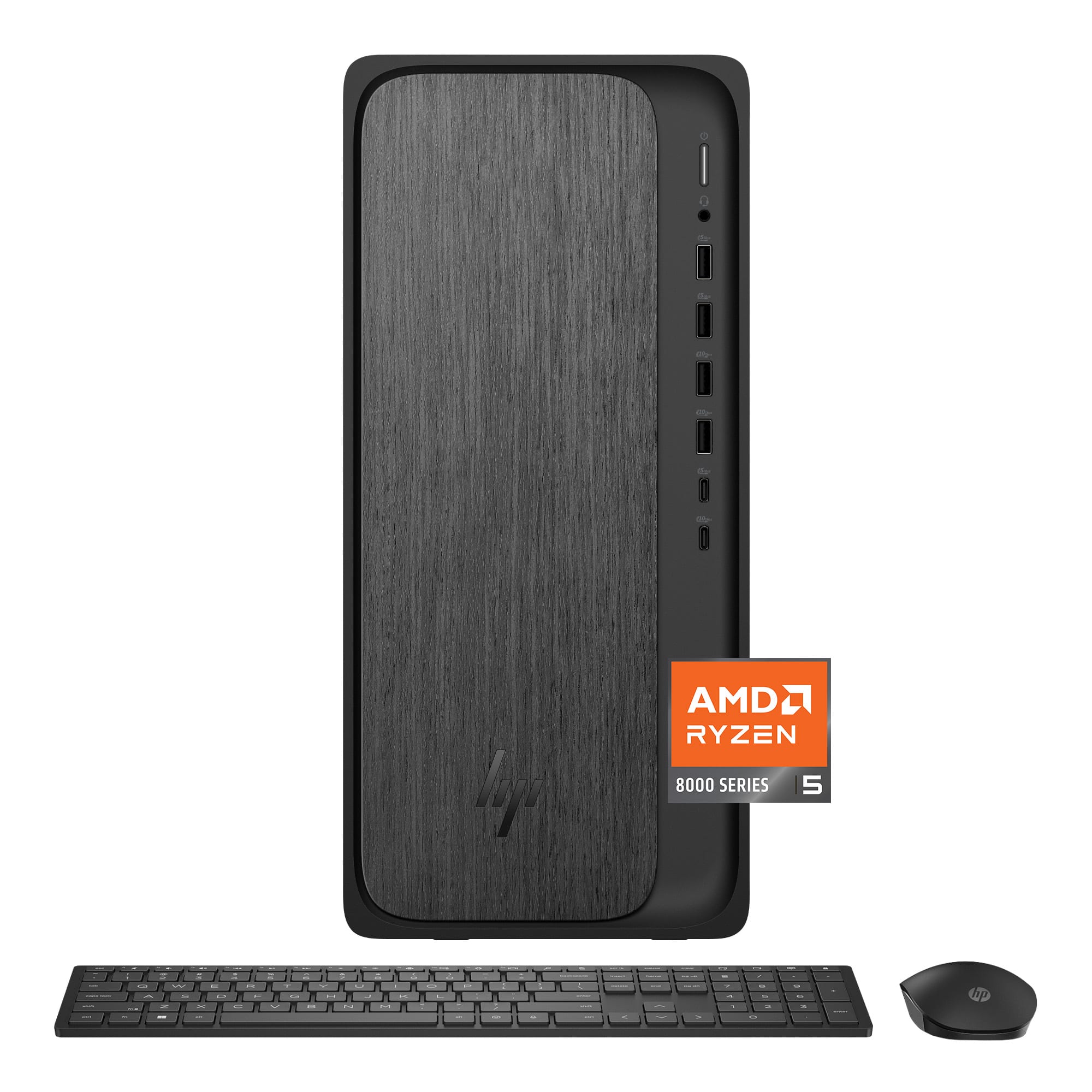
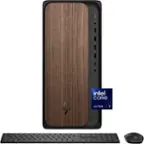
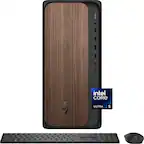
HP - OmniDesk Desktop - AMD Ryzen 5 8500G 2024 - 32GB Memory - 512GB SSD - Gray Wood
About this product
A sleek gray wood desktop featuring AMD Ryzen 5, 32GB RAM, 512GB SSD, and Windows 11 Home.
(12)$1,199.00 Your price for this item is $1,199.00 -
10
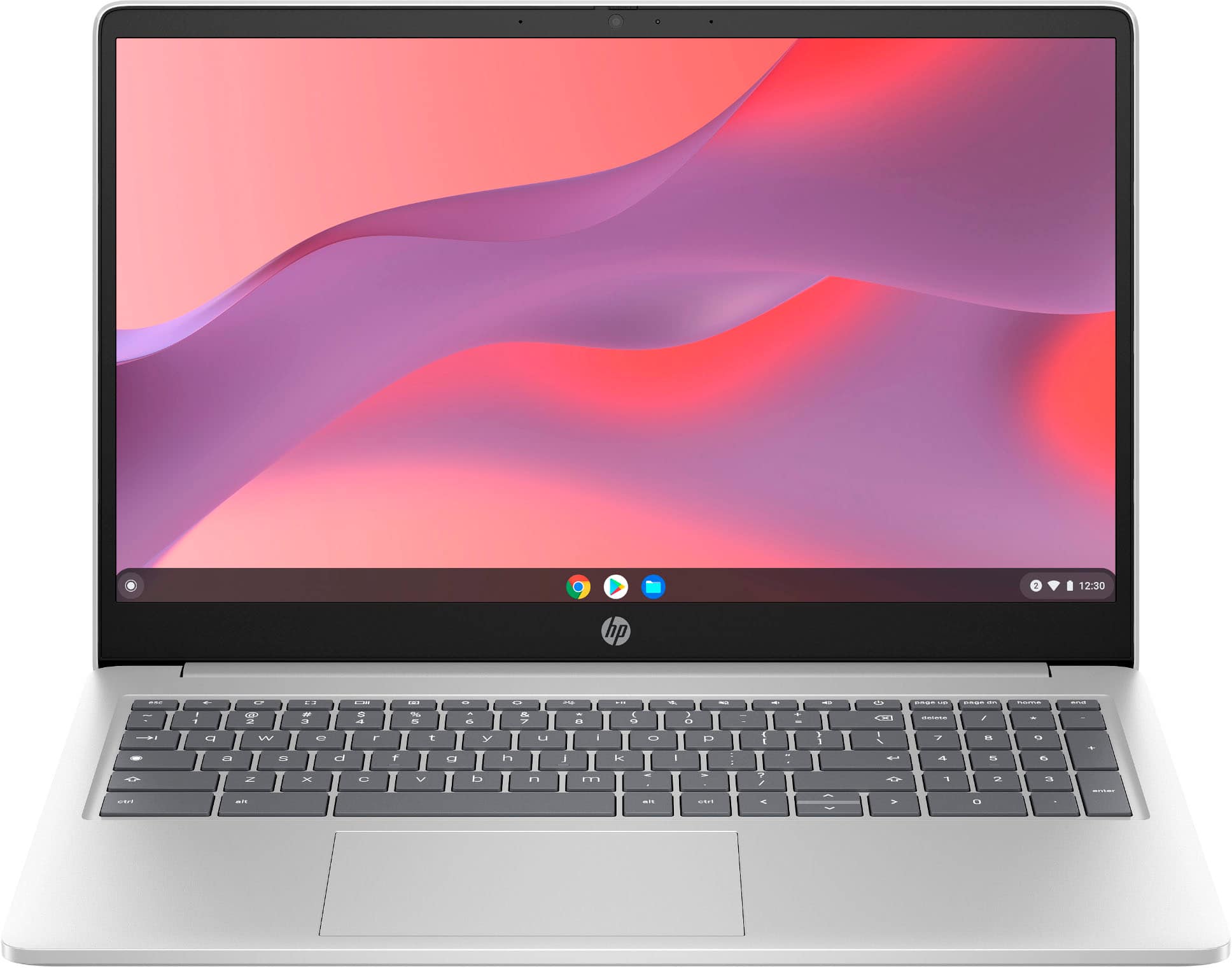
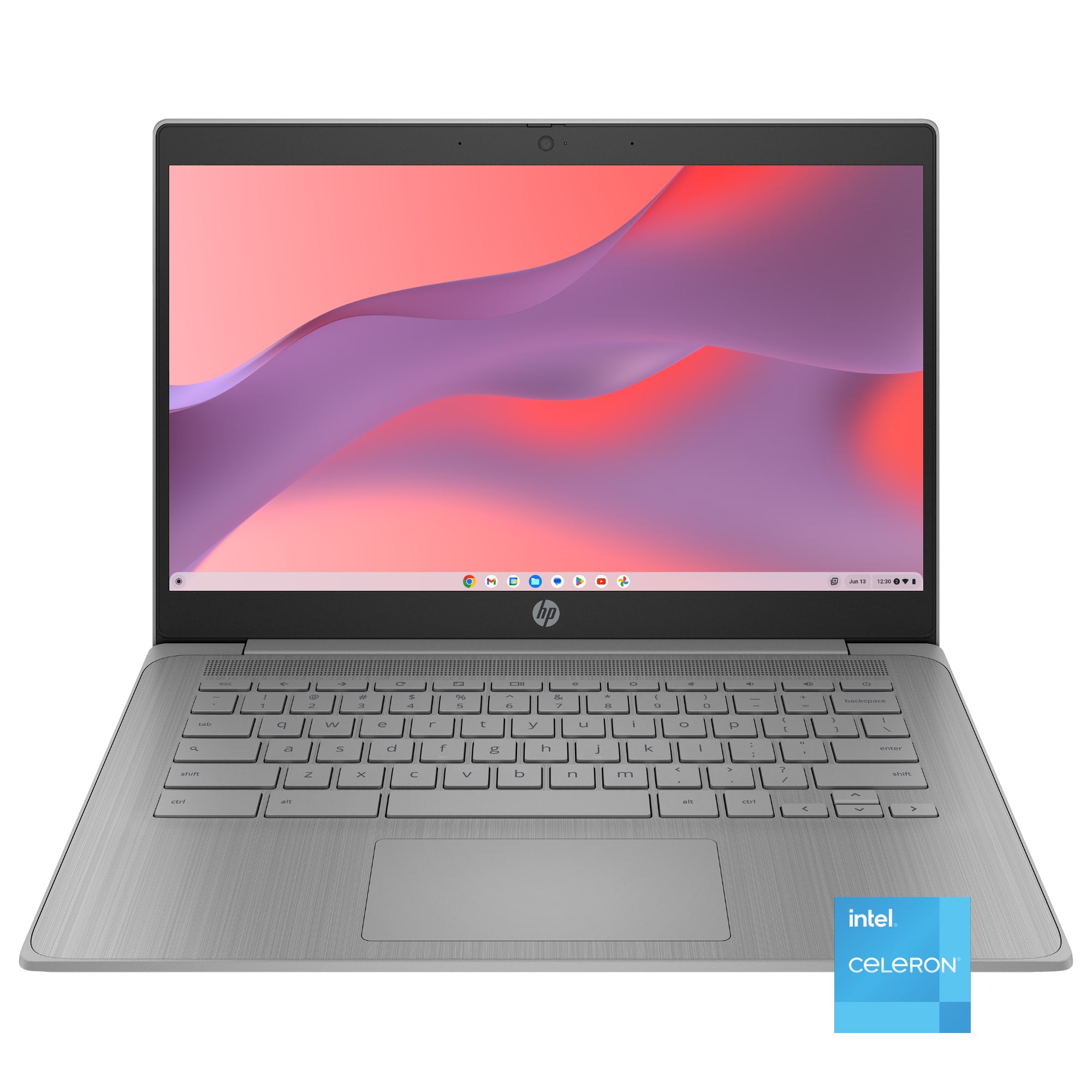
HP - 15.6" Chromebook Laptop - Intel Processor N200 2023 - 8GB Memory - 64GB eMMC - Natural Silver
About this product
A silver Chromebook featuring an Intel N200 processor, 8GB memory, 64GB eMMC storage, and Wi-Fi 6.
What customers like
(1,689)$379.00Your price for this item is $379.00SAVE $70.99
Best Computer For Surfing The Web
FAQs
Consider the operating system, browser compatibility, internet connectivity, and how you prefer to type and navigate. A comfortable keyboard, a clear display, and your choice of a mouse, touchpad, or touchscreen are useful factors when comparing computers for everyday browsing.
A laptop combines a display, keyboard, and battery in a portable design. A traditional desktop typically uses a separate monitor and peripherals, while an all-in-one integrates the computer into the display. Your choice depends on whether you browse in different places or prefer a dedicated desk setup.
Windows, macOS, and ChromeOS are common options. Each supports web browsing, but browser availability and compatibility with installed applications vary. Consider the browser you prefer and any programs you use outside the browser when choosing an operating system.
Web apps run through a browser and include services such as web-based email, document editors, and video calling. Installed apps are downloaded onto the computer and run outside the browser. Some services offer both options, and offline access varies by application.
Wi-Fi connects a computer to a wireless network, while Ethernet uses a cable connected to a router or network outlet. Check whether a computer includes your preferred connection option or requires an adapter. You will also need internet service to browse online.