Touch Sensitivity iPhone
-
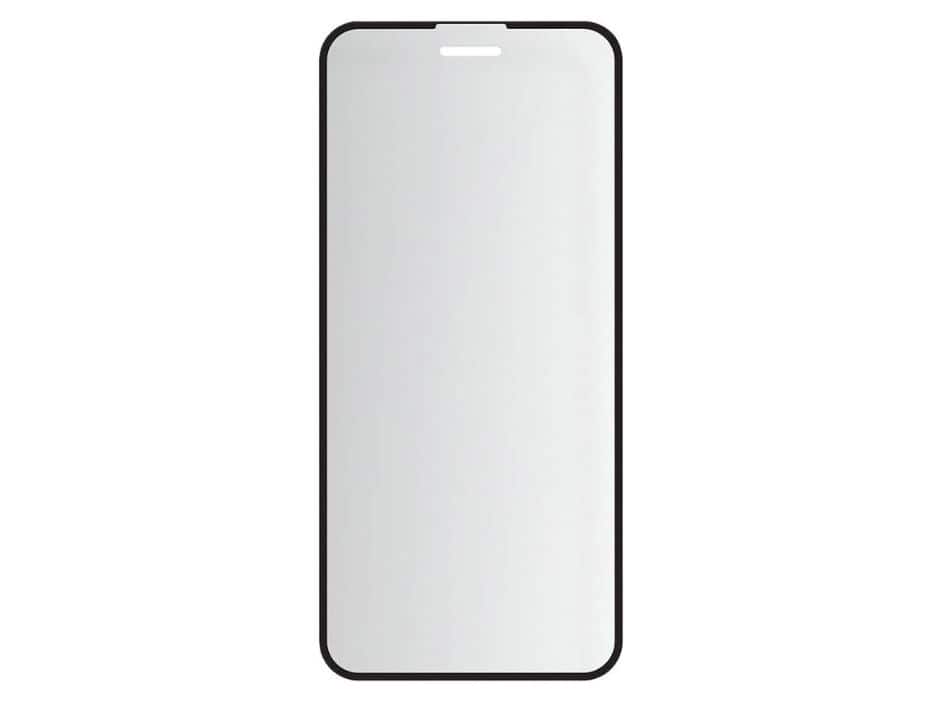
BodyGuardz - PRTX Edge Flat Scratch and Drop Resistant Screen Protector for iPhone 12 Mini - Clear
SKU: J3R8Y8ZR3LSee all iPhone Screen ProtectorsProduct Description
A clear, edge-to-edge screen protector offering strong impact and scratch resistance for iPhone 12 Mini.Your price for this item is $35.98 -
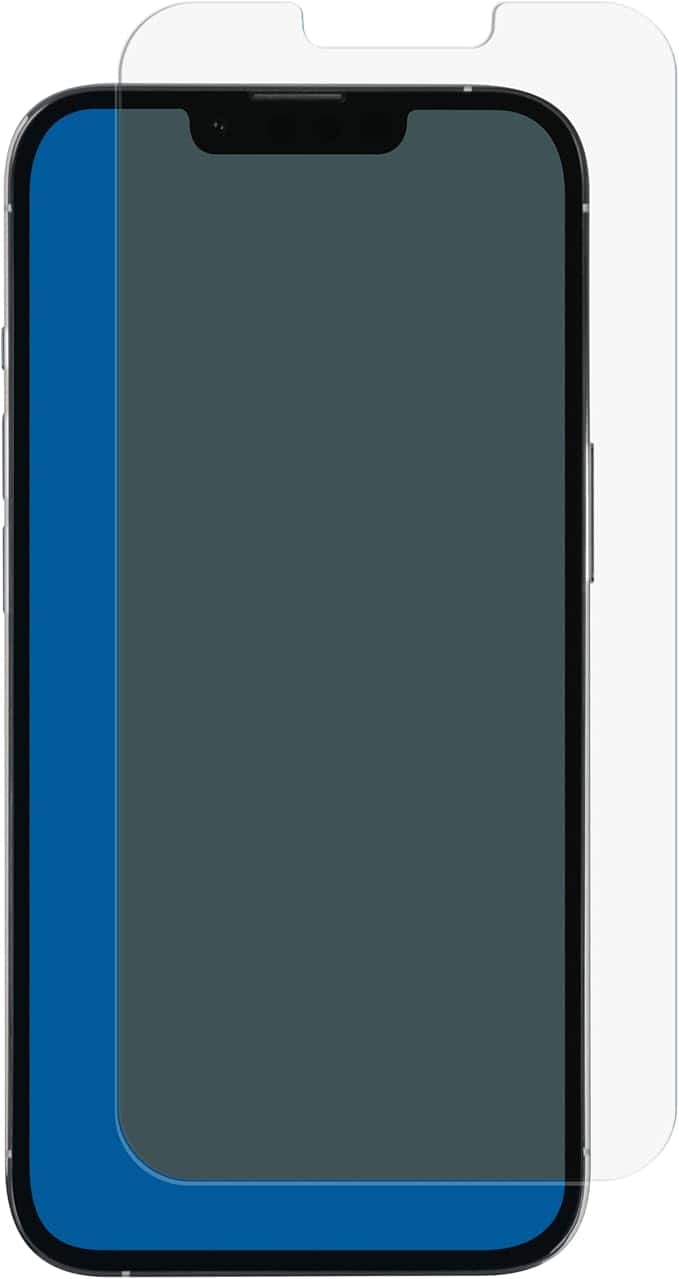
BodyGuardz - Pure 2 EyeGuard Antimicrobial Tempered Glass Screen Protector for iPhone 17E / 16E / 14 / 13 Pro / 13 - Clear
SKU: J3R8Y847R8See all iPhone Screen ProtectorsProduct Description
A clear tempered glass protector that blocks blue light and offers antimicrobial, edge-to-edge scratch protection.Your price for this item is $49.99 -
BodyGuardz - PRTX Edge Flat Scratch and Drop Resistant Screen Protector for iPhone 12 and iPhone 12 Pro - Clear
SKU: J3R8Y8ZR3QNext best thing to Spy Glass, virtually invisible and protects the entire screen
See all iPhone Screen ProtectorsProduct Description
A clear, shatterproof screen protector offering glass-like touch sensitivity and antimicrobial protection for iPhone 12 models.Your price for this item is $35.98 -
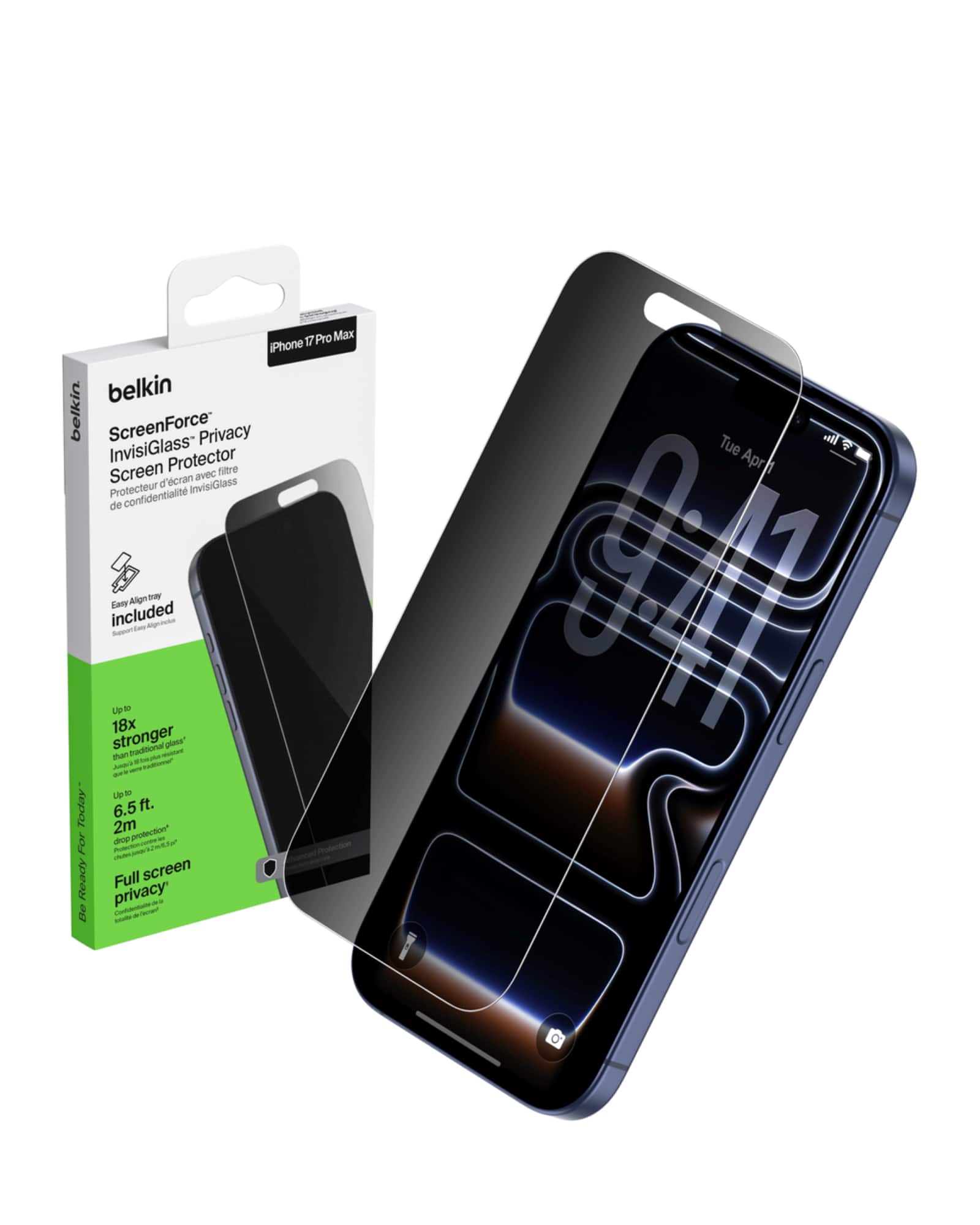
Belkin - ScreenForce InvisiGlass Privacy Screen Protector for iPhone 17 Pro Max, Scratch-Resistant w/ Easy Align Tray - Black
SKU: JX53294ZLYGreat...This product is great, I always wanted aPrivacy screen that would be dark from the side but not too...Great screen protector...Great product. Absolutely worth it. I really like this....Fits my...
See all iPhone Screen ProtectorsProduct Description
A black aluminosilicate screen protector offering privacy, impact resistance, and recycled content for your device.Your price for this item is $49.99 -
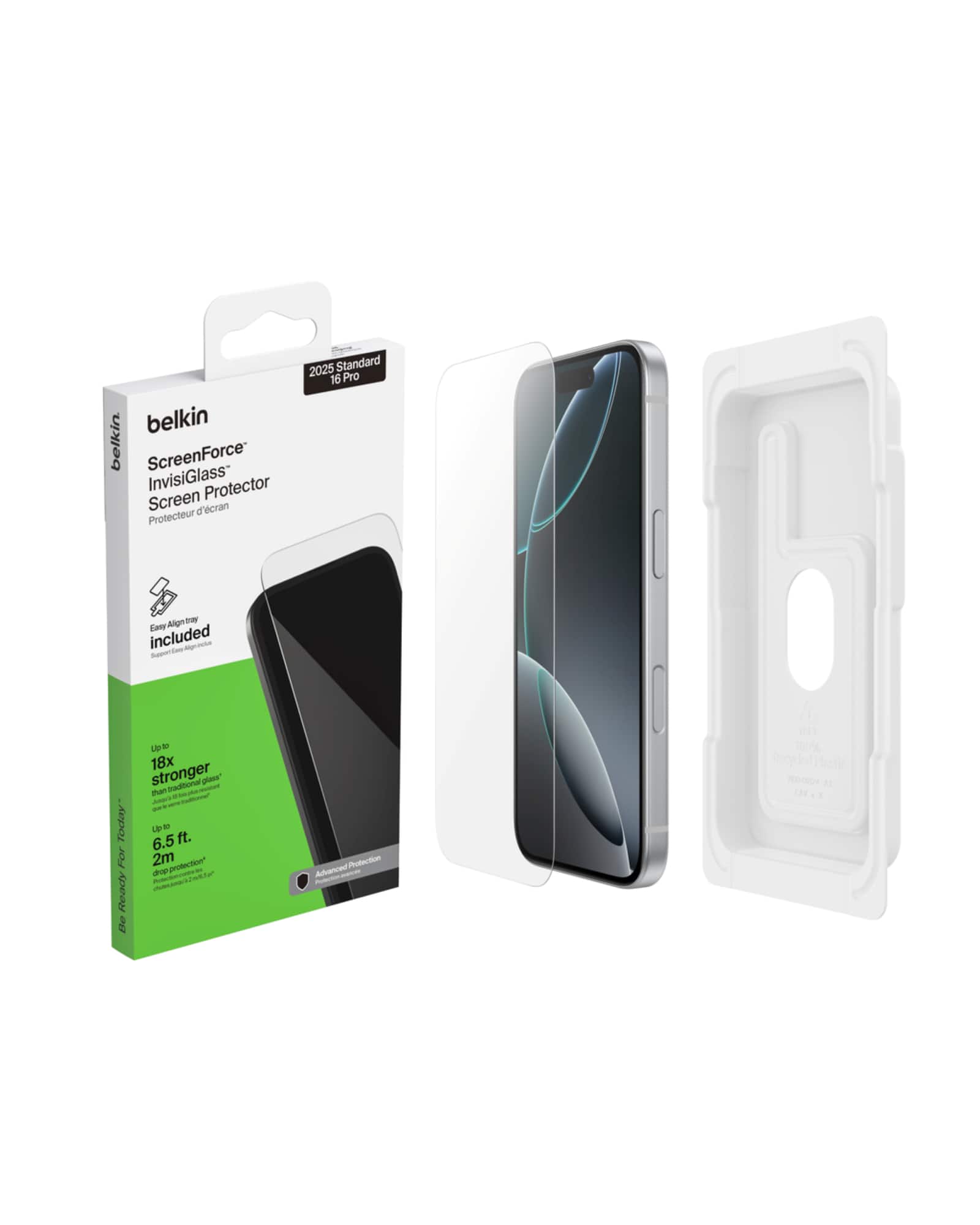
Belkin - ScreenForce InvisiGlass Screen Protector for iPhone 16 Pro, Scratch-Resistant w/ Easy Align Tray - Clear
SKU: JX5329KSYPIt was easy to install and stuck on great and quick. Packaging was easy and understandable....Great but directions need fixing
See all iPhone Screen ProtectorsProduct Description
A clear tempered glass screen protector with ion-exchange technology that resists impacts, scratches, and fingerprints.Your price for this item is $29.99
Best Sellers


Related Pages




FAQ
Touch sensitivity on an iPhone refers to how responsive the screen is to your touch. Higher sensitivity allows the device to detect lighter taps and gestures, making navigation smoother and more accurate.
Yes, you can adjust touch sensitivity settings on your iPhone. Go to Settings > Accessibility > Touch, where you can customize options like Touch Accommodations to suit your preferences.
Many screen protectors are designed to maintain or enhance touch sensitivity on iPhones. Look for ultra-thin or high-sensitivity screen protectors to ensure your device remains responsive.
Standard gloves may reduce touch sensitivity because iPhone screens rely on the conductivity of your skin. However, there are special touchscreen-compatible gloves that maintain functionality.
Some screen protectors, especially thicker ones, can slightly reduce touch sensitivity. Choosing a high-quality, thin protector designed for your iPhone model can help preserve optimal screen responsiveness.