TV Computer Monitor
-
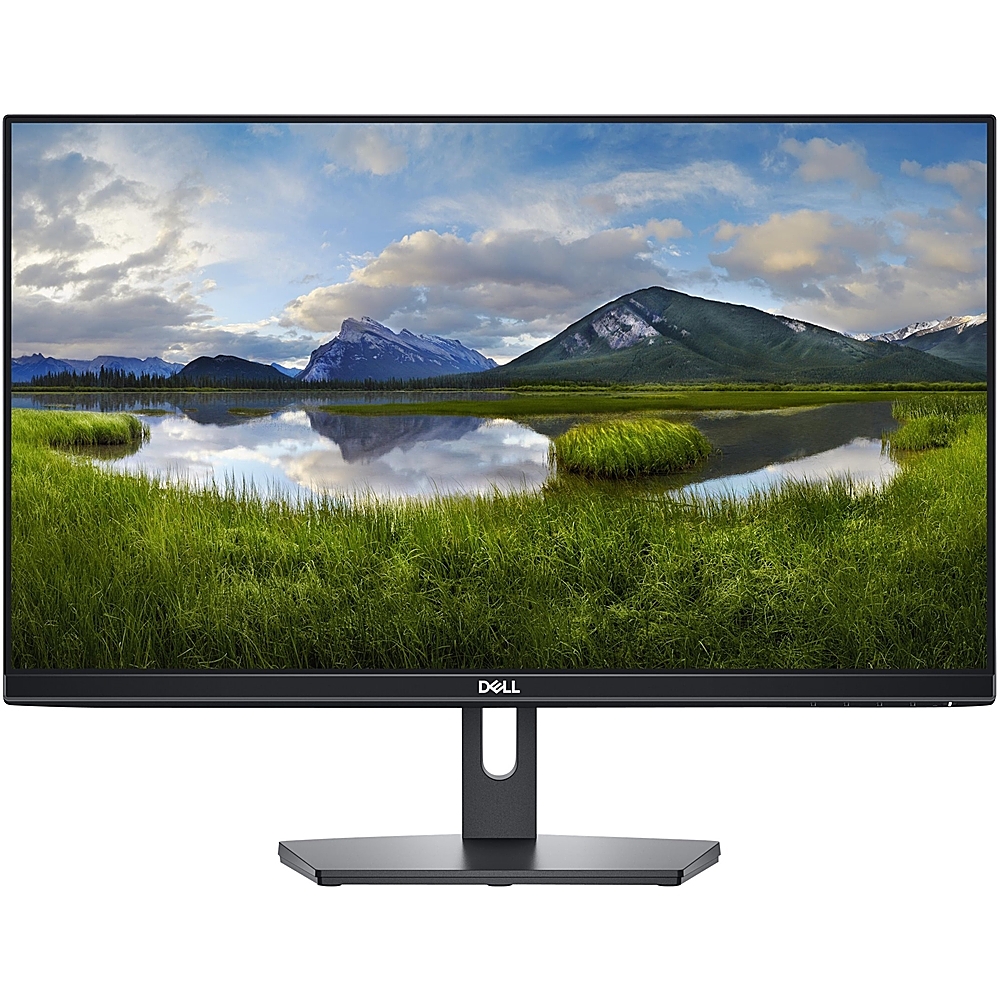
Dell - 24" IPS LED FHD 60Hz 5ms Monitor (HDMI, VGA) - Black
SKU: J3K4L9KRW9I love it! Thank you!
See all All MonitorsProduct Description
A black IPS LED monitor offering Full HD clarity, wide 178° viewing angles, and HDMI/VGA connectivity.Your price for this item is $149.99 -
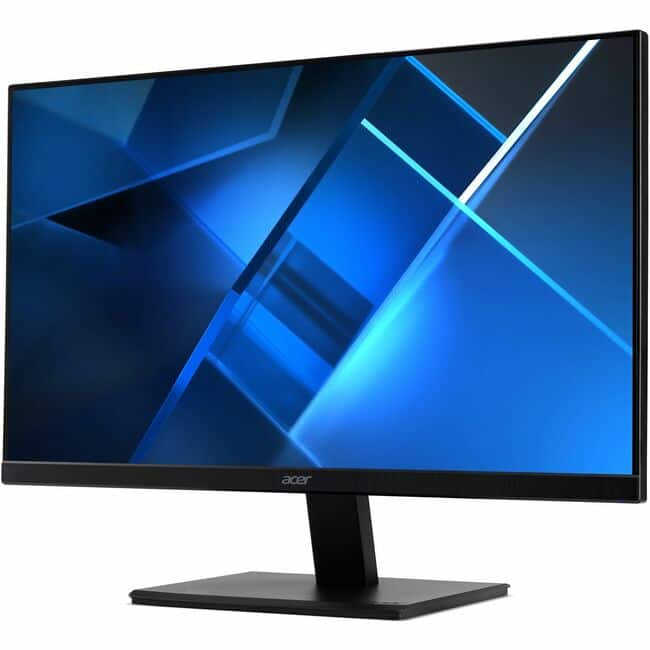
Acer - Vero V227Q E3 22" Class Full HD LED Monitor - 16:9 - 21.5" Viewable - In-plane Switching (IPS) Technology - Black
SKU: JJ8V8QVCQ7See all All MonitorsProduct Description
A black LED monitor with 1920x1080 resolution, IPS panel, adjustable stand, and EPEAT Silver certification.Your price for this item is $99.74Save $12The previous price was $112.00 -
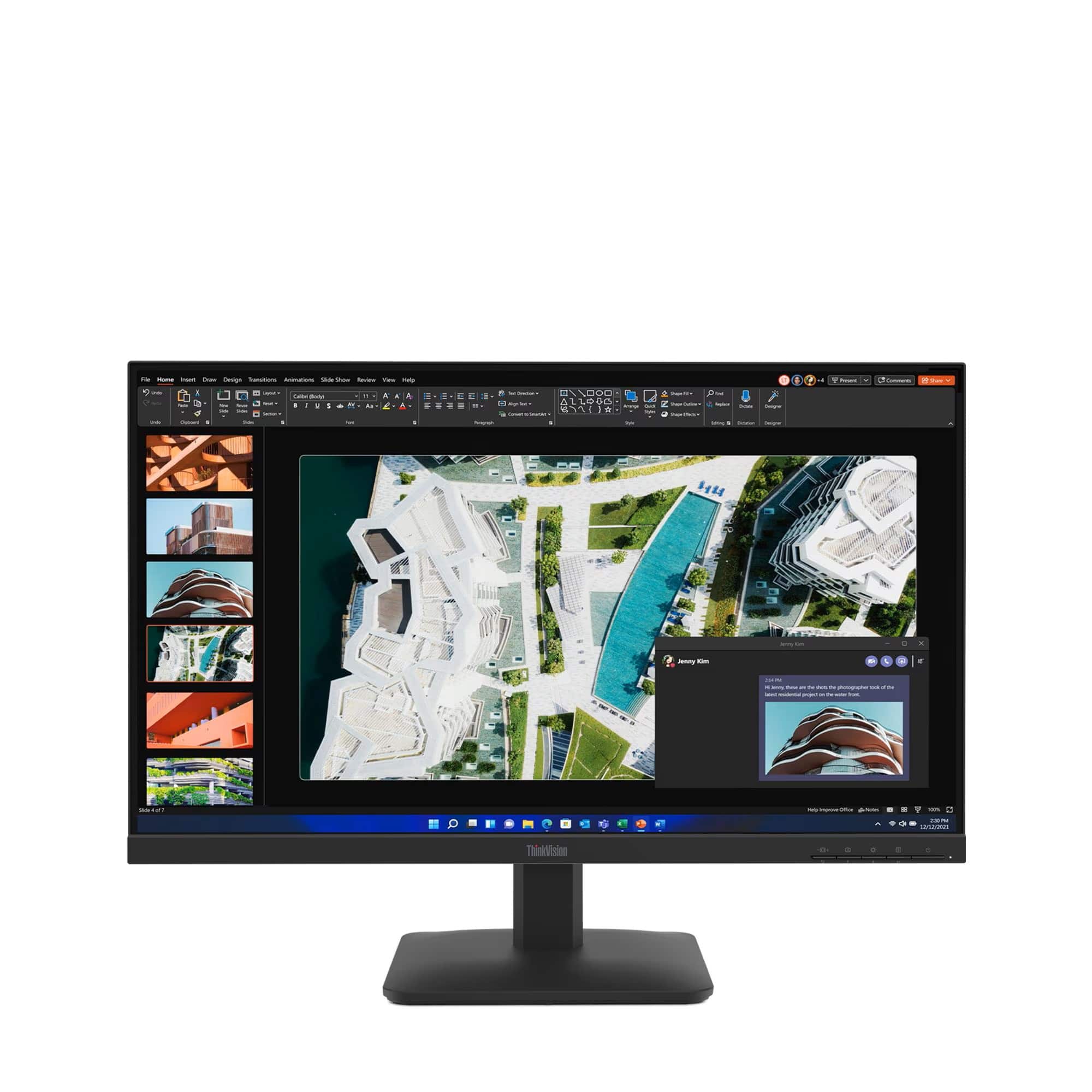
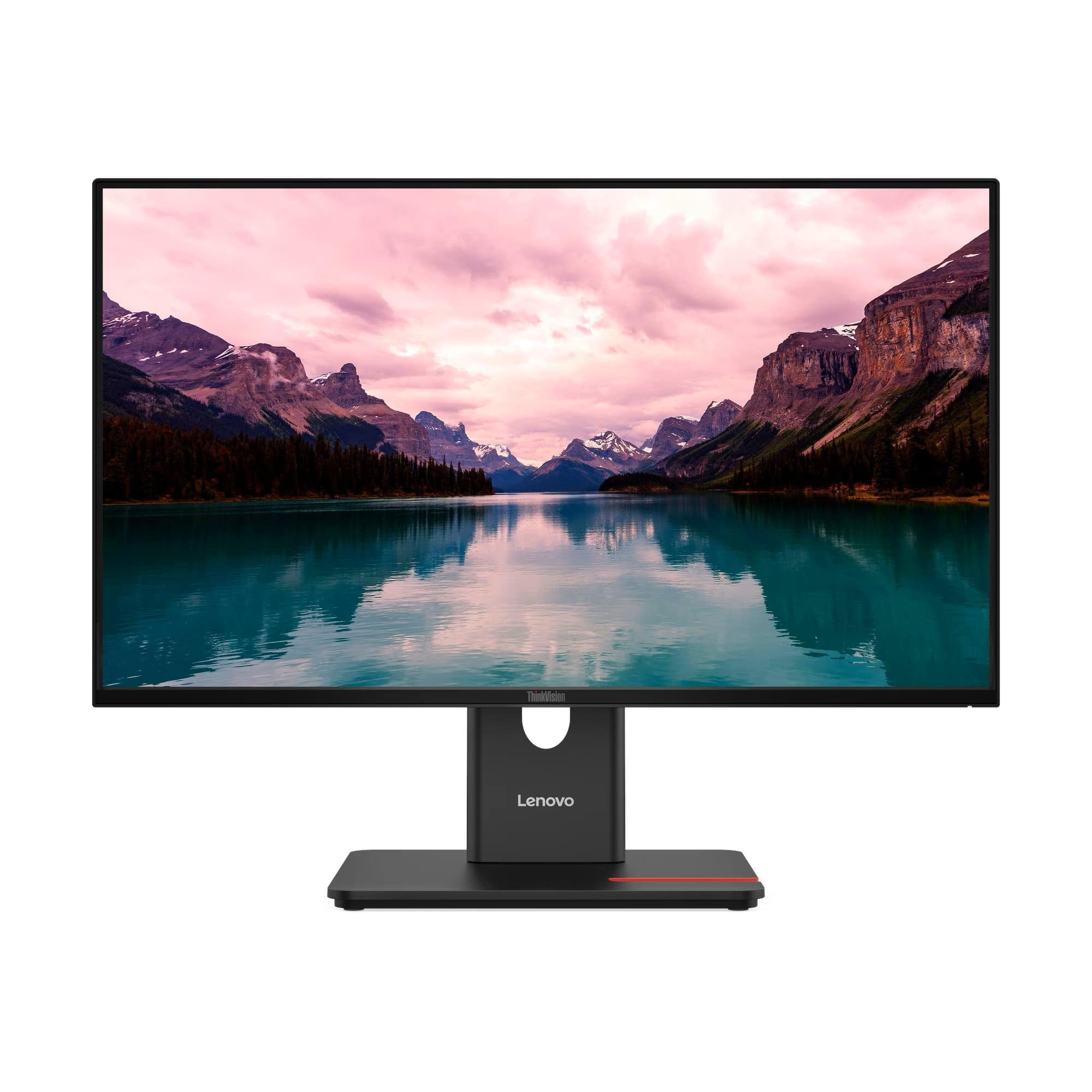
Lenovo - ThinkVision 27" IPS LED FHD 48Hz - 100hz Monitor (HDMI, VGA) - Raven Black
SKU: JJGSHL23QHSee all All MonitorsProduct Description
A sleek raven black IPS LED monitor with Full HD resolution, 100Hz refresh rate, and HDMI/VGA connectivity.Your price for this item is $144.99 -
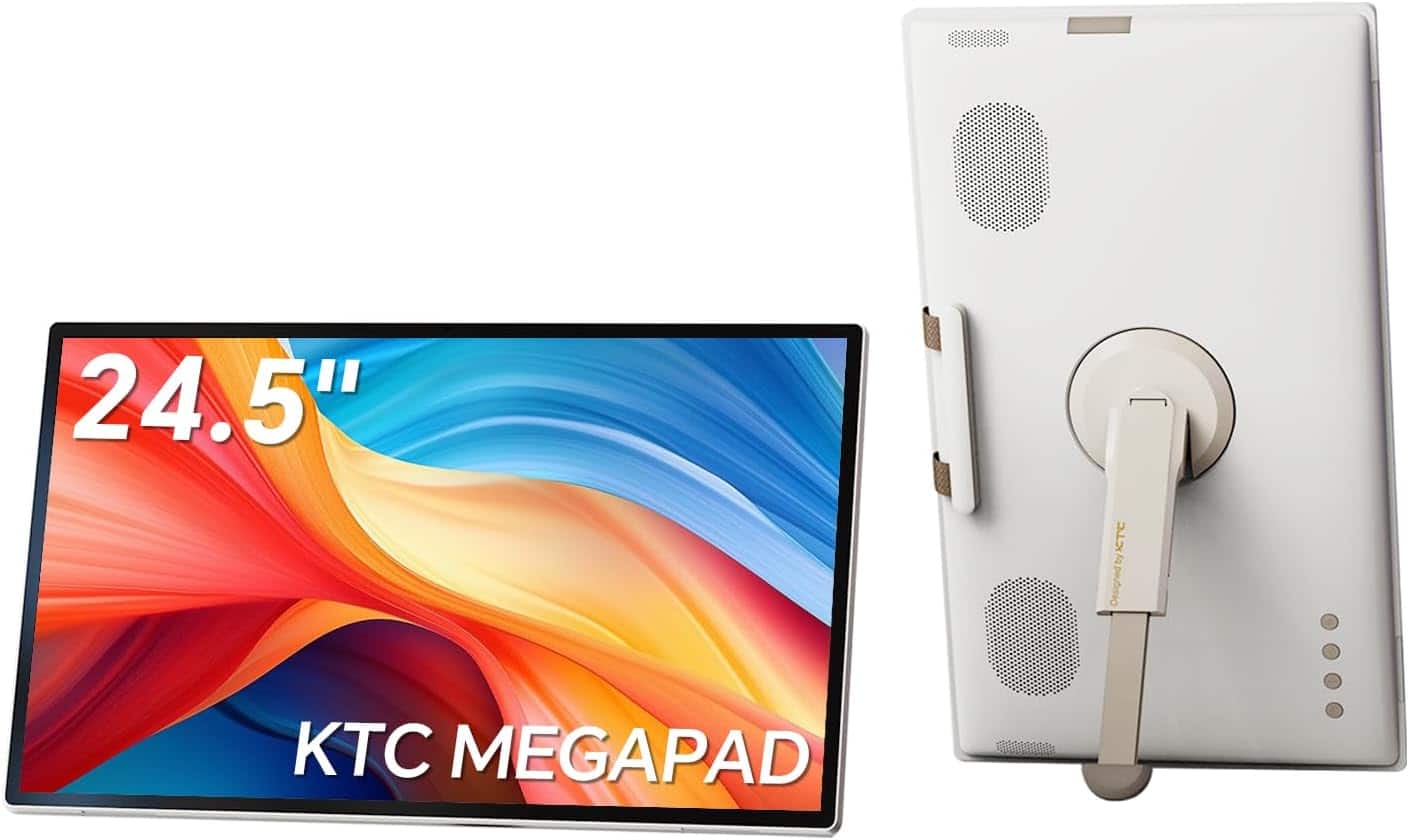
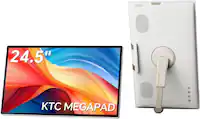
KTC - A25Q5 MEGAPAD 25" Monitor, Portable Android Smart Touchscreen TV, 1080p, Google EDLA Built-in Battery, Camera & Remote - White
SKU: CZYCLR87WFGreat portable smart display!...Setup was quick, and streaming apps work great. Highly recommended!
See all Gaming MonitorsProduct Description
A portable white touchscreen monitor with Full HD display, Android 14, built-in battery, and 8MP camera.Your price for this item is $449.99Save $150The previous price was $599.99 -
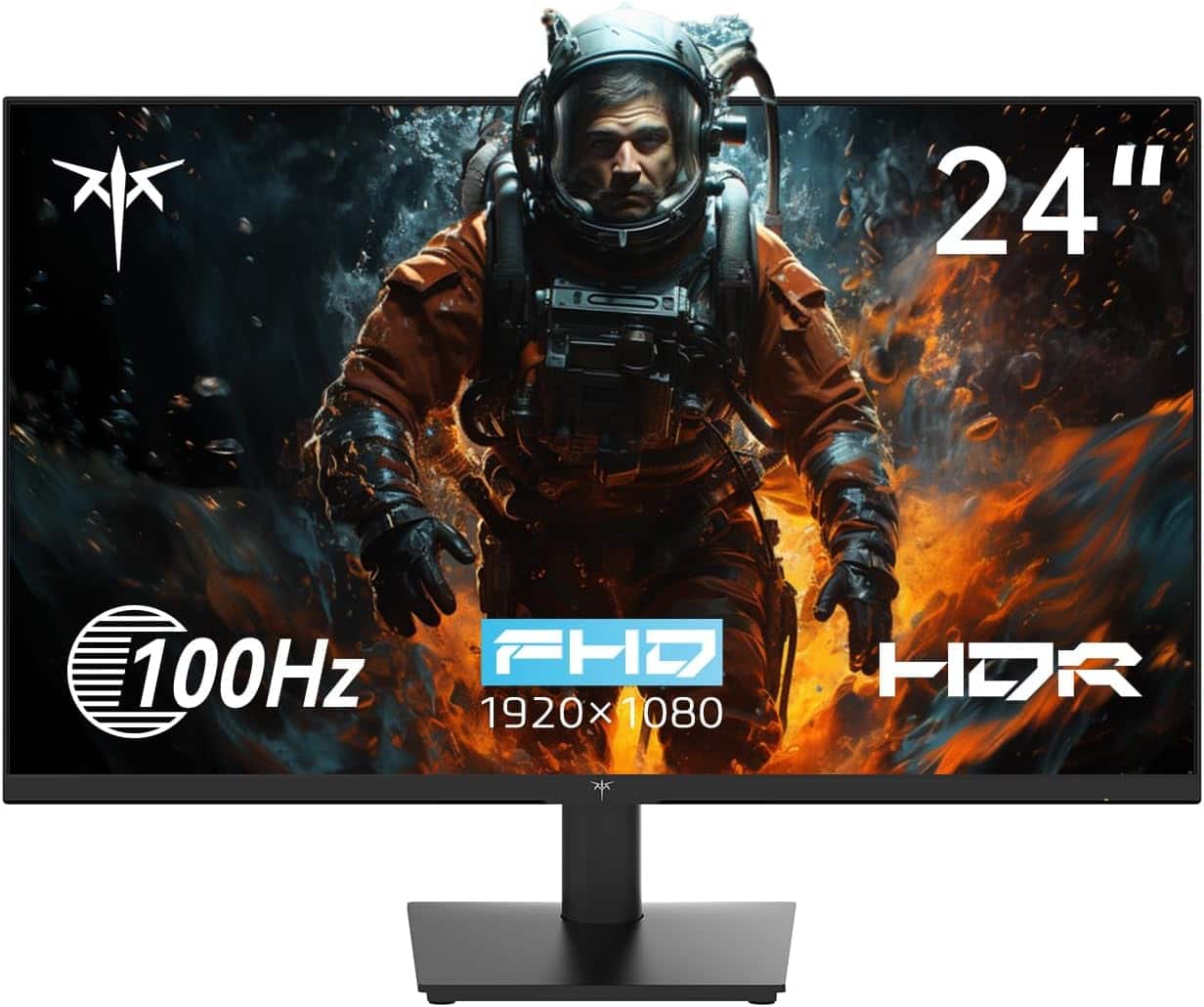
KTC - H24V13 24 Inch 1080P Full HD Computer Monitor, 100Hz HDR10 Frameless Gaming Monitor with Freesync, HDMI and VGA Ports - Black
SKU: CZYCLR3FS7See all Gaming MonitorsProduct Description
A black frameless LED monitor with 1080p resolution, 100Hz refresh rate, HDR10, and FreeSync support.Your price for this item is $119.99 -
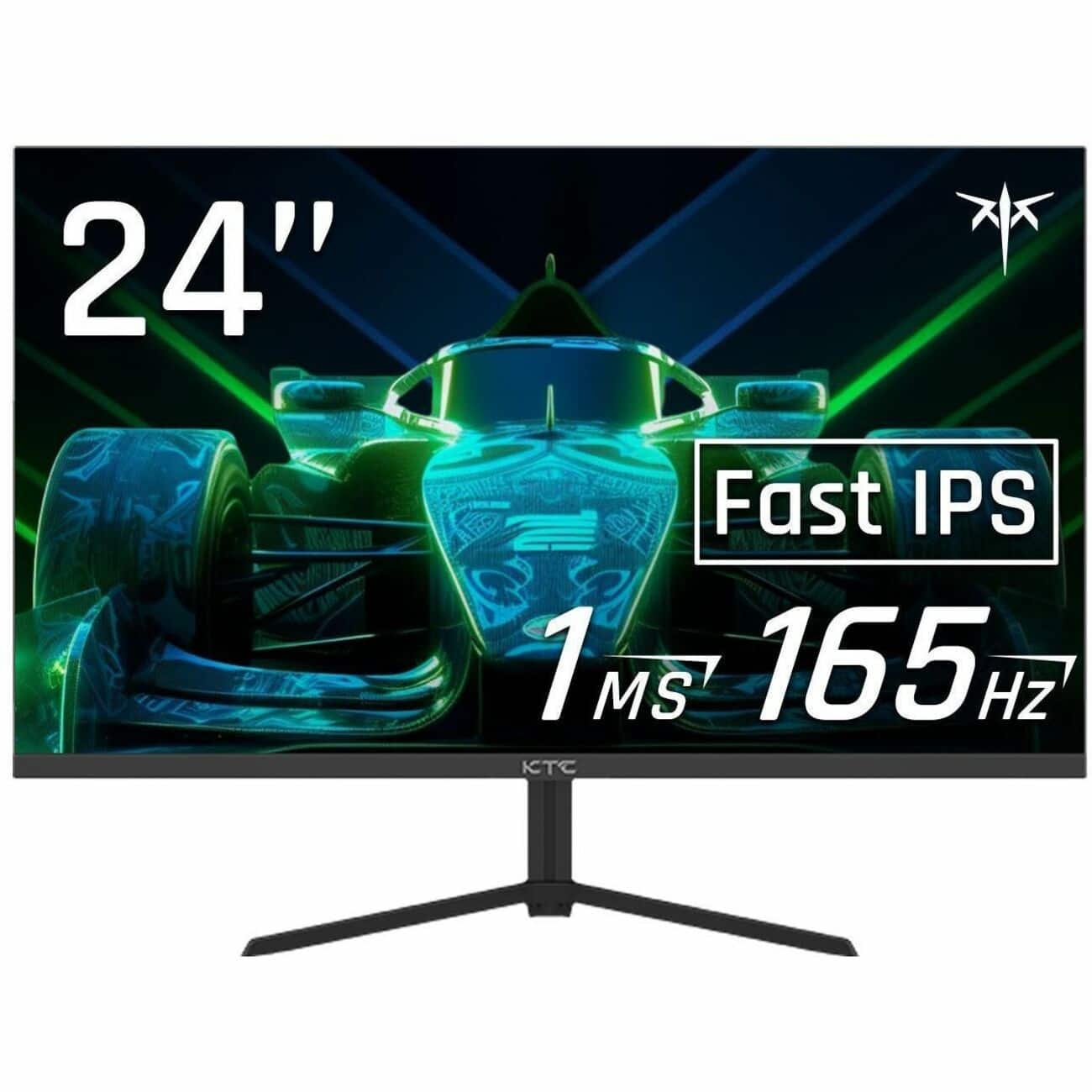
KTC - H24T09P 24 Inch Monitor 1080p 165Hz 144hz Monitor, 1ms GTG Fast IPS Computer Monitor, HDR, 125% sRGB, HDMI/DP, Eyecare - Black
SKU: CZYCLR3FJ3See all All MonitorsProduct Description
A fast IPS LED monitor in black with 1080p resolution, 165Hz refresh rate, HDR, and adaptive sync.Your price for this item is $129.99 -
Dell - 21.5" IPS LED FHD 100Hz Monitor (VGA, USB, HDMI) - Black, Silver, Multicolor
SKU: J3K4L62V4PSee all All MonitorsProduct Description
A sleek black and silver IPS LED monitor offering FHD resolution, 100Hz refresh rate, and versatile connectivity.Your price for this item is $199.99 -
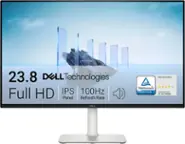
Lenovo - ThinkVision 23.8" IPS LED FHD 48hz - 120hz Monitor (HDMI, USB, DP, VGA) - Eclipse Black
SKU: JJGSHL7LXSSee all All MonitorsProduct Description
An Eclipse Black IPS LED monitor featuring FHD resolution, 120Hz refresh rate, and versatile connectivity options.Your price for this item is $179.99Save $10The previous price was $189.99 -
Dell - 19.5" LCD Monitor (DisplayPort, VGA, HDMI, DVI) - Black
SKU: J3K4L9PFPKSee all All MonitorsProduct Description
A black LED monitor with 1600 x 900 resolution and versatile DisplayPort, VGA, HDMI, and DVI inputs.Your price for this item is $89.00 -
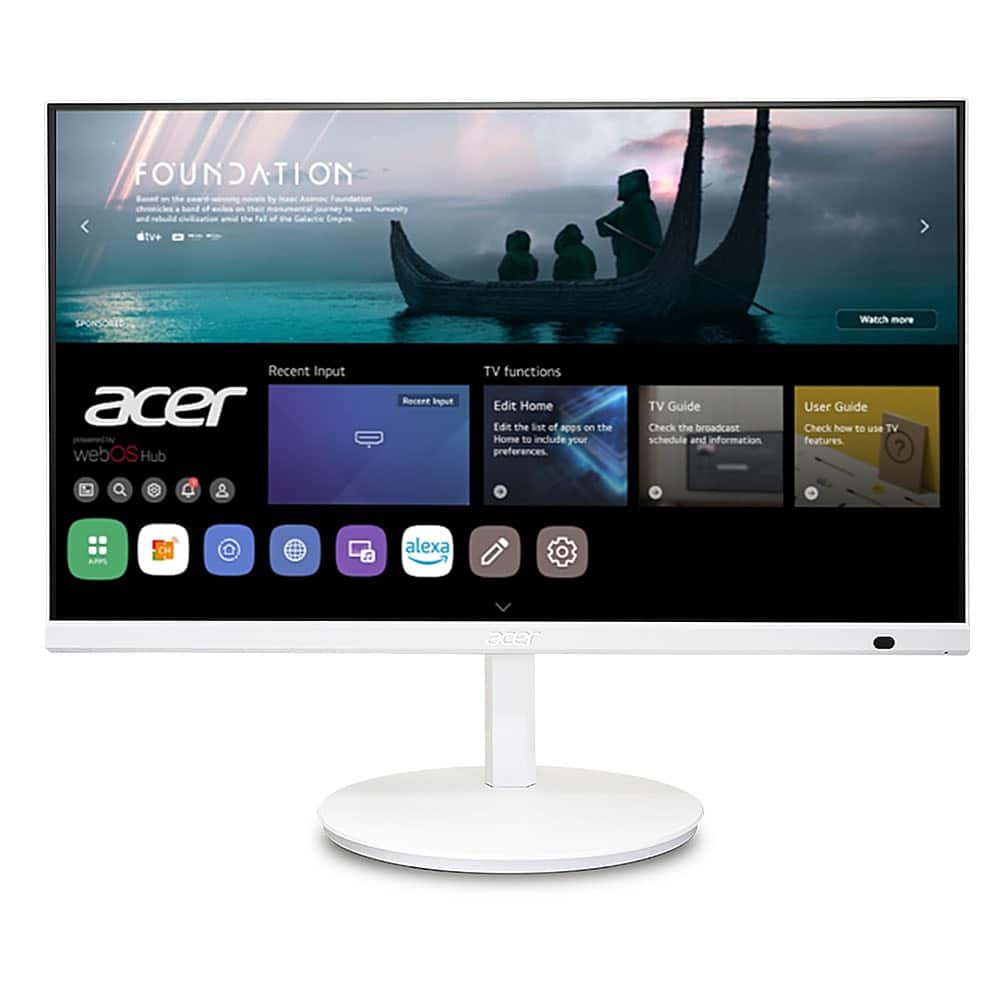
Acer - CS242Y wemiiirx 23.8” IPS LED FHD(1920 x 1080) 60Hz Monitor(HDMI) - White
SKU: JJ8V8HJHP3See all All MonitorsProduct Description
A white IPS LED monitor with FHD resolution, adjustable stand, integrated speakers, and HDMI connectivity.Your price for this item is $199.99


Best Sellers







Related Pages

FAQ
Yes, many modern TVs can be used as computer monitors, especially those with HDMI or DisplayPort inputs. Ensure your computer's graphics card supports the TV's resolution and refresh rate for optimal performance.
Look for features such as low input lag, high refresh rate, and support for computer-friendly resolutions. Additional features like HDMI ports, adjustable picture settings, and Game Mode can also enhance your experience.
Most computers and TVs connect easily via HDMI cables. Some setups may require adapters, such as DisplayPort-to-HDMI or USB-C-to-HDMI, depending on your computer’s output options.
Clarity depends on the TV's resolution, pixel density, and viewing distance. 4K TVs generally provide sharper images for desktop use. Adjusting your computer’s display settings can also help improve clarity.
Dedicated monitors often have higher pixel density, faster response times, and better color accuracy, which can be beneficial for tasks like photo editing or gaming. However, TVs typically offer larger screen sizes and additional smart features.