LED TV For Computer Monitor
-
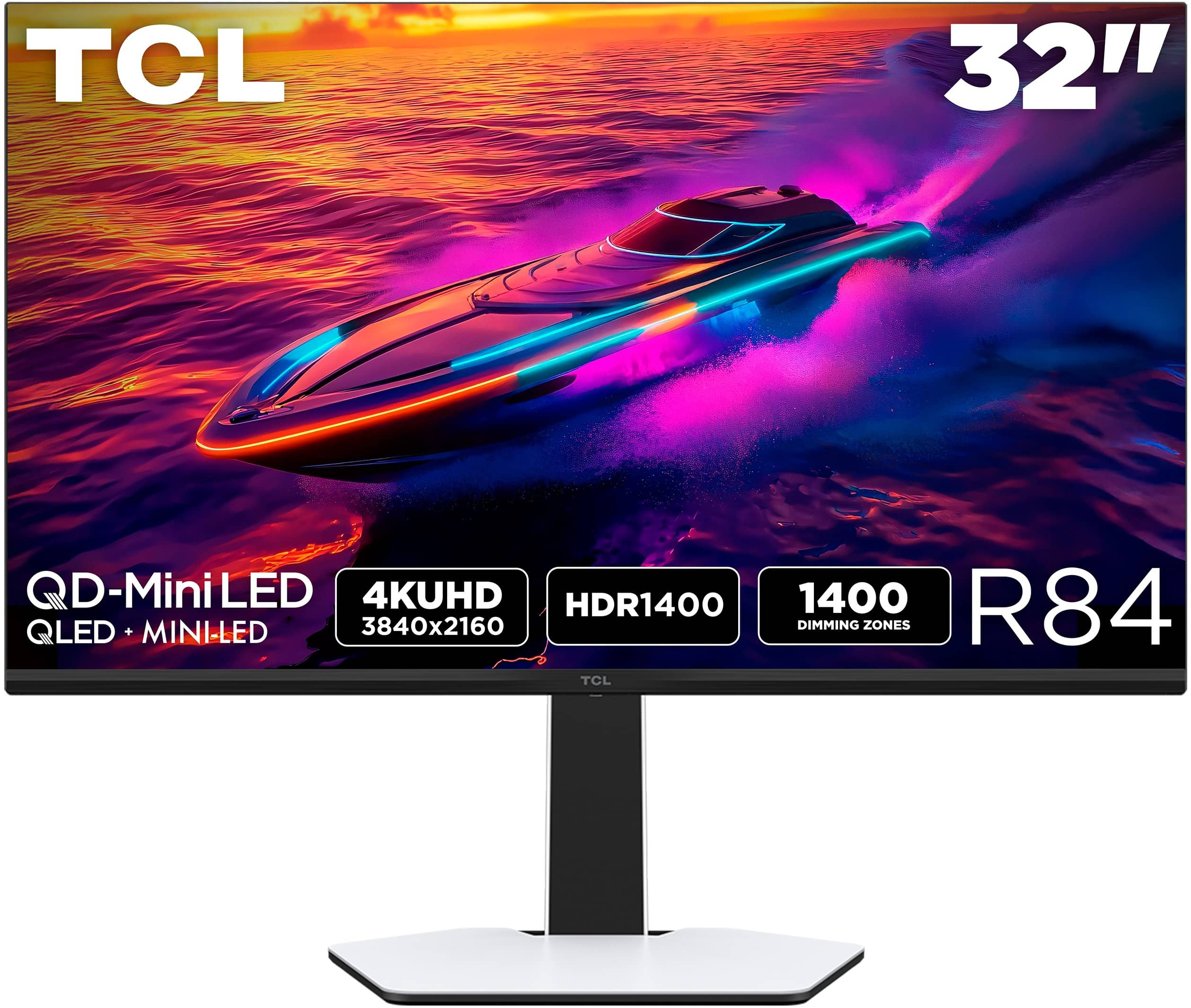
TCL - R84 32" QD-Mini LED 4K UHD 165Hz DisplayHDR1400 1ms AMD FreeSync Premium Gaming Monitor (USB C, DisplayPort, HDMI) - Black and White
SKU: J36QYTQK9Cfor me the best all around...i love that it has speakers, a build it hub so i can connect multiple devices....great picture clarity great refresh rate 165 hz really bright and great blacks
See all Gaming MonitorsProduct Description
A black and white QLED gaming monitor featuring 4K UHD, HDR10, 165Hz refresh, and 1ms response time.Your price for this item is $599.99Save $100The previous price was $699.99 -
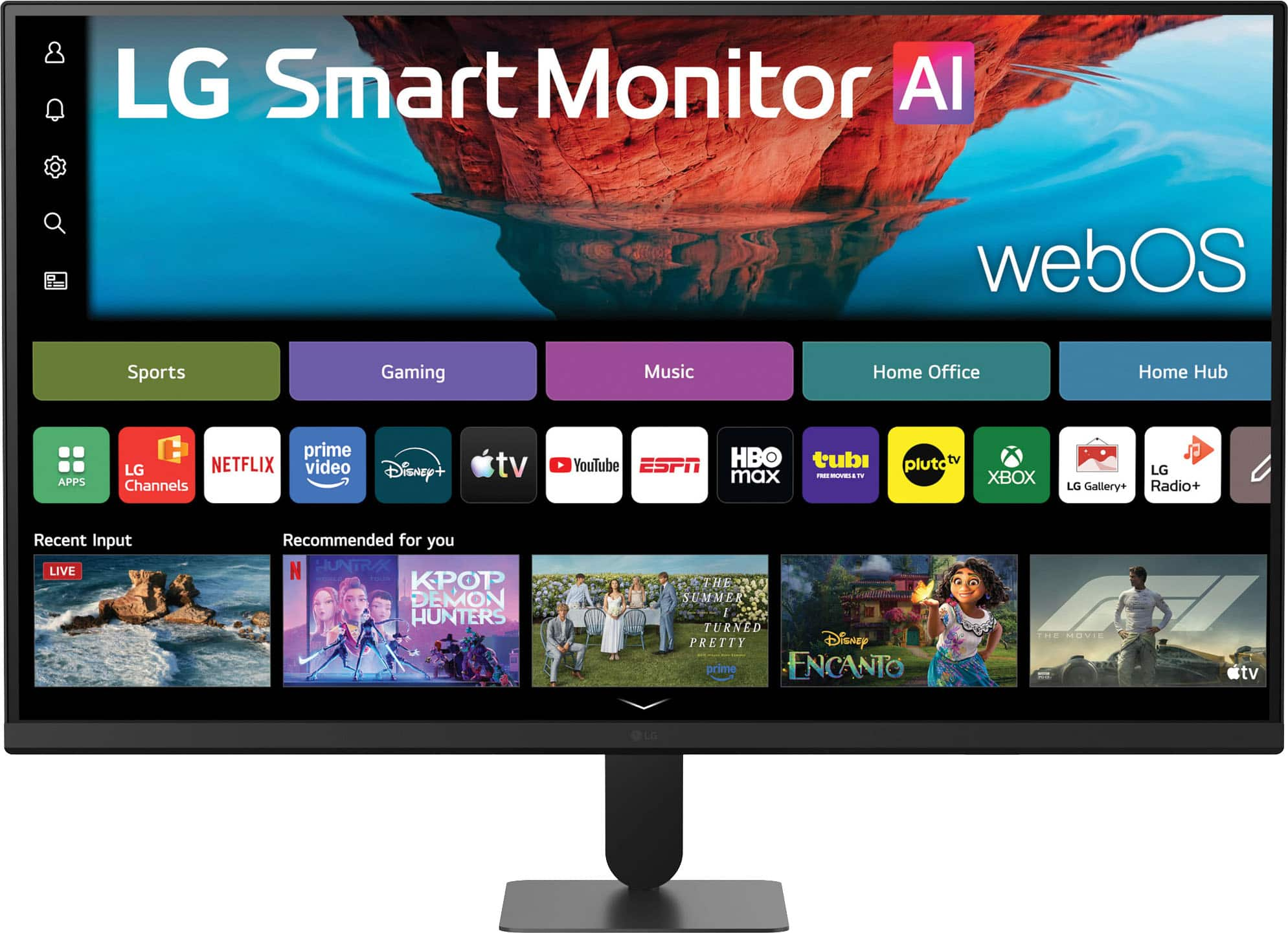
LG - 32" 4K UHD 60Hz 5ms Smart Monitor with HDR10, Built-in Speakers (HDMI, USB-A) - Black
SKU: JJ8VPZZSLCLooks great and has a clean simple finish....Don’t love the built in smart features but maybe one day I’ll use them....Great product...This monitor works great for my needs and i have no complaints about...
See all All MonitorsProduct Description
A black 4K UHD smart monitor with HDR10, built-in speakers, webOS streaming, and versatile connectivity.Your price for this item is $269.99Save $30The previous price was $299.99 -
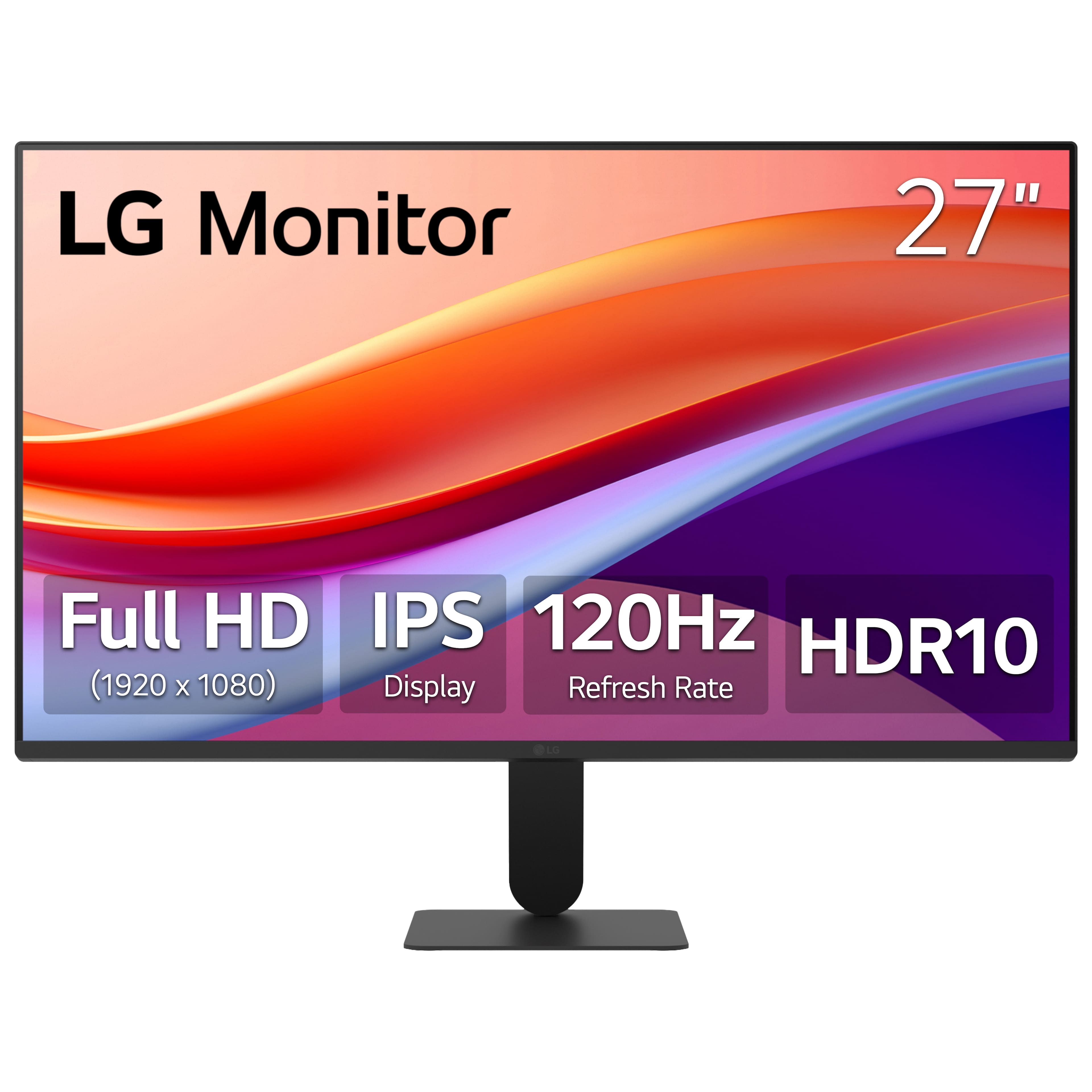
LG - 27" IPS FHD 120Hz Monitor with HDR10 (HDMI) - Black
SKU: JJ8VPZKPZ6Great value...Great value great price great product thank team best buy...Great monitor for gaming and Best Buy helped me pick the rite one
See all All MonitorsProduct Description
A black IPS monitor with 120Hz refresh rate, HDR10 support, and ultra-slim bezels for vibrant visuals.Your price for this item is $104.99Save $145The previous price was $249.99 -
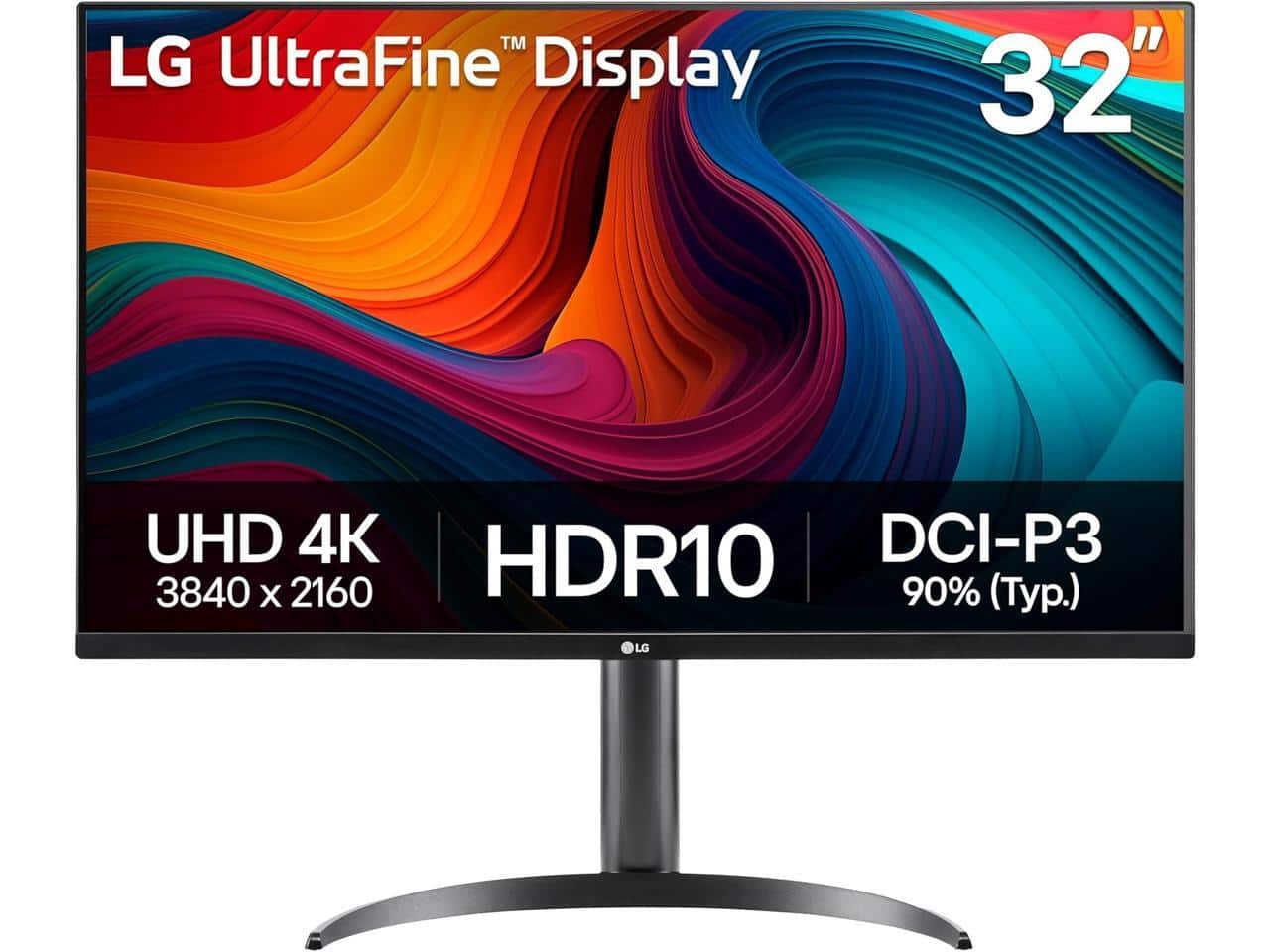
LG - 32UR550K-B 32" 4K UHD Monitor, HDR10, HDMI/DP, Adjustable Stand - Black
SKU: JJ8VPZKSRYSee all All MonitorsProduct Description
A 32-inch black LED monitor featuring 4K UHD resolution, HDR10 support, and an adjustable stand.Your price for this item is $349.99Save $28The previous price was $377.99 -
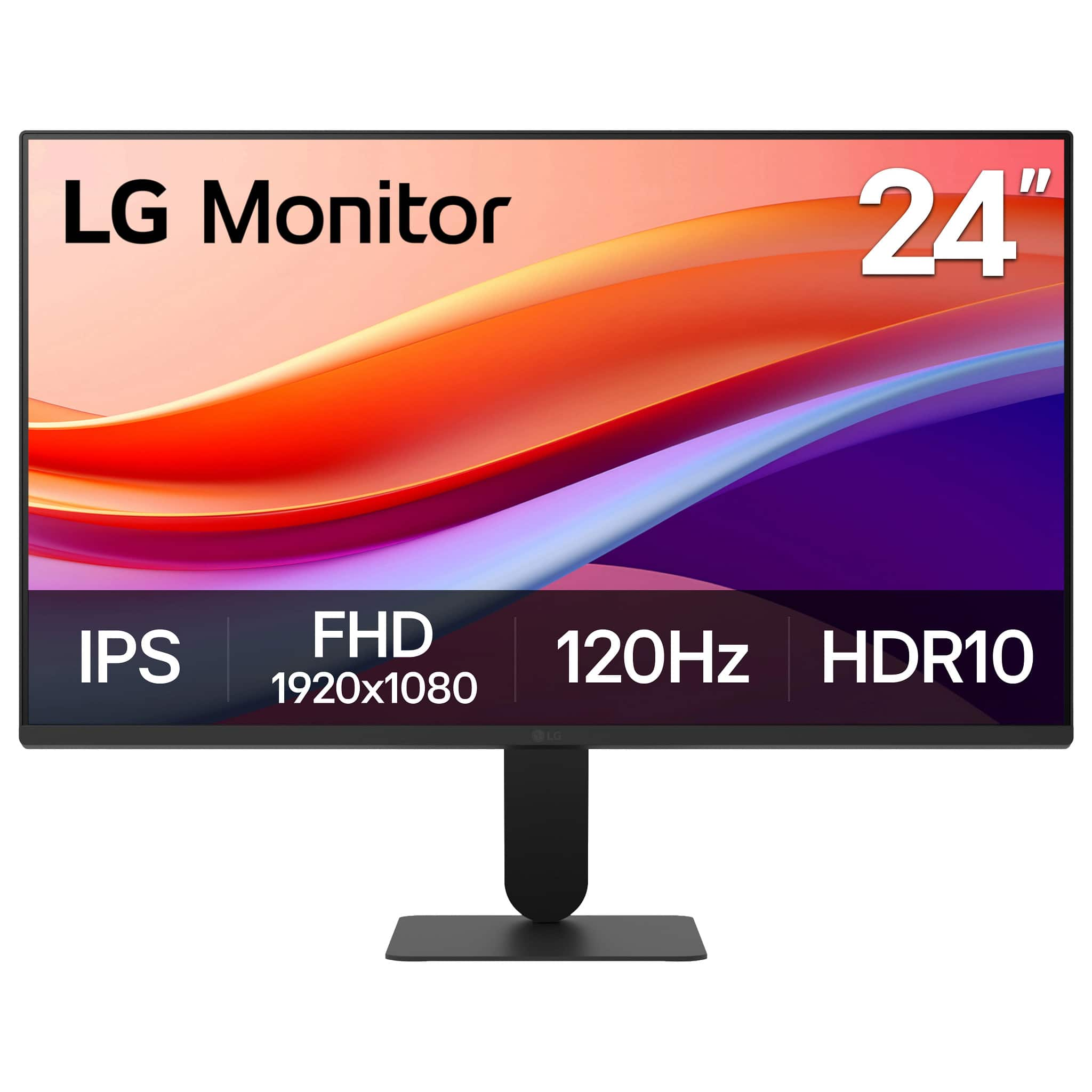
LG - 24" IPS FHD 120Hz Monitor with HDR10 (HDMI) - Black
SKU: JJ8VPZKPZZBest for the price....Love everything about it except the headphone jack....Best monitor I ever owned for under $100, clear visuals and color, functions great
See all All MonitorsProduct Description
A black IPS monitor with Full HD resolution, 120Hz refresh rate, HDR10, and ultra-slim bezels.Your price for this item is $86.99Save $113The previous price was $199.99 -
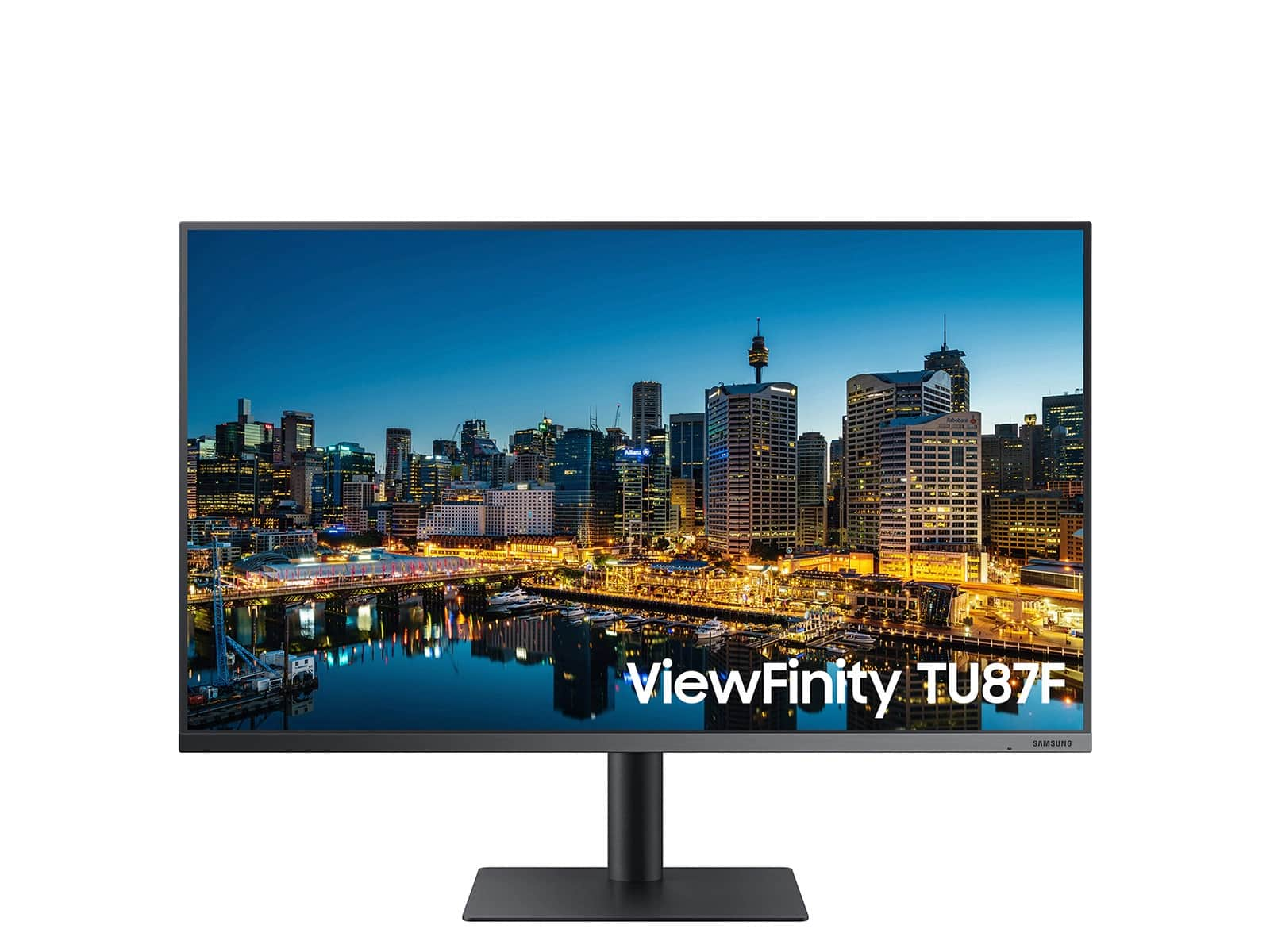
Samsung - ViewFinity 32" TU874 LED UHD Monitor (HDMI, USB, Thunderbolt) - Black
SKU: J3ZYGCV375It’s a great monitor! Very easy to put together and hook up. And the picture just looks great!
See all All MonitorsProduct Description
A black UHD LED monitor featuring Thunderbolt 3, HDR10, adjustable stand, and 4K resolution for versatile connectivity.Your price for this item is $569.99
Best Sellers

Related Pages



FAQ
Yes, many LED TVs can be used as computer monitors. They often come with HDMI ports and support resolutions compatible with most computers, making them a versatile option for both work and entertainment.
When choosing an LED TV for computer use, look for features like low input lag, high refresh rates, multiple HDMI ports, and support for resolutions such as 1080p or 4K. These features help ensure a smooth and clear display when connected to your computer.
Most LED TVs offer multiple HDMI and other input ports, allowing you to connect your computer alongside devices such as gaming consoles, streaming boxes, or Blu-ray players.
While both can display your computer’s output, dedicated monitors typically offer higher pixel density and faster response times. However, LED TVs provide larger screen sizes and can double as entertainment centers, making them a flexible choice for various needs.
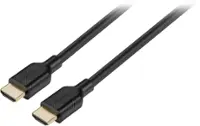
You can connect your computer to an LED TV using an HDMI cable. Simply plug one end of the cable into your computer’s HDMI output and the other into one of the TV’s HDMI inputs. Then, select the correct HDMI input on your TV to display your computer’s screen.