TV With Ethernet Connection
-
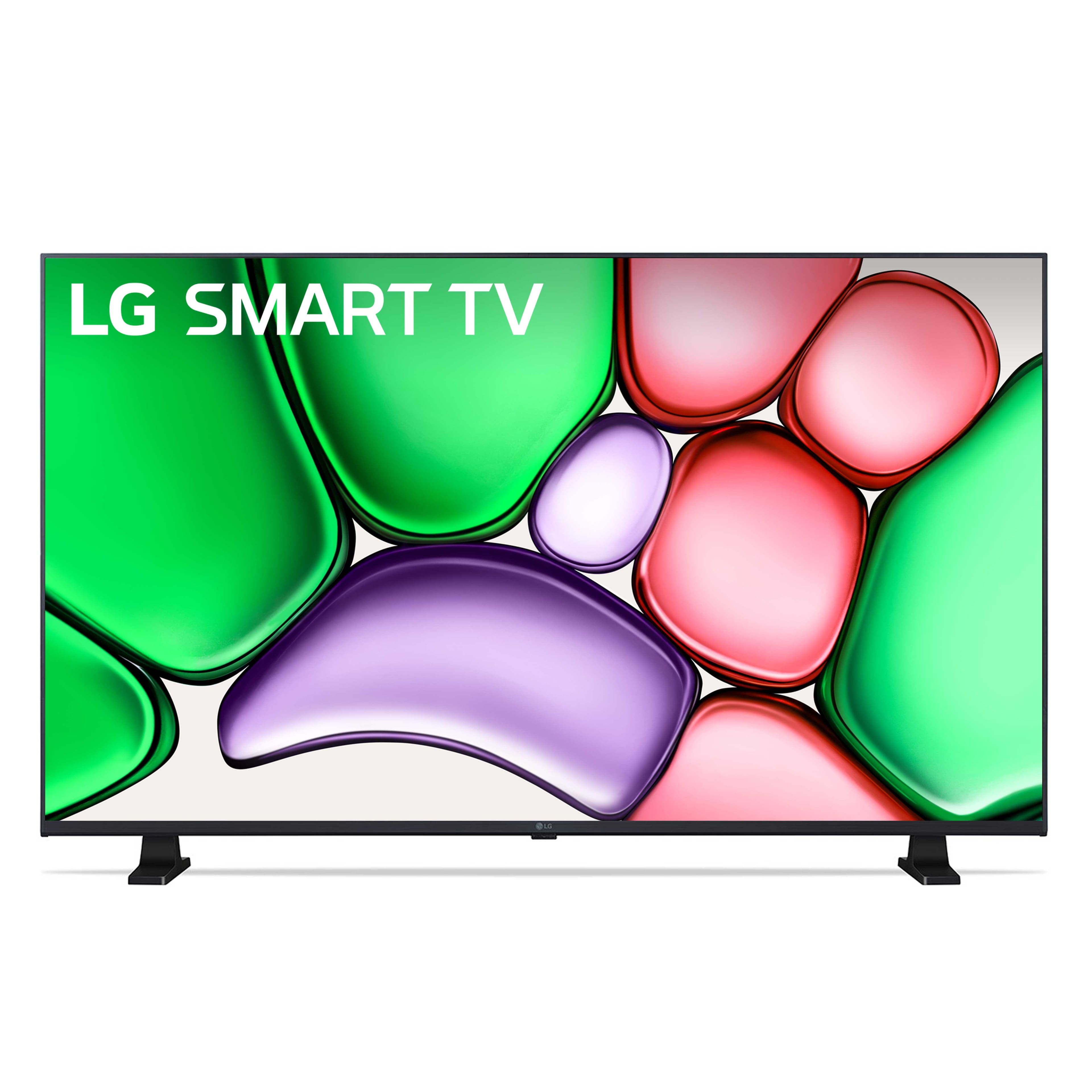
LG - 32" Class LR65 Series LED HD webOS TV (2024)
SKU: JJ8VPZHXTJLove the clear picture along with all the added features....Love the touch screen and lay out.
See all All Flat-Screen TVsProduct Description
A high-definition LED TV with webOS for easy streaming and access to 300+ free channels.Your price for this item is $229.99 -
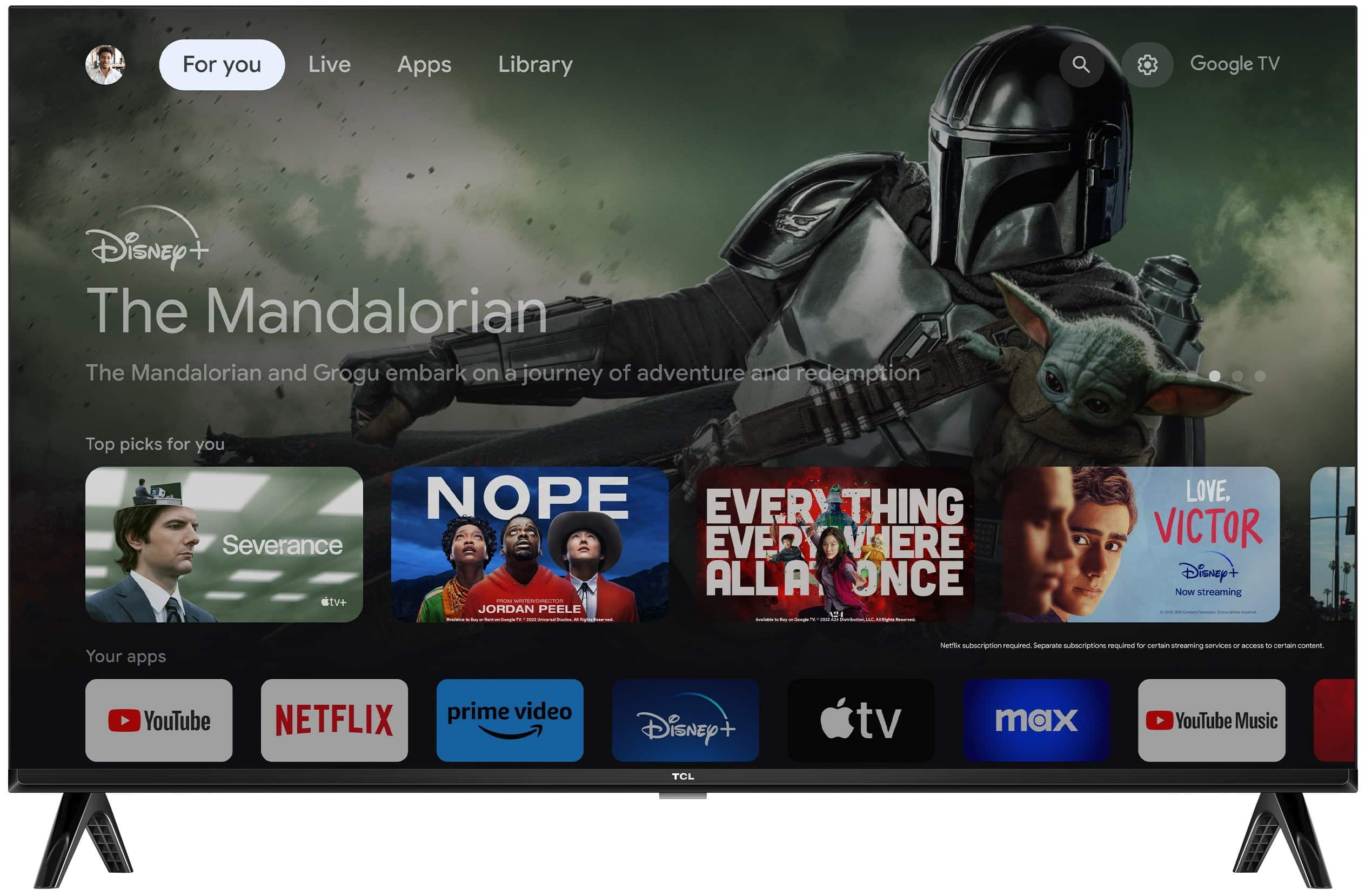
TCL - 40" Class S3 S-Class LED Full HD Smart TV with Google TV (2023)
SKU: J36QYTT2V4Great quality tv and a great price too !! Also just love Best Buy !...kids love this, smart tvs are the best for them and mounts great
See all All Flat-Screen TVsProduct Description
A smart black LED TV with Full HD resolution, Google TV, HDR, Bluetooth, and Alexa compatibility.Your price for this item is $151.99Save $8The previous price was $159.99 -
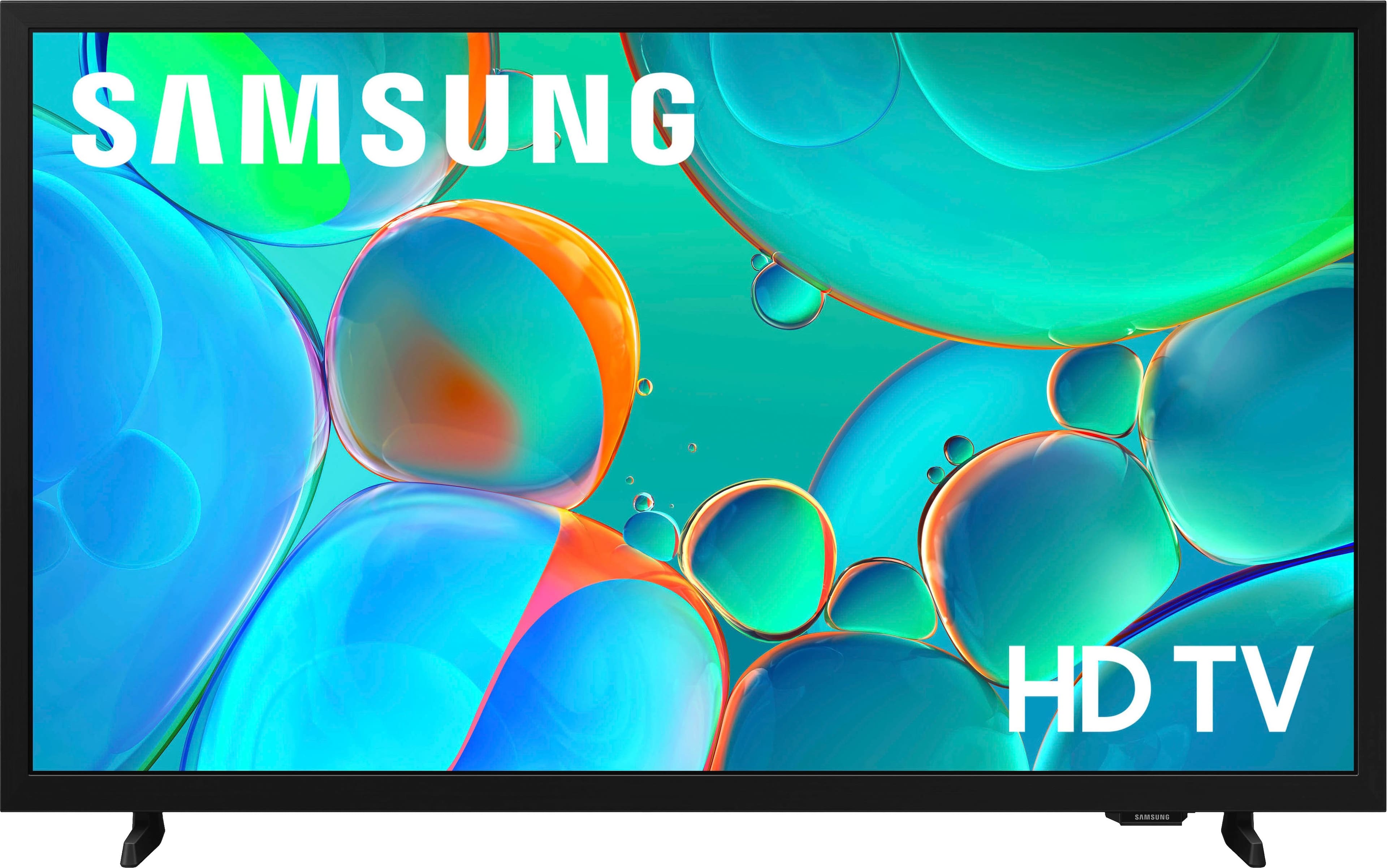
Samsung - 32" Class H5000F Series LED HD Smart Tizen TV (2025)
SKU: J3ZYG2FYCLGreat service at a great price. I love best buy! 10/10...Great feature...Best product ever great qualify and love the product
See all All Flat-Screen TVsProduct Description
A high-definition LED smart TV with vibrant colors, dynamic audio, and triple-layer personal data protection.Your price for this item is $149.99
Best Sellers

Related Pages






FAQ
A TV with an Ethernet connection offers a more stable and faster internet connection compared to Wi-Fi. This can improve streaming quality, reduce buffering, and provide a more reliable connection for online apps and gaming.
Most TVs will prioritize a wired Ethernet connection when both Ethernet and Wi-Fi are available. However, you typically cannot use both simultaneously for internet access; the TV will default to one connection at a time.
To connect your TV to the internet via Ethernet, simply plug one end of the Ethernet cable into your TV's LAN port and the other end into your router or modem. Then, go to your TV's network settings and select the wired connection option.
High-bandwidth activities like streaming 4K content, online gaming, and video conferencing often perform better with an Ethernet connection due to increased speed and stability.
You will need a standard Ethernet (Cat5e or higher) cable to connect your TV to your router. No additional accessories are typically required, but ensure your router has an available Ethernet port.