Twitch Cameras
-
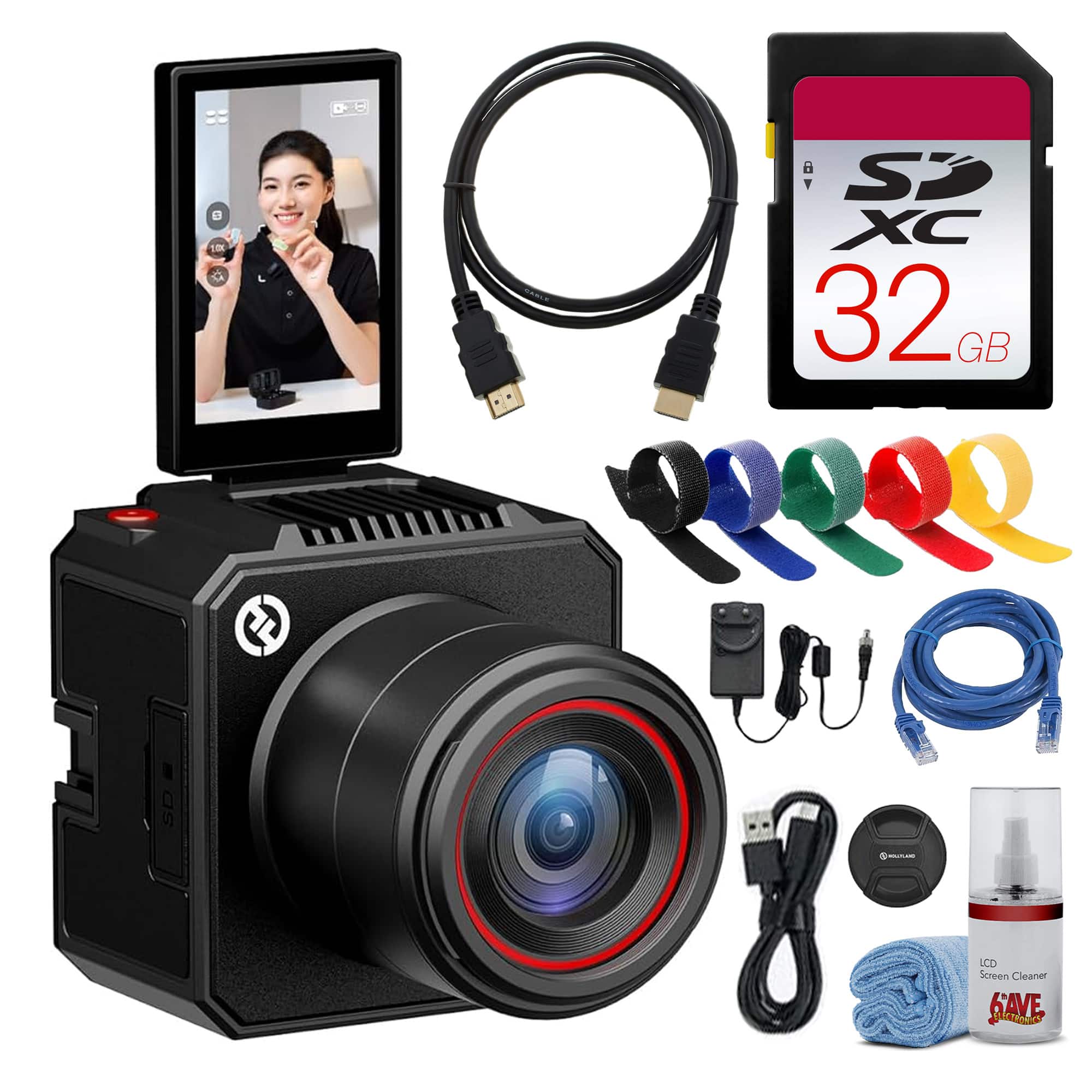
Bundle - HOLLYLAND - VenusLiv Air 4K Live Streaming Camera 50MP AI RTMP YouTube Twitch
SKU: JJGYT42FG8See all WebcamsProduct Description
An all-in-one 4K live streaming camera with 50MP sensor, AI image optimization, and flippable touchscreen.Your price for this item is $549.00 -
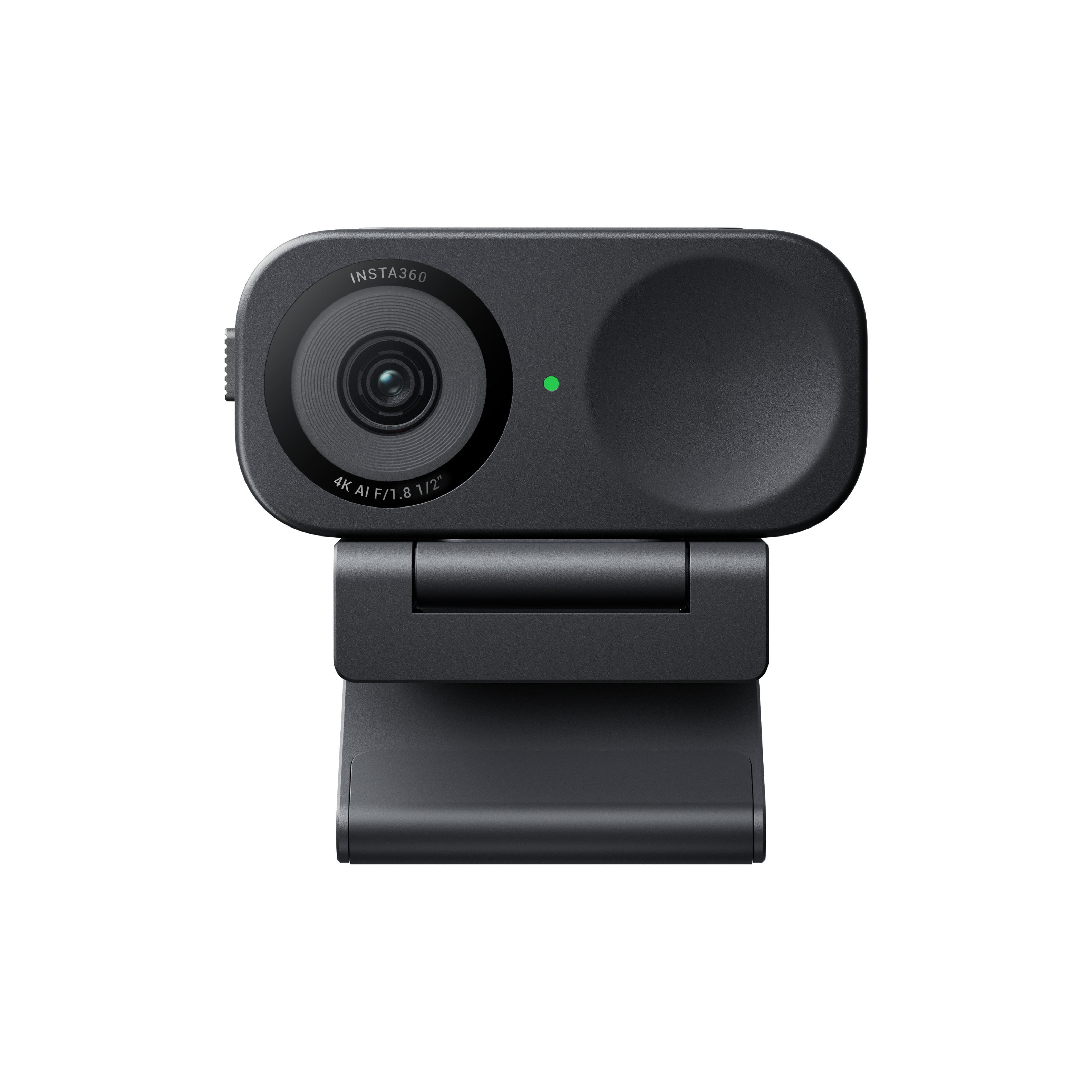
Insta360 - Link 2C 4K Webcam for Conferencing, Gaming & Streaming, 1/2" Sensor, AutoFraming, works w/ Zoom, Teams, Twitch & more - Black
SKU: J39VLTZFX2Great Camera, Best Buy Image was Wrong Initially...Overall I love the camera, however, at the time that I bought it, it was for the better model with the...Fortunately its still the best webcam I've had....
See all WebcamsProduct Description
A black AI-powered 4K webcam with autofocus, built-in microphone, and seamless plug-and-play connectivity.Your price for this item is $119.99Save $30The previous price was $149.99 -
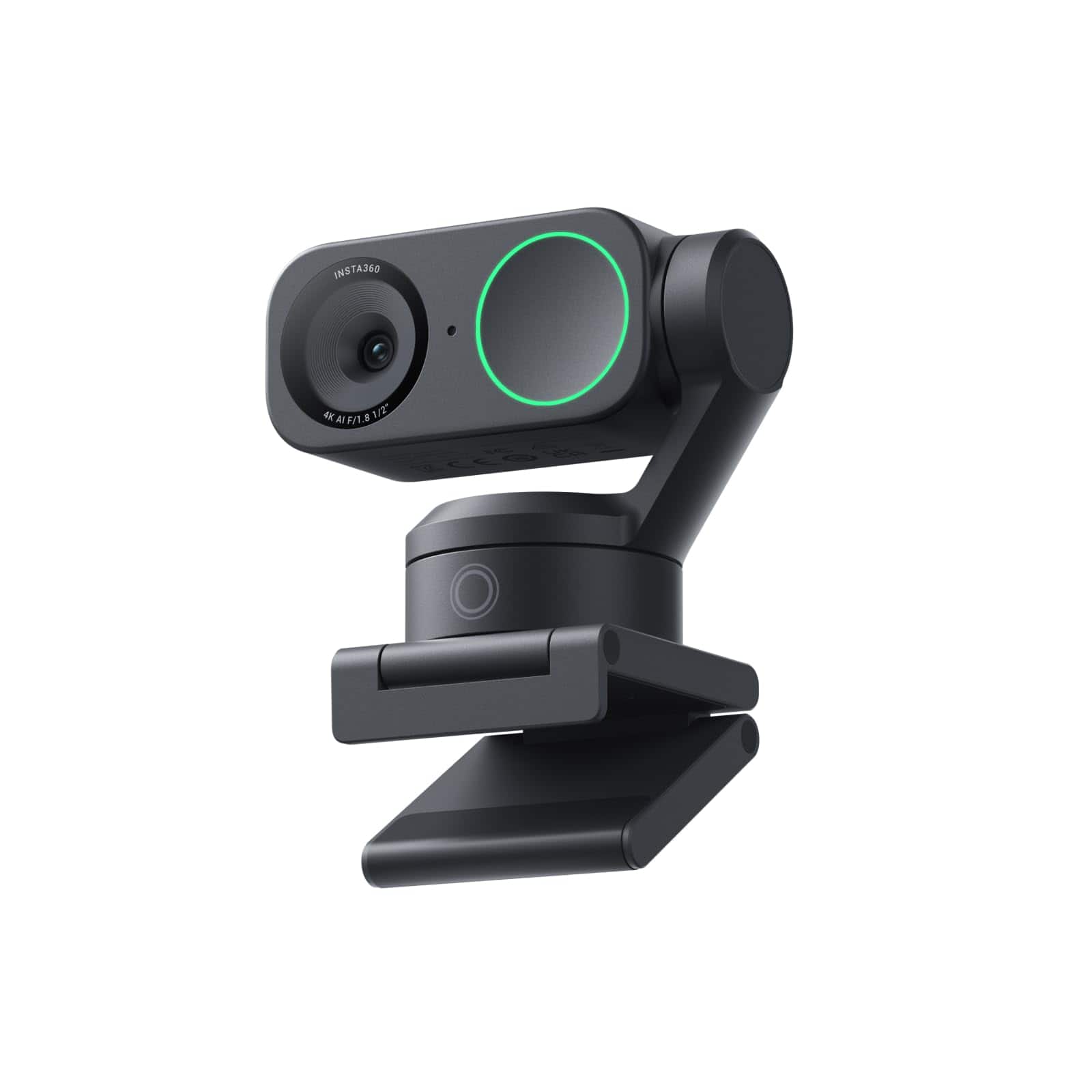
Insta360 - Link 2 PTZ 4K Webcam for Conferencing, Gaming & Streaming, 1/2" Sensor, AI Tracking, works w/ Zoom, Teams, Twitch & more - Black
SKU: J39VLTZFXPGreat image quality, and in my opinion, outshines some pretty high-end Logitech webcams....This is the best investment I have ever made, I love the noise canceling...Absolutley love it!...Best Webcam!...
See all WebcamsProduct Description
An AI-powered 4K UHD webcam in black with autofocus, built-in microphone, and seamless Windows/macOS compatibility.Your price for this item is $149.99Save $50The previous price was $199.99 -
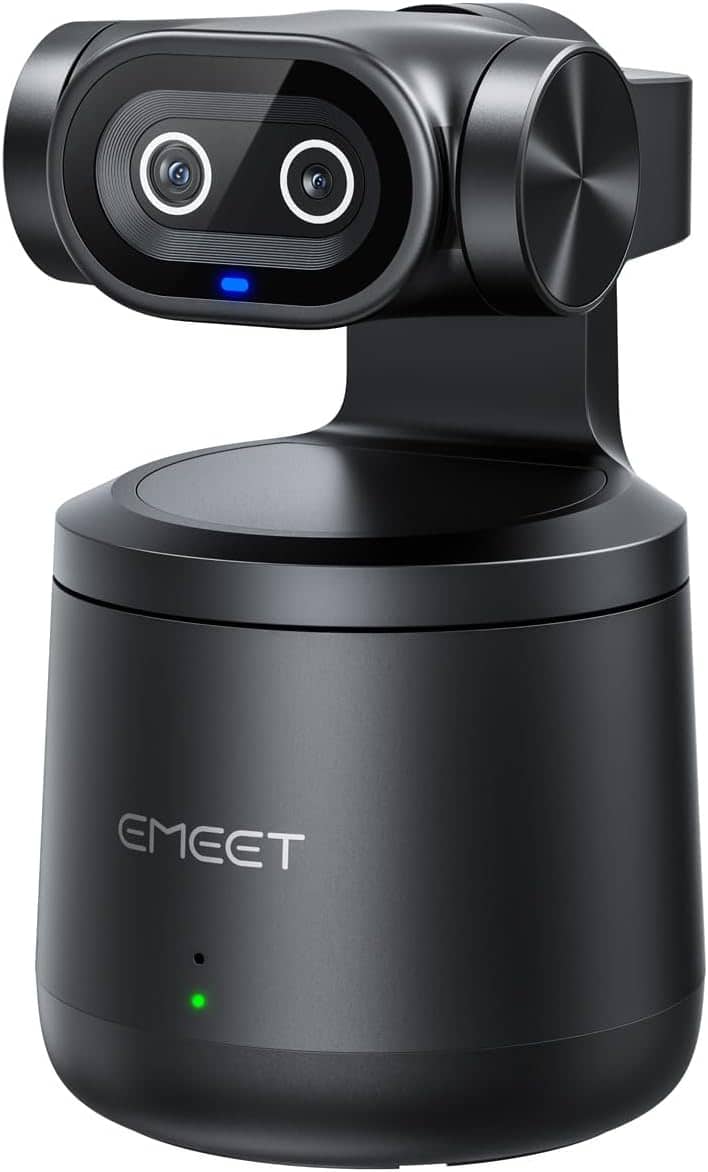
EMEET - PIXY Wireless 4K Dual-Lens AI Tracking PTZ Streaming Camera with 1/2.55" Sensor, Gesture Control, Multi-Camera Liv
SKU: CZTXRVRSPZSee all WebcamsProduct Description
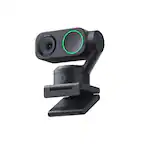
A wireless 4K dual-lens streaming camera with AI tracking, gesture control, and built-in microphone.Your price for this item is $199.99 -
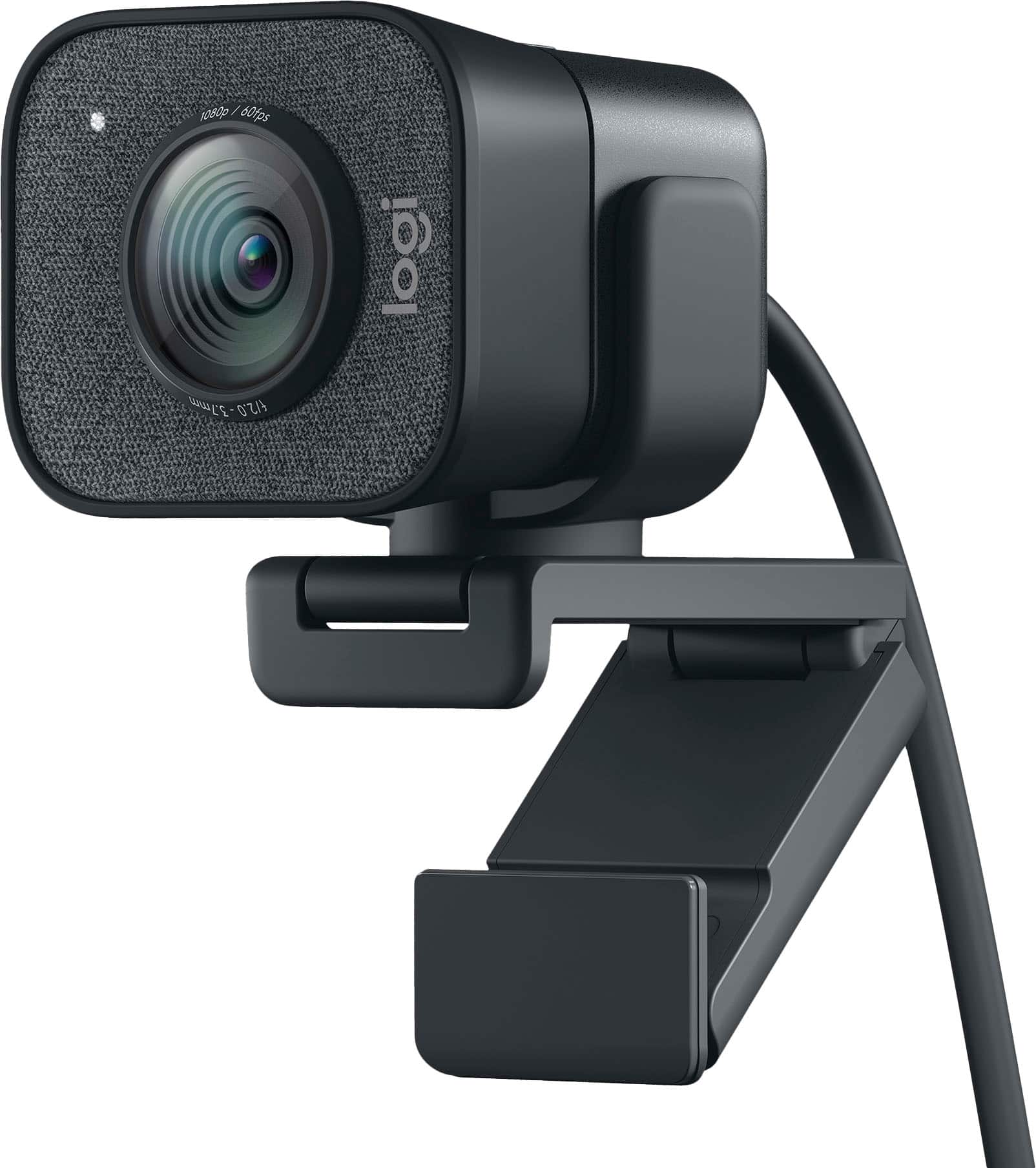
Logitech - StreamCam Plus 1080 Webcam for Live Streaming and Content Creation - Graphite
SKU: J7H7ZYXZ2PSee all WebcamsProduct Description
A graphite webcam delivering smooth 1080p HD video at 60 fps with autofocus and built-in microphone.Your price for this item is $127.99Save $42The previous price was $169.99 -
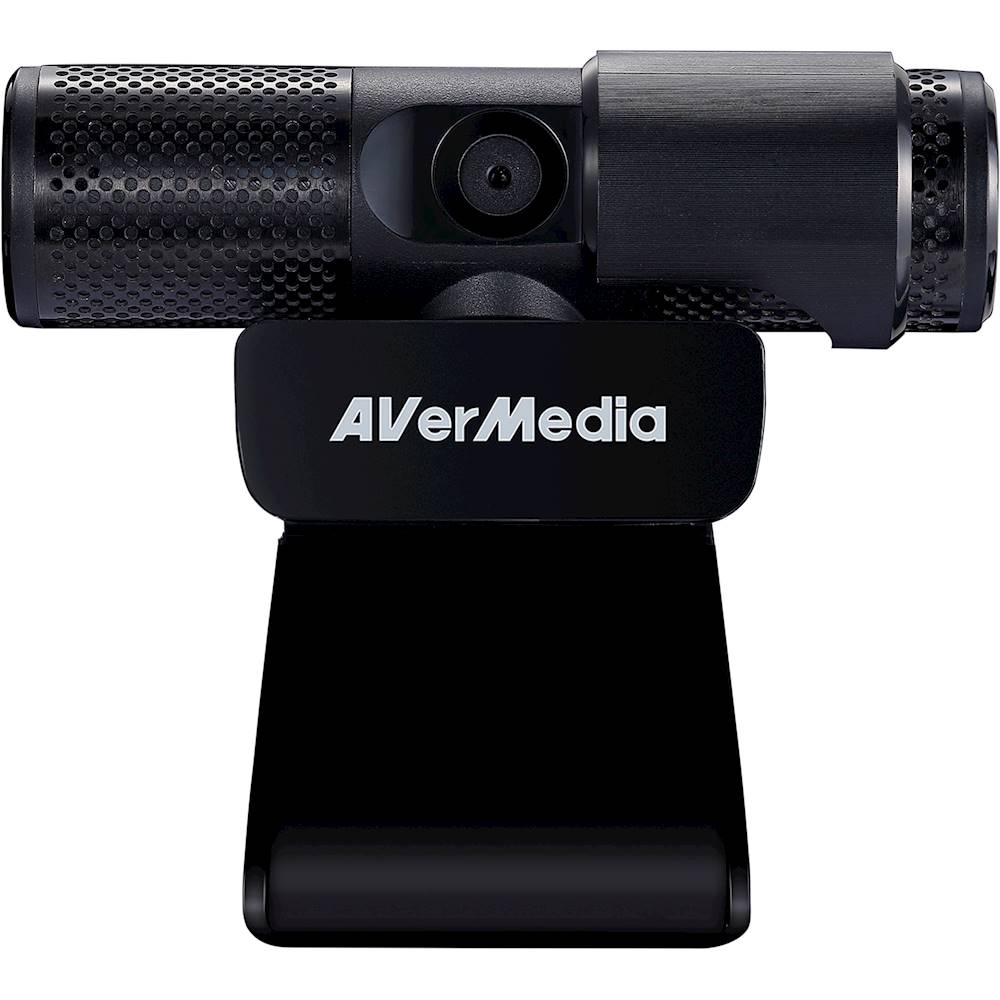
AVerMedia - Live Streamer CAM 313 1920 x 1080 Webcam
SKU: J33LS6KZHGIt was one of the best choices I've ever made. It works GREAT!!!!...and the price is GREAT!!!...Great webcam for the price!...Great webcam for the price! Small, compact design sits well on the monitor....Sliding...
See all WebcamsProduct Description
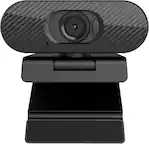
A Full HD black webcam with dual microphones, 360-degree swivel, privacy shutter, and plug-and-play setup.Your price for this item is $62.60
Best Sellers

Related Pages

FAQ
When choosing a camera for Twitch streaming, prioritize features like high resolution (at least 1080p), fast and accurate autofocus, good low-light performance, and compatibility with streaming software. Additional features like built-in microphones, flexible mounting options, and adjustable field of view can also enhance your streaming experience.
Webcams are convenient and easy to set up, making them a popular choice for beginners. DSLR and mirrorless cameras, however, offer superior image quality, more control over depth of field, and better performance in various lighting conditions. The best option depends on your budget and desired production quality.
Most streaming cameras are compatible with both PC and Mac systems. Check the product specifications for supported operating systems and ensure the camera’s drivers or software are available for your platform.
Depending on the camera, you may need accessories such as a tripod or mount, external microphone for improved audio, lighting equipment, or a capture card if you’re using a DSLR or mirrorless camera. Some webcams are plug-and-play, while others may require additional setup.
Most webcams can be selected directly within streaming software like OBS or Streamlabs. For DSLR or mirrorless cameras, you may need a compatible capture card and software drivers. Follow the camera and software instructions to add your camera as a video source in your streaming application.