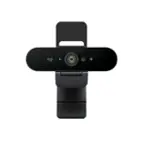
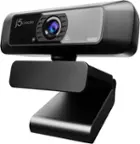
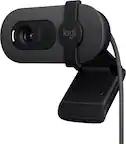
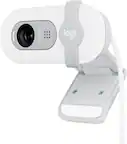
Best Webcam For Twitch
Find the best webcam for Twitch by comparing video resolution, frame rate, low-light performance, and compatibility with your computer and streaming software. Consider your room’s lighting, camera placement, and budget to narrow the webcam selection to options that fit your streaming setup.
What to look for in the best webcam for Twitch
Choose a webcam for Twitch streaming by considering video quality, lighting performance, framing options, and compatibility with your setup.
1. Resolution and Frame Rate
2. Lighting and Exposure
3. Focus and Field of View
4. Compatibility and Mounting
-
1
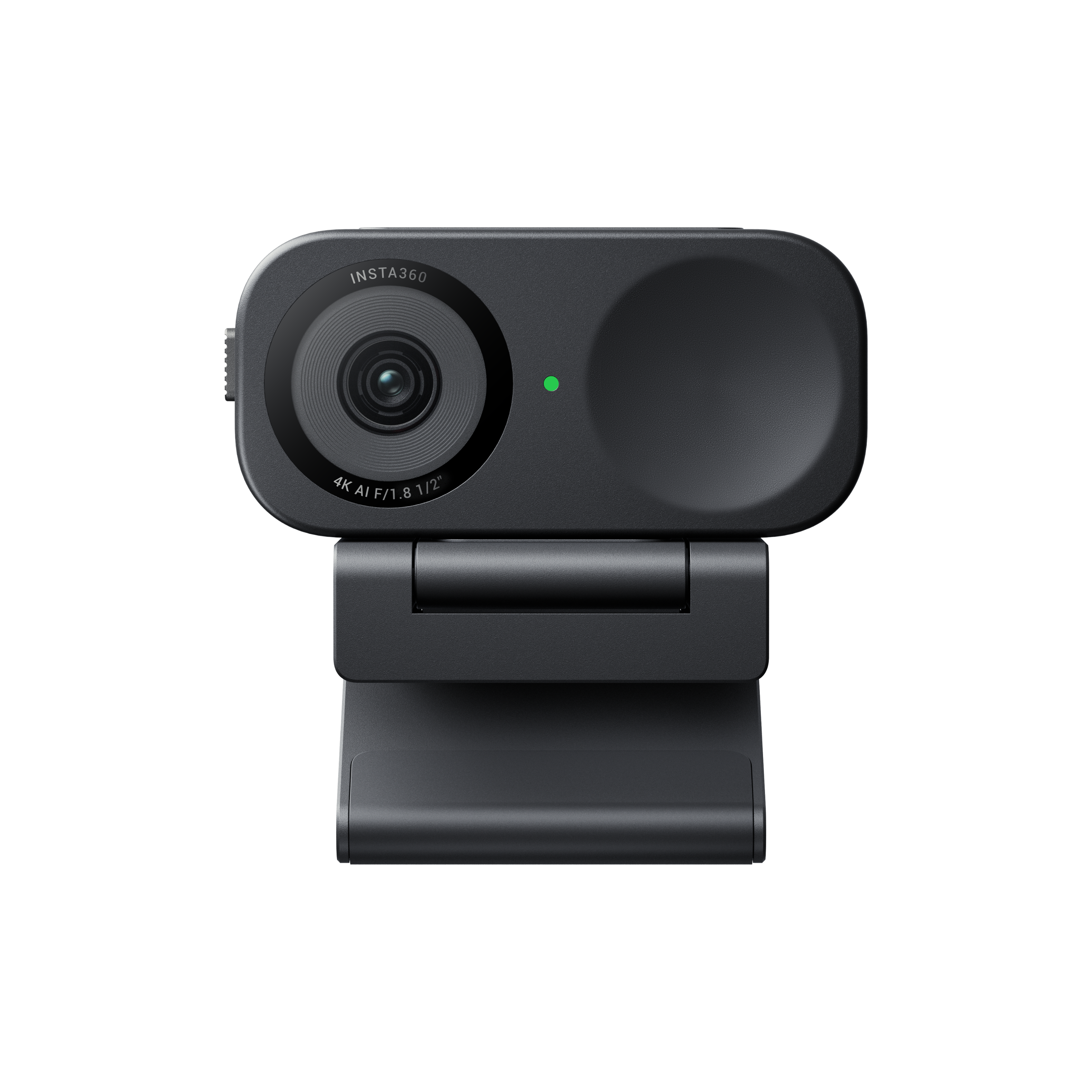
Insta360 - Link 2C 4K Webcam for Conferencing, Gaming & Streaming, 1/2" Sensor, AutoFraming, works w/ Zoom, Teams, Twitch & more - Black
About this product
A black AI-powered 4K webcam with autofocus, built-in microphone, and seamless plug-and-play connectivity.
What customers like
(45)$149.99 Your price for this item is $149.99 -
2
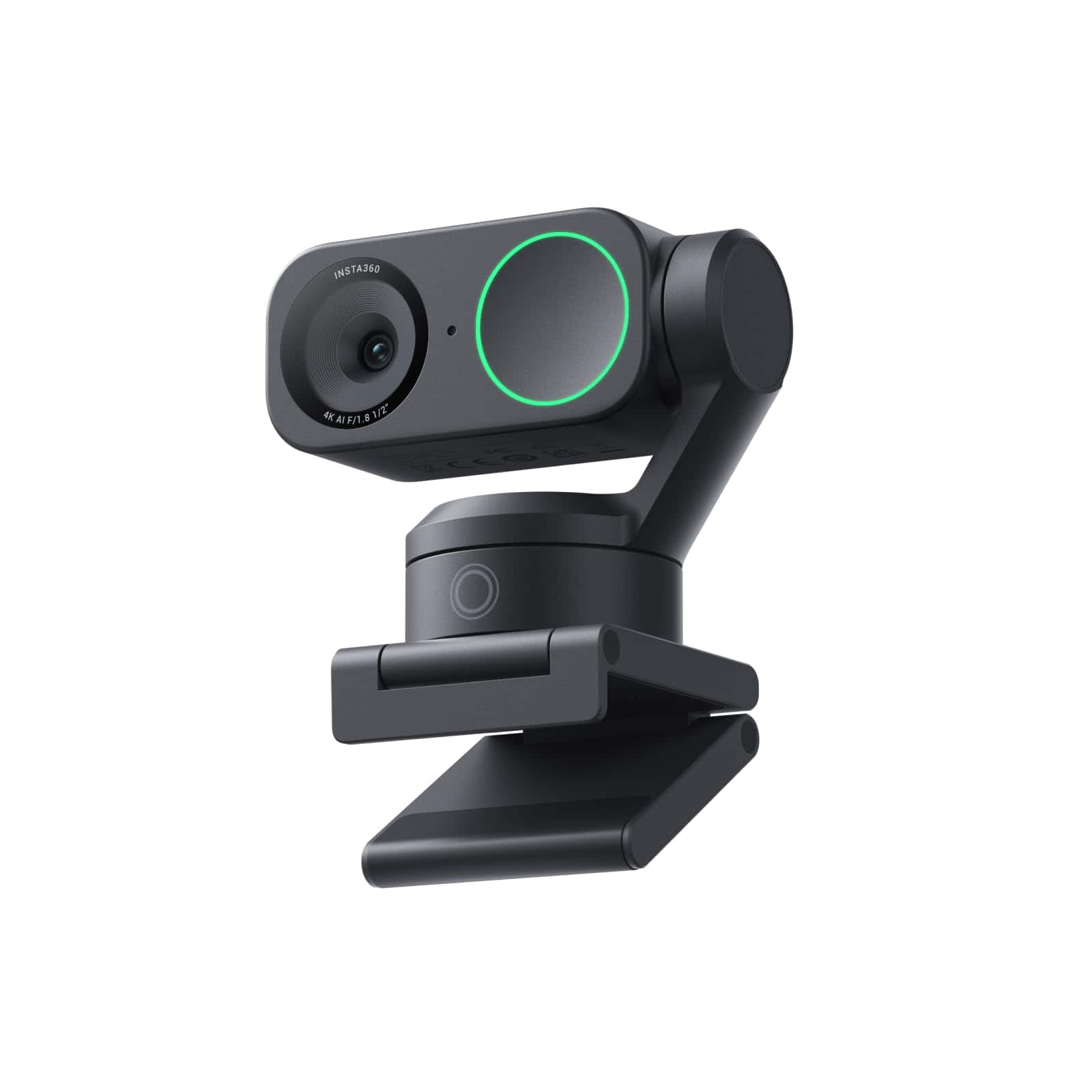
Insta360 - Link 2 PTZ 4K Webcam for Conferencing, Gaming & Streaming, 1/2" Sensor, AI Tracking, works w/ Zoom, Teams, Twitch & more - Black
About this product
An AI-powered 4K UHD webcam in black with autofocus, built-in microphone, and seamless Windows/macOS compatibility.
What customers like
(201)$199.99 Your price for this item is $199.99 -
3
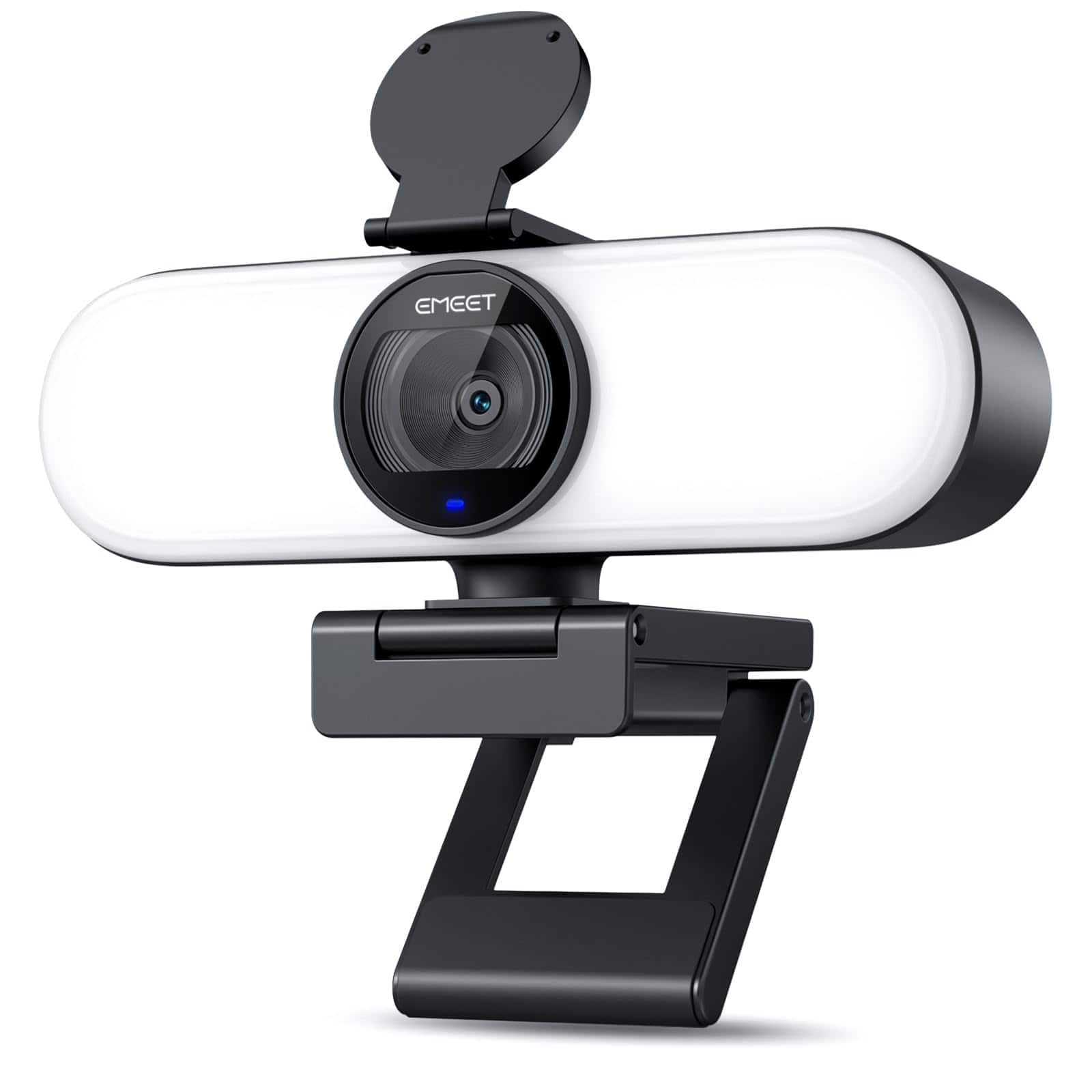
EMEET - C60E Light 4K Webcam for Streaming, 3 Color Modes, Beauty Effects - Black
About this product
A black 4K webcam with 0.2-second PDAF autofocus, 60fps video, three light modes, and dual microphones.
(0)$69.99 Your price for this item is $69.99 -
4
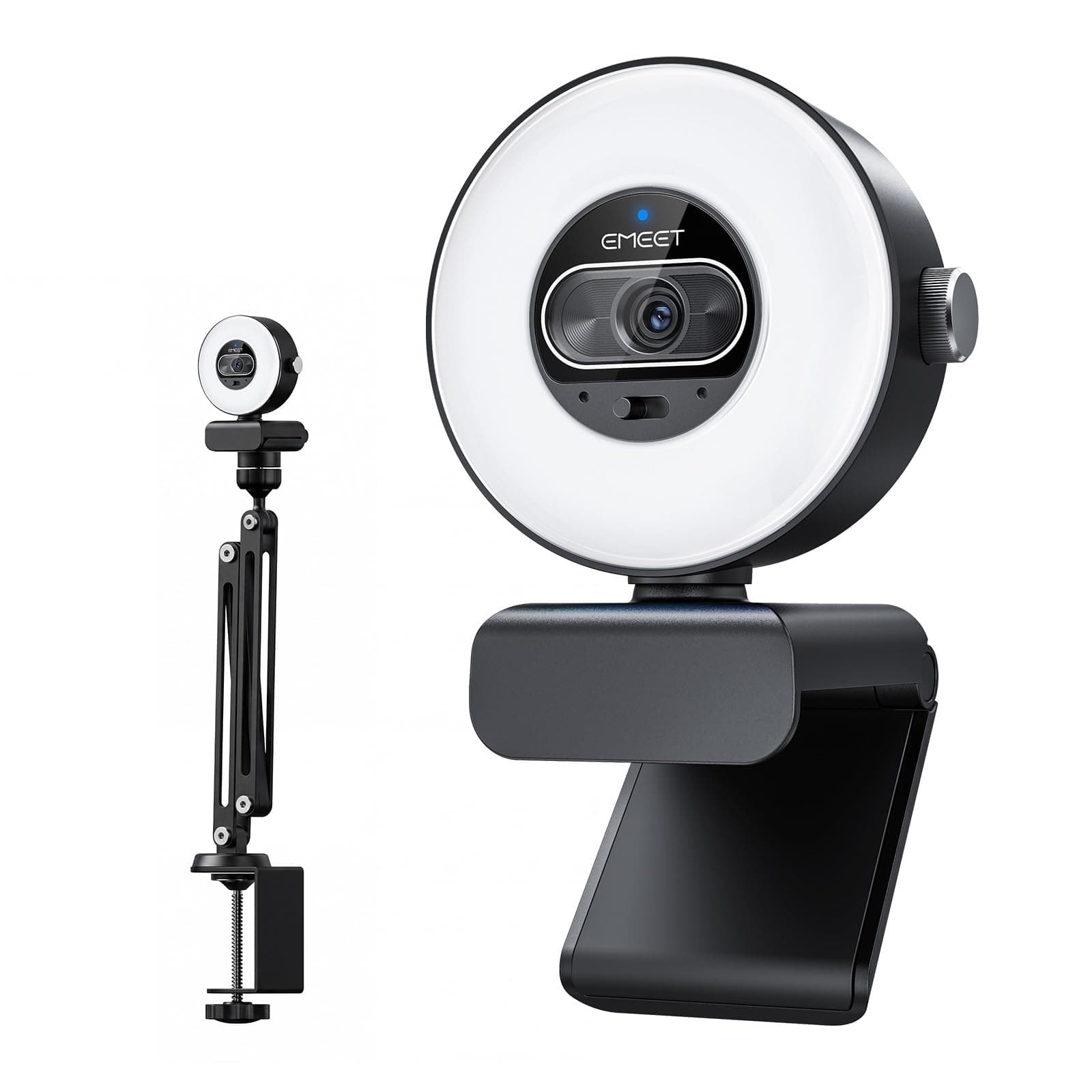
EMEET - S600L 4K Webcam with Adjustable Desktop Overhead Stand
About this product
A 4K webcam with adjustable overhead stand, 1/2-inch sensor, autofocus, four lighting modes, and dual microphones.
(0)$104.99 Your price for this item is $104.99 -
5
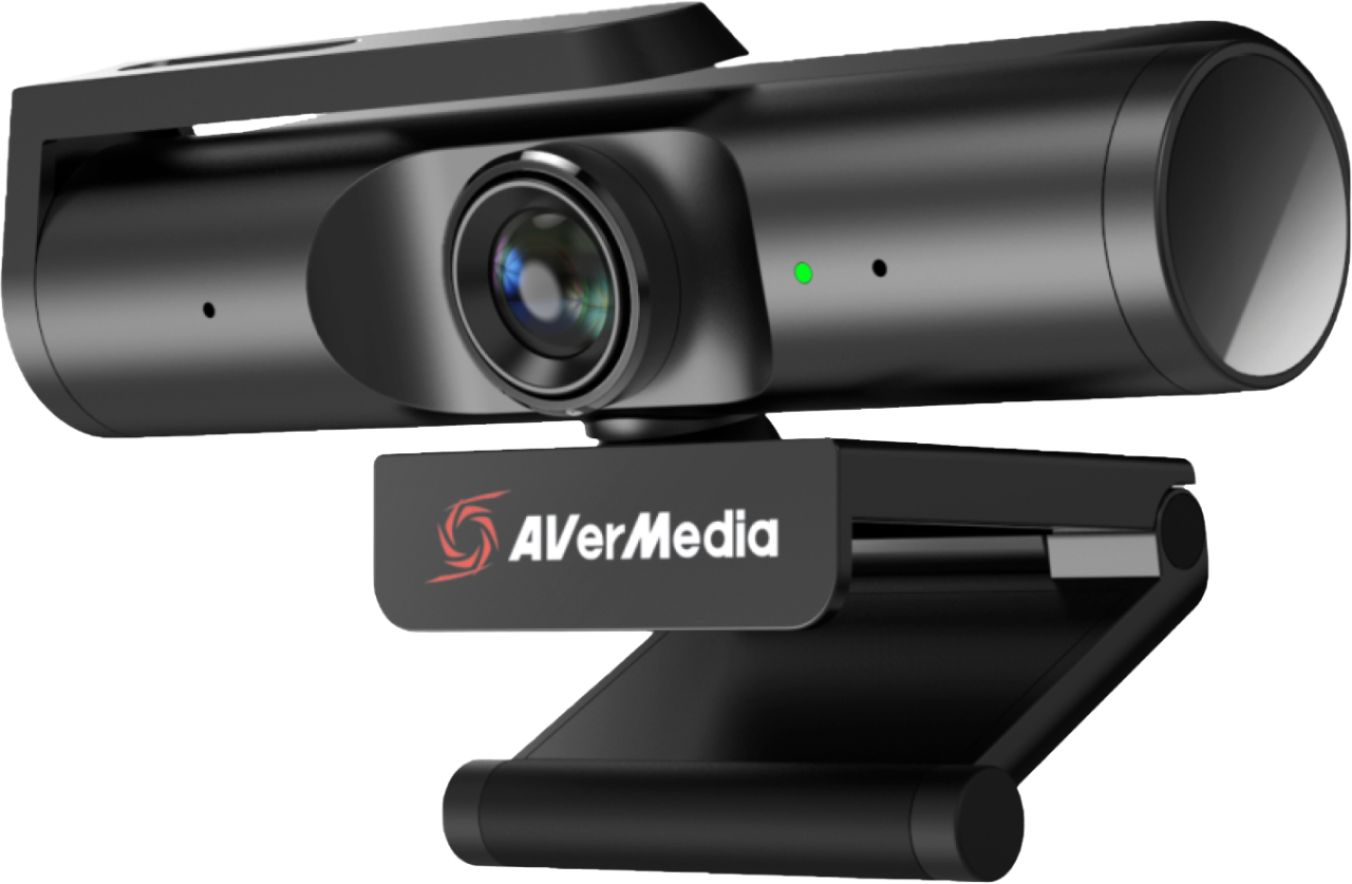
AVerMedia - Live Streamer CAM PW513 3840 x 2160 Webcam - Black
About this product
A plug-and-play black webcam delivering 4K Ultra HD video with Sony Exmor technology and built-in microphone.
What customers like
(109)$149.99 Your price for this item is $149.99 -
6
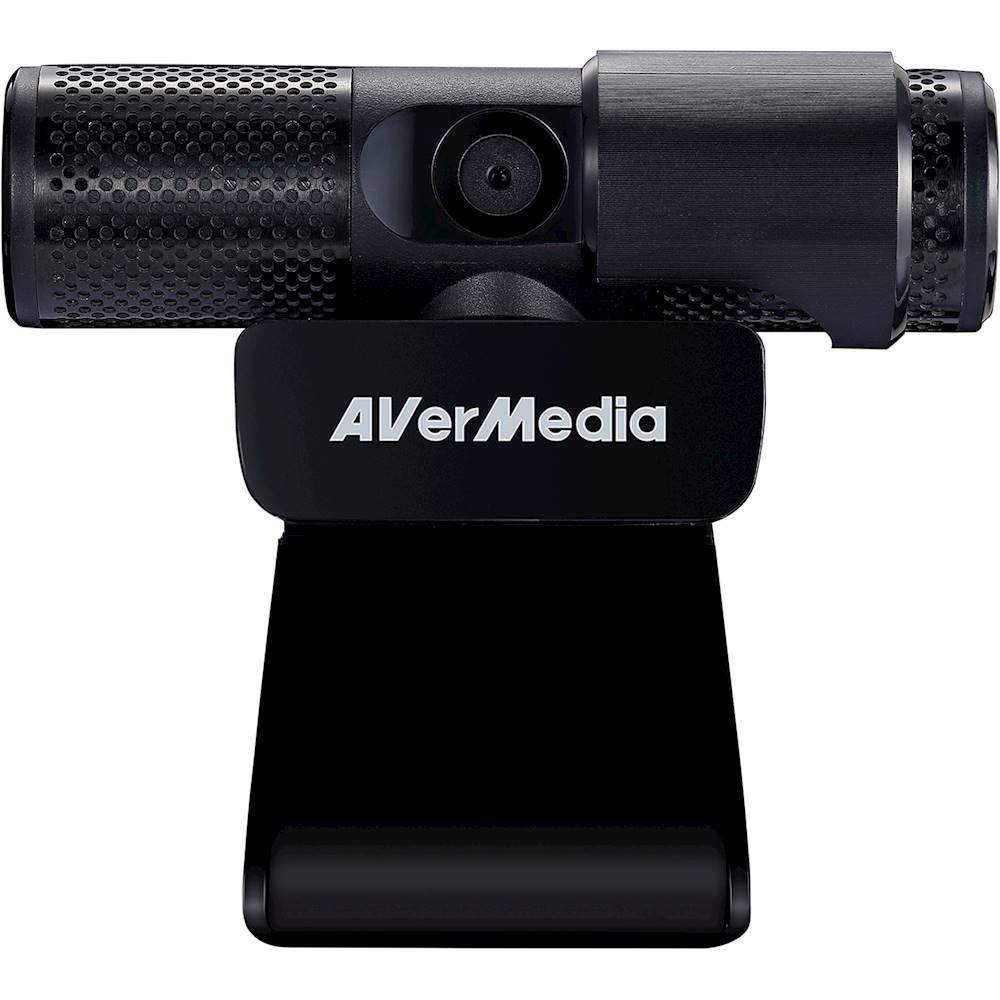
AVerMedia - Live Streamer CAM 313 1920 x 1080 Webcam
About this product
A Full HD black webcam with dual microphones, 360-degree swivel, privacy shutter, and plug-and-play setup.
What customers like
(175)$63.87Your price for this item is $63.87SAVE $1.12 -
7
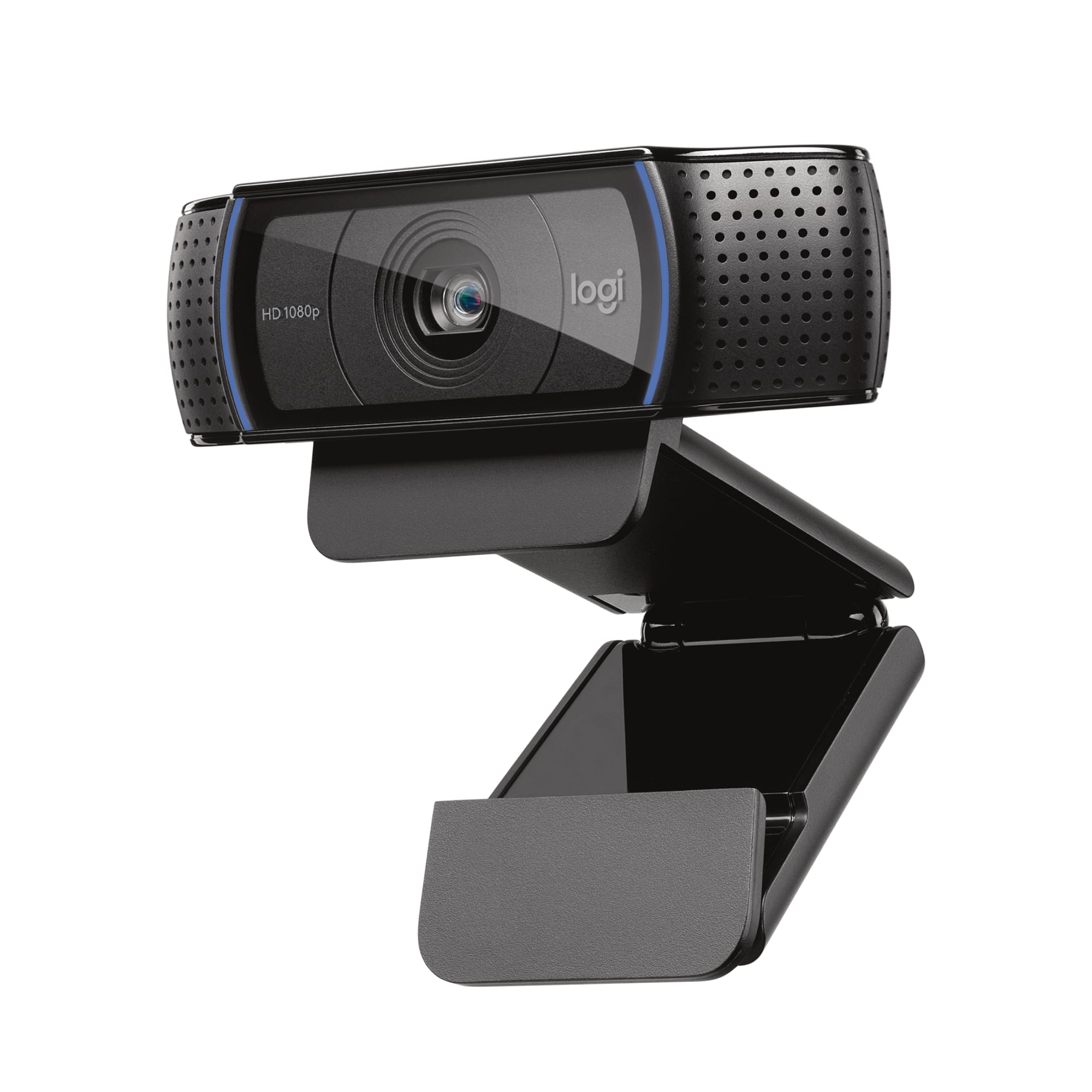
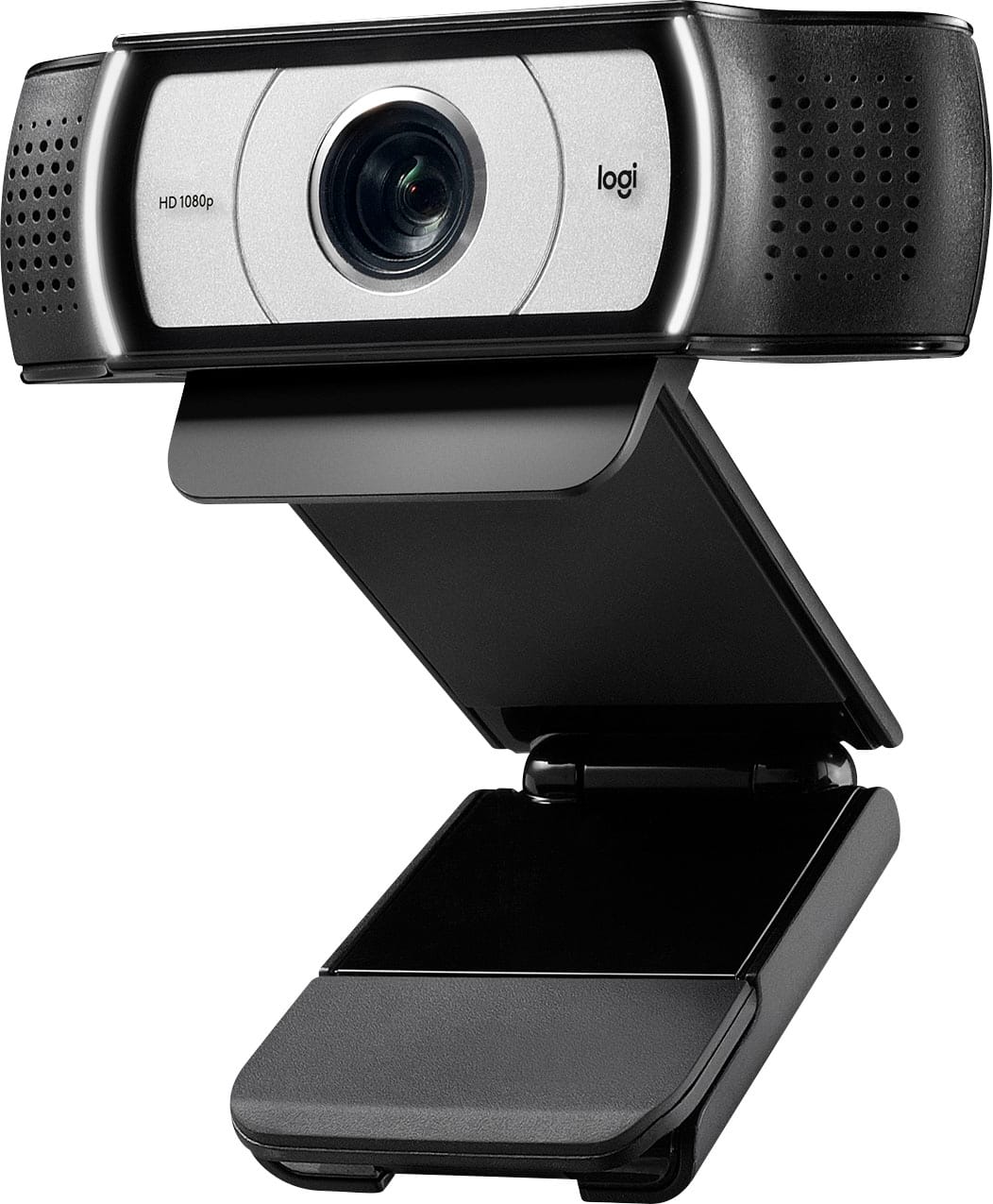
Logitech - C920s Pro 1080 Video Conferencing, Streaming, and Gaming Webcam with Privacy Shutter - Black
About this product
A black webcam with Full HD 1080p video, dual microphones, autofocus, and a privacy shutter for security.
What customers like
(6,860)$69.99 Your price for this item is $69.99 -
8

Elgato - FaceCam Webcam - 60 fps - Black - USB 3.0 Type C - 4K - 3840 x 2160 Video - CMOS Sensor - Fixed Focus - 90°
About this product
A black USB-C webcam delivering 4K video at 60 fps with AI-powered noise reduction and fixed focus.
(2)$239.99 Your price for this item is $239.99 -
9
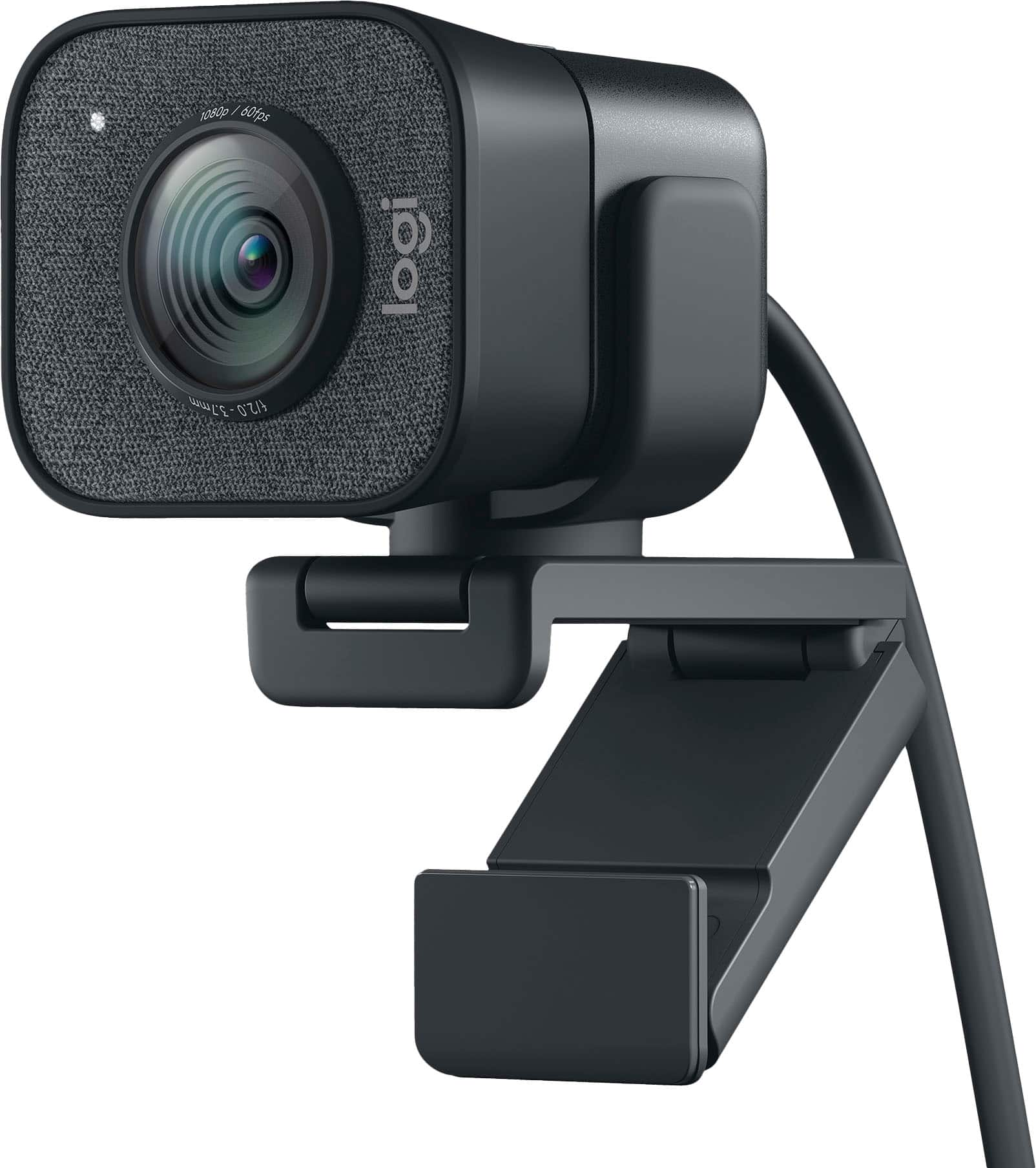
Logitech - StreamCam Plus 1080 Webcam for Live Streaming and Content Creation - Graphite
About this product
A graphite webcam delivering smooth 1080p HD video at 60 fps with autofocus and built-in microphone.
What customers like
(911)$169.99 Your price for this item is $169.99 -
10
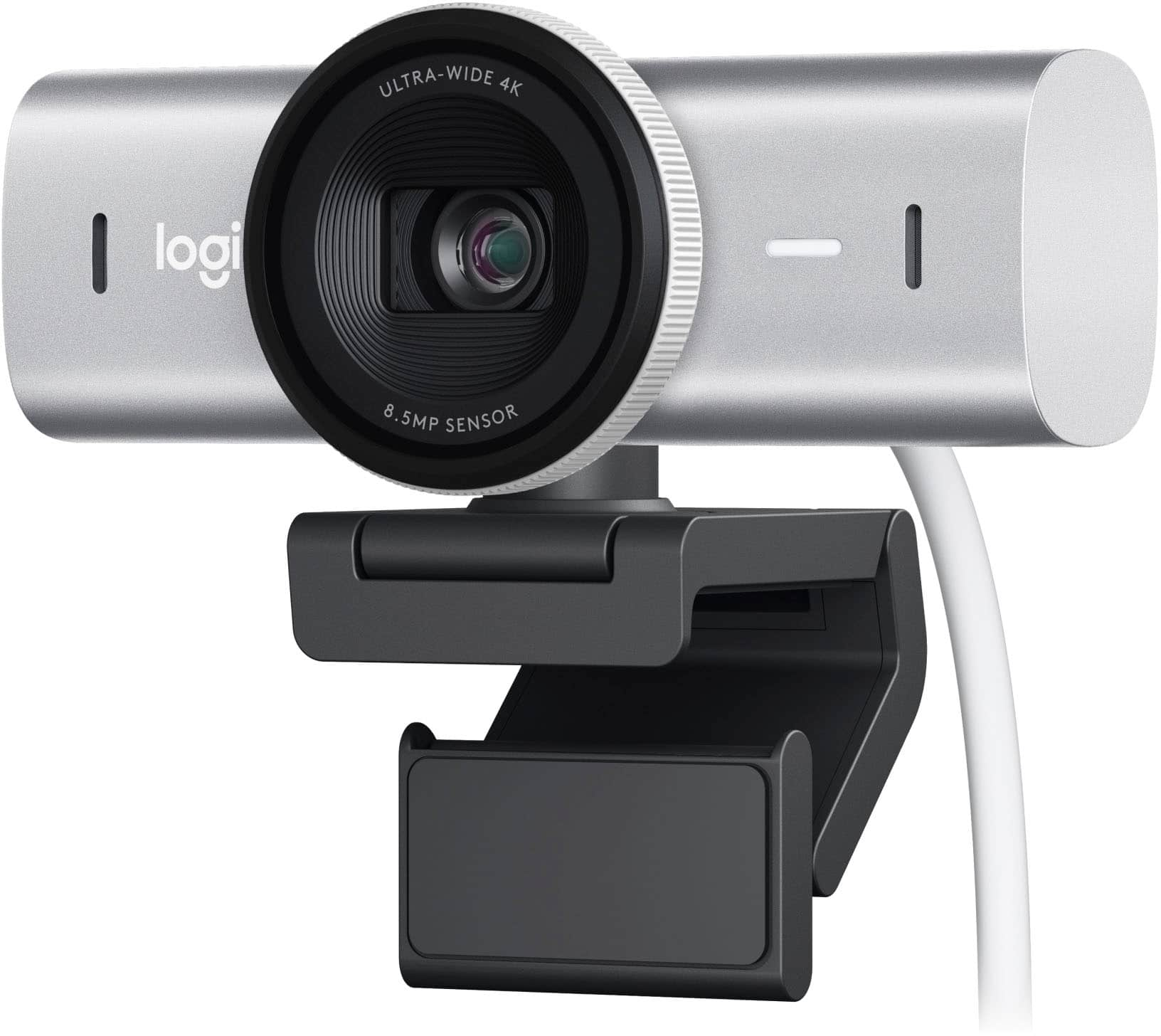
Logitech - MX Brio Ultra HD 4K Video Conference, Gaming and Streaming Webcam - Pale Gray
About this product
A pale gray 4K UHD webcam with AI image enhancement, dual noise-reducing microphones, and fine video controls.
What customers like
(415)$199.99 Your price for this item is $199.99
Best Webcam For Twitch
FAQs
Check that the webcam supports your computer’s operating system, available USB connection and streaming software. UVC-compatible webcams typically use standard operating system drivers, though additional software may be needed for advanced controls.
Autofocus webcams automatically adjust focus as the distance between you and the camera changes. Fixed-focus webcams keep focus set for a particular distance range. Some webcams also offer manual focus controls.
Yes. Streaming software generally lets you select your webcam as the video source and a separate USB microphone or audio interface as the audio source. If your webcam has a built-in microphone, disable that audio input to avoid capturing duplicate audio.
Depending on the webcam and software, available controls may include exposure, white balance, focus, resolution and frame rate. Some settings are accessible through streaming software, while others require the webcam manufacturer’s app.
Many streaming applications let you reuse an existing webcam source across multiple scenes. You can give the feed a different crop, position or overlay in each scene without adding another camera. The exact setup depends on your streaming software.