Best Webcam For Laptop
-
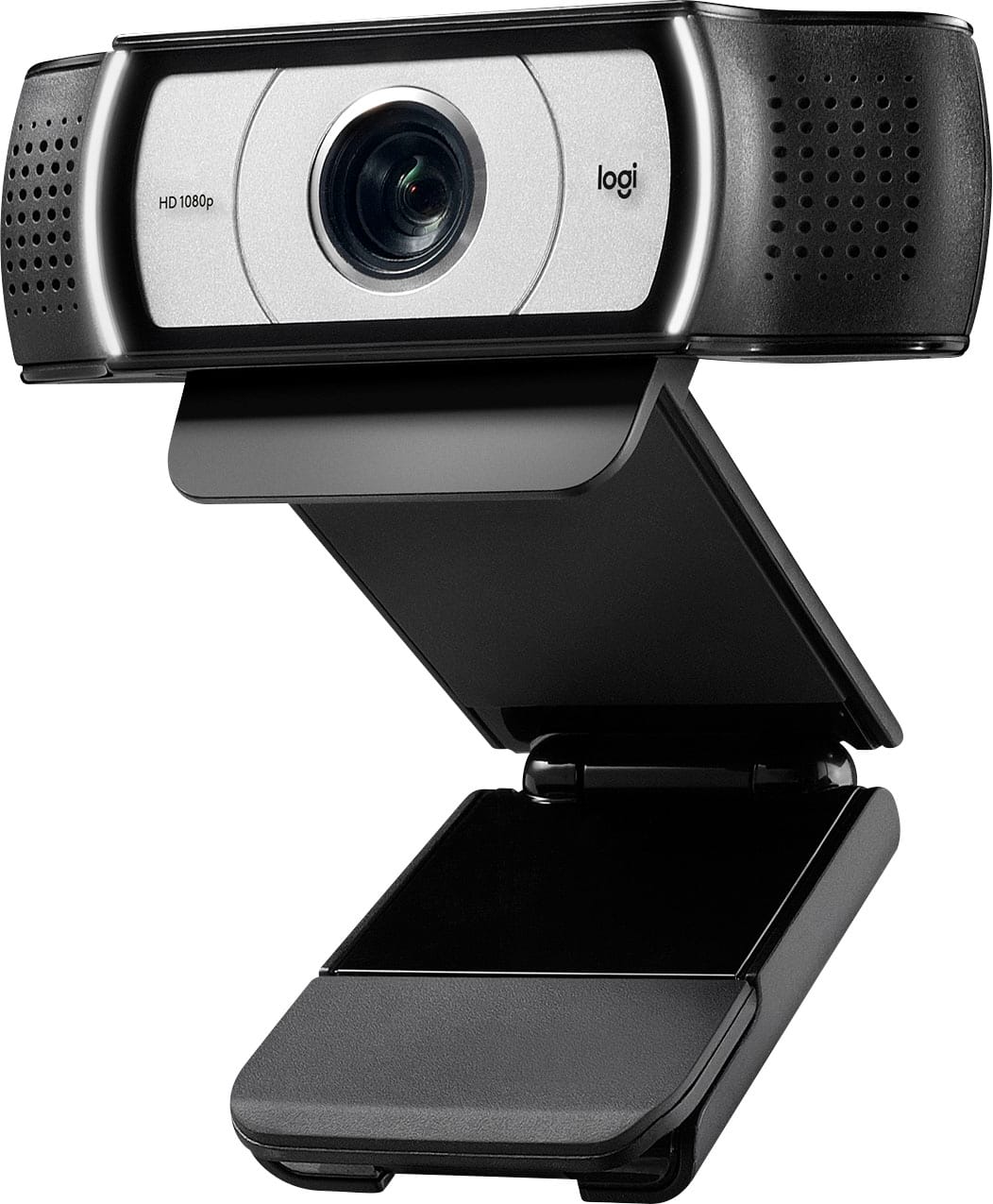
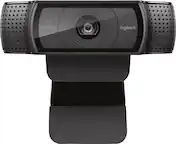
Logitech - Pro Webcam Full HD 1080 for Laptops with Ultra Wide Angle - Black
SKU: J7H7ZYCHJ4It work great! the picture quality is great! It the best I have tried...im in love with this product, one of the best cameras from this brand...Great camera
See all WebcamsProduct Description
A black webcam delivering ultra-wide 90° field of view, Full HD 1080p video, and built-in microphone.Your price for this item is $67.00Save $32The previous price was $99.99 -
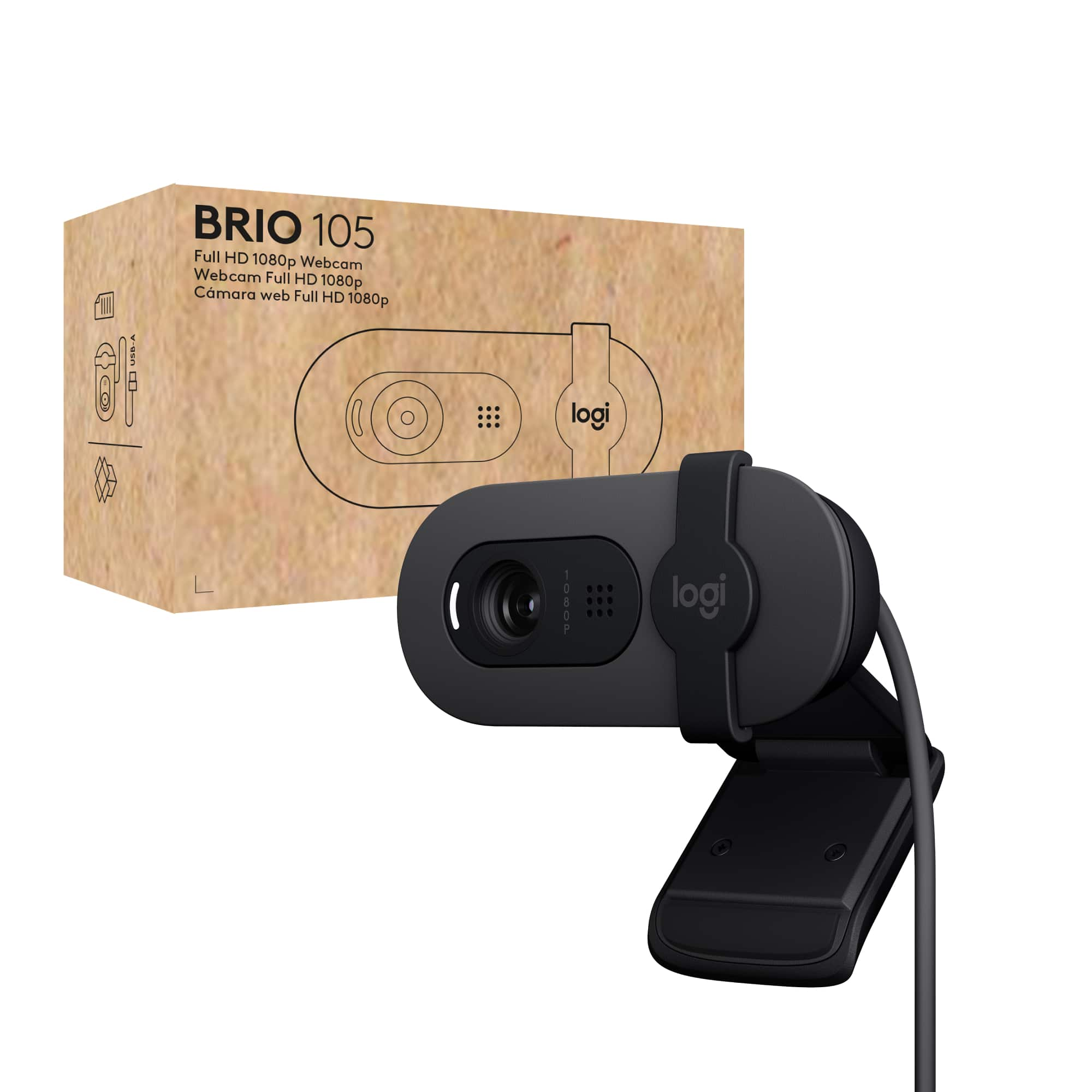
Logitech - Brio 105 1080p Webcam for Laptops with Privacy Shutter & Auto Light Balance - Black
SKU: J7H7ZYGJJWLove this web cam...great starter camera...While not a high-end camera, it is a great improvement over the Brio 101.
See all WebcamsProduct Description
A black Full HD webcam with privacy shutter, auto light balance, and built-in microphone for clear video calls.Your price for this item is $39.99 -
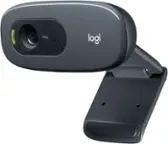
Bundle - Logitech - C270 Desktop or Laptop Webcam, HD 720p Video Calling
SKU: J7QPQZ6C46See all WebcamsProduct Description
A versatile HD 720p webcam with built-in noise-reducing microphone and universal clip for clear video calls.Your price for this item is $46.95 -
Bundle - Logitech - C270 Desktop or Laptop Webcam, HD 720p Video Calling
SKU: J7QPQZ6C59See all WebcamsProduct Description
A versatile HD 720p webcam bundle with noise-reducing mic, auto light correction, and universal mounting clip.Your price for this item is $67.95 -
Z Z-Edge - 2K 2592x1944 Stream Webcam Auto Focus Web Camera for PC/Desktop/Laptop - Black
SKU: J3LH5H8PYWThe best camera on desktop among other cameras , valued at a great price, displays more than just the...I love that this is plug and play....The audio and video are great. I am very happy with my purchase....
See all WebcamsProduct Description
A black 2K webcam with auto-focus, built-in ring light, and omnidirectional microphone for clear streaming.Your price for this item is $24.99Save $15The previous price was $39.99 -
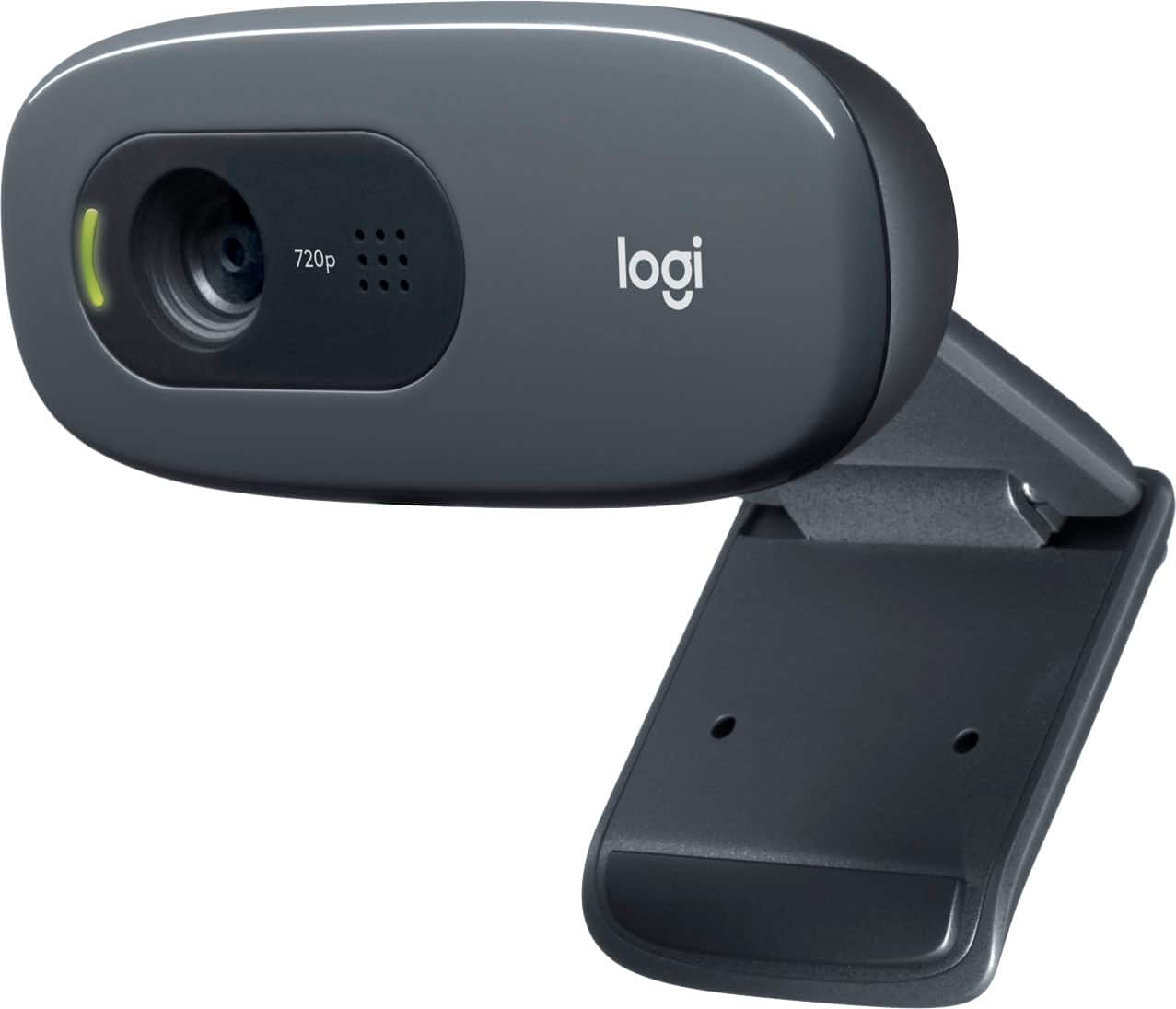
Logitech - C270 720 Webcam with Noise-Reducing Mics - Black
SKU: J7H7ZLV6XRGreat product and price...Great product and price. Would buy again. Love Best Buy...love this product great for streaming! viewers see me clearly thx best buy!
See all WebcamsProduct Description
A black HD 720p webcam with noise-reducing microphone and automatic light adjustment for clear video calls.Your price for this item is $20.99Save $9The previous price was $29.99 -
Logitech - C270 Desktop or Laptop Webcam, HD 720p Widescreen for Video Calling and Recording - Black
SKU: JJGYT4CSKGSee all WebcamsProduct Description
A black HD webcam delivering 720p widescreen video, 3MP photos, and noise-cancelling microphone for clear calls.Your price for this item is $28.55 -
Soundcore - Anker PowerConf C200 2K Webcam for PC/Laptop/Mac, Computer Camera, Low-Light Correction, AI-Noise Canceling Mics - Black
SKU: JJ858R9CZHI’ve been using the Anker PowerConf C200 camera that I bought from Best Buy for a while now, and I wanted
See all WebcamsProduct Description
A black 2K webcam with low-light correction and AI noise-canceling microphones for clear video calls.Your price for this item is $69.99Save $30The previous price was $99.99 -
HP - 625 Webcam - 4 Megapixel - 60 fps - USB Type A - 1920 x 1080 Video - Auto-focus - 92° Angle - Microphone
SKU: JJG87VC9XVBest Business Camera I Ever Purchased!...So easy and great picture!...I love that it comes with a camera cover, just to ensure my privacy....This camera has a great picture. I love the clarity.
See all WebcamsProduct Description
A Full HD webcam with 4MP sensor, 60 fps, auto-focus, wide 92° angle, and built-in microphone.Your price for this item is $82.07Save $139The previous price was $221.48 -
Lenovo - Performance FHD Webcam 4XC1D66055 - Black
SKU: JJGCYLRXX3Great Webcam...I love the reliability of Lenovo products so I searched their site for a camera that had both HD and...Great Service from Lenovo team.
See all WebcamsProduct Description
A black webcam with Full HD 1080p video, dual microphones, privacy shutter, and Windows Hello support.Your price for this item is $53.99Save $21The previous price was $75.37




Best Sellers

Related Pages





FAQ
When choosing a webcam for your laptop, consider features such as resolution (1080p or higher for clear video), frame rate (at least 30fps for smooth motion), built-in microphones, autofocus, low-light correction, and compatibility with your operating system and favorite video conferencing apps.
Yes, most external webcams are designed to be plug-and-play and are compatible with both Windows and Mac laptops. Always check the webcam’s specifications for supported operating systems to ensure seamless connectivity.
Many webcams are plug-and-play and work immediately after connecting to your laptop via USB. However, some models may offer additional features or customization options through optional software or drivers provided by the manufacturer.
Yes, several webcams come equipped with built-in privacy shutters that allow you to physically cover the lens when not in use, providing added peace of mind and security.
To enhance video quality, ensure you have good lighting, position the webcam at eye level, and use a webcam with high resolution and autofocus. Cleaning the lens regularly and using the webcam’s software settings to adjust brightness and contrast can also help.