USB Cable Kvm Switch
-
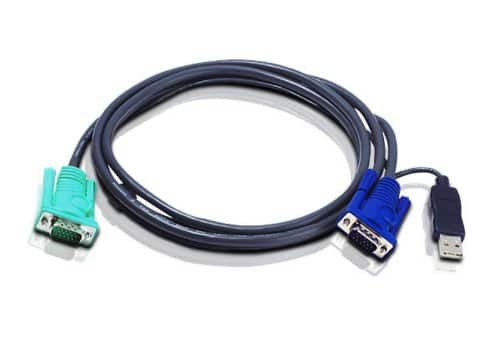
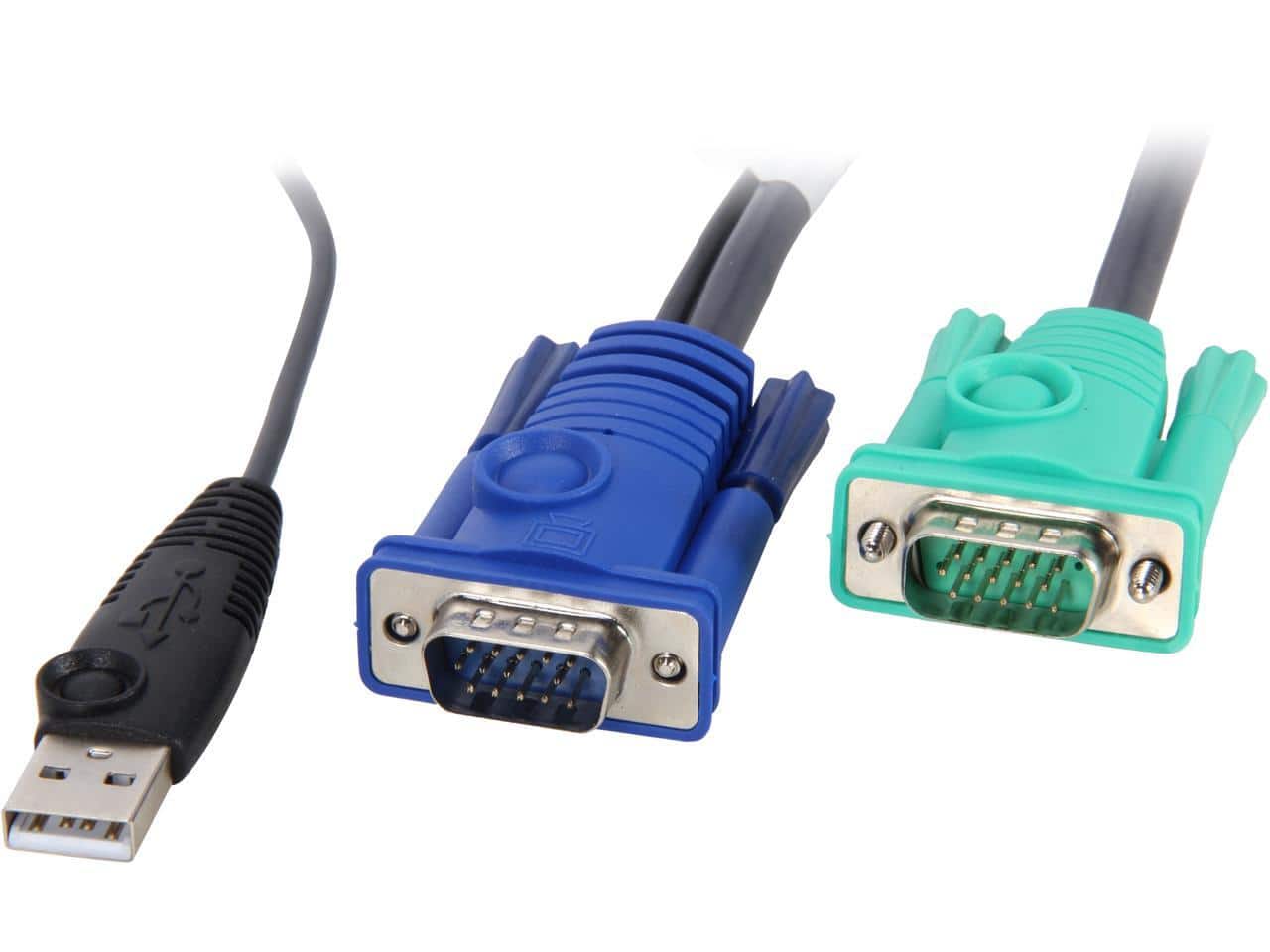
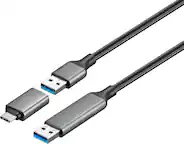
Aten Technology - USB KVM Cable
SKU: JXP3W55HFTSee all Monitor & Video CablesProduct Description
An all-in-one USB KVM cable with aluminum shielding and Micro-Lite technology for seamless console connections.Your price for this item is $34.41 -
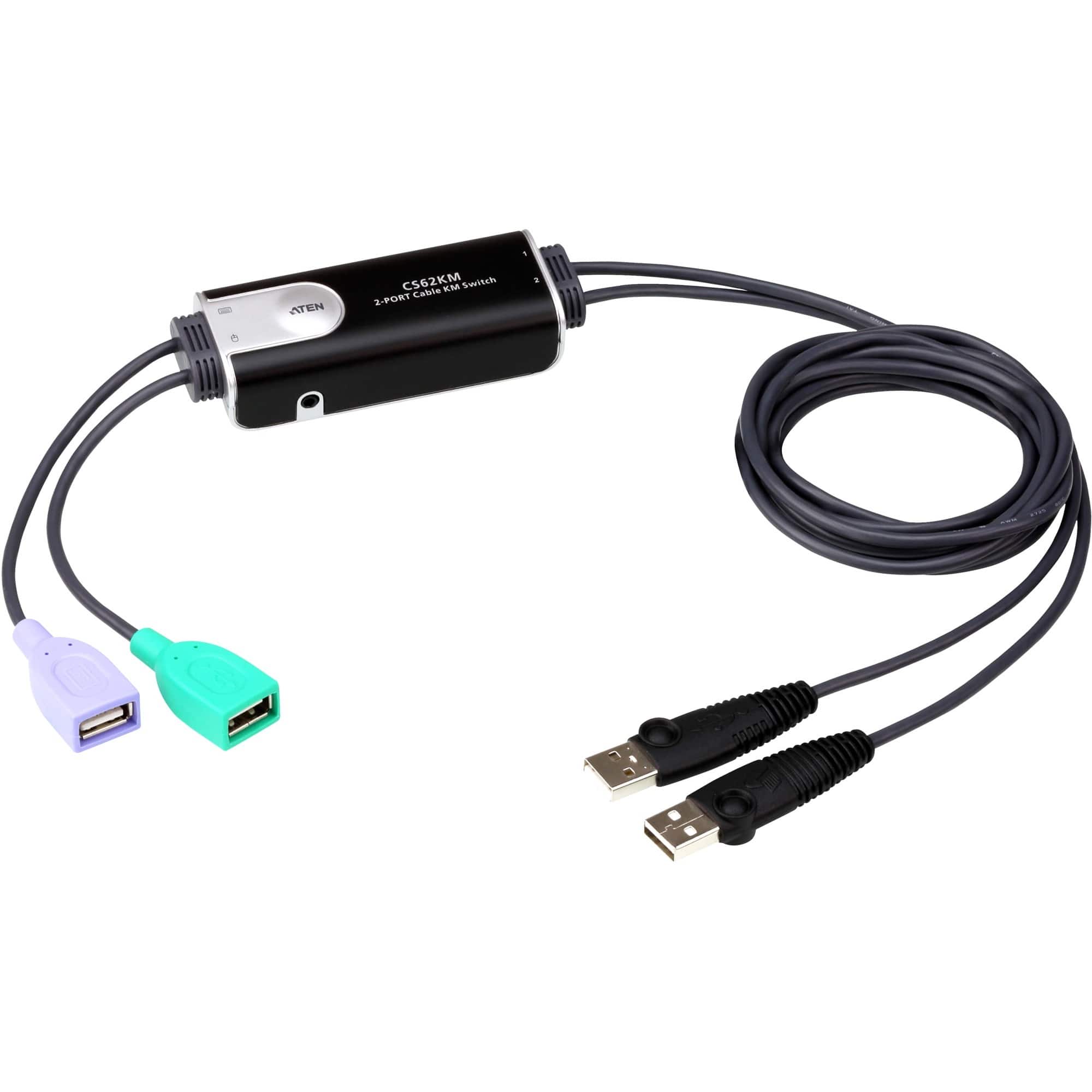
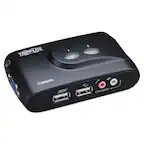
Aten Technology - 2-Port USB Boundless Cable KM Switch
SKU: JXP3W56TF4See all Monitor & Video CablesProduct Description
A compact USB switch that lets you control two computers with one keyboard and mouse, no power adapter needed.Your price for this item is $83.86 -
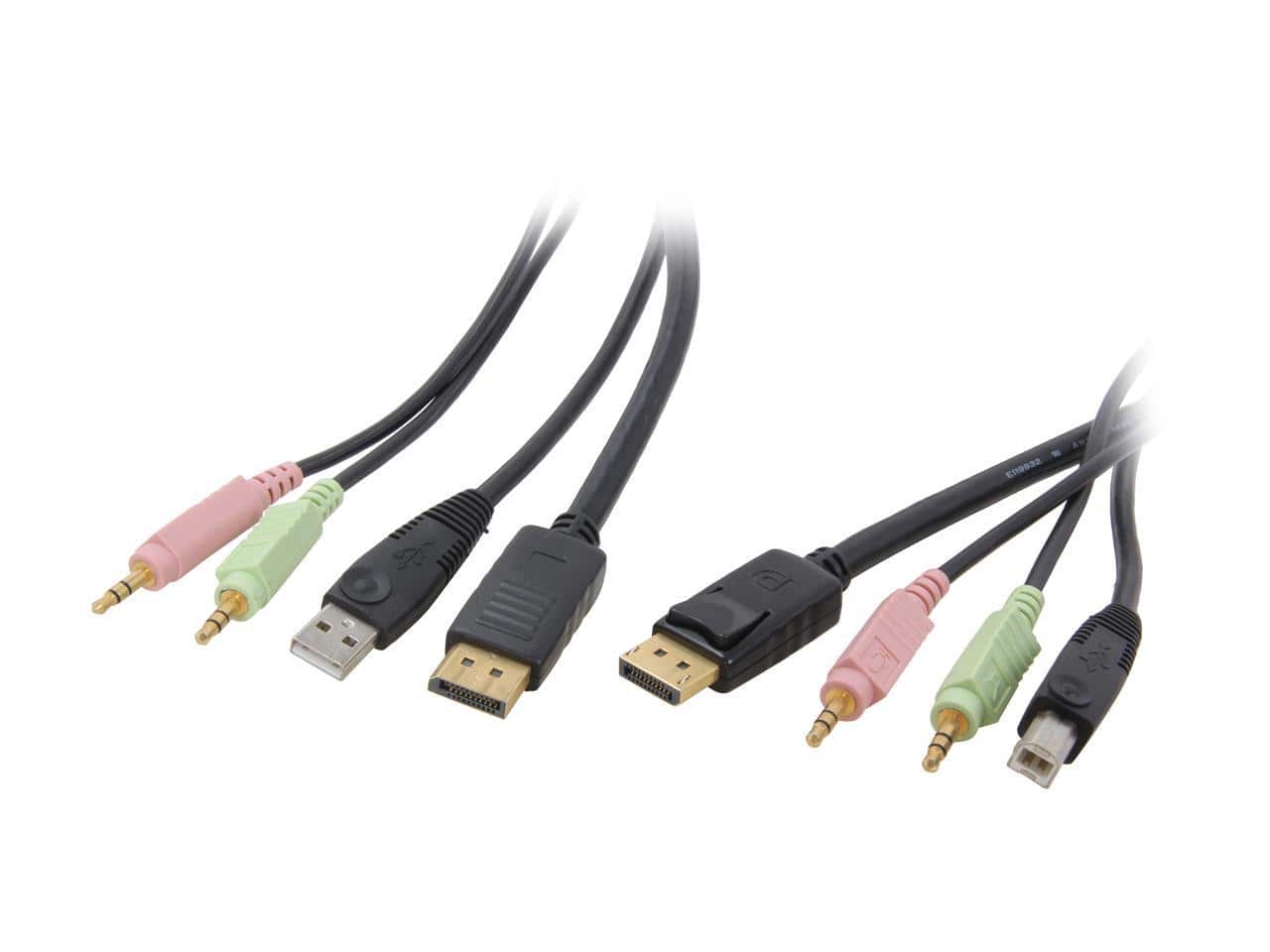
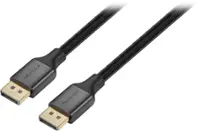
StarTech.com - DP4N1USB6 6ft 4-in-1 USB DisplayPort® KVM Switch Cable w/ Audio & Microphone
SKU: J7PHY2FK37See all Monitor & Video CablesProduct Description
A versatile 6-foot cable enabling USB, DisplayPort, audio, and microphone connections for KVM switch setups.Your price for this item is $42.34 -
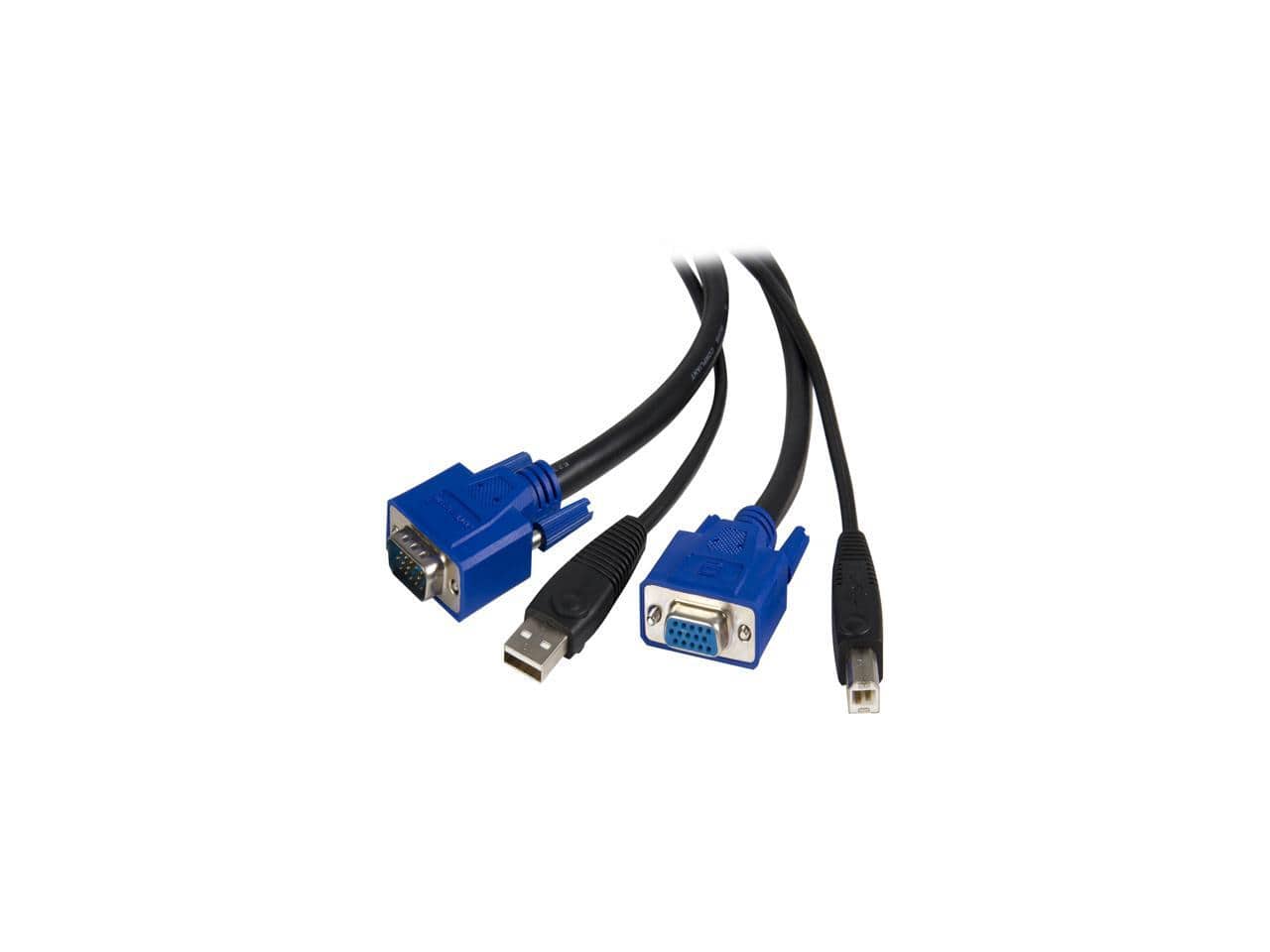
StarTech.com - 6 ft. USB+VGA 2-in-1 KVM Switch Cable SVUSB2N1_6
SKU: J7PHY2ZSZGSee all Monitor & Video CablesProduct Description
A 6-foot KVM switch cable combining USB-A and VGA connectors for reliable data transfer and video.Your price for this item is $33.75 -
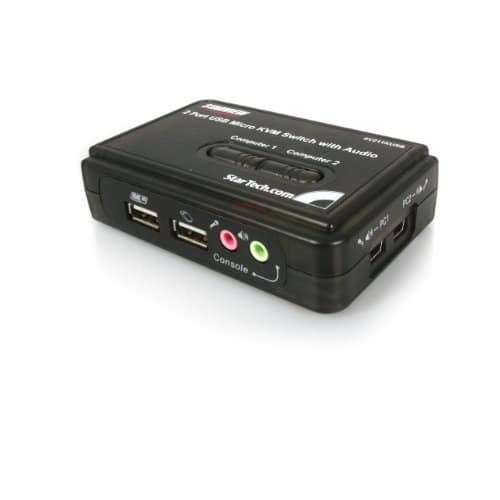
Startech - 2 Port USB KVM Kit with Cables and Audio Switching - Black
SKU: J7PHY259KXSee all A/V SwitchersProduct Description
A black 2-port USB KVM switch with VGA, audio switching, 2048 x 1536 support, USB-powered.Your price for this item is $45.99 -
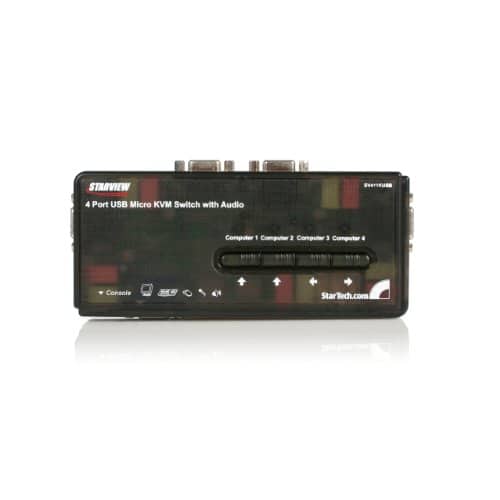
Startech - 4 Port USB KVM Switch Kit with Audio and Cables - Black
SKU: J7PHY25QV3See all A/V SwitchersProduct Description
A black four-port USB KVM switch supporting VGA video, audio, hotkey switching, and included cables.Your price for this item is $104.16 -
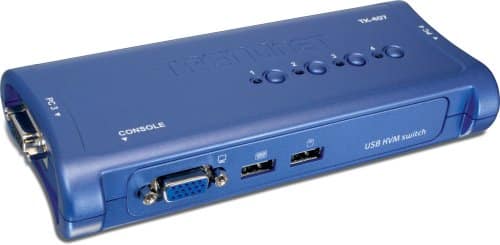
Trendnet - 4-Port USB KVM Switch Kit - Black
SKU: JXHSVY2SZWSee all A/V SwitchersProduct Description
A black four-port USB KVM switch with VGA support, plug-and-play operation, and included detachable cables.Your price for this item is $64.62 -
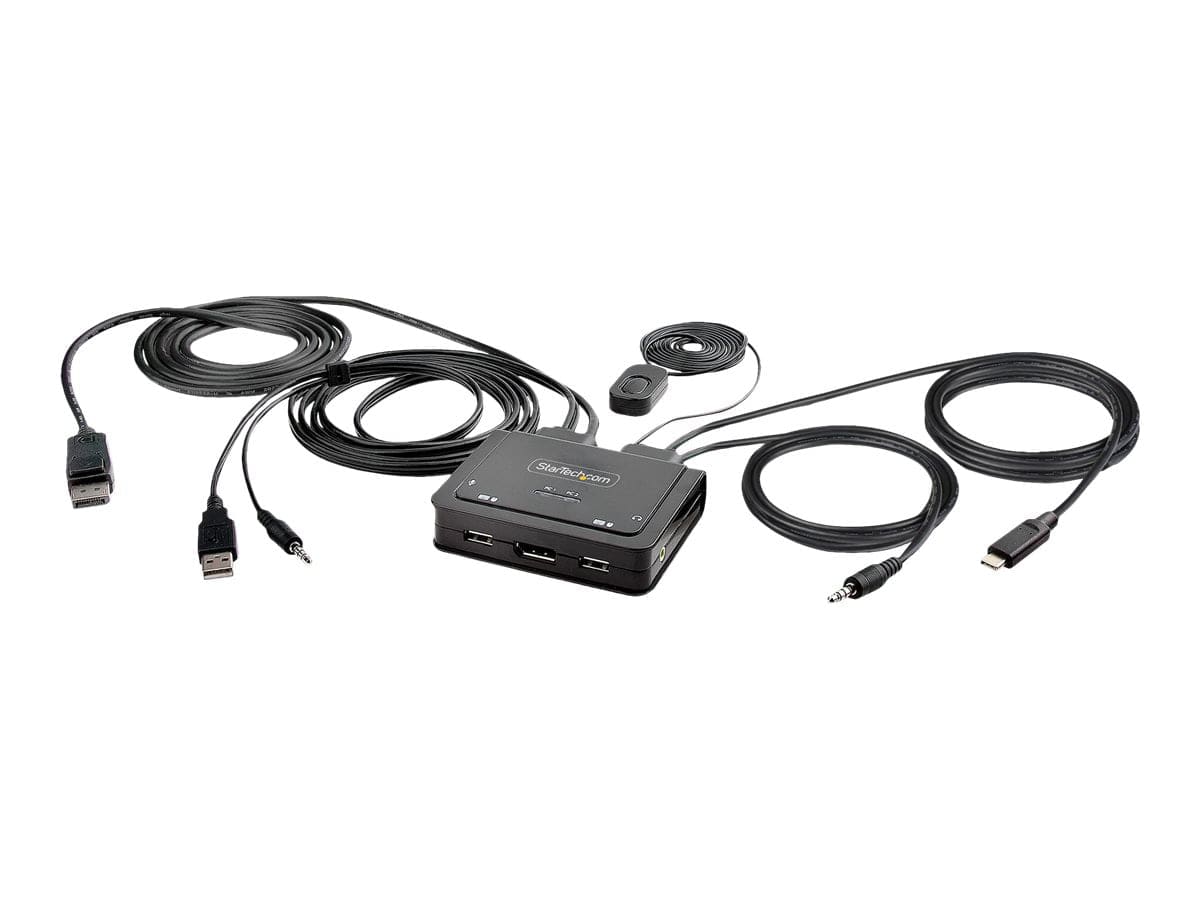
Startech - 2-Port Hybrid USB-C DisplayPort Cable KVM Switch - Black
SKU: J7PHYXC6F6See all A/V SwitchersProduct Description
A black, bus-powered 2-port KVM switch with integrated USB-C and DisplayPort cables supports 4K 60Hz.Your price for this item is $99.99 -
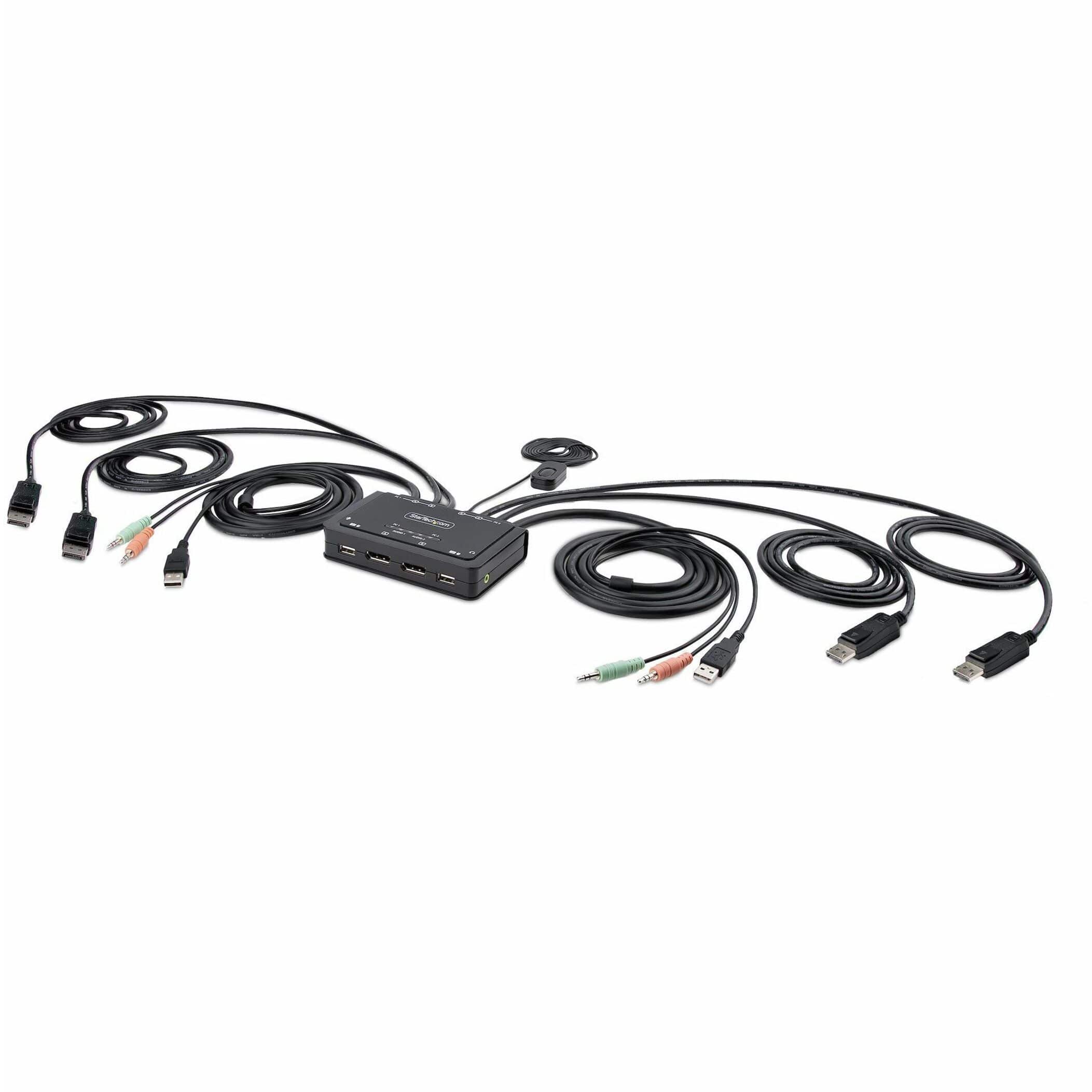
Startech - 2-Port Dual-Monitor DisplayPort Cable KVM Switch
SKU: J7PHYXC6WQSee all Monitor & Video CablesProduct Description
A dual-monitor KVM switch enabling seamless control of two DisplayPort desktops with integrated USB-A connectivity.Your price for this item is $256.53 -
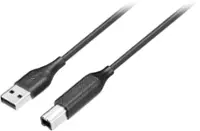
IOGEAR - 16 ft. KVM Cable G2L5205U
SKU: J3KY45Z326See all Monitor & Video CablesProduct Description
A black 16-foot data transfer cable with USB-A and USB-B connectors for KVM switch setups.Your price for this item is $32.43
Best Sellers


Related Pages





FAQ
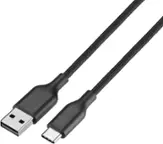
A USB cable KVM switch allows you to connect multiple computers or laptops to a single set of peripherals, such as a monitor, keyboard, and mouse, enabling you to easily switch control between devices.
Most USB cable KVM switches feature a physical button or hotkey combination that lets you seamlessly toggle control between the connected computers.
Yes, most USB cable KVM switches are compatible with both Windows and Mac operating systems, making them versatile for mixed environments.
Some USB cable KVM switches support gaming consoles that use standard USB connections for peripherals, but it's best to check the product specifications for compatibility with specific consoles.
Most USB cable KVM switches are plug-and-play, requiring no additional software installation. Simply connect your devices and peripherals to start using the switch.