Dual Monitor KVM Switches
-
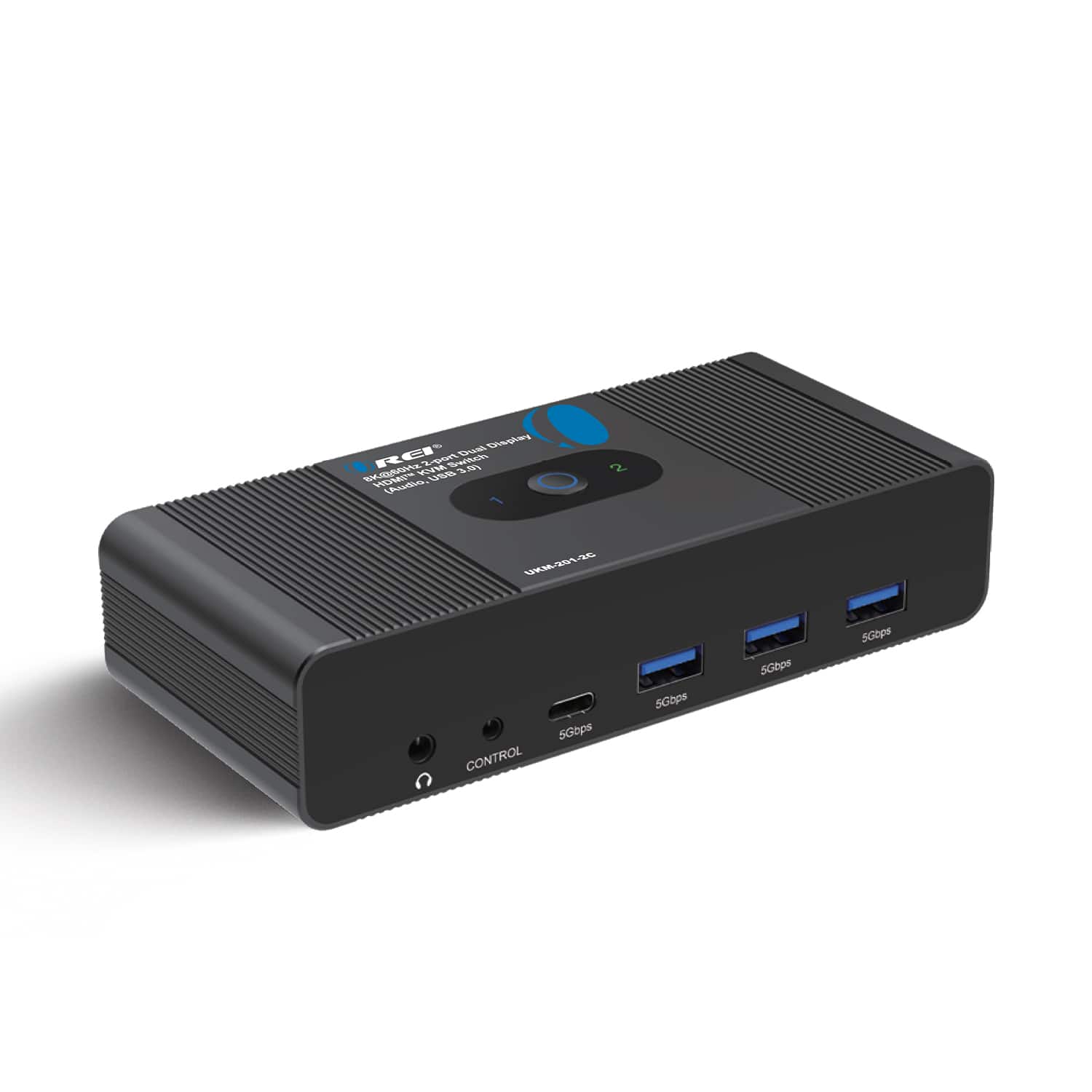
Orei - 8K@60Hz 2-port Dual Display HDMI™ KVM Switch (Audio, USB 3.0) (UKM-201-2C) - Black
SKU: J3GWPT7HVJSee all HDMI ExtendersProduct Description
A high-performance black KVM switch enabling dual 8K HDMI displays, USB 3.0 sharing, and advanced audio.Your price for this item is $74.99 -
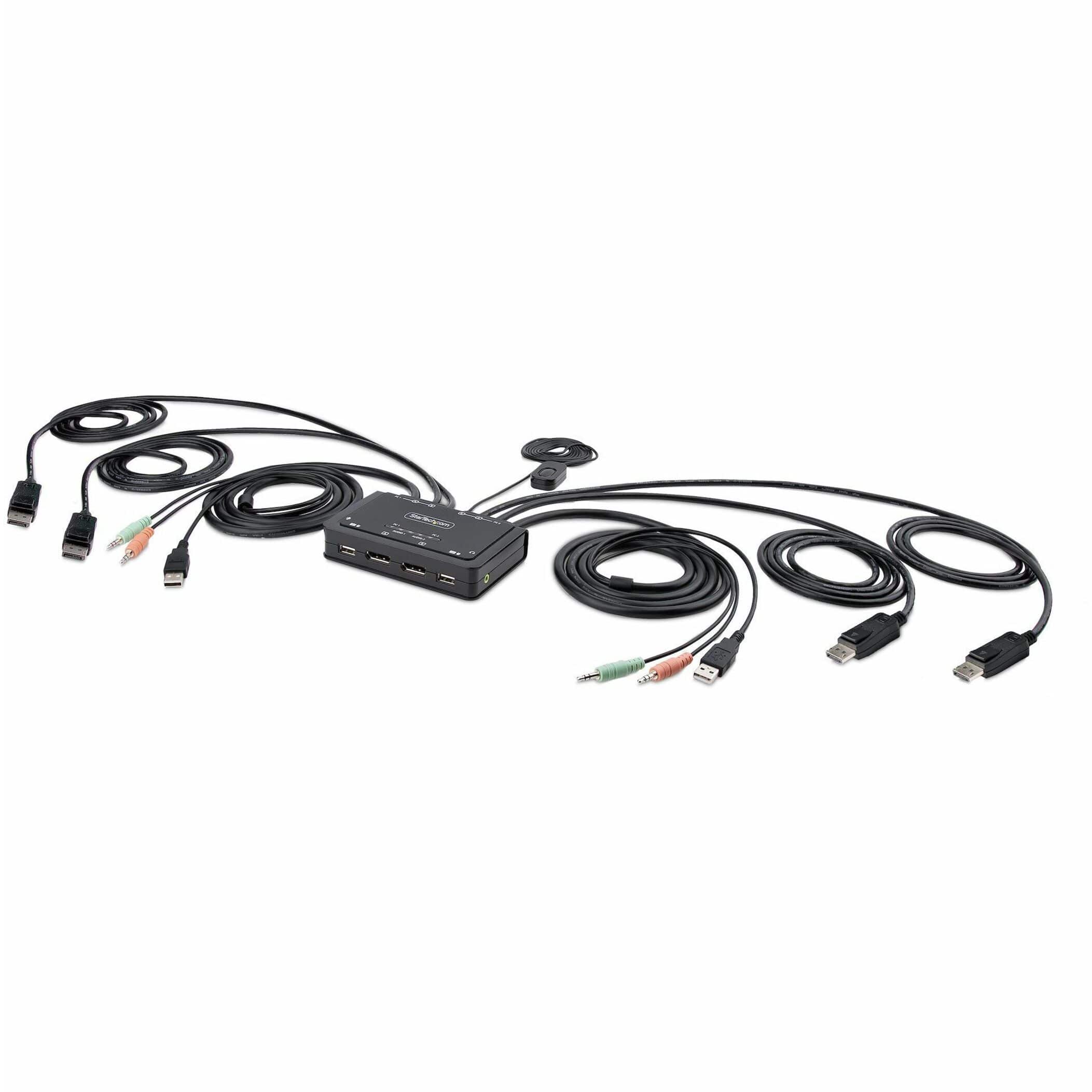
Startech - 2-Port Dual-Monitor DisplayPort Cable KVM Switch
SKU: J7PHYXC6WQSee all Monitor & Video CablesProduct Description
A dual-monitor KVM switch enabling seamless control of two DisplayPort desktops with integrated USB-A connectivity.Your price for this item is $256.53 -
Startech - 2-Port Dual-Monitor HDMI Cable KVM Switch - Black
SKU: J7PHYXC6W5See all A/V SwitchersProduct Description
A black KVM switch supporting two computers, dual 4K 60Hz HDMI displays, USB peripherals, and audio.Your price for this item is $329.99 -
Black Box Network Services - 2-Port 4K HDMI Dual-Head KVM Switch [with Audio Line In/Out and USB Hub] (KVD200-2H)
SKU: J3YT8ZH3Q9See all A/V SwitchersProduct Description
A black dual-monitor KVM switch supporting 4K/60Hz HDMI and DisplayPort, USB 3.2, USB-C, audio, and hotkeys.Your price for this item is $342.78 -
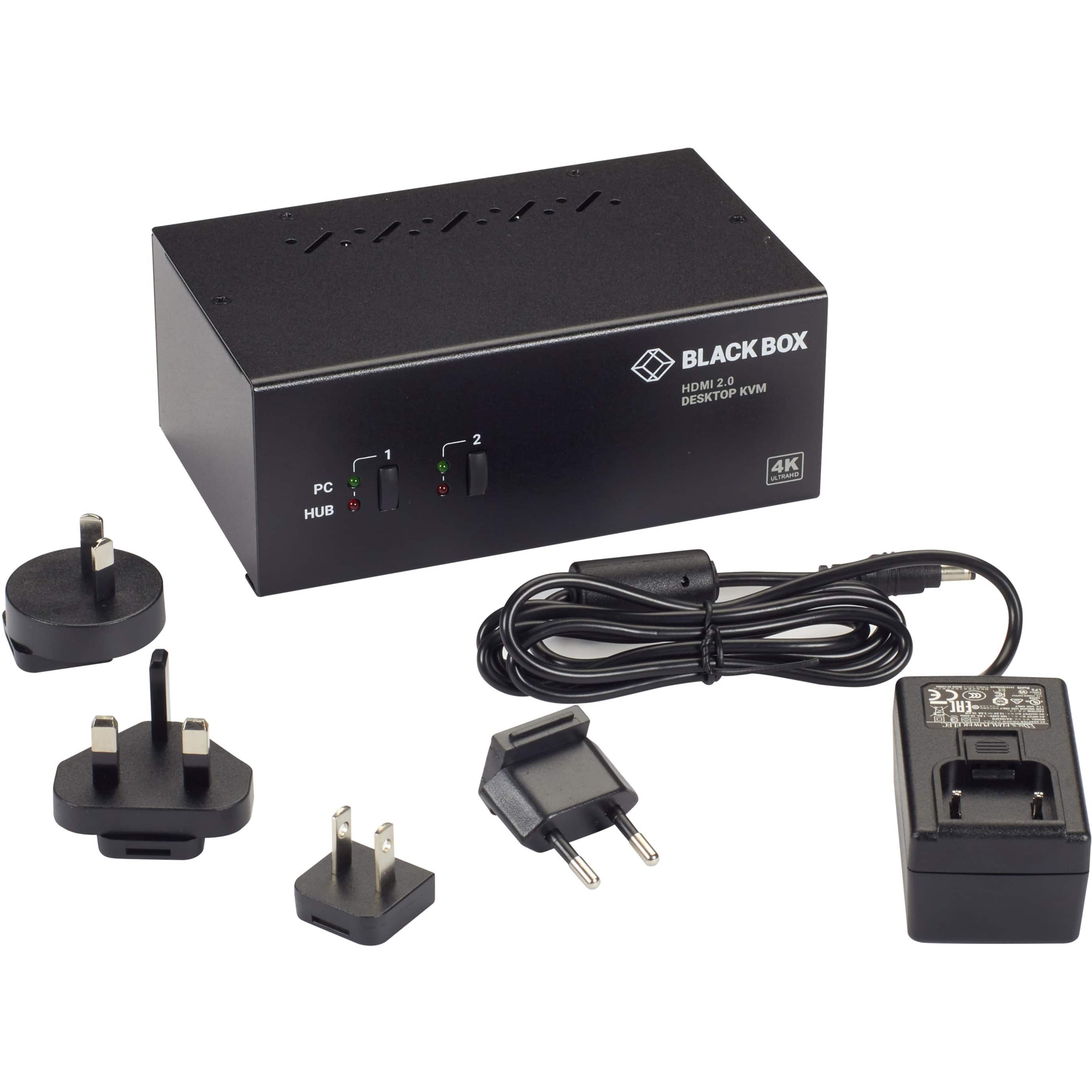
Black Box Network Services - KVM Switch - 2-Port, Dual-Monitor, HDMI 2.0, 4K 60Hz, USB 3.0 Hub, Audio - Multicolor
SKU: J3YT8ZHQ7LSee all A/V SwitchersProduct Description
A black dual-monitor HDMI 2.0 KVM switch supporting two computers, 4K at 60Hz, USB 3.0, and audio.Your price for this item is $348.46 -
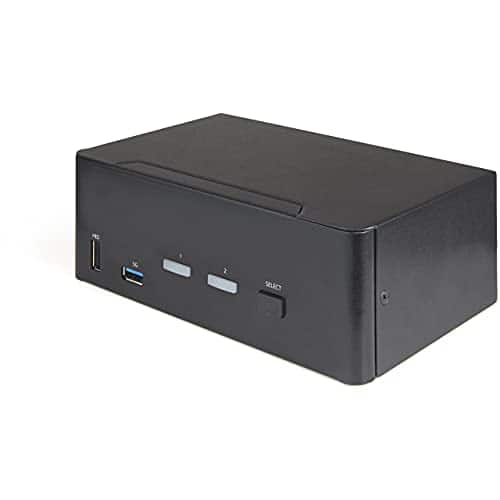
Startech - 2-Port Dual-Monitor DisplayPort KVM Switch - Black
SKU: J7PHYXCR33See all A/V SwitchersProduct Description
A black dual-monitor DisplayPort KVM switch supporting dual 4K 60Hz displays and USB peripherals.Your price for this item is $414.25Save $45The previous price was $459.41 -
Startech - 2 Port Dual Monitor HDMI KVM Switch - Black
SKU: J7PHYXJSXVSee all A/V SwitchersProduct Description
A black HDMI KVM switch supporting dual 4K 60Hz displays, USB 3.0, and analog audio.Your price for this item is $426.74 -
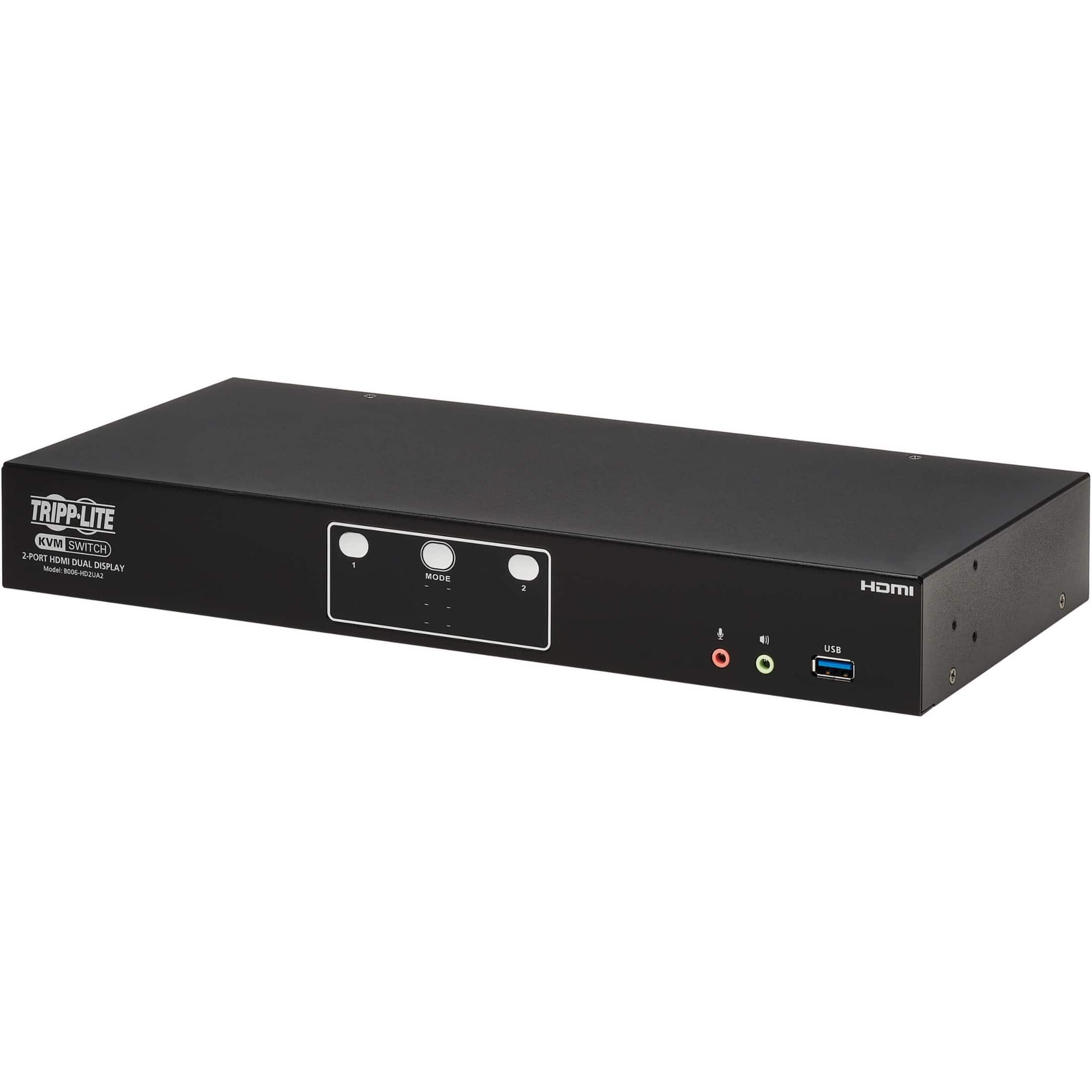
Tripp Lite - B006-HD2UA2 HDMI Dual-Display KVM Switch - Black
SKU: J78C5ZQ79KSee all A/V SwitchersProduct Description
A black HDMI KVM switch supporting dual 4K displays, USB 3.2 sharing, and versatile computer switching.Your price for this item is $468.41 -
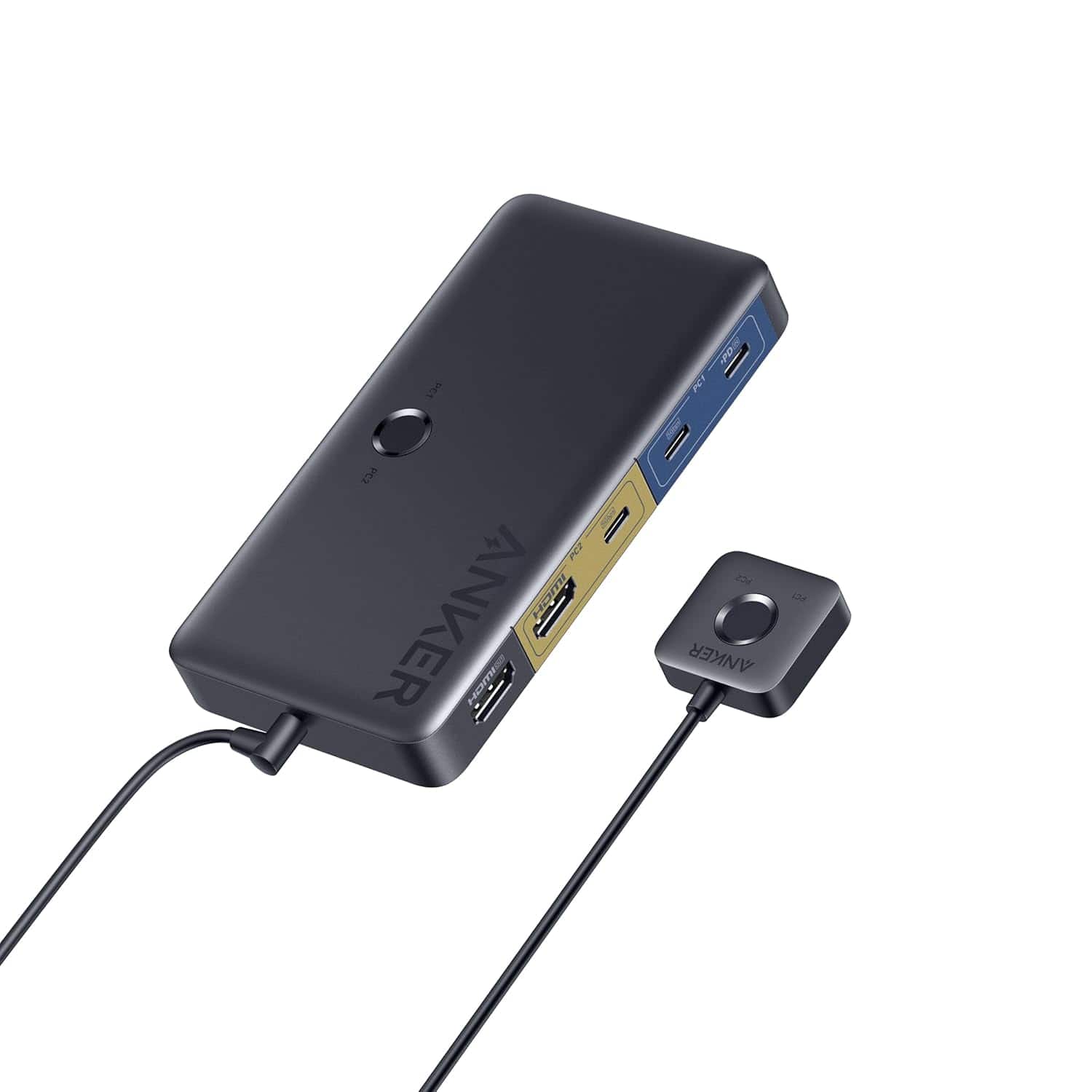
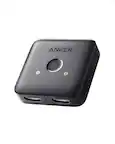
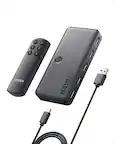
Anker - USB 3.0 HDMI KVM Switch
SKU: JJ858R2SSFSuper utility - Best of All
See all Monitor & Video CablesProduct Description
A versatile KVM switch with 5 USB 3.0 ports, 4K HDMI support, and a magnetic remote button.Your price for this item is $49.99 -
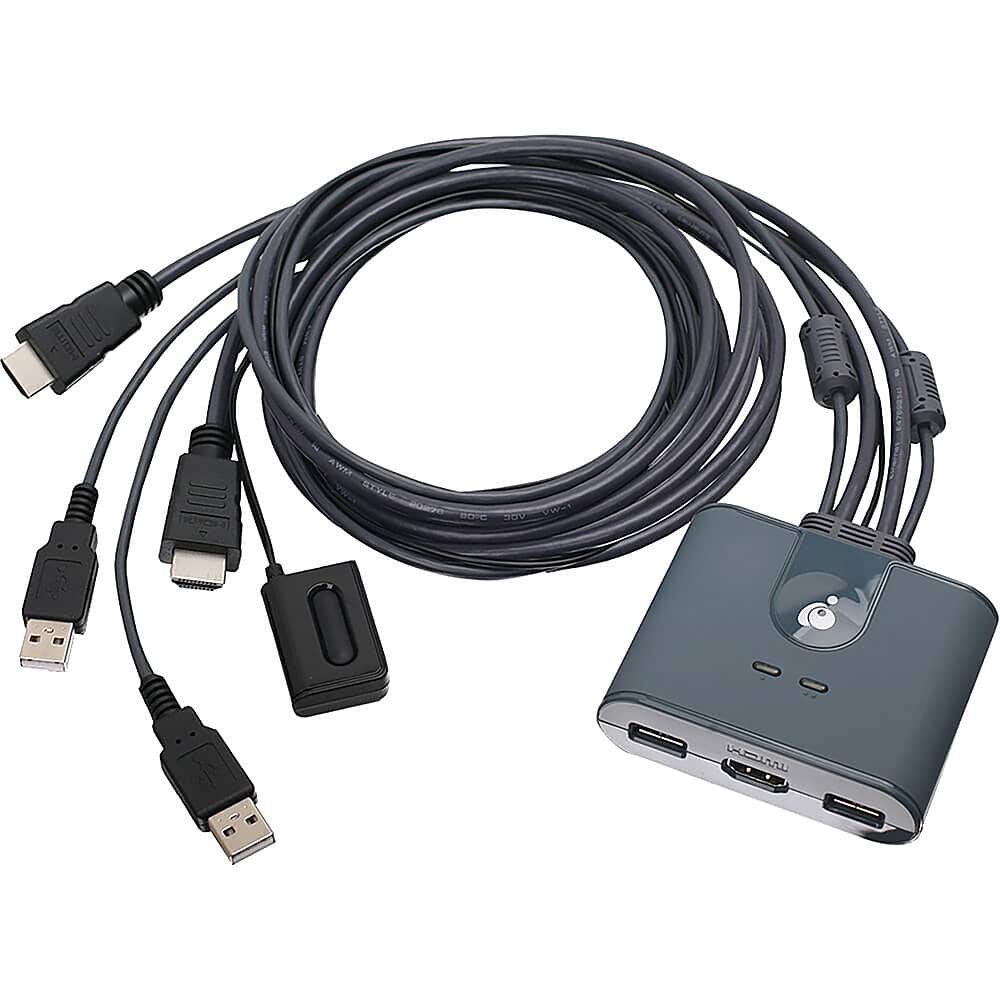
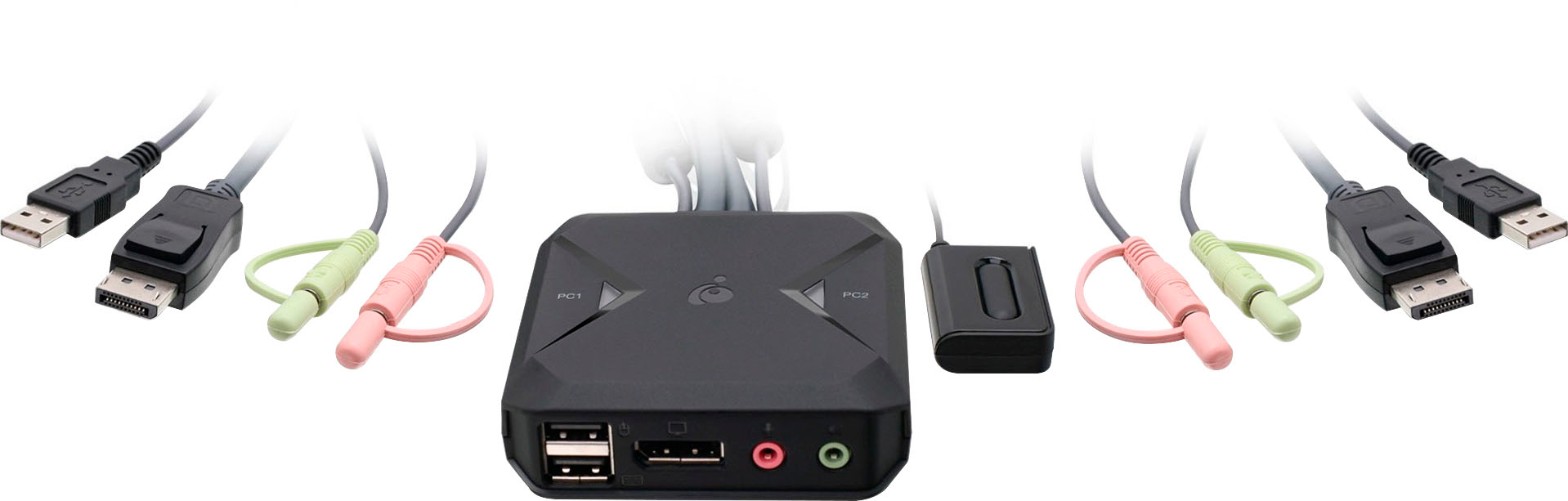
IOGEAR - 2-Port Full HD KVM Switch with HDMI and USB Connections - Gray
SKU: J3KY454L25See all A/V SwitchersProduct Description
A gray plug-and-play switch lets you control two HDMI computers with USB connections and remote selector.Your price for this item is $62.49Save $15The previous price was $77.99 -
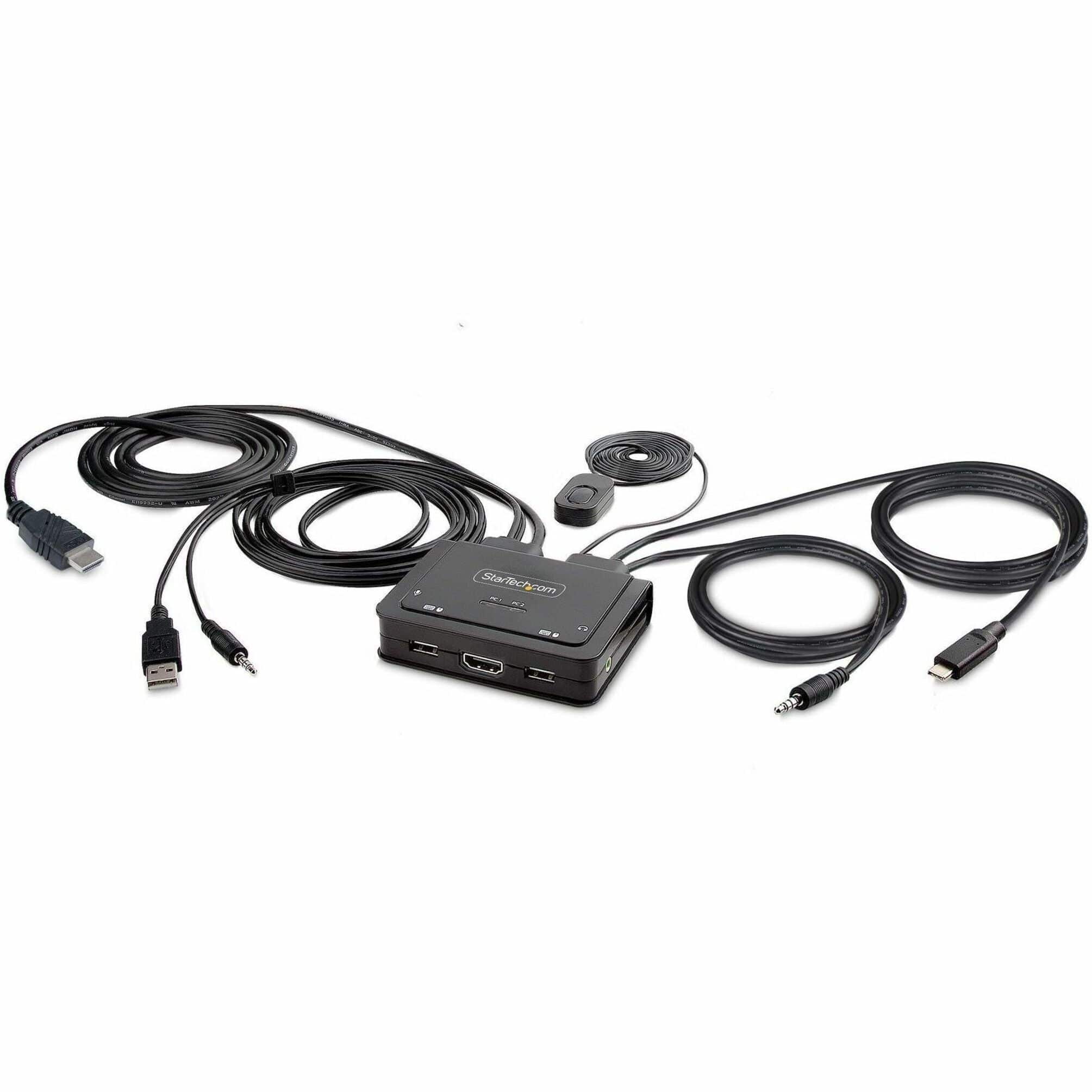
Startech - 2-Port Hybrid USB-C HDMI Cable KVM Switch
SKU: J7PHYXC6FZSee all Cables & ConnectorsProduct Description
A hybrid KVM switch enabling seamless 4K HDMI and USB-C device sharing with integrated cables and bus power.Your price for this item is $86.99 -
IOGEAR - 2-Port USB DisplayPort Cable KVM Switch - Black
SKU: J3KY454J8SSee all A/V SwitchersProduct Description
A black USB-powered KVM switch that lets you control two DisplayPort computers with one setup.Your price for this item is $83.82Save $40The previous price was $124.34 -
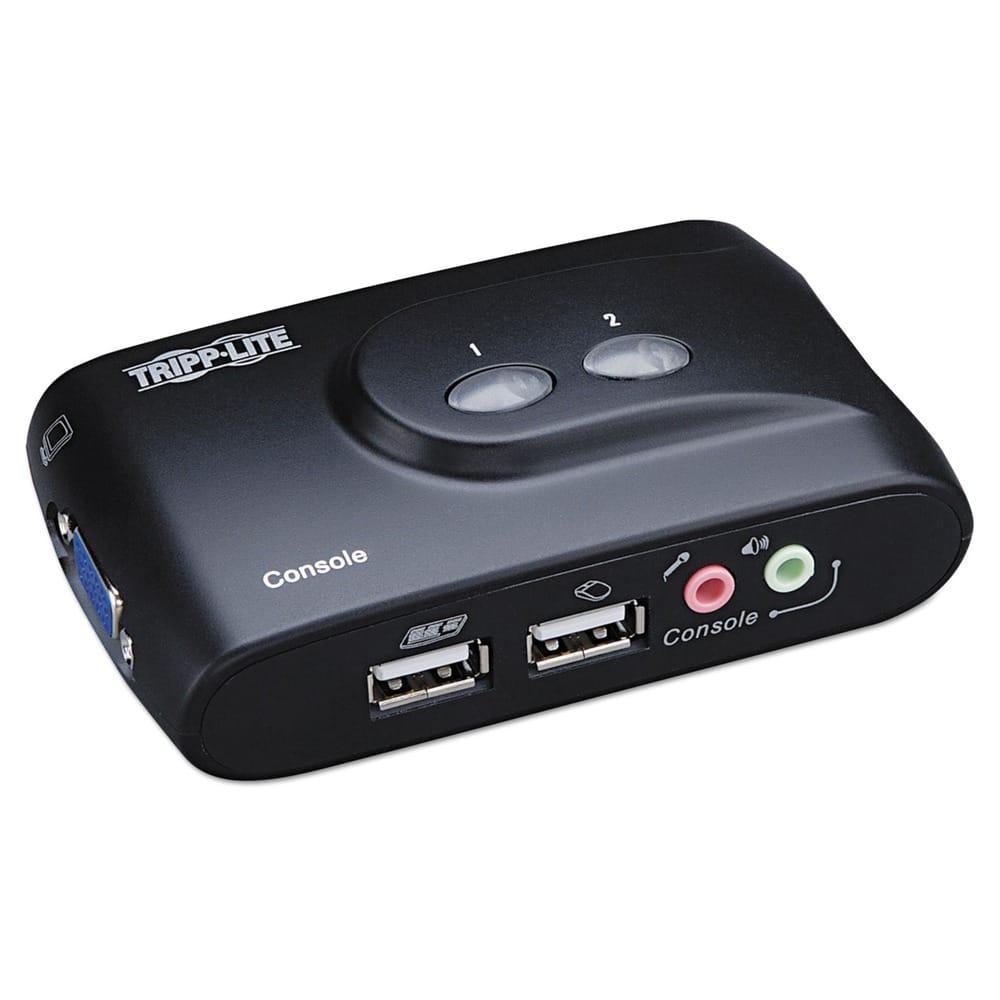
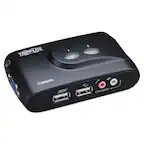
Tripp Lite - B004-VUA2-K-R Compact USB KVM Switch with Audio and Cable - Black
SKU: J78C5Z8VJWWorks great so far.
See all A/V SwitchersProduct Description
A compact black USB KVM switch that lets you control two computers and share audio components easily.Your price for this item is $81.69 -
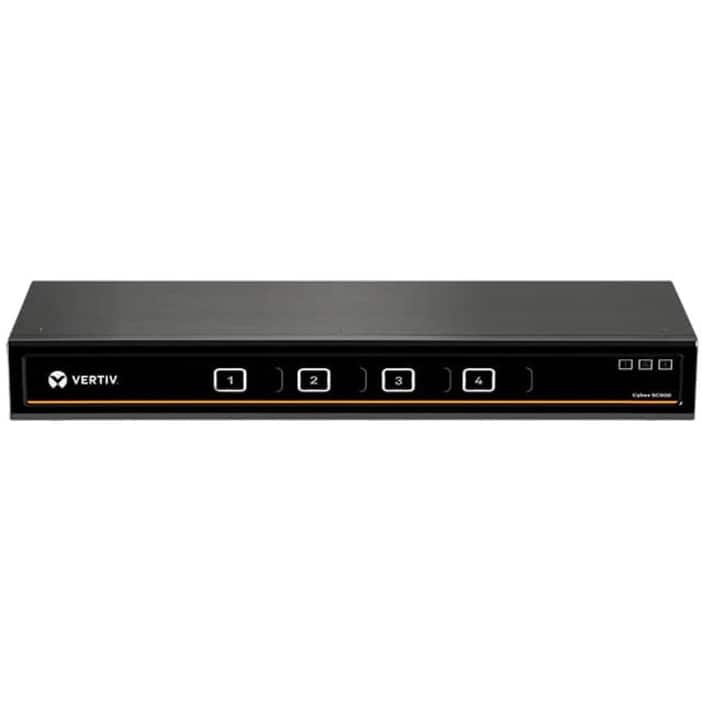
Vertiv - Cybex SC900 Secure Desktop KVM Switch, Dual Head, 4 Port, Universal and DPP, NIAP Version 4.0 Certified (SC945DPH-400) - USB
SKU: JXX8ZS7WPZSee all A/V SwitchersProduct Description
A secure KVM switch with dual-head support, NIAP 4.0 certification, and multiple video interface compatibility.Your price for this item is $1,542.52 -
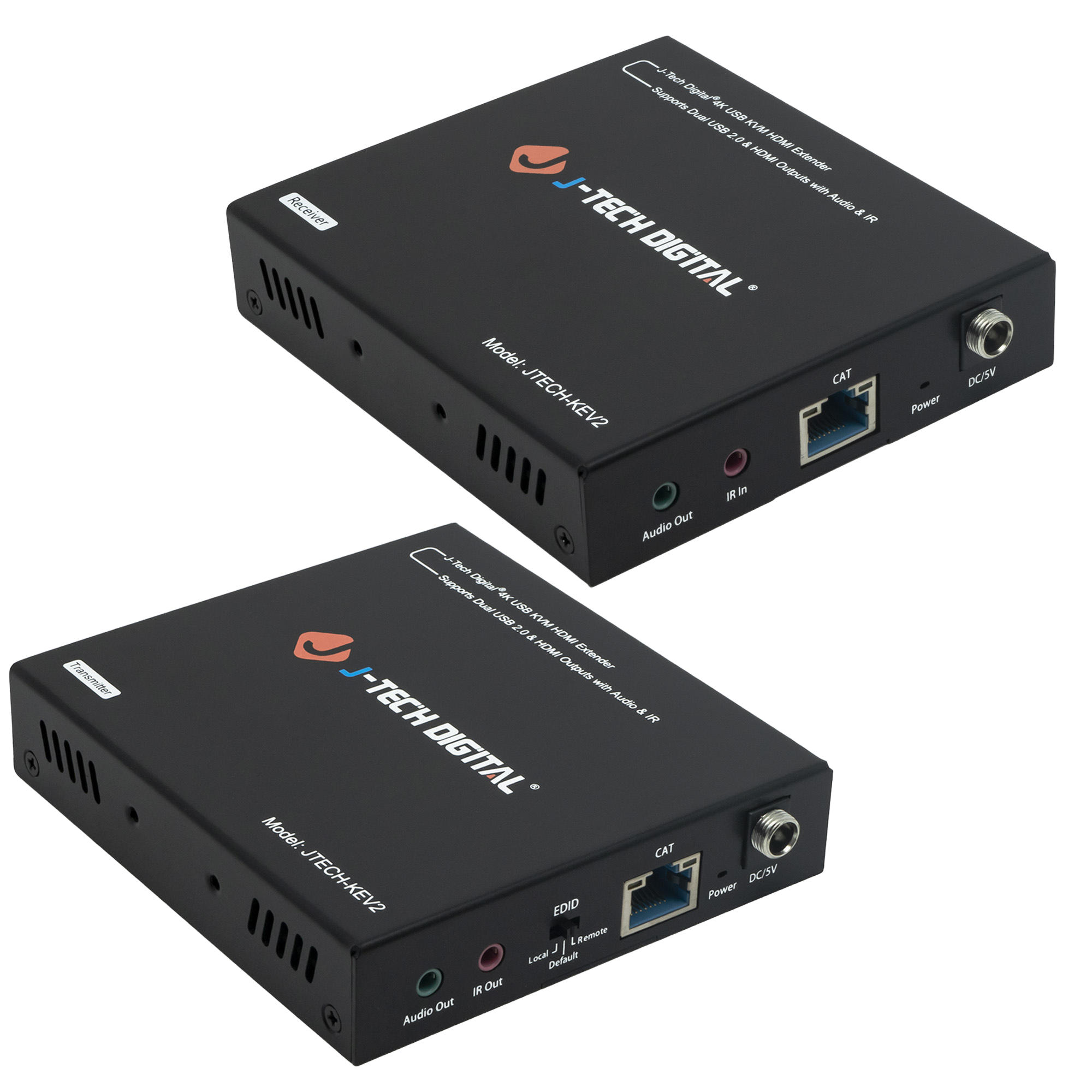
J-Tech Digital - 4K 30Hz HDMI and KVM Extender Over Ethernet with Dual HDMI Outputs and Audio Extraction - Black
SKU: J3GW77Z59TSee all HDMI ExtendersProduct Description
A black extender that transmits 4K HDMI and USB signals over Ethernet with dual HDMI outputs and audio extraction.Your price for this item is $132.18 -
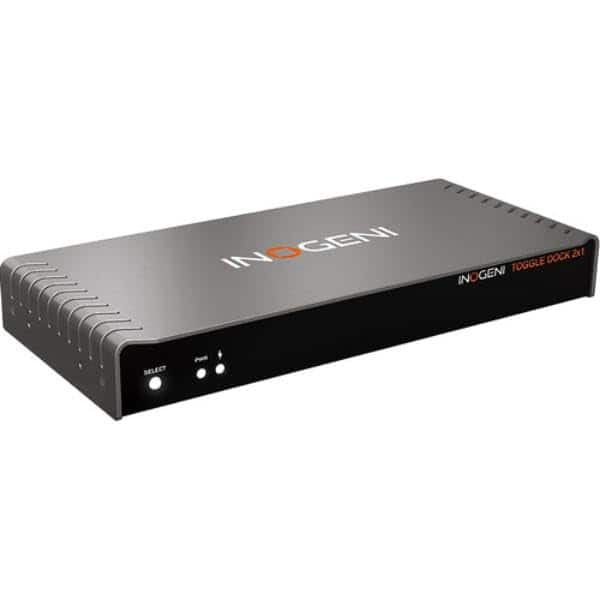
Lenovo - TOGGLEDOCK2X1 2x1 USB HDMI KVM Host Switch - Black
SKU: J7LPFL9F5RSee all A/V SwitchersProduct Description
A black KVM switch enabling seamless USB and HDMI switching between two laptops with UHD 5K support.Your price for this item is $873.51Save $43The previous price was $917.19 -
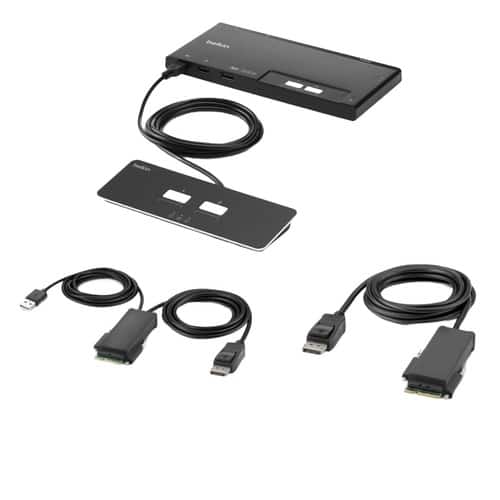
Belkin - F1DN102MOD-PP-4 2-Port KVM Switch - Single Head - DP Modular Secure - PP4.0 W/ Remote - 2 Computers - 1 Local Us - Black
SKU: JX532996J9See all A/V Cables & ConnectorsProduct Description
A secure black KVM switch with DP modular support, remote control, and advanced protection profile compliance.Your price for this item is $489.13 -
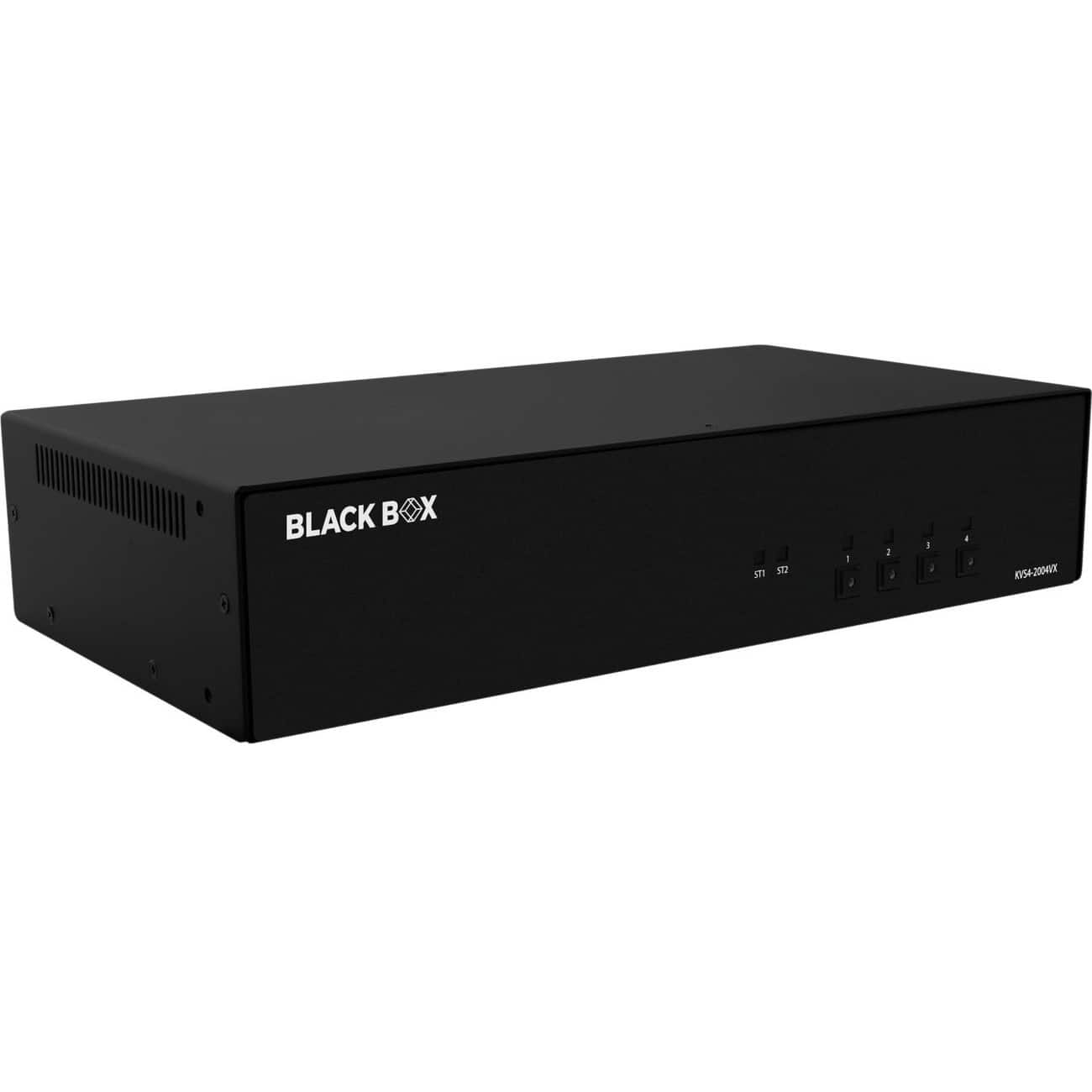
Black Box Network Services - Secure KVM Switch - DisplayPort - 4 Computer(s) - 2 Local Us (KVS42004VX) - Multicolor
SKU: J3YT8ZVZTYSee all A/V SwitchersProduct Description
A black secure KVM switch supporting four computers, dual DisplayPort monitors, high-resolution video, and tamper protection.Your price for this item is $1,461.80 -
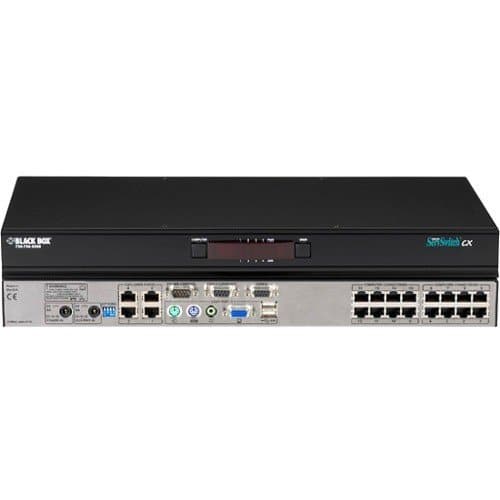
Black Box Network Services - KVM Switch, 1 Local Console Port + 4 Users, 16 Servers, CATx (KV0416A-R2) - Multicolor
SKU: J3YT8ZS67CSee all A/V SwitchersProduct Description
A KVM switch connects four users to 16 servers over CATx, supporting PS/2 and USB peripherals.Your price for this item is $2,184.28 -
Black Box Network Services - KM Switch with Glide & Switch Mouse Switching - 4 Computer(s) - 1 Local (KV0004AR2_3) - Information Not Available
SKU: J3YT8Z973QSee all A/V SwitchersProduct Description
A black KM switch controls four computers with one keyboard, mouse, USB peripherals, and audio devices.Your price for this item is $943.23 -
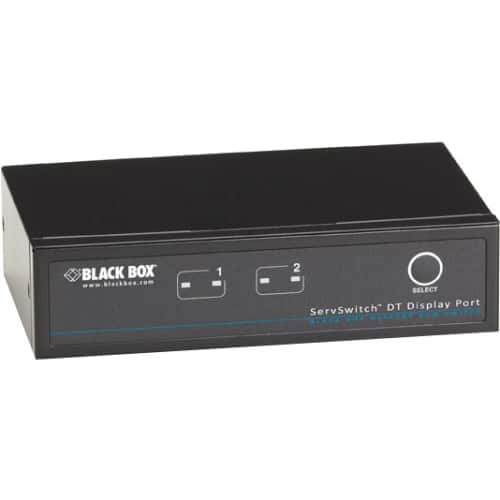
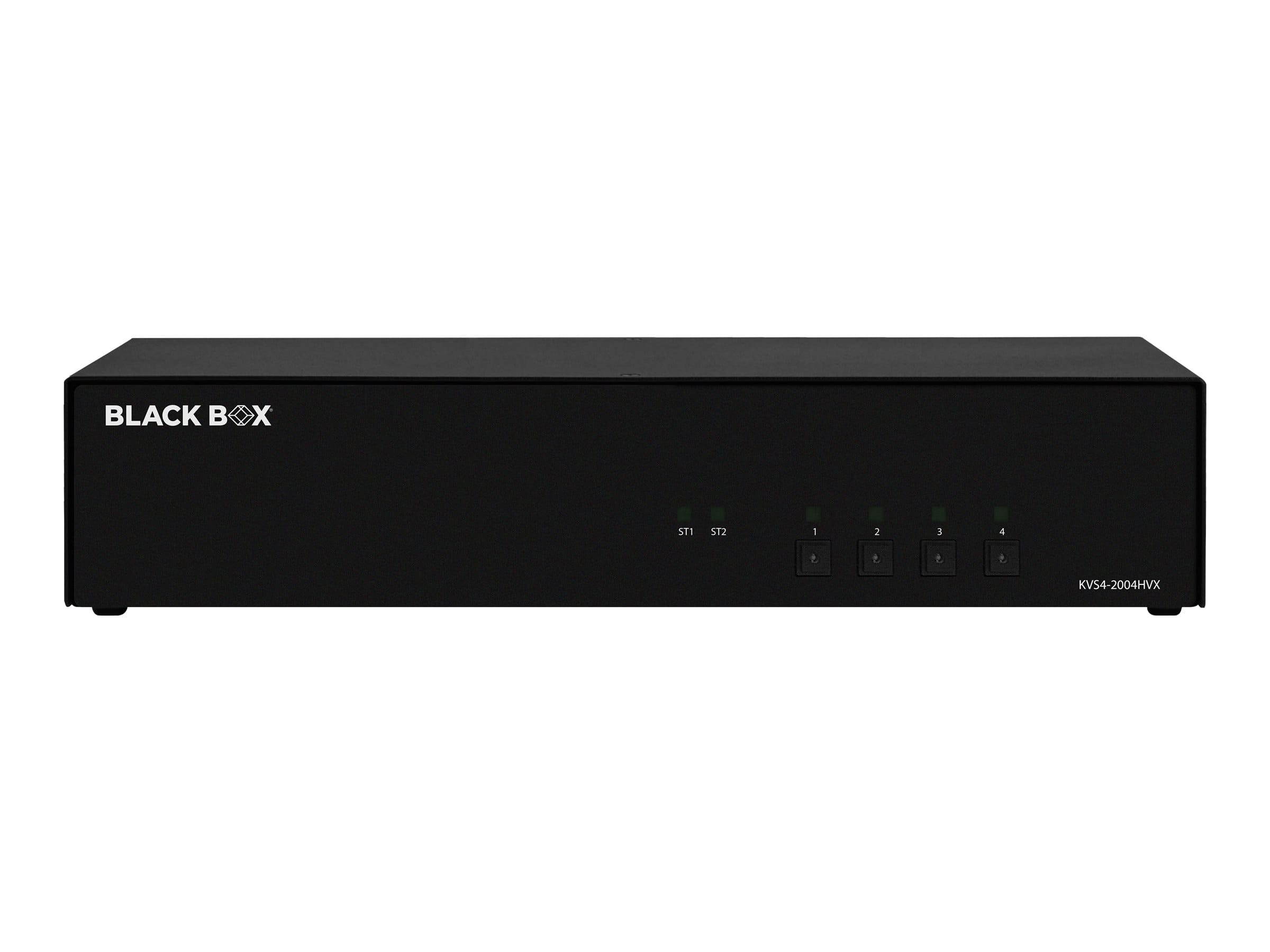
Black Box Network Services - Desktop KVM Switch - DisplayPort with USB and Audio, 2-Port
SKU: J3YT8ZSVFFSee all A/V SwitchersProduct Description
A black 2-port DisplayPort KVM switch supporting WQXGA video, USB peripherals, audio, hotkeys, and push-button selection.Your price for this item is $239.99 -
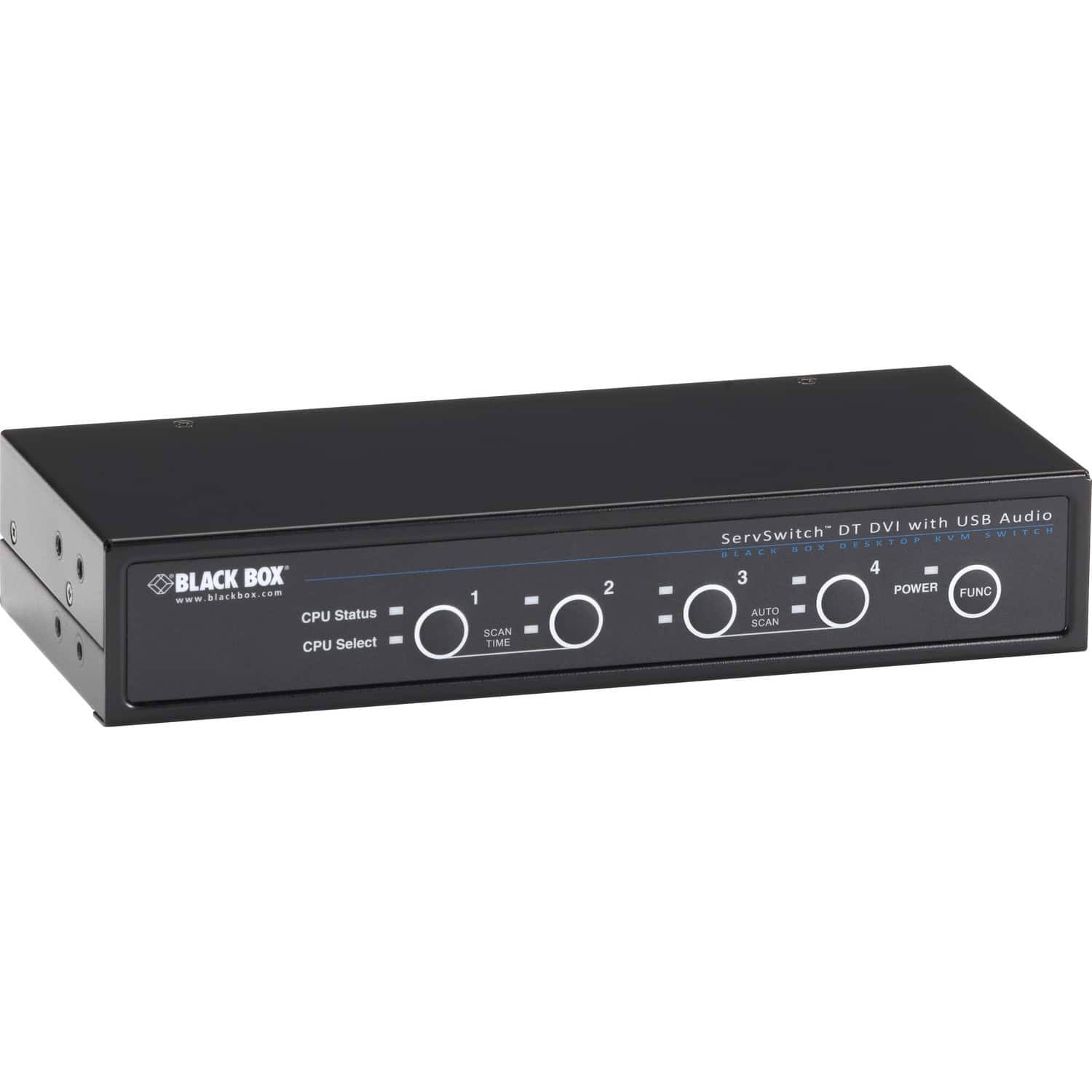
Black Box Network Services - ServSwitch DT DVI with Bidirectional Audio, 4-Port
SKU: J3YT8ZSF4XSee all A/V SwitchersProduct Description
A black 4-port KVM switch with DVI-D, USB 2.0 sharing, bidirectional audio, and up to 1920x1200 resolution.Your price for this item is $372.88 -
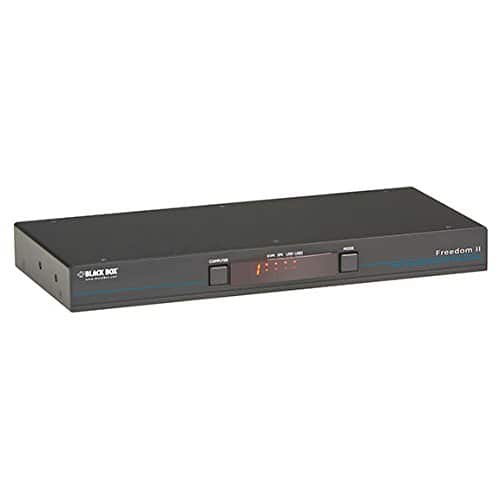
Black Box Network Services - Freedom II KM Switch - 8-Port - Multicolor
SKU: J3YT8ZQYR9See all A/V SwitchersProduct Description
A black 8-port KM switch controlling computers and displays with cursor switching and USB 2.0 support.Your price for this item is $1,512.49 -
Black Box Network Services - Secure KVM Switch - FlexPort HDMI/DisplayPort - Multicolor
SKU: J3YT8ZVZHPSee all A/V SwitchersProduct Description
A secure black KVM switch supporting HDMI/DisplayPort, four computers, 4K video, USB ports, and NIAP certification.Your price for this item is $1,456.99

![Black Box Network Services - 2-Port 4K HDMI Dual-Head KVM Switch [with Audio Line In/Out and USB Hub] (KVD200-2H)](https://pisces.bbystatic.com/image2/BestBuy_US/images/products/ae6a654e-78d2-4efd-801d-f1e032f77560.jpg)

Best Sellers

Related Pages





FAQ
A dual monitor KVM (Keyboard, Video, Mouse) switch allows you to control two or more computers using a single set of monitors, keyboard, and mouse. It enables seamless switching between computers while maintaining the use of two monitors for increased productivity.
Yes, most dual monitor KVM switches are compatible with various operating systems such as Windows, macOS, and Linux. This makes it easy to manage multiple computers running different OS platforms from one workstation.
Dual monitor KVM switches commonly support HDMI, DisplayPort, DVI, or VGA connections for video. It's important to choose a switch that matches the video outputs of your computers and monitors for optimal compatibility.
Many dual monitor KVM switches feature additional USB ports that allow you to share peripherals like printers, webcams, or external drives between connected computers. Check the product specifications for supported USB versions and port availability.
Most modern dual monitor KVM switches offer quick and seamless switching with minimal delay. However, the actual switching speed can depend on the specific model and the complexity of your setup.