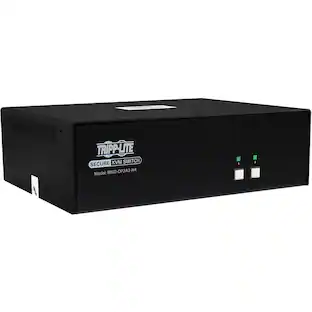
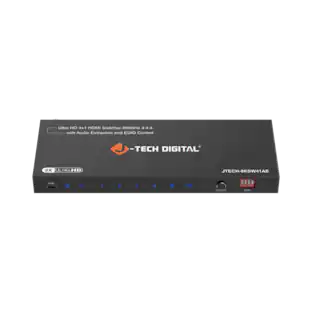
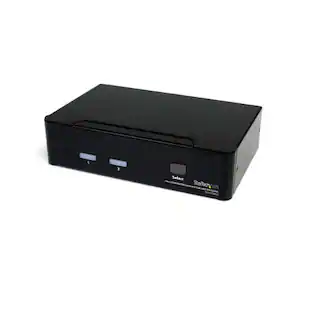
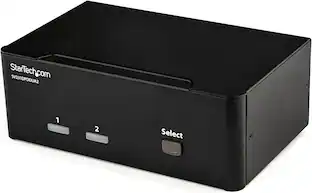
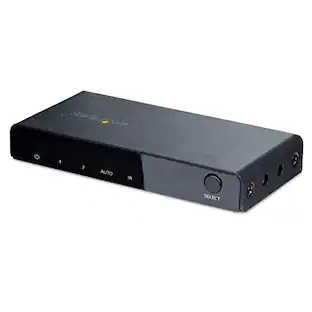
Black Box Network Services - KVM Switch - 2-Port, Dual-Monitor, HDMI 2.0, 4K 60Hz, USB 3.0 Hub, Audio - Multicolor
Reviews coming soon
About this product
The KV6222H is a 2-Port Dual-Monitor HDMI 2.0 KVM switch that enables sharing two 4K monitors and USB peripherals between two computers using a single keyboard and mouse. It supports Ultra HD 4K resolution at 60Hz, offers advanced keyboard and mouse compatibility, and includes a built-in 2-port USB 3.0 hub for peripheral sharing. Independent audio channels provide full multimedia control for each connected computer.
Features
Dual 4K Monitor Support
Share two 4K monitors between two HDMI 2.0 enabled computers using only one keyboard and mouse, enhancing productivity and saving desk space.
Ultra HD 4K60 Resolution
HDMI 2.0 technology delivers crystal-clear 4K at 60Hz Ultra HD resolution, supporting two large external 4K (HDMI enabled) monitors.
Advanced Keyboards and Mice Support
Emulation technology allows compatibility with advanced keyboards and mice, including gaming and business models.
Peripheral Sharing
Built-in 2-port USB 3.0 hub (5Gbps data transfer rates) enables sharing of USB peripherals between connected computers.
Independent Multimedia Control
Separate 3.5 mm audio channels allow independent audio control from each connected computer.
Specifications
- BrandBlack Box Network ServicesModel NumberKV6222HProduct NameKVM Switch - 2-Port, Dual-Monitor, HDMI 2.0, 4K 60Hz, USB 3.0 Hub, AudioColorMulticolorSelector Switch Box TypeKVM SwitchInput(s)2 x 3.5mm audio, 2 x 3.5mm microphone
Reviews
This product doesn't have any reviews yet.
Compare similar products
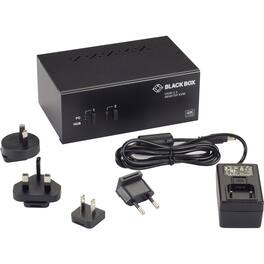
The KV6222H is a 2-Port Dual-Monitor HDMI 2.0 KVM switch that enables sharing two 4K monitors and USB peripherals between two computers using a single keyboard and mouse. It supports Ultra HD 4K resolution at 60Hz, offers advanced keyboard and mouse compatibility, and includes a built-in 2-port USB 3.0 hub for peripheral sharing. Independent audio channels provide full multimedia control for each connected computer.

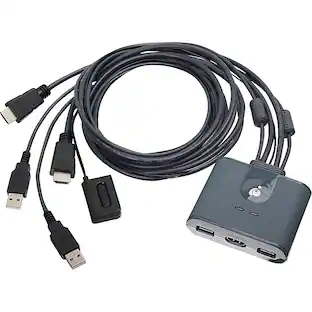
The 2-Port Dual-Monitor HDMI Cable KVM Switch allows users to control two HDMI-enabled computers with a single set of peripherals, including dual 4K 60Hz HDMI monitors, a keyboard, mouse, and audio devices. It features built-in dual-HDMI, USB-A, and 3.5mm audio input/output cables, ensuring compatibility and performance without the need for additional cables. The KVM switch is compatible with various operating systems, including Windows, macOS, ChromeOS, and Linux, and supports hardware platforms such as Intel, AMD, and Apple M1/M2. Users can switch between hosts using a remote push button or hotkey commands, with the remote push button featuring a 1.5m cable for flexible placement. Additionally, the KVM switch includes StarTech.com Connectivity Tools, offering utilities like Advanced Windows Layout and USB Event Monitoring to enhance performance and security.

The 2 Port Dual Monitor HDMI KVM Switch enables seamless control of two computers with dual 4K 60Hz display support. It includes an integrated USB 3.0 hub for sharing peripherals and offers full audio compatibility with both digital and analog outputs. Compatible with Windows, Mac, and Linux, it features user-friendly front-panel pushbuttons and hotkey functionality for efficient system management.
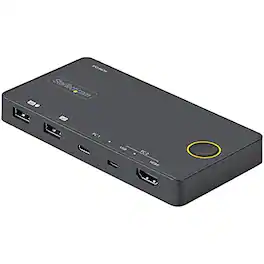
The 2 Port Hybrid USB-A + HDMI & USB-C KVM Switch allows seamless switching between a USB-C (DP Alt Mode) device and an HDMI + USB-A device, enabling control of two computers with a single keyboard, mouse, and HDMI monitor. It supports 4K resolutions at 60Hz, ensuring high-quality video output. The compact, USB-powered design minimizes clutter and is ideal for mobile or hot desk environments. All necessary cables are included for easy setup, and the device is compatible with various operating systems, including Windows, Linux, macOS, iOS (Apple iPad Pro), and Android.
Specs
Be the first to ask a question.
We’ll try to get your question answered within 24 hours by a Best Buy customer or brand representative.
Customers often buy these together
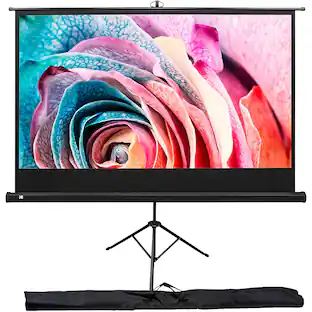
Kodak 100 inches Portable Projector Screen, Adjustable Projection Screen with Tripod Stand & Carry Bag
$169.99The price was $245.02Aten Technology 2-Port 4K DisplayPort USB-C KVM Dock Switch with Power Pass-through (US3311)
$199.70The price was $216.99


More to consider
Aten Technology 2-Port 4K DisplayPort USB-C KVM Dock Switch with Power Pass-through (US3311)
$199.70The price was $216.99




Elevate your entertainment Sponsored
Antennas Direct ClearStream MAX-XR Complete Amplified Indoor/Outdoor HDTV Antenna with 60-Mile Range
$99.99The price was $119.99