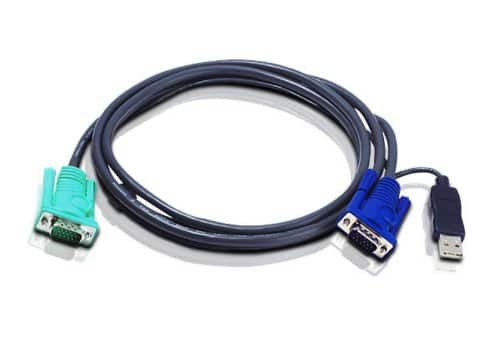
Docking Station vs. KVM Switch
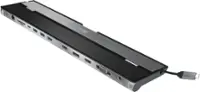
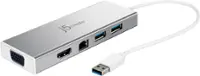
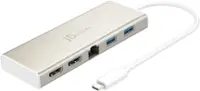
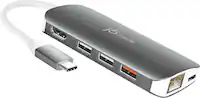
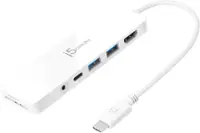
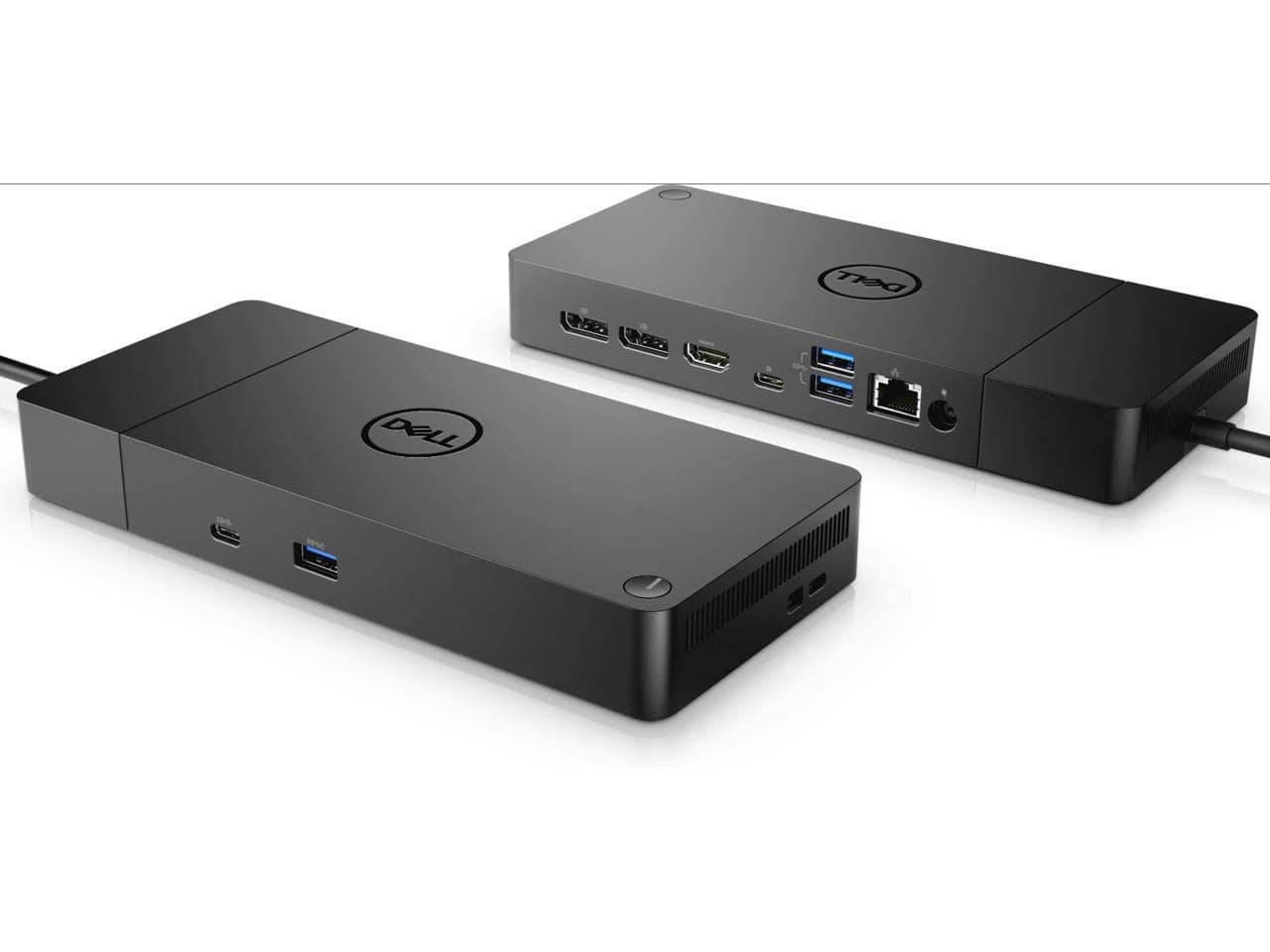
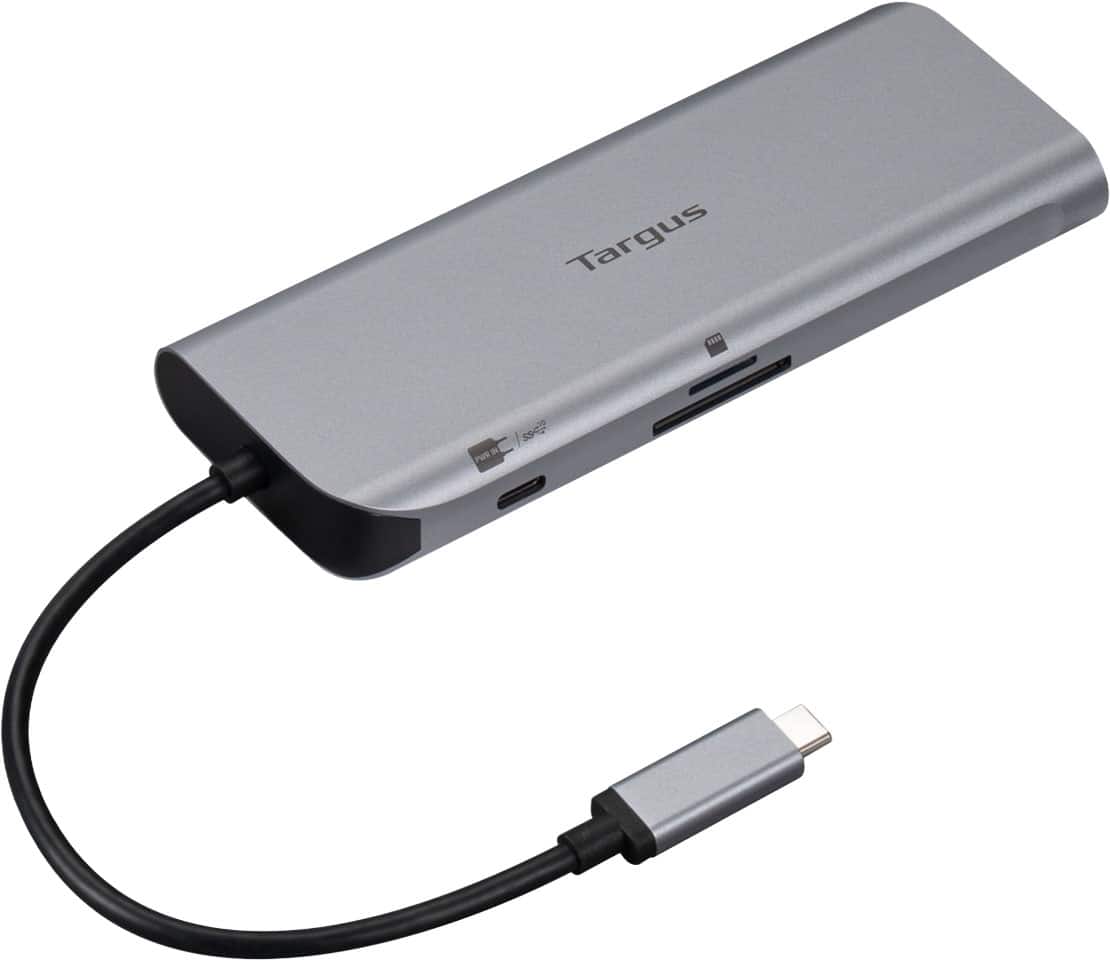
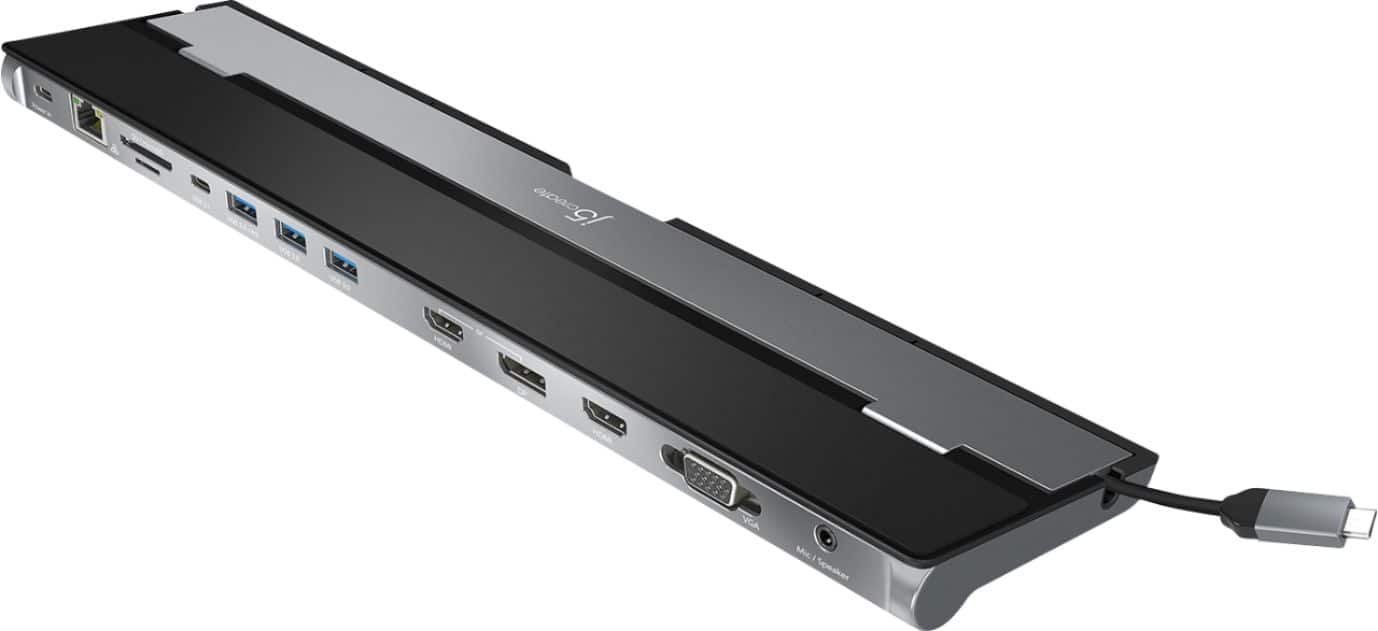
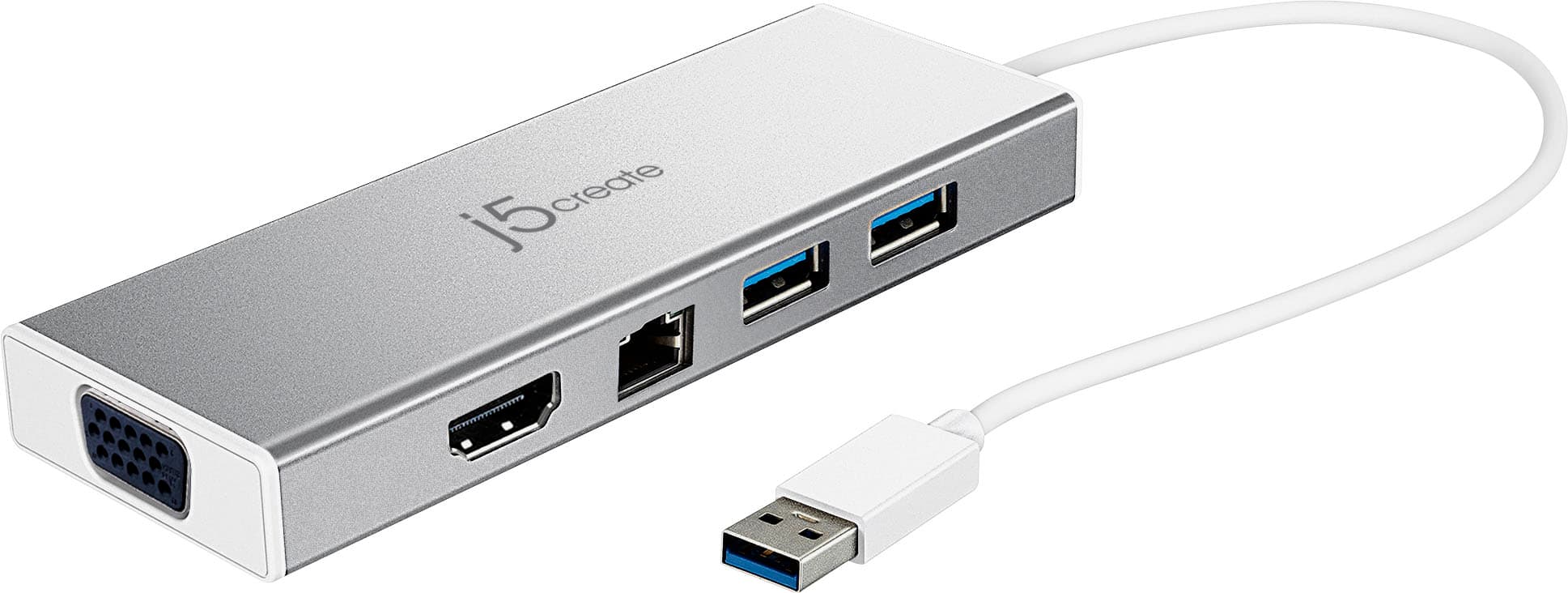
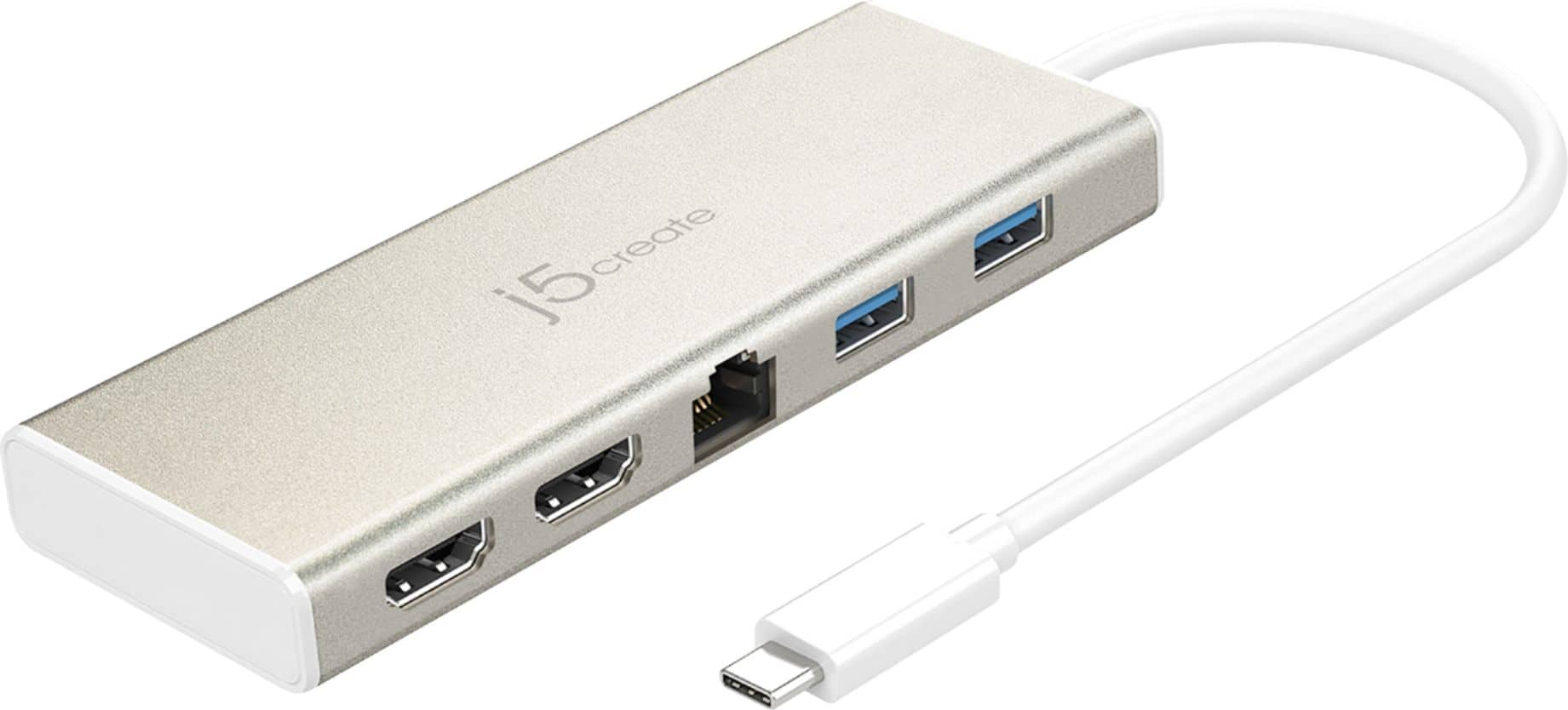
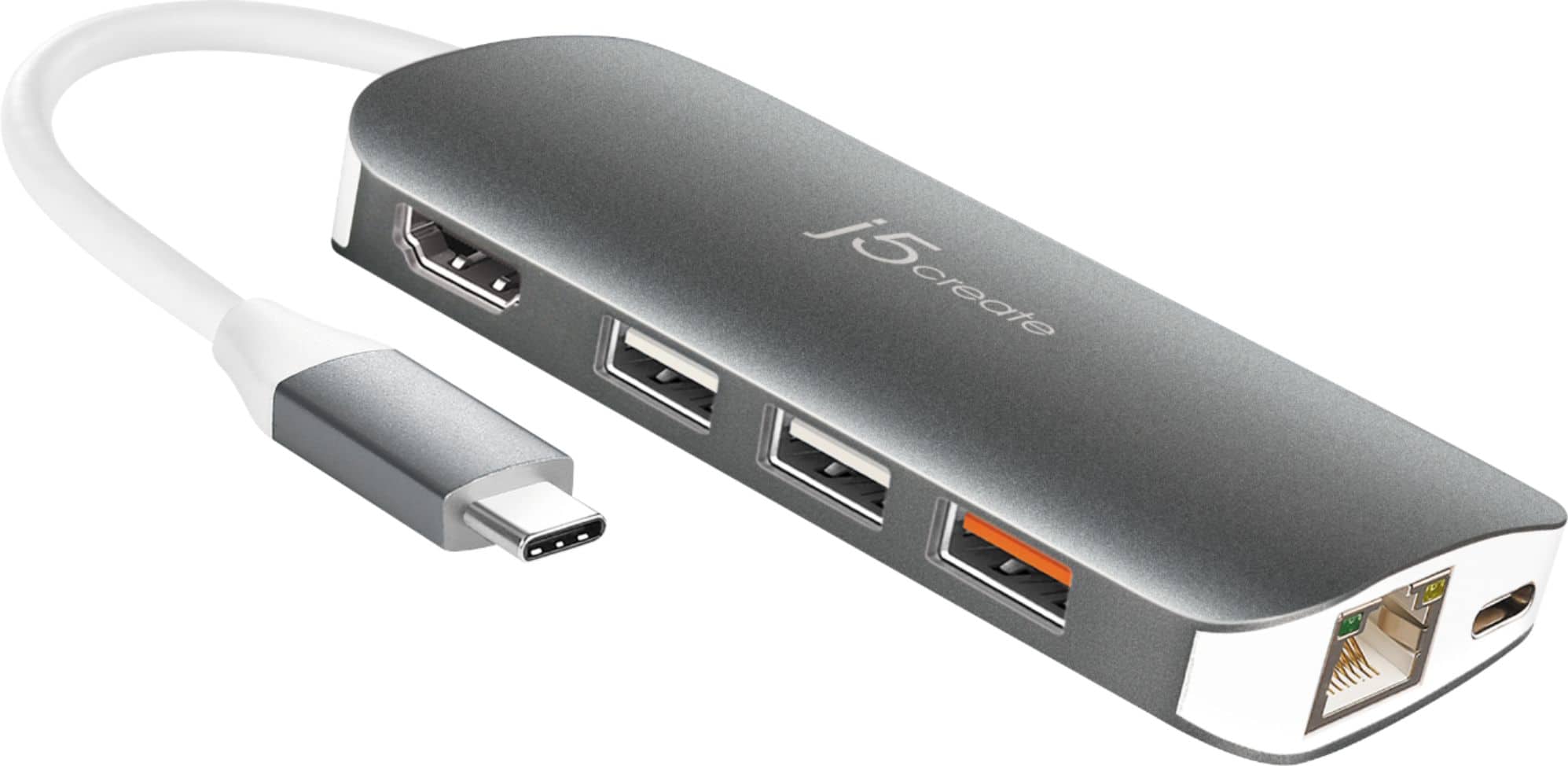
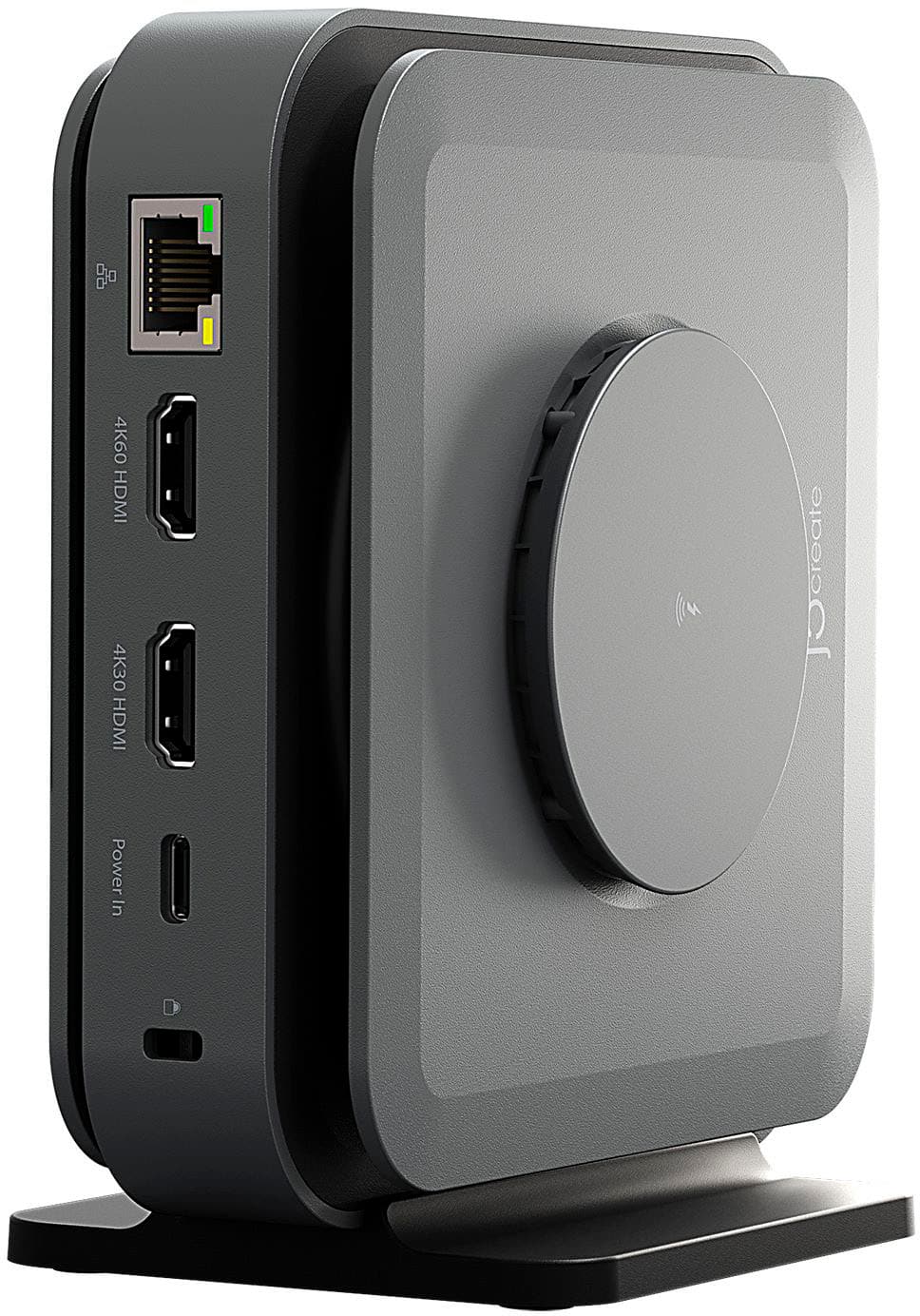
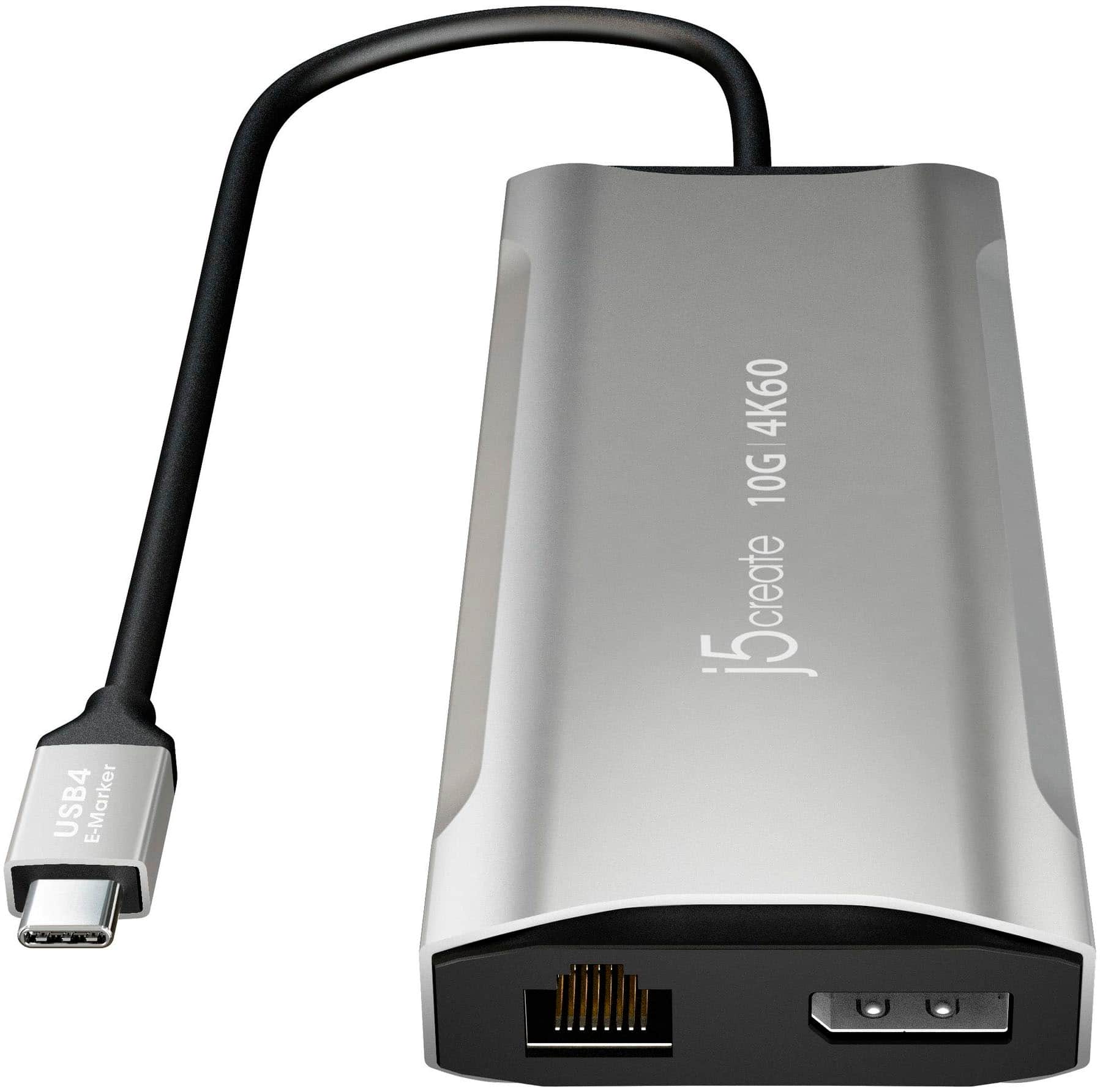
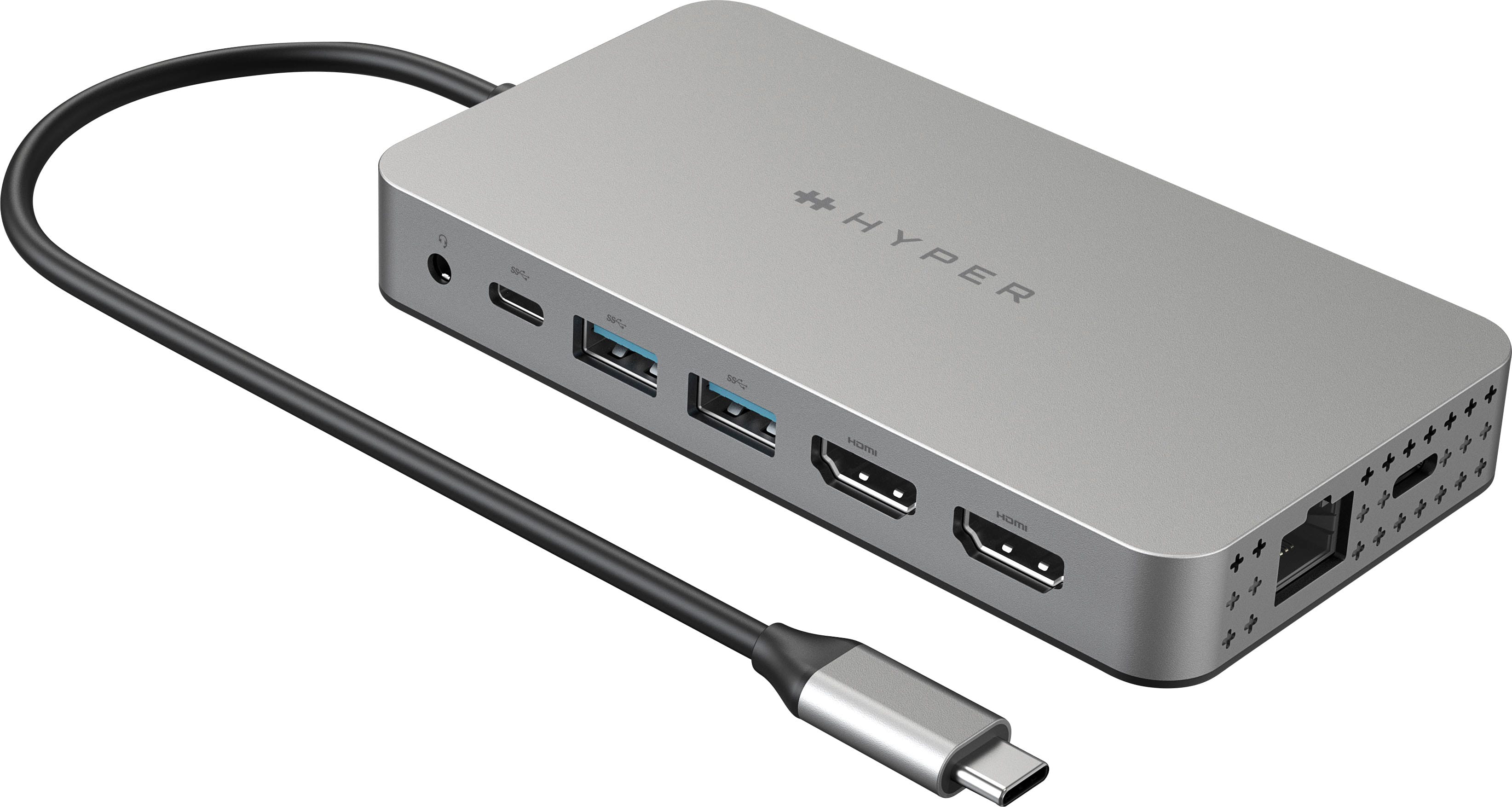
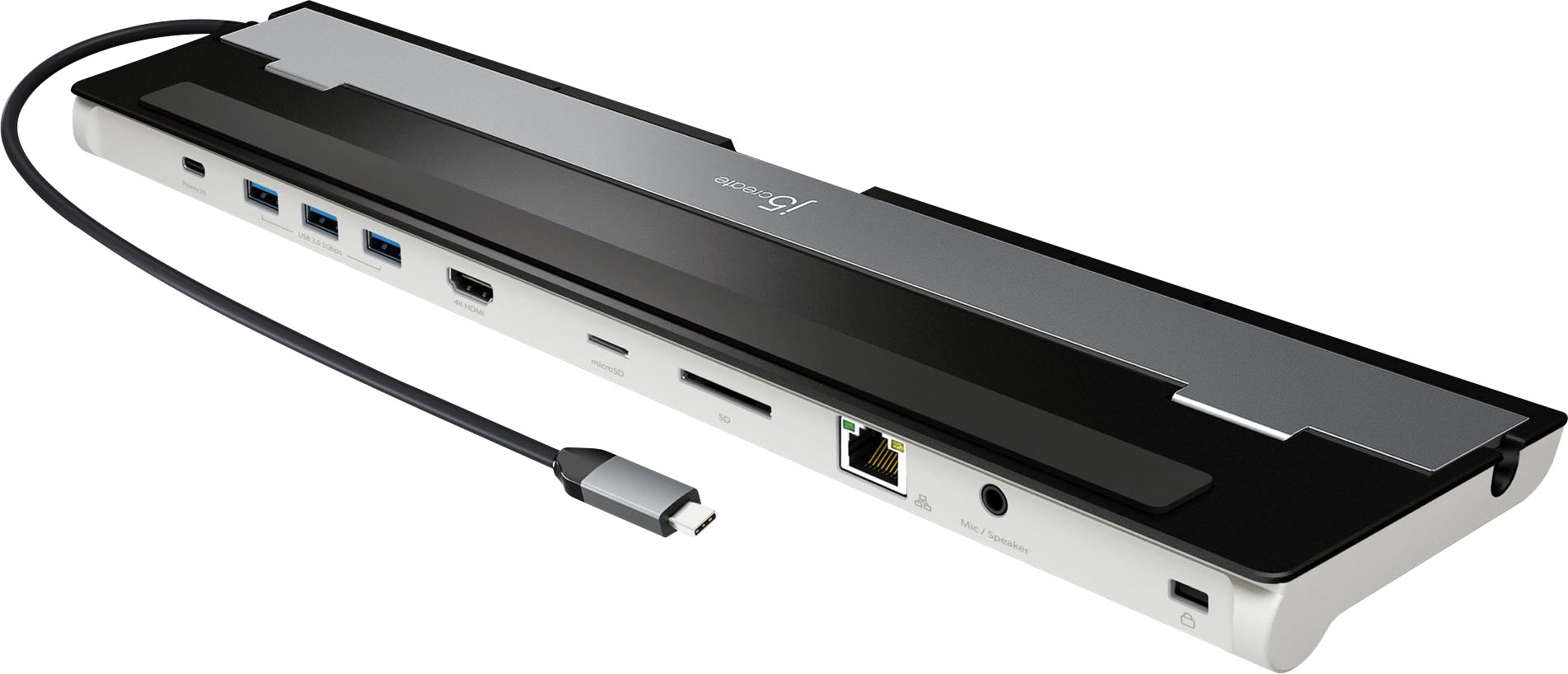
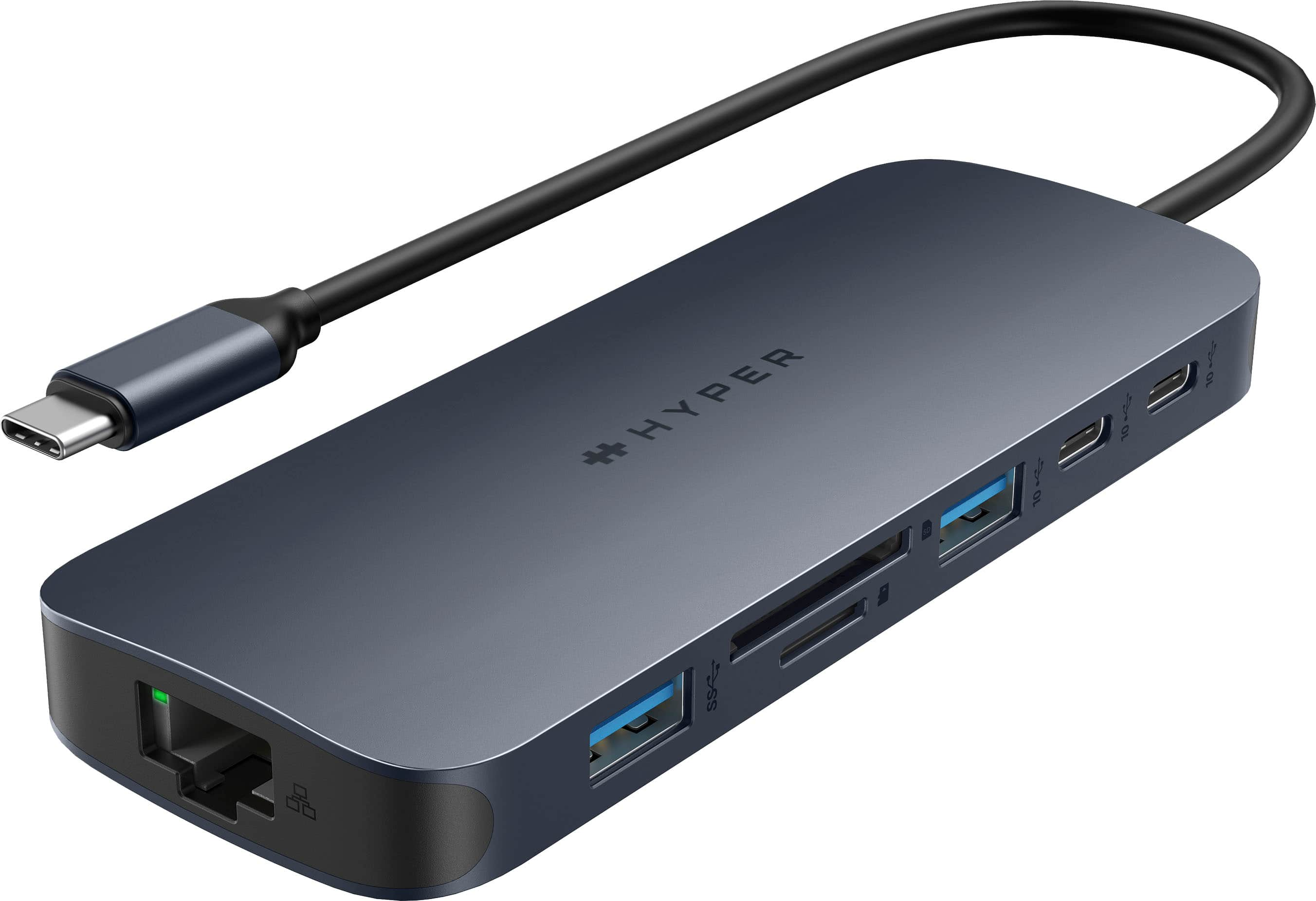
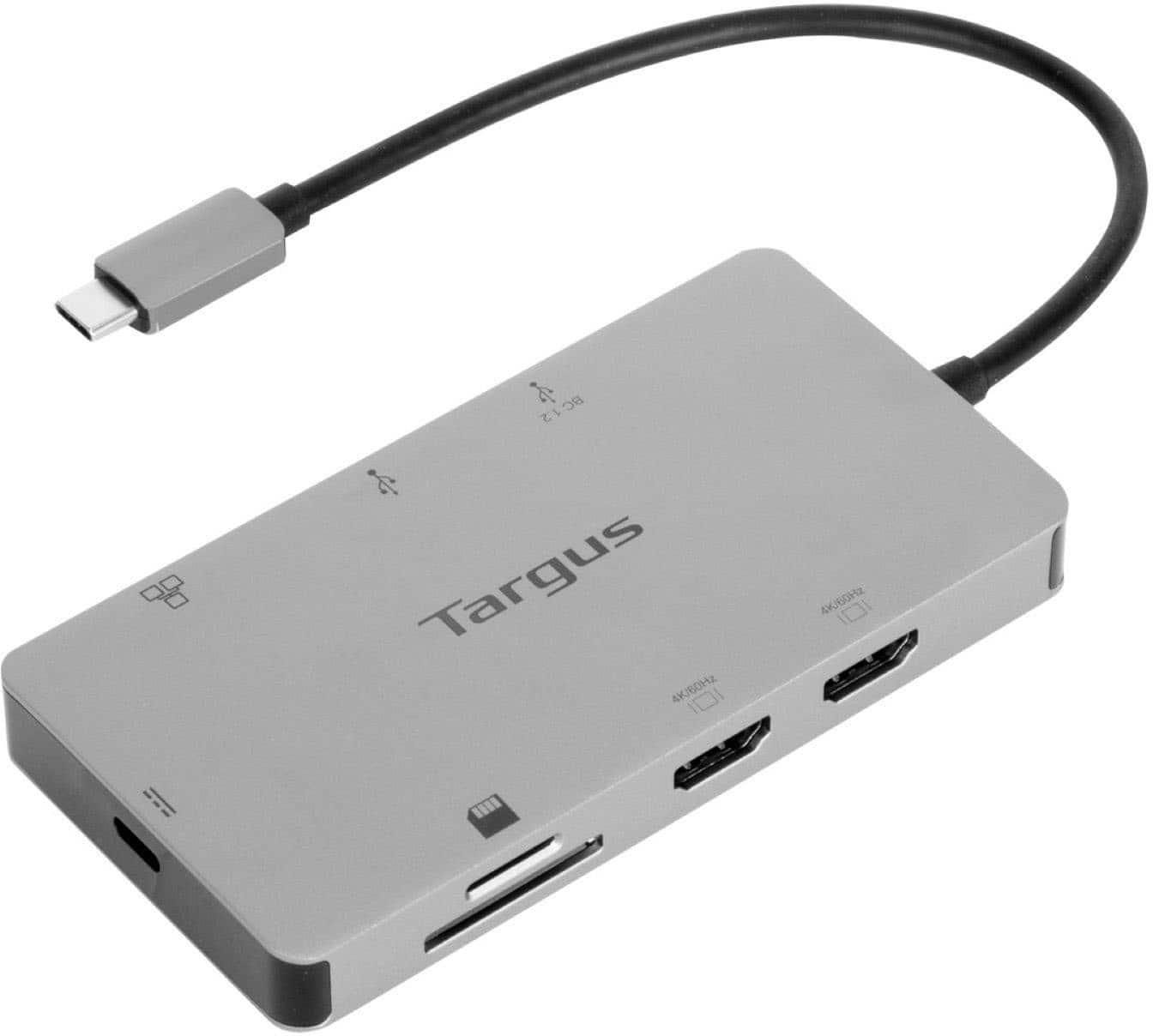
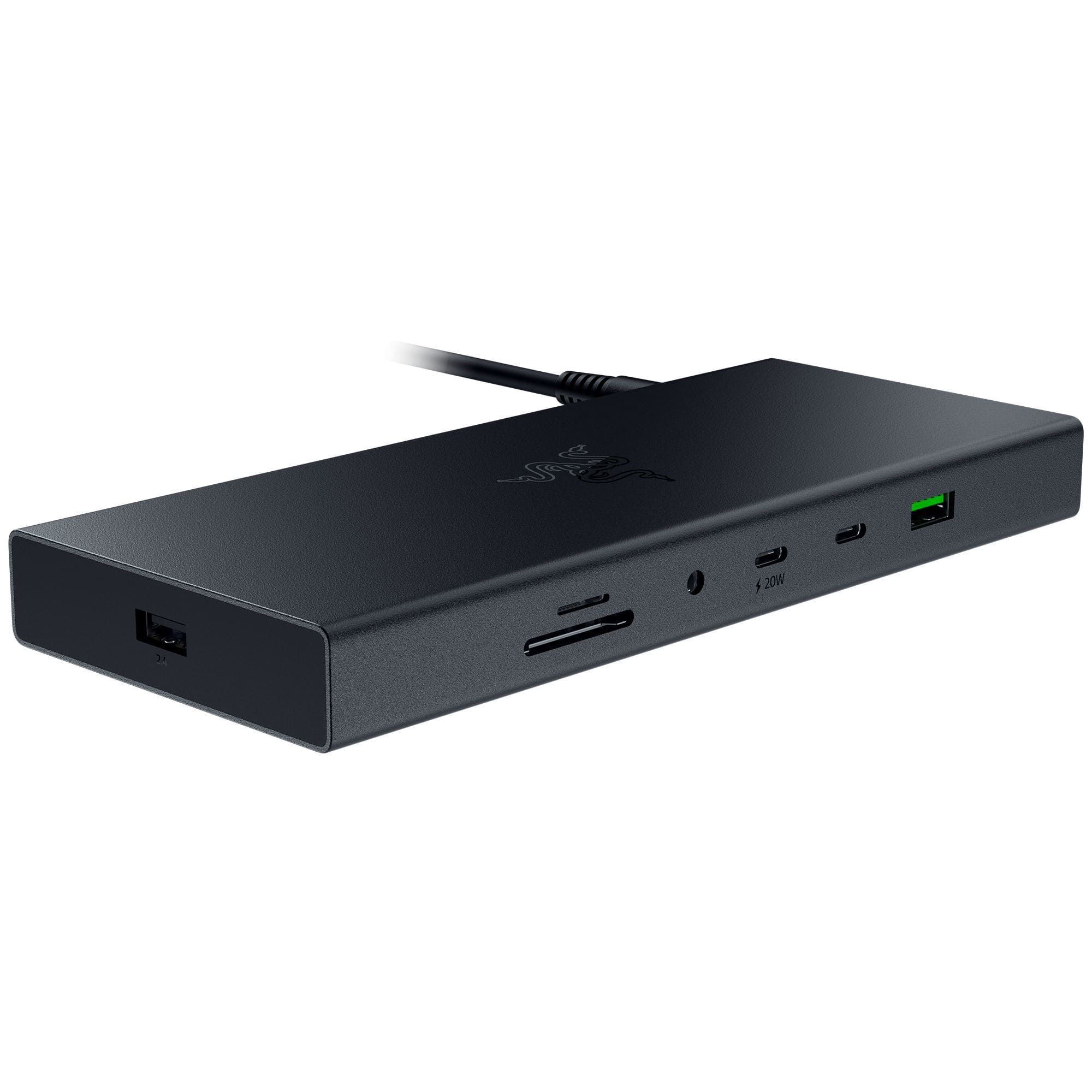
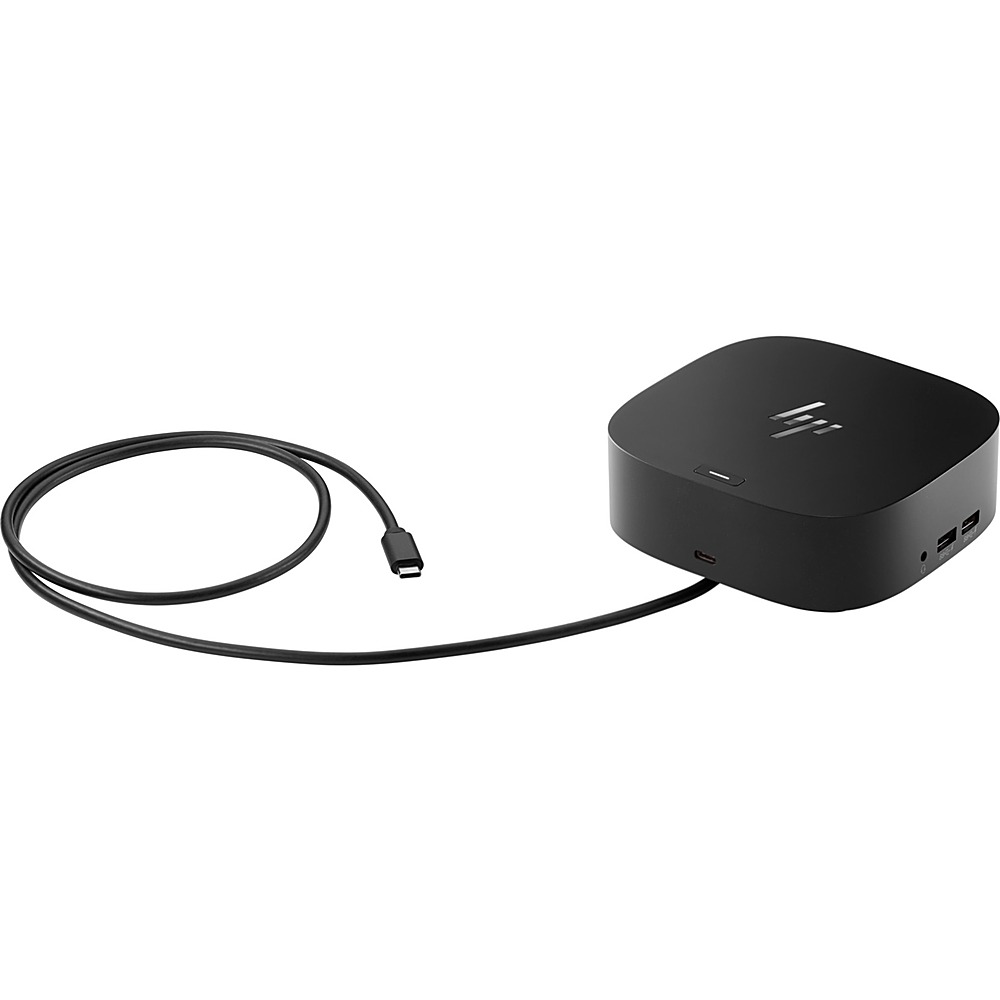
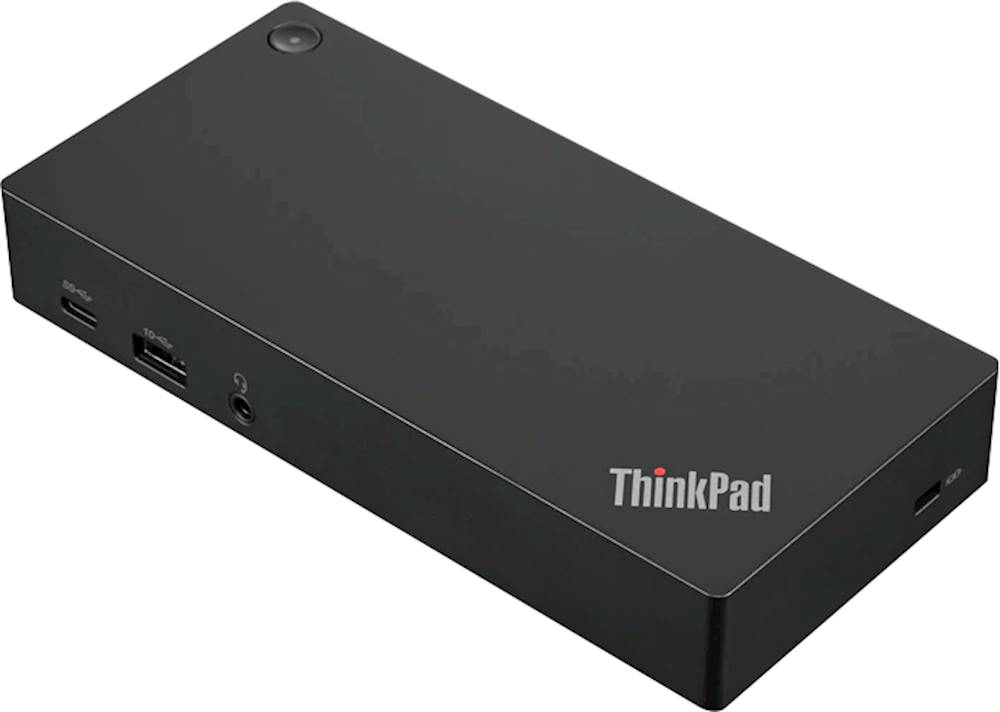
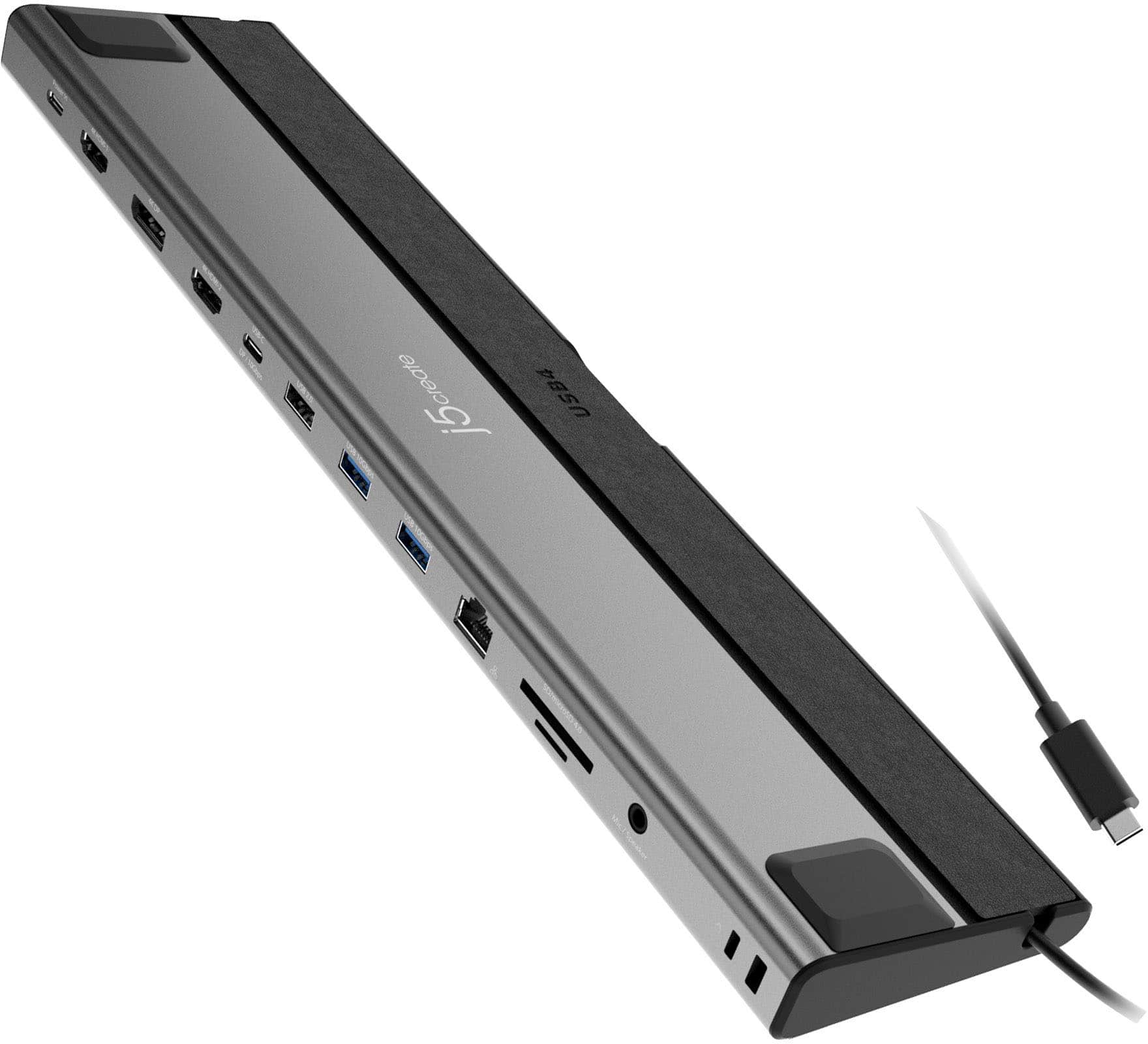
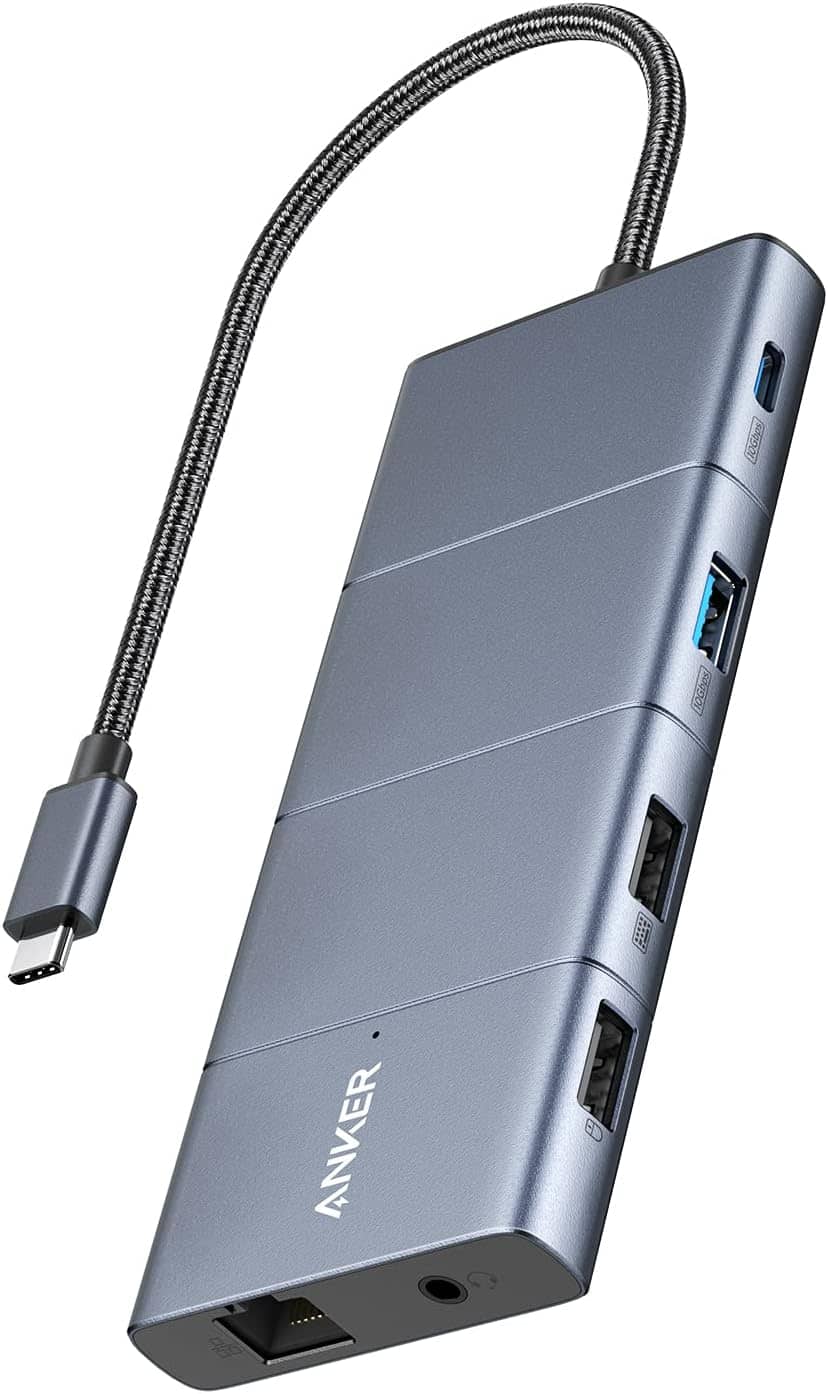
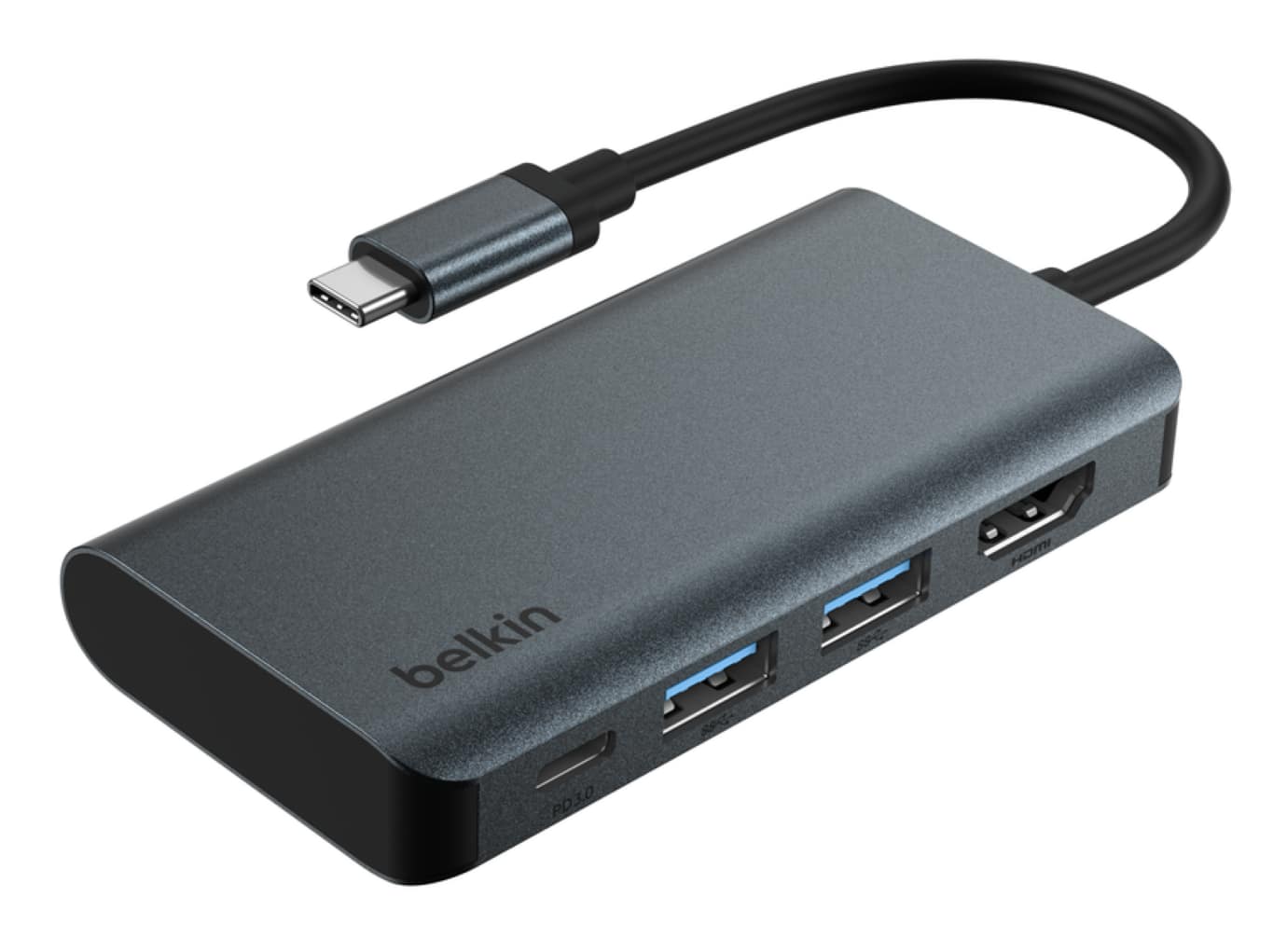
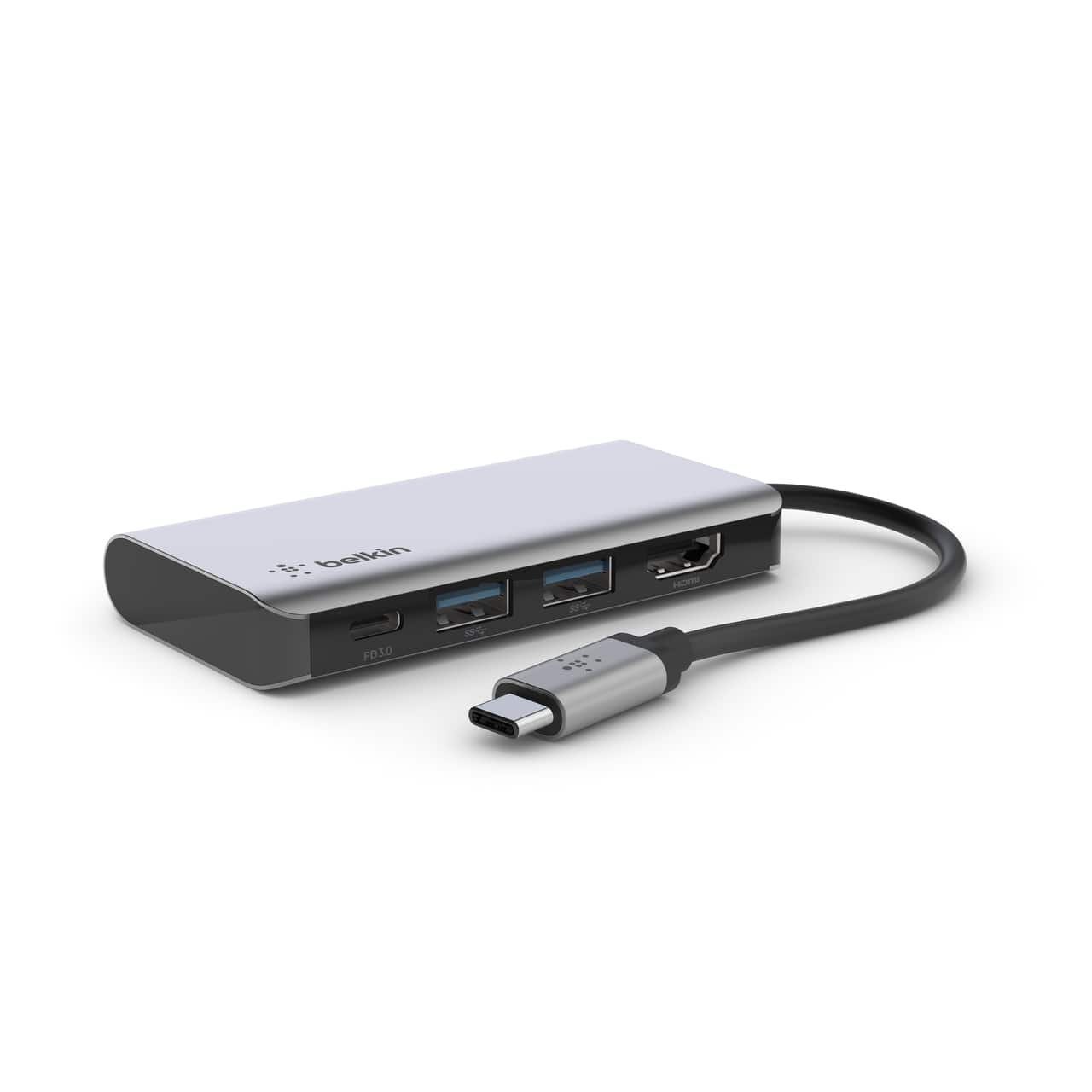
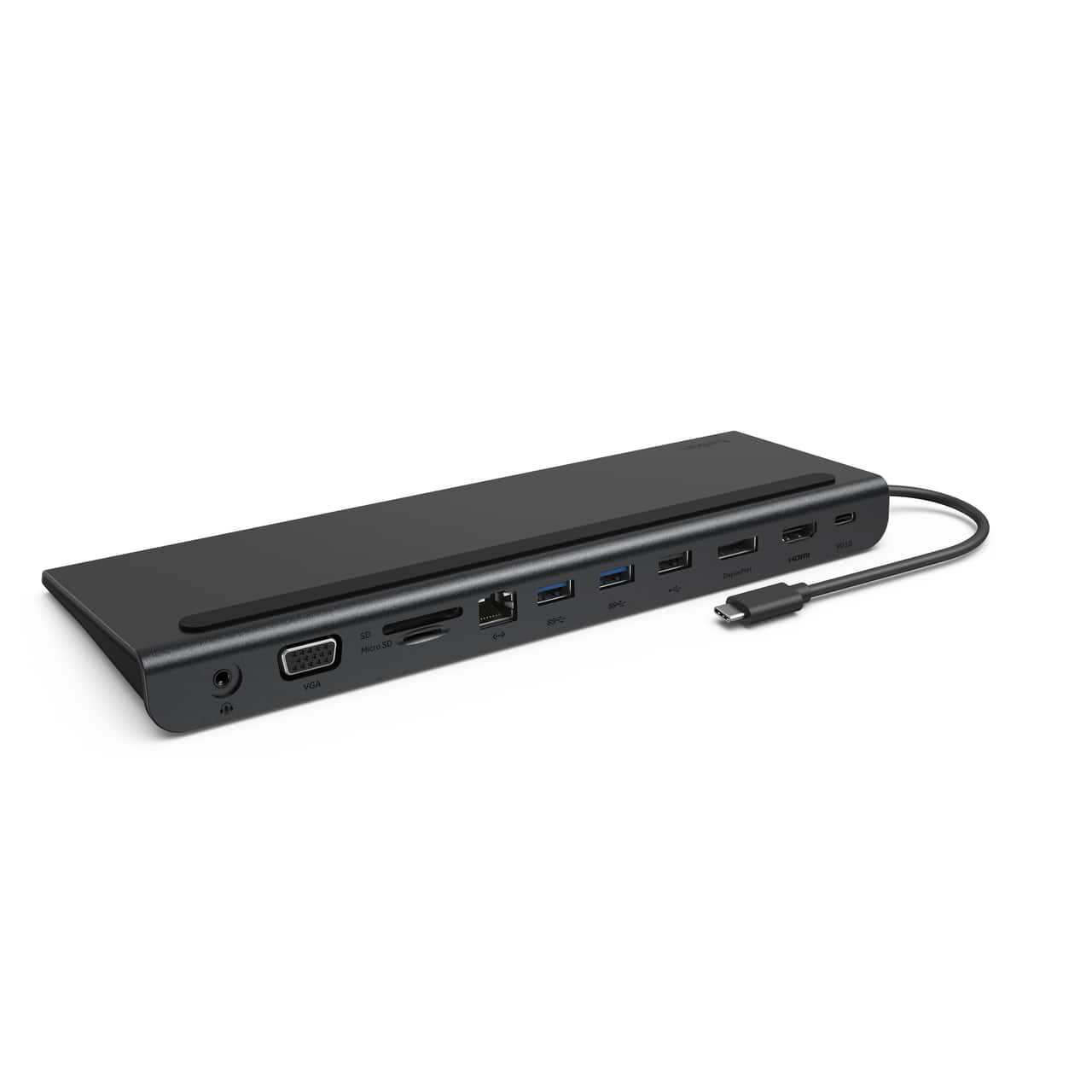
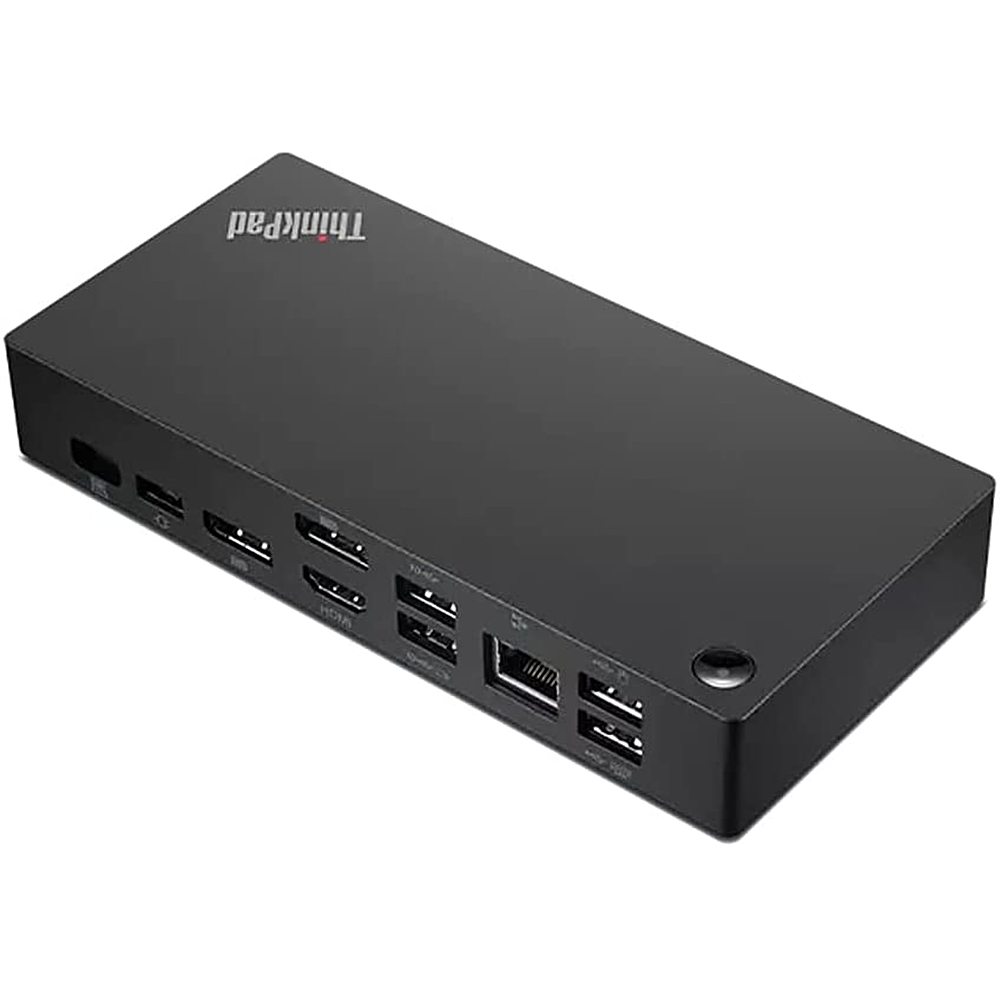
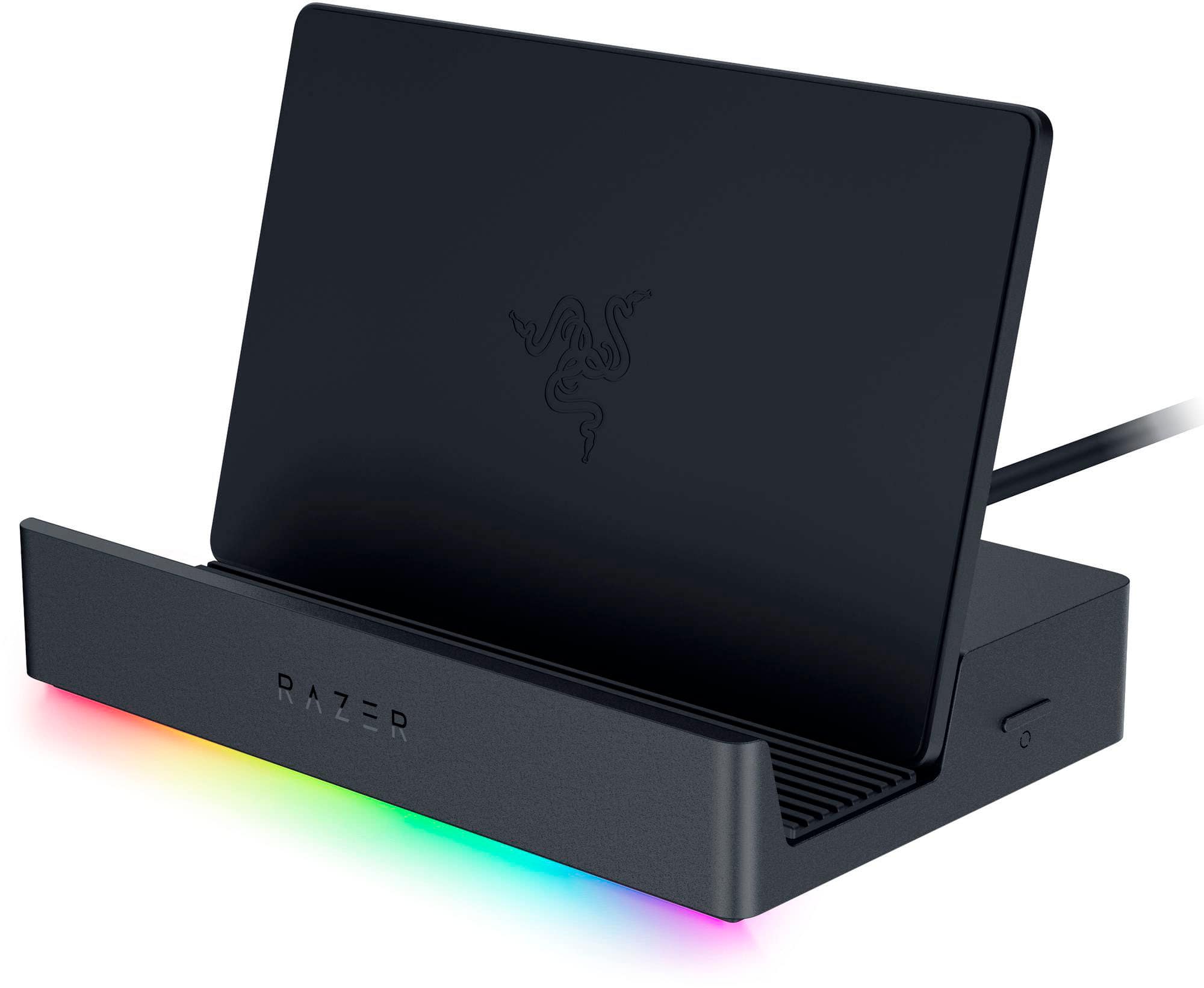
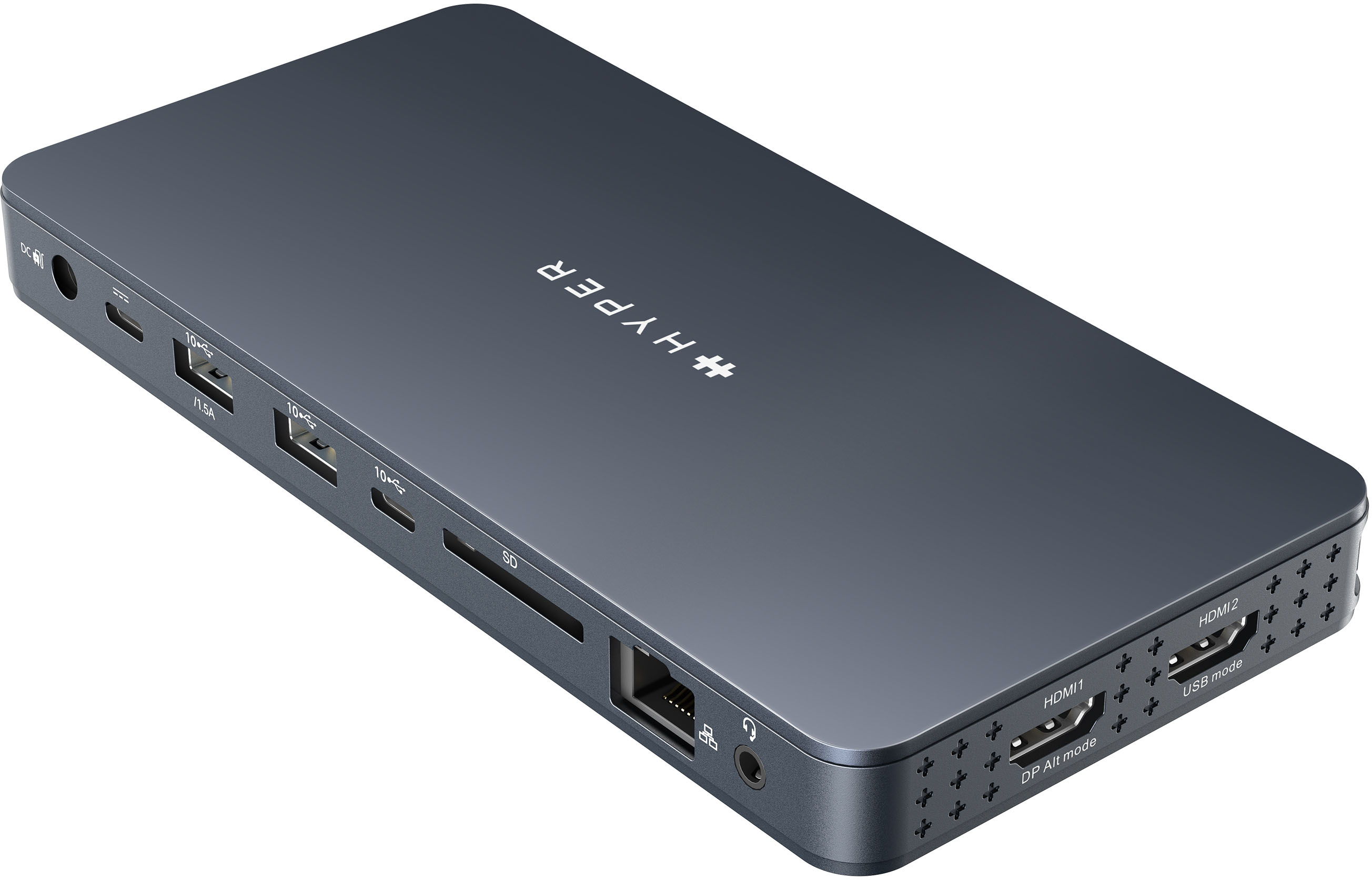
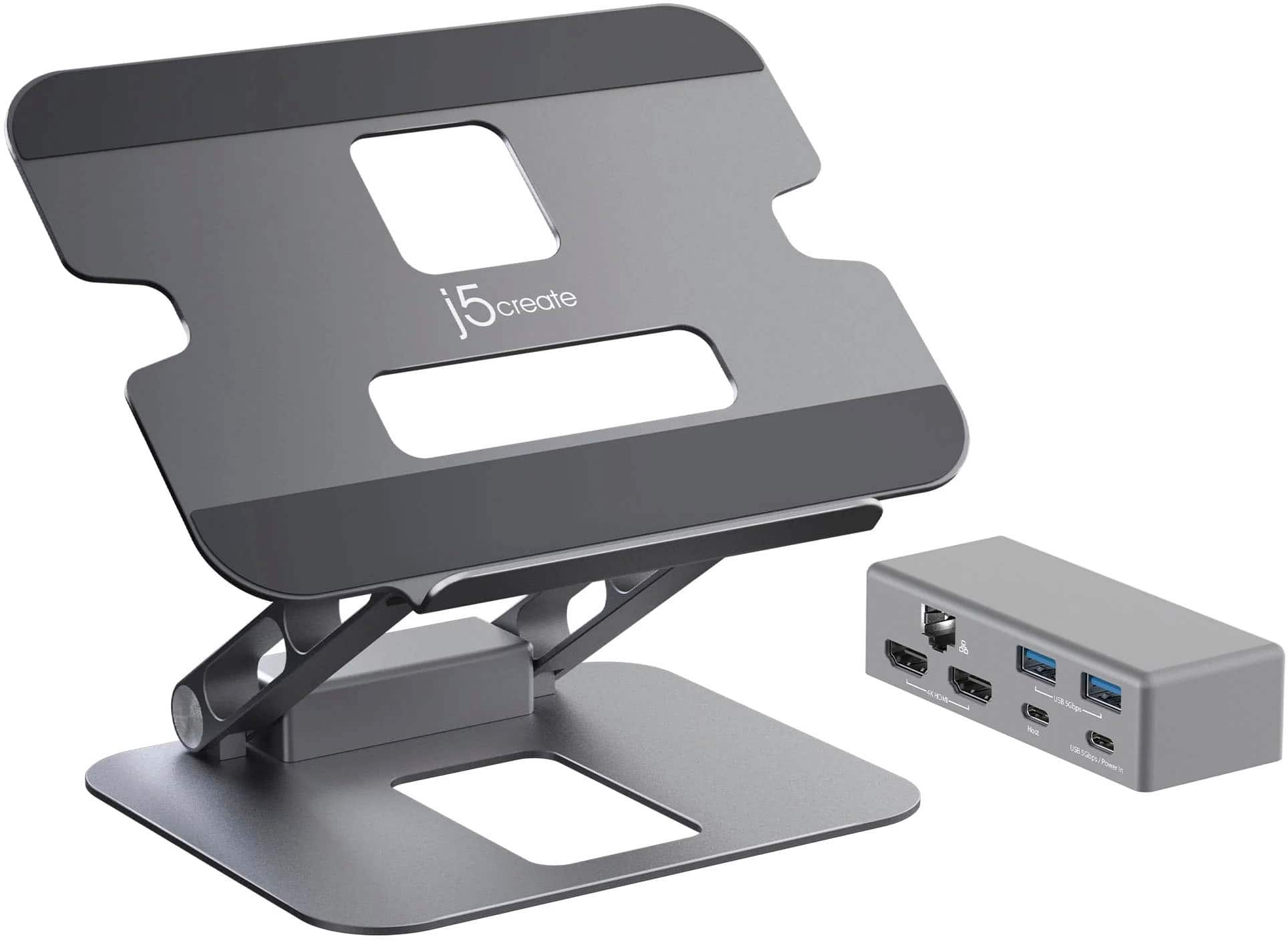
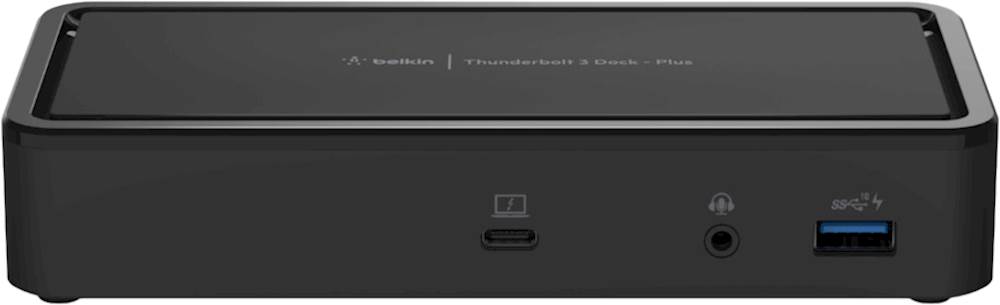
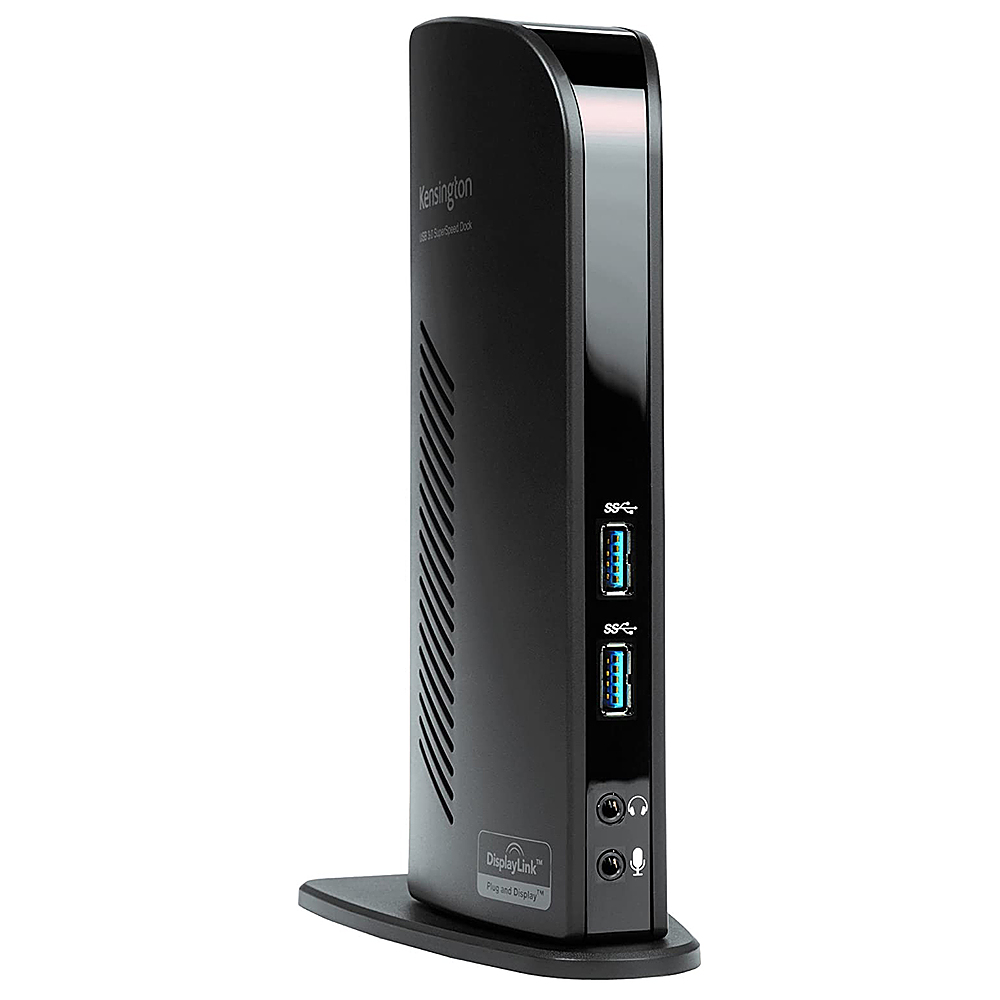
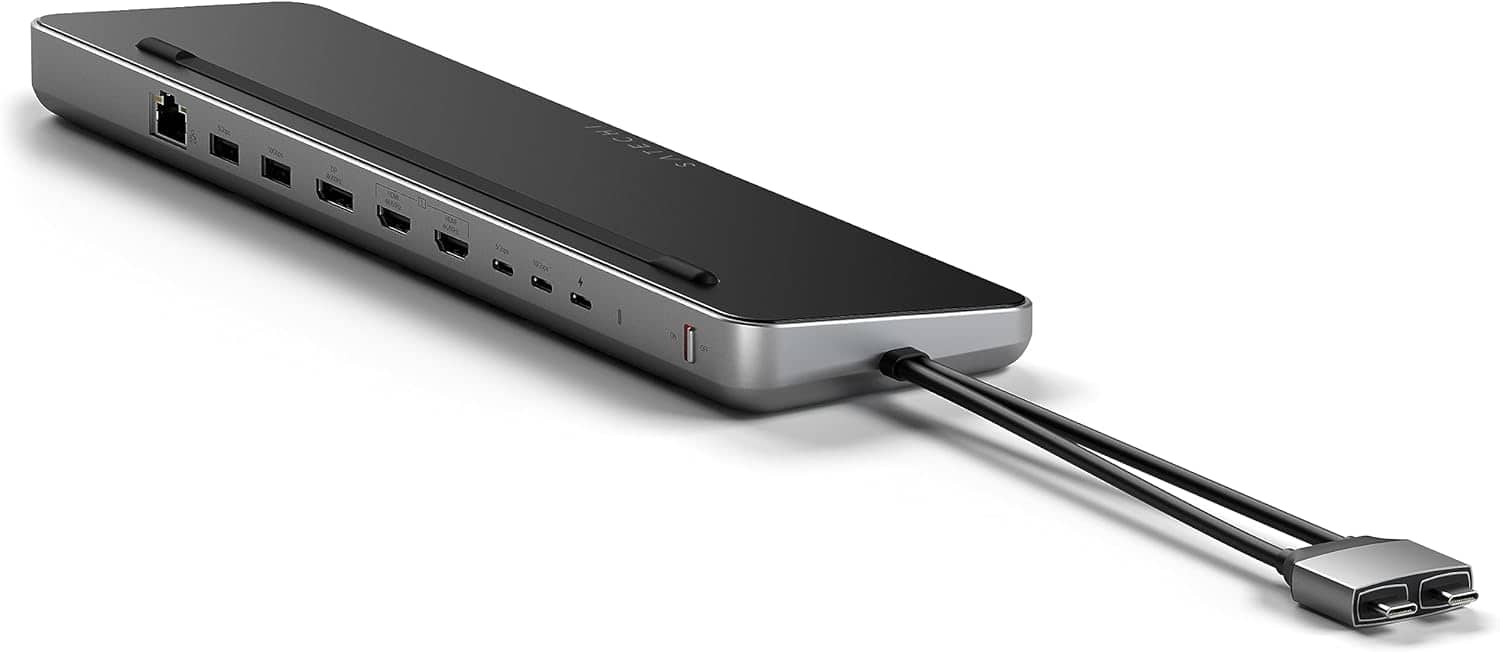
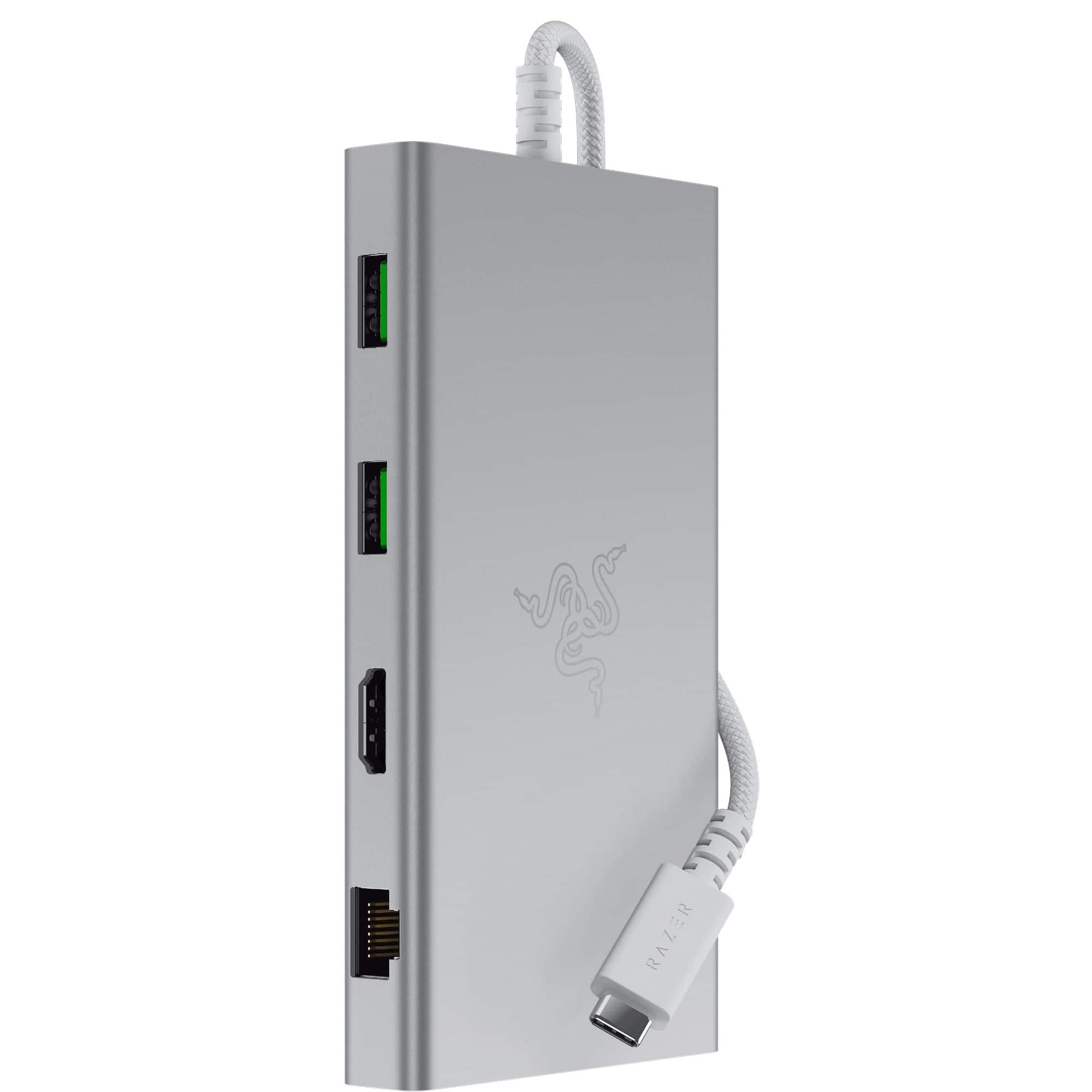
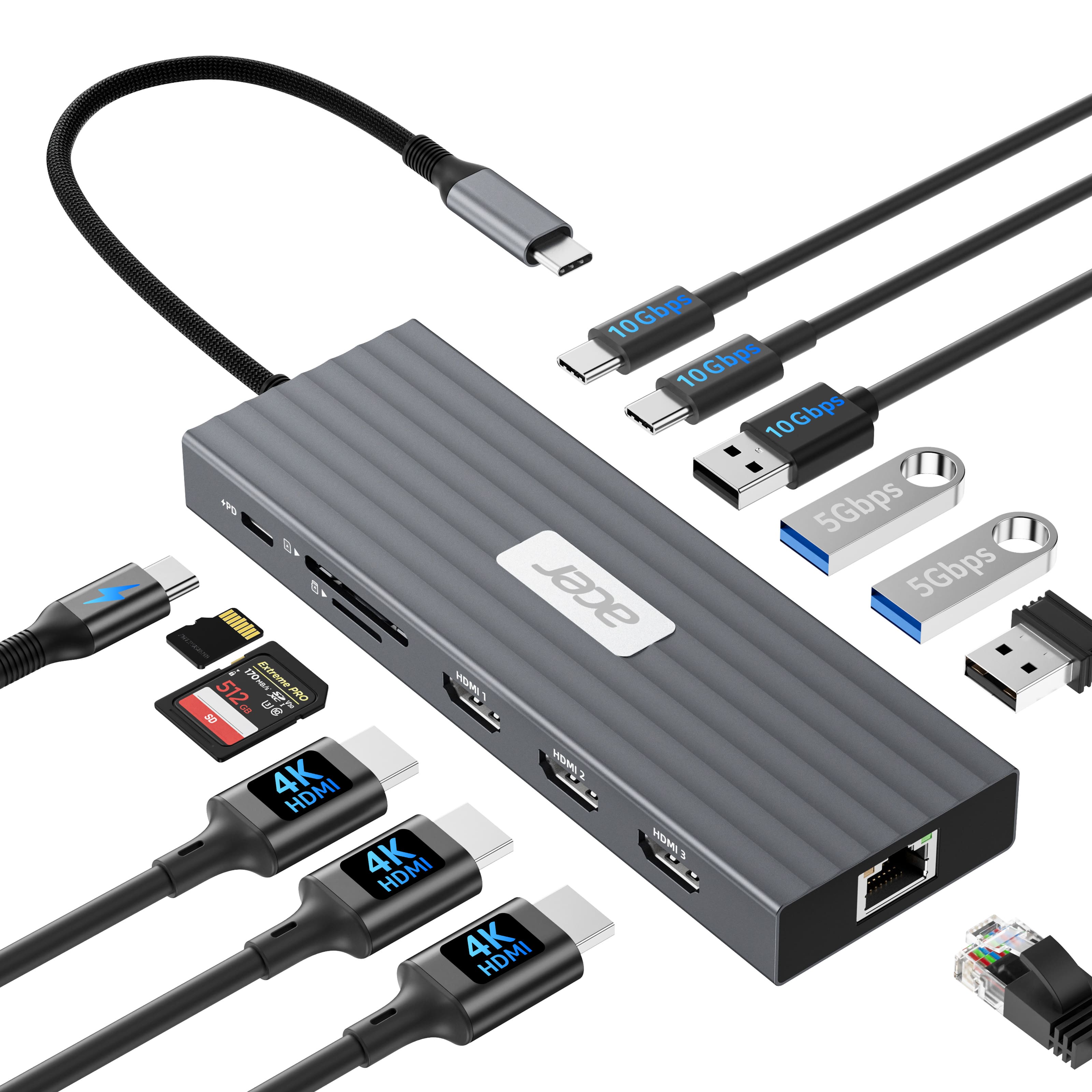
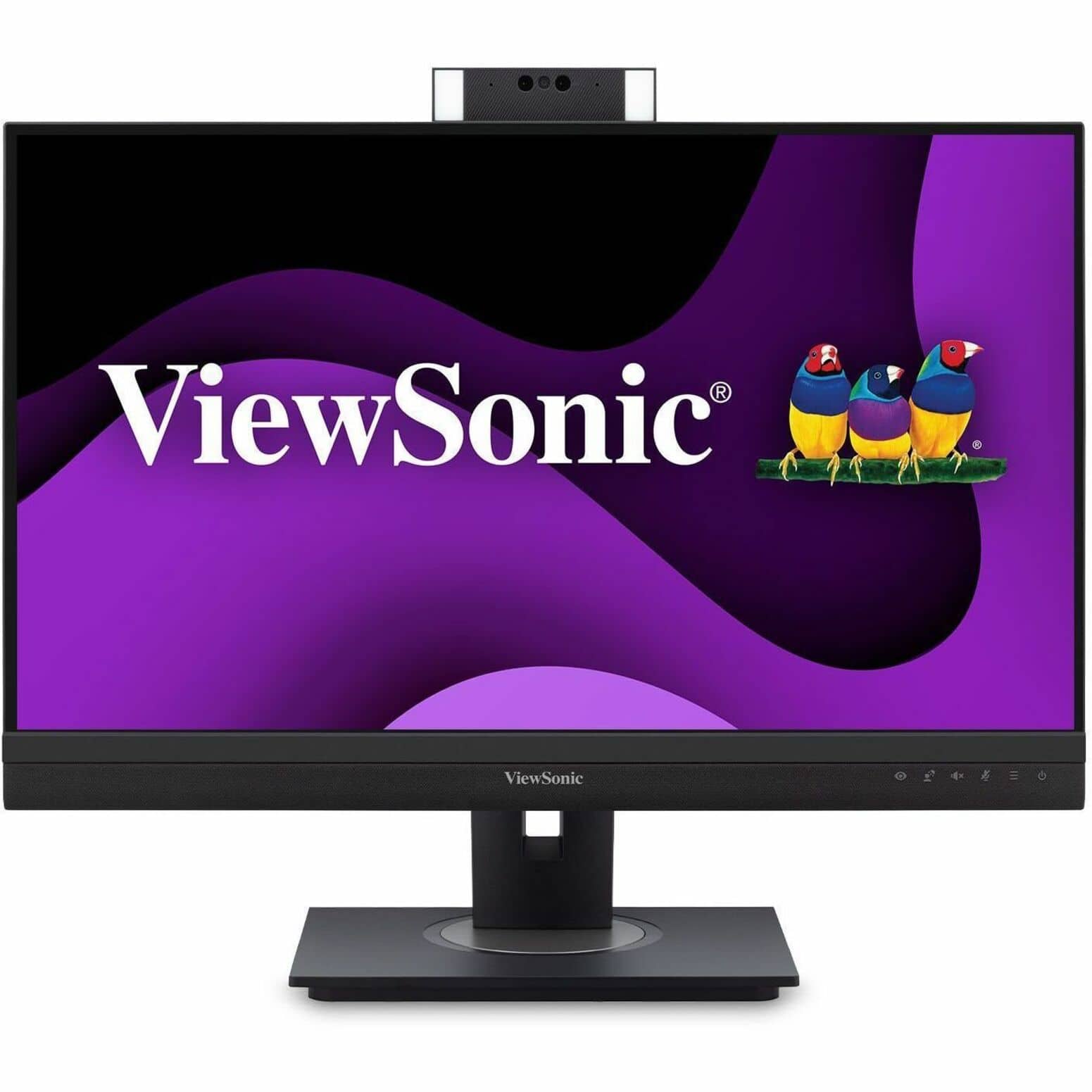
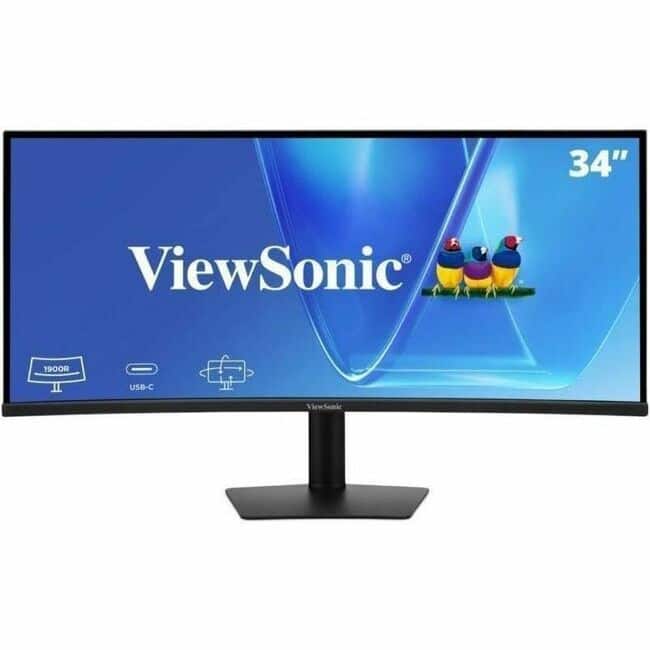
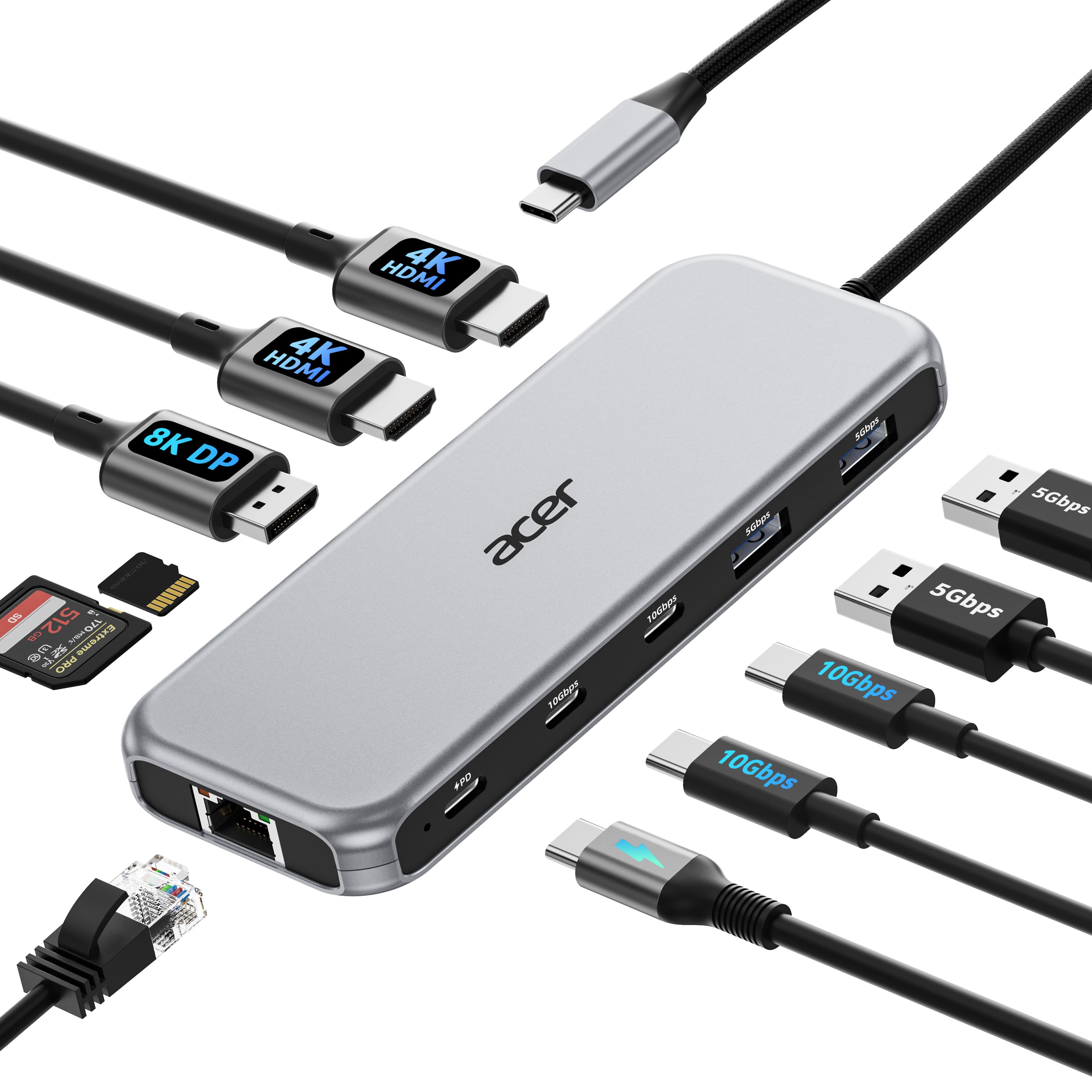
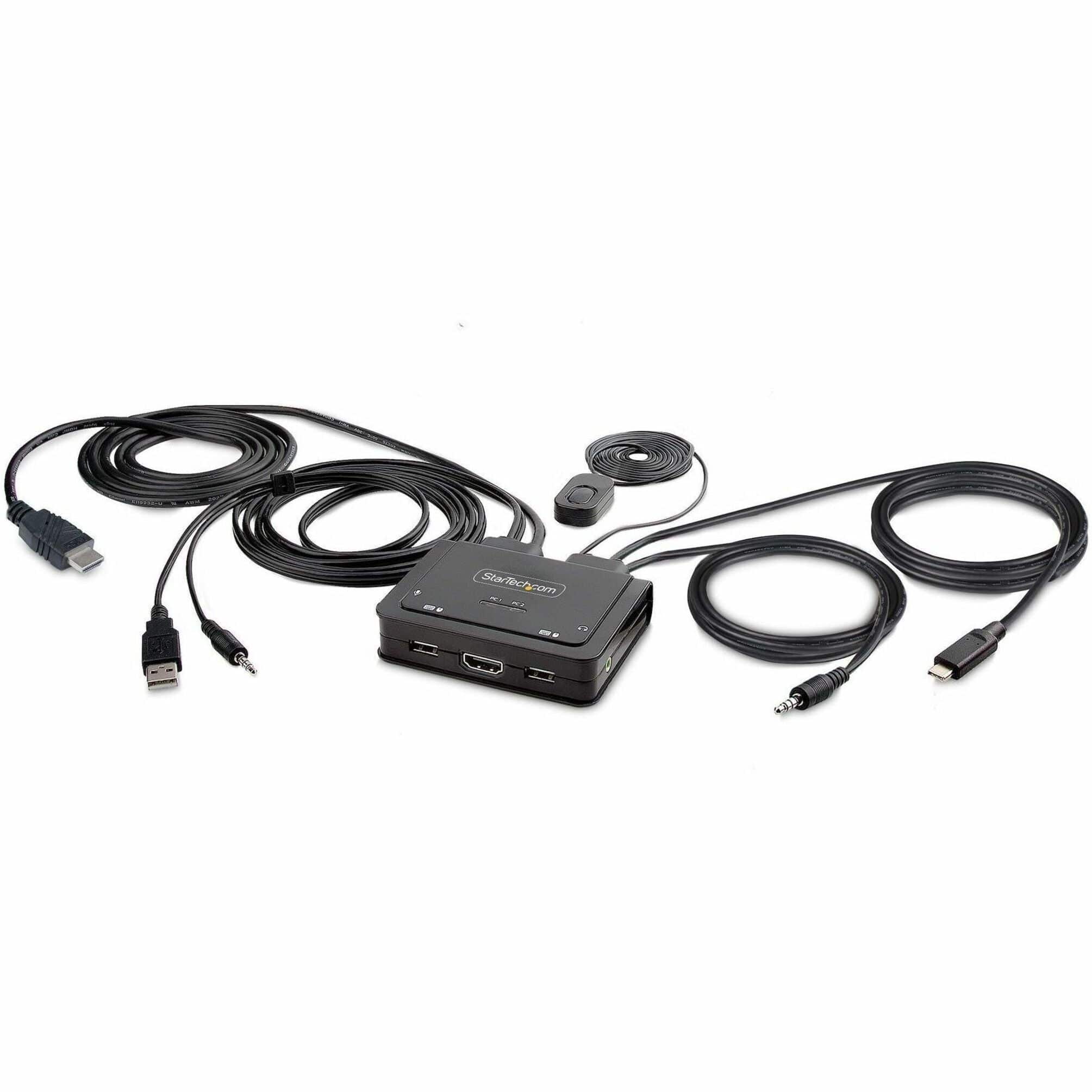
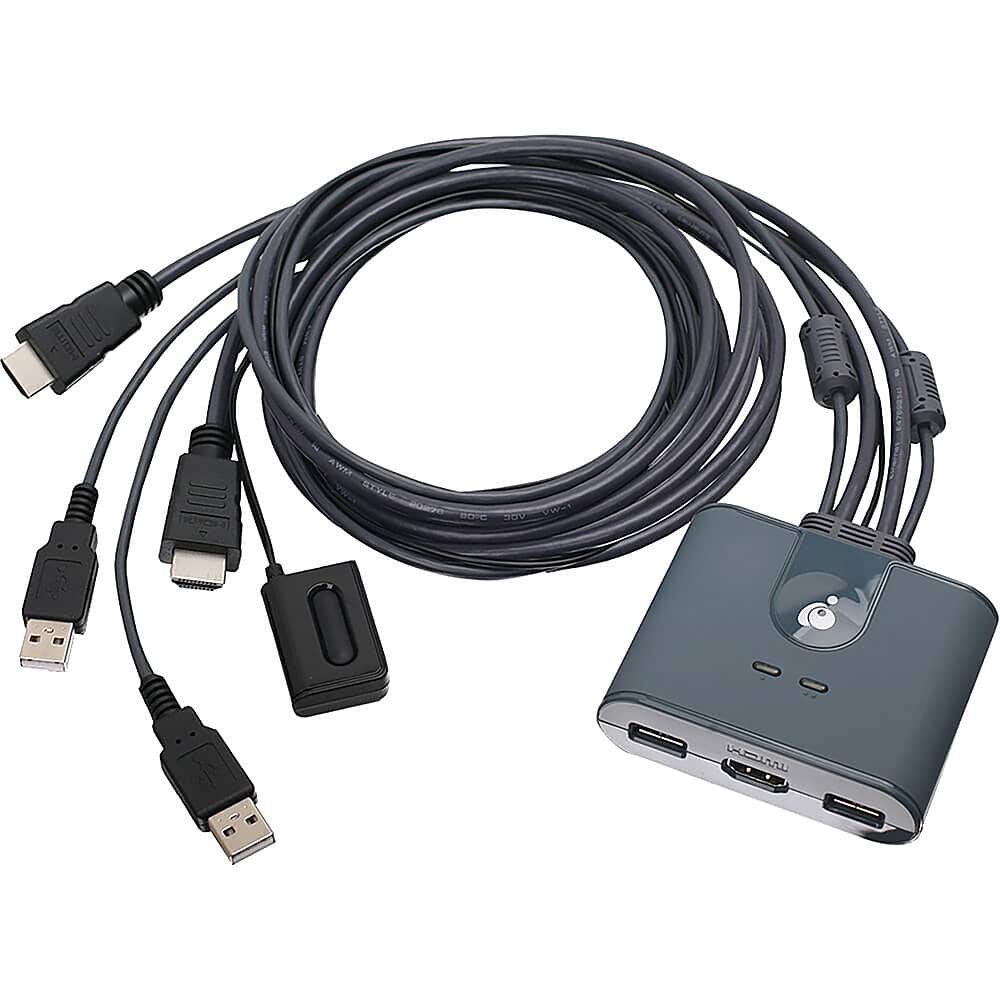
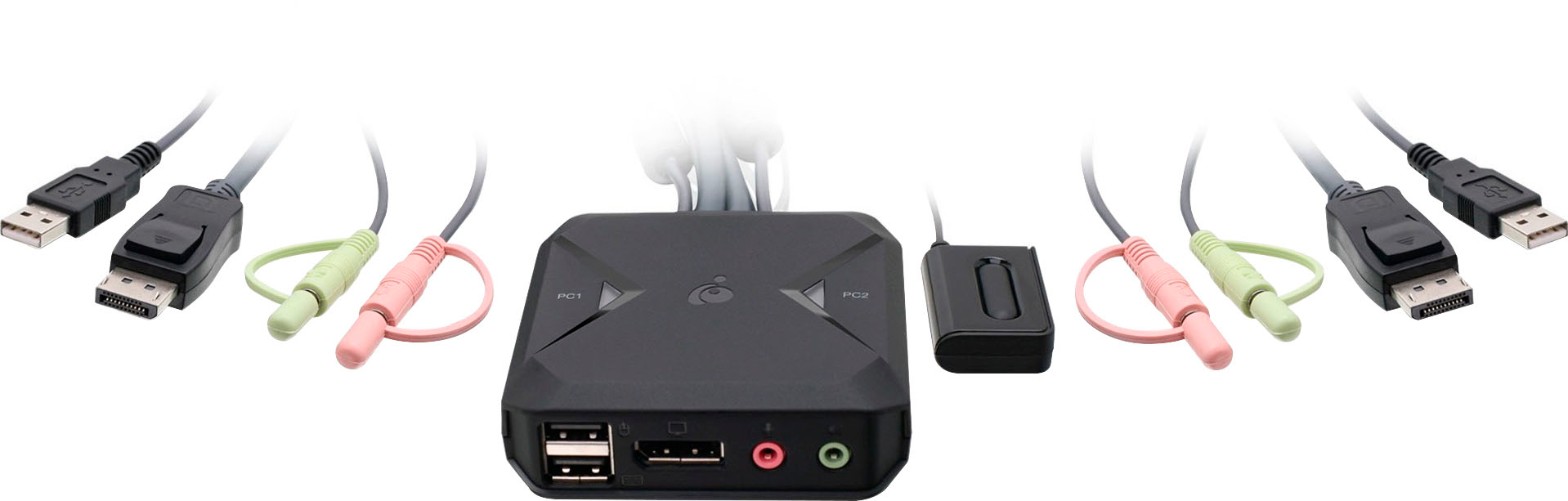
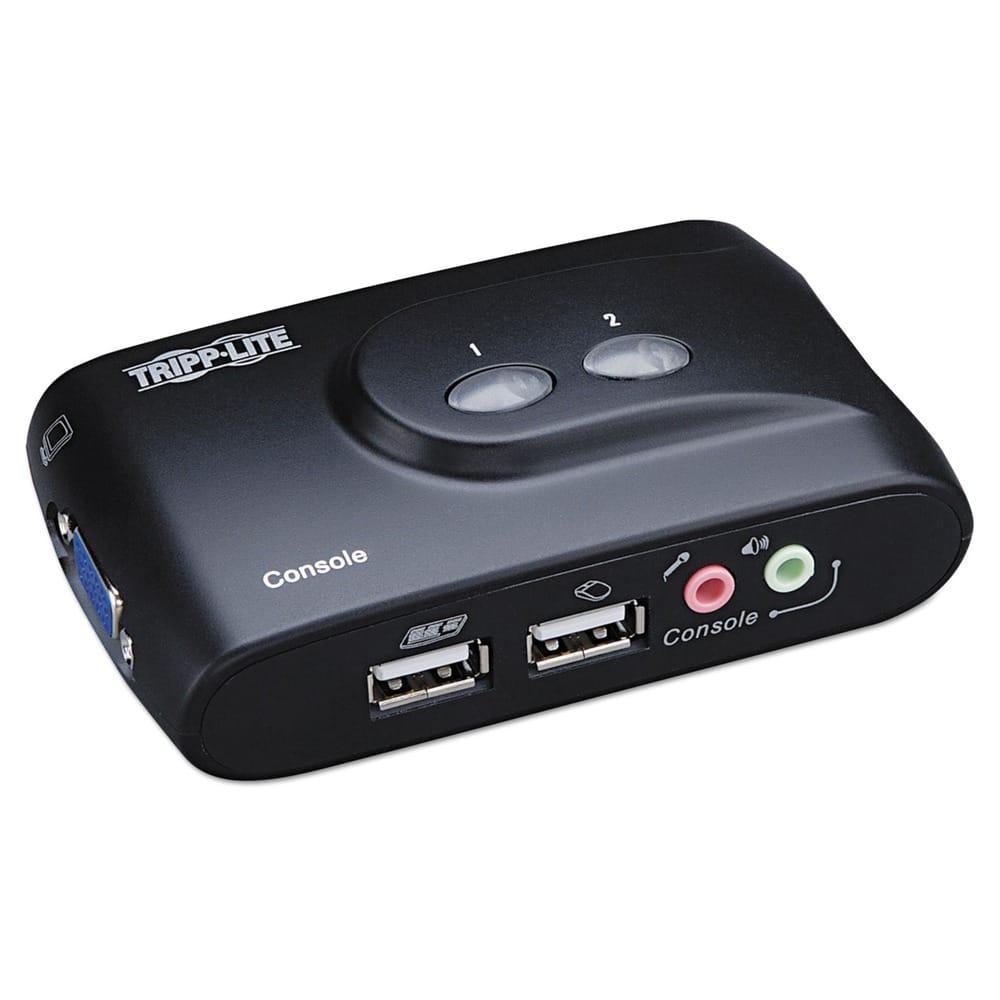
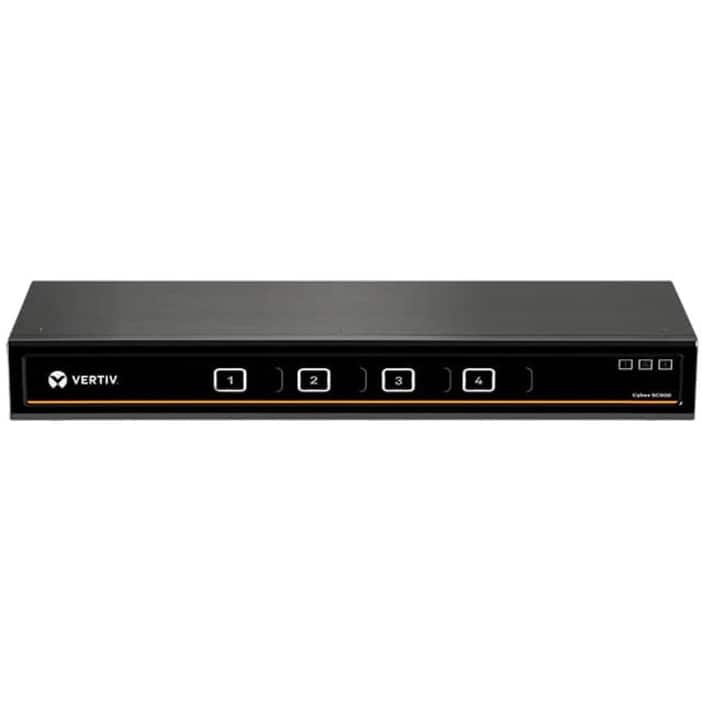
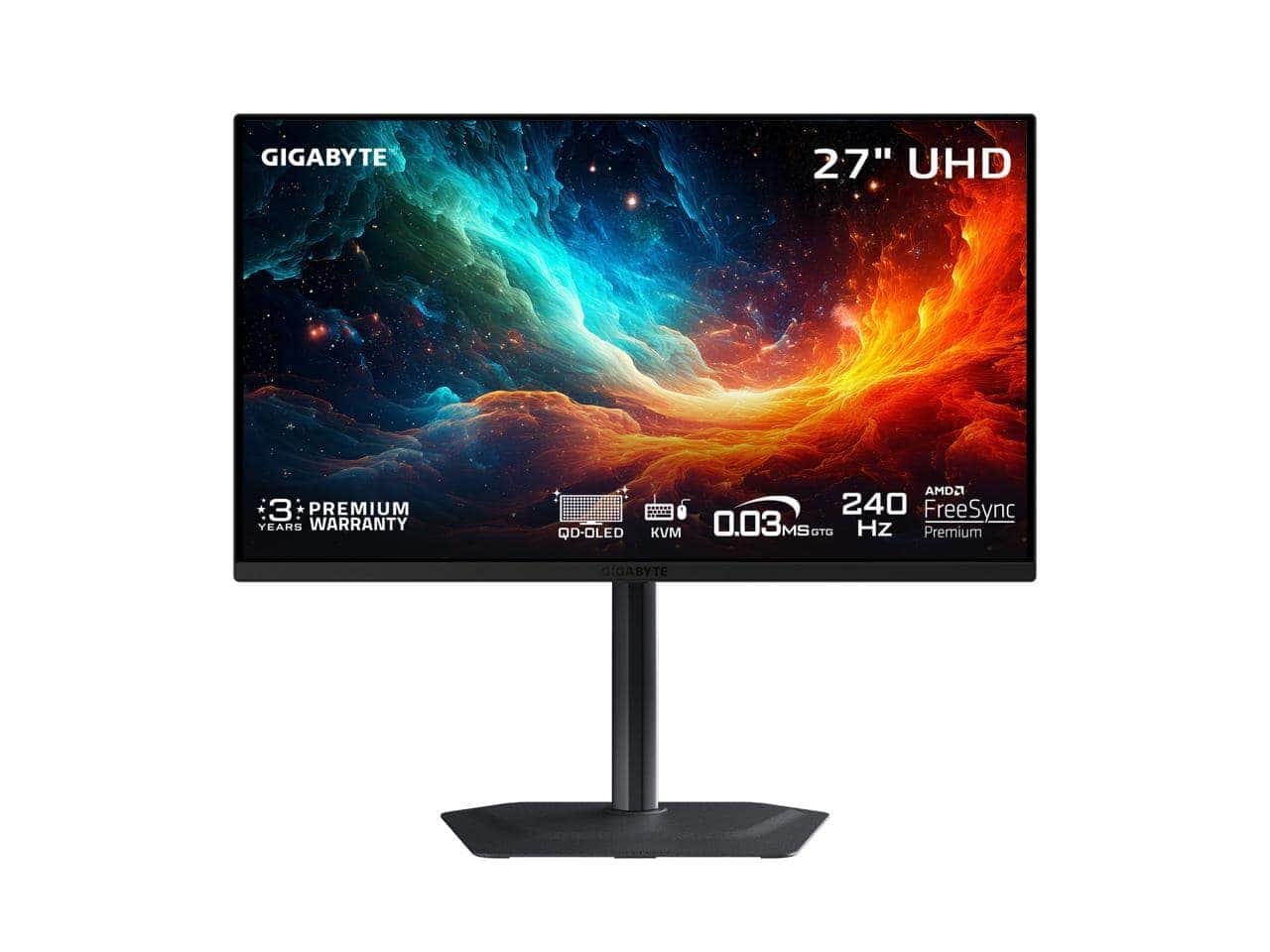
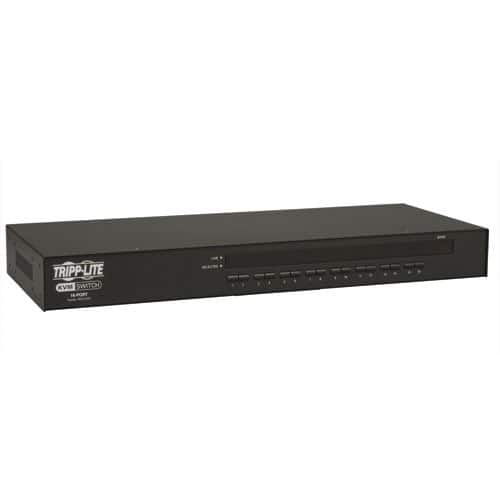
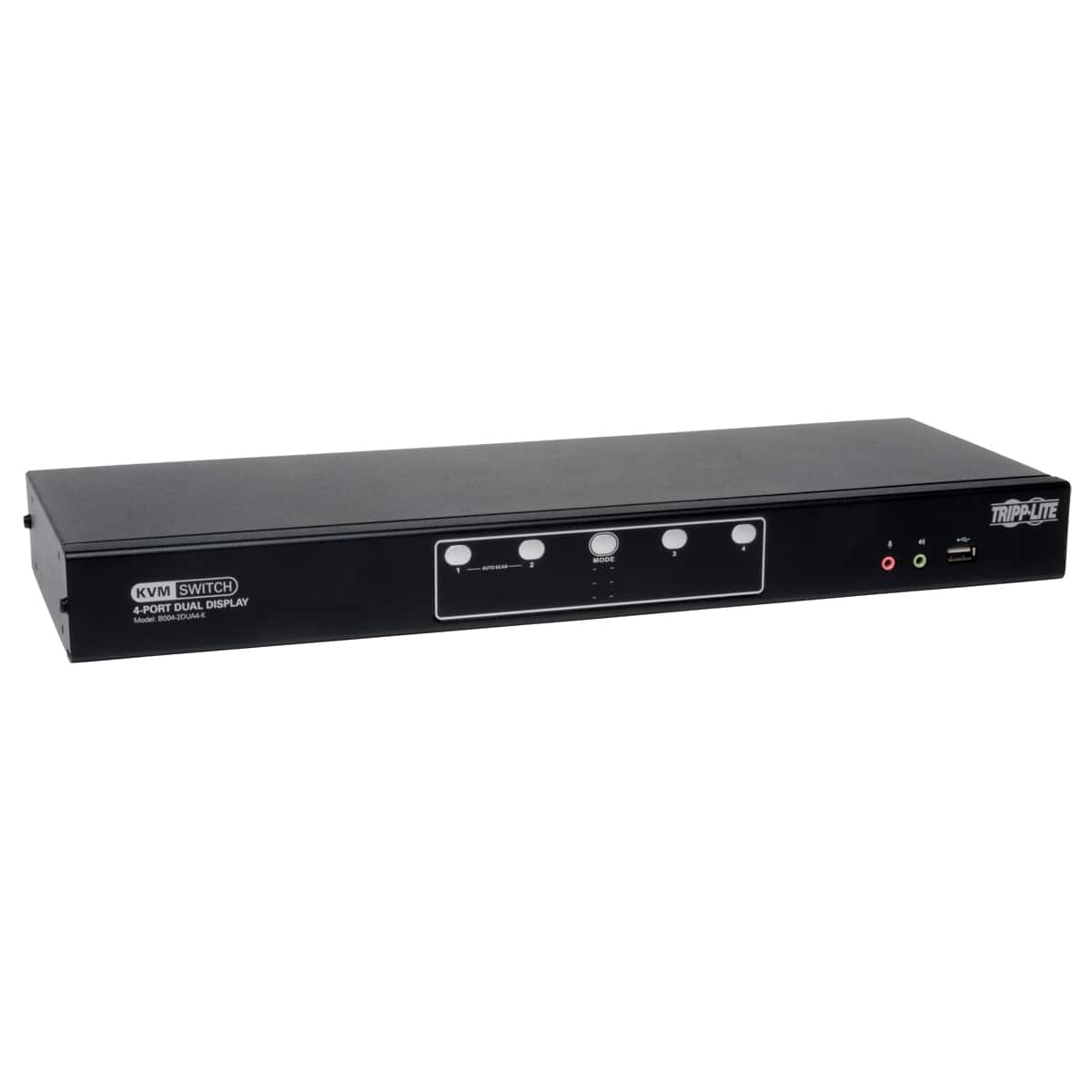
Not sure whether you need a docking station or a KVM switch? A docking station expands ports and can connect your laptop to displays, storage and accessories with one cable. A KVM switch is built for controlling multiple computers with one keyboard, monitor and mouse setup. If your goal is a cleaner USB-C workspace, start with docking stations and docking monitors. If your goal is fast switching between two PCs, a dedicated KVM may be the better fit. You can also explore related solutions like built-in KVM monitors and USB-C KVM switches for more ways to manage a multi-computer desk.
USB-C Dual-Monitor Docks
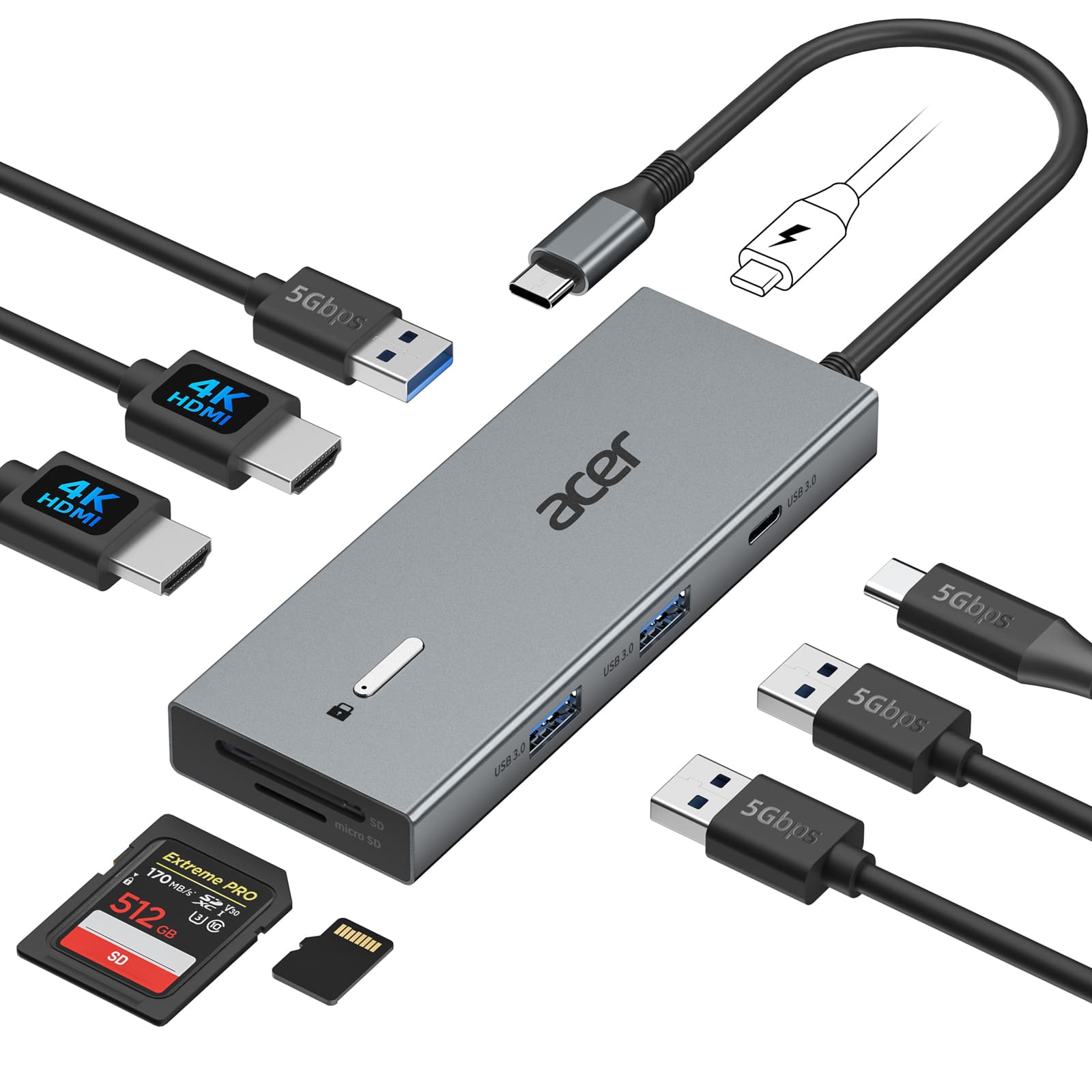
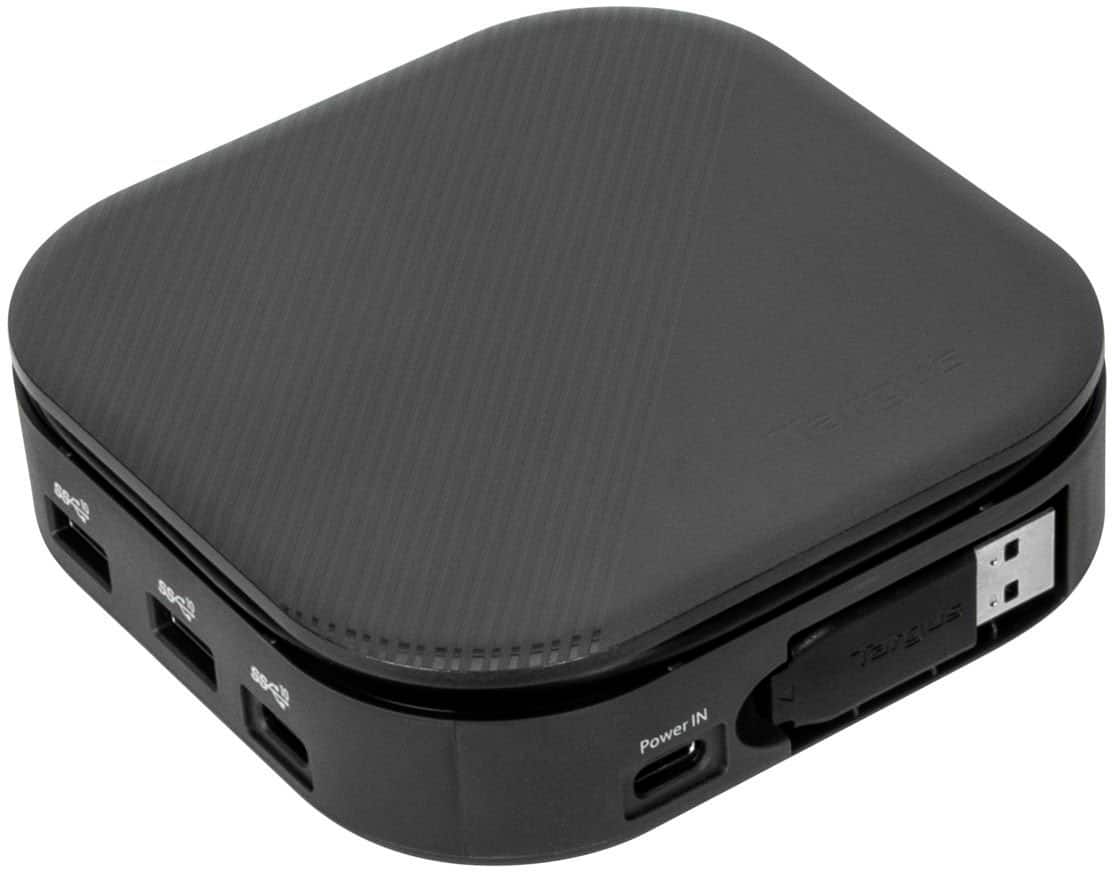
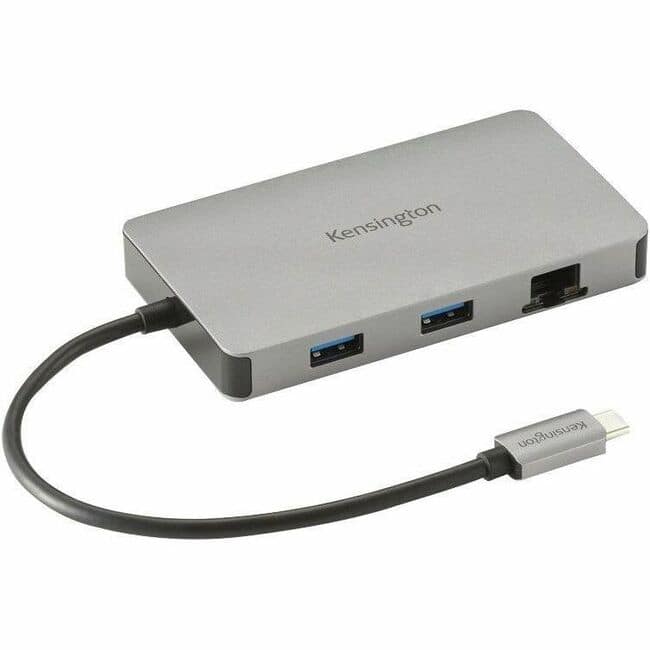

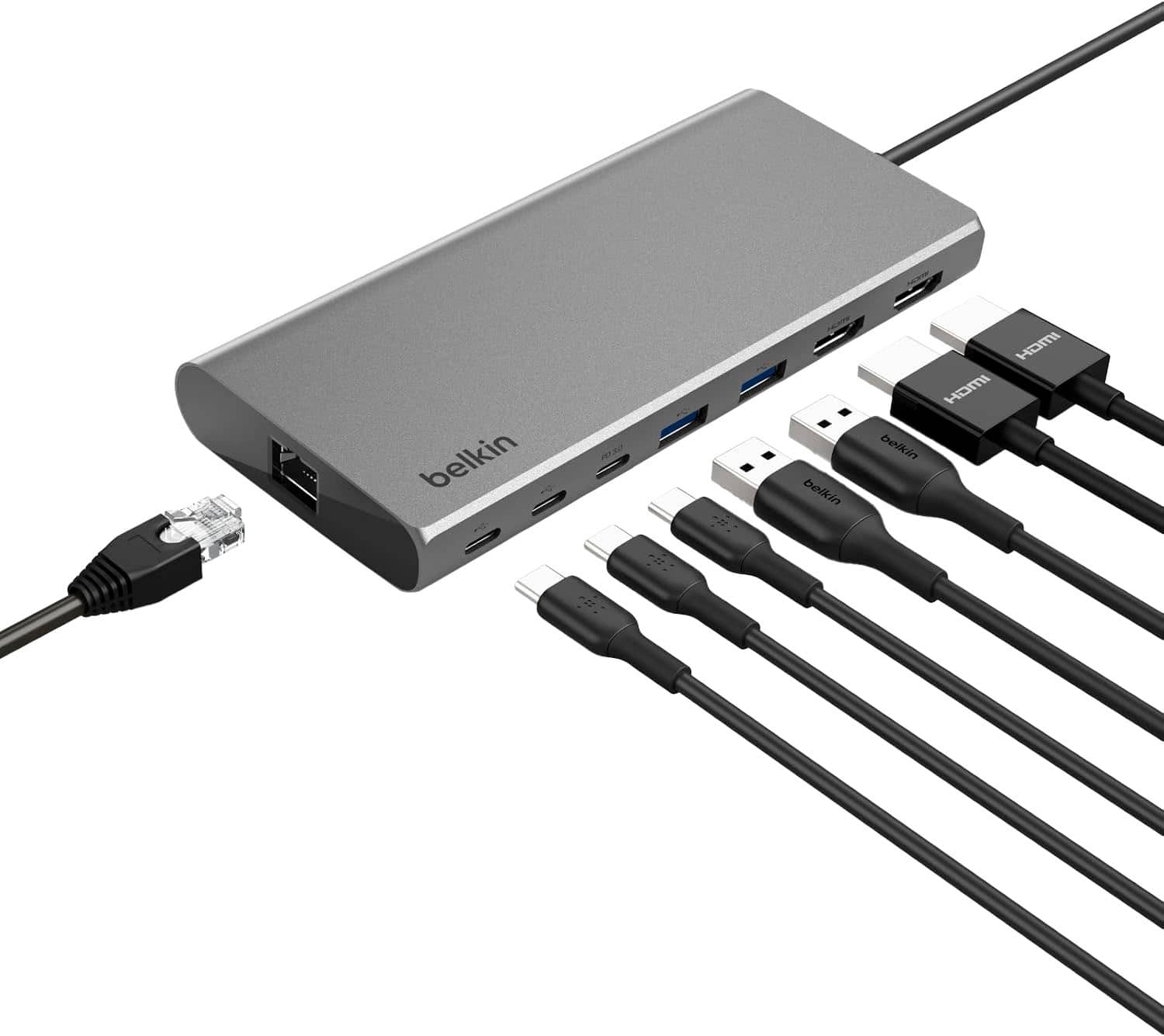

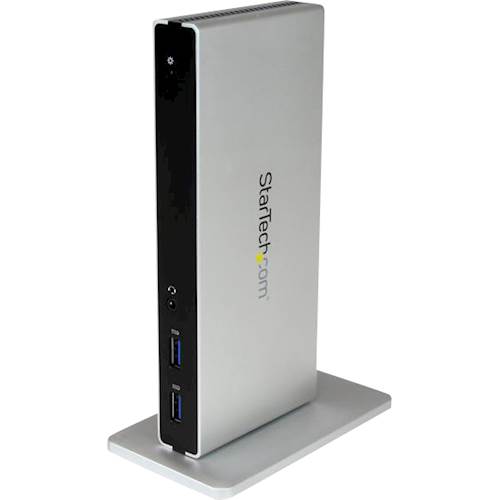
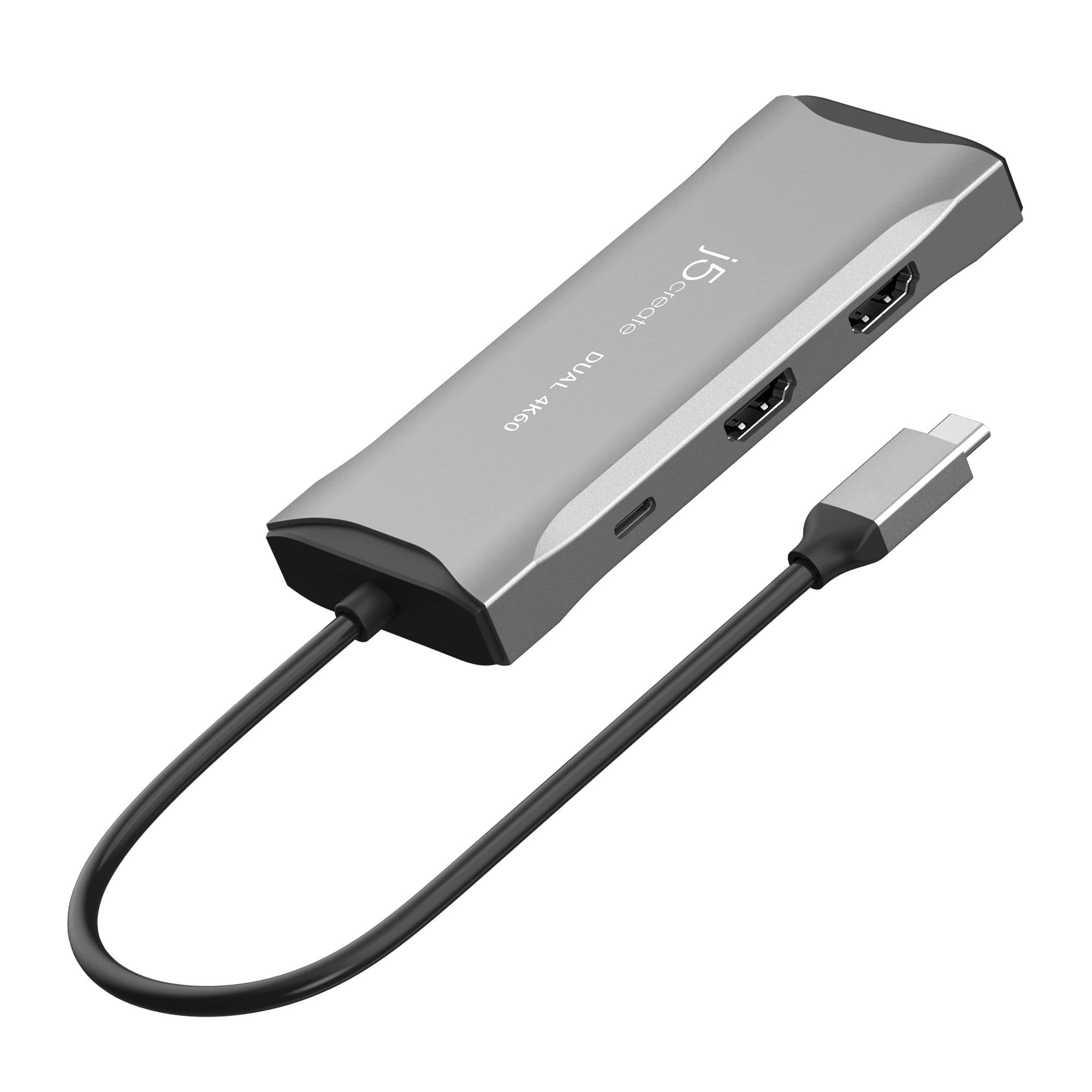
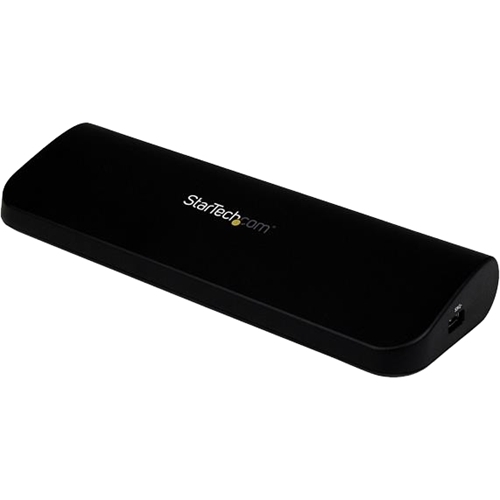
Travel & Compact Docks
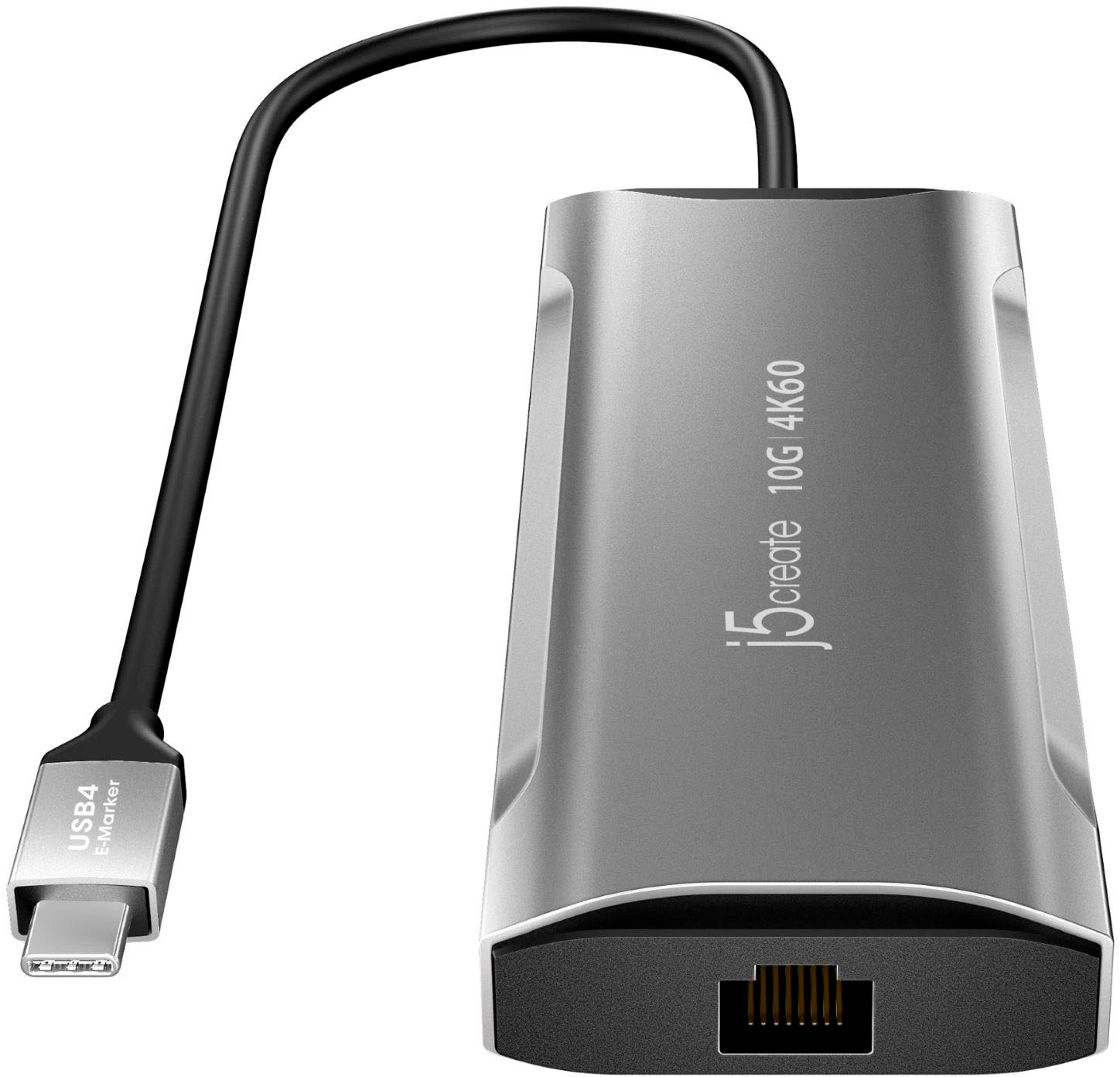
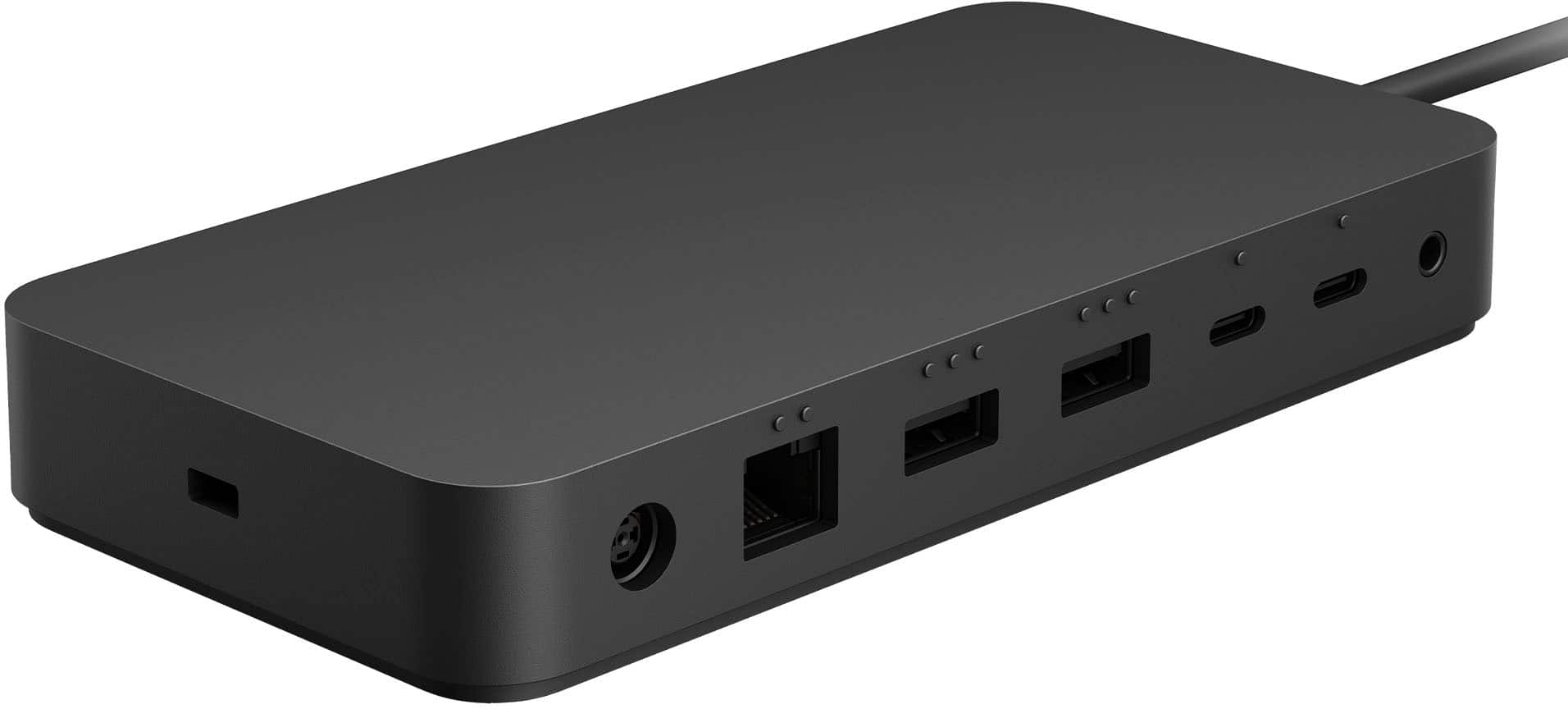
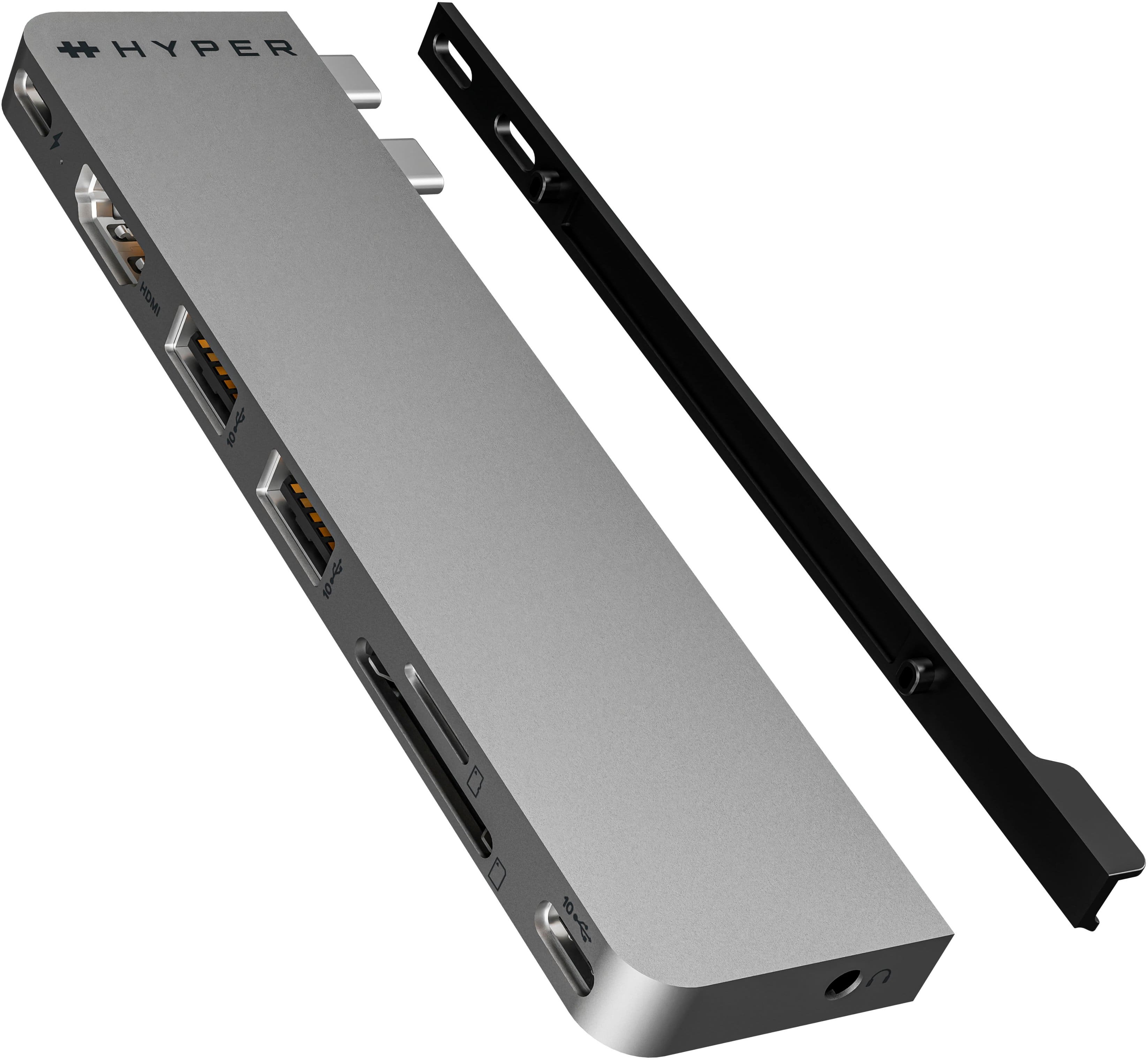
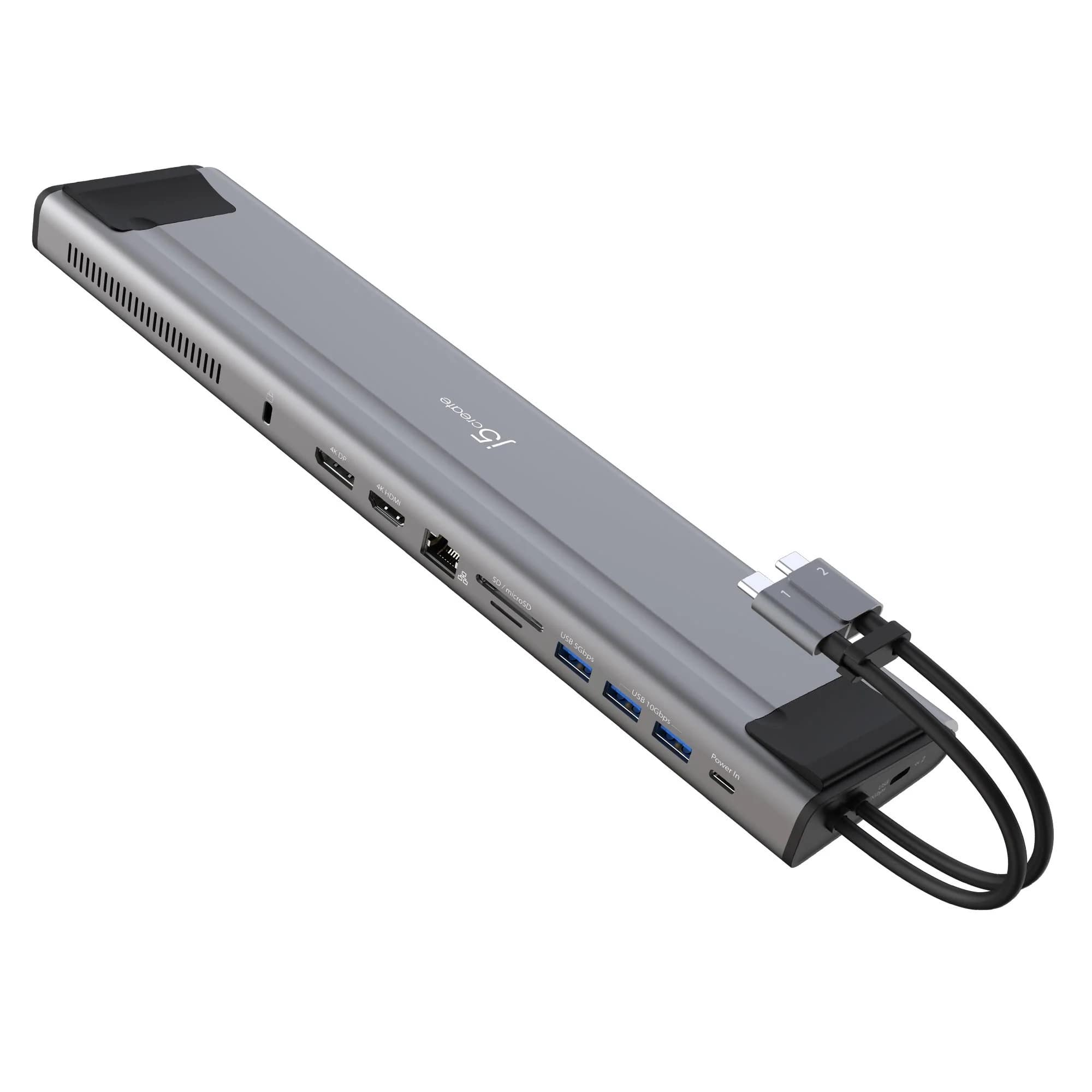
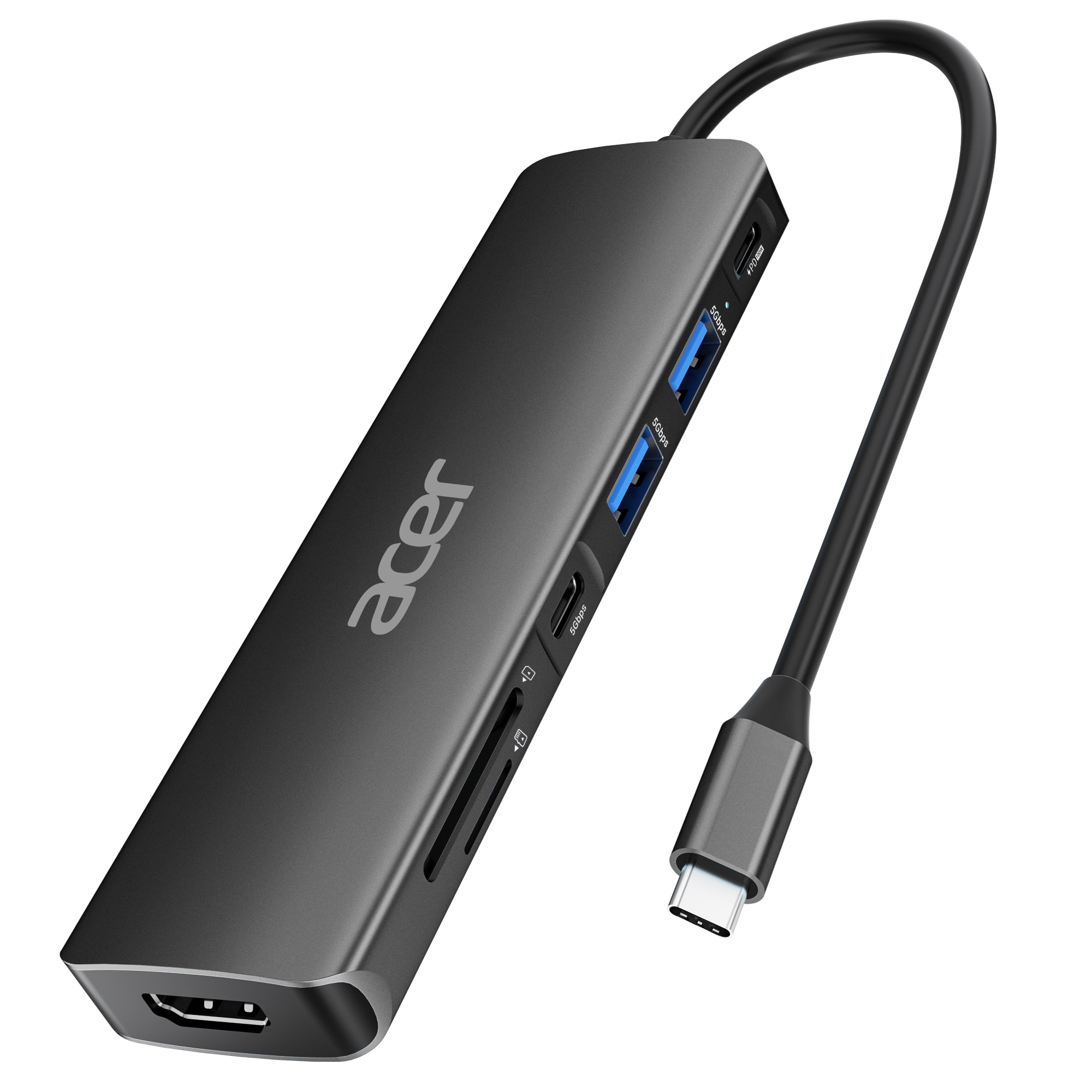
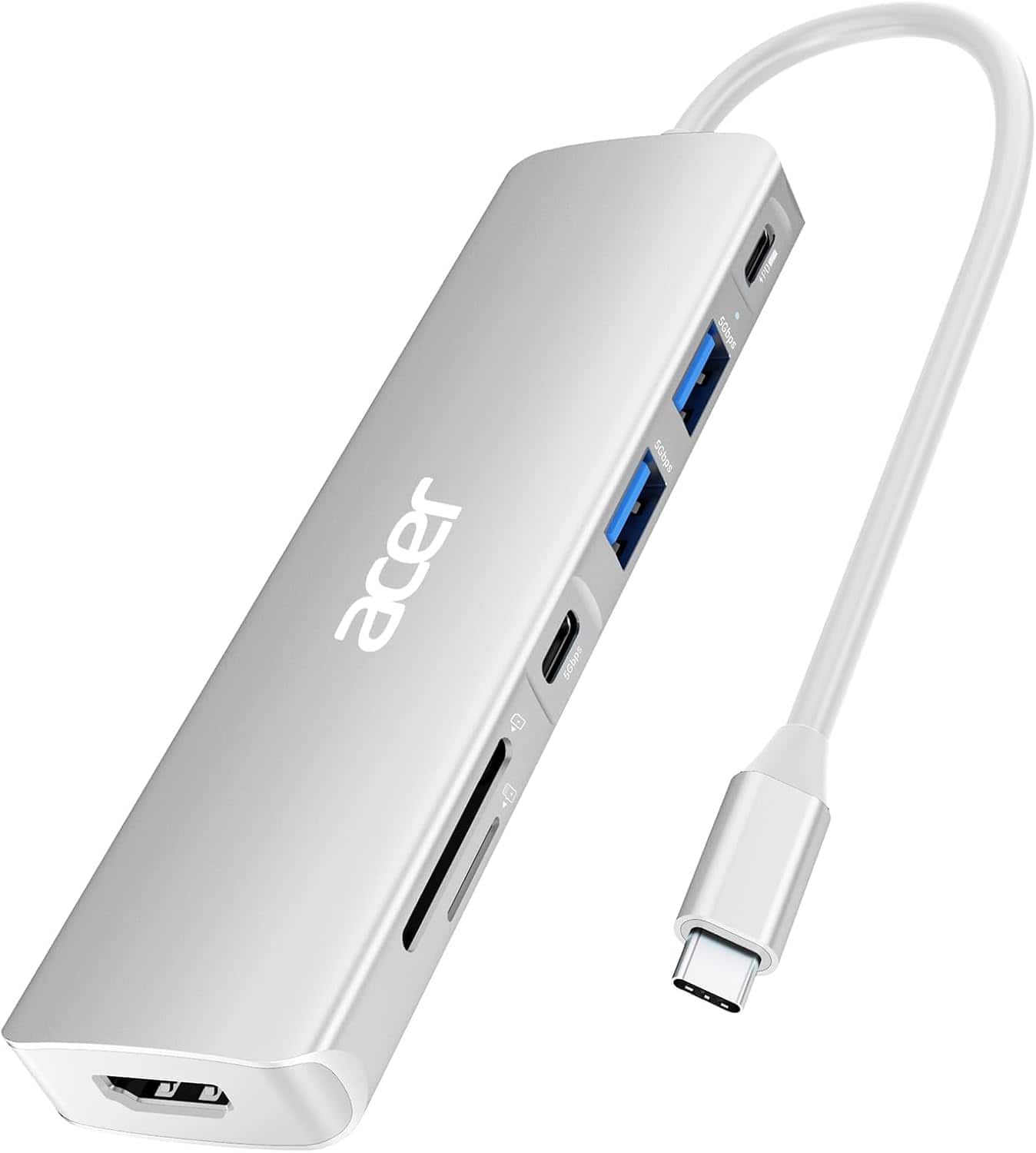
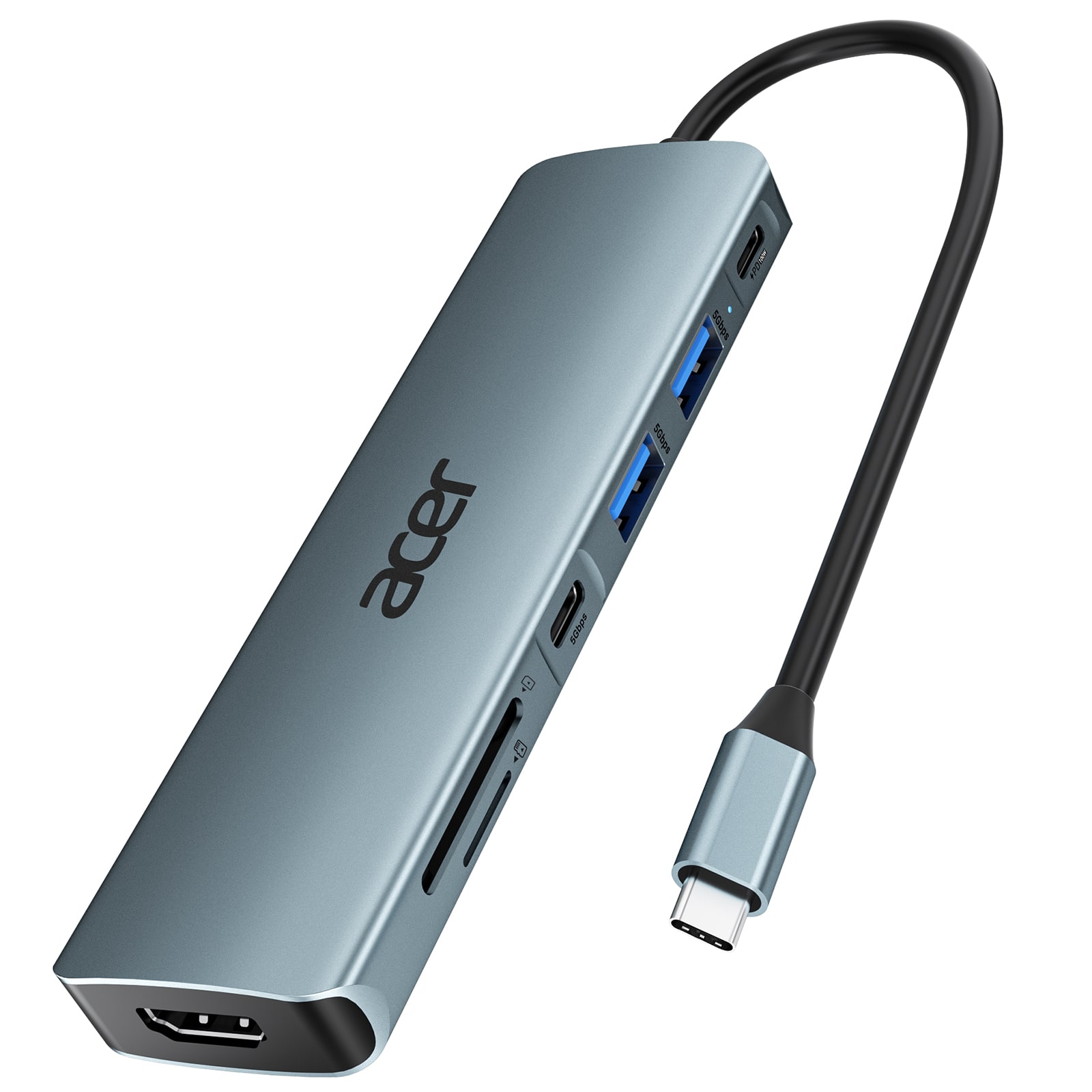
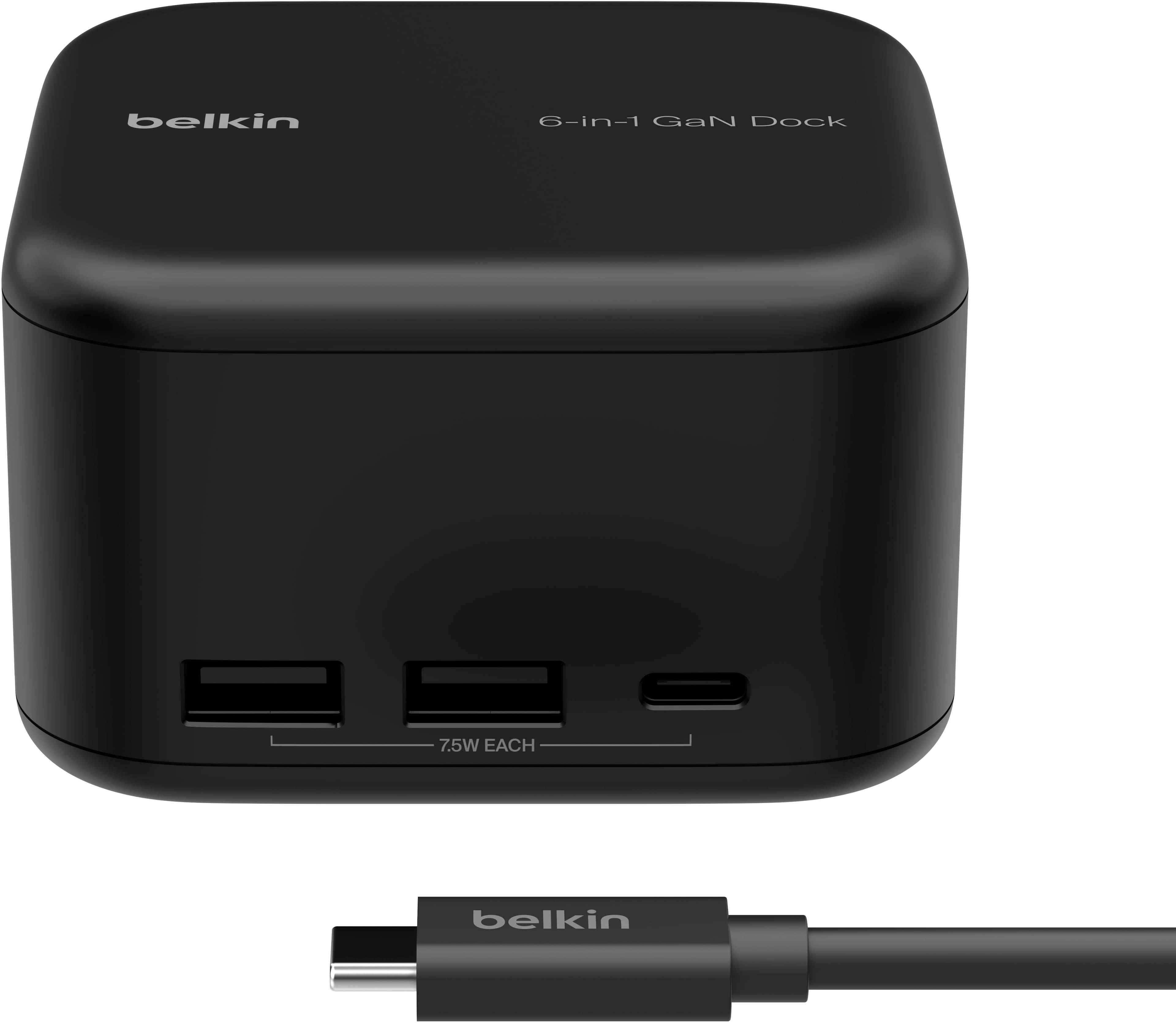

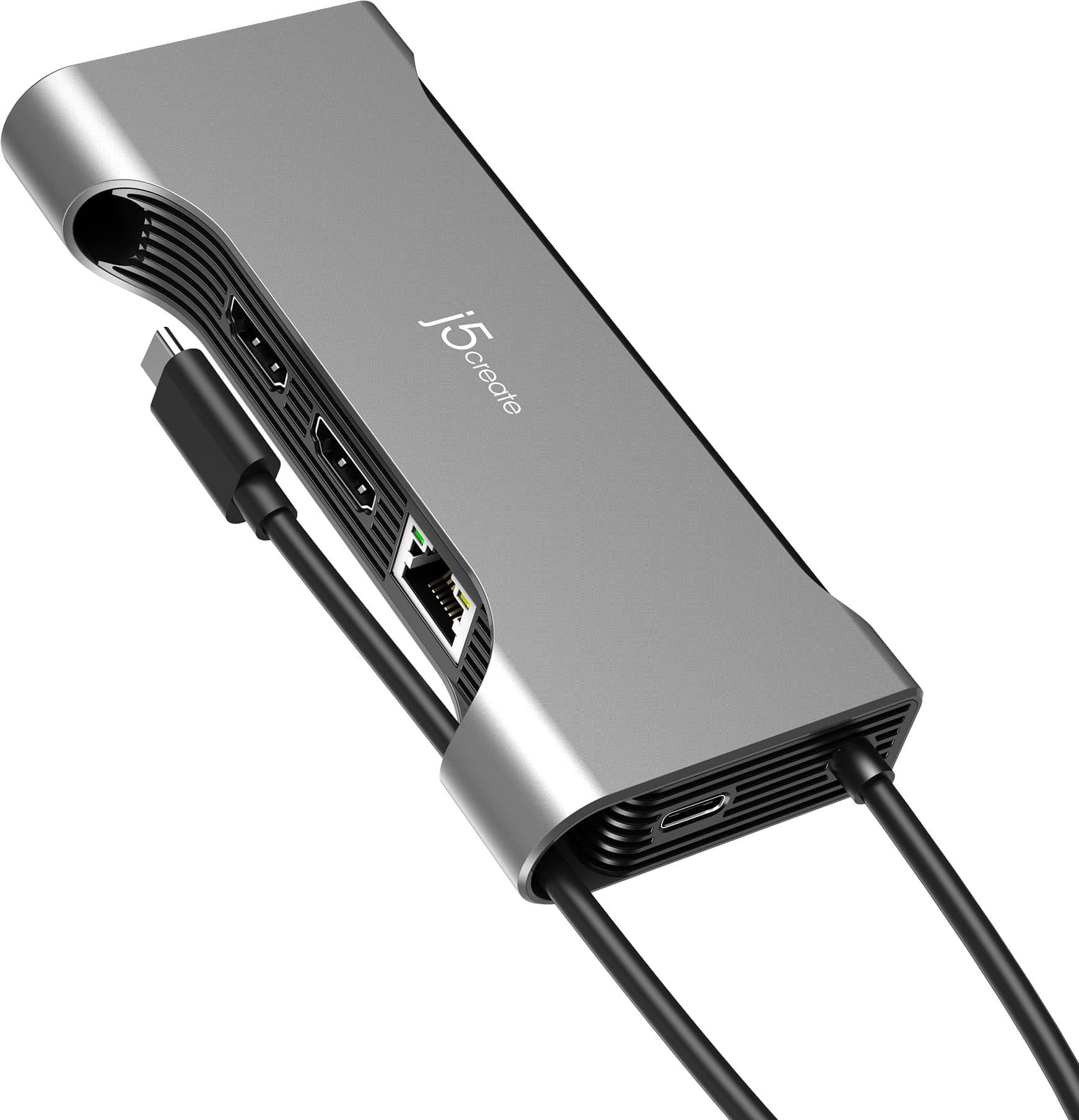
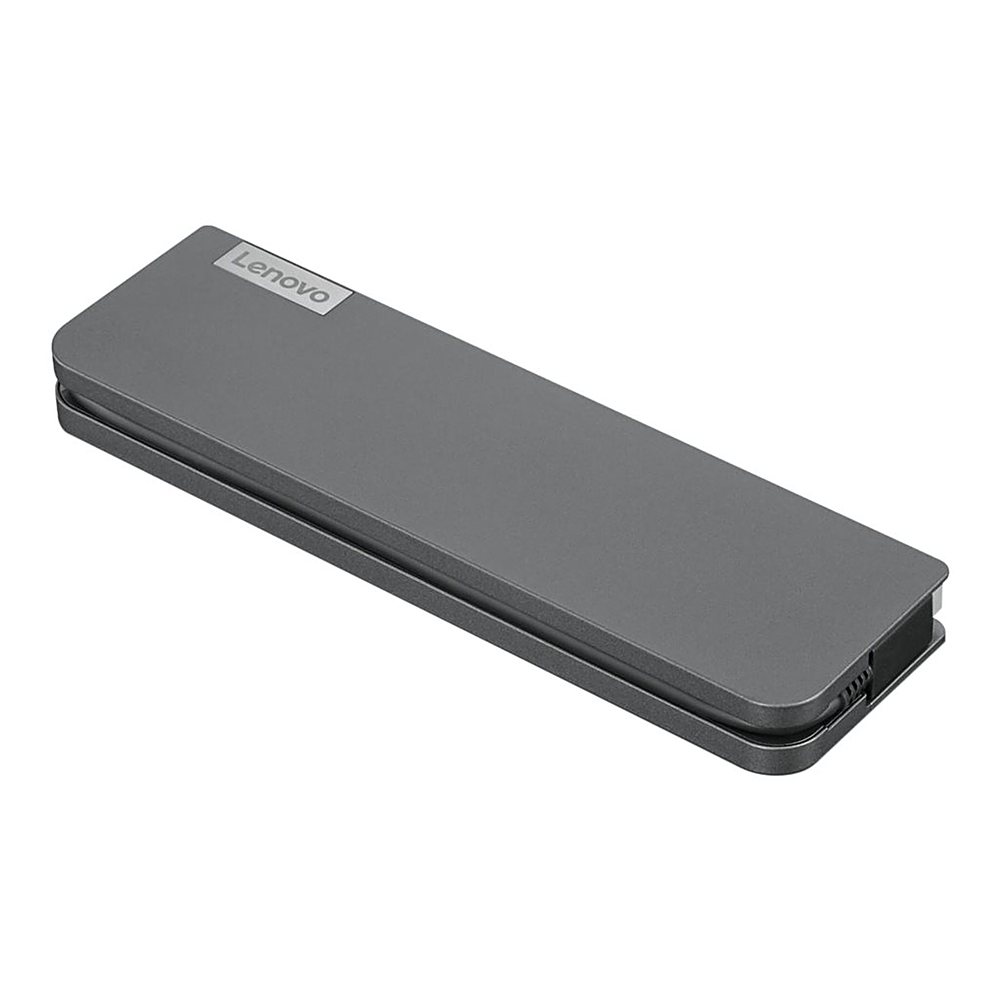
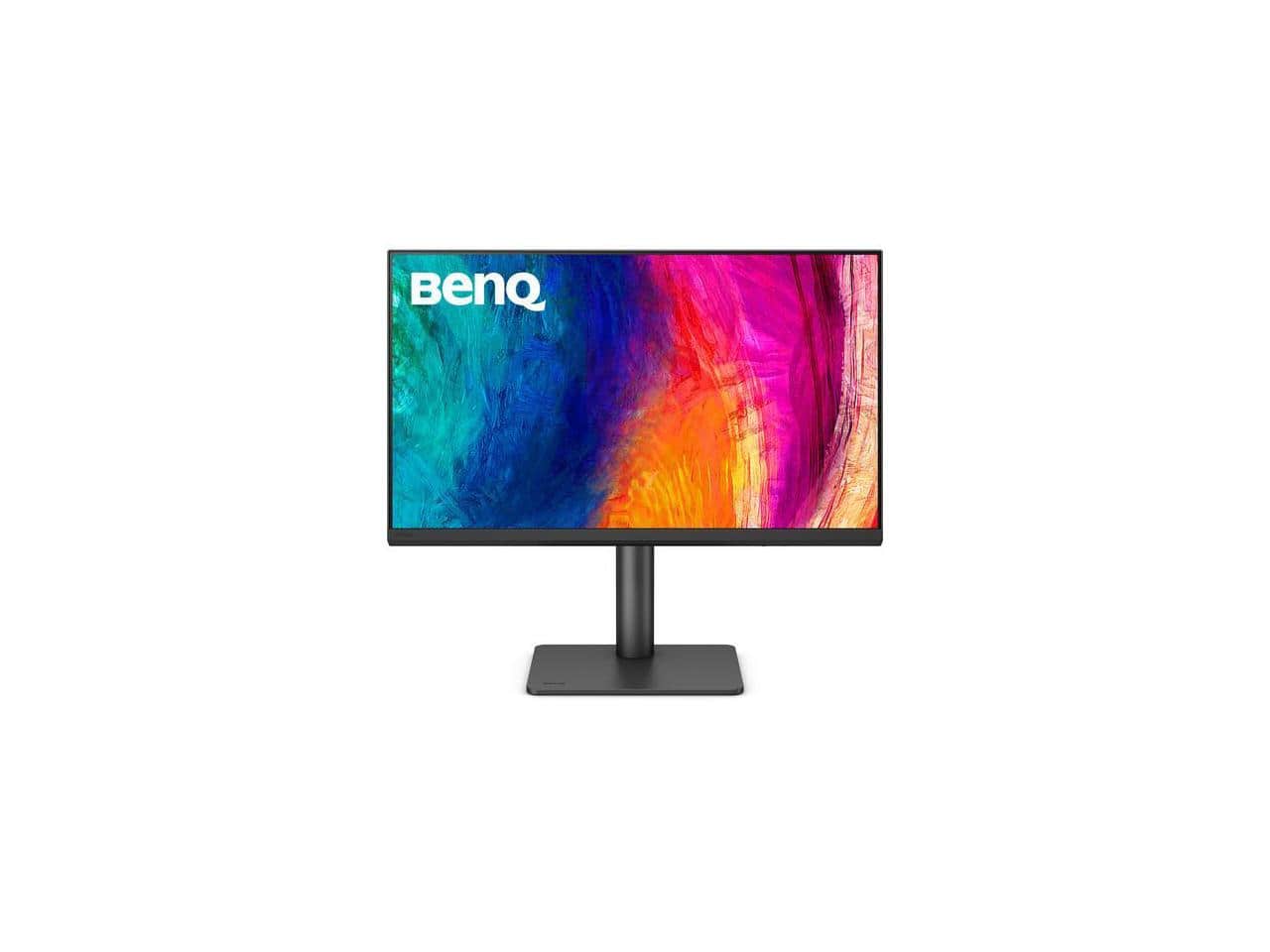
Docking Monitors
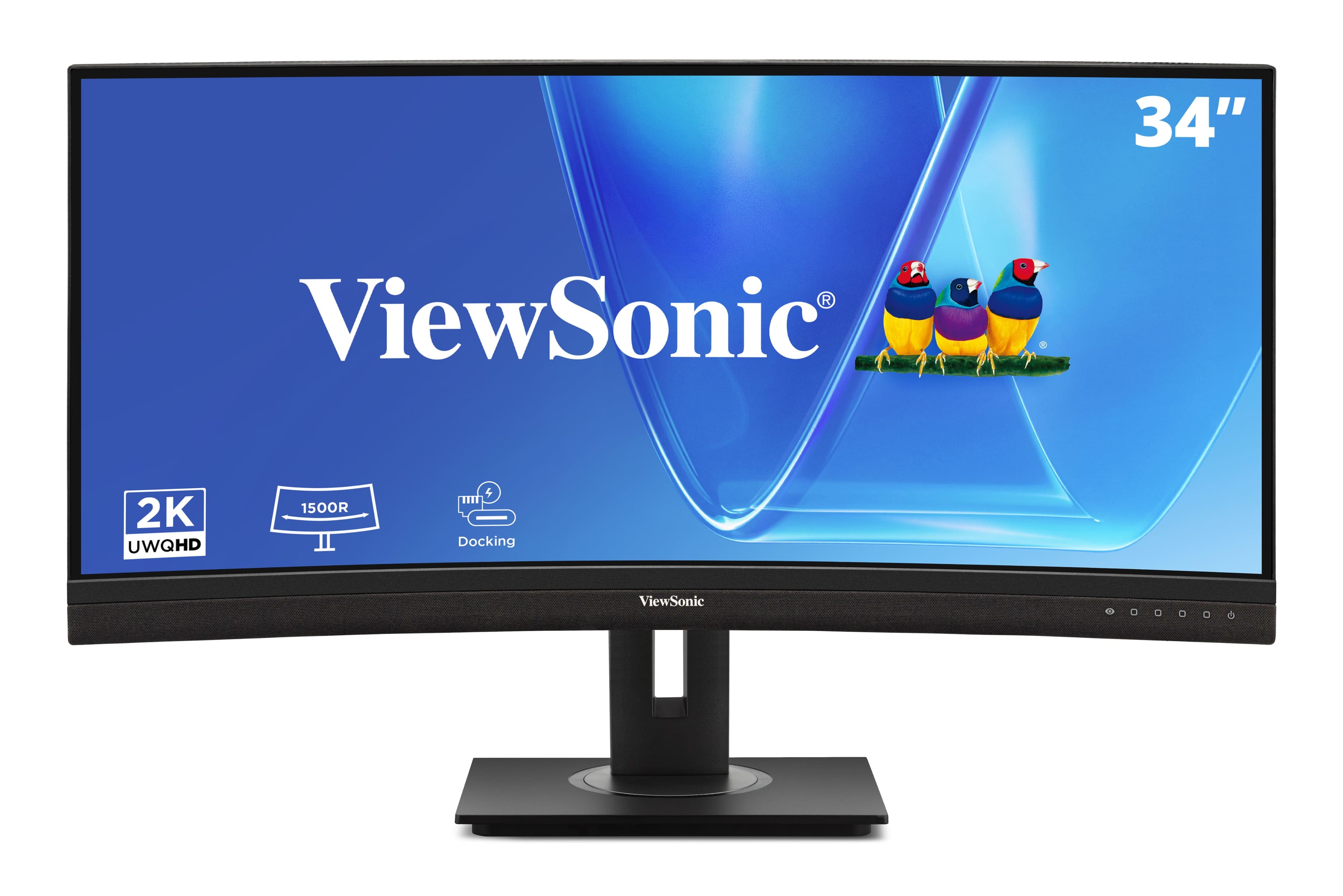
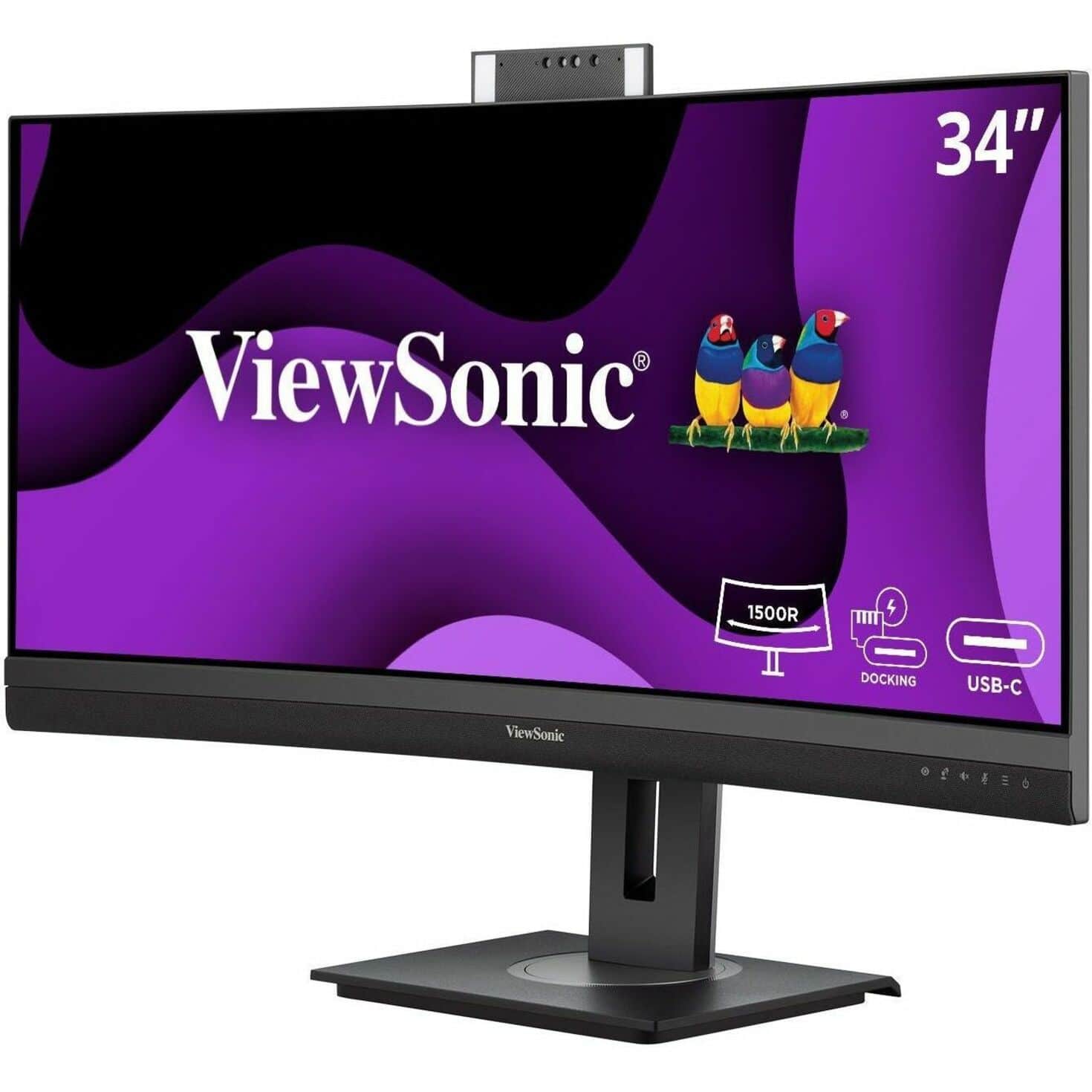

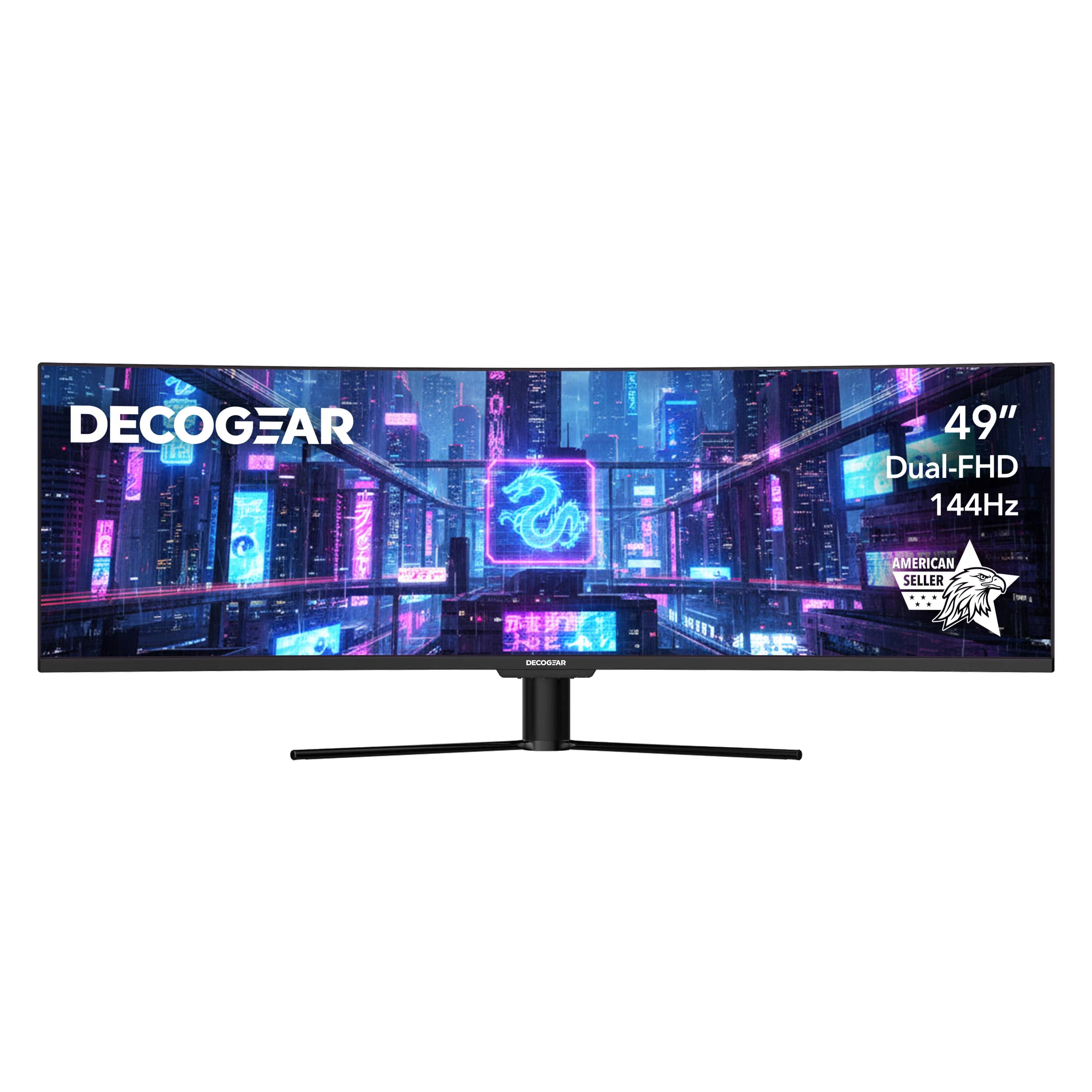
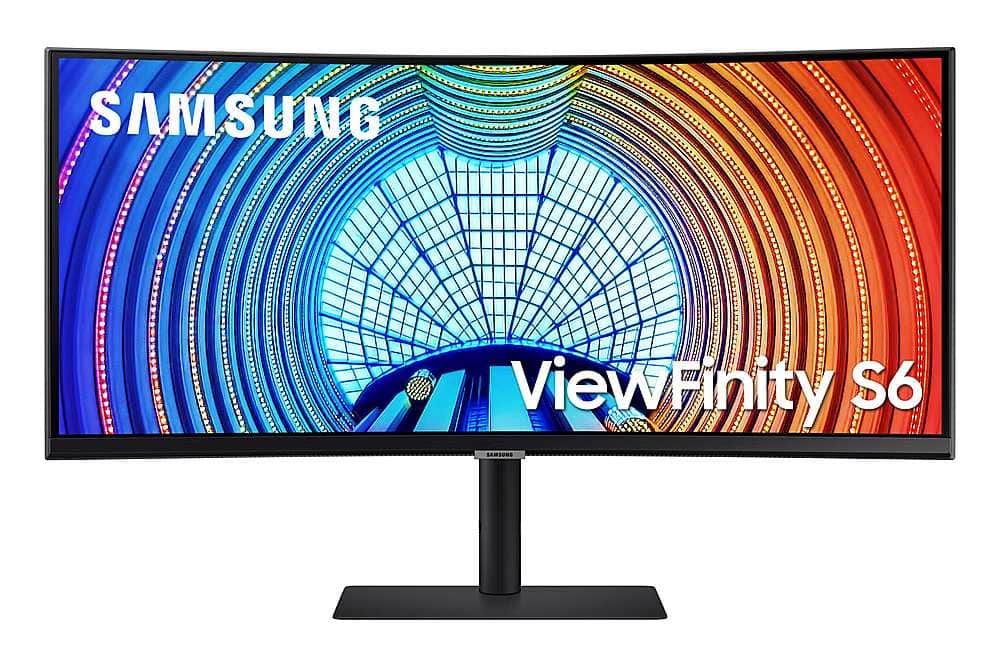
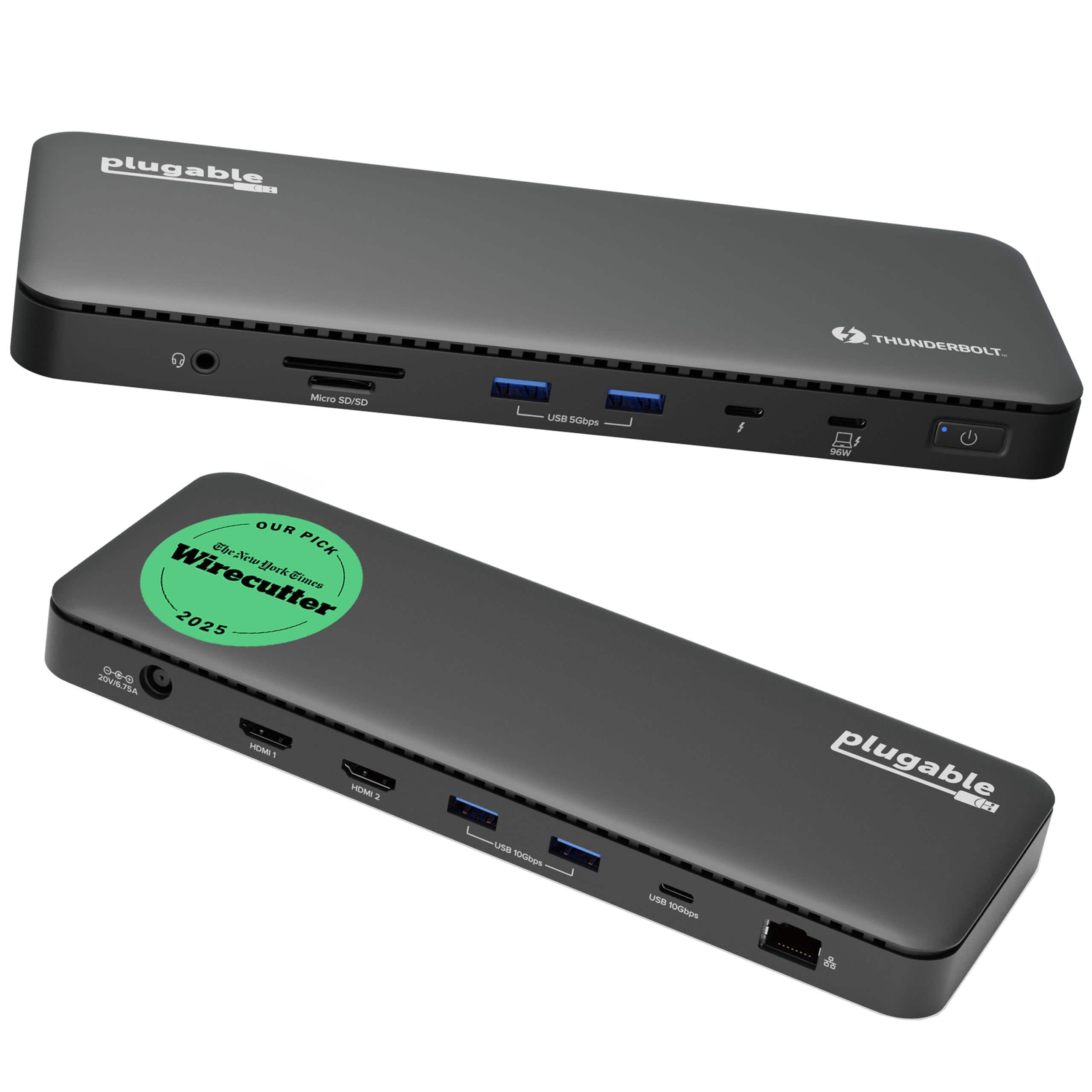

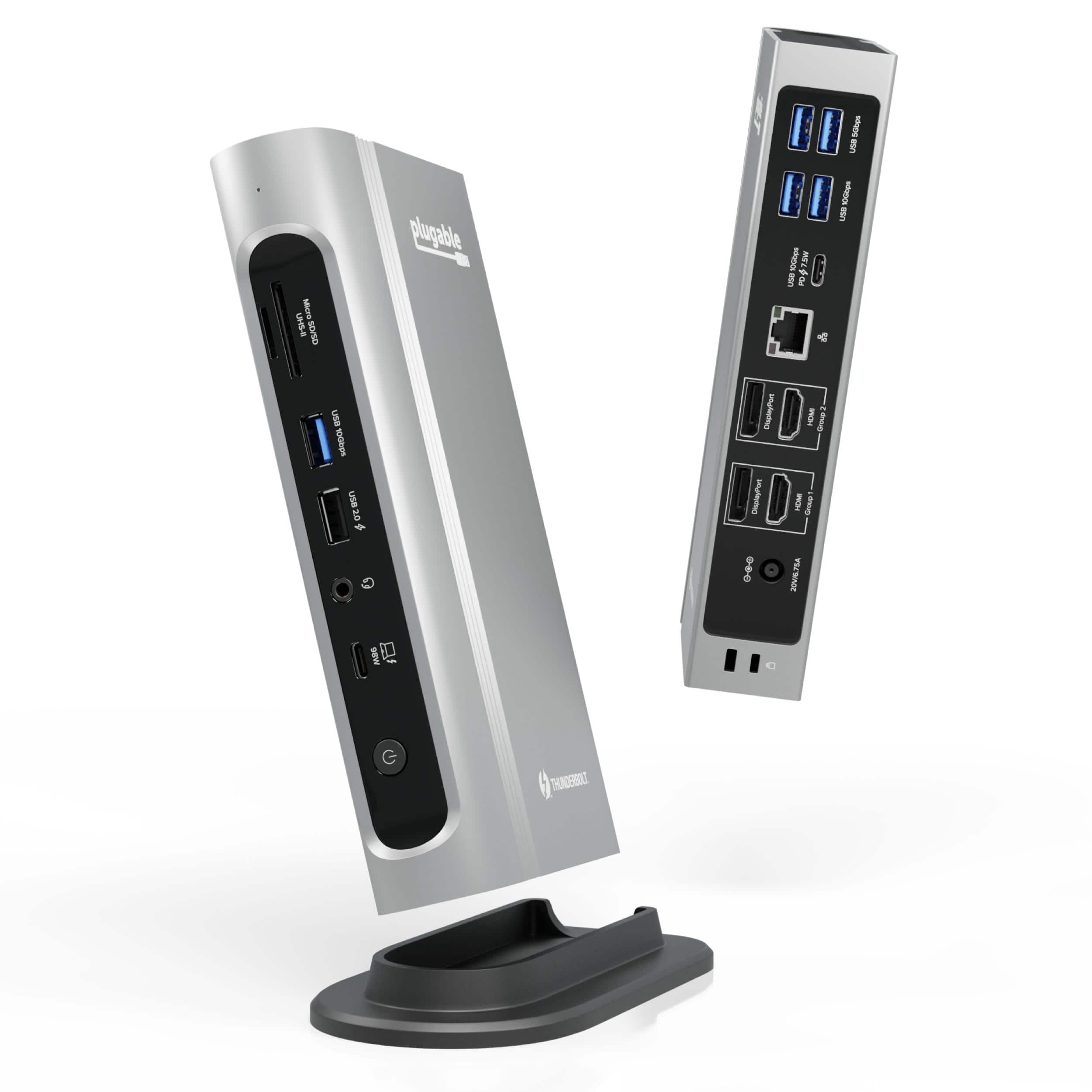
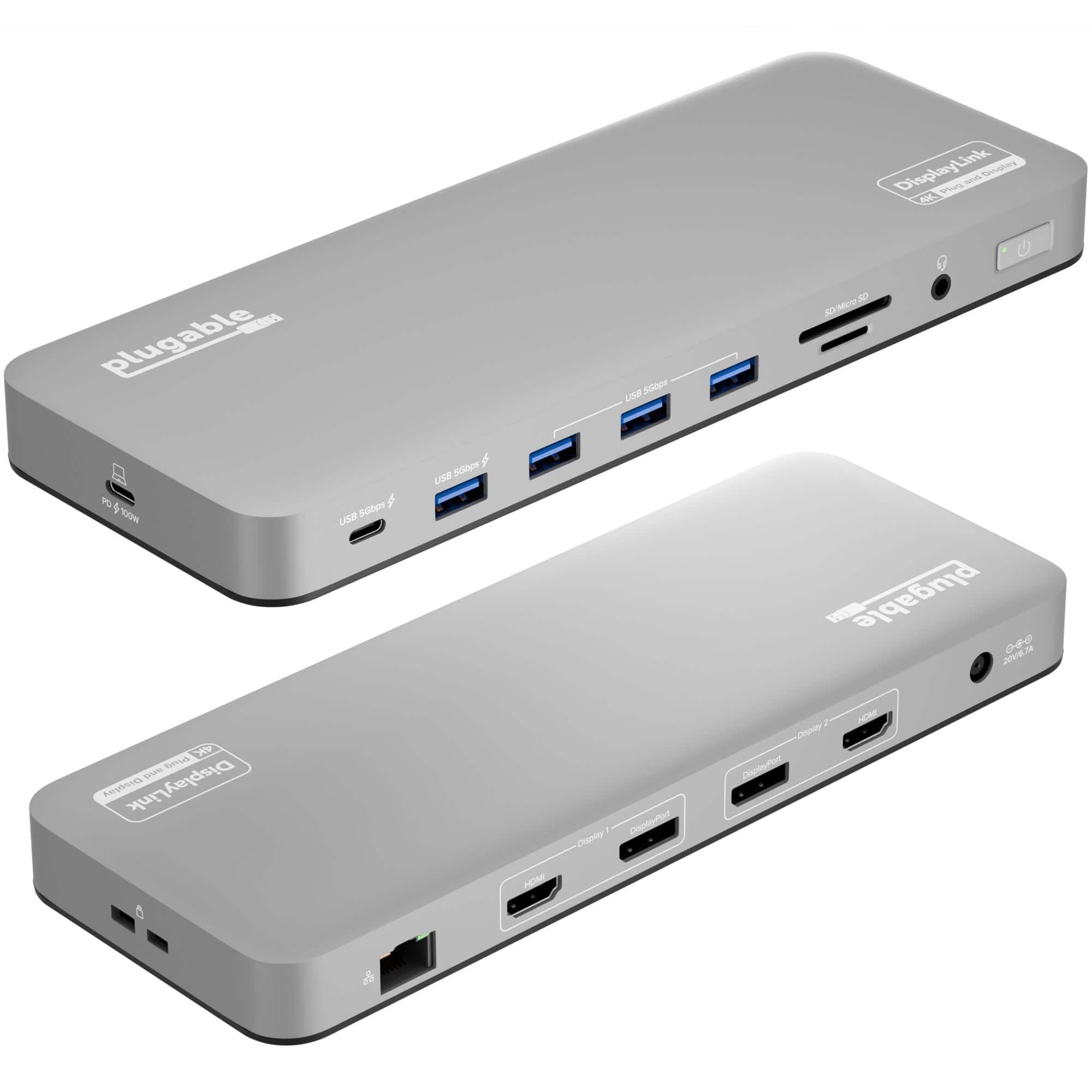
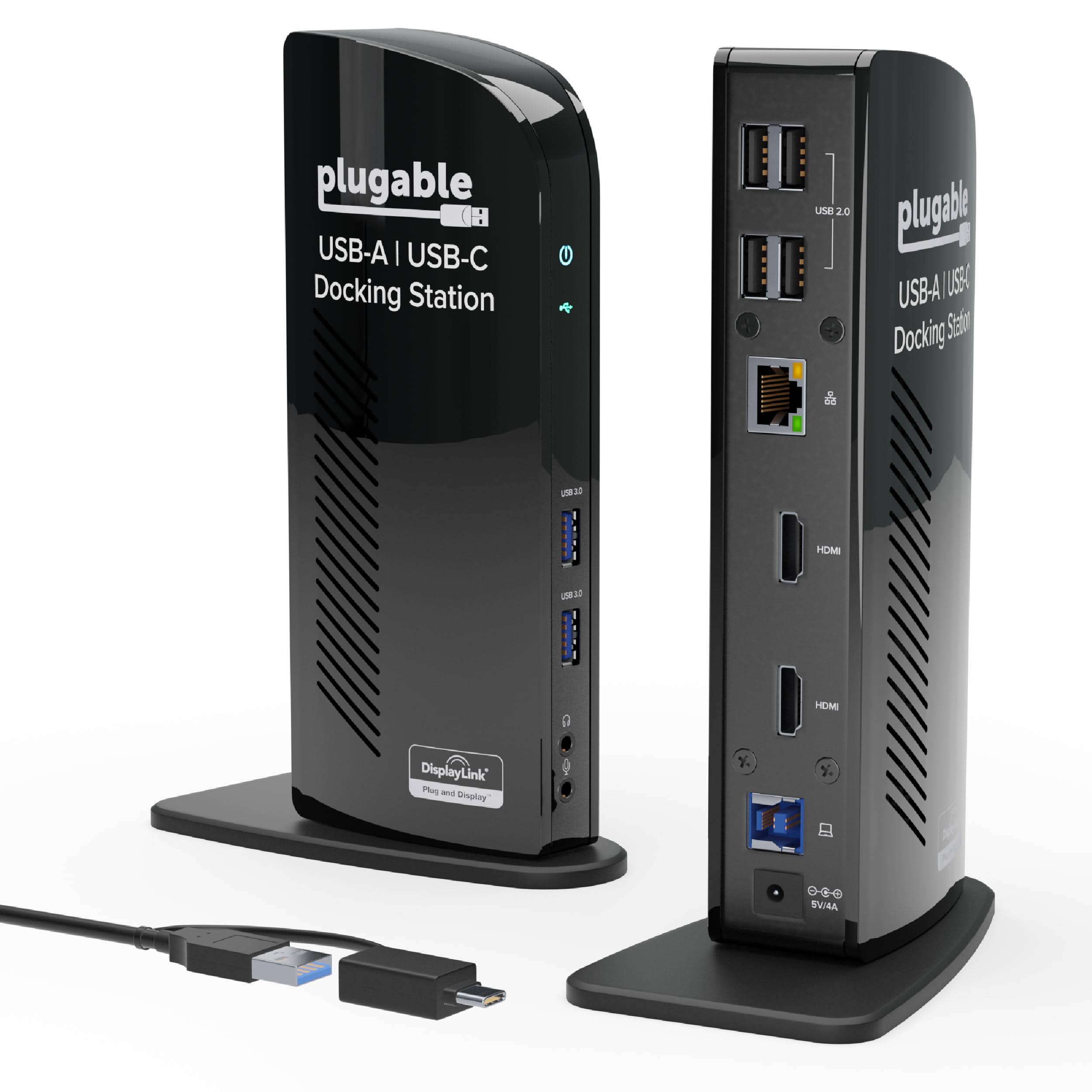
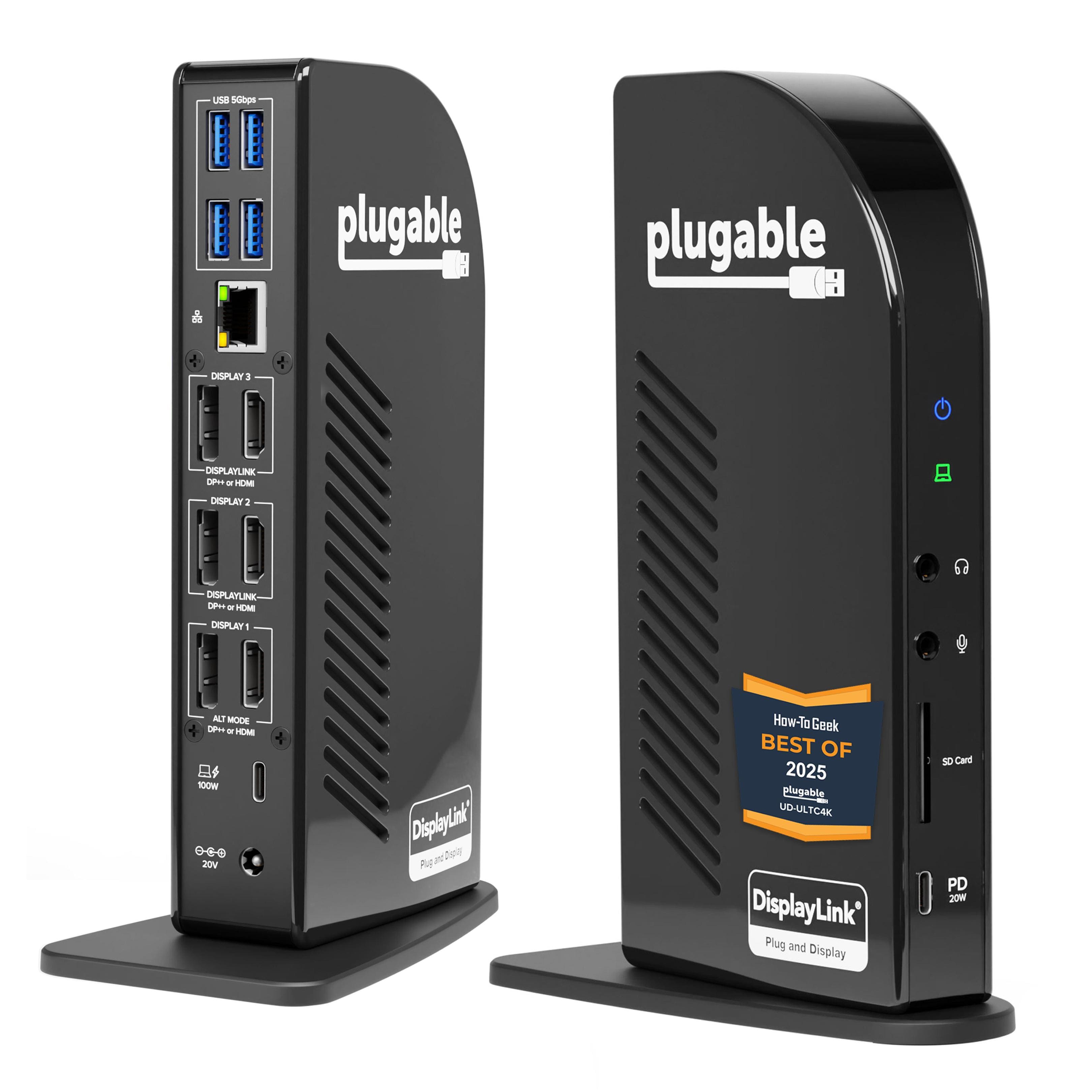
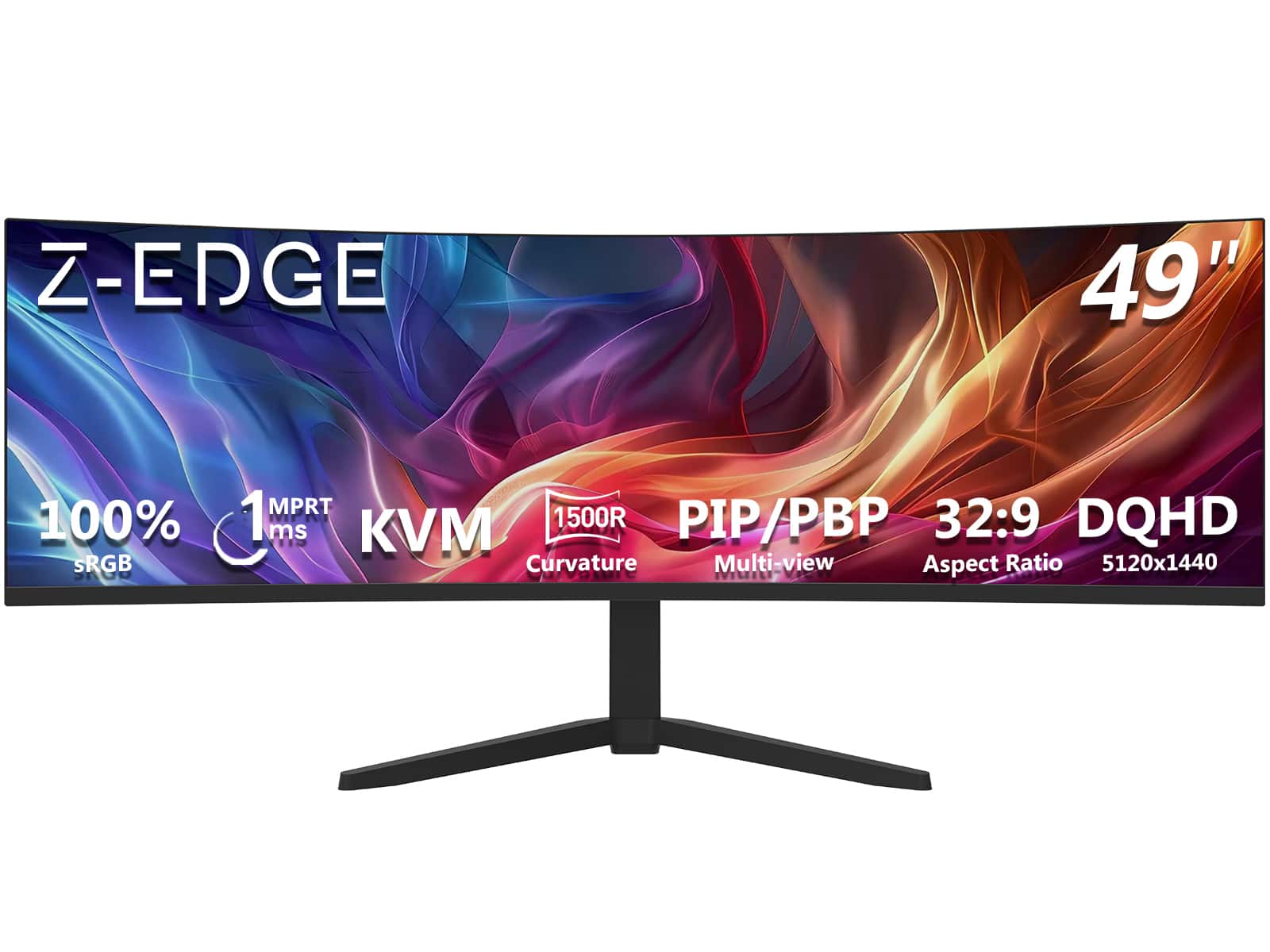
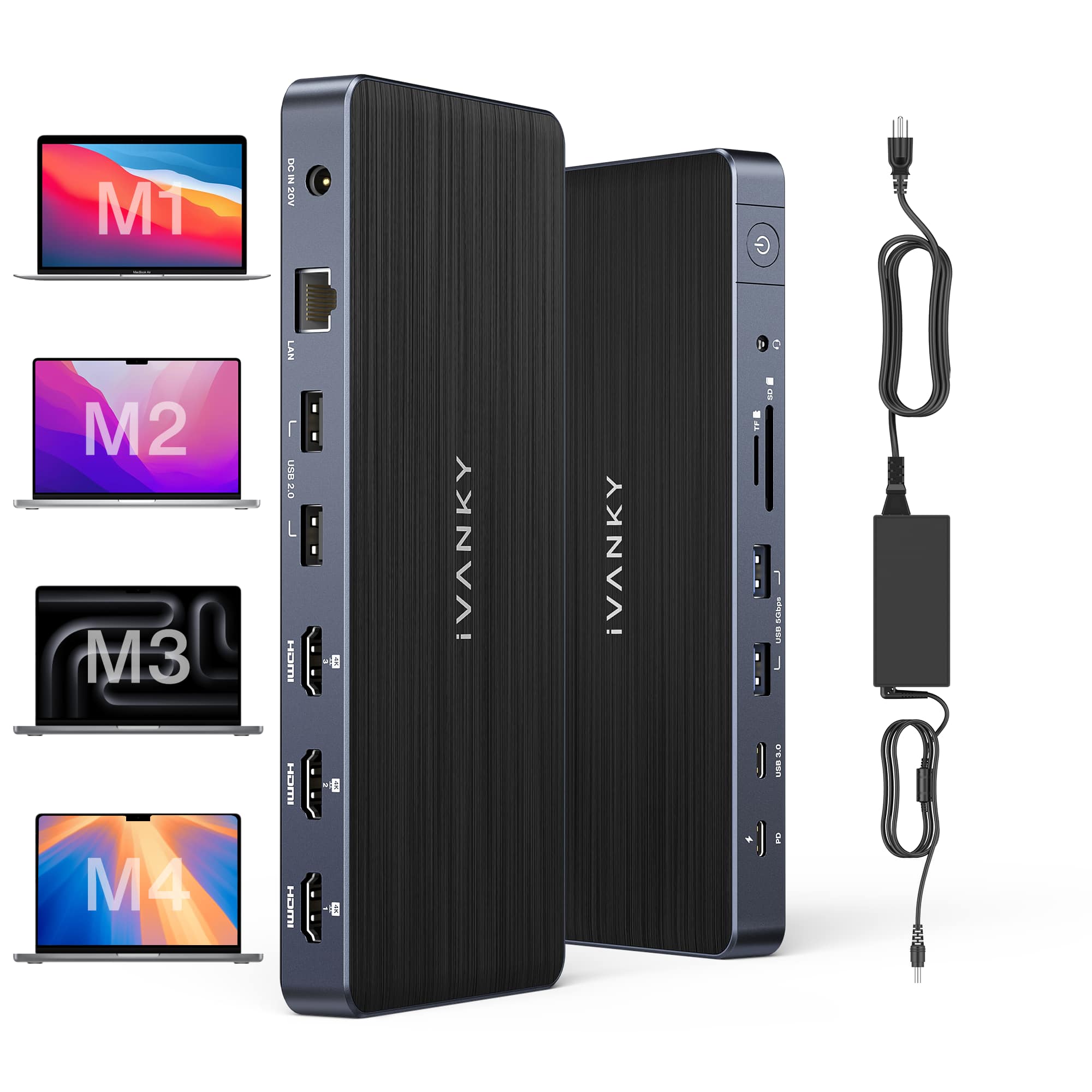
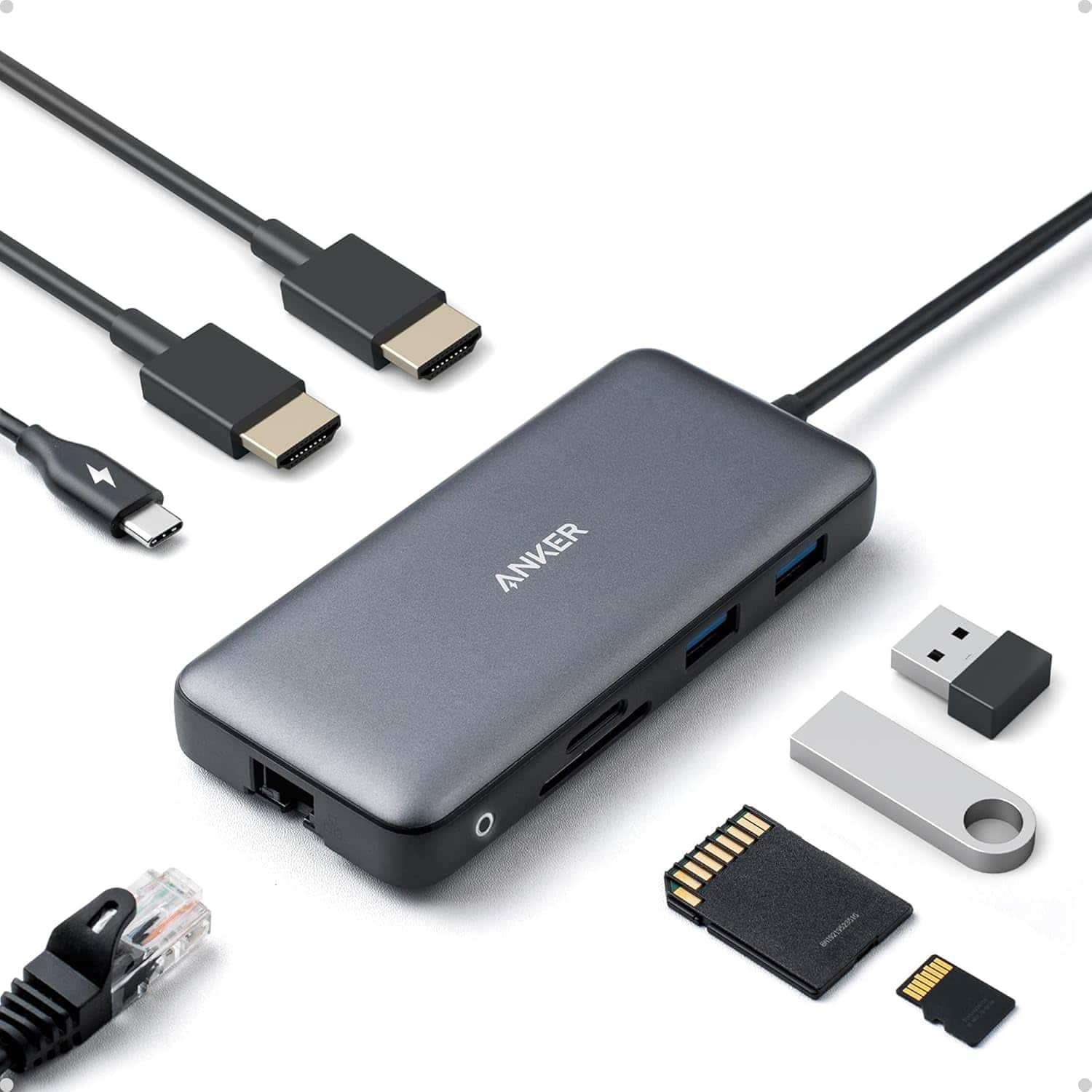
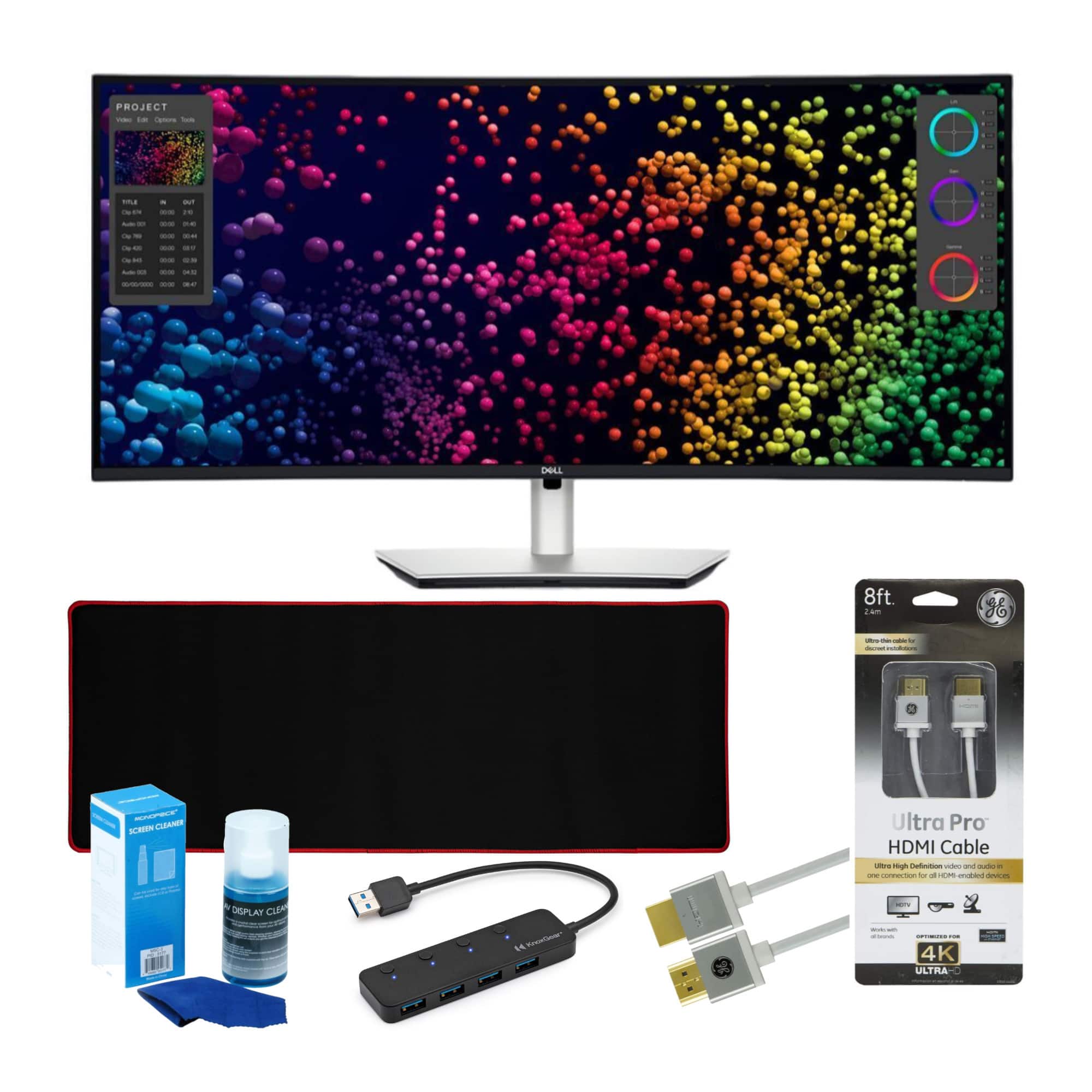
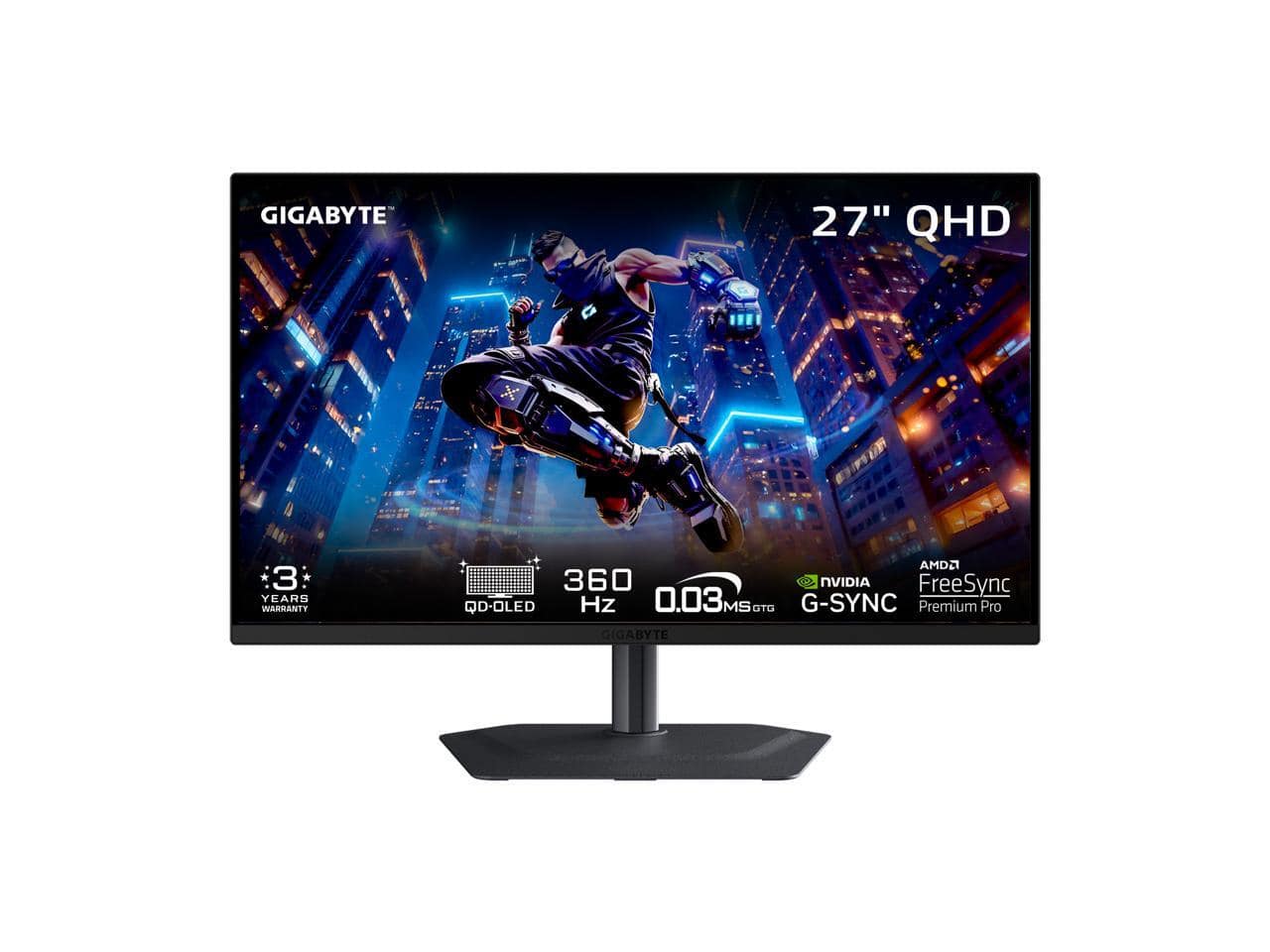
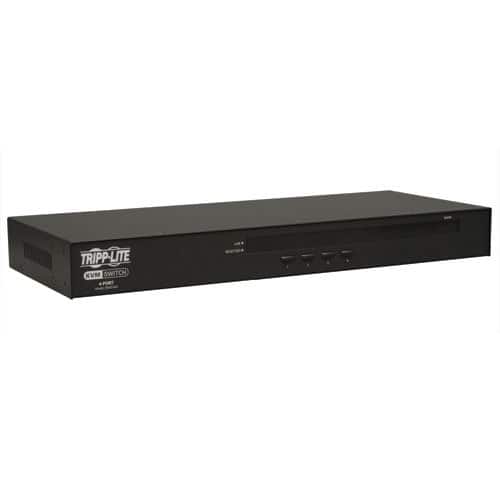
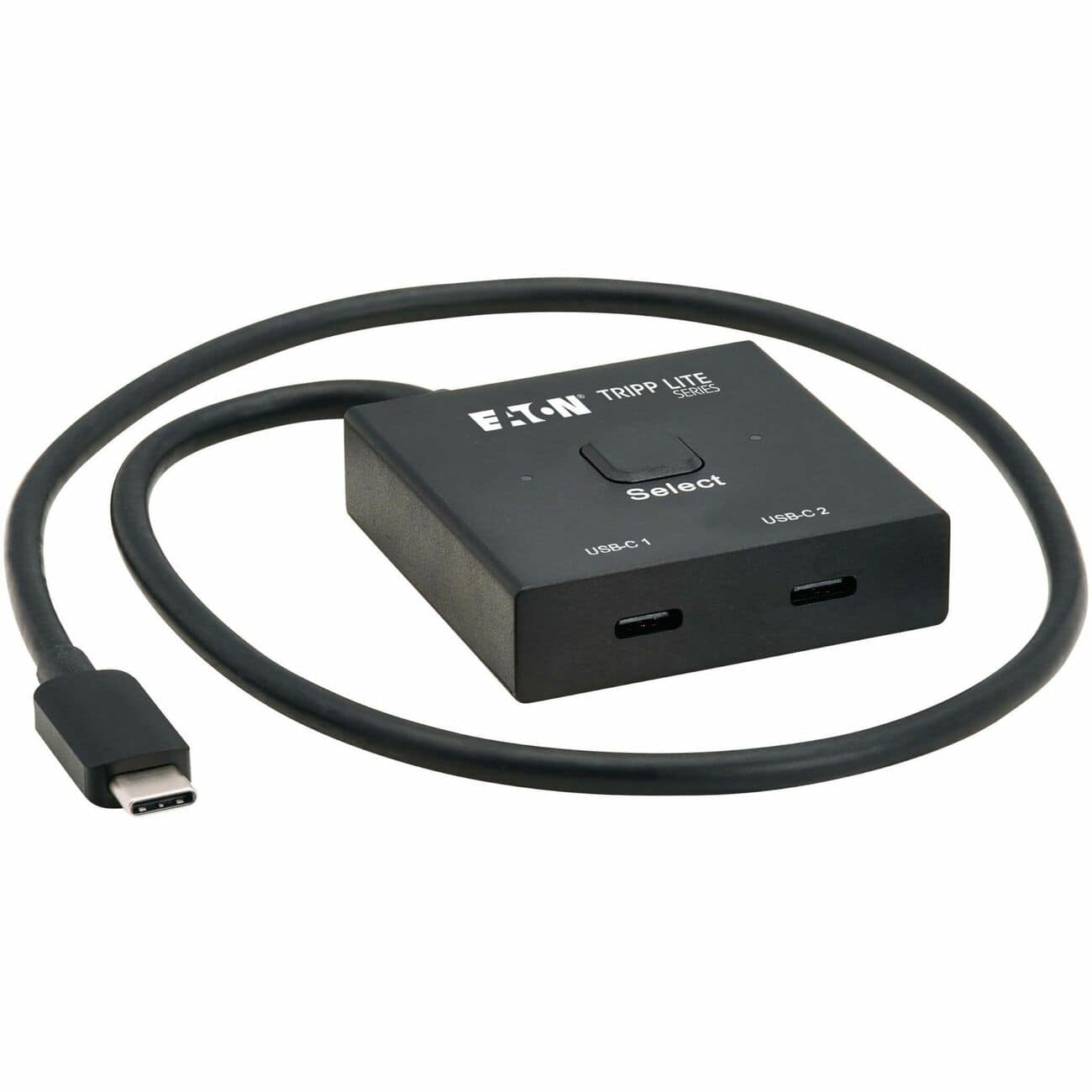
More Multi-PC Options

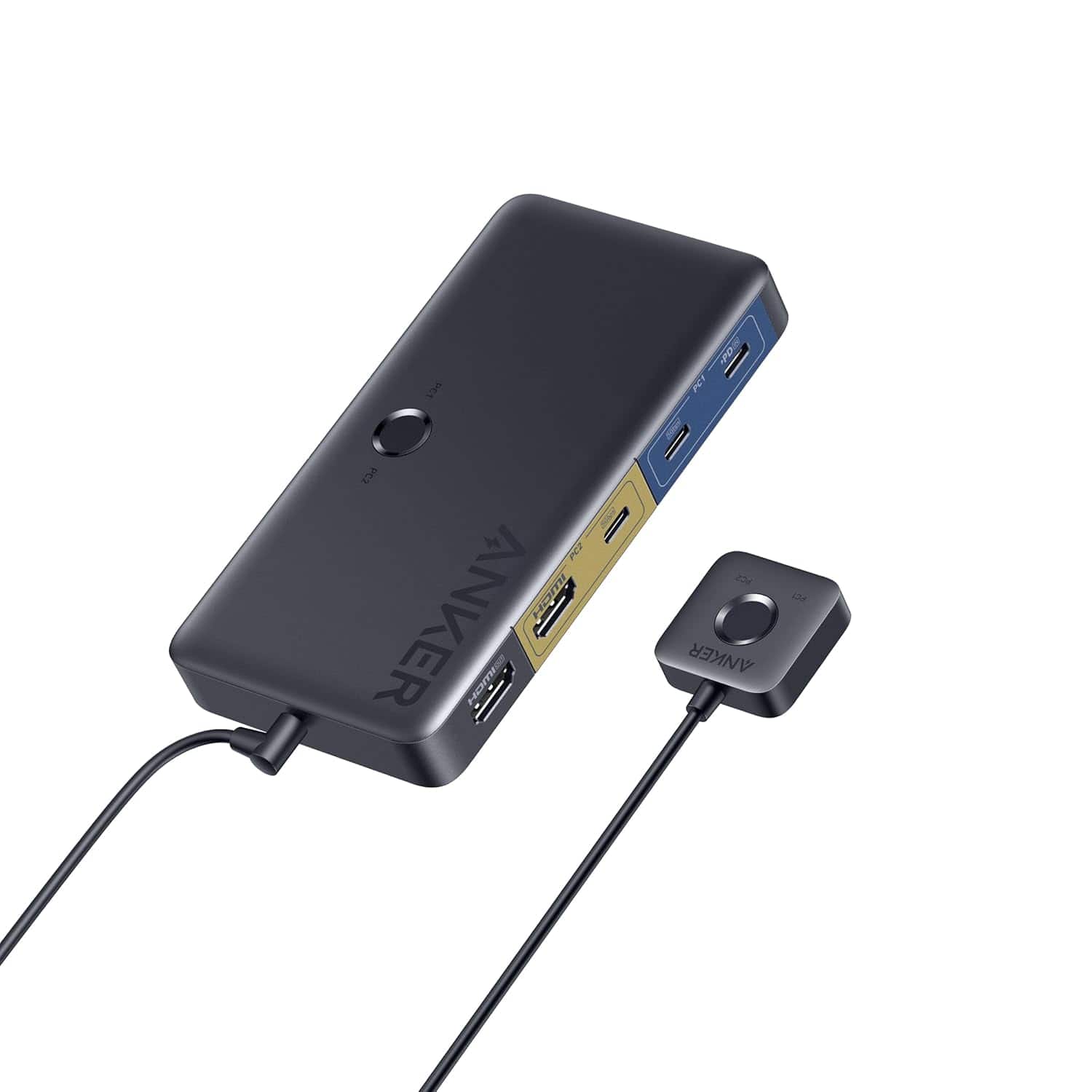
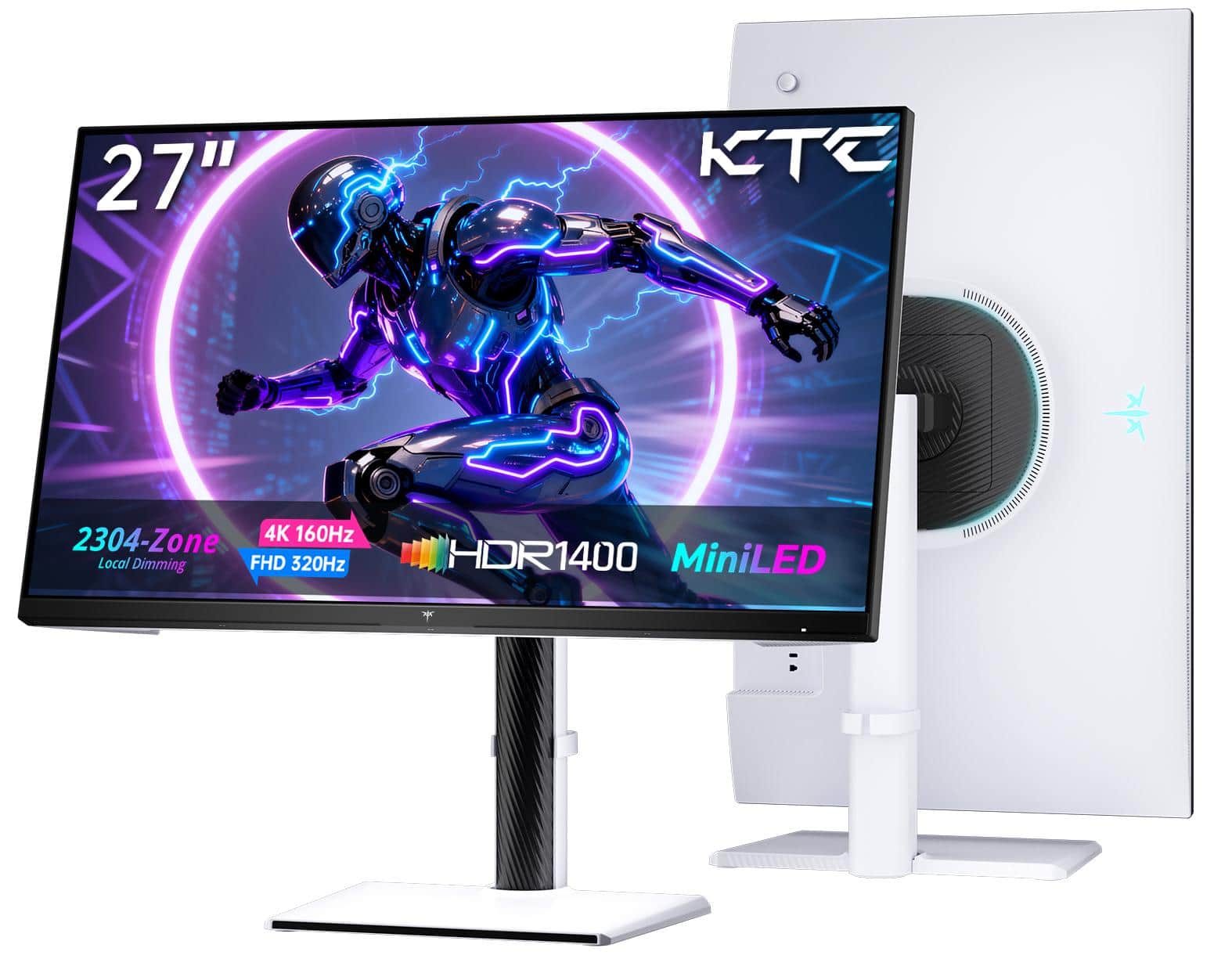
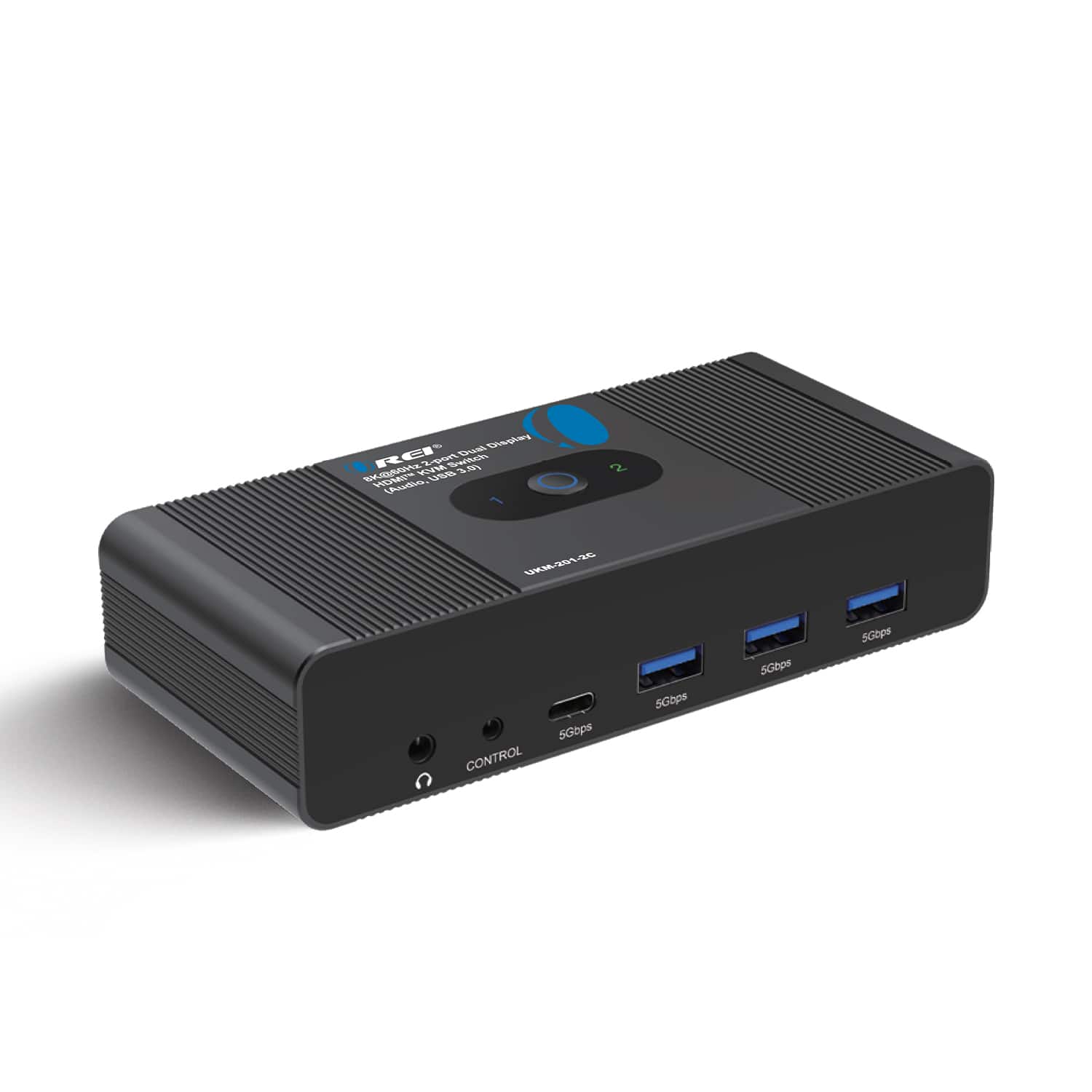
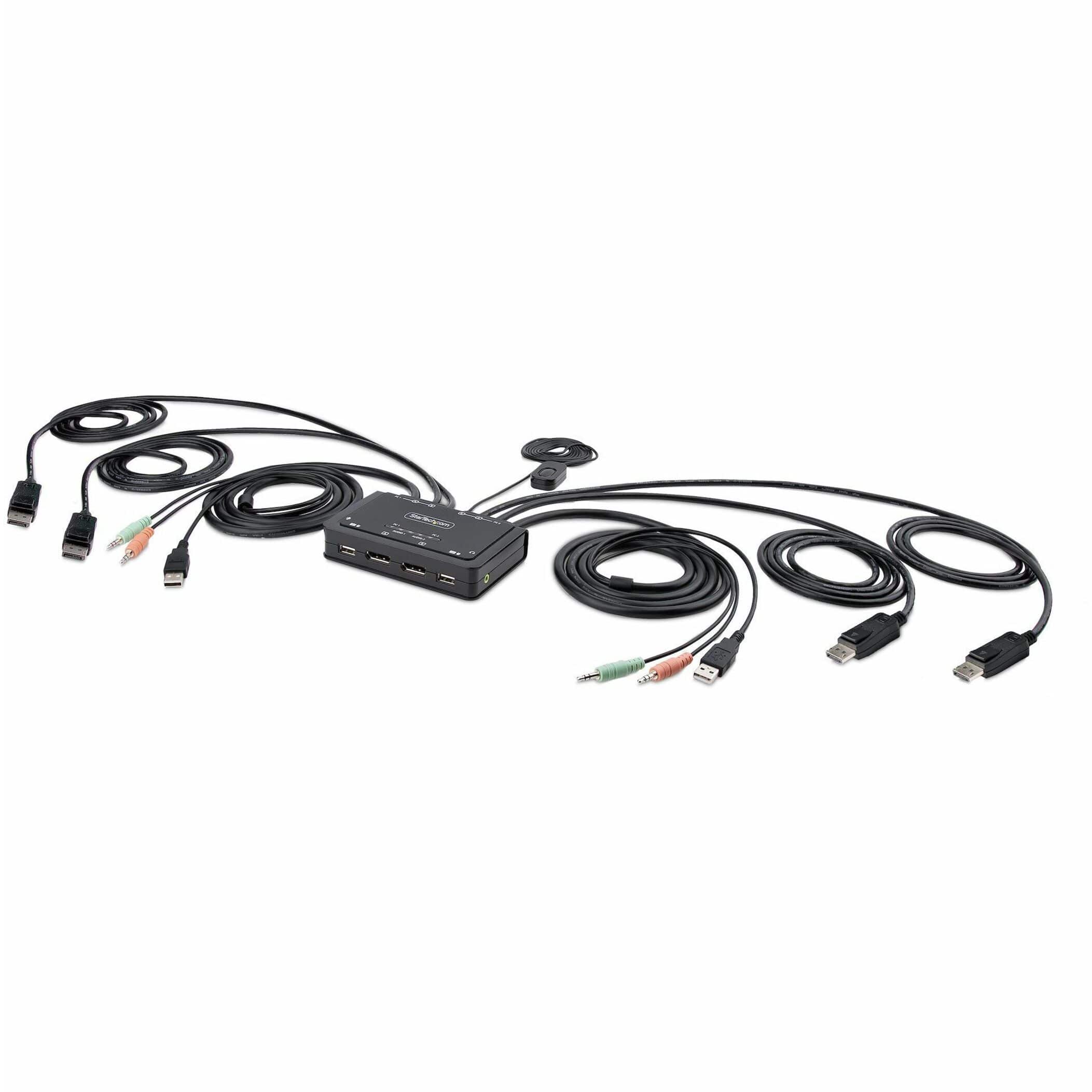

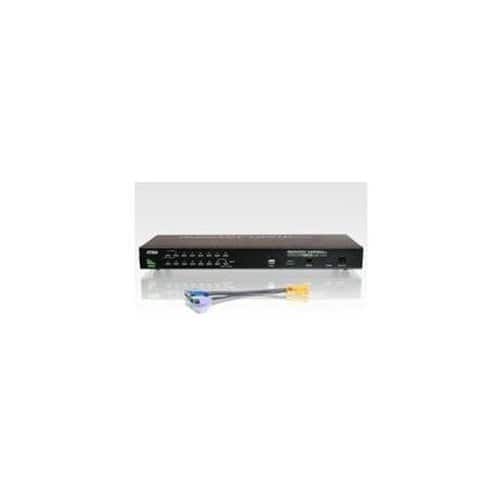
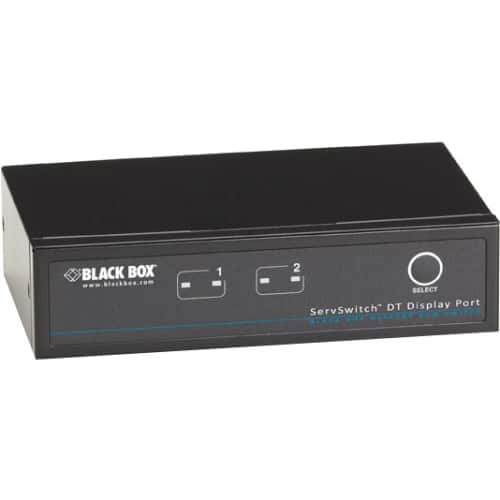
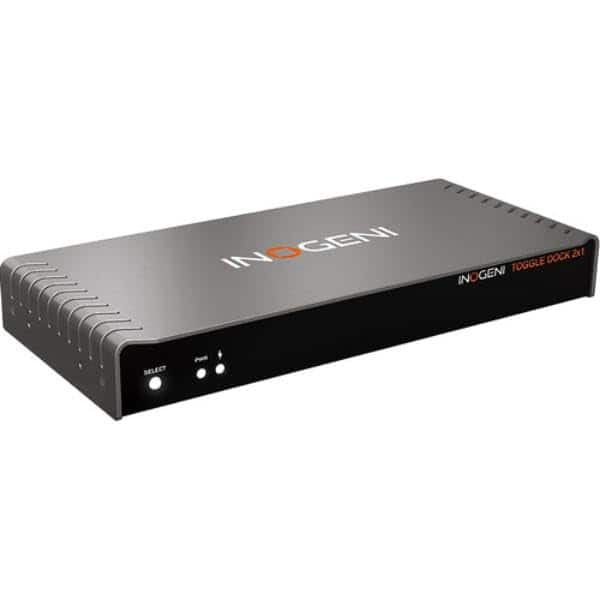
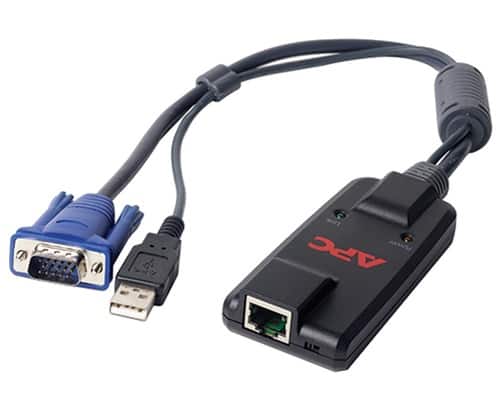
Docking Station vs. KVM Switch
FAQs
A docking station is designed to expand one computer’s connectivity with extra ports, charging and monitor outputs. A KVM switch is designed to let you use one keyboard, monitor and mouse with multiple computers and switch between them.
Choose a docking station if one laptop is your main device and you mainly want simpler charging, monitor connections and accessory hookups. Choose a KVM switch if you regularly move between two computers and want to control both from one desk setup. Some shoppers use both together for a more complete setup.
Most docking stations do not work like a true KVM switch. They connect one host device at a time and focus on expansion, not instant computer switching. If quick switching is your priority, look at dedicated KVM switches or monitors with KVM built in.
Yes. Many USB-C docking stations support dual monitors while also adding USB ports, Ethernet, card readers and charging. Compatibility can vary by laptop, operating system and display output standard, so it helps to check the dock’s supported display count and resolution.
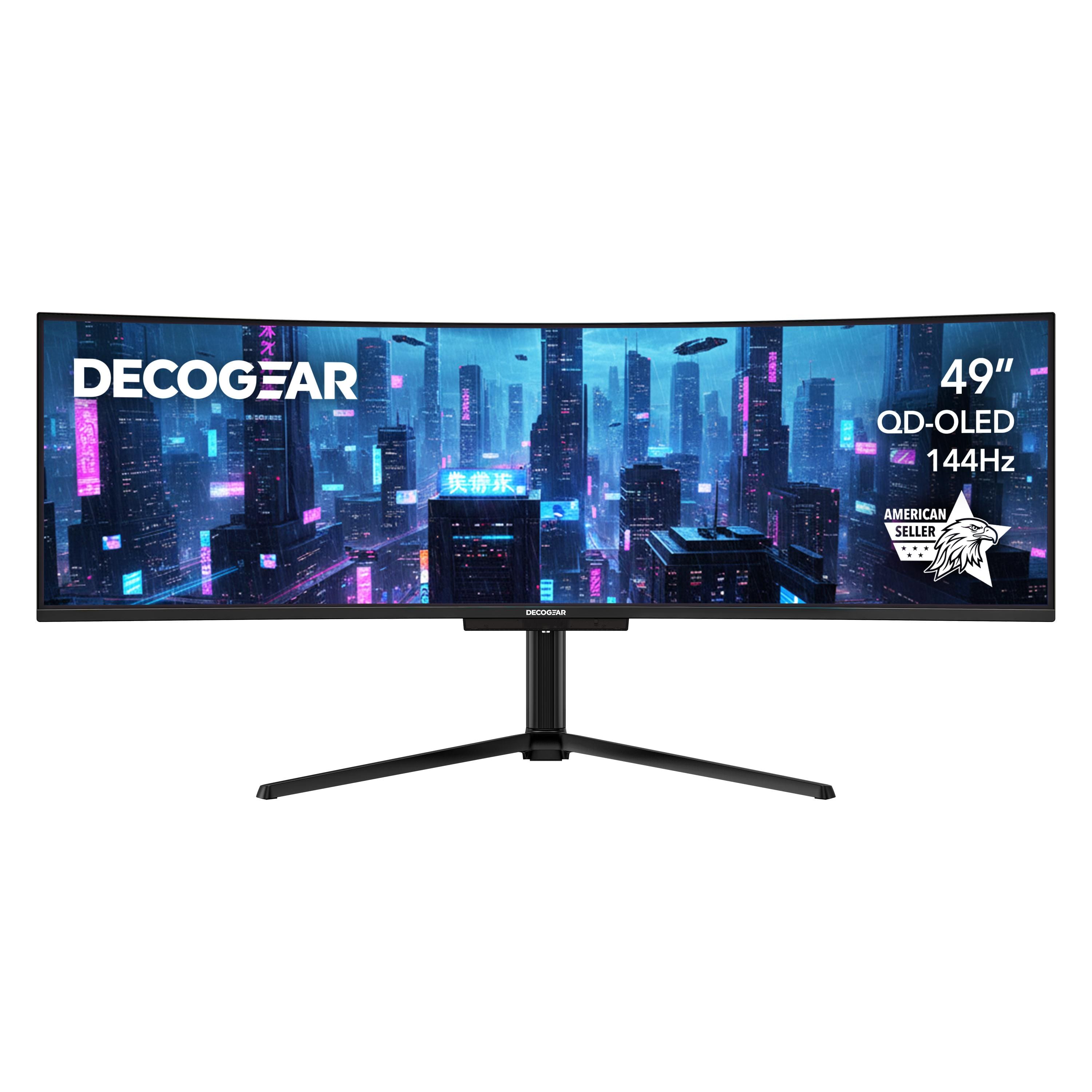
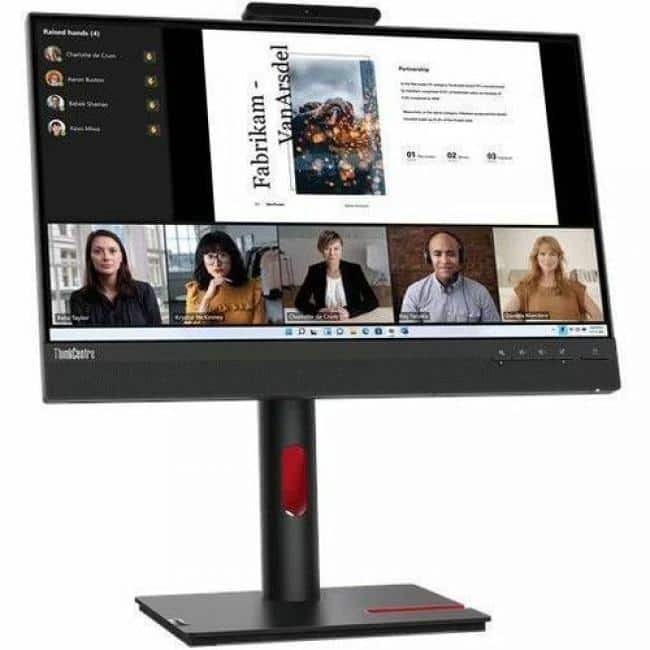
A docking monitor is a display with built-in hub-style connections, often including USB-C, USB ports and video inputs. It can help reduce cable clutter and create a cleaner one-cable desk setup, though it is not the same as a dedicated KVM unless the monitor specifically includes KVM functionality.
For more options, explore Best Buy pages for USB KVM switches, USB-C KVM switches, dual monitor KVM switches and monitors with KVM built in. Those pages are a good next step if you know switching between multiple computers is your top priority.