StarTech.com - DVI Dual-Monitor USB 3.0 Docking Station - Black / Silver
About this product
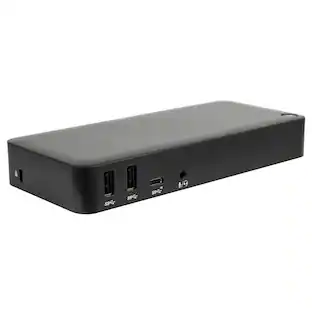
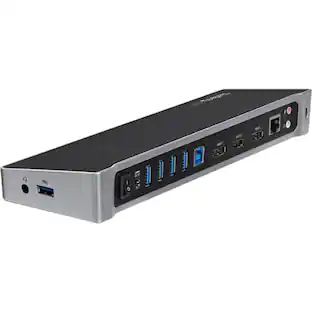
Connect two monitors to your laptop with this DVI dual-monitor docking station. It includes adapters to connect a DVI monitor to HDMI or VGA connections, and the front panel has two USB ports, so you can charge devices without a host connection. Use this DVI dual-monitor docking station horizontally or vertically to suit your setup.
Features
Universal compatibility
Works with USB-enabled laptops and Windows-based tablets, such as Microsoft Surface Pro 4 and Surface Book.
5 USB 3.0 ports
Including two front panel USB 3.0 Fast-charge & synchronization ports.
Dual-monitor output
Dual DVI connection; includes DVI to HDMI, and DVI to VGA adapters.
Gigabit Ethernet connectivity
Allows you to access the Internet at high speed.
Customize your workspace
Neatly set up in mixed environments with upright or horizontal positioning through an included optional stand.
Audio/microphone combo port
Allows you to connect your headset to the docking station.
AC adapter and 3.28ft. USB 3.0 cable
Simplify setup and get started right away.
Specifications
- Maximum Number of Displays Supported2Maximum Supported Resolution4K (2160p)Number of DisplayPort Outputs (Total)0Passthrough PowerYes
Reviews
Rating 4.5 out of 5 stars with 50 reviews
Customer Images
The vast majority of our reviews come from verified purchases. Reviews from customers may include My Best Buy members, employees, and Tech Insider Network members (as tagged). Select reviewers may receive discounted products, promotional considerations or entries into drawings for honest, helpful reviews.





Compare similar products
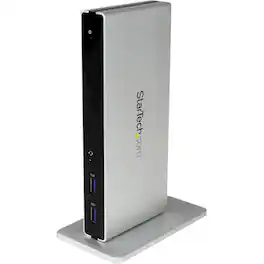
Connect two monitors to your laptop with this DVI dual-monitor docking station. It includes adapters to connect a DVI monitor to HDMI or VGA connections, and the front panel has two USB ports, so you can charge devices without a host connection. Use this DVI dual-monitor docking station horizontally or vertically to suit your setup.
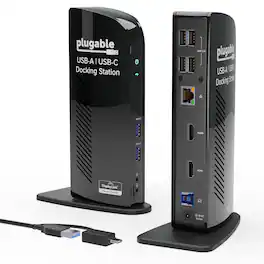
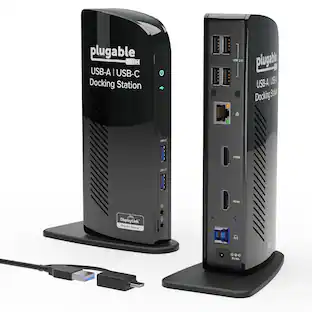
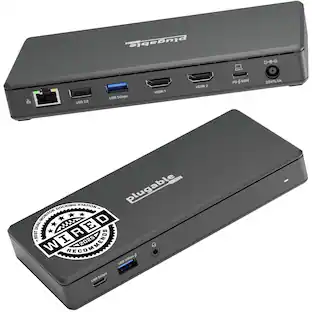
The TAA-compliant Plugable UD-3900 docking station is designed to expand your laptop or desktop’s capabilities by connecting up to ten accessories through a single cable. Whether you’re working with a Windows, Mac, or Chromebook system, the UD-3900 offers a convenient way to connect multiple displays, peripherals, and network access in one hub. It features two HDMI video output ports, to support dual HDMI displays. This setup allows you to mirror or extend your desktop with resolutions up to 1920×1200 @ 60Hz for dual displays, or up to 2560×1440 @ 50Hz on a single native HDMI display. Please note that 4K resolution is not supported. In addition to video outputs, the UD-3900 provides a wired Gigabit Ethernet port with full-duplex support, audio input and output jacks, two USB 3.0 ports for high-speed devices, and four USB 2.0 ports for peripherals like keyboards and mice. The dock is powered by a robust 20W UL-certified power supply to ensure reliable performance for connected devices, though it does not provide charging to the host laptop. Users should keep their laptop charger connected if charging is required. Compatibility is broad but requires specific setup steps for certain systems. Windows 11, 10, 8.x, and 7 support plug and play driver installation via Windows Update, while macOS 10.14 or later requires a manual DisplayLink driver installation, with instructions provided. ChromeOS 100 or later works without additional setup. The dock is not compatible with Linux/Unix systems, DisplayPort outputs, or mixed USB graphics chipsets. HDCP-protected content, such as Blu-ray playback, is not supported, and this dock is not intended for gaming or other graphics-intensive applications. For best results, use the UD-3900 for web browsing, office work, and productivity applications. If you encounter issues such as the dock not powering on or stopping after a short period, try the following steps: confirm the power adapter is securely connected to both the dock and a working outlet, check the power indicator light, reseat all cable connections, update your DisplayLink drivers from Plugable.com, and, if possible, test with another computer. These quick checks resolve most issues, but our U.S.-based support team is ready to help if you need further assistance. In the Box, you will find a UD-3900 docking station, a hybrid USB 3.0 and USB-C cable, a 20W UL-certified power adapter with a AC wall plug, and a quick install guide to get you set up right away. With its combination of connectivity, compatibility, and dedicated customer support, the UD-3900 is built to help you create a more efficient and reliable workspace.
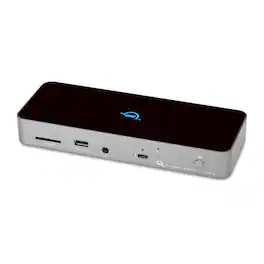
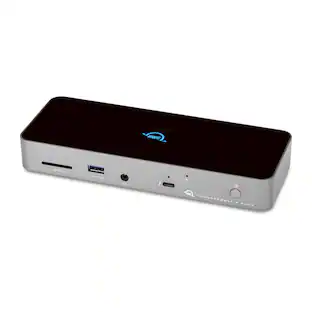
Three Thunderbolt ports and four USB ports empower you to connect to past, present and future devices. Up to two 4K/5K* displays or a 6K/8K display, high-performance storage including NVMe SSDs, A/V mixers, phones, tablets, even desktop accessories like a keyboard or mouse. With the OWC Thunderbolt Dock, an entire world of USB and Thunderbolt accessories is ready for you to connect and expand your capabilities. The latest Thunderbolt interface uses a universal USB-C connector to transfer data, output video, and charge devices through the same cable. The OWC Thunderbolt Dock’s Thunderbolt ports use that same USB-C connector to create a multi-connectivity solution for millions of existing and future Thunderbolt and USB-C computers and devices. Plus, the ports are fully USB4 future compatible. Massively expand the Thunderbolt functionality of your M1 Mac, any 'Intel' Mac with Thunderbolt 3, or any Thunderbolt 4 PC . You can also use the OWC Thunderbolt Dock with non-Thunderbolt USB-C machines like Chromebooks and iPads too. Gain convenient access to portable gear, headphones, and SD cards. Add your favorite Thunderbolt and USB devices, Gigabit Ethernet, and an SD card reader to your workflow... all while keeping your space free of cable clutter.
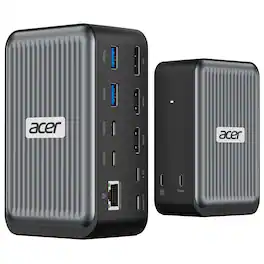
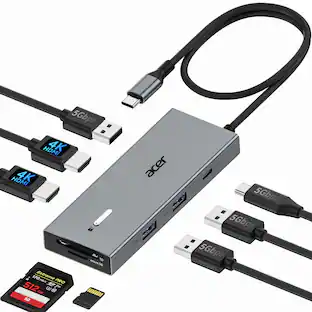
𝐔𝐒𝐁 𝐂 𝐝𝐞𝐯𝐢𝐜𝐞𝐬 𝐰𝐢𝐭𝐡 𝐃𝐢𝐬𝐩𝐥𝐚𝐲𝐏𝐨𝐫𝐭 𝐀𝐥𝐭𝐞𝐫𝐧𝐚𝐭𝐞 𝐌𝐨𝐝𝐞 (𝐃𝐏 𝐀𝐥𝐭 𝐌𝐨𝐝𝐞)—𝐒𝐮𝐩𝐩𝐨𝐫𝐭𝐢𝐧𝐠 𝐝𝐢𝐬𝐩𝐥𝐚𝐲, 𝐜𝐡𝐚𝐫𝐠𝐢𝐧𝐠, 𝐚𝐧𝐝 𝐝𝐚𝐭𝐚 𝐭𝐫𝐚𝐧𝐬𝐟𝐞𝐫. Including Acer, Dell, Lenovo, Surface, HP, ASUS, MacBook, Samsung laptops and smartphones, as well as accessories like mice and keyboards.
Specs
Find more like this



More to consider
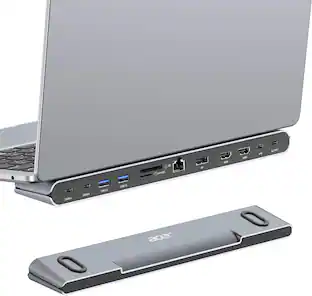
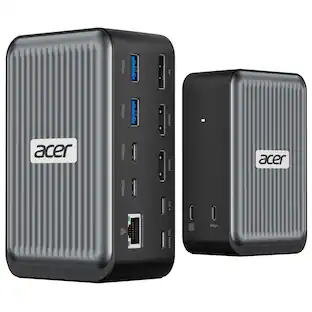
Acer Docking Station, 12-in-1 USB C Docking Station 3 Monitor with 2HDMI+DP
$119.99The price was $199.99Plugable USB 3.0 and USB-C Universal Laptop Docking Station for Windows, Mac, ChromeOS | Dual HDMI
$99.84The price was $143.99StarTech.com USBA2DPGB USB to Dual DP Dock - 4K 60Hz - GbE - Dual Monitor Hub
$37.99The price was $48.63

Explore tech essentials Sponsored





Discover related products
Acer USB C to HDMI Cable for Home Office 6.6FT (4K@60Hz), High-Speed Type C to HDMI 2.0 Braided Cord
$12.99The price was $13.99Logitech X56 HOTAS Microsoft Flight Simulator RGB Dual-Throttle and Joystick
$247.00The price was $275.00Intel Core i5-14400F 14th Gen 10-Core 16-Thread - 4.7GHz Turbo Socket LGA1700 Unlocked Desktop Processor
$175.99The price was $191.99












Keep exploring
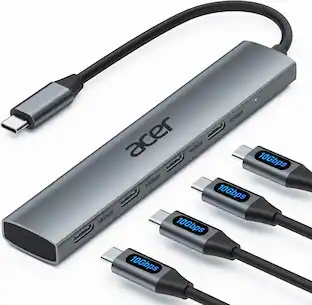
Acer USB C Hub, 10Gbps Type C Splitter with 4 USBC 3.2 Port, High Speed Type C Multiport Adapter
$19.99The price was $22.99