USB Kvm Switch
-
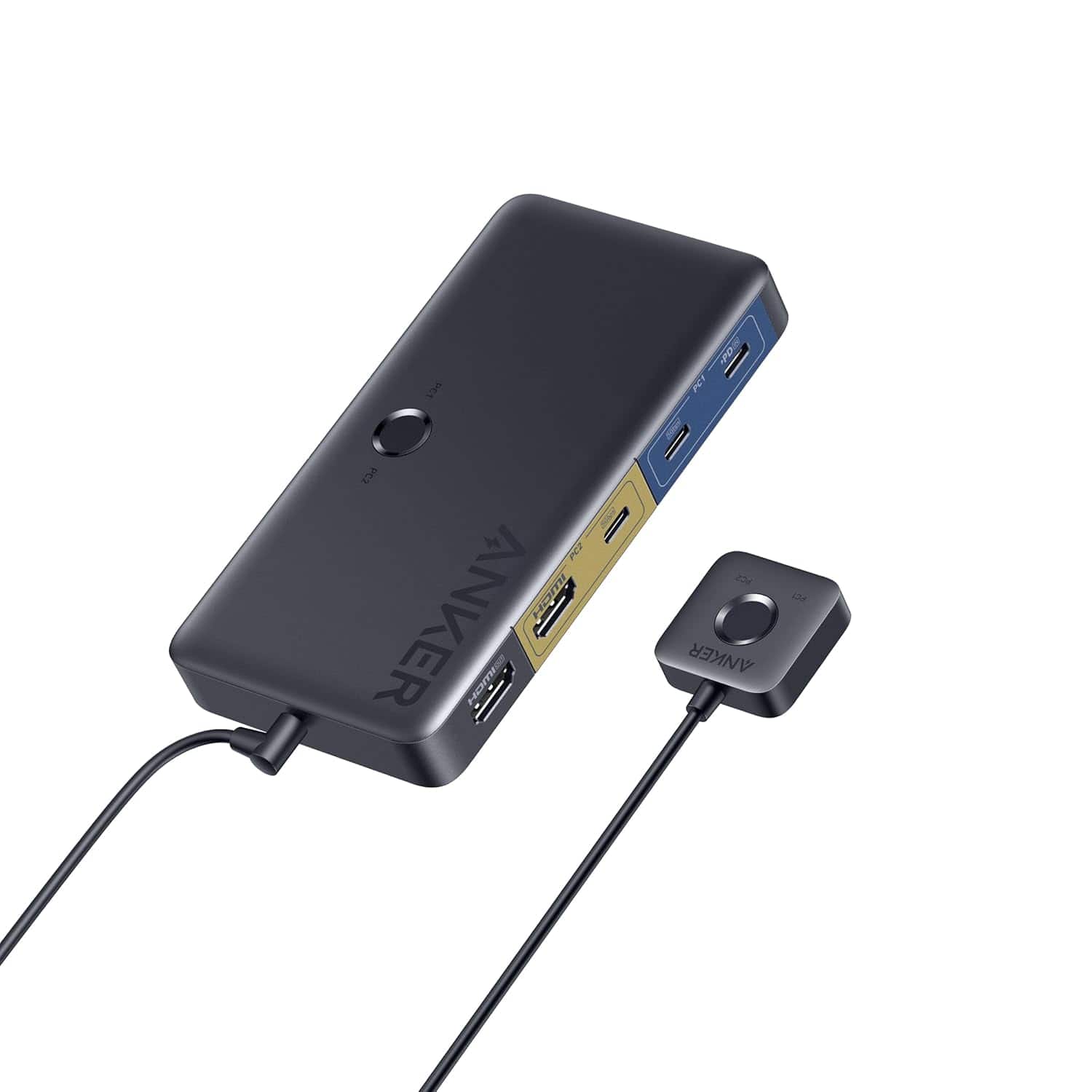
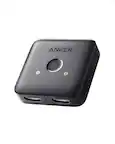
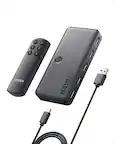
Anker - USB 3.0 HDMI KVM Switch
SKU: JJ858R2SSFSuper utility - Best of All
See all Monitor & Video CablesProduct Description
A versatile KVM switch with 5 USB 3.0 ports, 4K HDMI support, and a magnetic remote button.Your price for this item is $49.99 -
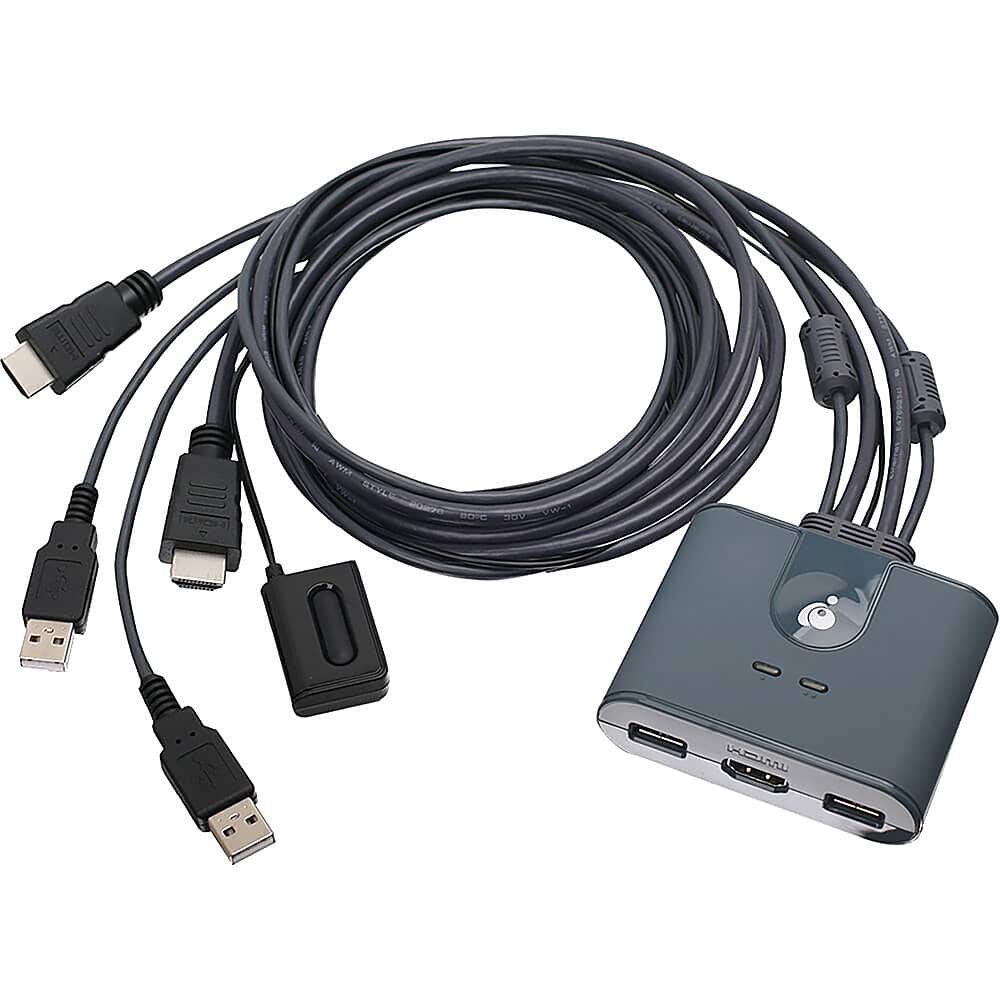
IOGEAR - 2-Port Full HD KVM Switch with HDMI and USB Connections - Gray
SKU: J3KY454L25See all A/V SwitchersProduct Description
A gray plug-and-play switch lets you control two HDMI computers with USB connections and remote selector.Your price for this item is $62.49Save $15The previous price was $77.99 -
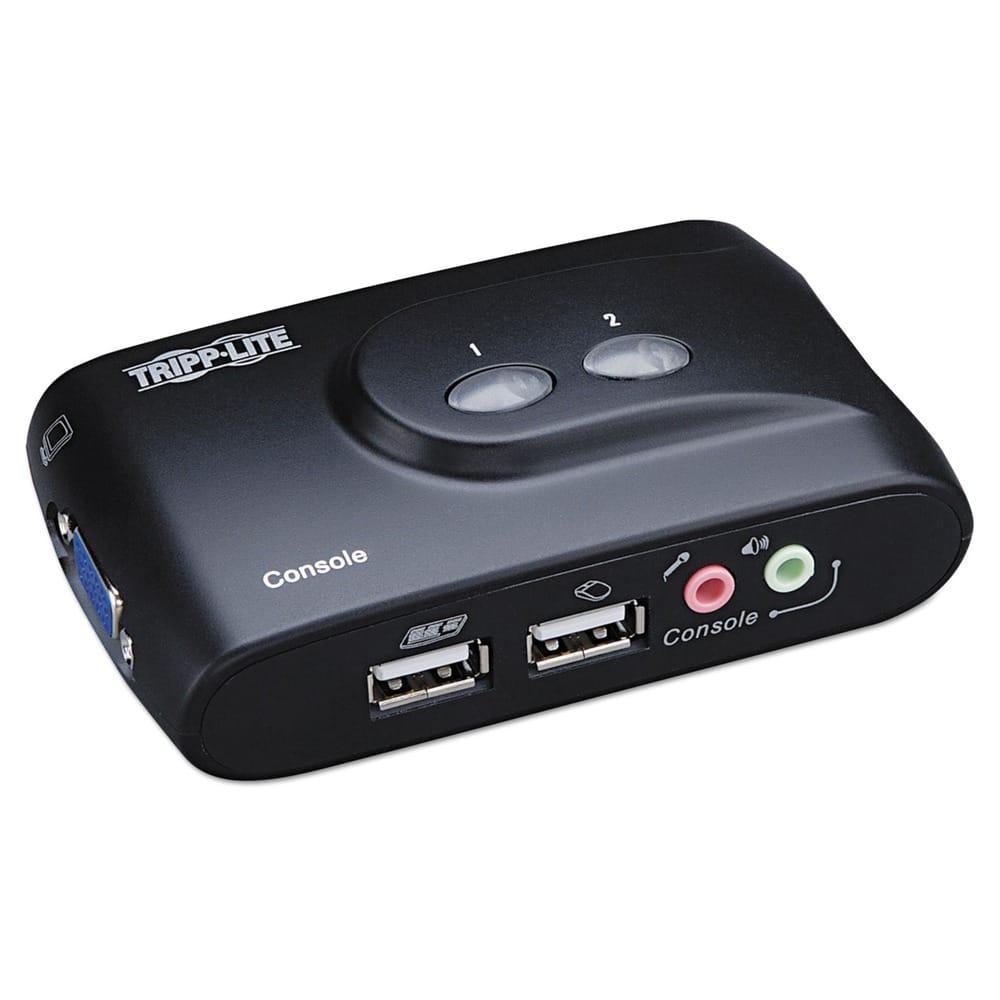
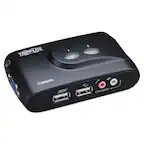
Tripp Lite - B004-VUA2-K-R Compact USB KVM Switch with Audio and Cable - Black
SKU: J78C5Z8VJWWorks great so far.
See all A/V SwitchersProduct Description
A compact black USB KVM switch that lets you control two computers and share audio components easily.Your price for this item is $81.69 -
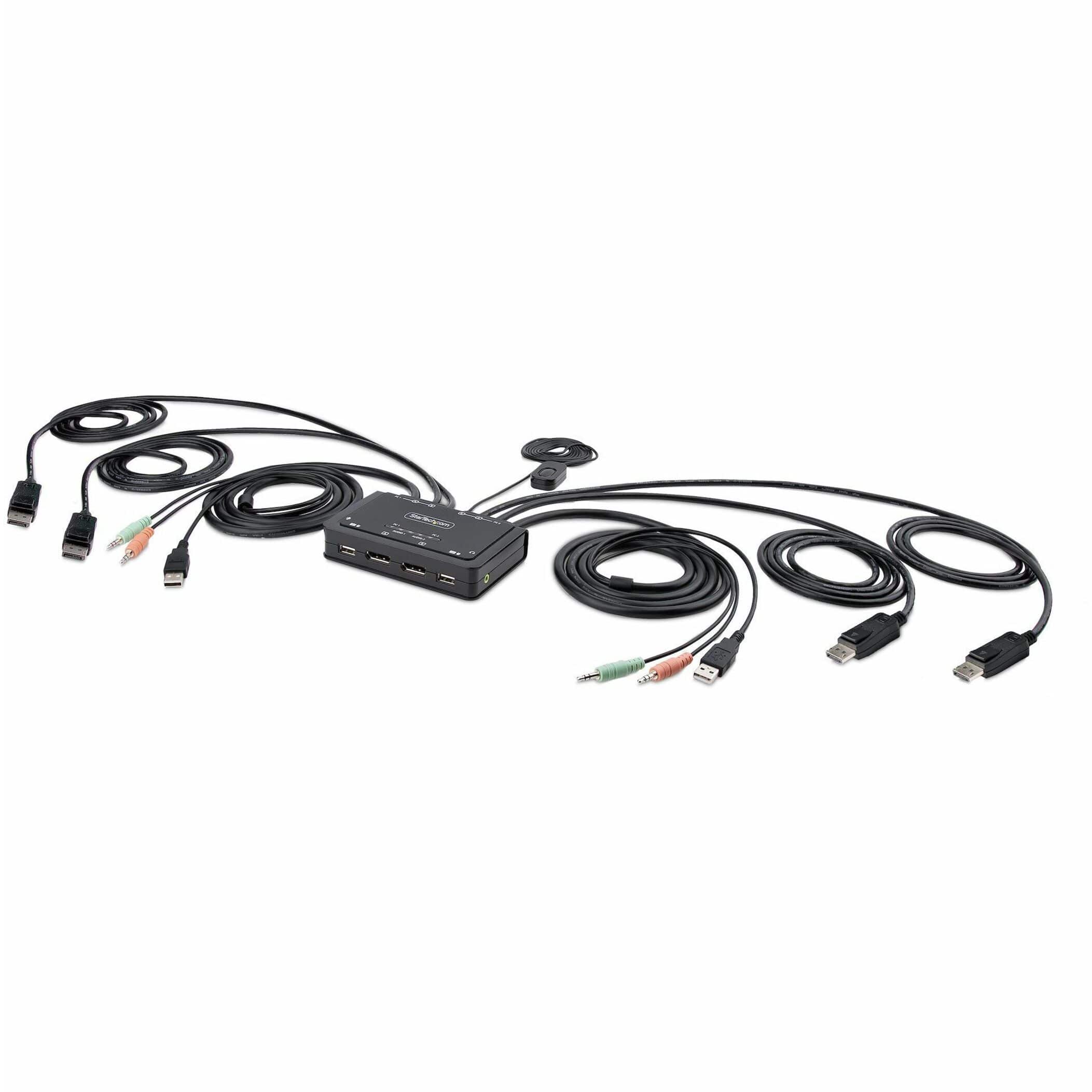
Startech - 2-Port Dual-Monitor DisplayPort Cable KVM Switch
SKU: J7PHYXC6WQSee all Monitor & Video CablesProduct Description
A dual-monitor KVM switch enabling seamless control of two DisplayPort desktops with integrated USB-A connectivity.Your price for this item is $256.53 -
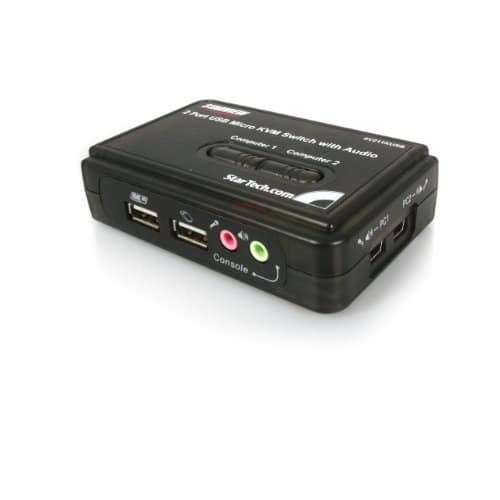
Startech - 2 Port USB KVM Kit with Cables and Audio Switching - Black
SKU: J7PHY259KXSee all A/V SwitchersProduct Description
A black 2-port USB KVM switch with VGA, audio switching, 2048 x 1536 support, USB-powered.Your price for this item is $45.99 -
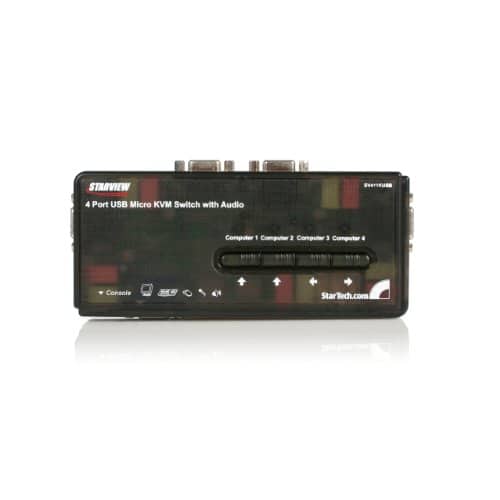
Startech - 4 Port USB KVM Switch Kit with Audio and Cables - Black
SKU: J7PHY25QV3See all A/V SwitchersProduct Description
A black four-port USB KVM switch supporting VGA video, audio, hotkey switching, and included cables.Your price for this item is $104.16 -
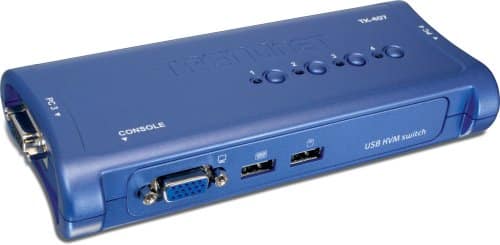
Trendnet - 4-Port USB KVM Switch Kit - Black
SKU: JXHSVY2SZWSee all A/V SwitchersProduct Description
A black four-port USB KVM switch with VGA support, plug-and-play operation, and included detachable cables.Your price for this item is $64.62 -
Aten Technology - 4-Port USB 4K HDMI KVMP Switch [Cables Included] (CS784H) - Black
SKU: JXP3W56QG6See all A/V SwitchersProduct Description
A black 4-port HDMI KVM switch supporting 4K at 60Hz, USB 2.0 sharing, and push-button switching.Your price for this item is $129.36 -
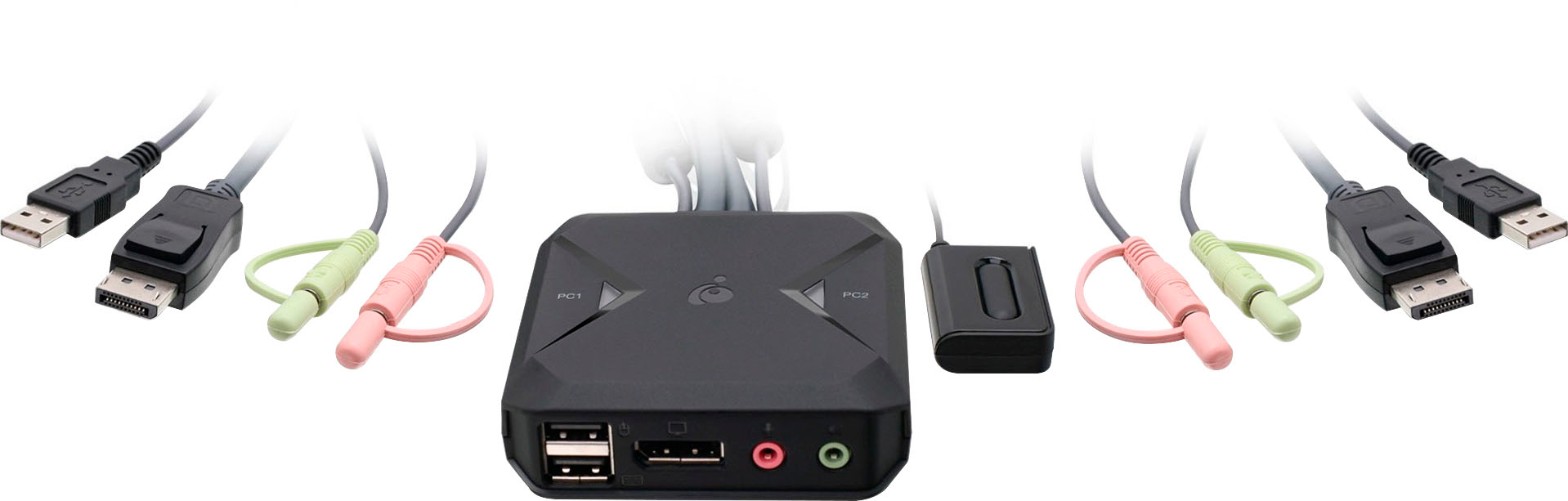
IOGEAR - 2-Port USB DisplayPort Cable KVM Switch - Black
SKU: J3KY454J8SSee all A/V SwitchersProduct Description
A black USB-powered KVM switch that lets you control two DisplayPort computers with one setup.Your price for this item is $83.82Save $40The previous price was $124.34 -
Aten Technology - KVM Switch - 2 Computer(s) - WUXGA - 1920 x 1200 - 6 x USB - 4 x HDMI - Black
SKU: JXP3W5629GSee all A/V SwitchersProduct Description
A black KVM switch supports two computers, WUXGA HDMI, USB peripheral sharing, and independent audio switching.Your price for this item is $94.80
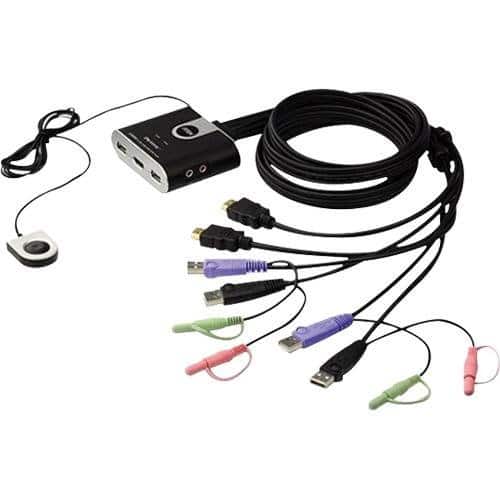
![Aten Technology - 4-Port USB 4K HDMI KVMP Switch [Cables Included] (CS784H) - Black](https://pisces.bbystatic.com/image2/BestBuy_US/images/products/50f25f71-485c-42e1-9bf2-38bd8f1ac6d7.jpg)
Best Sellers

Related Pages





FAQ
A USB KVM switch is a device that allows you to control multiple computers using a single keyboard, video monitor, and mouse. By connecting your computers to the KVM switch, you can easily switch between them without needing separate peripherals for each system.
Yes, most USB KVM switches are compatible with both Windows and Mac computers, allowing you to control different operating systems from one set of peripherals. Always check the product specifications for compatibility details.
Some USB KVM switches are designed to support dual monitor configurations. Look for models that specifically mention multi-monitor or dual-display support if you need to control computers with more than one monitor.
Many USB KVM switches include additional USB ports for peripheral sharing, allowing you to use devices like printers, external drives, or webcams across all connected computers. Check the product features for USB hub support.
Switching between computers on a USB KVM switch can typically be done using a physical button on the device, keyboard hotkeys, or a remote control, depending on the model. Refer to the product manual for specific switching methods.