Wireless Xbox Controllers For PC
-
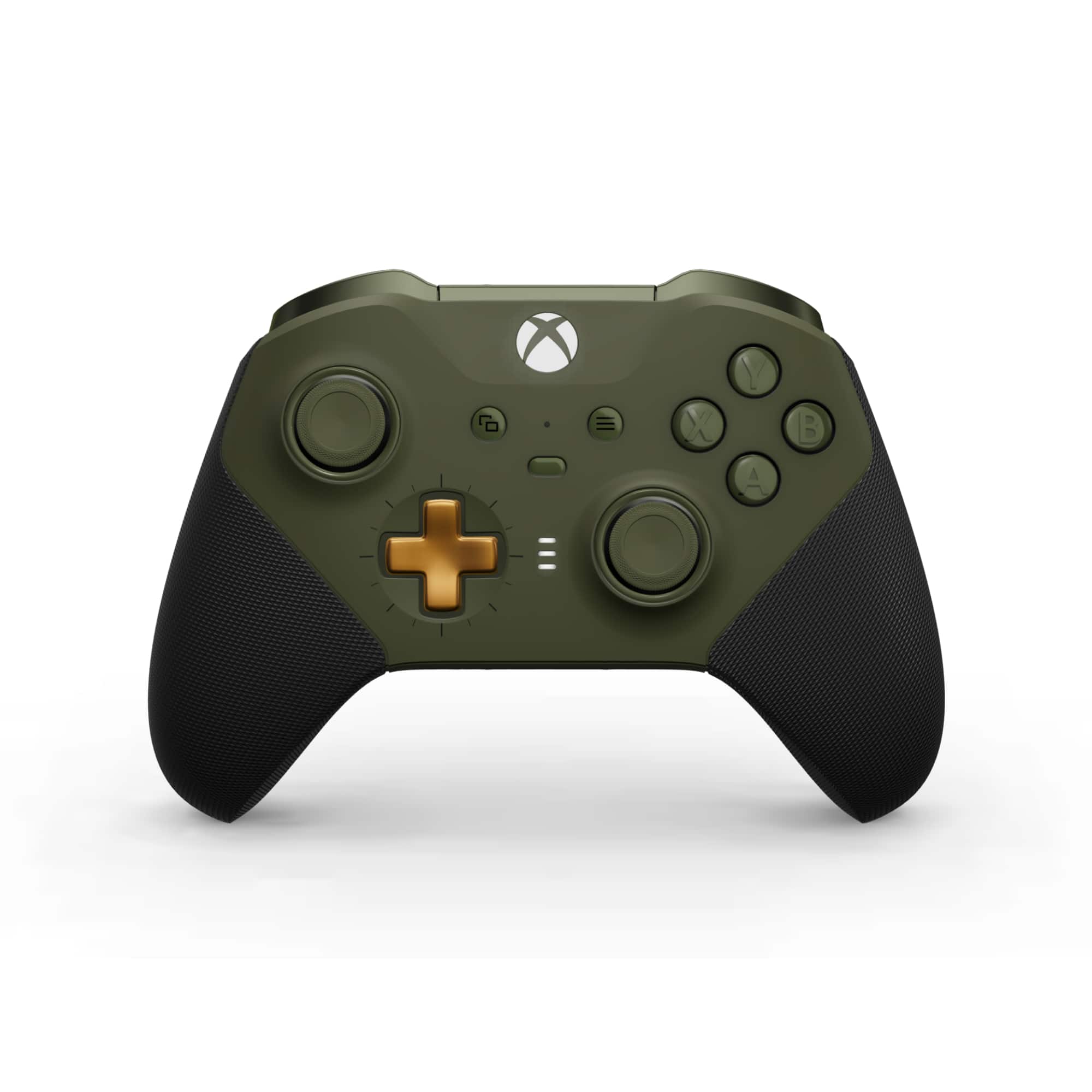
Microsoft - XBOX Elite Series 2 Core Wireless Controller for XBOX Series X, XBOX Series S, XBOX One, PCs, and Cloud-Enabled Devices - Dark Green
SKU: JJGXP3PJCRLove it...Love it just perfect beautiful color and sweet handling great controller...Love the controller color scheme and the way it handles when gaming
See all Gaming ControllersProduct Description
A dark green wireless controller featuring adjustable-tension thumbsticks, rubberized grip, and customizable button mapping.Your price for this item is $149.99 -
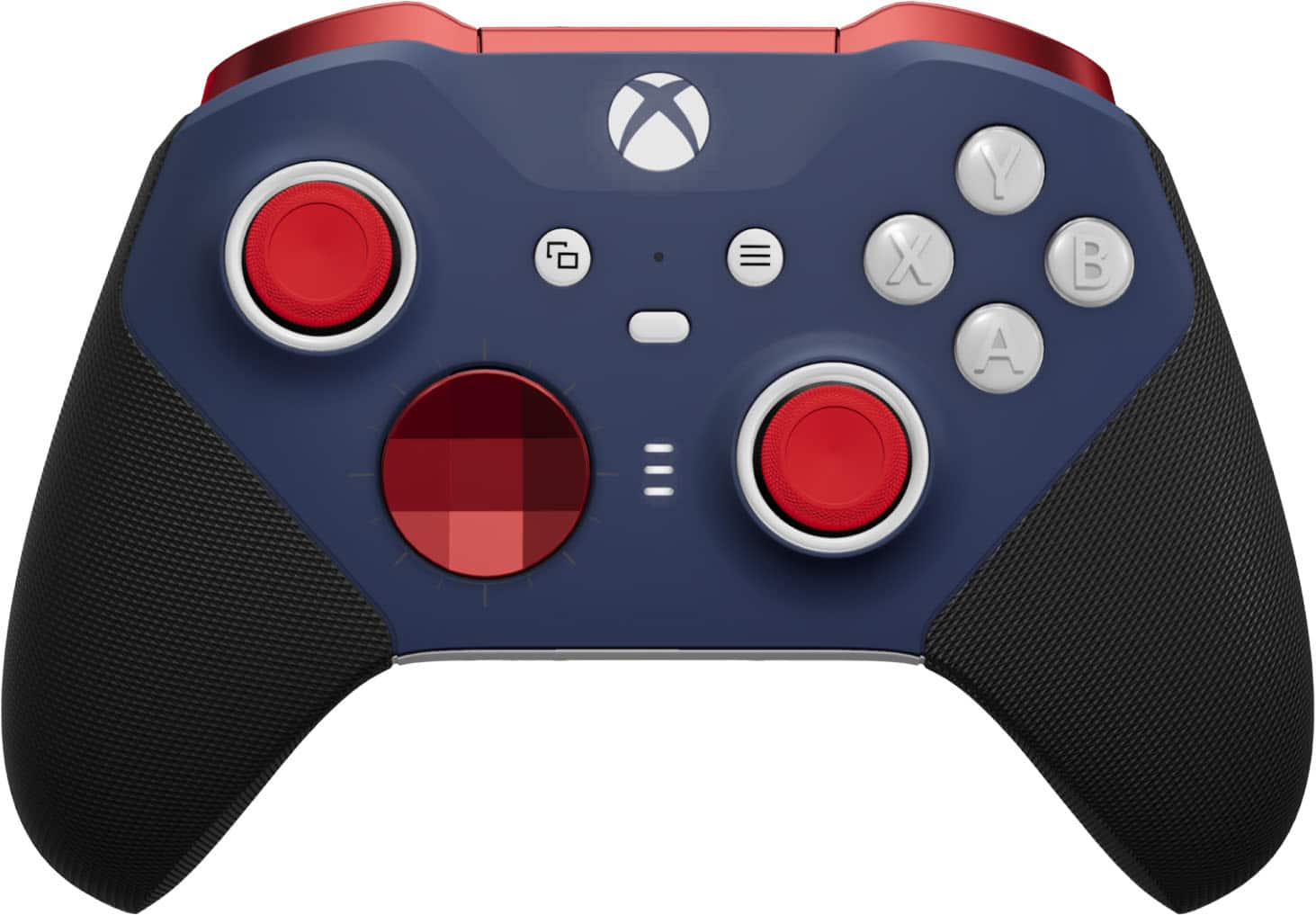
Microsoft - XBOX Elite Series 2 Core Wireless Controller for XBOX Series X, XBOX Series S, XBOX One, PCs, and Cloud-Enabled Devices - Red and Blue
SKU: JJGXP3SCCRGreat time...I love the controller. I play with it everyday. Great product...Best controller...One of the best controllers out there for Xbox and pc
See all Gaming ControllersProduct Description
A high-performance red and blue wireless controller with adjustable-tension thumbsticks, rubberized grip, and customizable profiles.Your price for this item is $149.99 -
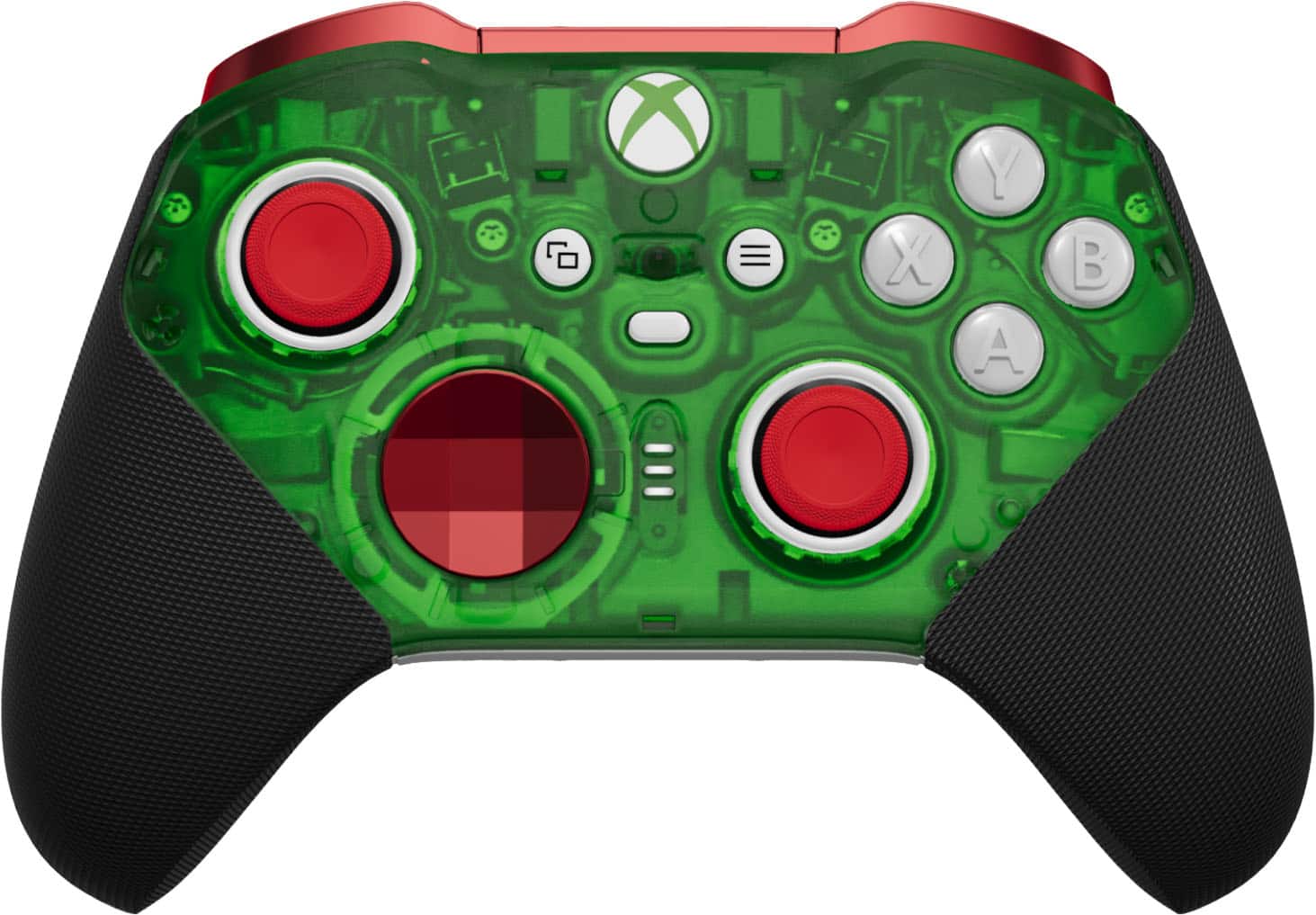
Microsoft - XBOX Elite Series 2 Core Wireless Controller for XBOX Series X, XBOX Series S, XBOX One, PCs, and Cloud-Enabled Devices - Green and Red
SKU: JJGXP3P7V4One of the best colors I ever had.! I love it.! And it’s very comfortable to play.!...Love it....This product is very reliable and looks great.
See all Gaming ControllersProduct Description
A customizable green and red wireless controller with adjustable-tension thumbsticks, rubberized grip, and rechargeable battery.Your price for this item is $149.99 -
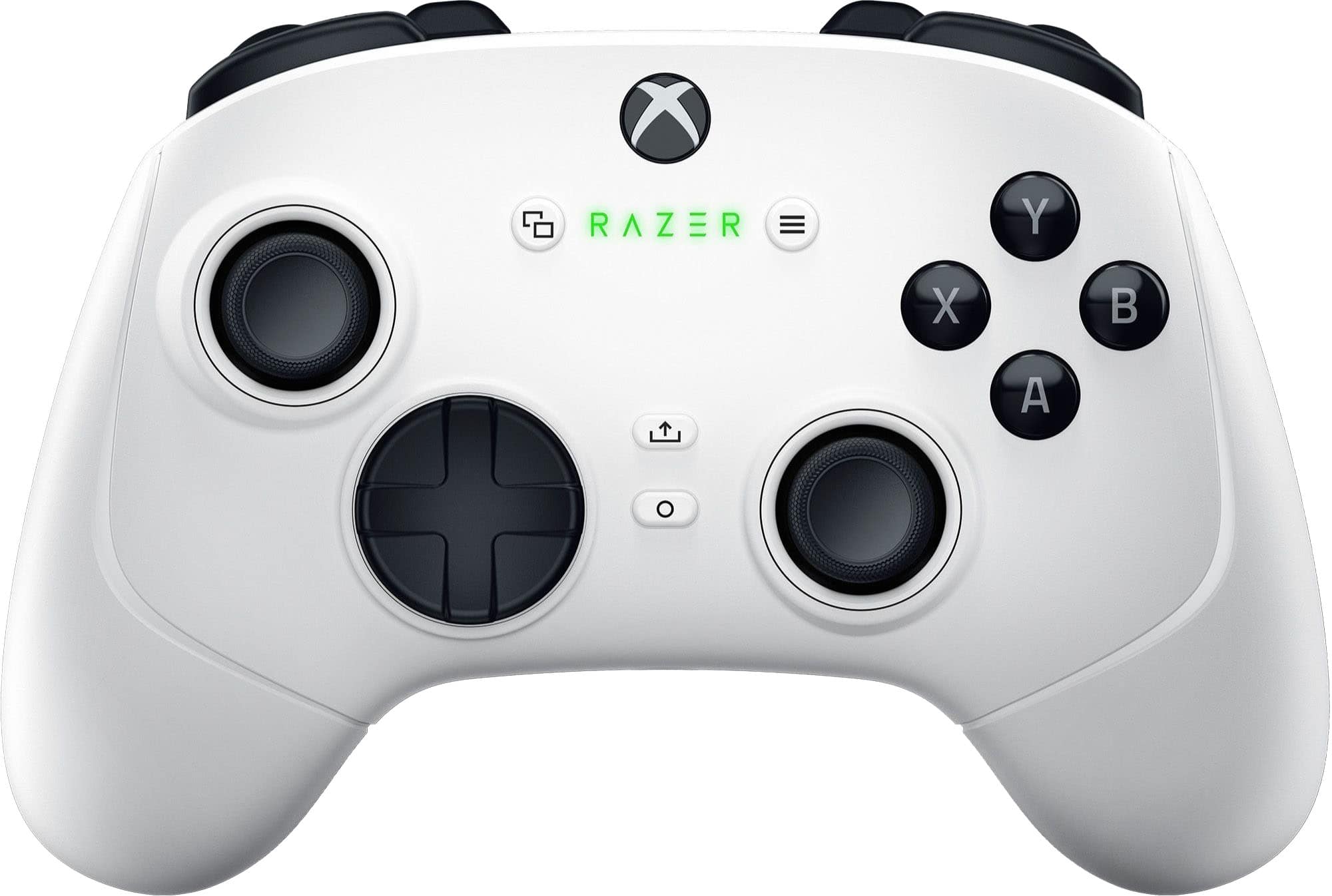
Razer - Wolverine V3 Pro Wireless Gaming Controller with 6 Remappable Buttons, Fast Triggers, Licensed for Xbox Series X|S, PC - White
SKU: J39HWFHWZ9Best controller...My husband said this was the best controller he’s had in a long time....The ergonomics and durability of this controller is great....I love it!
See all Gaming ControllersProduct Description
A wireless white controller with six remappable buttons, fast triggers, and USB-C charging for Xbox and PC.Your price for this item is $199.99 -
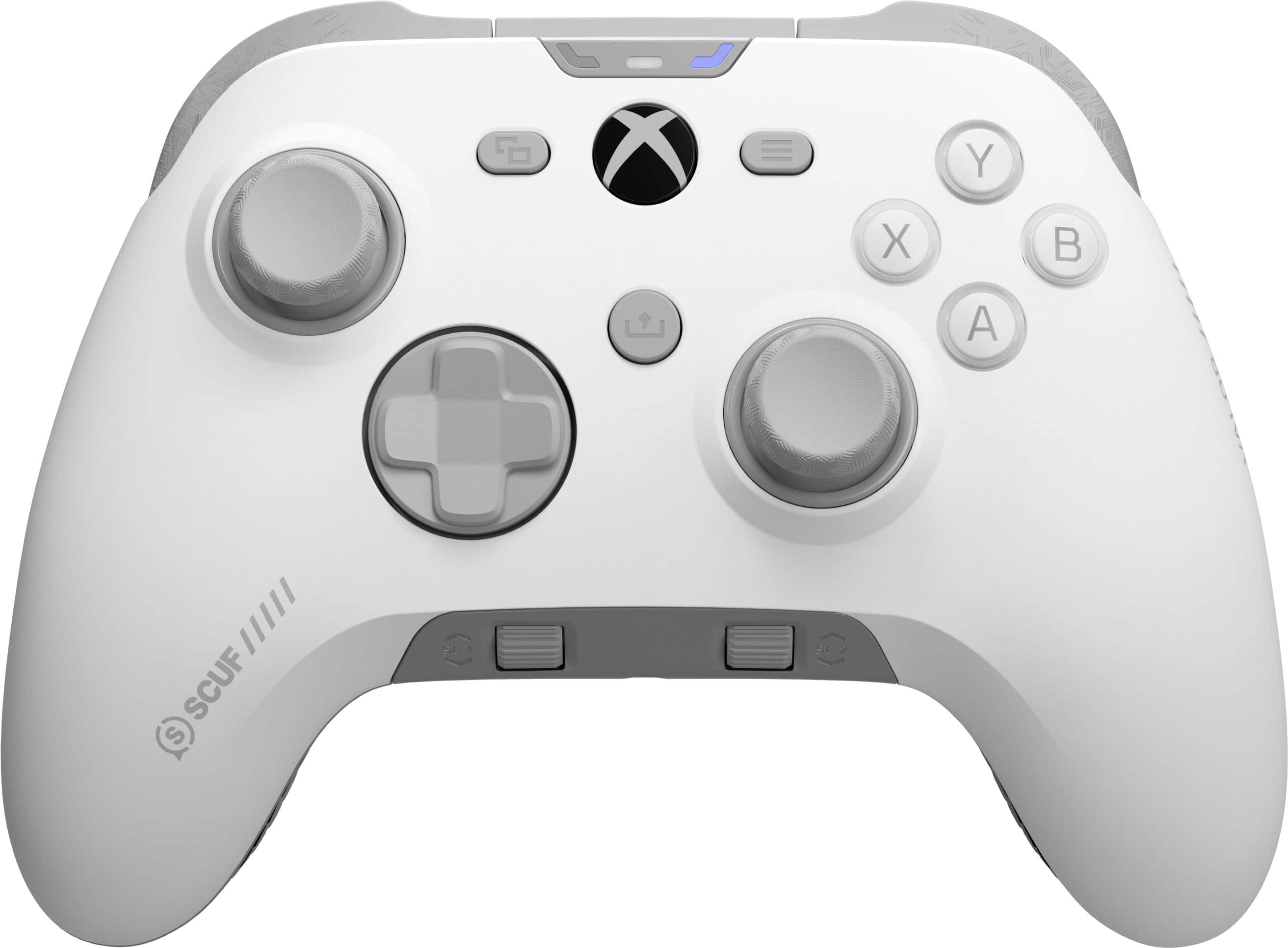
SCUF - VALOR PRO Wireless TMR Performance Controller for Xbox Series X|S, Xbox One and PC - White
SKU: J39T2549R2Great controller...Sticks feel great. Easy to use. Comfortable to hold. Trigger stops much improved.
See all Gaming ControllersProduct Description
A white wireless controller with anti-drift thumbsticks, rear paddles, and customizable settings for Xbox and PC.Your price for this item is $169.99Save $20The previous price was $189.99 -
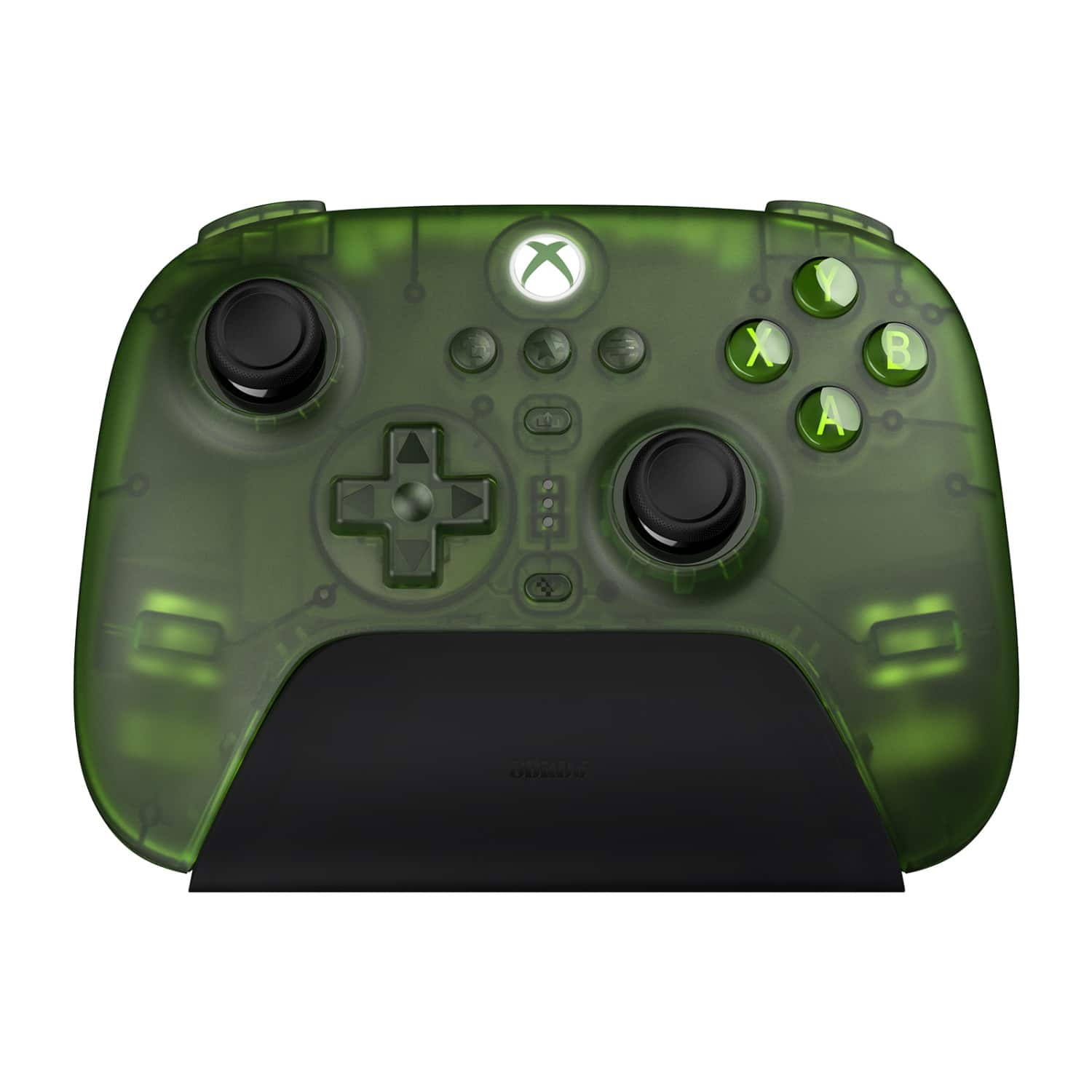
8BitDo - Ultimate 3-Mode Wireless Gaming Controller for Xbox One, Xbox X|S, PC - Transparent Jade
SKU: CZY3JSJS4ZBeen using it all of August and I LOVE THIS CONTROLLER!...I love you 8BItDo haha.
See all Gaming ControllersProduct Description
A versatile transparent jade controller offering wireless and wired modes for Xbox and PC gaming.Your price for this item is $69.99 -
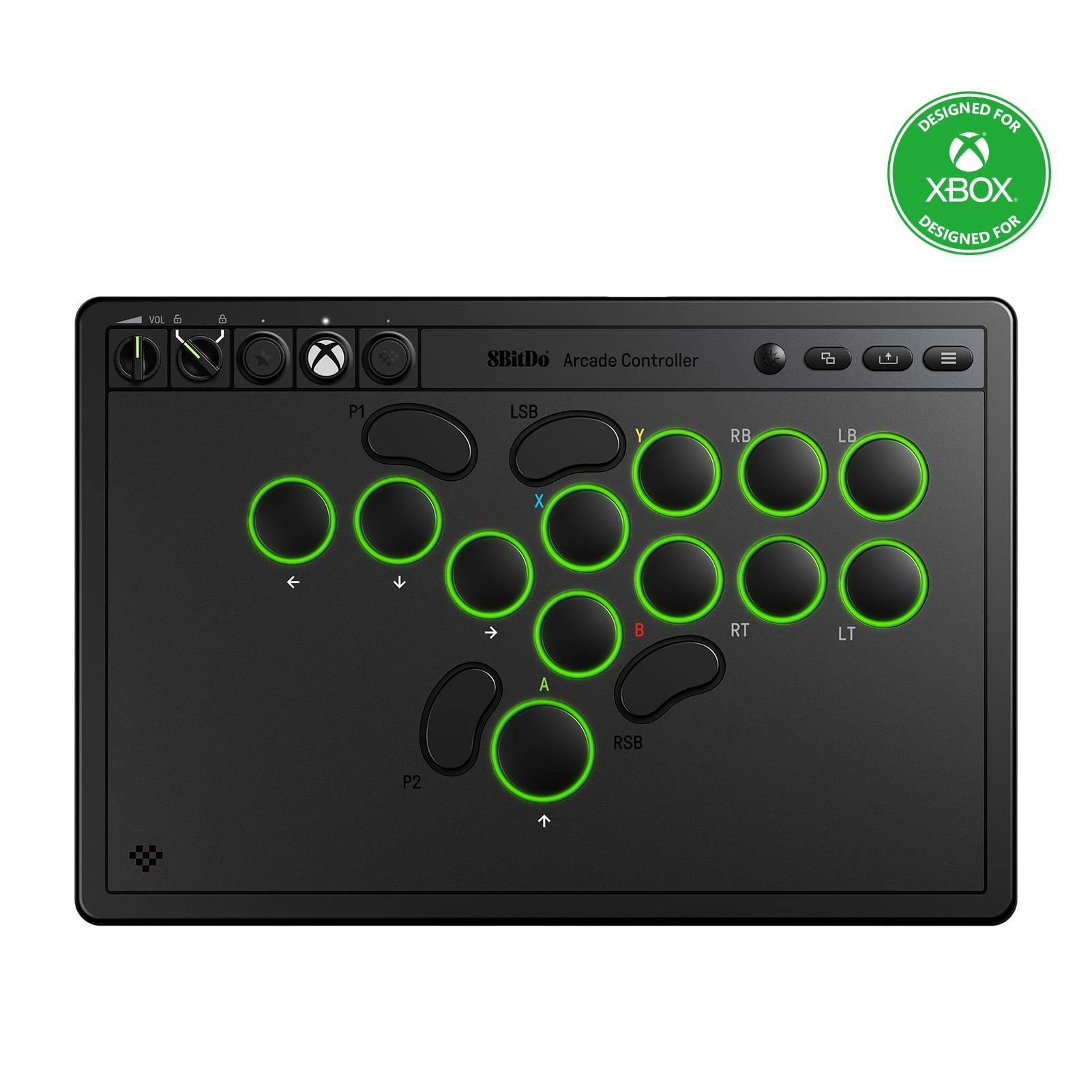
8BitDo - Arcade Wireless Gaming Controller for Xbox One, Xbox X|S, PC - Black
SKU: CZY3JSJS59It’s a solid and great equipment piece for beginners and players that have started moving towards a more...It’s affordable and durable, the battery life is great and the LEDs add your own personalized...
See all Gaming ControllersProduct Description
A retro-inspired black arcade controller offering ultra compatibility with Xbox One, Xbox X|S, and PC.Your price for this item is $99.99 -
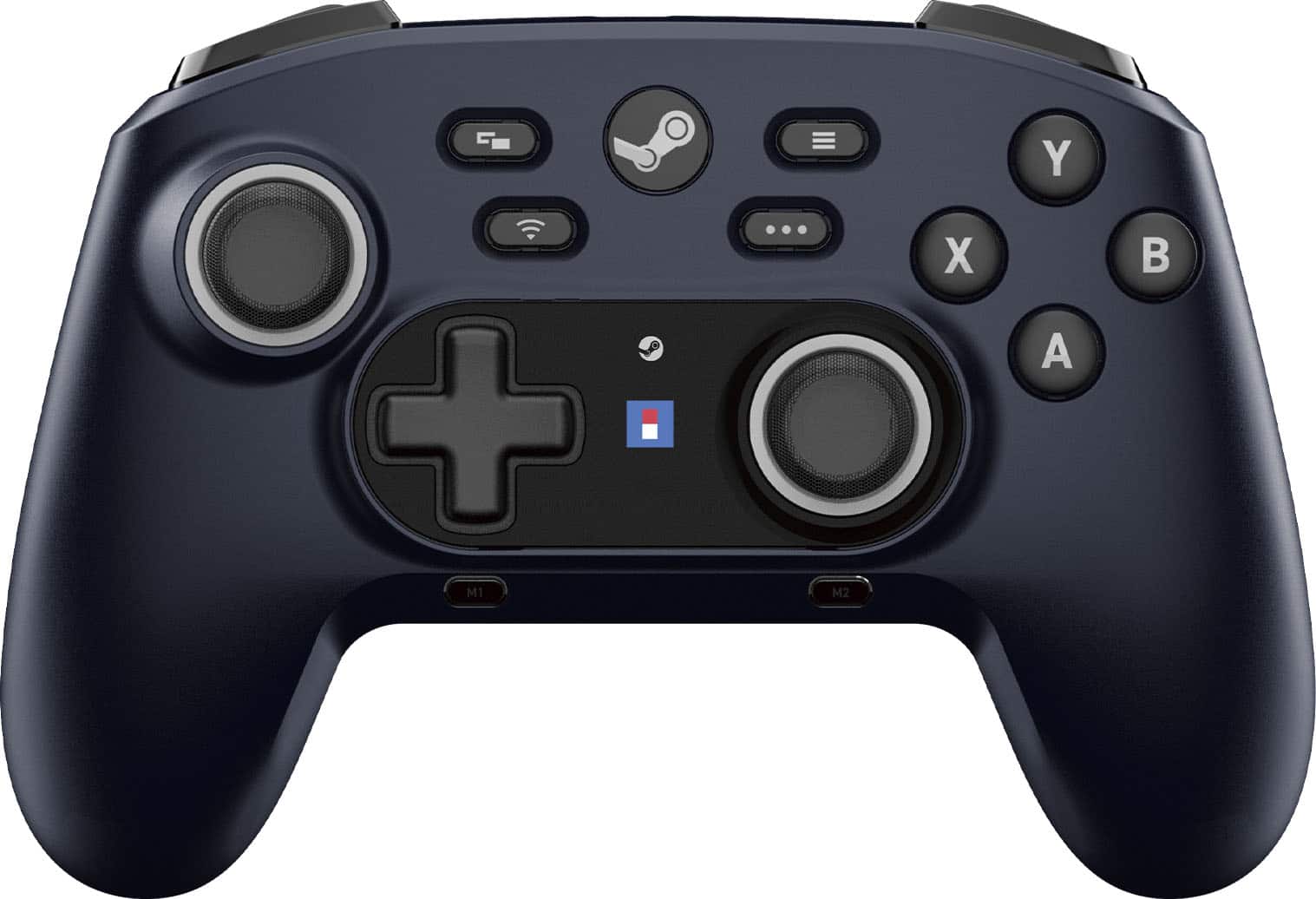
Hori - Wireless HORIPAD for Steam (Midnight - Black
SKU: J3GTV3LPZPFeels good, looks great, integrates with Steam nicely....Feels great.
See all Gaming ControllersProduct Description
A wireless black controller for Steam and Steam Deck featuring gyro sensors, programmable buttons, and Bluetooth connectivity.Your price for this item is $59.99
Best Sellers

Related Pages


FAQ
Most wireless Xbox controllers are compatible with a wide range of PC games, especially those that support controller input. For the best experience, look for games with native Xbox controller support or customizable controller settings.
To connect a wireless Xbox controller to your PC, you can use Bluetooth, a USB-C cable, or the Xbox Wireless Adapter for Windows. Make sure your PC supports Bluetooth or has the necessary adapter for wireless connectivity.
Yes, you can connect multiple wireless Xbox controllers to a single PC, allowing for local multiplayer gaming. The number of controllers supported may depend on your PC's Bluetooth capabilities or the number of available USB ports.
Most modern Windows PCs will automatically recognize and install the necessary drivers for wireless Xbox controllers. For advanced customization, you can download the Xbox Accessories app from the Microsoft Store.
Yes, with the Xbox Accessories app, you can remap buttons, adjust trigger sensitivity, and configure profiles for your wireless Xbox controller on PC, offering a personalized gaming experience.