Xbox TV
-
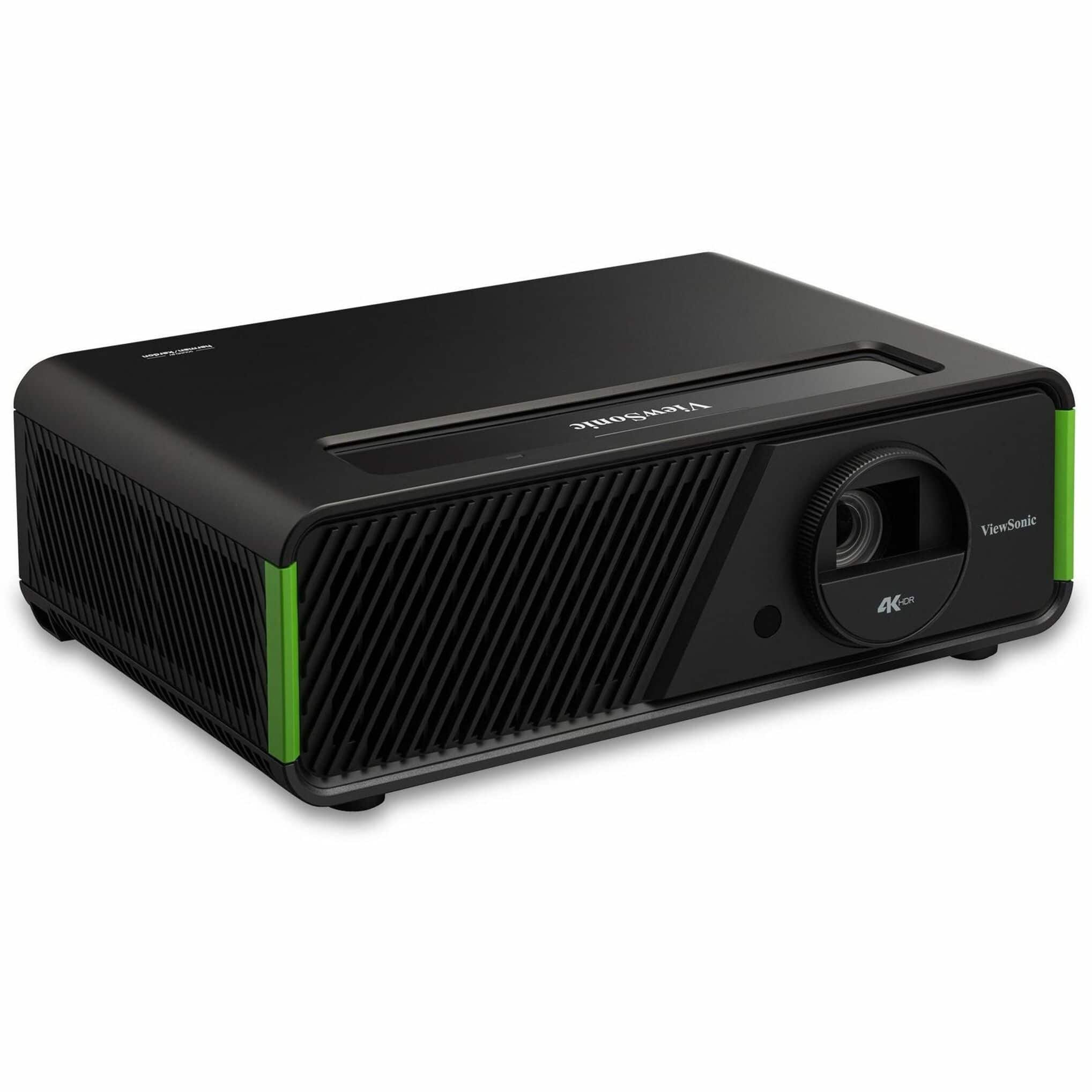
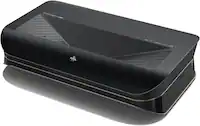
ViewSonic - X1-4KPRO 4K UHD Projector Designed for Xbox with Built-in Google TV and Netflix - Black
SKU: J37H88VK5QSee all Home Theater ProjectorsProduct Description
A black smart LED projector with 4K UHD, Google TV, Netflix, 240Hz refresh rate, and integrated speakers.Your price for this item is $1,549.99 -
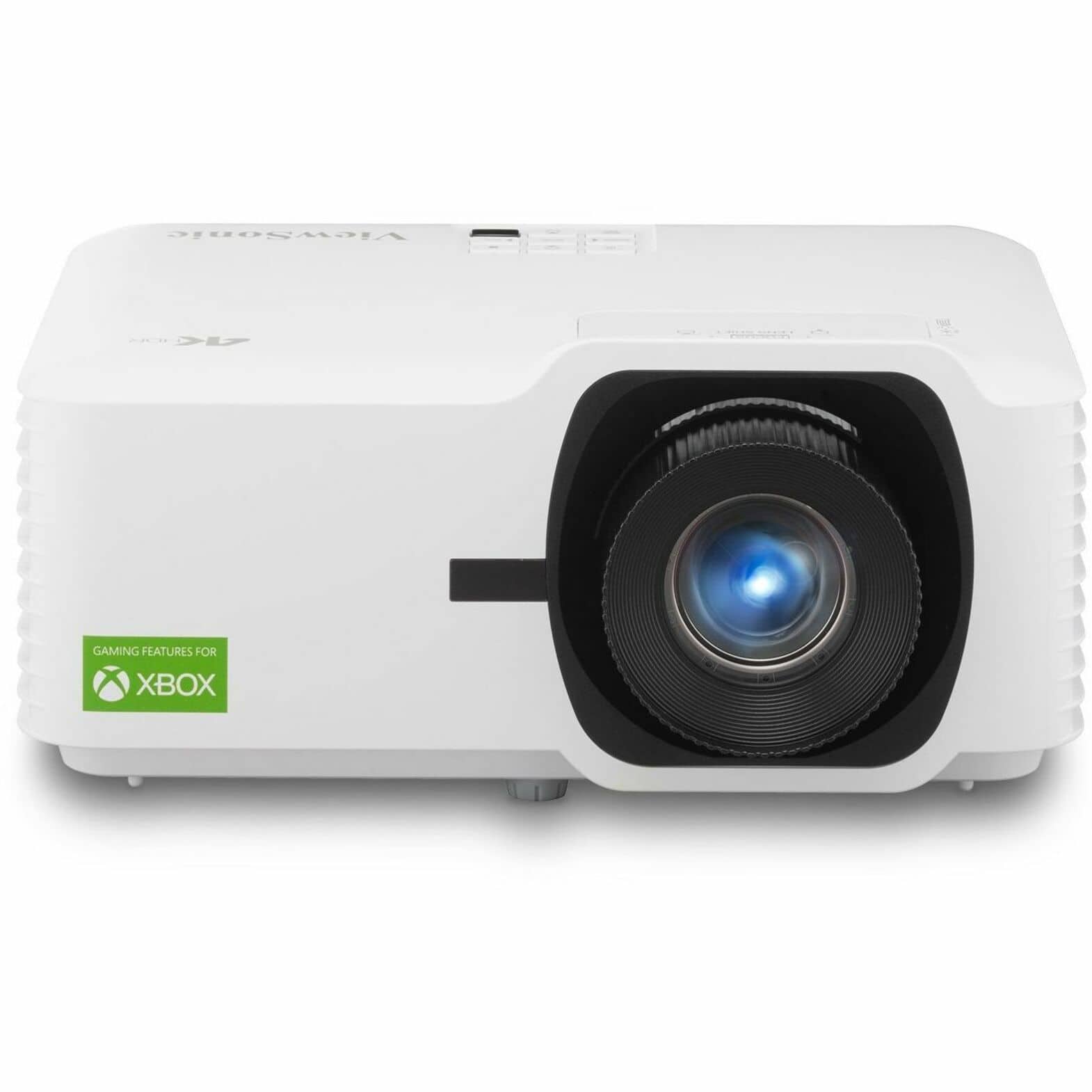
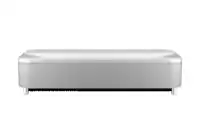
ViewSonic - LX700-4K Designed for Xbox 4K 3500 Lumens Laser Projector - White
SKU: J37H88V6LSSee all Home Theater ProjectorsProduct Description
A white laser projector delivering 4K resolution, 3,500 lumens brightness, and Xbox-optimized high refresh rates.Your price for this item is $1,649.99 -
Costway - Farmhouse TV Stand for TVs up to 65" Media Console Center with Doors Cubbies - Dark Gray + White
SKU: JJGPSHYQTGSee all TV StandsProduct Description
A dark gray and white engineered wood media console with doors, cubbies, and cable management holes.Your price for this item is $144.99

Best Sellers


Related Pages







FAQ
When choosing a TV for Xbox gaming, look for features like low input lag, high refresh rates (such as 120Hz), HDMI 2.1 support, and 4K resolution for the best gaming experience. Additional features like Variable Refresh Rate (VRR) and Auto Low Latency Mode (ALLM) can further enhance gameplay.
Yes, many modern TVs support features designed for Xbox Series X and Series S, including 4K resolution at 120Hz, HDR10, and HDMI 2.1 connectivity. These features help you get the most out of the latest Xbox consoles.
To connect your Xbox to a TV, use an HDMI cable to link the Xbox’s HDMI OUT port to one of the TV’s HDMI IN ports. Make sure to select the correct HDMI input on your TV to see the Xbox display.
Game Mode is a TV setting that optimizes the display for gaming by reducing input lag and enhancing responsiveness. It’s recommended to enable Game Mode when playing Xbox to ensure smoother gameplay and quicker reaction times.
Yes, most smart TVs allow you to switch between gaming and smart features like streaming apps. You can easily toggle between your Xbox and TV apps using your remote or TV’s menu settings.