Zoom Webcams
-
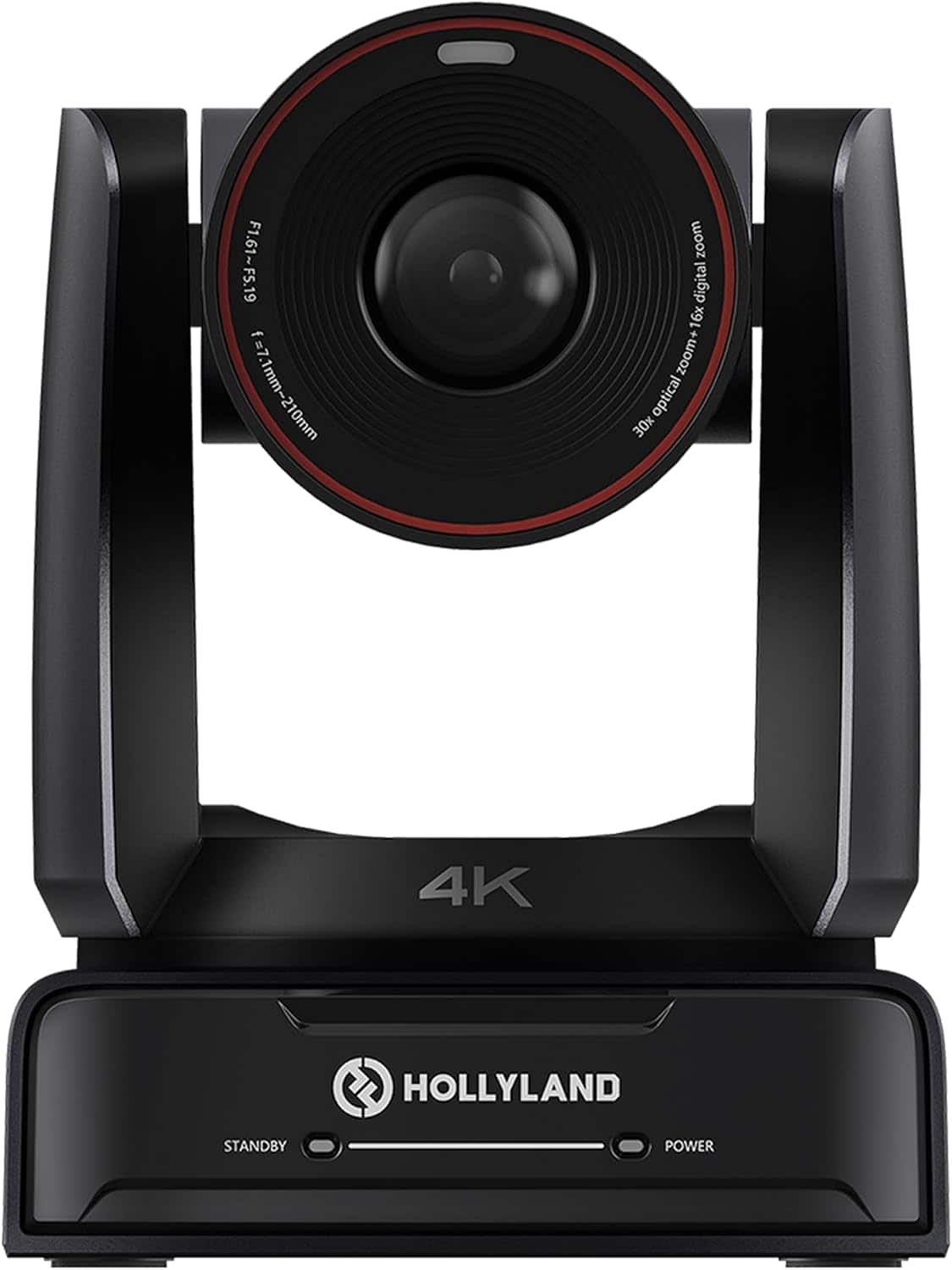
HOLLYLAND - Astra P1 Pan-Tilt-Zoom Camera UHD 4K60 Webcam AI Auto-Tracking
SKU: JJ8Y39QHKYSee all WebcamsProduct Description
An advanced UHD 4K60 PTZ webcam with 30x optical zoom, AI auto-tracking, and face-detection AE.Your price for this item is $1,999.00 -
EMEET - C63E Dual 4K Webcam 11X Zoom PDAF Remote Control USB-C USB-A - Black
SKU: CZTXRVRSTKSee all WebcamsProduct Description
A black dual-lens webcam delivering 4K video, 11X zoom, PDAF autofocus, dual microphones, and remote control.Your price for this item is $69.99 -
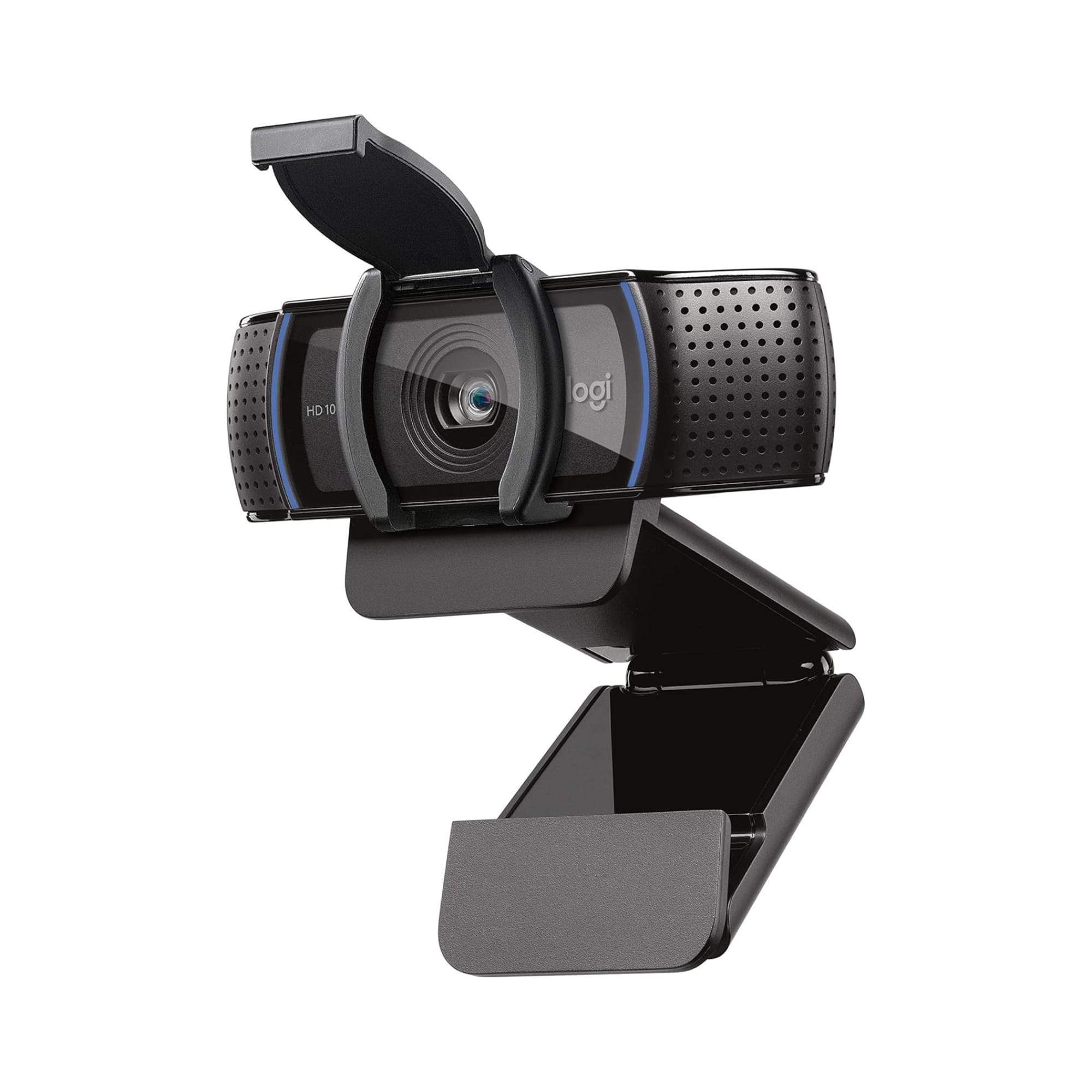
Logitech - C920e HD 1080p Mic-Enabled Webcam, Certified for Zoom, Microsoft Teams compatible, TAA Compliant - Black
SKU: J7H7ZY8JS2works great and clear for the google meets and zooms
See all WebcamsProduct Description
A black HD webcam with 1080p resolution, autofocus, dual microphones, and compatibility with Zoom and Teams.Your price for this item is $69.99 -
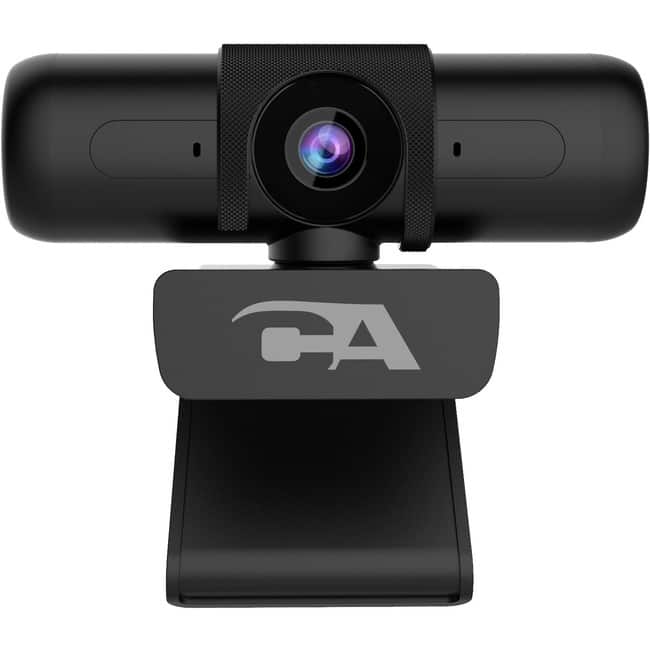
Cyber Acoustics - 1080P 5MP SUPER HD WEB-CAM ZOOM CERT. DUAL OMNI DIRECT MICS
SKU: JX35WHCGK3See all WebcamsProduct Description
A Zoom-certified webcam with 5MP Super HD, dual omni-directional mics, autofocus, and privacy shutter.Your price for this item is $63.72Save $3The previous price was $66.91 -
Dell - WB5023 Webcam - 60 fps, 2560x1440, CMOS, Auto-focus, 4x Zoom, Microphone
SKU: J3K4L6JWVSSee all WebcamsProduct Description
A black webcam with 2K resolution, 60 fps, auto-focus, 4x digital zoom, and built-in microphone.Your price for this item is $112.92Save $4The previous price was $117.53 -
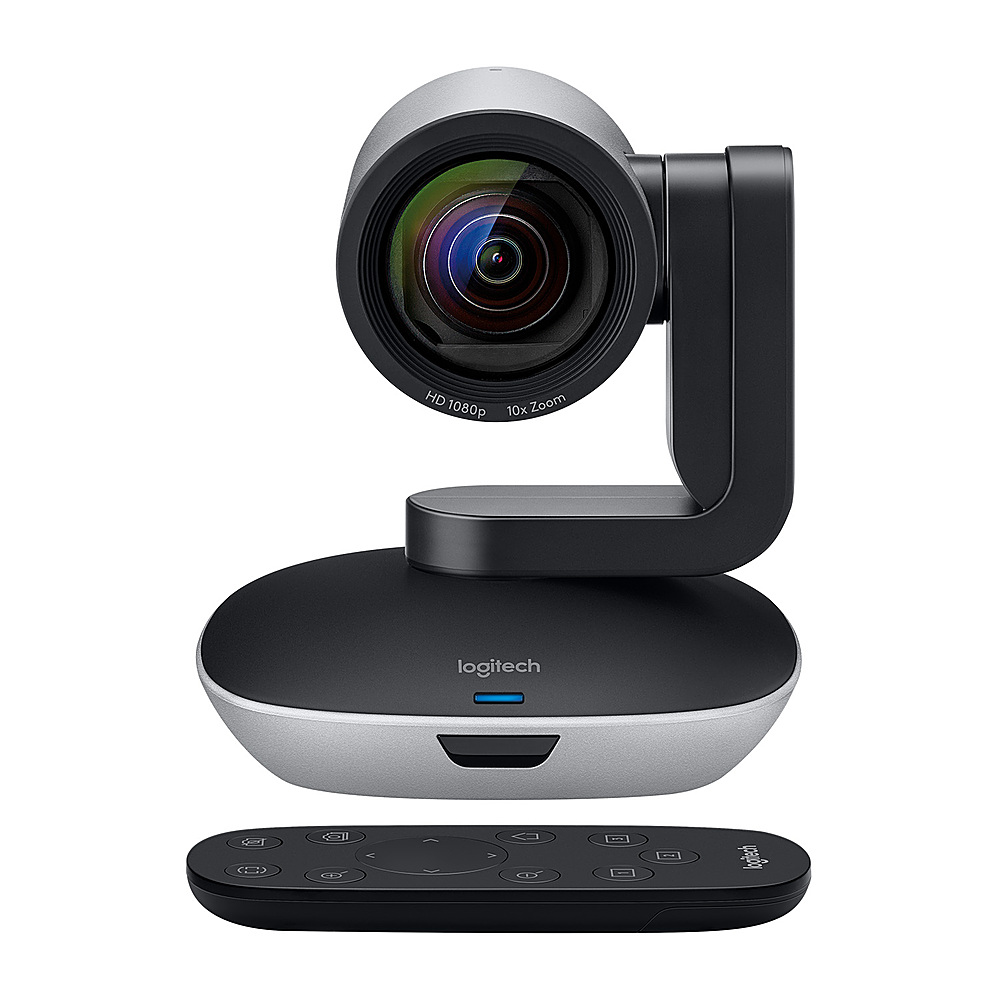
Logitech - PTZ Pro 2 HD 1080p Video Camera with Enhanced Pan/Tilt and Zoom - Black
SKU: J7H7ZY23XVSee all WebcamsProduct Description
A black HD video camera offering Full HD 1080p resolution, enhanced pan/tilt/zoom, and plug-and-play autofocus.Your price for this item is $599.00 -
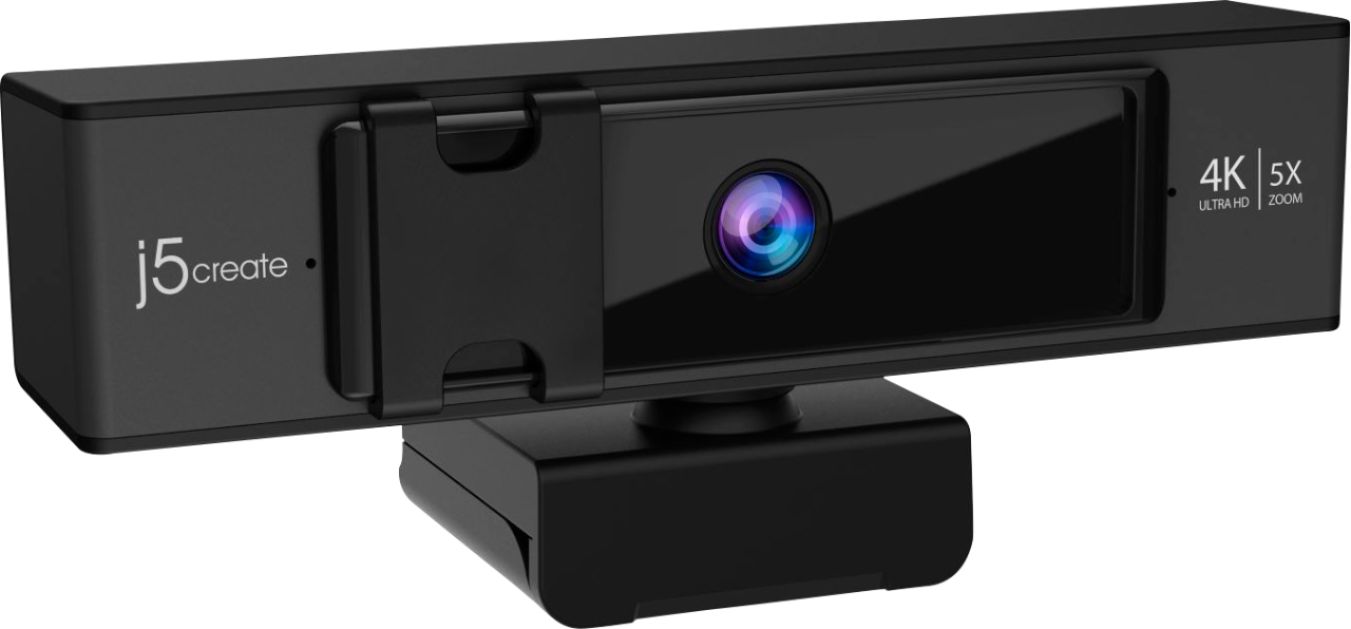
j5create - USB 2160 (4K) Webcam with 5x Digital Zoom Remote Control - Black
SKU: J36445RL8CSee all WebcamsProduct Description
A black 4K UHD webcam with ePTZ remote control, built-in microphone, and plug-and-play setup.Your price for this item is $79.99 -
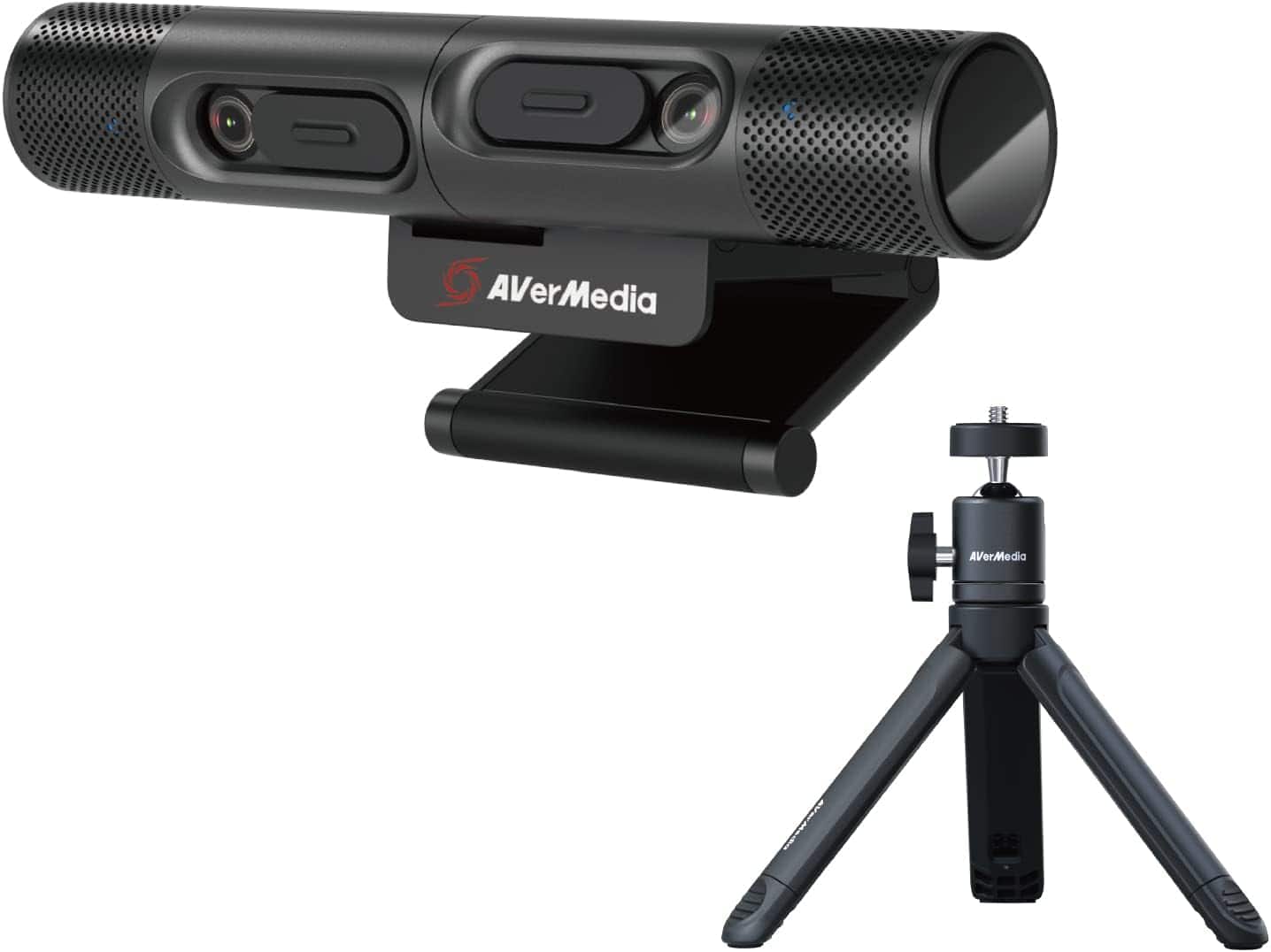
AVerMedia - PW313D DualCam, Two Autofocus Cameras in 2K30fps and 1080p30fps,Works with Zoom, Teams, Skype, Includes Tripod
SKU: J33LS6K5RKSee all WebcamsProduct Description
A dual-lens webcam with 2K and 1080p autofocus cameras, built-in microphone, and included tripod.Your price for this item is $150.26 -
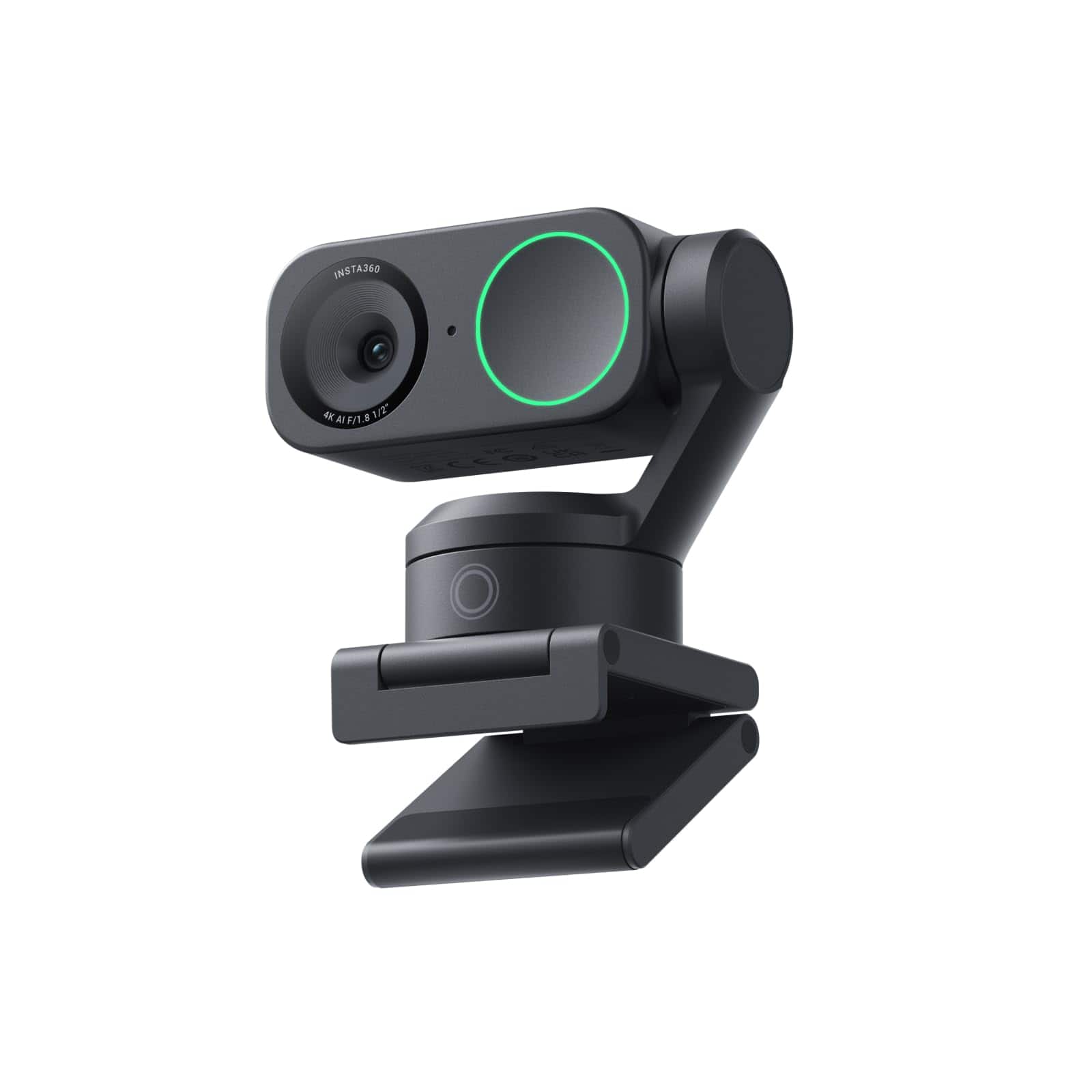
Insta360 - Link 2 PTZ 4K Webcam for Conferencing, Gaming & Streaming, 1/2" Sensor, AI Tracking, works w/ Zoom, Teams, Twitch & more - Black
SKU: J39VLTZFXPBest Webcam!...Great image quality, and in my opinion, outshines some pretty high-end Logitech webcams....Absolutley love it!...This is the best investment I have ever made, I love the noise canceling...
See all WebcamsProduct Description
An AI-powered 4K UHD webcam in black with autofocus, built-in microphone, and seamless Windows/macOS compatibility.Your price for this item is $149.99Save $50The previous price was $199.99 -
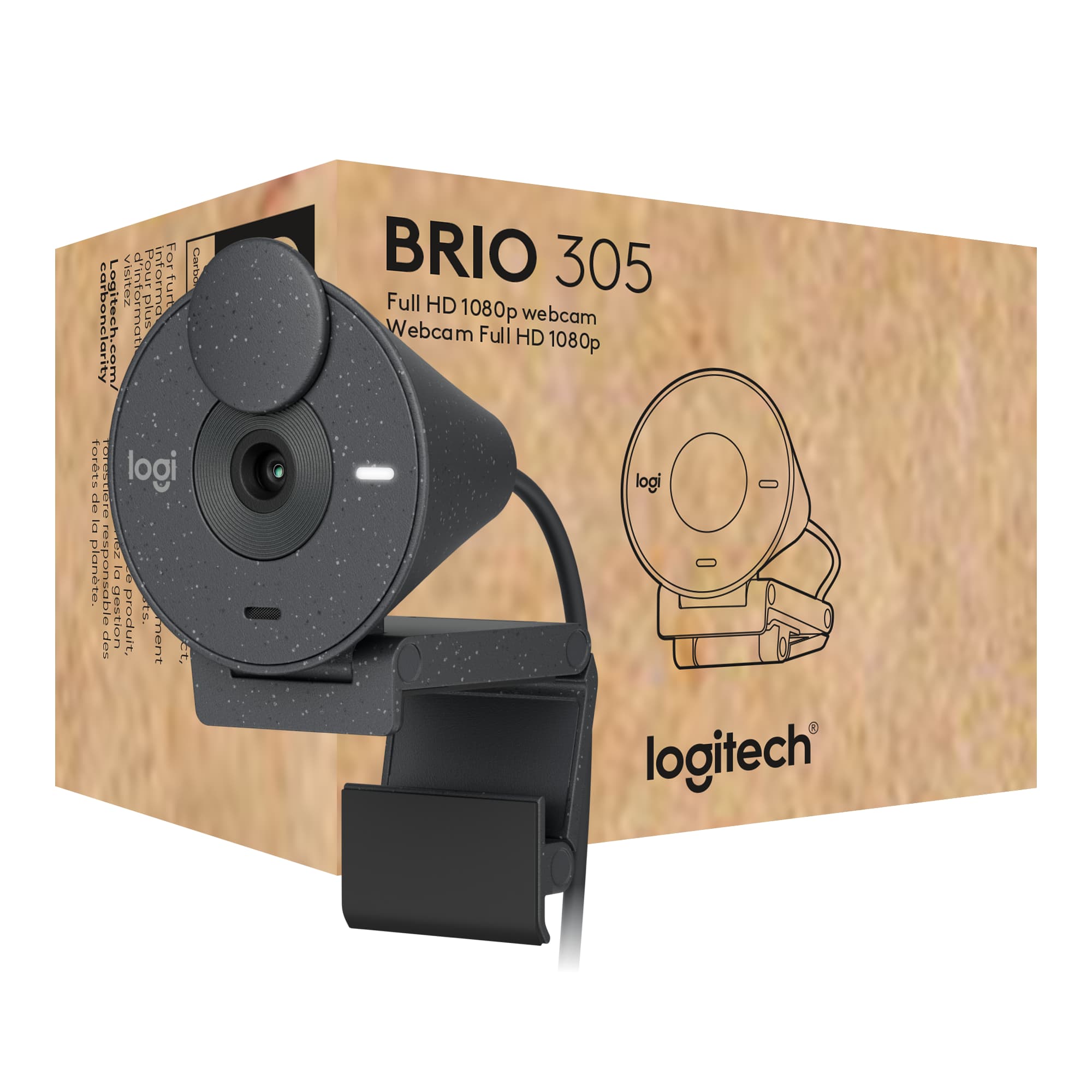
Logitech - Brio 305 Full HD 1080P Webcam with Privacy Shutter, works with Zoom, Microsoft Teams, Google Meet - Graphite
SKU: J7H7ZY8RC8See all WebcamsProduct Description
A graphite webcam with 1080p resolution, privacy shutter, auto light correction, and noise-reducing microphone.Your price for this item is $55.99Save $4The previous price was $59.99

Best Sellers

Related Pages

FAQ
When choosing a webcam for Zoom meetings, look for features such as high resolution (at least 1080p), autofocus, built-in microphones with noise reduction, wide field of view, and compatibility with your operating system to ensure clear video and audio during calls.
Yes, most plug-and-play webcams are compatible with Zoom. Simply connect the webcam to your computer via USB, and Zoom should automatically detect it as a video input device.
Yes, you can use an external webcam even if your laptop has a built-in camera. In Zoom, you can select your preferred camera from the video settings menu.
Webcams with built-in microphones can provide good audio quality for online meetings. However, for the best sound, consider using a dedicated external microphone or headset, especially in noisy environments.
To set up your new webcam for Zoom, connect it to your computer, install any necessary drivers, and open Zoom. Go to Settings > Video, then select your webcam from the camera dropdown menu. You can also test your video and audio before joining a meeting.