Conference Webcams
-
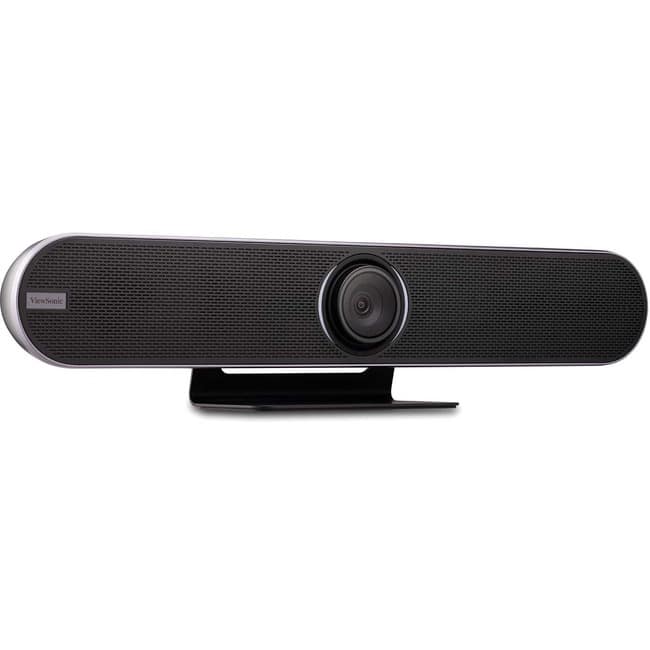
ViewSonic - VB-CAM-201 Video Conferencing Camera - 8.5 Megapixel - USB 3.0 - VB-CAM-201 Video Conferencing Camera - 8.5
SKU: J37H88FTSYSee all WebcamsProduct Description
A 4K Ultra HD conferencing camera with 120° wide-angle lens, voice tracking, and noise-canceling microphones.Your price for this item is $1,099.00 -
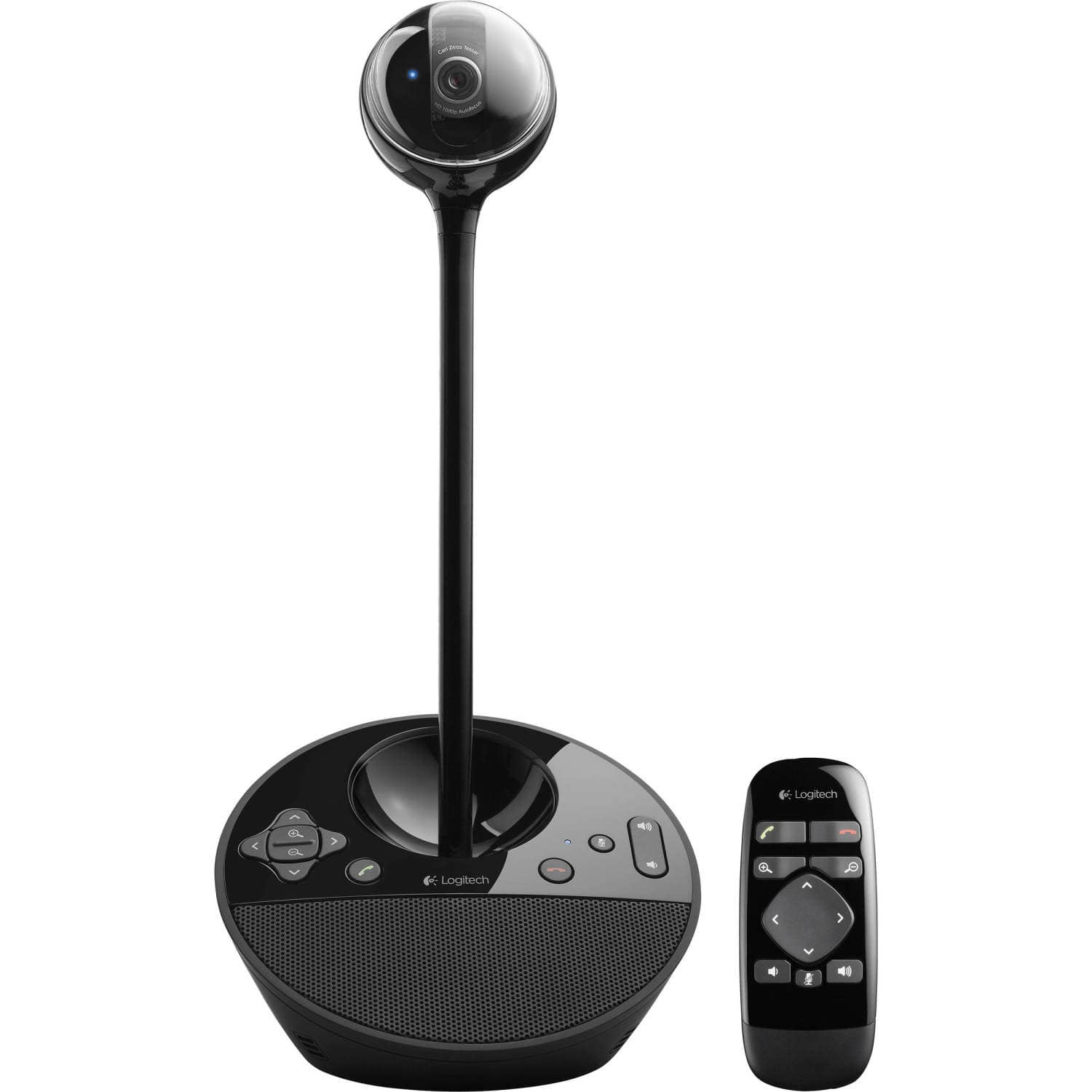
Logitech - BCC950 Video Conferencing Camera for Business - Black
SKU: J7H7ZY7HRVGreat sound, I like that the camera is removable. No battery to die....Remote is great when you don’t want to stay pinned to my desk.
See all WebcamsProduct Description
An all-in-one black video conferencing system with Full HD 1080p, autofocus, and built-in microphone.Your price for this item is $256.83Save $21The previous price was $277.99 -
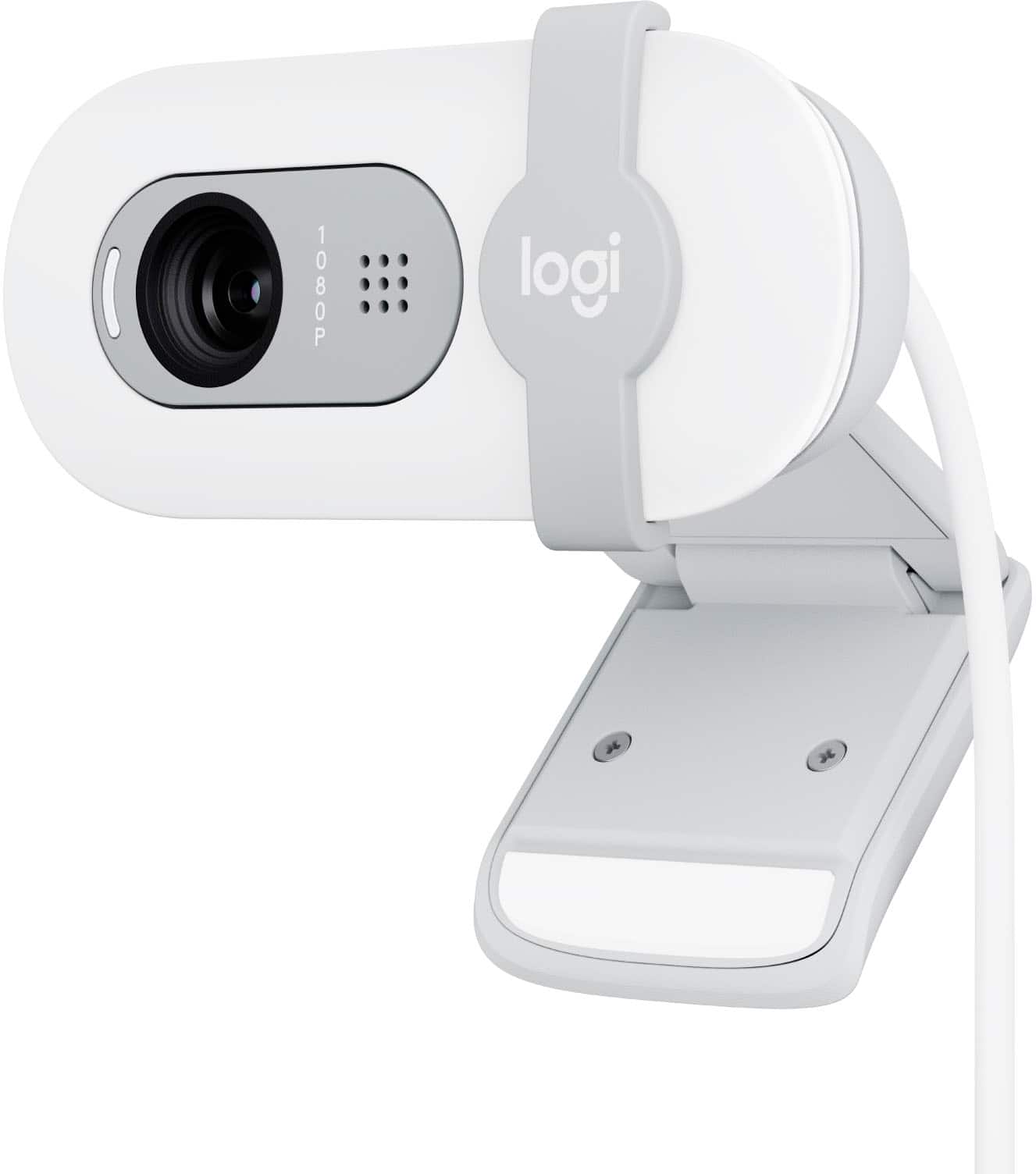
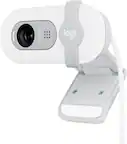
Logitech - Brio 100 1080p Full HD Webcam for Meetings and Streaming - Off-White
SKU: J7H7ZYGJZ7Excellent product for best price....I always love to buy products from Best Buy....Great value and function for the money. Love the color.
See all WebcamsProduct Description
An off-white Full HD 1080p webcam with auto-light balance, built-in microphone, and integrated privacy shutter.Your price for this item is $24.99Save $15The previous price was $39.99 -
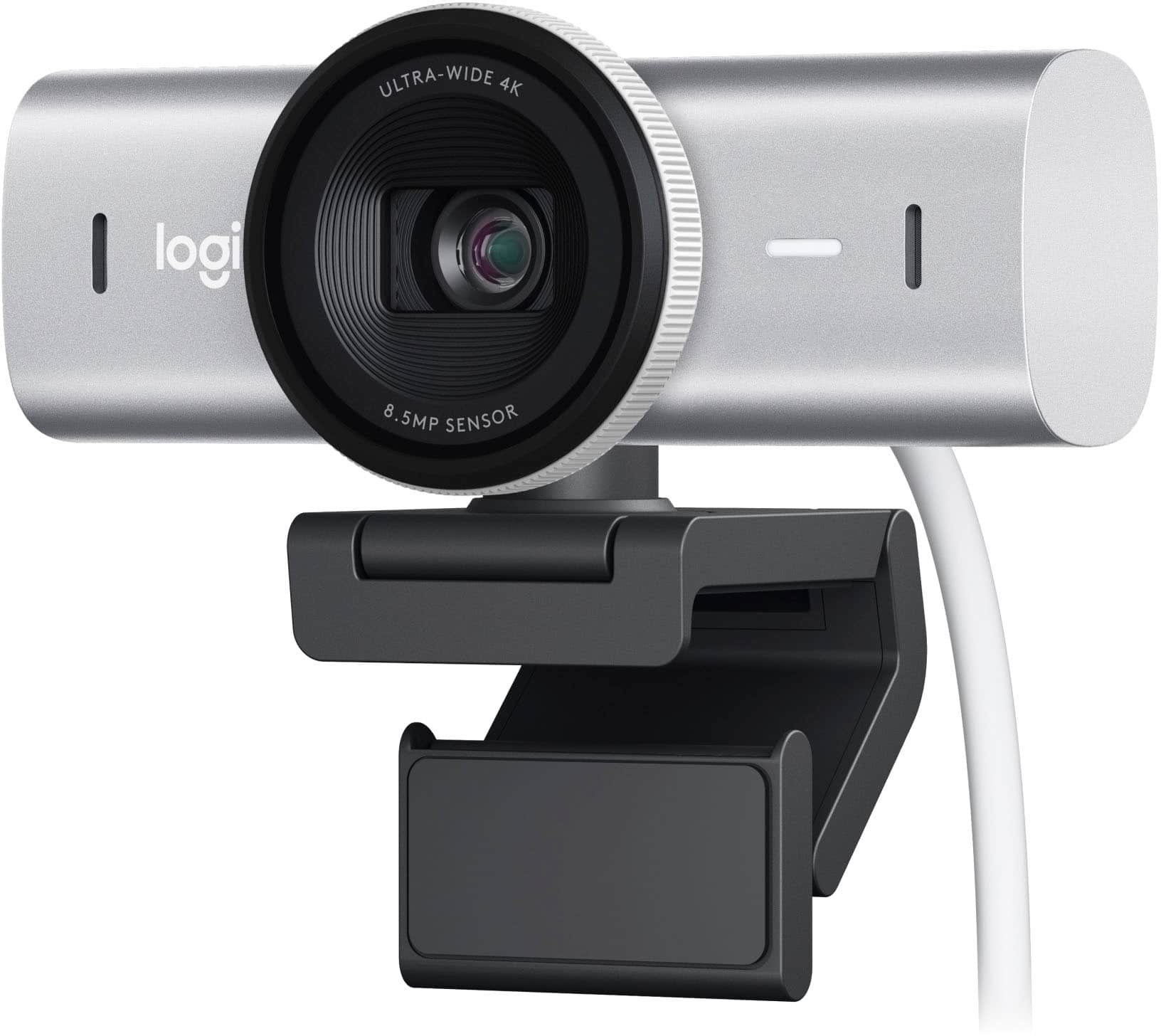
Logitech - MX Brio Ultra HD 4K Video Conference, Gaming and Streaming Webcam - Pale Gray
SKU: J7H7ZY8Z6CThis Camera is by far the best webcam I have used to date....I love new technology, and I am always watching for the latest and greatest....This is a great purchase - you won't regret it!...Probably one...
See all WebcamsProduct Description
A pale gray 4K UHD webcam with AI image enhancement, dual noise-reducing microphones, and fine video controls.Your price for this item is $199.99 -
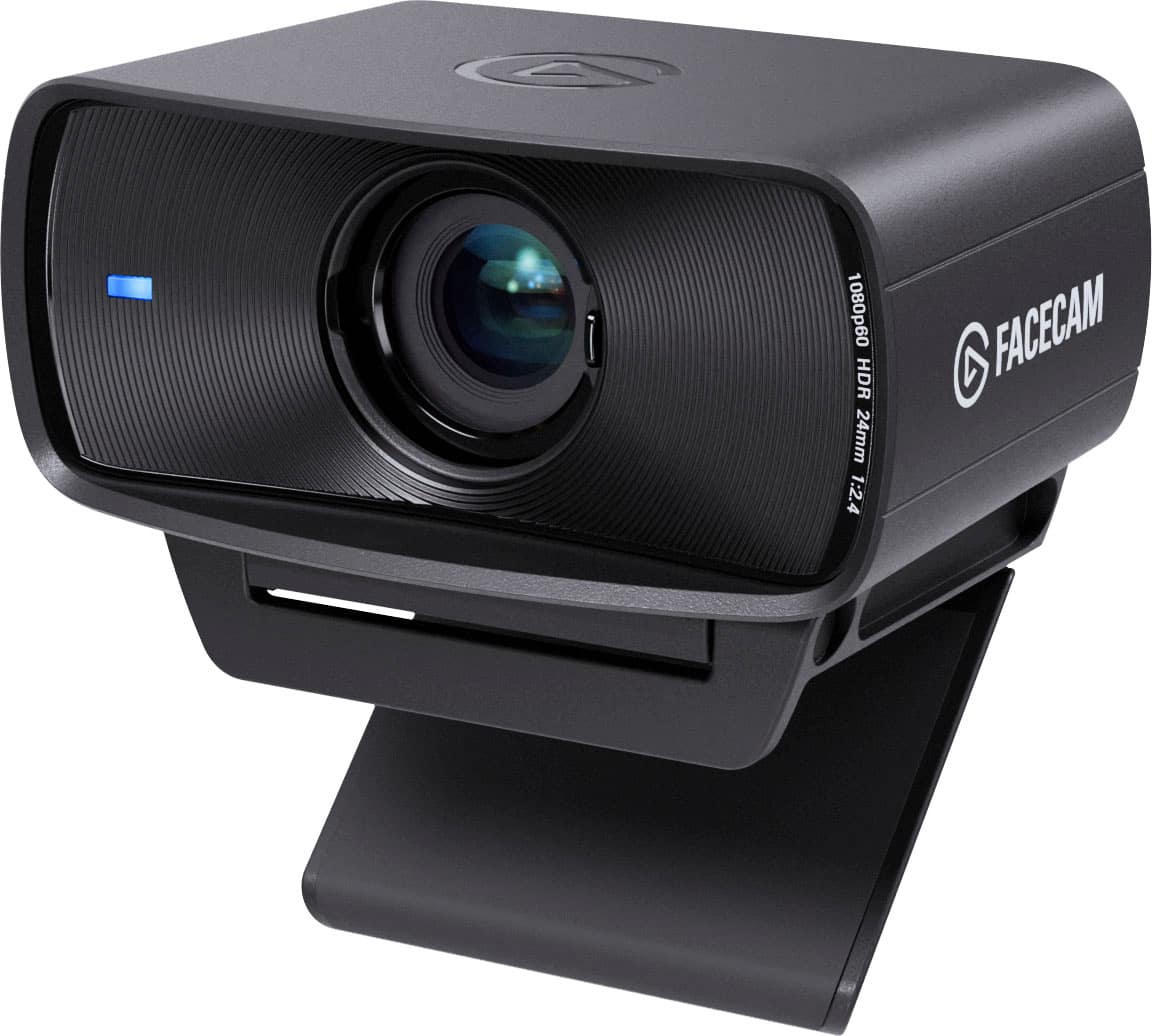
Elgato - Facecam MK.2 Full HD 1080p60 Webcam for Video Conferencing, Gaming, and Streaming - Black
SKU: J39QHTJZKCLove!...I absolutely LOVE this camera. Made everything on my stream so much more vibrant....Love the quality 10/10 it’s amazing lighting and doesn’t blur out and it has great focus
See all WebcamsProduct Description
A black Full HD 1080p60 webcam delivering uncompressed, low-latency video with HDR and DSLR-style controls.Your price for this item is $139.99 -
JLab - GO POP USB Webcam - Black
SKU: J3GW8XZ699The quality is great and I couldn’t be more happier, I would highly recommend it...The graphics quality is absolutely fantastic and it works so great....I’m so glad that I got the chance to claim this...
See all WebcamsProduct Description
A compact black webcam offering Full HD video, plug-and-play setup, and a built-in privacy shutter.Your price for this item is $24.99 -
Logitech - MX Brio 705 4K Webcam with AI-powered Image Enhancement - Graphite
SKU: J7H7ZY8ZQGGreat image quality!...Great image quality! Great sound quality! I’d buy it again!
See all WebcamsProduct Description
A graphite webcam with 4K UHD video, AI image enhancement, autofocus, and eco-friendly aluminum housing.Your price for this item is $199.99 -
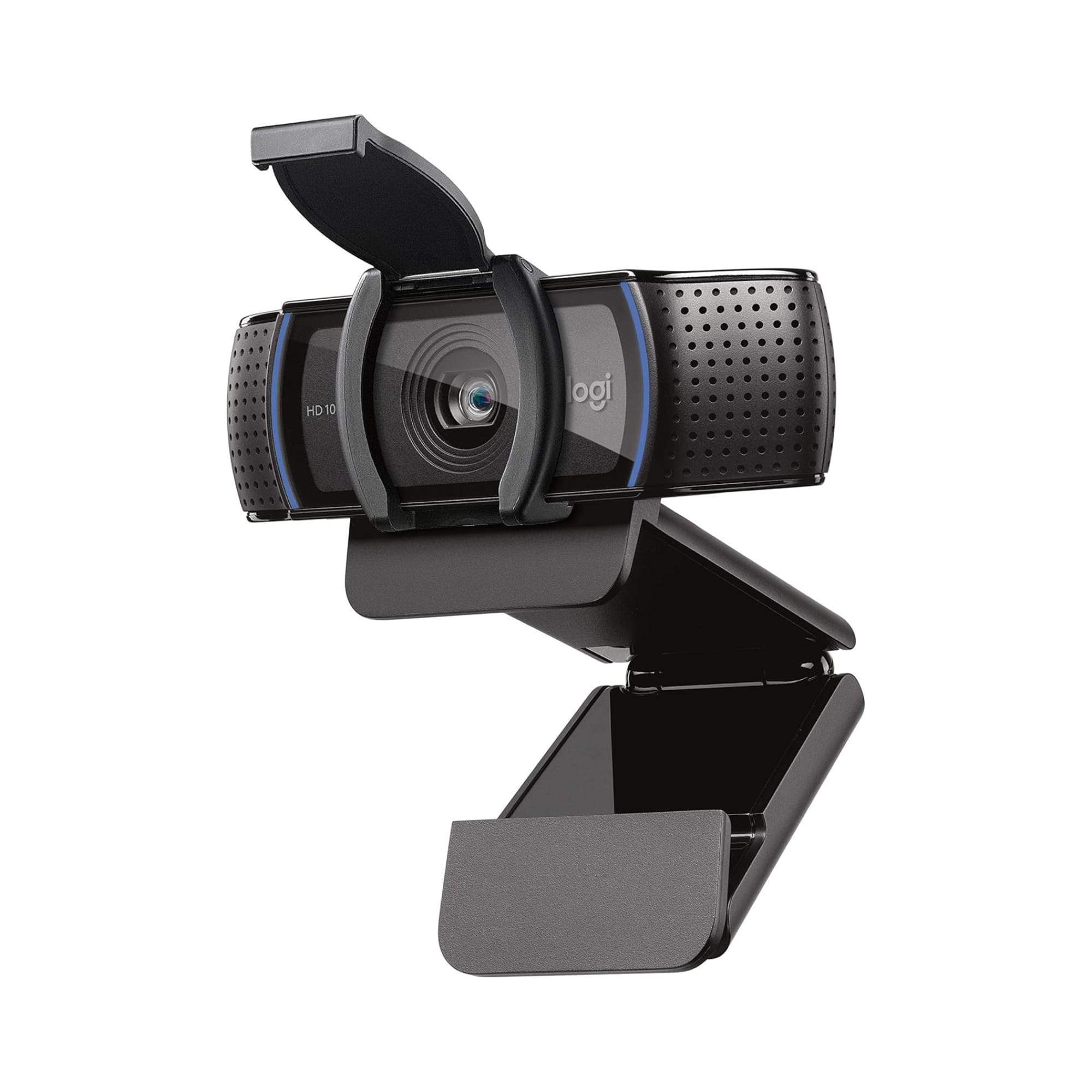
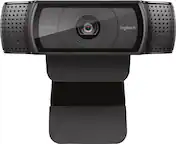
Logitech - C920e HD 1080p Mic-Enabled Webcam, Certified for Zoom, Microsoft Teams compatible, TAA Compliant - Black
SKU: J7H7ZY8JS2See all WebcamsProduct Description
A black HD webcam with 1080p resolution, autofocus, dual microphones, and compatibility with Zoom and Teams.Your price for this item is $69.99 -
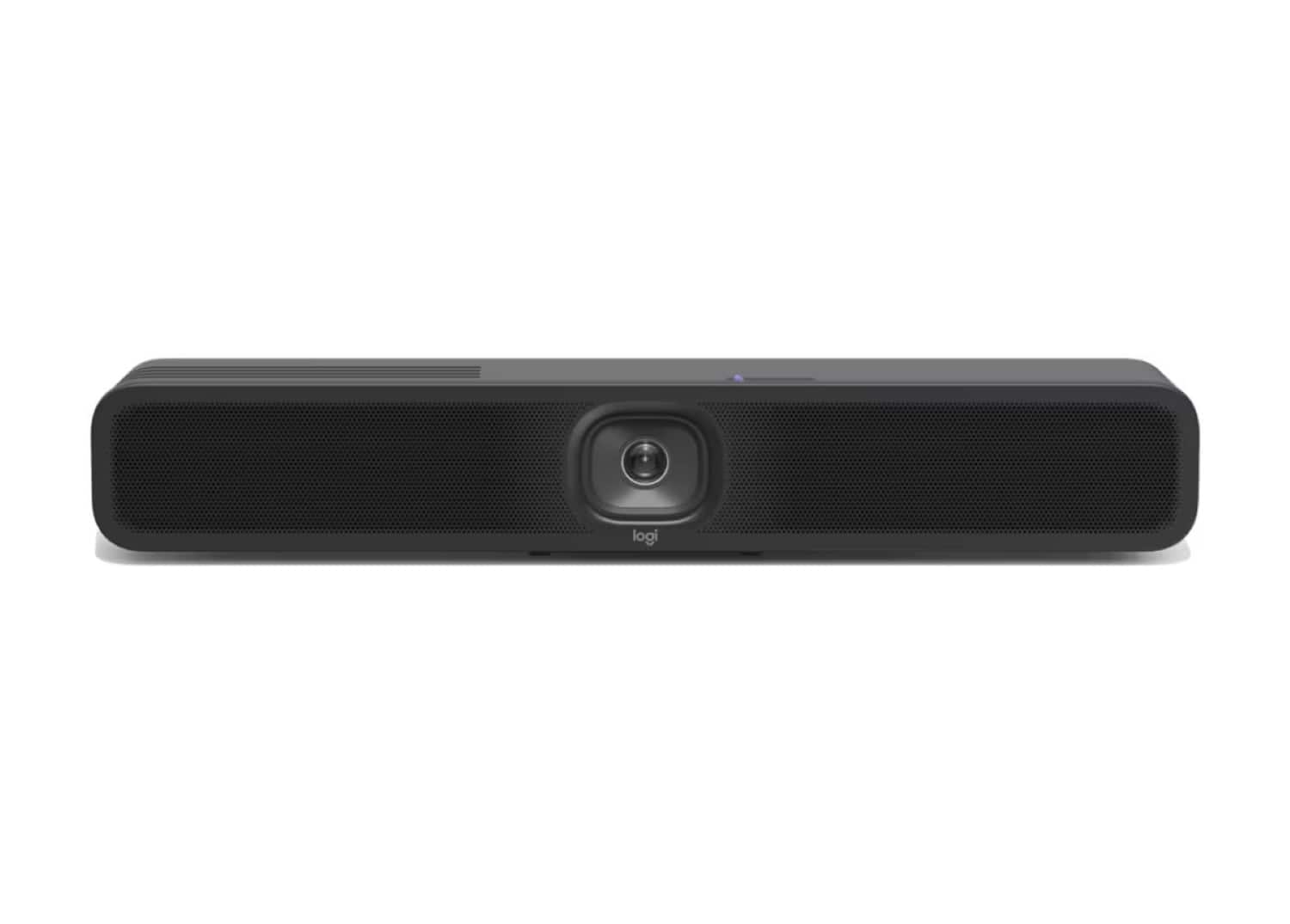
Logitech - MeetUp 2 All-In-One USB Conference Camera With Built-In AI - Black
SKU: J7H7ZYGT2SSee all WebcamsProduct Description
An AI-powered black USB conference camera offering 4K video, built-in microphone, and easy plug-and-play setup.Your price for this item is $949.99Save $51The previous price was $1,001.49 -
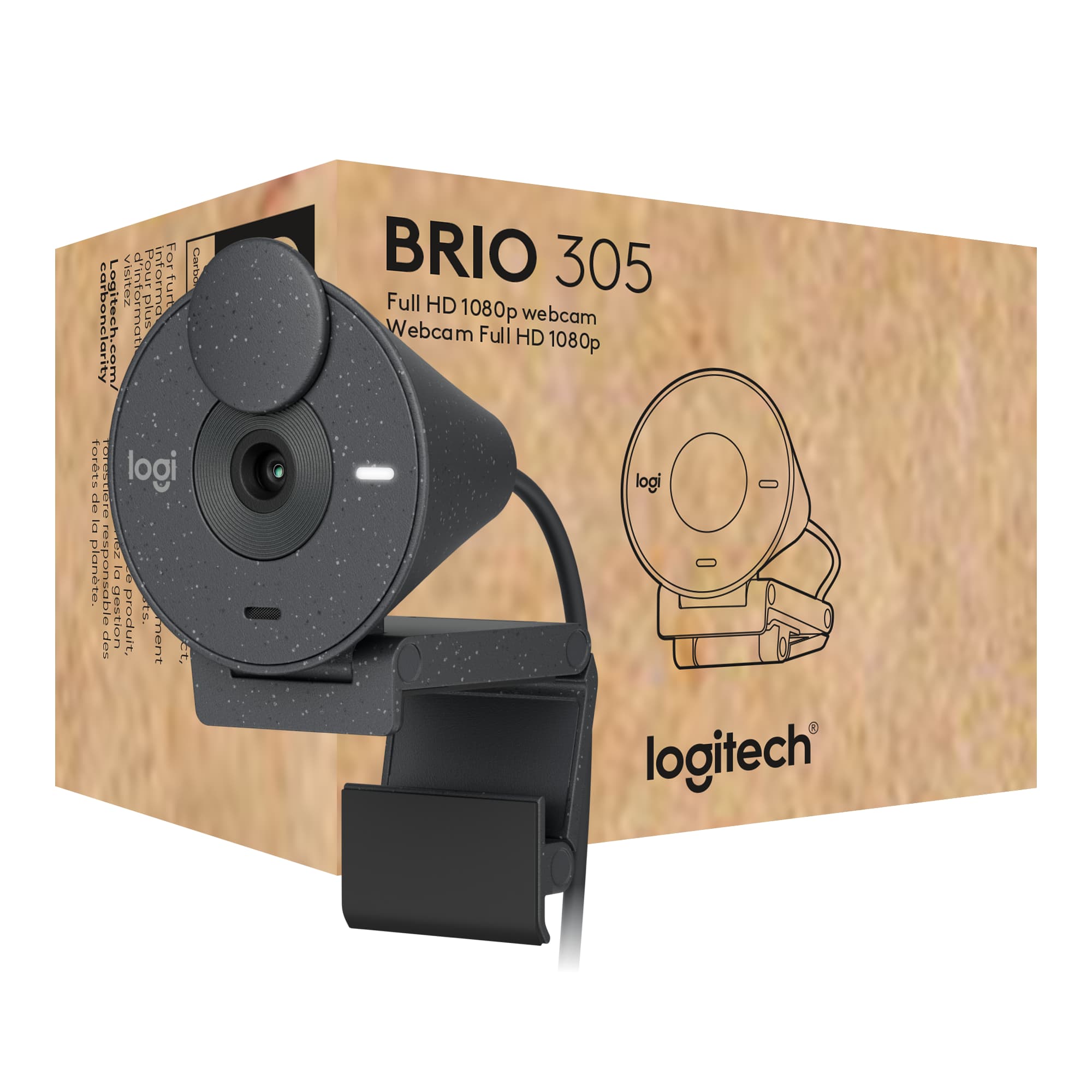
Logitech - Brio 305 Full HD 1080P Webcam with Privacy Shutter, works with Zoom, Microsoft Teams, Google Meet - Graphite
SKU: J7H7ZY8RC8See all WebcamsProduct Description
A graphite webcam with 1080p resolution, privacy shutter, auto light correction, and noise-reducing microphone.Your price for this item is $56.99Save $3The previous price was $59.99


Best Sellers






Related Pages



FAQ
When choosing a conference webcam, consider features such as high-definition video quality (1080p or higher), wide-angle lenses for capturing multiple participants, built-in microphones with noise cancellation, plug-and-play USB connectivity, and compatibility with popular video conferencing platforms like Zoom, Microsoft Teams, and Google Meet.
Most conference webcams are designed to be compatible with both Windows and Mac operating systems. Always check the product specifications to ensure the webcam supports your specific system requirements.
Many conference webcams are plug-and-play, meaning they work automatically when connected to your computer via USB. However, some models may offer additional features through downloadable software, such as background replacement or advanced camera controls.
Some smart TVs and streaming devices support USB webcams for video calls, but compatibility varies by brand and model. Check your device’s user manual or manufacturer website to confirm if external webcams are supported.
External conference webcams typically offer superior video and audio quality, wider fields of view, and advanced features such as autofocus and low-light correction. These enhancements can provide a more professional and reliable experience for virtual meetings and group calls.