Popular Web Cams
-
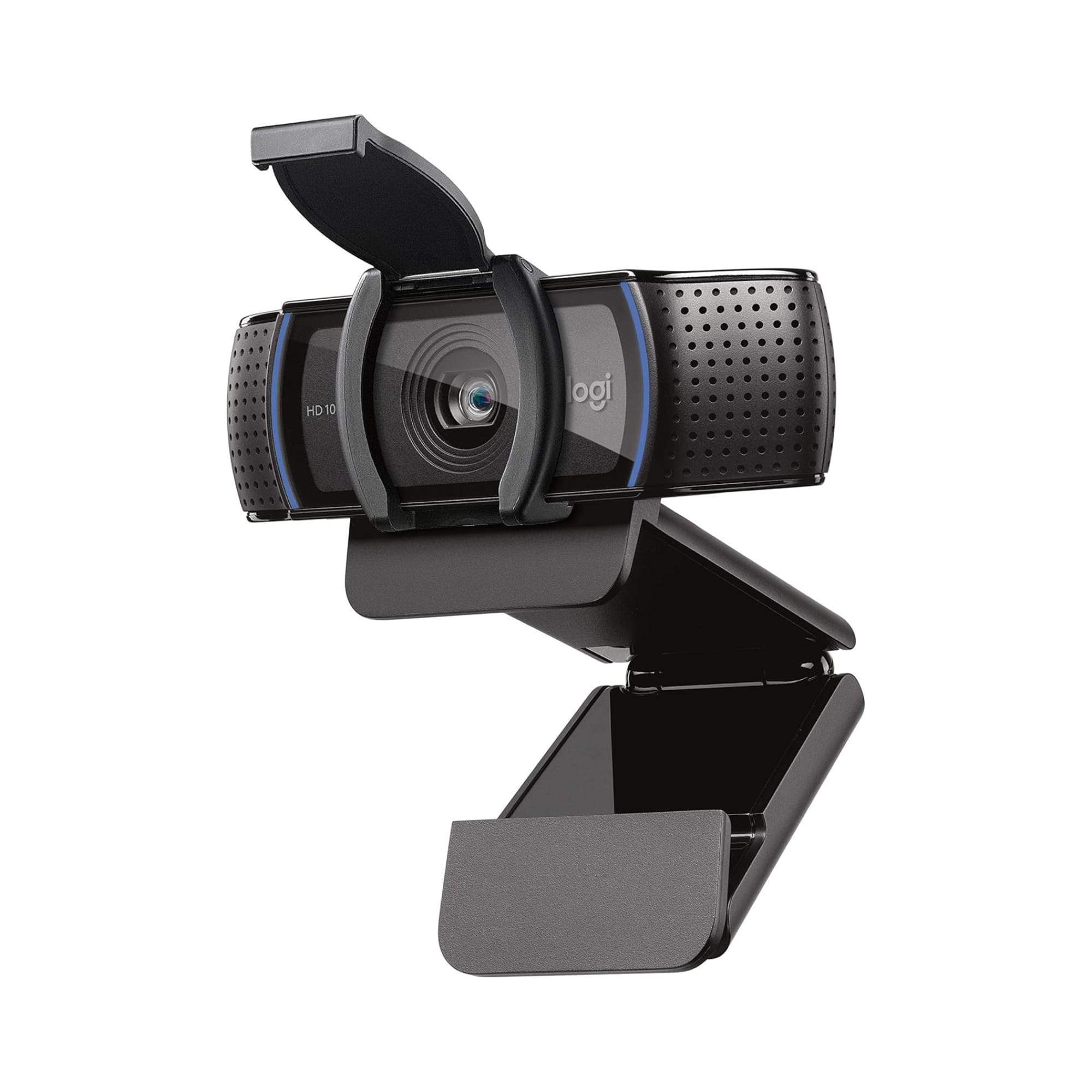
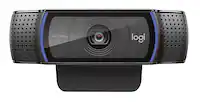
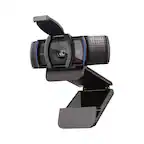
Logitech - C920s Pro 1080 Video Conferencing, Streaming, and Gaming Webcam with Privacy Shutter - Black
SKU: J7H7ZYXLLLLove Best Buy❤️...Very good I love best buy there products are number 1...This was definitely a Best Buy...Absolutely love it. Quality is great. Worth the buy
See all WebcamsProduct Description
A black webcam with Full HD 1080p video, dual microphones, autofocus, and a privacy shutter for security.Your price for this item is $69.99 -
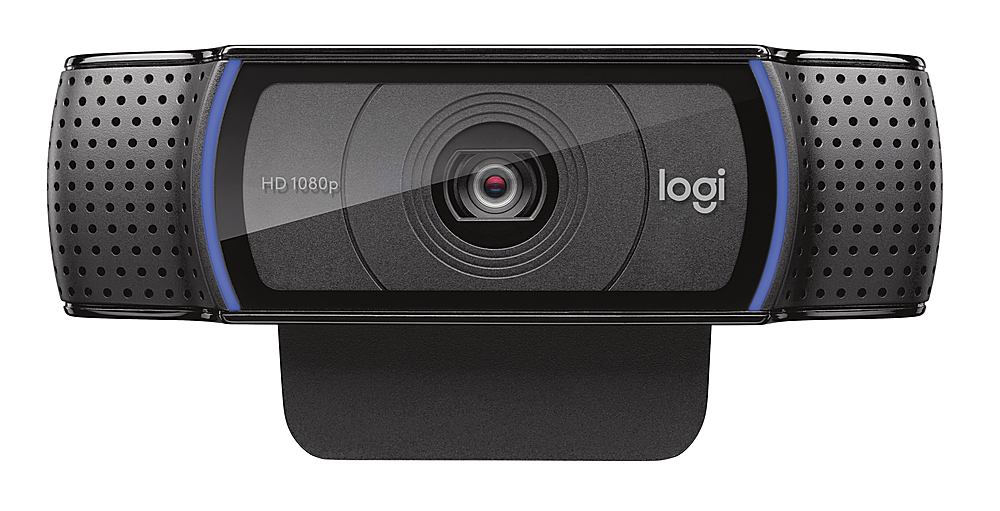
Logitech - C920e HD 1080p Mic-Enabled Webcam, Certified for Zoom, Microsoft Teams compatible, TAA Compliant - Black
SKU: J7H7ZY8JS2works great and clear for the google meets and zooms
See all WebcamsProduct Description
A black HD webcam with 1080p resolution, autofocus, dual microphones, and compatibility with Zoom and Teams.Your price for this item is $69.99 -
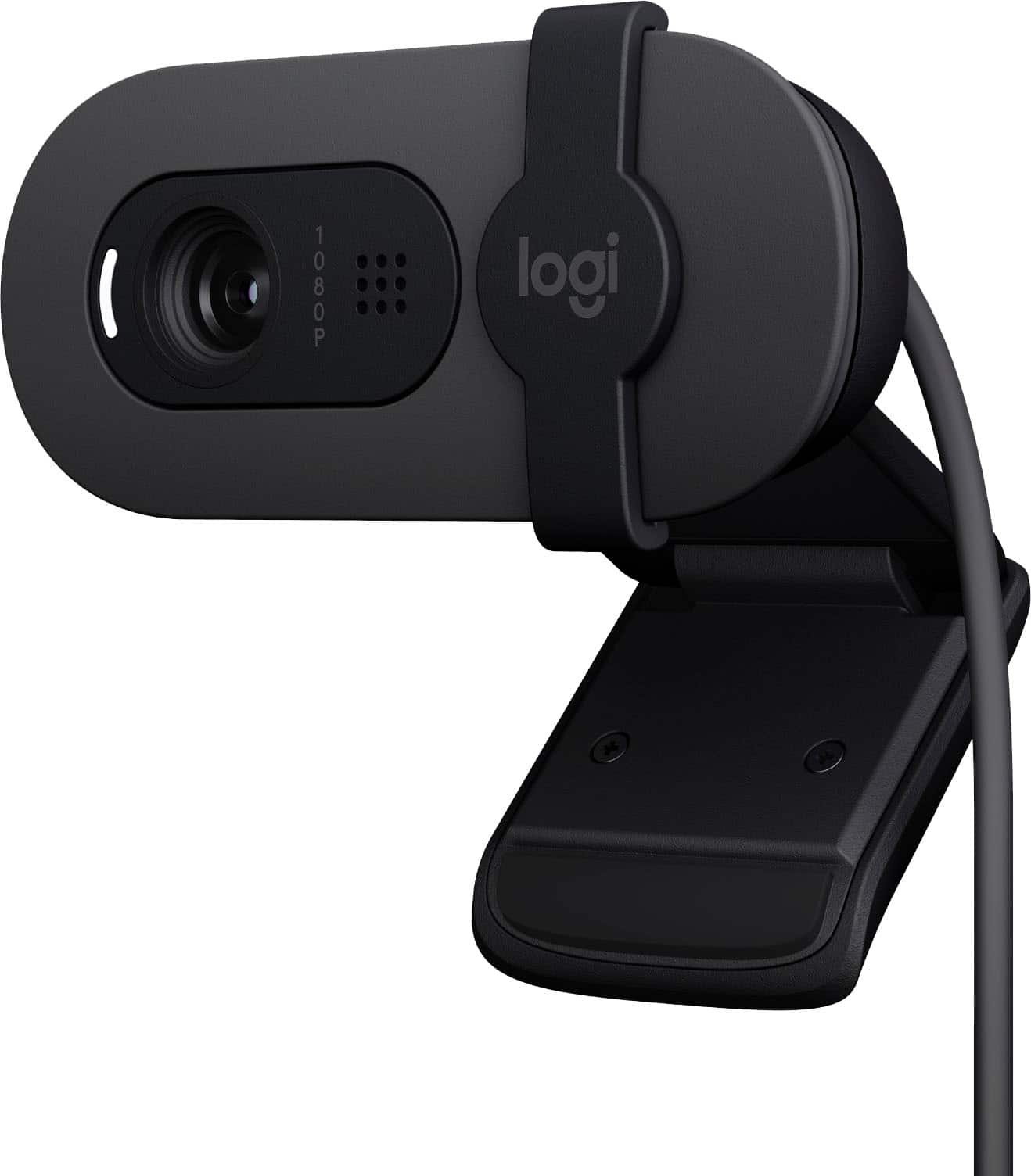
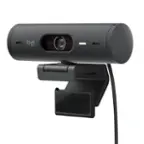
Logitech - Brio 100 1080p Full HD Webcam for Meetings and Streaming - Graphite
SKU: J7H7ZYGJW6Works great for streaming games...I love Best Buy and their sales are amazing....Love It!!!...This camera is the best thing since sliced bread!!!
See all WebcamsProduct Description
A graphite webcam with Full HD 1080p resolution, built-in microphone, auto-light balance, and privacy shutter.Your price for this item is $39.99 -
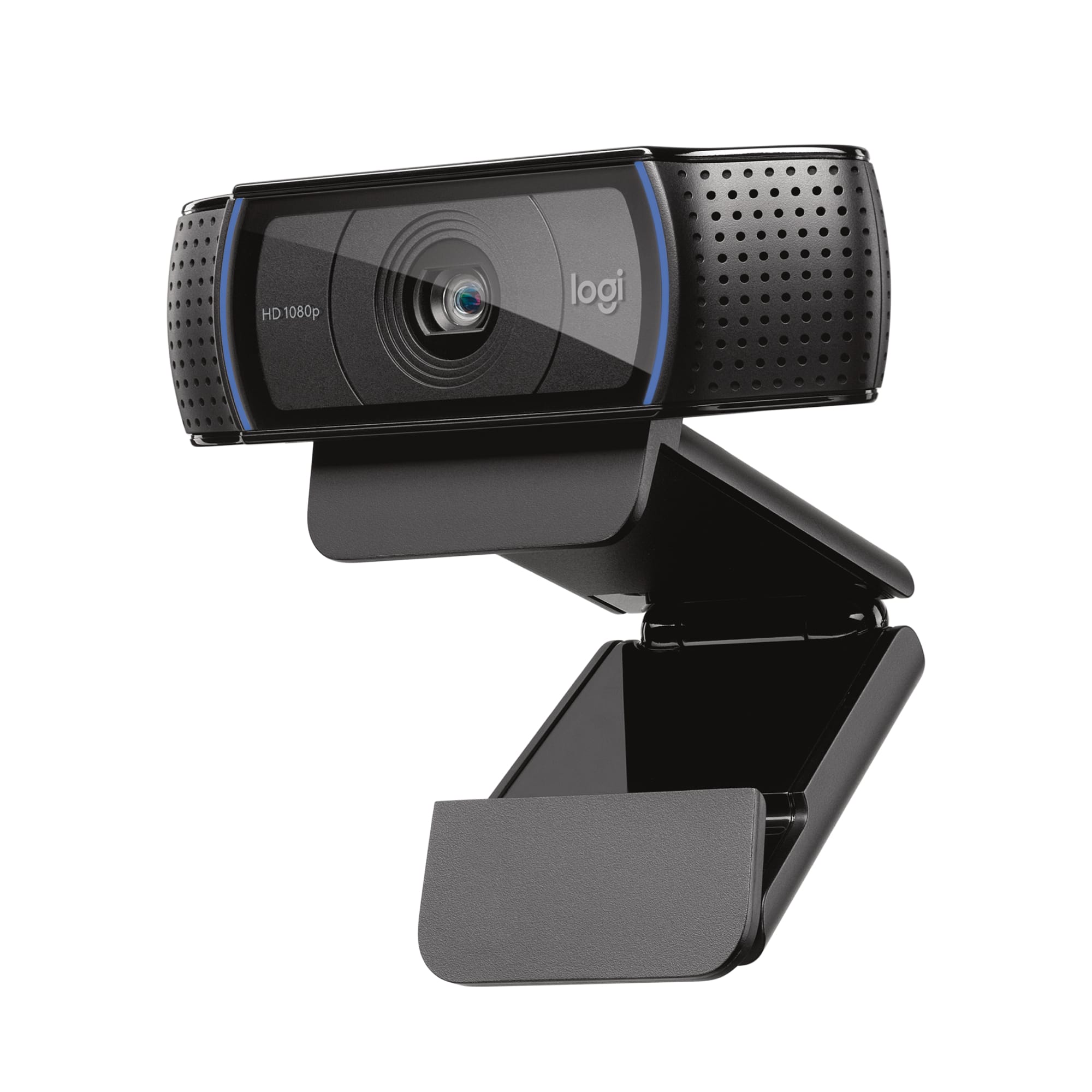
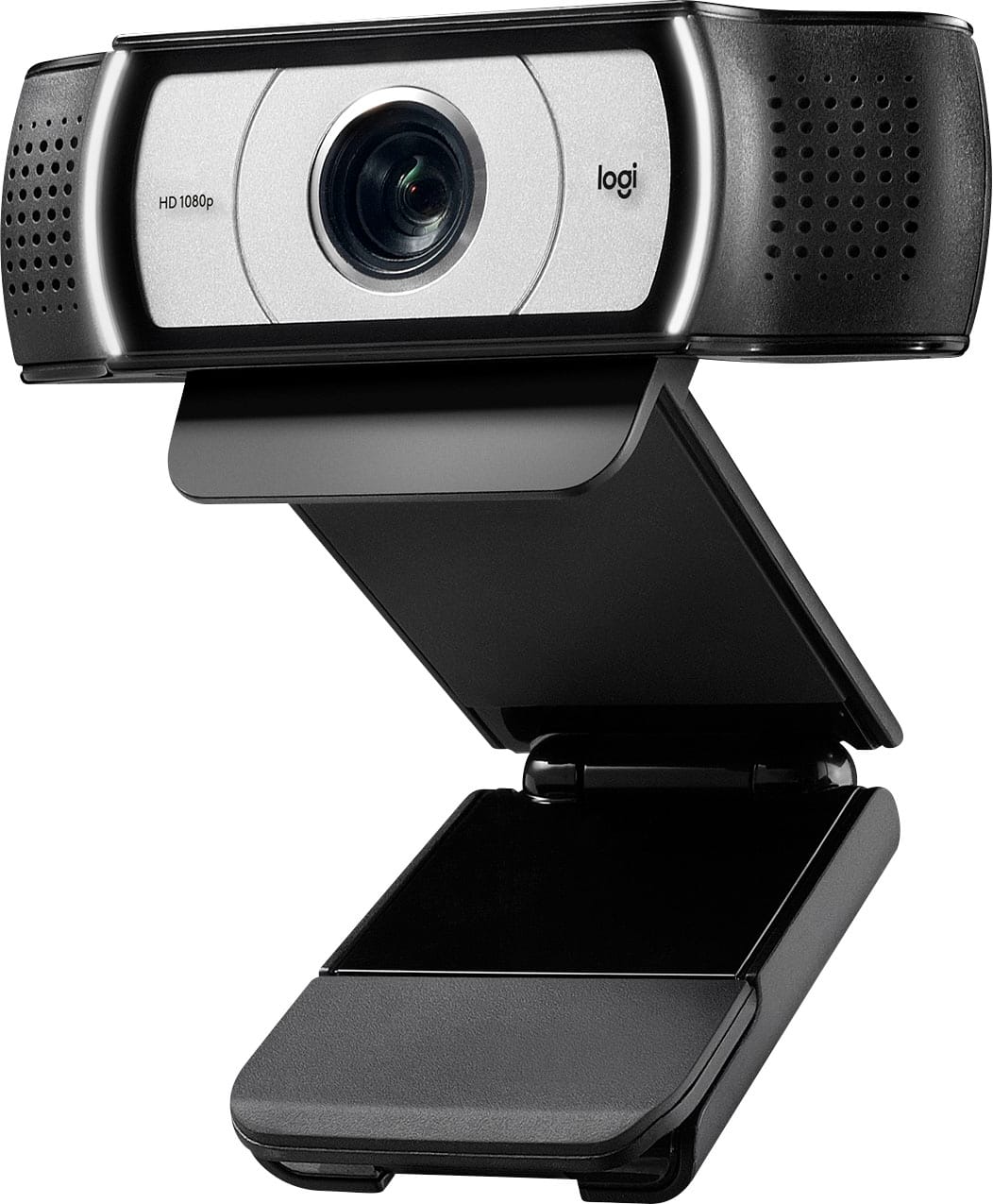
Logitech - C920e Full HD 1080p Business Webcam - Black
SKU: J7H7ZY39PJBest overall webcam...So much better than former web cam I love the privacy door
See all WebcamsProduct Description
A black Full HD 1080p webcam with autofocus, built-in microphone, and easy plug-and-play setup.Your price for this item is $69.99 -
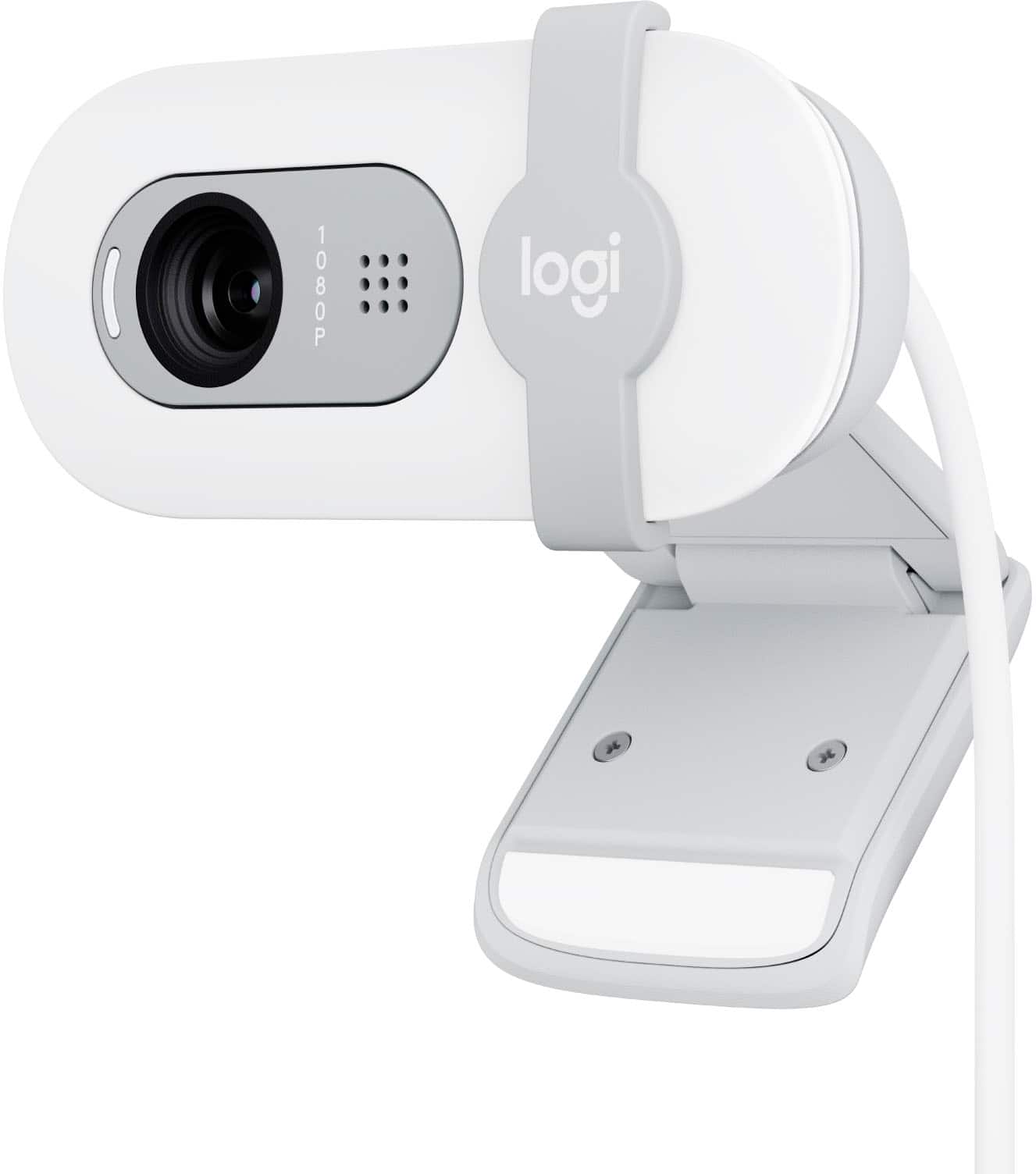
Logitech - Brio 100 1080p Full HD Webcam for Meetings and Streaming - Off-White
SKU: J7H7ZYGJZ7Great value and function for the money. Love the color....I always love to buy products from Best Buy....Excellent product for best price.
See all WebcamsProduct Description
An off-white Full HD 1080p webcam with auto-light balance, built-in microphone, and integrated privacy shutter.Your price for this item is $37.99Save $2The previous price was $39.99 -
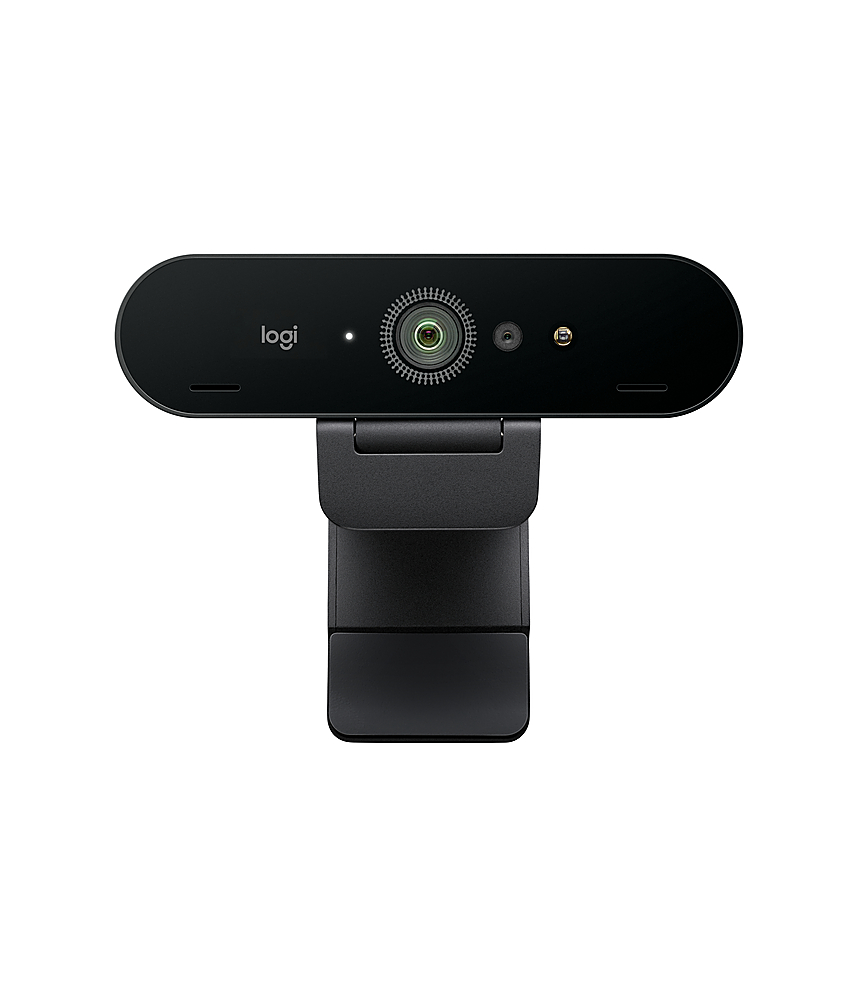
Logitech - Brio Ultra HD Pro 4096 x 2160 Business Webcam with RightLight 3 and Noise-Cancelling Dual Mics - Black
SKU: J7H7ZY27VZGreat for external monitor and Windows Helllo
See all WebcamsProduct Description
A black 4K Ultra HD webcam with autofocus, HDR, noise-cancelling dual mics, and RightLight 3 technology.Your price for this item is $154.99Save $15The previous price was $169.99 -
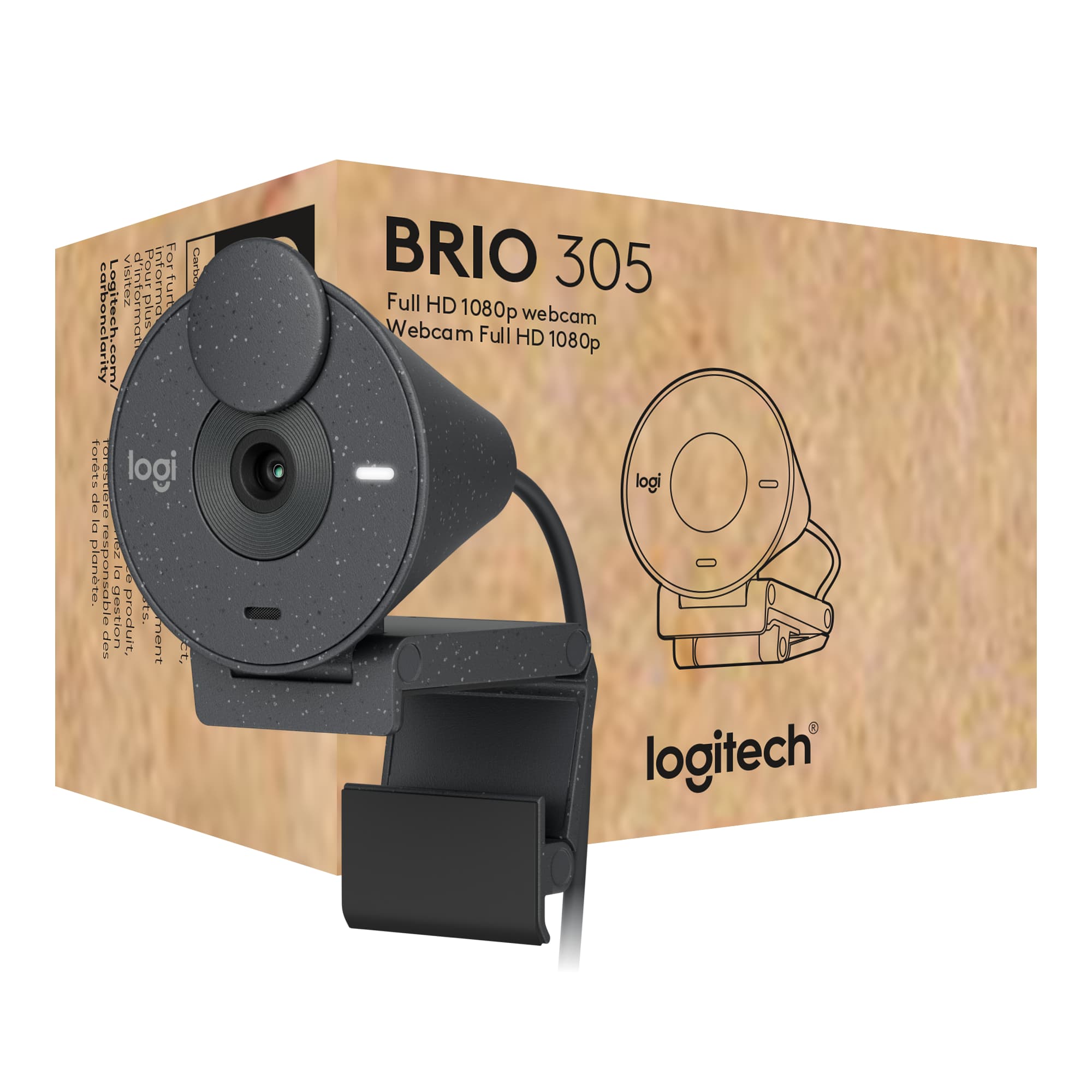
Logitech - Brio 305 Full HD 1080P Webcam with Privacy Shutter, works with Zoom, Microsoft Teams, Google Meet - Graphite
SKU: J7H7ZY8RC8See all WebcamsProduct Description
A graphite webcam with 1080p resolution, privacy shutter, auto light correction, and noise-reducing microphone.Your price for this item is $55.99Save $4The previous price was $59.99 -
Logitech - Pro Webcam Full HD 1080 for Laptops with Ultra Wide Angle - Black
SKU: J7H7ZYCHJ4im in love with this product, one of the best cameras from this brand...Great camera...It work great! the picture quality is great! It the best I have tried
See all WebcamsProduct Description
A black webcam delivering ultra-wide 90° field of view, Full HD 1080p video, and built-in microphone.Your price for this item is $79.99Save $20The previous price was $99.99 -
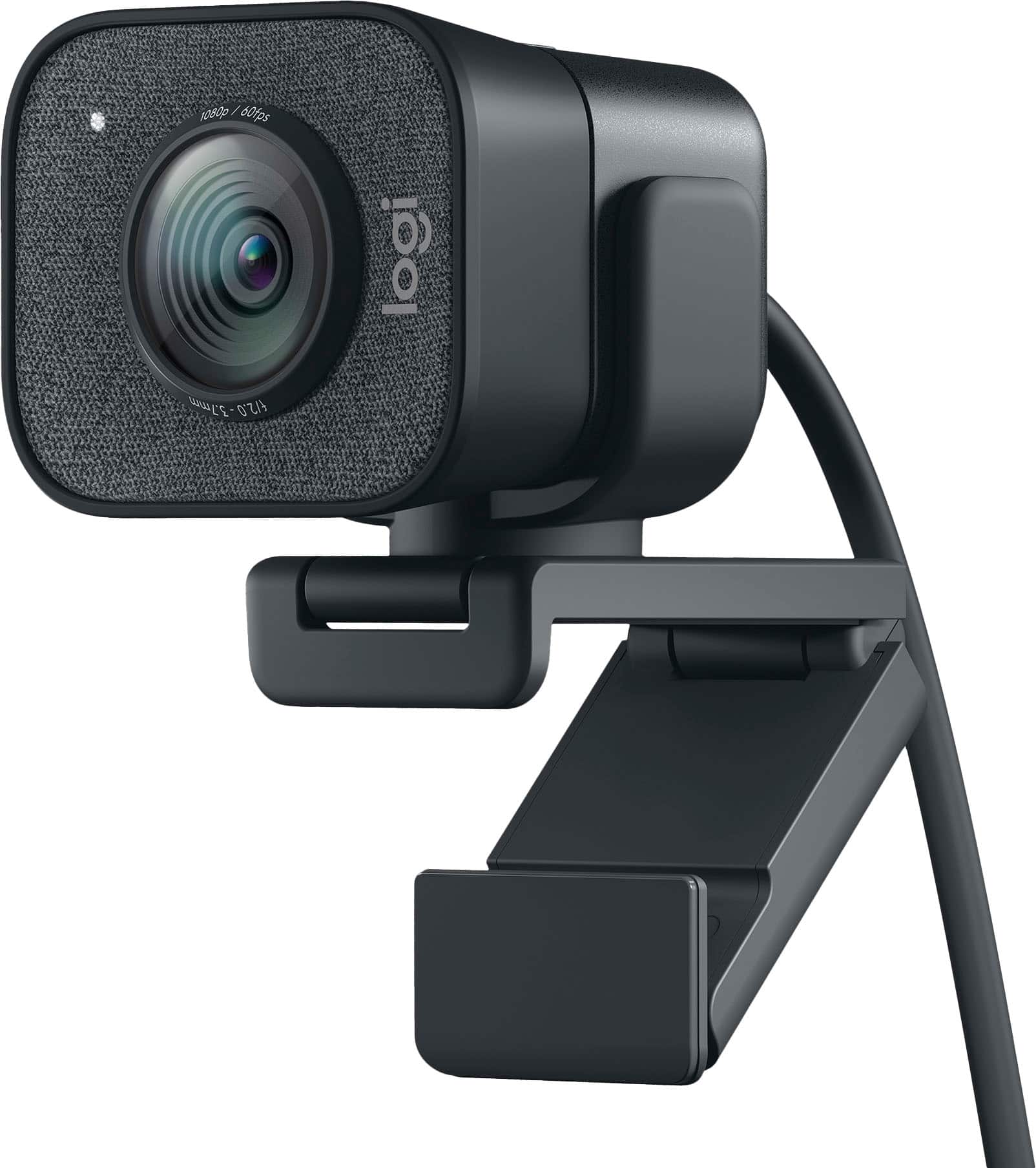
Logitech - StreamCam Plus 1080 Webcam for Live Streaming and Content Creation - Graphite
SKU: J7H7ZYXZ2PSee all WebcamsProduct Description
A graphite webcam delivering smooth 1080p HD video at 60 fps with autofocus and built-in microphone.Your price for this item is $127.99Save $42The previous price was $169.99 -
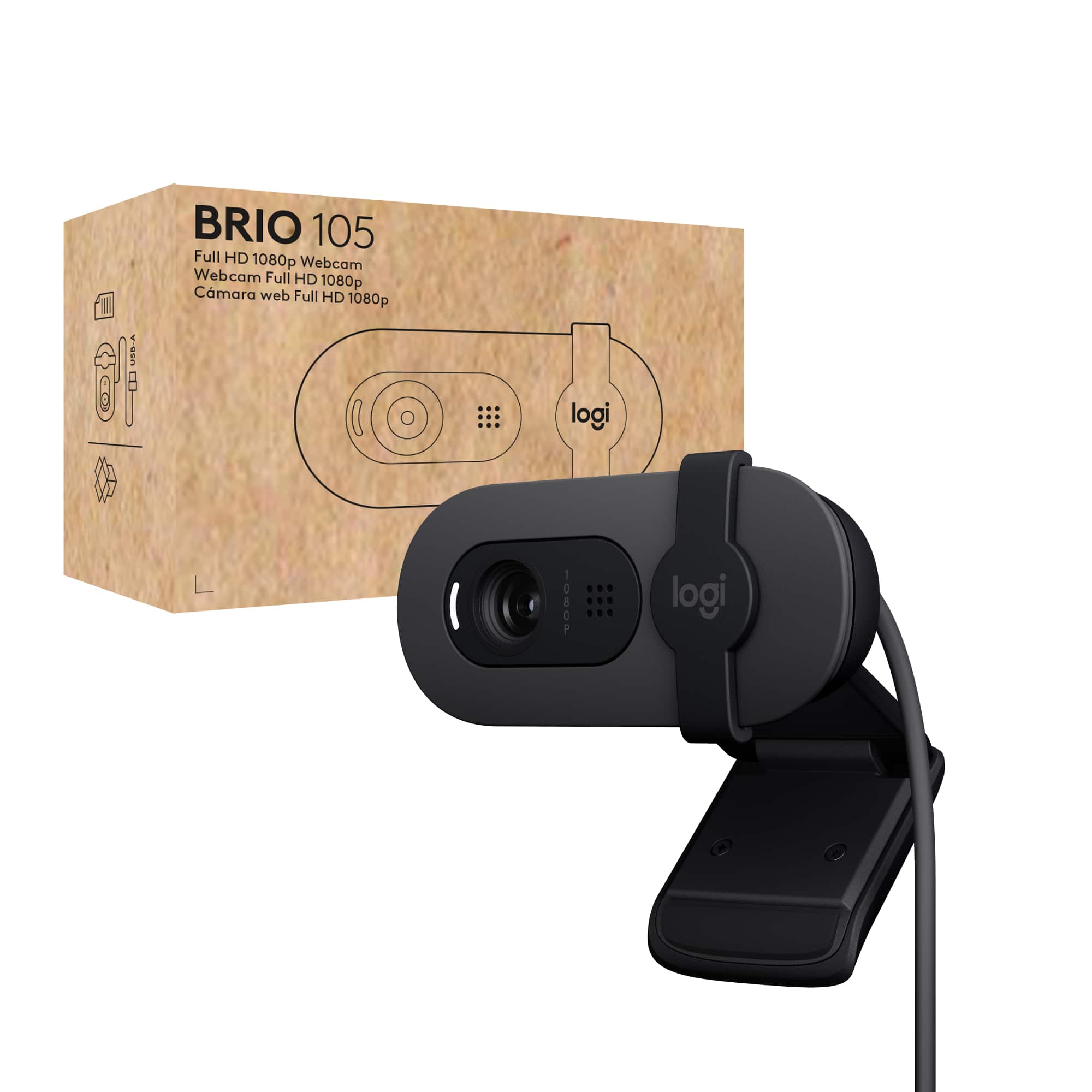
Logitech - Brio 105 1080p Webcam for Laptops with Privacy Shutter & Auto Light Balance - Black
SKU: J7H7ZYGJJWLove this web cam...great starter camera...While not a high-end camera, it is a great improvement over the Brio 101.
See all WebcamsProduct Description
A black Full HD webcam with privacy shutter, auto light balance, and built-in microphone for clear video calls.Your price for this item is $39.99
Best Sellers

Related Pages
FAQ
When choosing a popular web cam, consider features like high-definition video quality, autofocus, built-in microphones, low-light correction, and compatibility with your computer's operating system and conferencing apps.
Most popular web cams are designed to work with both Windows and Mac computers. However, it's always a good idea to check the product specifications for compatibility details before purchasing.
Yes, web cams can be used for a variety of purposes including live streaming, recording videos, online teaching, and even security monitoring, depending on the model and software support.
Many web cams are plug-and-play, meaning they work automatically when connected to your computer. Some models may offer additional software for advanced features, which can be downloaded from the manufacturer's website.
To enhance your web cam's video quality, ensure you have good lighting, clean the camera lens regularly, use the highest resolution setting available, and position the camera at eye level for the best angle.