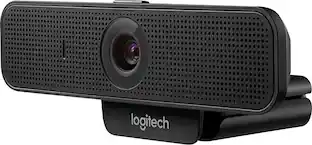
Logitech - C920e Full HD 1080p Business Webcam - Black
Customers are saying
Customers are impressed with the high-quality camera and microphone, which provide excellent performance for users. Additionally, the product is highly regarded for its straightforward and simple setup process. Overall, users find the device both easy to use and effective in its core functions.
Ideal field of view for individual users
With a 78° fixed field of view, the C920e webcam displays individual users in a well-balanced frame, while also providing sufficient room to visually share projects and other items of interest.
Activate mics whenever needed
C920e includes dual integrated omnidirectional mics that are optimized to capture your audio from up to one meter away, so conversations always sound natural and clear.
Autofocus
Built-in HD autofocus ensures you’re seen clearly throughout your video calls. With automatic light correction, C920e delivers optics that help you look good in all your video meetings.
Privacy shutter
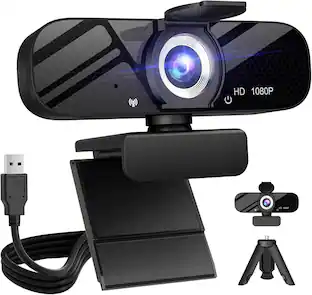
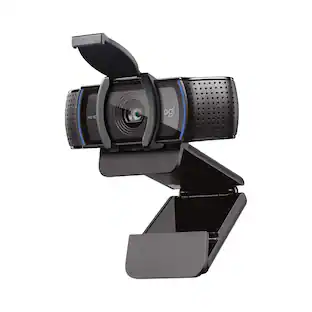
The C920e webcam features an attachable privacy screen that flips up and down to cover or expose the lens. A simple glance at the cover confirms if the lens is able to see into your space or not.
Certified for Business
The C920e webcam is certified for Microsoft Teams, Zoom and works with all popular video calling applications such as Cisco Webex and Google Meet to ensure compatibility and seamless integration in the workplace.
Versatile mounting options
C920e is designed with a sturdy, adjustable clip that makes it easy to mount on any laptop or external monitor. Plus 1/4" threads provide versatility to mount the webcam on a tripod as well.
Remote management with Logitech Sync app
Whether employees are in the office, at home, or somewhere else, Sync device management software helps everyone stay connected by letting you ensure their Logitech video collaboration personal devices are being used and up to date.
- Video ResolutionFull HD (1080p)
Reviews
Rating 4.5 out of 5 stars with 34 reviews
- Image Quality (17)
- Setup Ease (10)
Customer Images
The vast majority of our reviews come from verified purchases. Reviews from customers may include My Best Buy members, employees, and Tech Insider Network members (as tagged). Select reviewers may receive discounted products, promotional considerations or entries into drawings for honest, helpful reviews.
Compare similar products
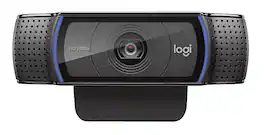
C920e is a budget-friendly, work-from-anywhere webcam that delivers HD video meetings that look better than most laptop built-ins with mics that capture your audio from up to one meter away.

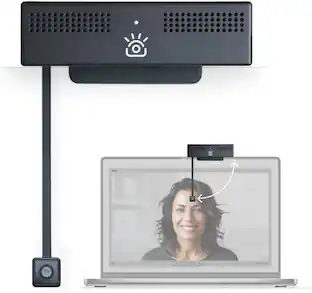
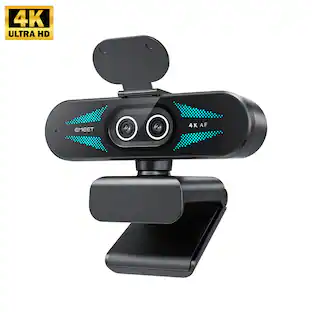
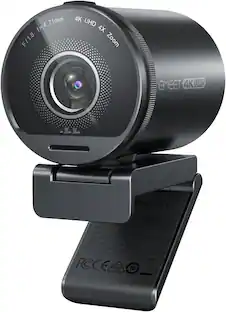
Logitech C920s is a budget-friendly, work-from-anywhere webcam that delivers a professional video meeting experience. It includes features designed to make you look and sound great in your next meeting. A 78º diagonal field of view perfectly frames you and your space, while autofocus adjusts smoothly and precisely. RightLight 2 technology automatically adjusts to your lighting situation even in low-light or backlit conditions. And dual integrated mics accurately capture your voice from multiple angles for greater nuance. If you’re streaming or recording, use Logitech’s Capture app to edit and customize. Flip down the lens cover at any point to protect your privacy.

C920e is a work-from-anywhere webcam that delivers HD video meetings that look better than most laptop built-ins at a price point that’s ideal for mass deployment. The 78° diagonal field of view displays individual users in a well-balanced visual frame while two integrated microphones capture audio clearly from up to one meter away.

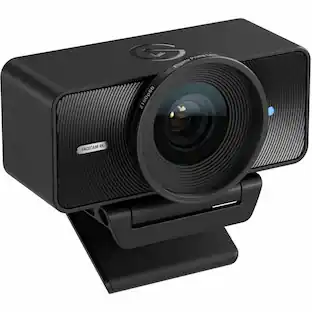
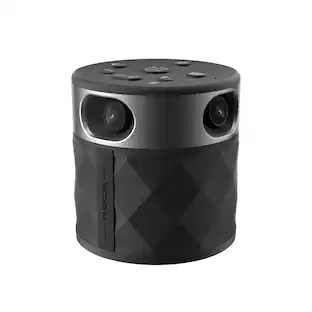
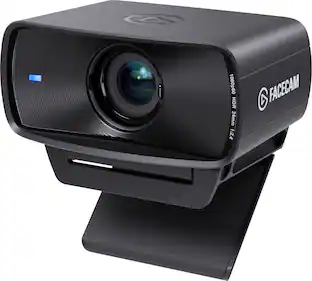
We think webcams should do more. With Facecam, you get not only 1080p 60fps capture, but also uncompressed, low-latency video in lifelike detail and color. Adept in low-light conditions, Facecam even overcomes tricky high-contrast lighting—like bright office windows—thanks to HDR capability. Its software, Camera Hub, offers not just superficial settings, but instead deep DSLR-style control such as ISO and shutter speed to customize your image. What’s more, your settings won’t disappear when you reboot or change computers. Loaded with features like cinematic FX and Stream Deck compatibility, Facecam does what other webcams don’t—because “good enough“ is no longer good enough.
| Pros for Logitech - C920e Full HD 1080p Business Webcam - Black | |||
|---|---|---|---|
| Image Quality, Setup Ease | Video Quality, Overall Performance, Setup, Ease of Use, Privacy Feature | There were no pros for this product— | There were no pros for this product— |
| Cons for Logitech - C920e Full HD 1080p Business Webcam - Black | |||
| There were no cons for this product— | Focus, Autofocus, Compatibility, Cable Length, Field of View | There were no cons for this product— | There were no cons for this product— |
Specs


Customers ultimately bought
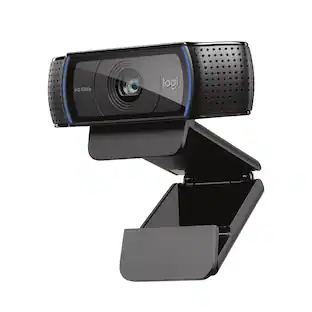 Top Deal$59.99The price was $69.99
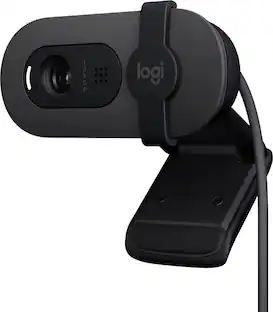 Top Deal$24.99The price was $39.99
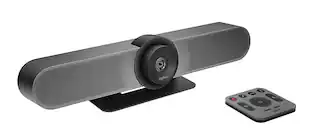 $559.00The price was $669.00
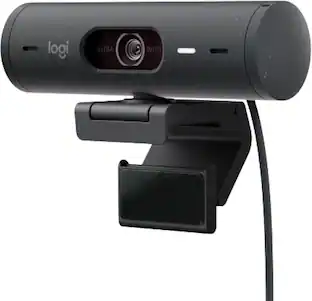
Explore tech essentials Sponsored
- Top Deal$59.99The price was $69.99
- Top Deal$24.99The price was $39.99

Discover related products
 $12.99The price was $13.99














Keep exploring
 $24.99The price was $27.99