Conference Webcam For Zoom Meetings
-
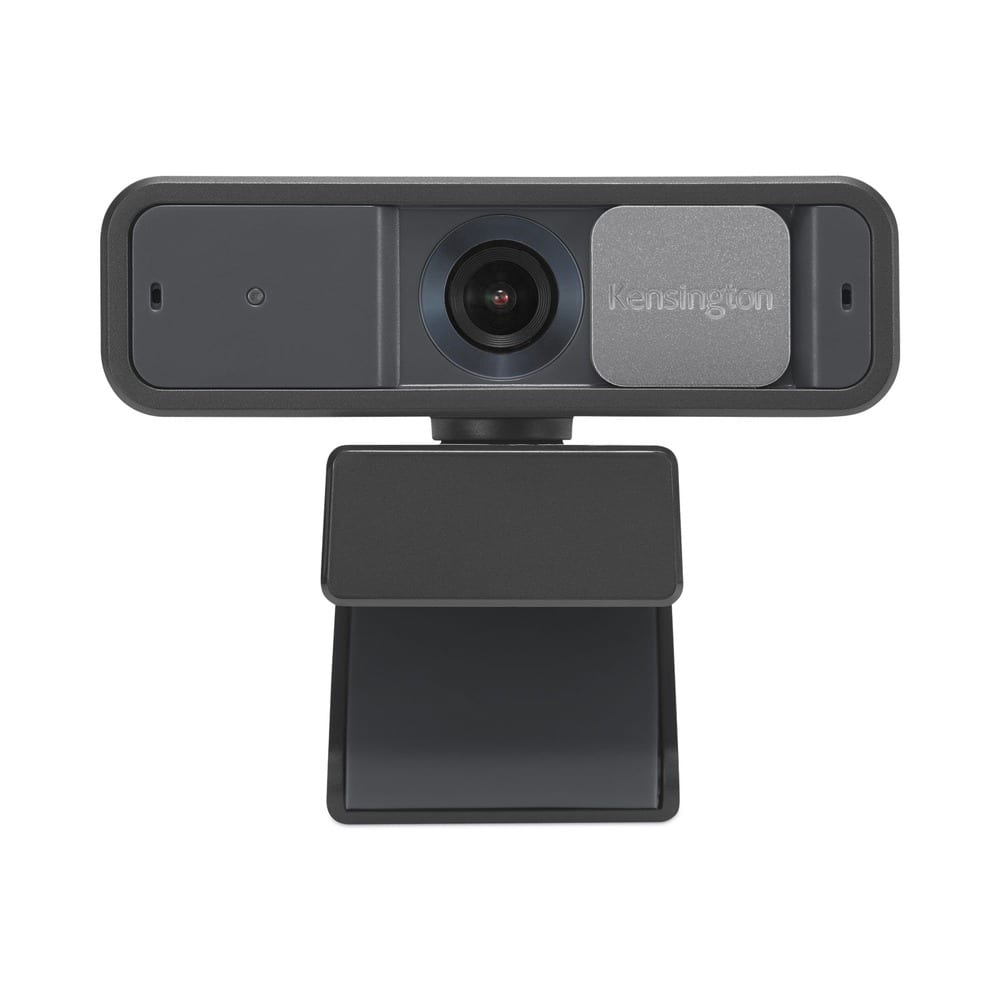
Kensington - K81176WW W2050 Pro 1080p Auto Focus Pro Webcam with 2 Mpixels - Black
SKU: J7RJZZZFZ6See all WebcamsProduct Description
A black Full HD webcam with autofocus, dual microphones, 360° rotation, and enhanced low-light performance.Your price for this item is $19.95 -
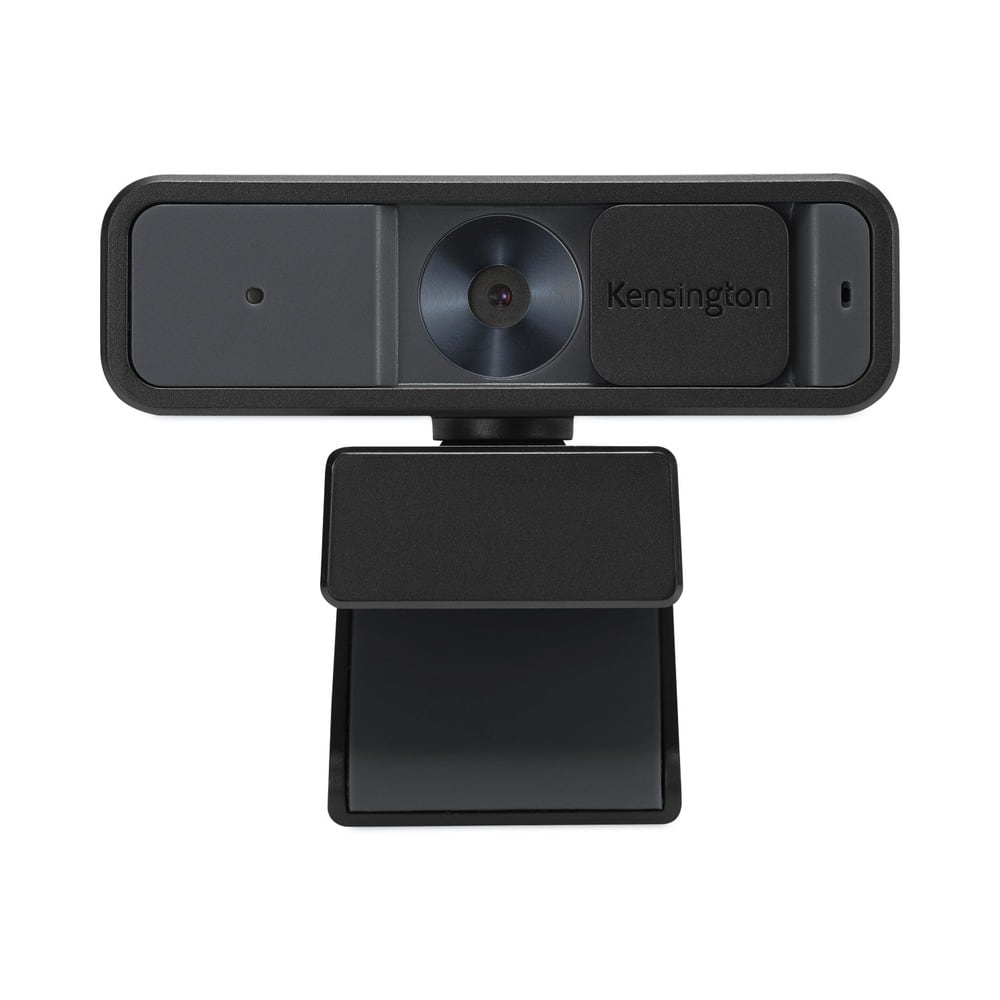
Kensington - K81175WW W2000 1080p Auto Focus Webcam with 2 Mpixels - Black
SKU: J7RJZZZFZ8See all WebcamsProduct Description
A black 1080p webcam with autofocus, noise-reducing microphone, privacy cover, and 360° rotation.Your price for this item is $68.10 -
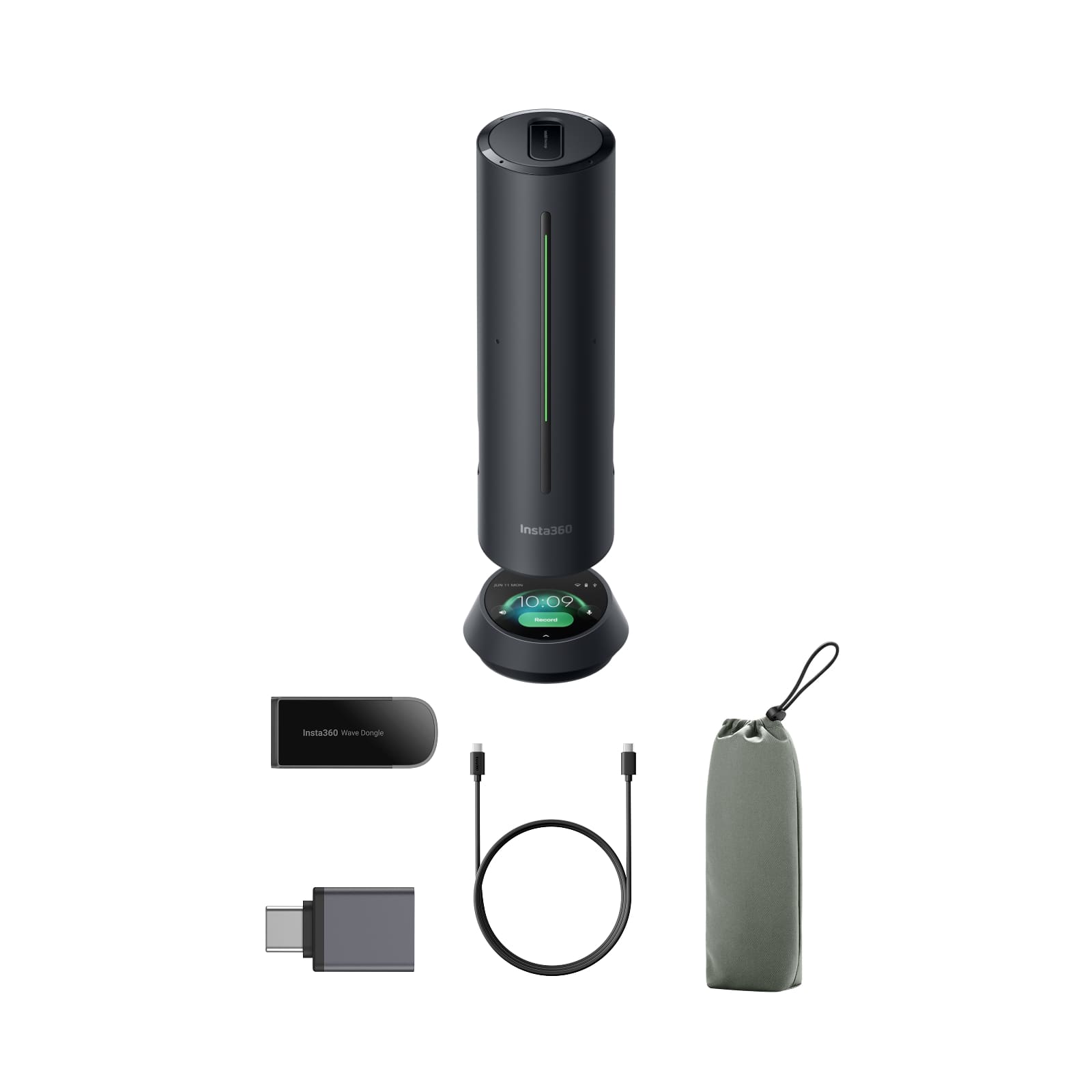
Insta360 - Wave Noise Canceling Conference Speakerphone, AI recorder, Meeting, Interview, Podcasting & more - Black
SKU: J39VLT43SVSee all Bluetooth & Wireless SpeakersProduct Description
A portable black Bluetooth speakerphone with AI-powered features, 8-mic array, LED indicator, and USB-C connectivity.Your price for this item is $299.99 -
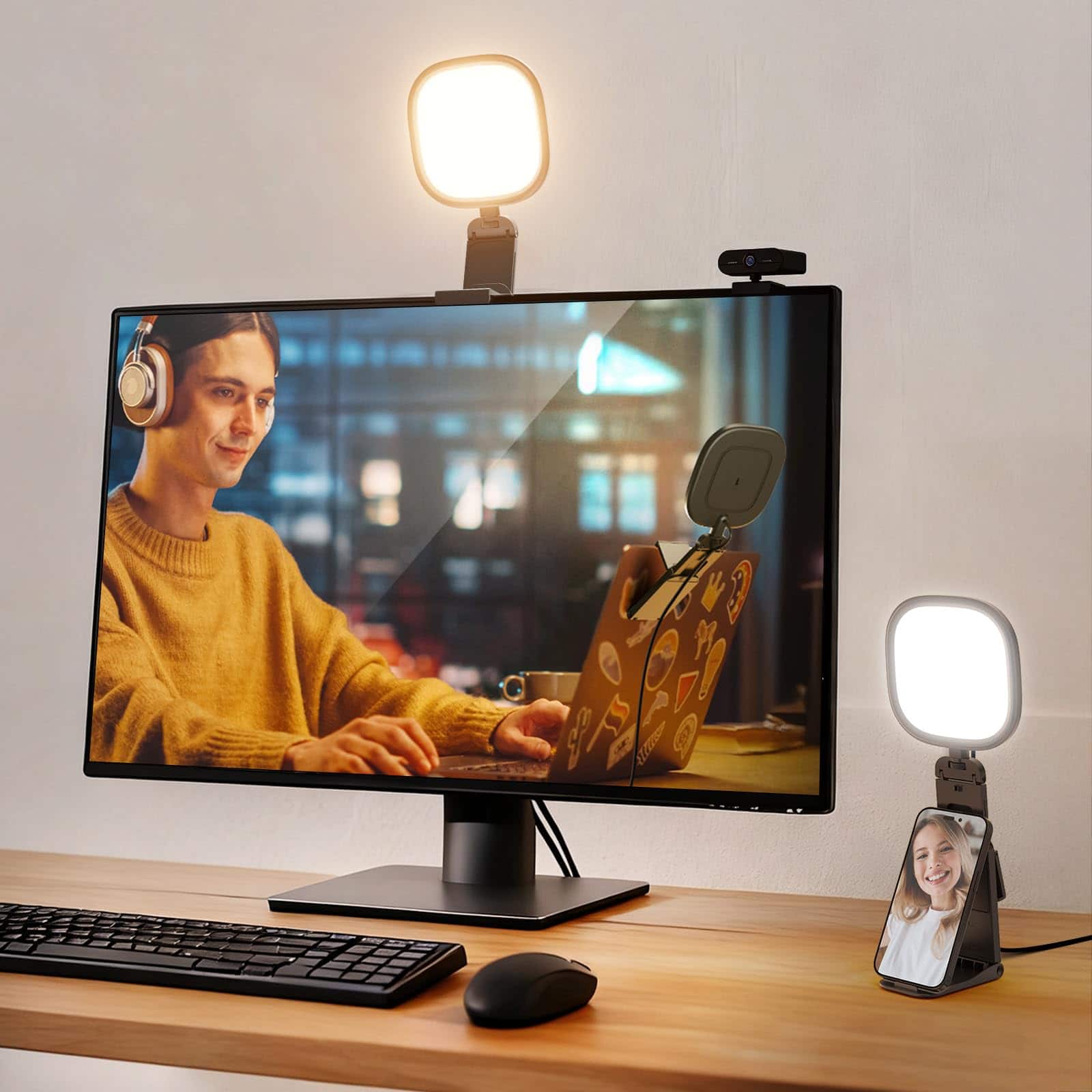
Neewer - Basics 5" 10W USB Monitor Light for Video Calls, Bi-Color, CRI95
SKU: CZLV9FXQJZSee all Camera & Video LightingProduct Description
A bi-color USB LED monitor light with CRI95, ideal for video calls, streaming, and recording.Your price for this item is $22.99Save $3The previous price was $25.99 -
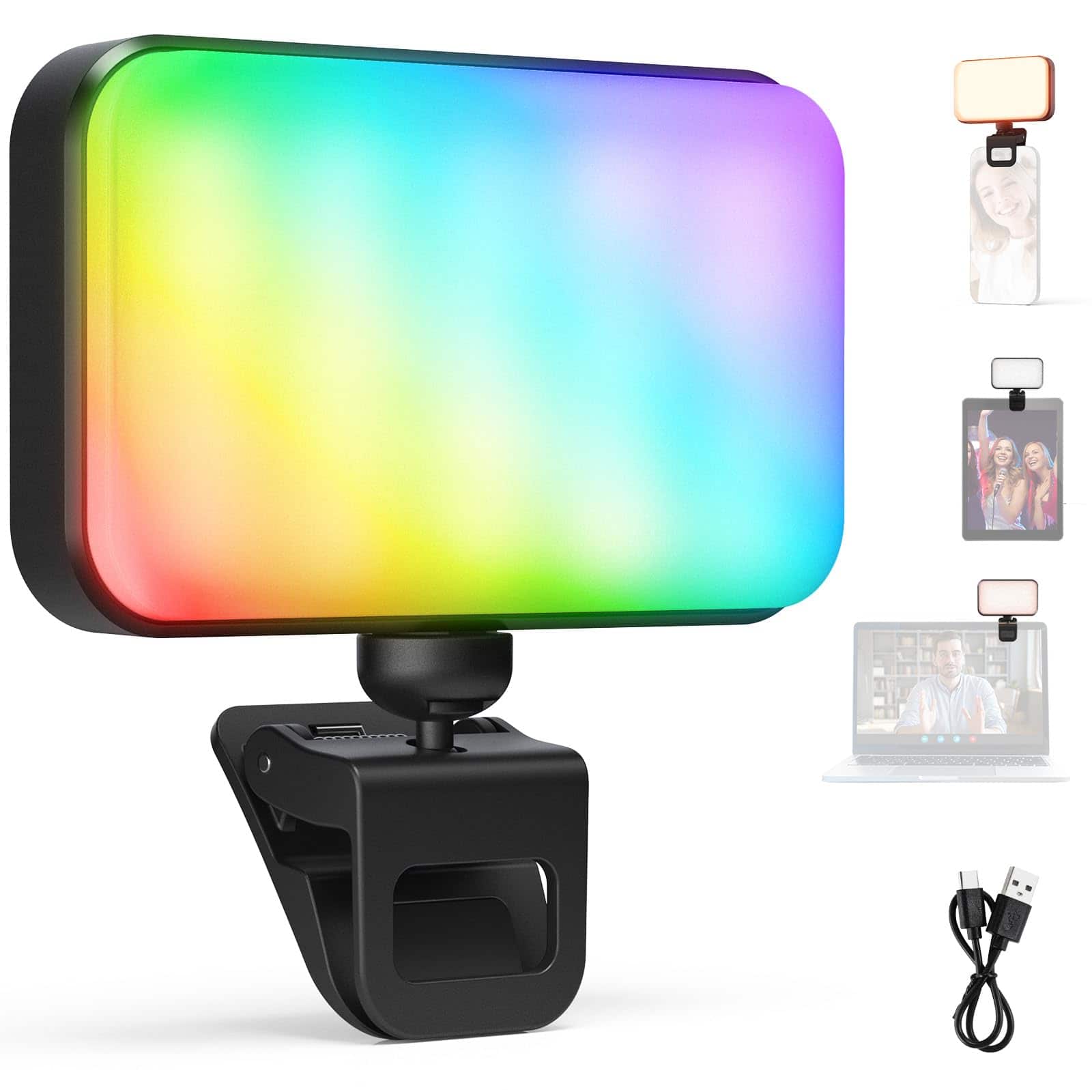
Neewer - Entry Level RGB Selfie Light, 91 LEDs, 20 Effects, CRI92, 1000mAh
SKU: CZLV9FX2Q9See all Camera & Video LightingProduct Description
A black plastic clip-on selfie light with 91 RGB LEDs, 20 effects, CRI92, and 1000mAh battery.Your price for this item is $24.99
Best Sellers

Related Pages


FAQ
When choosing a conference webcam for Zoom meetings, consider features such as high-definition video resolution (1080p or higher), wide-angle lens for group coverage, built-in microphones with noise reduction, plug-and-play USB connectivity, and compatibility with your operating system.
Yes, most conference webcams are designed to be compatible with both Windows and Mac computers. Always check the product specifications to ensure compatibility with your specific device and operating system version.
Absolutely! Conference webcams are generally compatible with a variety of video conferencing platforms, including Microsoft Teams, Google Meet, Skype, and Cisco Webex, in addition to Zoom.
Many modern conference webcams are plug-and-play, meaning they work automatically when connected via USB without the need for extra software or drivers. However, some advanced models may offer optional software for enhanced features or customization.
To improve audio quality, choose a conference webcam with built-in noise-cancelling microphones. For larger rooms or groups, consider pairing your webcam with an external microphone or speakerphone for optimal clarity.