Webinar Camera
-
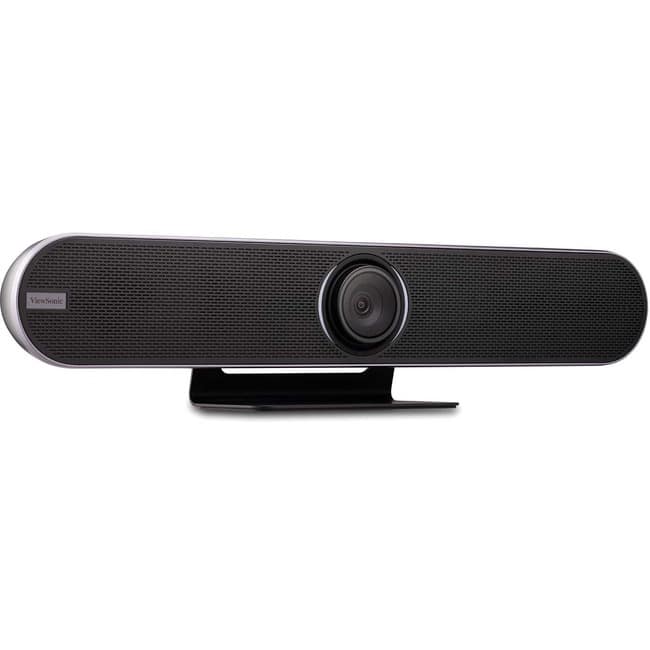
ViewSonic - VB-CAM-201 Video Conferencing Camera - 8.5 Megapixel - USB 3.0 - VB-CAM-201 Video Conferencing Camera - 8.5
SKU: J37H88FTSYSee all WebcamsProduct Description
A 4K Ultra HD conferencing camera with 120° wide-angle lens, voice tracking, and noise-canceling microphones.Your price for this item is $1,099.00 -
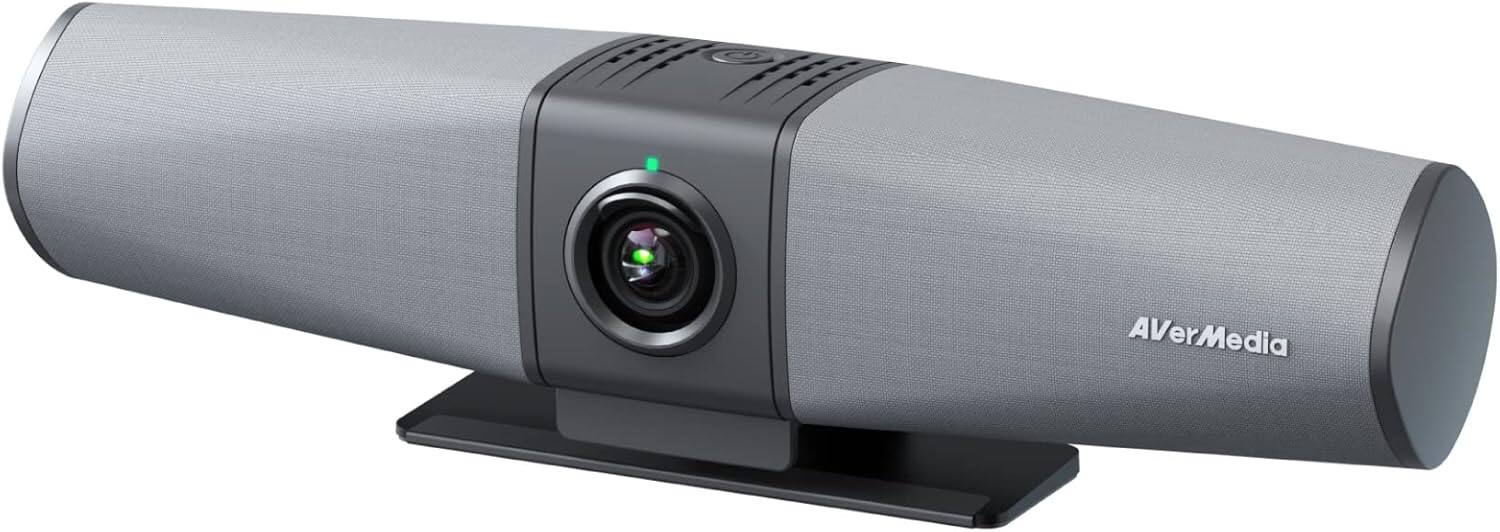
AVerMedia - PA511D Video bar, Camera, Speakerphone, and Wired Network, Echo Cancellation, Zoom Certified - TAA Compliant
SKU: J3R8WKC5Z7See all WebcamsProduct Description
A versatile video bar offering 4K UHD video, built-in microphone, speakerphone, and echo cancellation for seamless conferencing.Your price for this item is $499.99 -
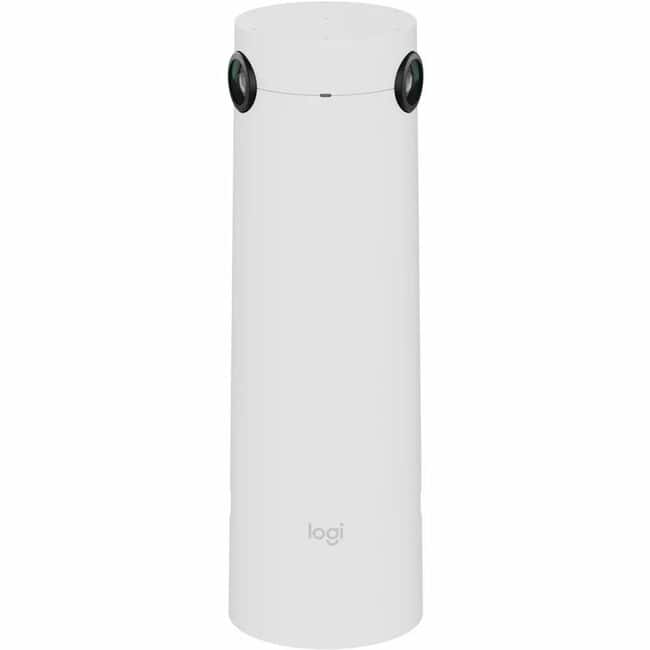
Logitech - Sight Video Conferencing Camera - 60 fps - White - 4K - 3840 x 2160 Video - 315° Angle - Tripod Mount
SKU: J7H7ZY8RH4See all WebcamsProduct Description
A white AI-powered 4K conferencing camera with 315° angle, 60 fps, and seven beamforming microphones.Your price for this item is $2,173.26Save $108The previous price was $2,281.92 -
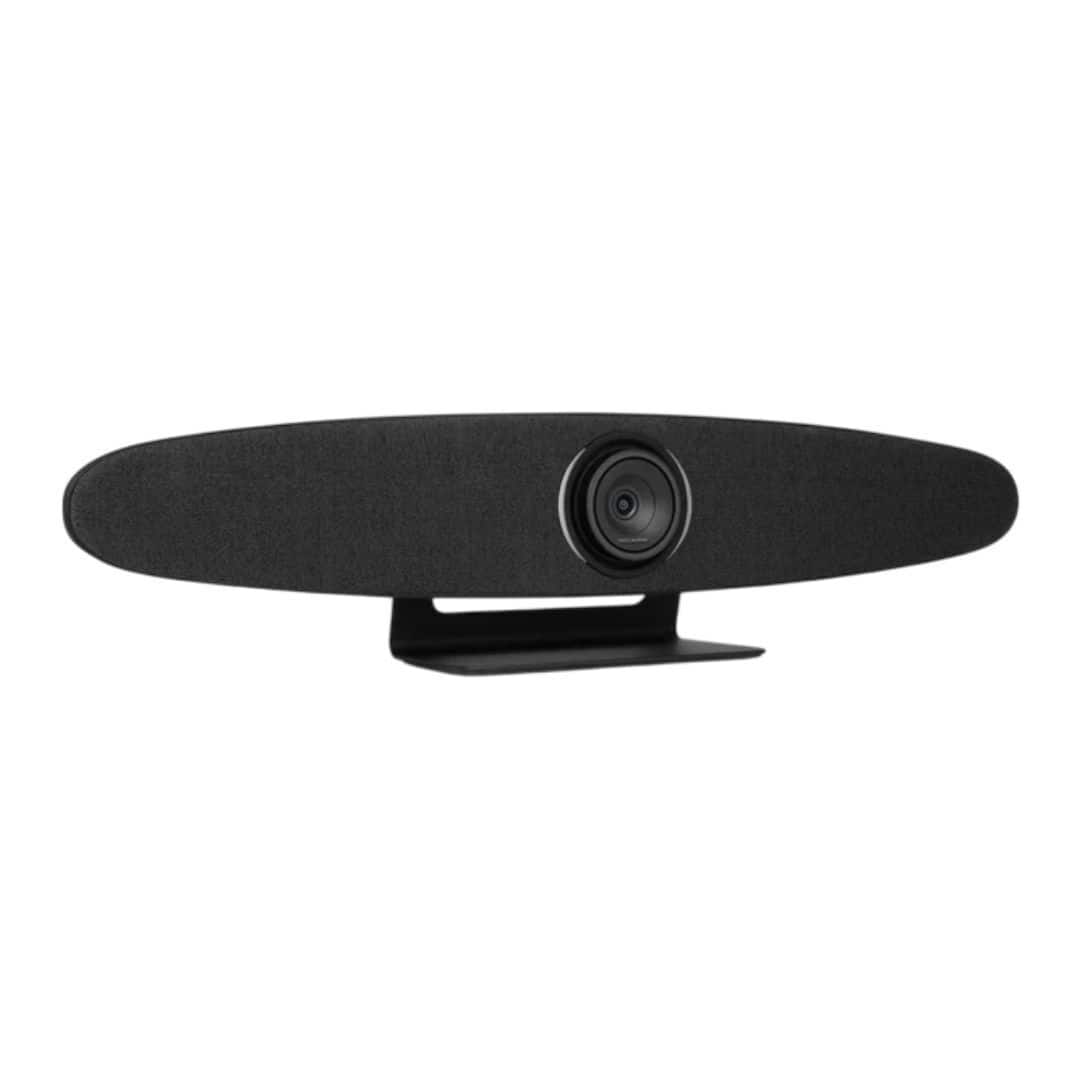
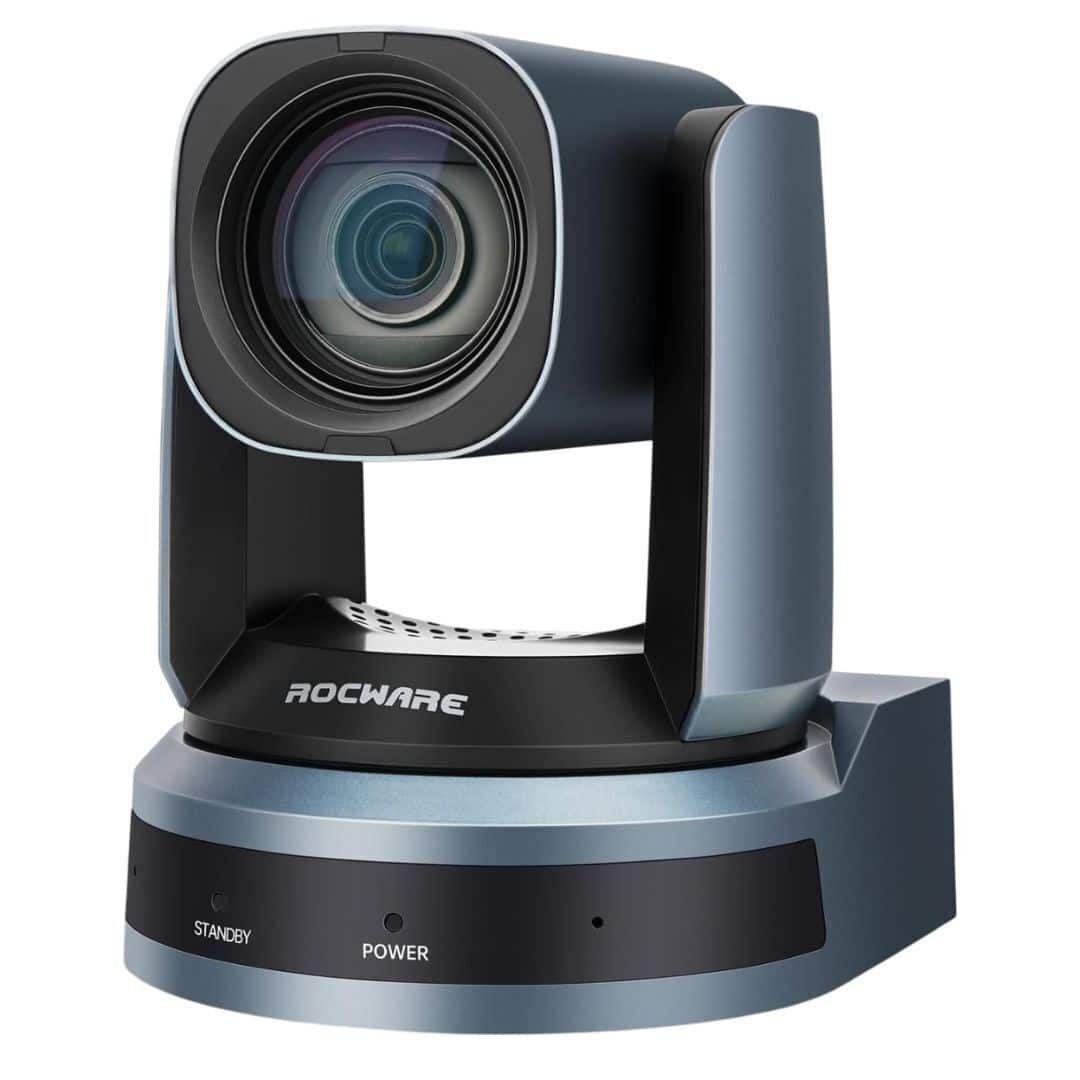
Rocware - RC10 Video Conferencing Camera - USB 3.0 Type C
SKU: JX92K82CCXSee all WebcamsProduct Description
A 3-in-1 video bar with an 8.51MP Full HD camera, wide field of view, and built-in microphone.Your price for this item is $586.66 -
Rocware - RC821U Video Conferencing Camera with 120 Degree Wide Angle Lens
SKU: JX92K82CJ9See all WebcamsProduct Description
A plug-and-play video conferencing camera with a 120-degree wide-angle lens and built-in microphone.Your price for this item is $684.60 -
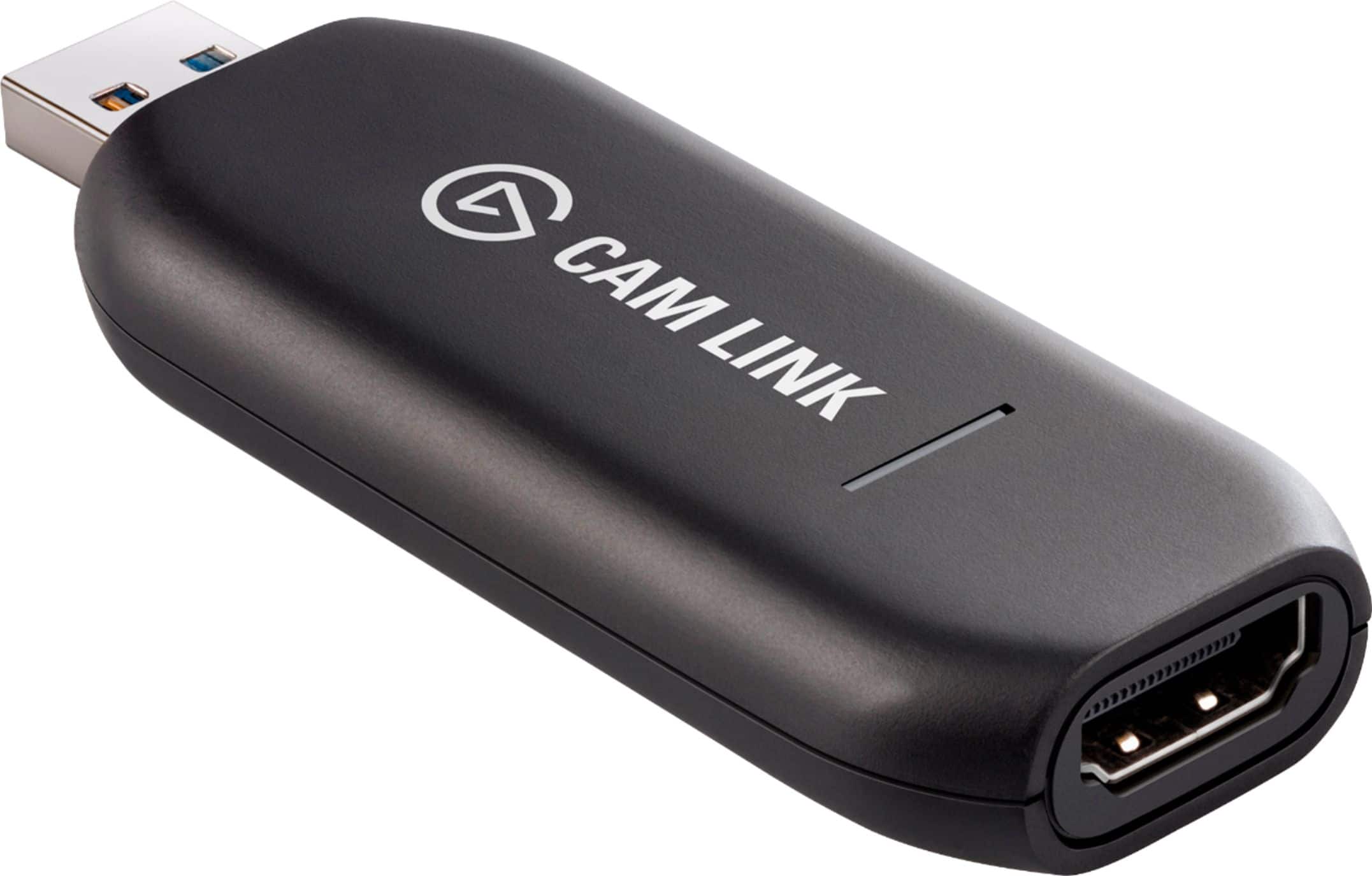
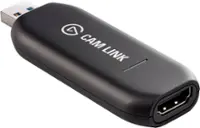
Elgato - Cam Link 4K – Windows & macOS - Black
SKU: J363LW7SYXThe best to get the max quality out of your camera when going live on social medias, the video quality...This thing works great!!! I love it!!! My video quality is awesome in my streaming setup!...The...
See all Capture Cards & DevicesProduct Description
A black HDMI-to-USB device that lets you stream or record 4K video from cameras with ultra-low latency.Your price for this item is $83.99Save $16The previous price was $99.99 -
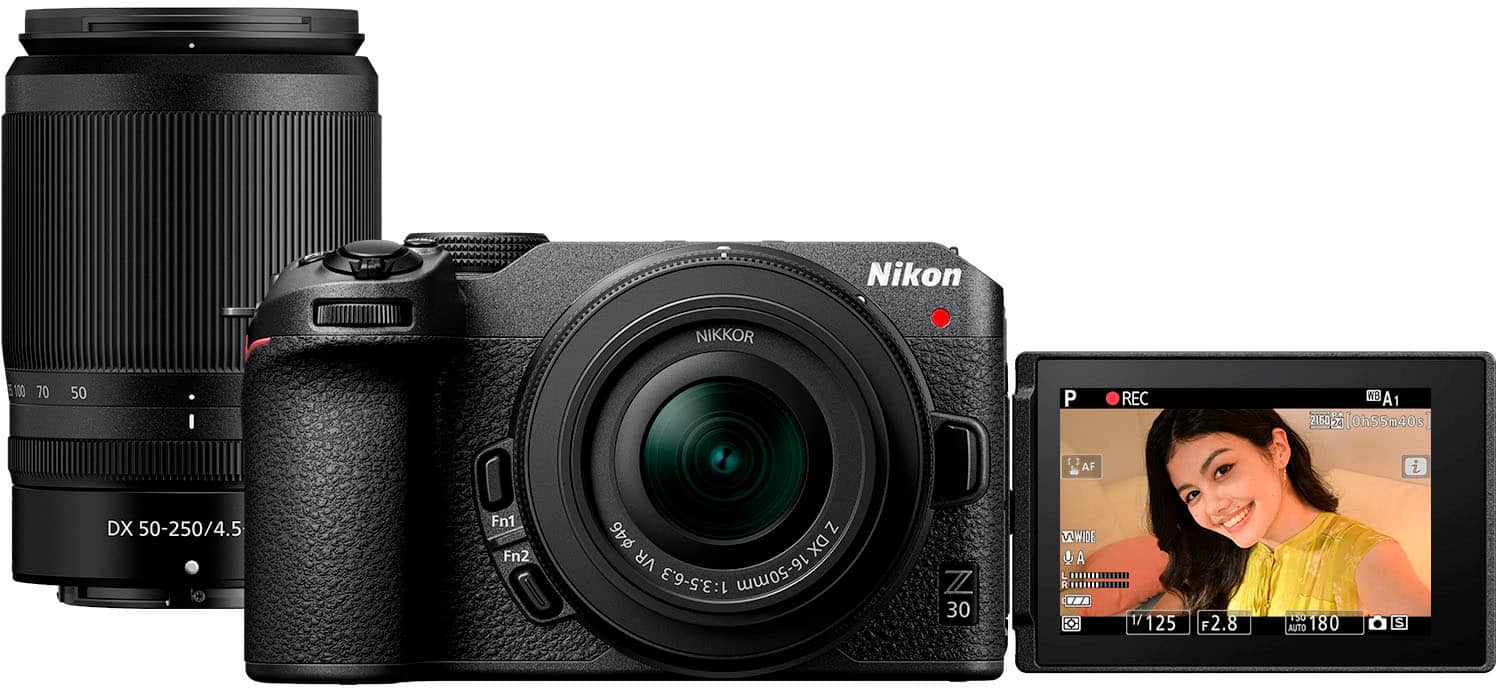
Nikon - Z 30 4K Video Mirrorless Camera with Two Zoom lenses, the NIKKOR Z DX 16-50mm and NIKKOR Z DX 50-250mm VR Lenses - Black
SKU: J7CVR96C53See all Mirrorless CamerasProduct Description
A compact black mirrorless camera kit with 4K video, flip-out touchscreen, and two versatile zoom lenses.Your price for this item is $1,049.95Save $150The previous price was $1,199.95
Best Sellers

Related Pages


FAQ
When choosing a webinar camera, consider features like high-definition resolution, low-light performance, autofocus, built-in microphones, and compatibility with popular video conferencing platforms to ensure clear and professional video quality.
Most modern webinar cameras are designed to be compatible with both Windows and Mac operating systems. Always check the product specifications for compatibility details and any required drivers or software.
Yes, most webinar cameras are plug-and-play and work seamlessly with popular video conferencing applications like Zoom, Microsoft Teams, Google Meet, and Skype.
Many webinar cameras work automatically once connected via USB, but some models may offer optional software for advanced features such as background effects, image adjustments, or firmware updates.
While built-in microphones provide convenience, for optimal audio clarity consider pairing your webinar camera with an external microphone or headset, especially in noisy environments.