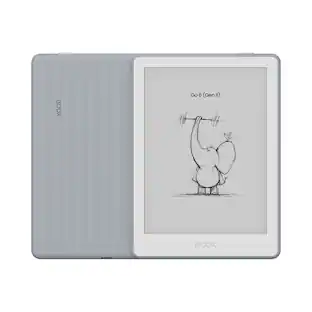
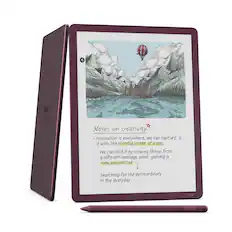
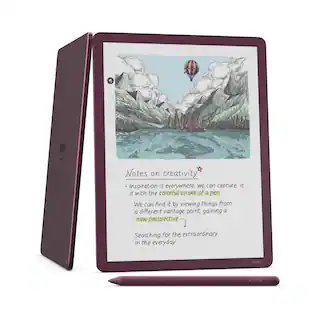
Amazon - Kindle Scribe Colorsoft 32GB (newest model), 11” paper-like color display with front light, Thin, light, powerful - 2025 - Graphite
Customers are saying
Customers value the Display Quality. They particularly appreciate the larger screen, which makes reading more enjoyable.
Total Storage Capacity
32GBNew Colorsoft display
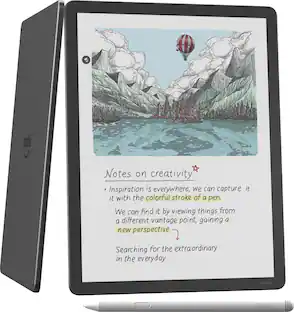
A custom-built oxide-based display delivers high-contrast, paper-like color that’s easy on the eyes without distracting flashes when writing.
Feels just like paper
Textured surface and ultra-fast responsiveness for a natural writing experience. Included Premium Pen requires no charging.
Thin, light, fast
Comfortable, paper-inspired design with fluid performance and a large 11” display that gives you space to write, read, and think.
Built-in notebook with AI-powered search and chat
Find information even if you don’t remember exact keywords, generate summaries, and chat about your notes to uncover insights. Refine handwriting or convert it to text.
Docs on demand
Import documents from Google Drive and Microsoft OneDrive directly to your device to mark up. Export your notebooks to Microsoft OneNote.
- Screen Size11.01 inchesScreen Resolution300 pixels per inchTotal Storage Capacity32 gigabytesVoice Assistant Built-inNoWireless ConnectivityWi-Fi, BluetoothBattery ChemistryLithium-ion
Reviews
Rating 4.4 out of 5 stars with 5 reviews
- Display Quality (3)
The vast majority of our reviews come from verified purchases. Reviews from customers may include My Best Buy members, employees, and Tech Insider Network members (as tagged). Select reviewers may receive discounted products, promotional considerations or entries into drawings for honest, helpful reviews.

Compare similar products

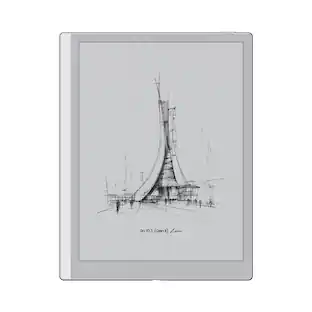
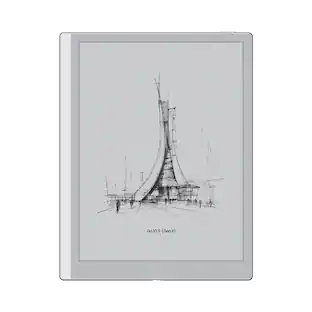
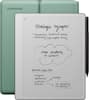
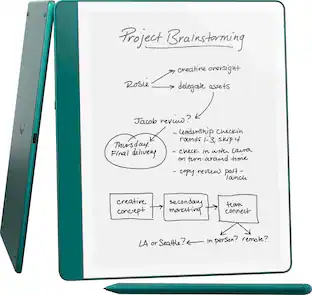
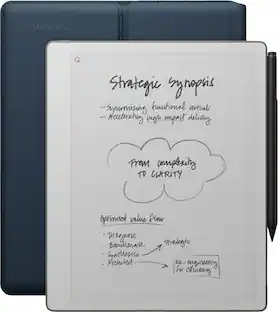
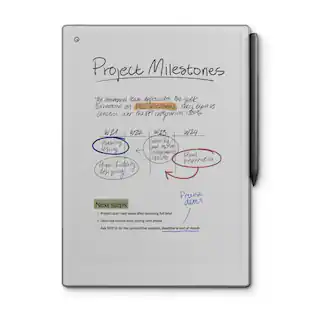
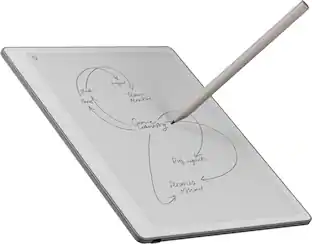
Kindle Scribe – Features an 11” Colorsoft display with front light, built-in notebook, AI tools, and support for popular cloud services.

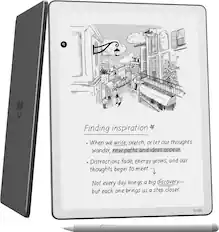
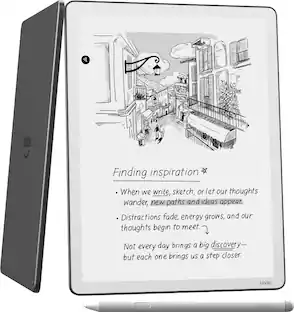
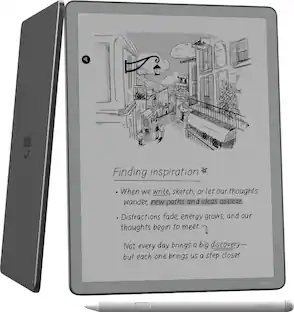
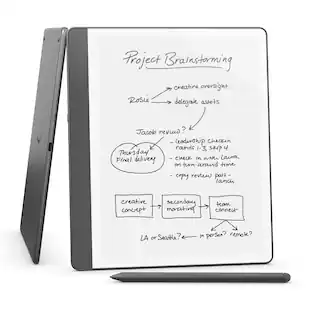
All-new Kindle Scribe – Features an 11” glare-free display with front light, built-in notebook, AI tools, and support for popular cloud services.
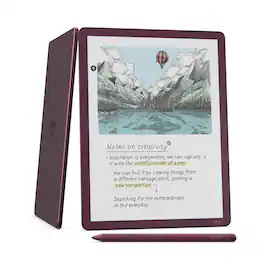
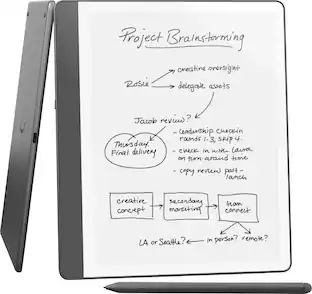
Kindle Scribe – Features an 11” Colorsoft display with front light, built-in notebook, AI tools, and support for popular cloud services.
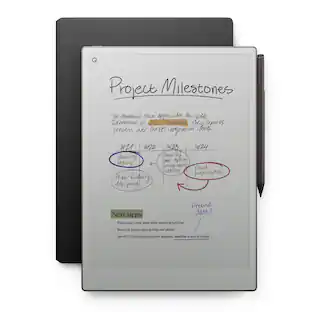
All-new Kindle Scribe – Features an 11” glare-free display with front light, built-in notebook, AI tools, and support for popular cloud services.
| Pros for Amazon - Kindle Scribe Colorsoft 32GB (newest model), 11” paper-like color display with front light, Thin, light, powerful - 2025 - Graphite | |||
|---|---|---|---|
| Display Quality | There were no pros for this product— | Overall Performance, Note-taking Functionality | There were no pros for this product— |
Specs
Customers often buy these together
More to consider
 $279.00The price was $289.99
Explore tech essentials Sponsored
Discover related products
 $1,599.99The price was $1,649.99
 $434.99The price was $499.00
 $549.99The price was $699.00
 $549.99The price was $749.00
 $949.99The price was $999.00

Keep exploring
 $137.99The price was $149.99