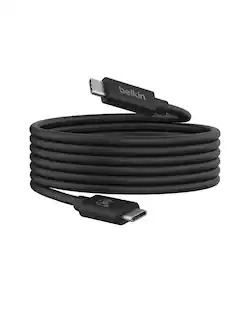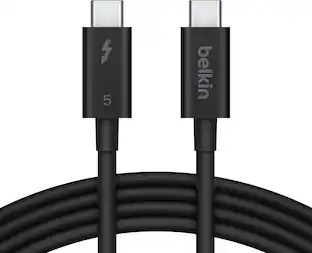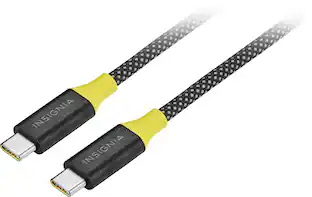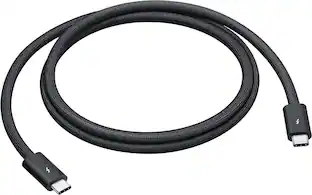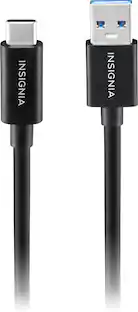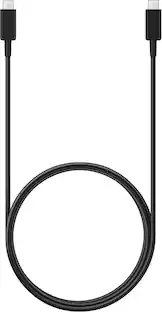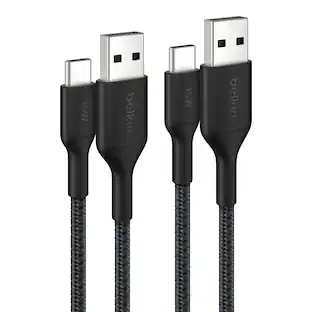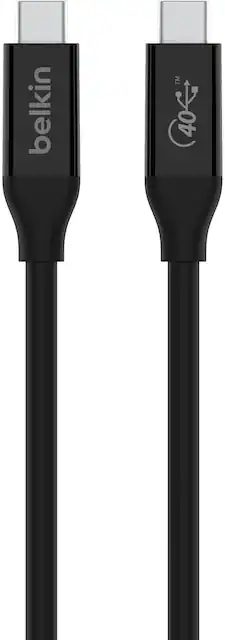
Belkin - USB 4 2.6’ USB-C to USB-C Cable with 100W Power Delivery - Black
- Key Specs
- Cable Length: 2.6 feet
- Connector Type (End 1): USB-C
- Connector Type (End 2): USB-C
- General
- Brand: Belkin
- Model Number: INZ001bt0.8MBK
- Product Name: USB 4 2.6’ USB-C to USB-C Cable with 100W Power Delivery
- Color: Black
- Quantity: 1
- Connectivity
- Cable Type: USB
- Cable Length: 2.6 feet
- Product Type: Cable
- Connector Type (End 1): USB-C
- Connector Type (End 2): USB-C
- Warranty
- Warranty - Parts: 2 years
- Warranty - Labor: 2 year
- Other
- UPC: 745883824816
The latest in USB technology has arrived with our USB4 Cable. Access speeds of up to 40Gbps, giving you the bandwidth needed for top tier video resolutions, Power Delivery, and fast data transfers, all at the same time with a single cable. It’s backwards compatible, which means it supports previous USB Type-C cables including USB 3.2, USB 2.0, and Thunderbolt 3. Plus, it’s tested and certified as fire-resistant, giving you peace of mind that your connection is safe and secure. It is compatible with the iPhone 17, 17 Pro Max and 17 Pro.
- 8x your data transfer speed: Tap into data transfer speeds of up to 40Gbps, giving you access to faster download times, improved video resolutions, quick data transfers, and more.
- Top tier resolutions: USB4 technology not only gives you access to the highest video resolutions, but unused bandwidth then becomes available for the transferring of power, data, and other uses—all through a single cable.
- USB-IF certified: Our USB4 Cable is USB-IF certified, which means it has met stringent USB quality standards to assure safe and long-lasting connectivity.
- Up to 100W power delivery: USB4 delivers up to 100W of pass-through power and Power Delivery, allowing you to fast charge your device while transferring data at the same time through a single cable.
- Reversable connector: The user-friendly design of USB Type-C lets you plug-in your cable in any direction, so you never have to worry about which way to connect again.
Q: Can I use this cable for fast charging?
A: Yes, this cable supports fast charging with power delivery and pass-through charging up to 100W.
Q: Does this cable have any certifications?
A: Yes, this cable is USB-IF certified, meaning it has met stringent quality standards for safe and reliable connectivity.
Q: Is this USB-C cable compatible with older USB versions?
A: Yes, this cable is backward compatible with USB 3.2, USB 2.0, and Thunderbolt 3.
Q: What is the maximum power delivery of this USB4 cable?
A: This USB4 cable supports power delivery up to 100W, allowing you to charge your device while transferring data.
Q: Will this work to transfer files from Samsung cellphone to laptop?
A: Hi! It may. The Belkin INZ001 can be used to sync a device.
A: Hi, SouL. The Belkin INZ001 cable has not been tested to work with the Apollo Twin X but for your reference, it is designed to be backwards compatible with Thunderbolt 3.
A: Hi. Yes, you can use the Belkin INZ001 cable, alone, to transfer files between your computers; since this cable supports data transfer with speeds of up to 40Gbps. For more details, check the FAQs: https://www.belkin.com/support-article/?articleNum=318866.
A: Hi! We'll have this further checked by our phone support team. Please reach out to them through our hotline: https://www.belkin.com/support-article/?articleNum=55022