BenQ - MA270U 27" IPS LED 4K UHD Nano Matte Monitor for MacBook Pro and MacBook Air (HDMI/USB-C 90W) - Gray
Customers are saying
Customers appreciate the exceptional color accuracy provided by this product. Users have specifically noted that the display performs fantastically when paired with a MacBook.
Screen Size
27"Highlights
Show Mac Colors
Calibrated for MacBook with BenQ’s exclusive color tuning, offering a vibrant P3 wide color gamut for MacBook Air and Pro.
Expand MacBook with USB-C
Connect and expand your MacBook display with a single USB-C cable.
Integrated MacBook Controls
Adjust brightness and volume directly from your MacBook keyboard.
Versatile Connectivity
2 HDMI and 2 USB-C ports—The dual USB-C ports deliver 90W for your MacBook, and 15W to charge your iPad or iPhone.
Adjustable Stand
Adjust height, tilt, swivel, and pivot for maximum comfort.
- Refresh Rate60HzMaximum Resolution3840 x 2160Panel TypeIPSSynchronization TechnologyNot Applicable, Not ApplicableScreen Size27 inches
Reviews
Rating 4.9 out of 5 stars with 8 reviews
- Color Accuracy (4)
Customer Images
The vast majority of our reviews come from verified purchases. Reviews from customers may include My Best Buy members, employees, and Tech Insider Network members (as tagged). Select reviewers may receive discounted products, promotional considerations or entries into drawings for honest, helpful reviews.

Compare similar products

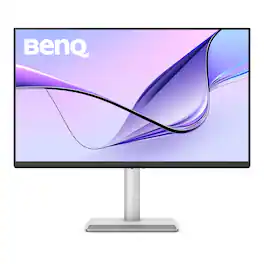
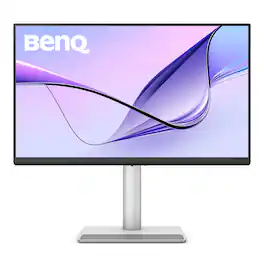
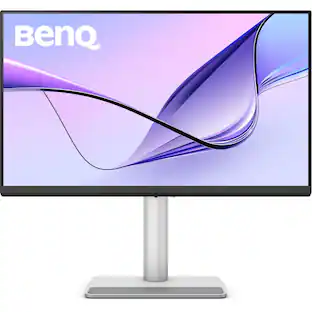
BenQ MA270U 27” 4K 3840x2160 Monitor for MacBook Pro/Air, Dual USB-C, 90W Power Delivery
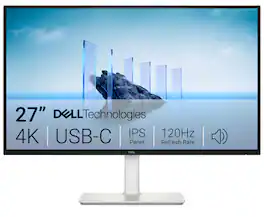
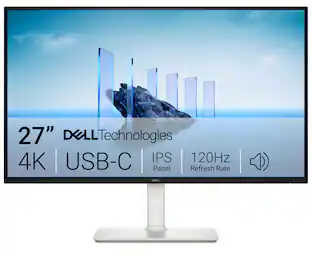
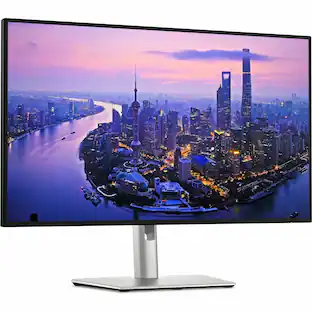
Dell 27 Plus 4K USB-C Monitor - S2725QC. Whether you're watching movies or playing games, enjoy an immersive viewing experience with improved eye comfort on a 4-star certified monitor*.
| Pros for BenQ - MA270U 27" IPS LED 4K UHD Nano Matte Monitor for MacBook Pro and MacBook Air (HDMI/USB-C 90W) - Gray | |||
|---|---|---|---|
| Color Accuracy | Image Quality, Connectivity, Refresh Rate, Port Count, Adjustability | There were no pros for this product— | There were no pros for this product— |
| Cons for BenQ - MA270U 27" IPS LED 4K UHD Nano Matte Monitor for MacBook Pro and MacBook Air (HDMI/USB-C 90W) - Gray | |||
| There were no cons for this product— | Volume Control | There were no cons for this product— | There were no cons for this product— |
Specs
Customers often buy these together
Computer Keyboards
![esc ! - 1 tab caps lock shift ctrl F2 F3 # 2 3 Q W E R T Y U I O P A S D F G H J K L Z X C V B N M start opt alt cmd logi 44 HI . F10 F8 F7 F6 * ( ) - - & 0 8 9 7 O P U I Y K L H J > < N M B F + = { [ : I : ? I alt cmd 2 30 3 1 FQ page insert home up backspace page 1 delete end down ) ] / I I & shift ctrl fn opt 6 / + / clear 8 9 + 7 & P9 up home 5 6 4 a 4 2 3 enter 1 dn pg end = 0 del ins](https://pisces.bbystatic.com/image2/BestBuy_US/images/products/6539/6539508_sd.jpg;maxHeight=232;maxWidth=233?format=webp)

![The text on the image reads:
888 DD DI DD 4 DSC i F2 F3 4 FS T6 ET 1. 1N IN F.. 11 1.. 114 1n F1 F12 118 in9 - a ee 1 8F 2 3 $ 4 % 5 A 6 & 7 . 8 I 9 I 0 ee I + = delete fn home page up clear - / + tab Q W E R T Y U I 0 P { [ ] ] | I delete end page down 7 8 9 ee caps lock A S D F G H J K L : I - return 4 5 6 + shift Z X C V N M < F > ? / shift a 1 2 3 control option 2 command 3 command option control Y - 0 enter
After grouping and correcting the text, it reads:
888 DD DI DD 4 DSC i F2 F3 4 FS T6 ET 1. 1N IN F.. 11 1.. 114 1n F1 F12 118 in9 - a ee 1 8F 2 3 $ 4 % 5 A 6 & 7 . 8 I 9 I 0 ee I + = delete fn home page up clear - / + tab Q W E R T Y U I 0 P { [ ] ] | I delete end page down 7 8 9 ee caps lock A S D F G H J K L : I - return 4 5 6 + shift Z X C V N M < F > ? / shift a 1 2 3 control option 2 command 3 command option control Y - 0 enter](https://pisces.bbystatic.com/image2/BestBuy_US/images/products/f4059d3a-0c2a-46ef-bcfd-4e11b9b26d5d.jpg;maxHeight=232;maxWidth=233?format=webp)
![The text on the image is a list of keys on a keyboard. Here is the grouped and corrected text:
1. Function keys: F1, F2, F3, F4, F5, F6, F7, F8, F9, F10, F11, F12
2. Numeric keys: 1, 2, 3, 4, 5, 6, 7, 8, 9, 0, -, =, +, (, )
3. Modifier keys: shift, control, option, command, caps lock, and return
4. Navigation keys: arrow keys (up, down, left, and right), and home and end keys
5. Punctuation keys: [, ], |, /, and ;
6. Numeric keypad keys: 7, 8, 9, *, -, and =
7. Other keys: tab, Q, W, E, R, T, Y, U, I, O, P, J, K, L, and Z
This list includes all the keys on a standard keyboard, grouped by their functions and types.](https://pisces.bbystatic.com/image2/BestBuy_US/images/products/eba31cb9-2606-42ab-9643-ed4280533545.jpg;maxHeight=232;maxWidth=233?format=webp)
![F5 F4 F3 esc F2 F1 A $ % @ # 6 ! 4 5 ~ 3 1 2 R T W E Q tab F G S D - lock A caps V C X Z shift x command option control & F7 F6 * & 7 8 Y U H J B N logi MI PV FB ( ) 9 0 I O K L < M 100 200 300 P PA P F12 FM FIO page clear fn home up + delete - = - page 7 I end down I ] ] I P [ return : I ; A shift ? > / > control 3C option command Q F FS = I 8 9 4 5 - 1 2 0 PS * - 6 3 + enter](https://pisces.bbystatic.com/image2/BestBuy_US/images/products/6587/6587876_sd.jpg;maxHeight=232;maxWidth=233?format=webp)

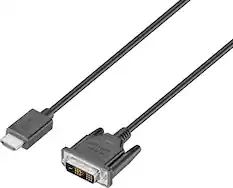
Monitor and Video Cables
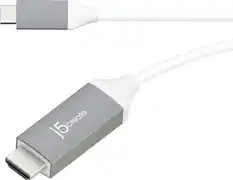
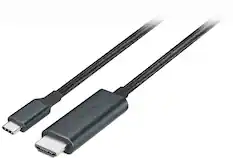
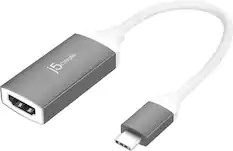
j5create - USB-C to 4K HDMI Cable - Gray
60th Anniversary Deal$24.99The price was $29.99

More recommended items
 Mice
Mice Cables and Adapters
More to consider
 $315.99The price was $369.99
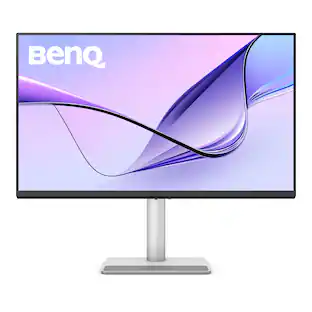 $649.99The price was $729.99
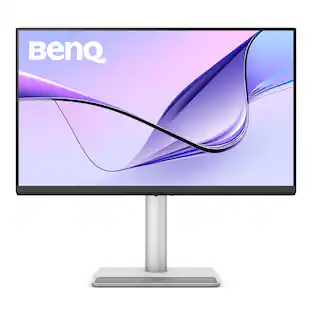 $549.99The price was $643.16
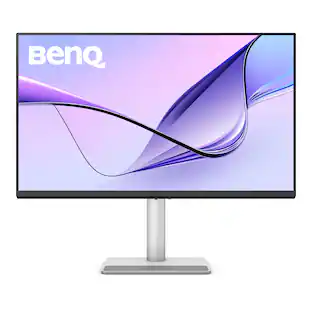 $649.99The price was $699.99
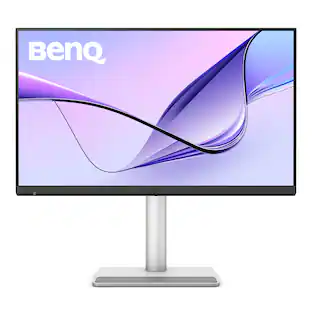 $955.99The price was $999.99
 New Limited Time Deal$249.99The price was $379.99
 $599.99The price was $649.99
Explore tech essentials Sponsored
 $119.99The price was $129.99

Discover related products
 60th Anniversary Deal$169.99The price was $269.99
 $49.99The price was $59.99



Keep exploring
 60th Anniversary Deal$69.99The price was $86.39
 60th Anniversary Deal$189.99The price was $259.99
 $764.59The price was $999.00
 $628.99The price was $711.50
 $736.99The price was $999.00
 $377.99The price was $399.99