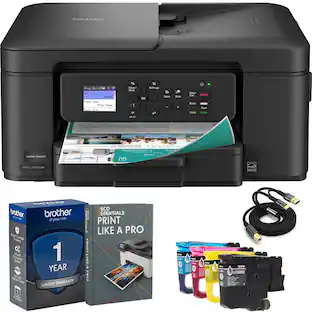
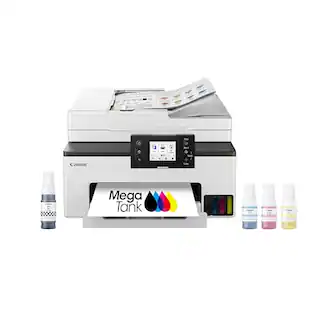
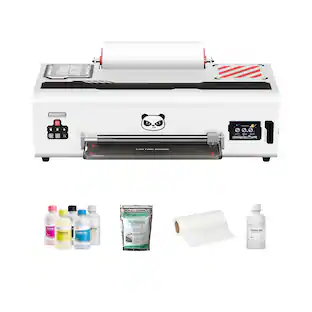
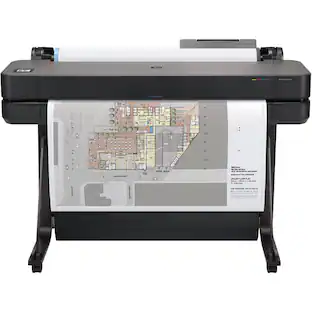
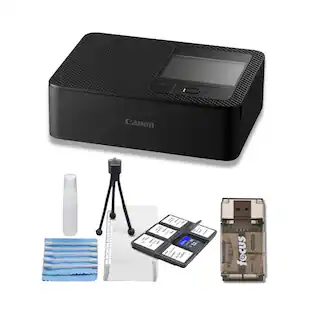
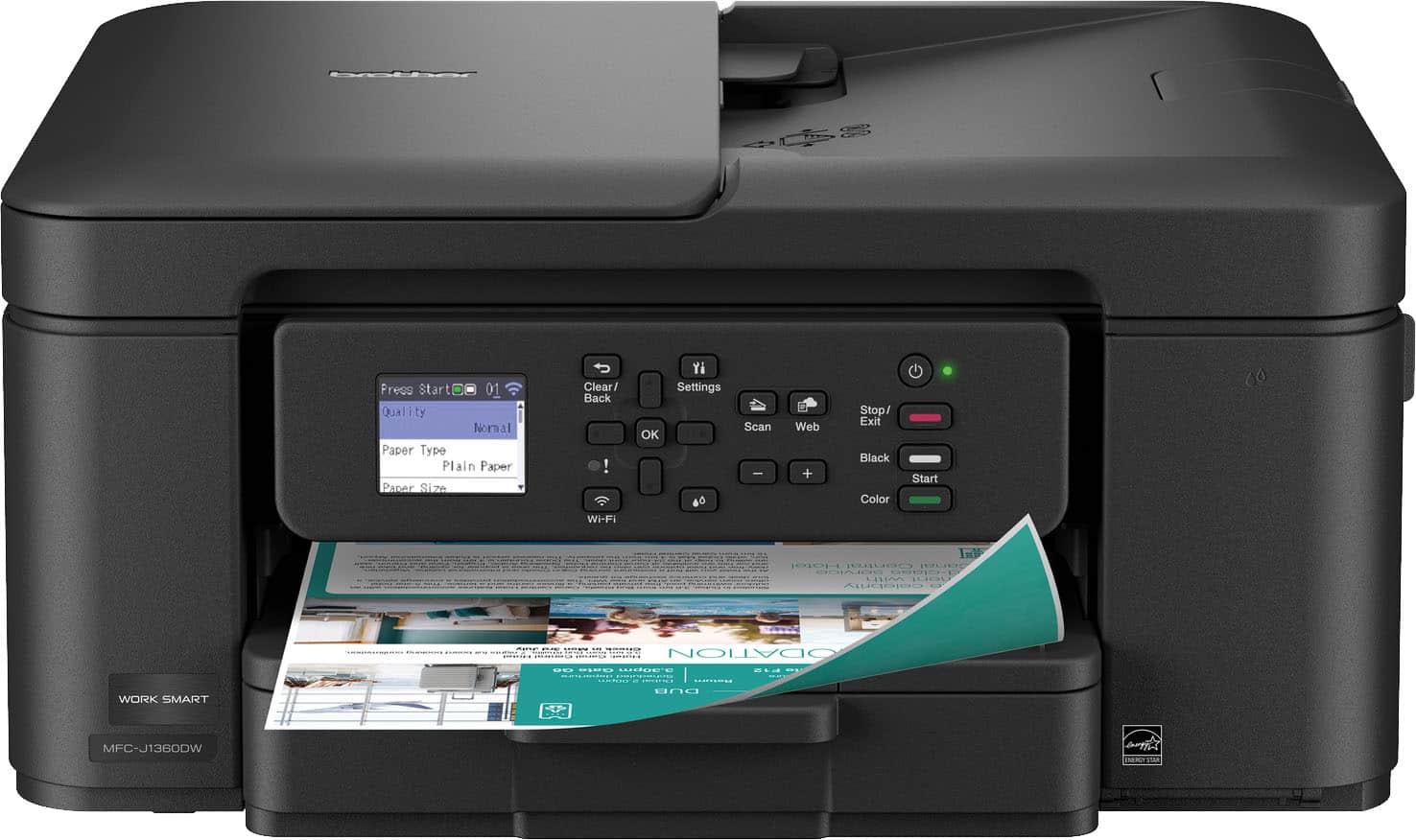
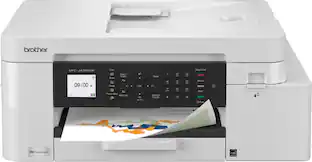
Brother - Work Smart 1360 Wireless All-in-One Refresh Subscription Eligible Inkjet Printer with Auto Duplex Printing (MFC-J1360DW) - Black
Customers are saying
Customers recognize that this printer delivers excellent overall performance and high-quality prints, making it a reliable choice for many users. While the compact size and quiet operation are frequently praised, the device also offers convenient wireless connectivity. Although most aspects of the printer are well-regarded, some users have noted that the initial setup process can be challenging.
Features
All-in-One Printer
Print, copy, and scan on one convenient, compact printer, with quick and easy setup.
Cloud App Connection
You can print from and scan to popular Cloud apps(3), including Google Drive, Dropbox, Box, OneDrive, and more from the easy-to-use 1.8” color display on your printer.
Productivity-Focused Features
This printer includes automatic duplex (2-sided) printing, a 20-sheet single-sided Automatic Document Feeder (ADF)(1), and a 150-sheet paper tray(1).
Multiple Connection Options
Interface with your printer on your wireless network(2) or via USB.
The Brother Mobile Connect app
Put the power of printing at your fingertips. Go mobile with the simple-to-use Brother Mobile Connect app that delivers easy onscreen menu navigation for printing, copying, scanning, and device management from your mobile device(6).
Fast Print Speeds
Print up to 16 pages per minute (ppm) in black and up to 9 ppm in color(7).
Reliable Print Quality
Brother inkjet printers produce beautiful prints in vibrant color or rich black & white for results you can be proud of.
Brother Page Gauge
Monitor your ink usage to help ensure you don’t run out(4).
Brother Customer Support
For customer service, visit us at
Brother Genuine Ink
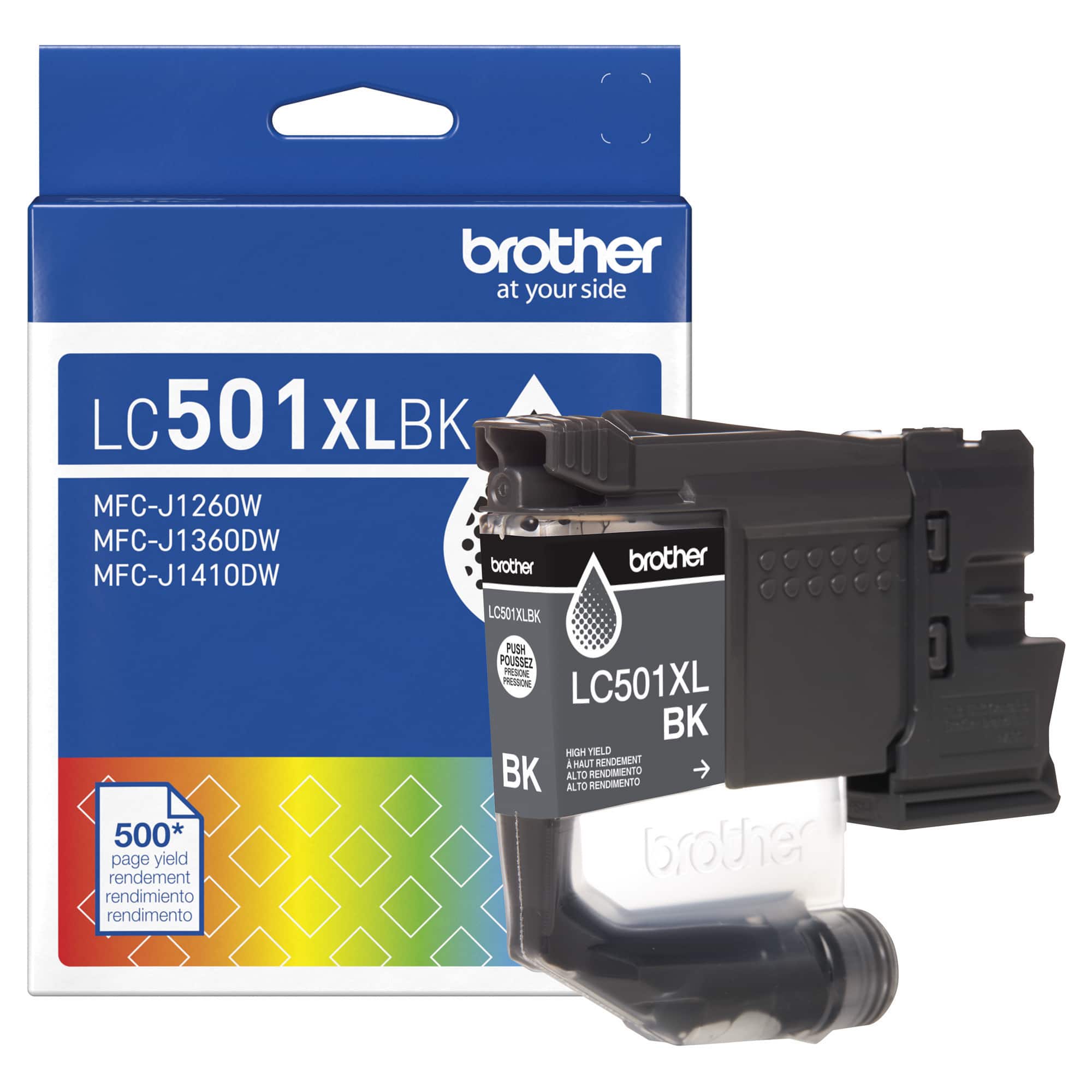
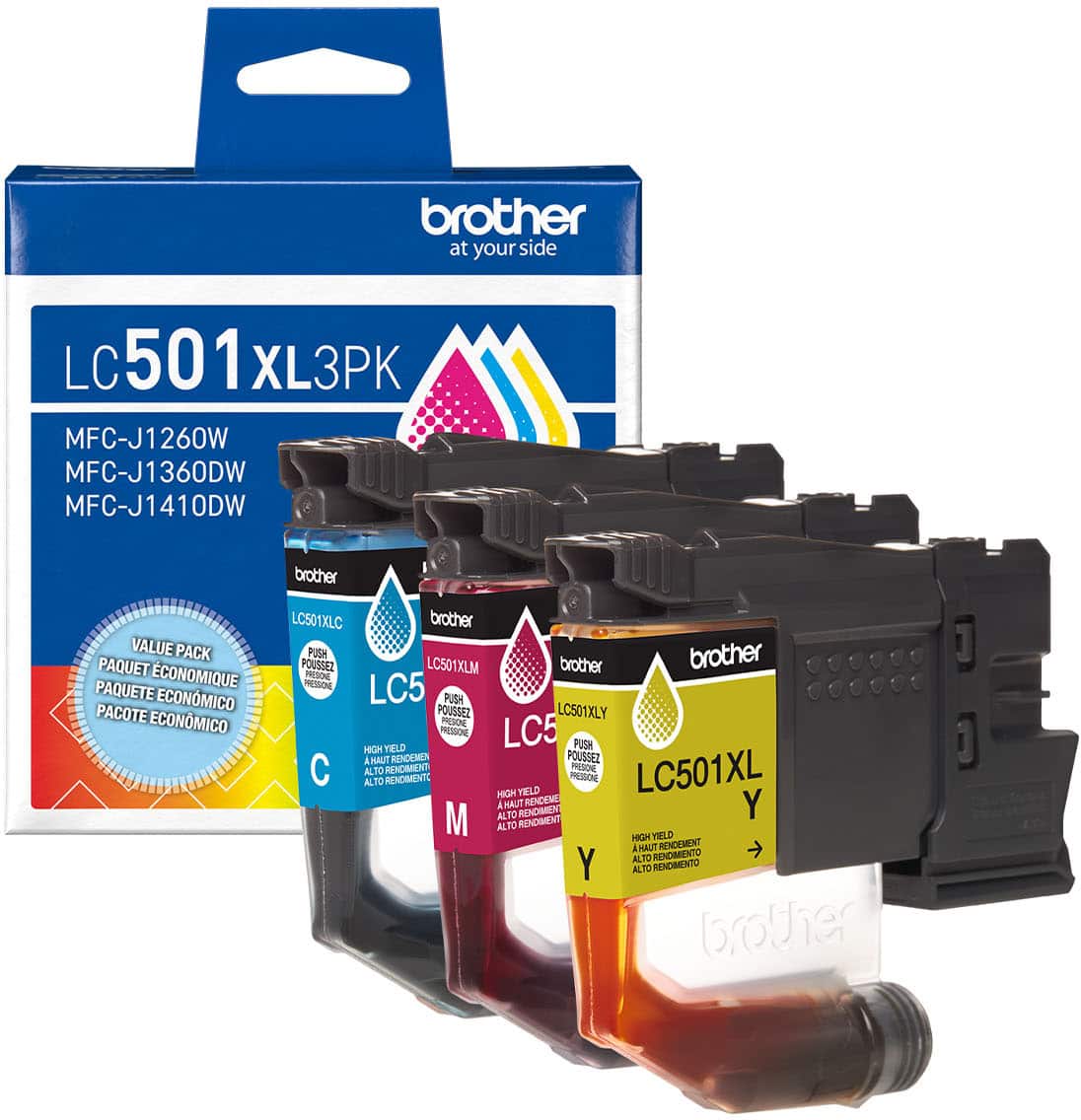
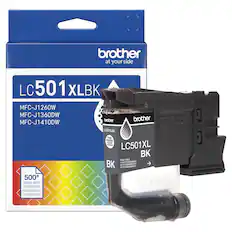
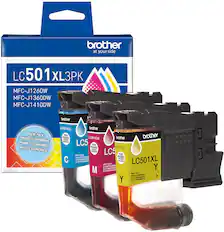
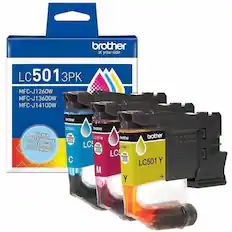
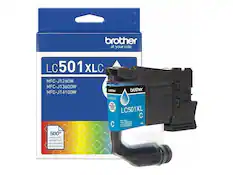
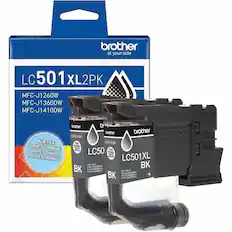
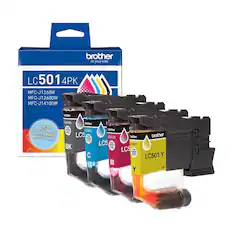
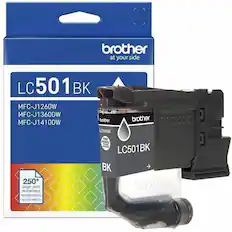
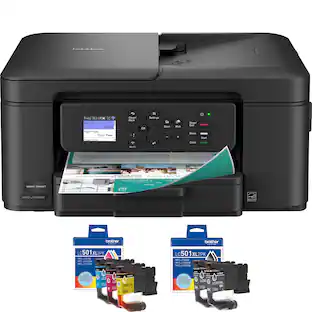
We engineer our ink cartridges to work seamlessly with your Brother printer. Choose Brother Genuine LC501 Ink, the only brand we recommend for use with your printer.
Specifications
- NetworkingWirelessENERGY STAR CertifiedYesPrinter TypeAll In One, Printer, Copier, ScannerISO Color Print Speed9 pages per minuteOutput Tray Capacity50Touch ScreenNo
Reviews
Rating 4.3 out of 5 stars with 488 reviews
- Overall Performance (187)
- Print Quality (135)
- Connectivity (40)
- Size (32)
- Noise Level (13)
- Setup Difficulty (31)
Customer Images
The vast majority of our reviews come from verified purchases. Reviews from customers may include My Best Buy members, employees, and Tech Insider Network members (as tagged). Select reviewers may receive discounted products, promotional considerations or entries into drawings for honest, helpful reviews.
Compare similar products
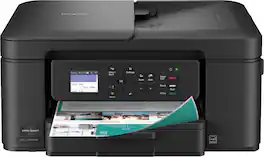
The Brother Work Smart 1360 Wireless All-in-One Refresh Subscription Eligible Inkjet Printer is the perfect choice for a reliable printer with robust efficiency-boosting features. With tools like automatic duplex (2-sided) printing, a 20-page single-sided automatic document feeder(1), and wireless(2) and Cloud connectivity(3) options available on the 1.8” color display, this multifunction printer helps you get your work done with simplicity and ease. Perfect for printing anything from to-do lists to business reports, this color inkjet printer outputs quality prints at fast speeds. Brother Page Gauge(4) monitors your ink usage so you know when you’re running low. When paired with the Brother Mobile Connect app(5), setup is quick and easy – plus, you’ll be able to print from virtually anywhere on your mobile device(6). Print Confidently with Brother Genuine LC501 Ink in your Brother Work Smart 1360 for reliable, consistent prints –it’s the only brand we recommend for your Brother printer.
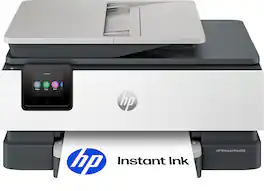
The HP OfficeJet Pro 8125 All-in-One Printer delivers fast color, water-resistant, smear-resistant, and fade-resistant prints, 225-sheet paper capacity, and scan and copy capabilities perfect for your home office. Navigate this printer with the 2.7" color touchscreen and phone-like user interface. It includes wireless and printer security features to keep your multifunction printer up to date and secure, and is made with more than 45% recycled plastic content. Optimize print formatting with HP AI, that easily removes unwanted content from emails and web pages so your prints are just the way you want—no wasted pages or unwanted content. Subscribe to Instant Ink delivery service and get 3 months of free ink delivered directly to the door of your office. The HP OfficeJet Pro 8125 All-in-One also lets you print from anywhere with the HP app.
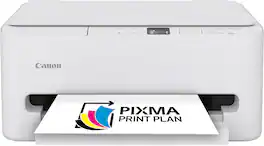
The PIXMA TS6520 strikes a perfect balance between functionality and affordability. While it doesn’t include an ADF like the TR7120, it still offers high-quality printing, scanning, and copying for everyday tasks. Its auto 2-sided printing helps save on paper and its 1.42” OLED display and simple setup make it user-friendly, and its compact design fits easily into any home workspace. With reliable Wi-Fi and mobile printing support, it’s great for printing school projects, recipes, and vibrant photos—without the extra bells and whistles. Best for: Families and students who want a reliable, easy-to-use printer for occasional use without needing advanced features.
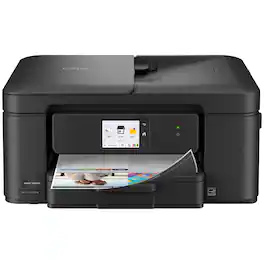
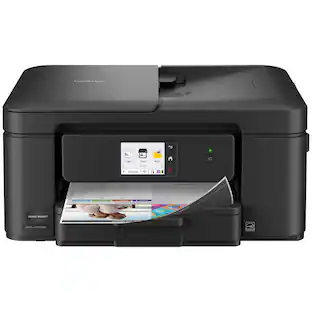
Experience true reliability and ease of use with the Brother Work Smart 1410 Wireless Color Inkjet All-in-One Printer. A 2.7” color touchscreen display lets you connect to popular Cloud apps(1) directly from your printer. Automatic duplex (2-sided) printing, a 20-sheet single-sided automatic document feeder (ADF)(2), and a 150-page paper tray(2) bring modern convenience to this compact printer. Engineered to produce great prints, this color inkjet printer outputs vibrant colors and bold, rich blacks at fast print speeds, and Page Gauge(3) monitors your ink usage so you know when you’re running low. When paired with the Brother Mobile Connect app(4), setup is quick and easy – plus, you can print from virtually anywhere on your mobile device(5). Print Confidently with Brother Genuine LC501 Ink in your Work Smart 1410 for reliable, consistent prints –the only brand we recommend for your Brother printer.
| Pros for Brother - Work Smart 1360 Wireless All-in-One Refresh Subscription Eligible Inkjet Printer with Auto Duplex Printing (MFC-J1360DW) - Black | |||
|---|---|---|---|
| Overall Performance, Print Quality, Connectivity, Noise Level, Size | Overall Performance, Print Quality, Connectivity, Noise Level, Design | Overall Performance, Print Quality, Connectivity, Ease of Use, Setup | Print Quality, Overall Performance, Connectivity |
| Cons for Brother - Work Smart 1360 Wireless All-in-One Refresh Subscription Eligible Inkjet Printer with Auto Duplex Printing (MFC-J1360DW) - Black | |||
| Setup Difficulty | There were no cons for this product— | Features | There were no cons for this product— |
Specs
Questions & Answers
Will the printer still work if only black ink is available and are printing black and white document?
Answered by BrotherThe Brother MFCJ1360DW is designed to stop all printing operations when any of the ink cartridges are low. This is to ensure the life of the print head and maintain premium print quality. If the unit were to continue printing, print jobs and cleaning cycles would suck air from the empty cartridge and damage the print head.
Does this printer have automatic two-sided printing?
Yes, this printer features automatic two-sided printing.
This question and answer was generated by AI based on customer and product data.Can I print directly from cloud storage services with this printer?
Yes, you can print from cloud apps using this printer.
This question and answer was generated by AI based on customer and product data.Is it possible to monitor ink usage with this printer?
Yes, you can monitor ink usage with the Brother Page Gauge.
This question and answer was generated by AI based on customer and product data.Does this printer have a display screen?
Yes, this printer has a display screen.
This question and answer was generated by AI based on customer and product data.

Customers often buy these together
Ink Cartridges
Copy and Multipurpose Paper










Printer Paper

More to consider
 Our 365-day lowest price$129.99The price was $249.99
 $145.80The price was $262.99



Explore tech essentials Sponsored
Discover related products
 $26.99The price was $40.66
 $399.99The price was $479.99








Keep exploring
 $99.99The price was $199.99
 $2,245.00The price was $2,295.00
 $149.99The price was $169.99
 $1,750.00The price was $1,950.00
 $768.90The price was $839.00