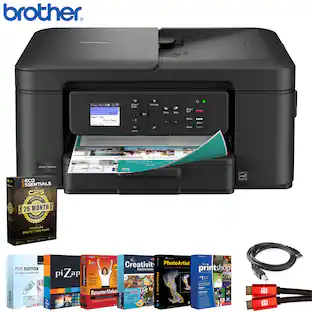
Brother - Work Smart 1410 Wireless Color All-in-One Inkjet Printer, 2.7” Color Touchscreen (MFC-J1410DW), Great for Home Offices - Black
Customers are saying
Customers admire the impressive print quality that this device consistently delivers. Users also appreciate how straightforward the initial setup process is for new owners. Additionally, the convenient wireless connectivity is frequently highlighted as a major benefit for those looking for a seamless experience.
All-in-One Printer
Get all your work done with a multifunction printer. Print, copy, and scan on one convenient, compact printer, with quick and easy setup. It’s designed to be the perfect counterpart to your home, home office, or small office space.
Cloud Connected Color Touchscreen
Seamless integration with the Cloud(1). Print from and scan to popular Cloud apps(1), including Google Drive, Dropbox, Box, OneDrive, and more on a clear 2.7” color touchscreen display.
Productivity-Focused Printing Features
This printer includes automatic duplex (2-sided) printing, a 20-sheet single-sided Automatic Document Feeder (ADF)(2), and a 150-sheet paper tray(2).
Wireless and USB Connections
Connect your way. Interface with your printer on your wireless network or via USB.
The Brother Mobile Connect app
Put the power of printing at your fingertips. Go mobile with the simple-to-use Brother Mobile Connect app(4) that delivers easy onscreen menu navigation for printing, copying, scanning, and device management from your mobile device.
Fast Print Speeds
Efficiency is the name of the game. Engineered to print at fast speeds of up to 16 pages per minute (ppm) in black and up to 9 ppm in color(6).
Reliable Print Quality
Crisp, clear printing up to 1,200 x 6,000 dpi (Windows) and 1,200 x 3,600 dpi (Mac). Brother inkjet printers produce beautiful prints in vibrant color or rich black & white for results you can be proud of.
Page Gauge
Monitor your ink usage to help ensure you don’t run out(3).
Brother Customer Support
For customer service, visit us at
Brother Genuine Ink
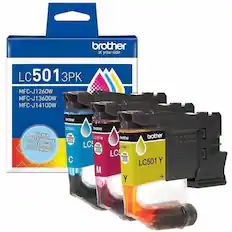
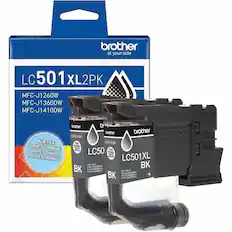
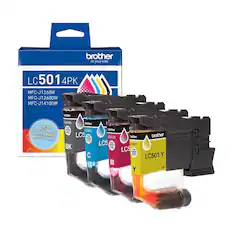
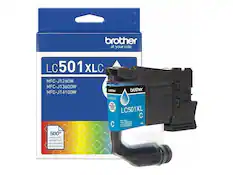
Reliable performance you can count on. We engineer our ink cartridges to work seamlessly with your Brother printer. Choose Brother Genuine LC501 Ink, the only brand we recommend for use with your printer.
- NetworkingWirelessENERGY STAR CertifiedYesPrinter TypeAll In One, Printer, Copier, ScannerISO Color Print Speed9 pages per minuteISO Mono Print Speed16 pages per minuteOutput Tray Capacity50
Reviews
Rating 4.8 out of 5 stars with 29 reviews
- Print Quality (12)
- Setup Ease (4)
- Connectivity (3)
Customer Images
The vast majority of our reviews come from verified purchases. Reviews from customers may include My Best Buy members, employees, and Tech Insider Network members (as tagged). Select reviewers may receive discounted products, promotional considerations or entries into drawings for honest, helpful reviews.

Compare similar products
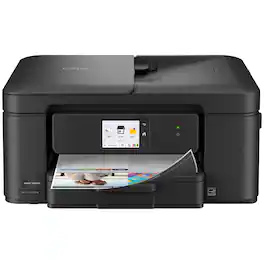
Experience true reliability and ease of use with the Brother Work Smart 1410 Wireless Color Inkjet All-in-One Printer. A 2.7” color touchscreen display lets you connect to popular Cloud apps(1) directly from your printer. Automatic duplex (2-sided) printing, a 20-sheet single-sided automatic document feeder (ADF)(2), and a 150-page paper tray(2) bring modern convenience to this compact printer. Engineered to produce great prints, this color inkjet printer outputs vibrant colors and bold, rich blacks at fast print speeds, and Page Gauge(3) monitors your ink usage so you know when you’re running low. When paired with the Brother Mobile Connect app(4), setup is quick and easy – plus, you can print from virtually anywhere on your mobile device(5). Print Confidently with Brother Genuine LC501 Ink in your Work Smart 1410 for reliable, consistent prints –the only brand we recommend for your Brother printer.
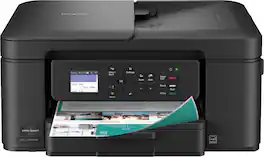
The Brother Work Smart 1360 Wireless All-in-One Refresh Subscription Eligible Inkjet Printer is the perfect choice for a reliable printer with robust efficiency-boosting features. With tools like automatic duplex (2-sided) printing, a 20-page single-sided automatic document feeder(1), and wireless(2) and Cloud connectivity(3) options available on the 1.8” color display, this multifunction printer helps you get your work done with simplicity and ease. Perfect for printing anything from to-do lists to business reports, this color inkjet printer outputs quality prints at fast speeds. Brother Page Gauge(4) monitors your ink usage so you know when you’re running low. When paired with the Brother Mobile Connect app(5), setup is quick and easy – plus, you’ll be able to print from virtually anywhere on your mobile device(6). Print Confidently with Brother Genuine LC501 Ink in your Brother Work Smart 1360 for reliable, consistent prints –it’s the only brand we recommend for your Brother printer.
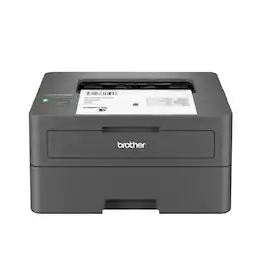
Best for homes and home offices, the Brother HL-L2405W Wireless Compact Black & White (Monochrome) Laser Printer is the sensible, time-saving choice for connected printing. Simple and affordable, this reliable printer consistently produces crisp, easy-to-read black & white prints and offers print speeds up to 30 ISO pages per minute (1) (ppm). The 250-sheet paper tray (2) reduces the frequency of paper refills, helping to save you more time in the workday. You can connect this dependable printer to multiple devices using built-in dual-band wireless or connect locally to a single device with the USB 2.0 interface. Safeguard your information and maintain secure connections while printing with advanced security features. Efficient, durable, and cost-effective, this wireless printer is a time-saving addition to any home workspace.
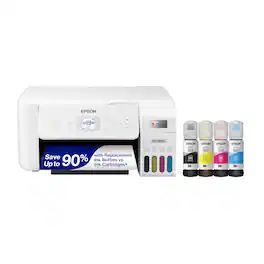
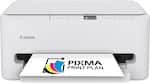
Your family needs a printer that’s fast, affordable, and easy to use. That’s why we developed the EcoTank ET-2800 – an innovative cartridge-free solution that uses high-capacity, easily refillable ink tanks. So you’ll worry less about running out of ink, and save a lot on replacement ink (1). The ET-2800 features genuine Epson print quality, a high-resolution flatbed scanner, and convenient color display – making it the ideal basic home printer.
| Pros for Brother - Work Smart 1410 Wireless Color All-in-One Inkjet Printer, 2.7” Color Touchscreen (MFC-J1410DW), Great for Home Offices - Black | |||
|---|---|---|---|
| Print Quality, Connectivity, Setup Ease | Overall Performance, Print Quality, Connectivity, Size, Noise Level | Print Quality, Overall Performance, Setup, Ease of use, Connectivity | Print Quality, Ease of use, Overall Performance, Setup, Connectivity |
| Cons for Brother - Work Smart 1410 Wireless Color All-in-One Inkjet Printer, 2.7” Color Touchscreen (MFC-J1410DW), Great for Home Offices - Black | |||
| There were no cons for this product— | Setup Difficulty | There were no cons for this product— | Paper Tray, Noise Level |
Specs
Can I chose to print in black and whitte only?
Answered by BrotherYes, you can choose to print in black and white on the Brother MFCJ1410DW. Please be advised that your Brother machine is designed to stop all printing operations when any of the ink cartridges are low. This is to ensure the life of the print head and maintain premium print quality. If the unit were to continue printing, print jobs and cleaning cycles would suck air from the empty cartridge and damage the print head. Your Brother machine can operate in a B&W Print Only (black and white) mode when one or more color ink cartridges are empty. When a color ink cartridge is low, an error message will appear on the machine's display stating B&W Print Only.
Is there a required subscription for using the scanner like HP models or can you scan to your desktop from a scan button on the printer
Answered by BrotherOnce the setup is completed correctly, a Scan button on the machine will function. If you have any difficulty with the setup or are unsure how to proceed, please contact our customer support team for assistance—we’d be happy to help. https://www.brother-usa.com/contact-us
What is the average yearly cost for ink?
Answered by BrotherThe average yearly cost for ink is typically between $60 and $150 depending on your print volume
Can I print photos with this printer?
Yes, this printer supports photo printing.
This question and answer was generated by AI based on customer and product data.Is this printer Energy Star certified?
Yes, this printer is Energy Star certified.
This question and answer was generated by AI based on customer and product data.

Customers often buy these together
Ink Cartridges
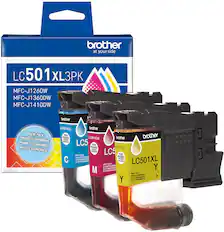
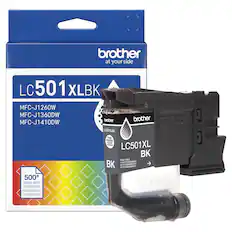
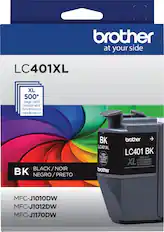
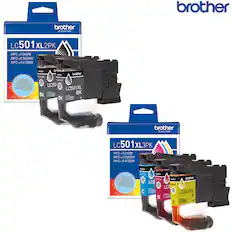
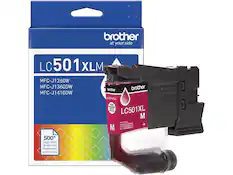
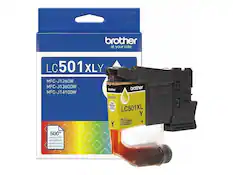
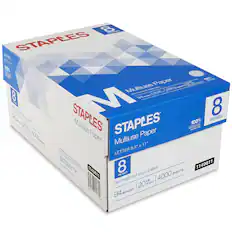
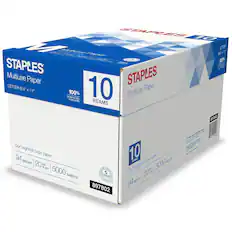
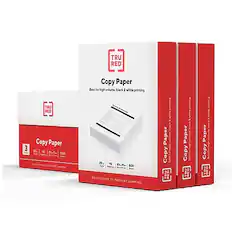
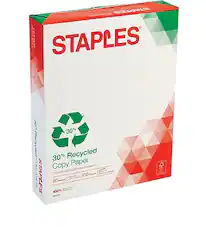
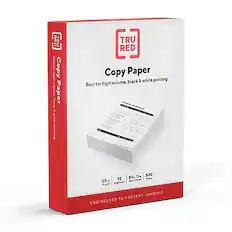
Copy and Multipurpose Paper



More to consider
 $79.99The price was $159.99
 Top Deal$199.99The price was $239.99




Explore tech essentials Sponsored
 Top Deal$269.99The price was $329.99
- Top Deal$199.99The price was $239.99
 Top Deal$169.99The price was $189.99

Discover related products
 $12.99The price was $19.99
 $143.99The price was $144.99







Keep exploring
 $149.00The price was $199.99