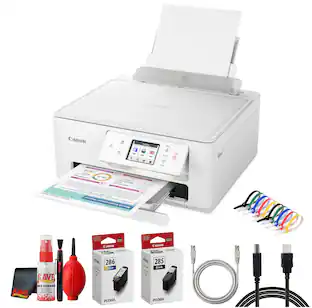
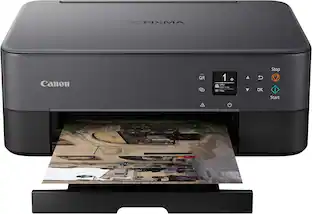
Canon - PIXMA TS6520 Wireless All-In-One Inkjet Printer - White
Customers are saying
Customers recognize this product for its exceptional ease of use and reliable overall performance. Users frequently praise the high print quality and the straightforward setup process, while also appreciating its compact size and quiet operation. Although some note that the device lacks advanced bells and whistles, it remains a highly functional choice for those prioritizing simplicity and effective Wi-Fi connectivity.
Features
Affordable Versatility
A budget-friendly all-in-one printer perfect for both home users and hybrid workers, offering exceptional value.
Crisp, Vibrant Prints
Experience impressive print quality for both documents and photos, thanks to its 2-cartridge hybrid ink system that delivers sharp text and vivid colors.
Effortless Setup & Use
Get started quickly with easy setup for your smartphone or computer, so you can print, scan, and copy without delay.
Reliable Wireless ¹ Connectivity
Enjoy stable and consistent connections with dual-band Wi-Fi (2.4GHz or 5GHz), ensuring smooth printing from anywhere in your home or office.
Scan & Copy Handling
Utilize the device’s integrated scanner for efficient scanning and copying operations.
Save Time & Paper
Optimize your printing with automatic 2-sided printing, reducing paper consumption and speeding up your workflow.
Diverse Media Support
Print a wide range of documents and photos up to 8.5” x 11”, with or without borders, for all your creative and professional needs.
Intuitive OLED Display
Easily monitor ink levels, printer status, and adjust settings at a glance using the 1.42” Monochrome OLED screen.
Compact & Stylish
Designed to fit seamlessly into any workspace, its small footprint complements your environment without sacrificing functionality.
Convenient Mobile Printing ²
Print directly from your smartphone or tablet with popular services like the Canon PRINT App, Apple AirPrint, and Mopria Print Service.
Eco-Conscious Choice
This printer is EPEAT Silver and ENERGY STAR certified, helping you reduce your environmental footprint.
Peace of Mind
Comes with a 1-year limited warranty ²⁰ for reliable support.
Specifications
- NetworkingWired, WirelessENERGY STAR CertifiedYesPrinter TypeAll In One, Printer, Scanner, CopierISO Color Print Speed9 pages per minuteISO Mono Print Speed14 pages per minuteOutput Tray CapacityNot specified
Reviews
Rating 4.6 out of 5 stars with 544 reviews
- Ease of Use (183)
- Overall Performance (177)
- Print Quality (145)
- Connectivity (54)
- Setup (34)
- Features (3)
Customer Images
The vast majority of our reviews come from verified purchases. Reviews from customers may include My Best Buy members, employees, and Tech Insider Network members (as tagged). Select reviewers may receive discounted products, promotional considerations or entries into drawings for honest, helpful reviews.


Compare similar products
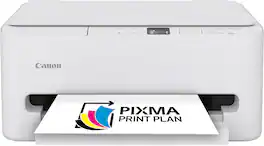
The PIXMA TS6520 strikes a perfect balance between functionality and affordability. While it doesn’t include an ADF like the TR7120, it still offers high-quality printing, scanning, and copying for everyday tasks. Its auto 2-sided printing helps save on paper and its 1.42” OLED display and simple setup make it user-friendly, and its compact design fits easily into any home workspace. With reliable Wi-Fi and mobile printing support, it’s great for printing school projects, recipes, and vibrant photos—without the extra bells and whistles. Best for: Families and students who want a reliable, easy-to-use printer for occasional use without needing advanced features.
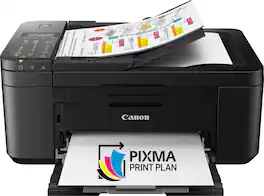
For all your work or home printing needs, the PIXMA TR4720 Wireless* All-in-One Printer has you covered. Enjoy simple setup through the Canon PRINT Inkjet/SELPHY Ap** and an easy to install 2-Cartridge hybrid ink system and front loading 100-sheet paper tray. Big on performance, the PIXMA TR4720 is equipped with Auto 2-Sided Printing, an Auto Document Feeder for multi-page scanning, and built-in Fax functionality. With a variety of connectivity options, you'll be able to do it all from your PC or mobile devices— plus, the PIXMA TR4720 is compatible with Canon apps for printing, scanning, creative projects and more. Simple, productive office and home printing in a compact size— that’s the PIXMA TR4720.
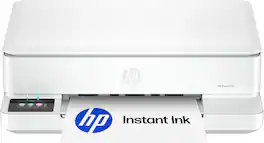
The HP Envy 6165 All-in-One delivers color printing, scanning and copying, plus 100-sheet paper capacity. It's AI-capable¹ to intuitively adapt to your workflow, with wireless and security features that keep your multifunction printer up to date and secure, and prints high-quality documents and photos every time with true-to-screen tech². This inkjet printer also lets you easily navigate print jobs with its intuitive color touchscreen. HP Envy is the perfect back-to-school printer for college students and teachers with 6 months free Instant Ink subscription.

Designed for home use, the Canon PIXMA TS7720 All-in-One inkjet printer delivers high-quality printing and outstanding wireless connectivity in a compact size. The PIXMA TS7720 is easy to set up and maintain and offers great media versatility to print on a variety of media types and sizes, including photo paper, envelopes, borderless photos, banners and more. Use Poster Artist Online⁵ to create professional-posters, banners and signage. Print both documents and photos on a variety of paper types using a hybrid ink system with pigment black for sharp black text and dye-based colors for vivid photos up to 8.5” x 11”. Produce crisp, colorful documents and photos quickly and cost-effectively with fast print speeds and high-quality 2 cartridge FINE Hybrid ink system. Keep printing with a plain paper capacity of up to 100 sheets in the standard cassette, and 100 sheets in the rear tray. Easily connect and print through high-speed USB or wirelessly¹ from computers or mobile devices. This comes with a 1-year limited warranty* and is backed by Canon's Service and Support network.
| Pros for Canon - PIXMA TS6520 Wireless All-In-One Inkjet Printer - White | |||
|---|---|---|---|
| Overall Performance, Print Quality, Connectivity, Setup, Ease of Use | Ease of use, Print Quality, Overall Performance, Connectivity, Price | Print Quality, Connectivity, Ease of Setup, Design, Noise Level | Print Quality, Ease of use, Overall Performance, Setup, Connectivity |
| Cons for Canon - PIXMA TS6520 Wireless All-In-One Inkjet Printer - White | |||
| Features | Noise Level, Paper Tray | There were no cons for this product— | There were no cons for this product— |
Specs
Customers often buy these together
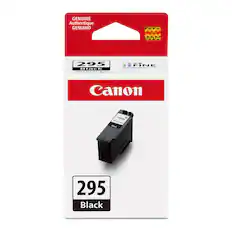
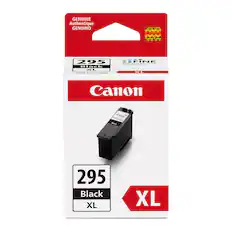
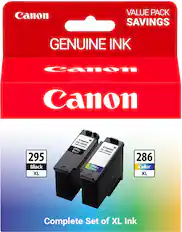
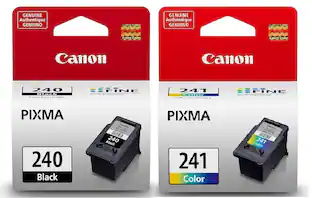
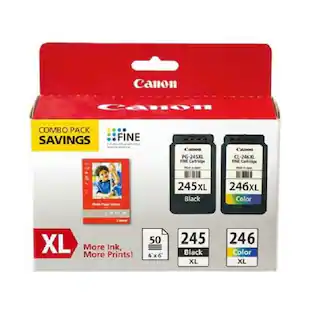
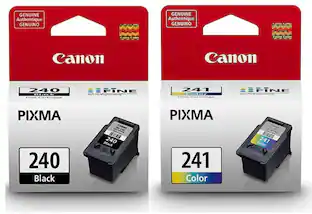
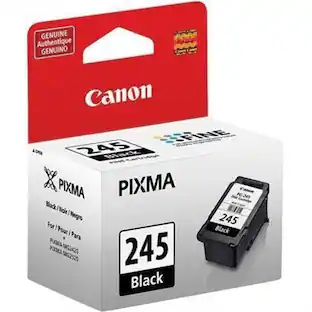
Ink Cartridges
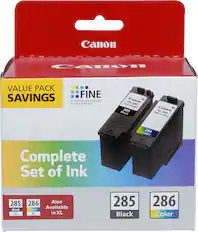
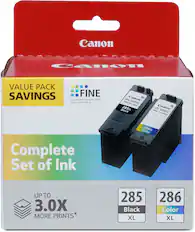
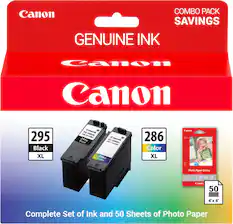
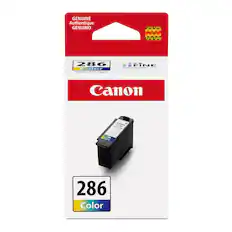
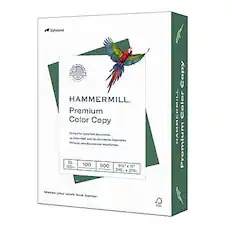
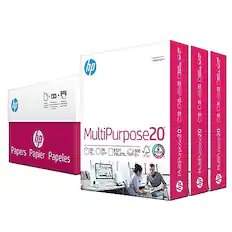
Copy and Multipurpose Paper



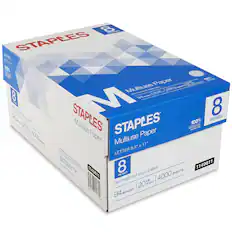

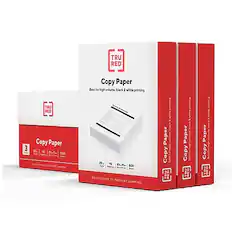
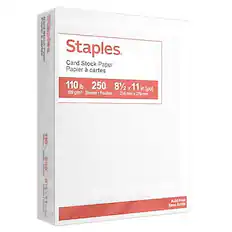
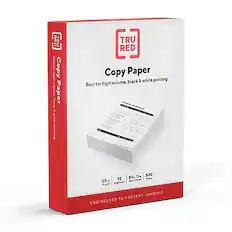
More recommended items
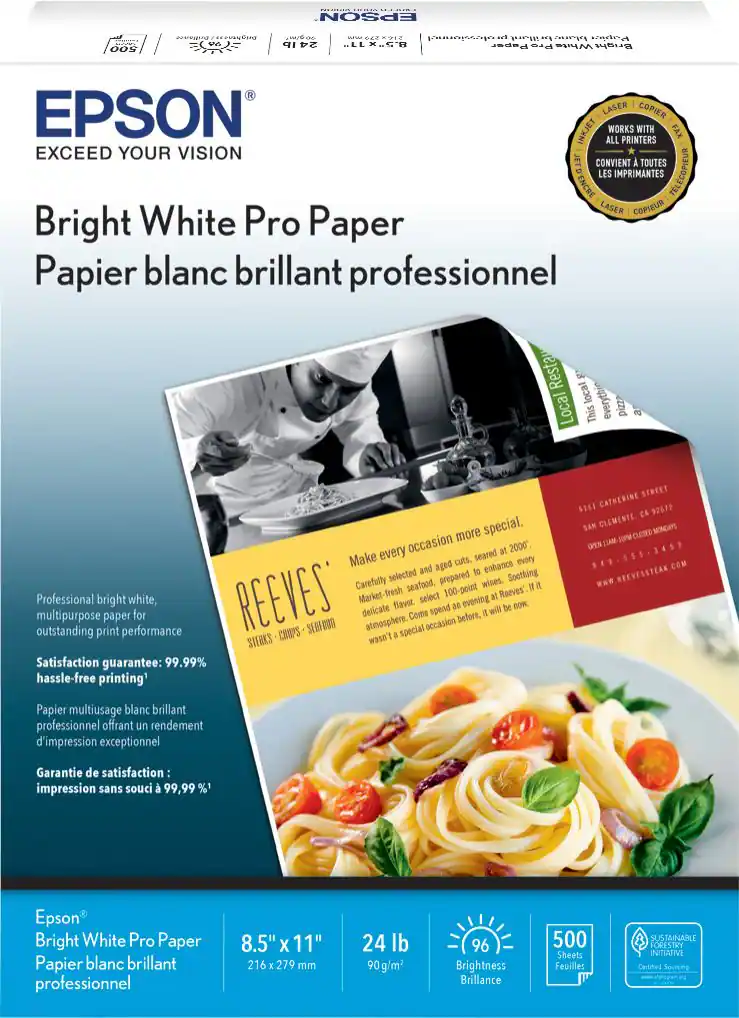 Printer Paper
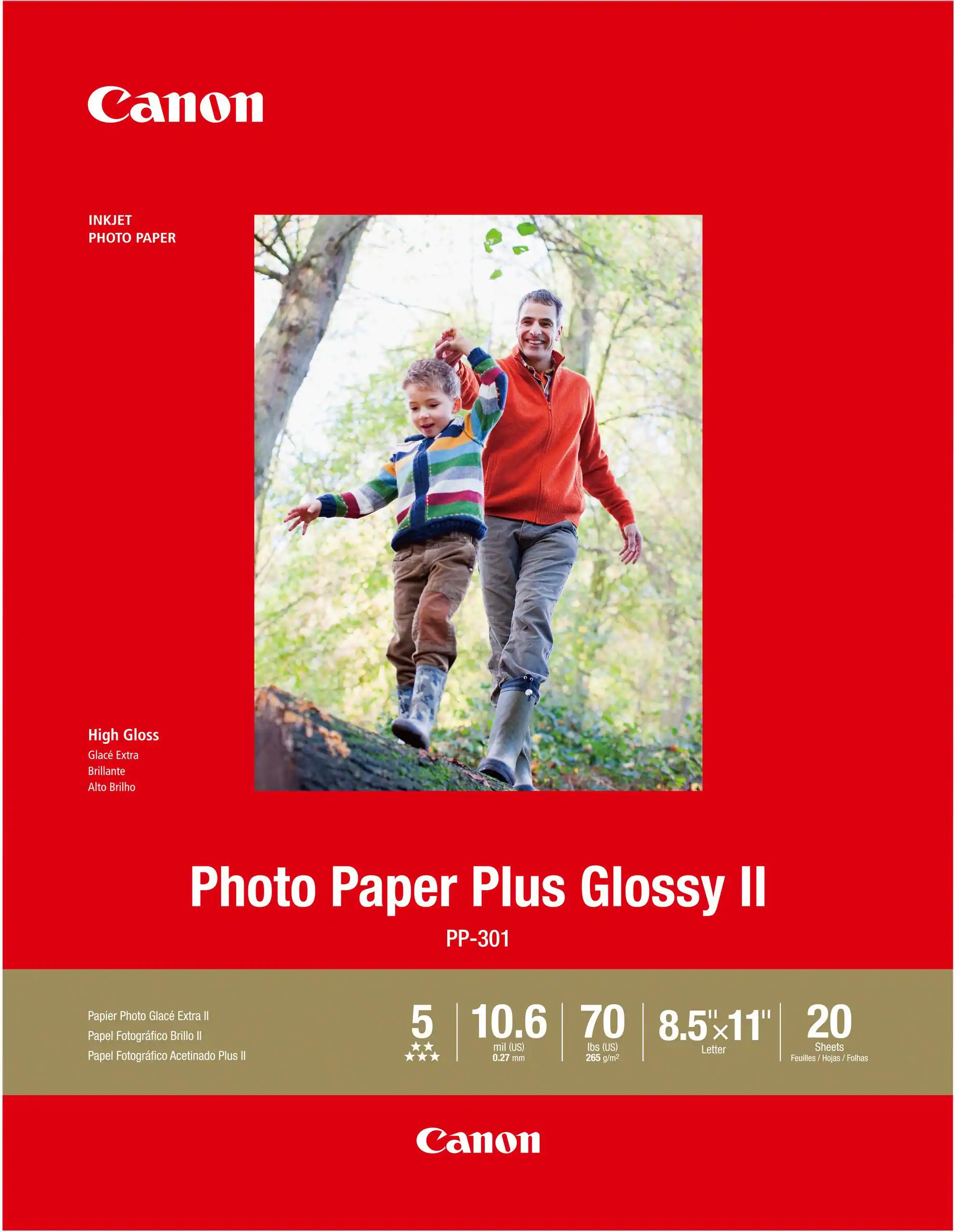 Photo Paper
 Monitor and Video Cables
More to consider
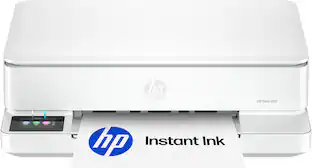 $79.99The price was $159.99
 Techtober Deal$79.98The price was $109.98
 Techtober Deal$49.99The price was $89.99
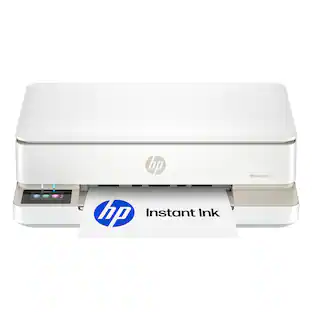 $79.99The price was $159.99
 Techtober Deal$129.99The price was $249.99
 Techtober Deal$169.99The price was $189.99


Explore tech essentials Sponsored
 Techtober Deal$229.99The price was $329.99
- Techtober Deal$79.98The price was $109.98
- Techtober Deal$169.99The price was $189.99
- Techtober Deal$129.99The price was $249.99

Discover related products
 $52.60The price was $61.49
 $12.40The price was $13.85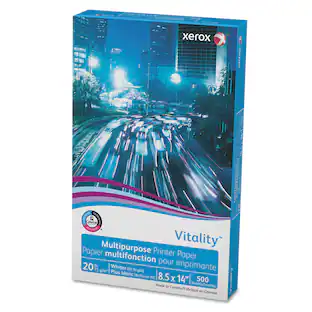
Xerox - Vitality Multipurpose Print Paper, 92 Bright, 20 lb Bond Weight, 8.5 x 14, White, 500 Sheets
$16.90The price was $22.49






Keep exploring
 $2,245.00The price was $2,295.00
 $730.00The price was $839.00