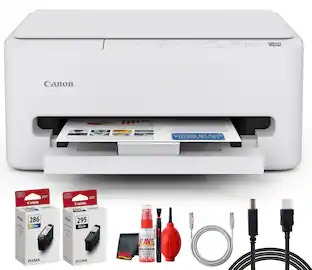
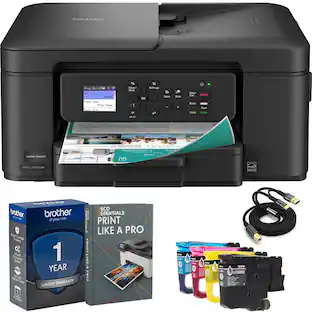
Canon - PIXMA TS7720 Wireless All-In-One Inkjet Printer - White
Customers are saying
Customers are enthusiastic about the printer's exceptional print quality and its overall performance, which many users consider the best they have owned. The device is frequently praised for its quick setup process and user-friendly interface, making it highly accessible for various tasks. While the compact size and reliable connectivity are also highlighted as major benefits, some users have noted that the machine can be somewhat noisy during operation. Additionally, a few customers suggested that the paper tray capacity could be improved to better accommodate larger print jobs.
All-In-One
Print, copy and scan features for full control at your fingertips.
Fast print speeds
Print approximately 15 (black) / 10 (color) images per minute.6
Easy setup
Get running in just a few minutes thanks to a streamlined and easy setup process out of the box.
Easy to install ink
Print full color with only 2 (no mess) easy-to-replace ink cartridges.
2.7" LCD Screen
Get the job done with an intuitive and easy to use 2.7” LCD touchscreen.
Stable, reliable connection
Stable and reliable connection with Dual Band Wi-Fi (2.4GHz or 5GHz).
Auto 2-sided printing
Built in Auto Duplex Printing for convenience & paper savings
Easy wireless connect
Easy Wi-Fi setup in minutes. Connect to Wi-Fi without the need for a computer.¹
Mobile device printing
Print from your compatible mobile devices using the free Canon PRINT app², Apple AirPrint³, and Mopria Print Service⁴.
Versatile media support
Print on envelopes, business cards, high resolution paper, banners, and more!
Free software available
Be creative with POSTER ARTIST Online, a free web-based poster creation software you can use to create banners, signage and more!⁶
Chromebook compatible
Works with chromebook, so you can print schoolwork and other documents hassle-free.
1-year warranty
Have peace of mind with a 1-year warranty. *
Compatible with the Canon PIXMA Print Plan Ink Subscription Service - Flexible plans available where ink is delivered hassle-free right to your door automatically when you run low! *
* Failure to connect your PIXMA Printer to the Internet will impact Canon’s ability to ship PIXMA Print Plan Cartridge(s) on a timely basis.
Disclaimers
*Warranty program is subject to certain conditions and restrictions. 1-Year limited warranty with InstantExchange Program. 1-Year toll-free 100% U.S.-based technical phone support.
1. Requires a smart device with the Canon PRINT Inkjet/SELPHY app installed and connected to the desired active wireless network to complete cableless setup.
2. Requires an Internet connection and Canon PRINT Inkjet/SELPHY app, available for free on the App Store & Google Play. Compatible with iPad, iPhone 3GS or later, and iPod touch 3rd generation or later devices running iOS 12.0 or later, and Android mobile devices running Android 4.4 or later.
Your device must be connected to the same working network with wireless 802.11 b/g/n capability as your printer. Requires a compatible social media account and is subject to that social media account’s Terms of Service. Certain exceptions may apply.
3. AirPrint functionality requires a compatible iPad, iPhone, or iPod Touch device running iOS 7.0 or later, and an AirPrint-enabled printer connected to the same network as your iOS device. A printer connected to the USB port of your Mac, PC, AirPort Base station, or Time Capsule is not supported.
4. Requires Android mobile device with Android 4.4 operating system or later with the Mopria Print Service pre-loaded with that device and the compatible PIXMA printer on the same wireless network.
5. PosterArtist Online Version requires a personal computer with Internet access and a compatible Canon printer. The service is not available on some operating systems or browsers. See usa.canon.com/ PosterArtist for details.
6. Print and/or copy speed is based on internal testing. It may vary depending on the number of copies selected, as well as the settings for size, type, and orientation of paper, and whether two-sided is selected. In addition, first-print speeds may vary based on warm-up time and other restrictions.
- NetworkingWireless, WiredENERGY STAR CertifiedYesPrinter TypePrinter, Scanner, Copier, All In OneISO Color Print Speed10 pages per minuteISO Mono Print Speed15 pages per minuteOutput Tray CapacityNot specified
Reviews
Rating 4.4 out of 5 stars with 571 reviews
- Print Quality (196)
- Ease of use (149)
- Overall Performance (97)
- Setup (49)
- Connectivity (32)
- Noise Level (11)
- Paper Tray Capacity (4)
Customer Images
The vast majority of our reviews come from verified purchases. Reviews from customers may include My Best Buy members, employees, and Tech Insider Network members (as tagged). Select reviewers may receive discounted products, promotional considerations or entries into drawings for honest, helpful reviews.

Compare similar products

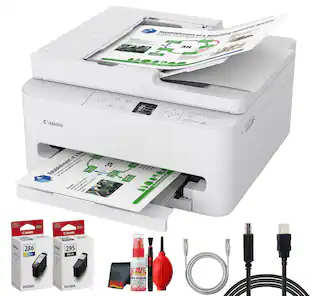
Designed for home use, the Canon PIXMA TS7720 All-in-One inkjet printer delivers high-quality printing and outstanding wireless connectivity in a compact size. The PIXMA TS7720 is easy to set up and maintain and offers great media versatility to print on a variety of media types and sizes, including photo paper, envelopes, borderless photos, banners and more. Use Poster Artist Online⁵ to create professional-posters, banners and signage. Print both documents and photos on a variety of paper types using a hybrid ink system with pigment black for sharp black text and dye-based colors for vivid photos up to 8.5” x 11”. Produce crisp, colorful documents and photos quickly and cost-effectively with fast print speeds and high-quality 2 cartridge FINE Hybrid ink system. Keep printing with a plain paper capacity of up to 100 sheets in the standard cassette, and 100 sheets in the rear tray. Easily connect and print through high-speed USB or wirelessly¹ from computers or mobile devices. This comes with a 1-year limited warranty* and is backed by Canon's Service and Support network.
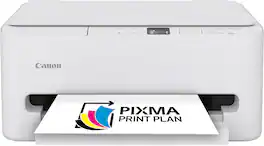
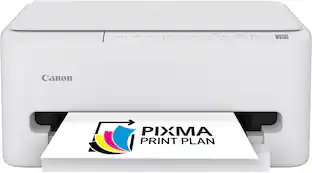
The PIXMA TS6520 strikes a perfect balance between functionality and affordability. While it doesn’t include an ADF like the TR7120, it still offers high-quality printing, scanning, and copying for everyday tasks. Its auto 2-sided printing helps save on paper and its 1.42” OLED display and simple setup make it user-friendly, and its compact design fits easily into any home workspace. With reliable Wi-Fi and mobile printing support, it’s great for printing school projects, recipes, and vibrant photos—without the extra bells and whistles. Best for: Families and students who want a reliable, easy-to-use printer for occasional use without needing advanced features.

The PIXMA TR7120 is an excellent and feature-rich printer for home users who require more than basic printing capabilities. It includes an Auto Document Feeder (ADF) for scanning and copying multi-page documents with ease, auto 2-sided printing to save paper, and a 1.42” OLED display for intuitive navigation. Whether you’re printing school assignments and vibrant photos, scanning contracts, or copying recipes, the TR7120 delivers crisp results and efficient performance. With robust Wi-Fi connectivity and support for mobile printing via the Canon PRINT app, it’s perfect for multitaskers who want speed, convenience, and versatility—all in a compact design. Best for: Users who need advanced features like ADF and duplex printing for frequent, multi-page tasks.
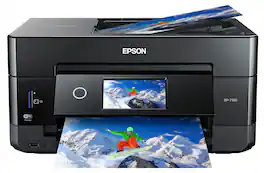
Get creative with this Epson Expression Premium XP-7100 Small-in-One printer. This compact device quickly prints gorgeous, durable photos with smudge-resistant Claria ink and lets you explore your creativity with specialty paper and DVD printing. This Epson Expression Premium XP-7100 Small-in-One printer gets the job done quickly with the 30-page auto document feeder and two-sided printing, scanning and copying.Fast print speeds up to 15.8 ISO ppm* in black, up to 11 ISO ppm* in color; creates a 4" x 6" photo-quality print in as little as 12 seconds.*
| Pros for Canon - PIXMA TS7720 Wireless All-In-One Inkjet Printer - White | |||
|---|---|---|---|
| Print Quality, Ease of use, Overall Performance, Setup, Connectivity | Setup Ease, Print Quality, Connectivity, Size, Noise Level | Print Quality, Setup Ease | Print Quality, Ease of use, Overall Performance, Size, Setup |
| Cons for Canon - PIXMA TS7720 Wireless All-In-One Inkjet Printer - White | |||
| Noise Level, Paper Tray Capacity | Features | There were no cons for this product— | Paper Tray |
Specs
Customers often buy these together
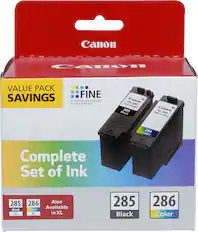
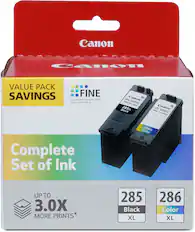
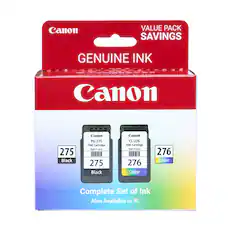
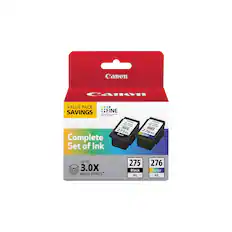
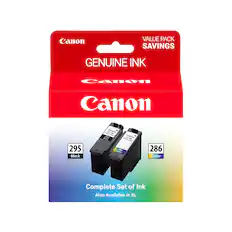
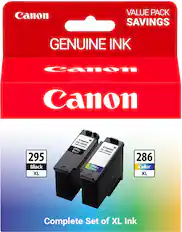
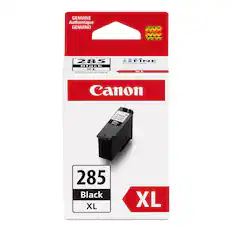
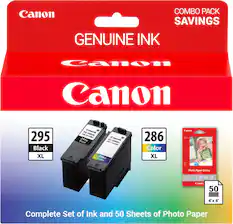
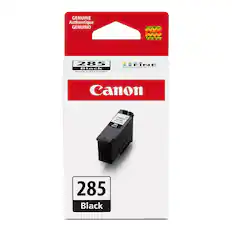
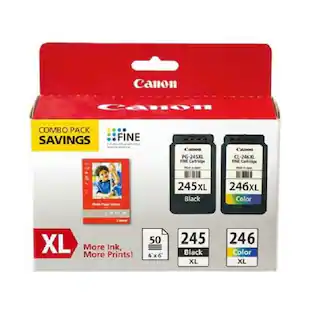
Ink Cartridges
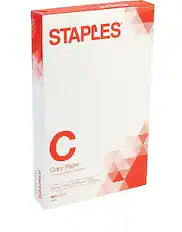
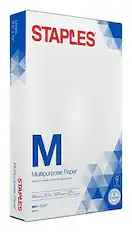
Copy and Multipurpose Paper




More recommended items
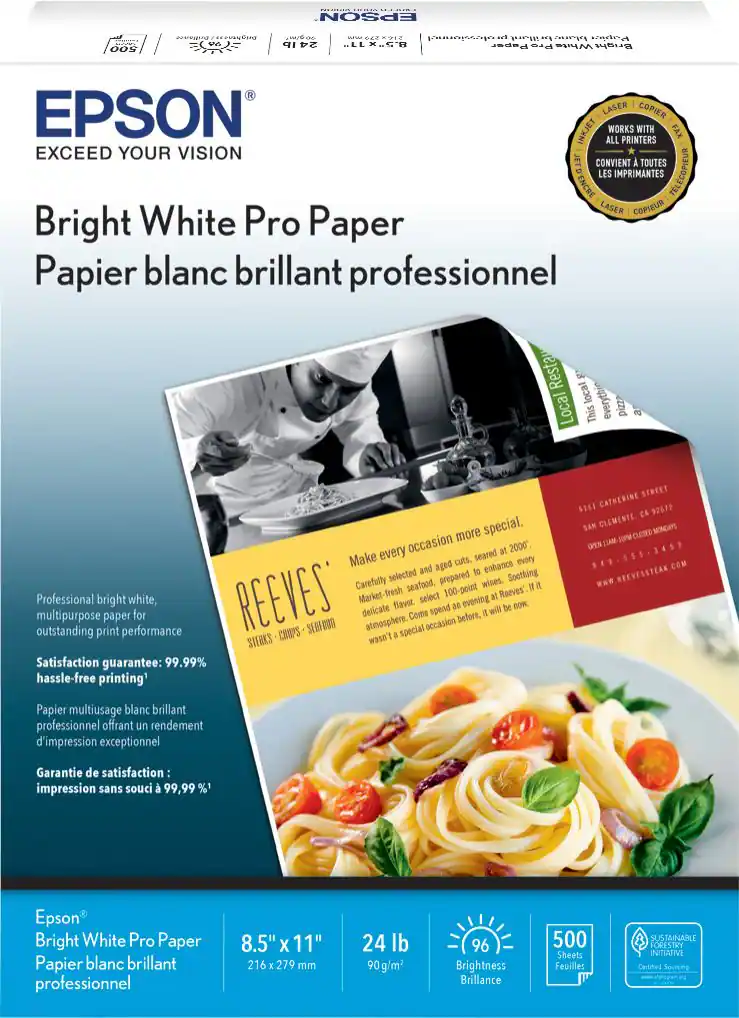 Printer Paper
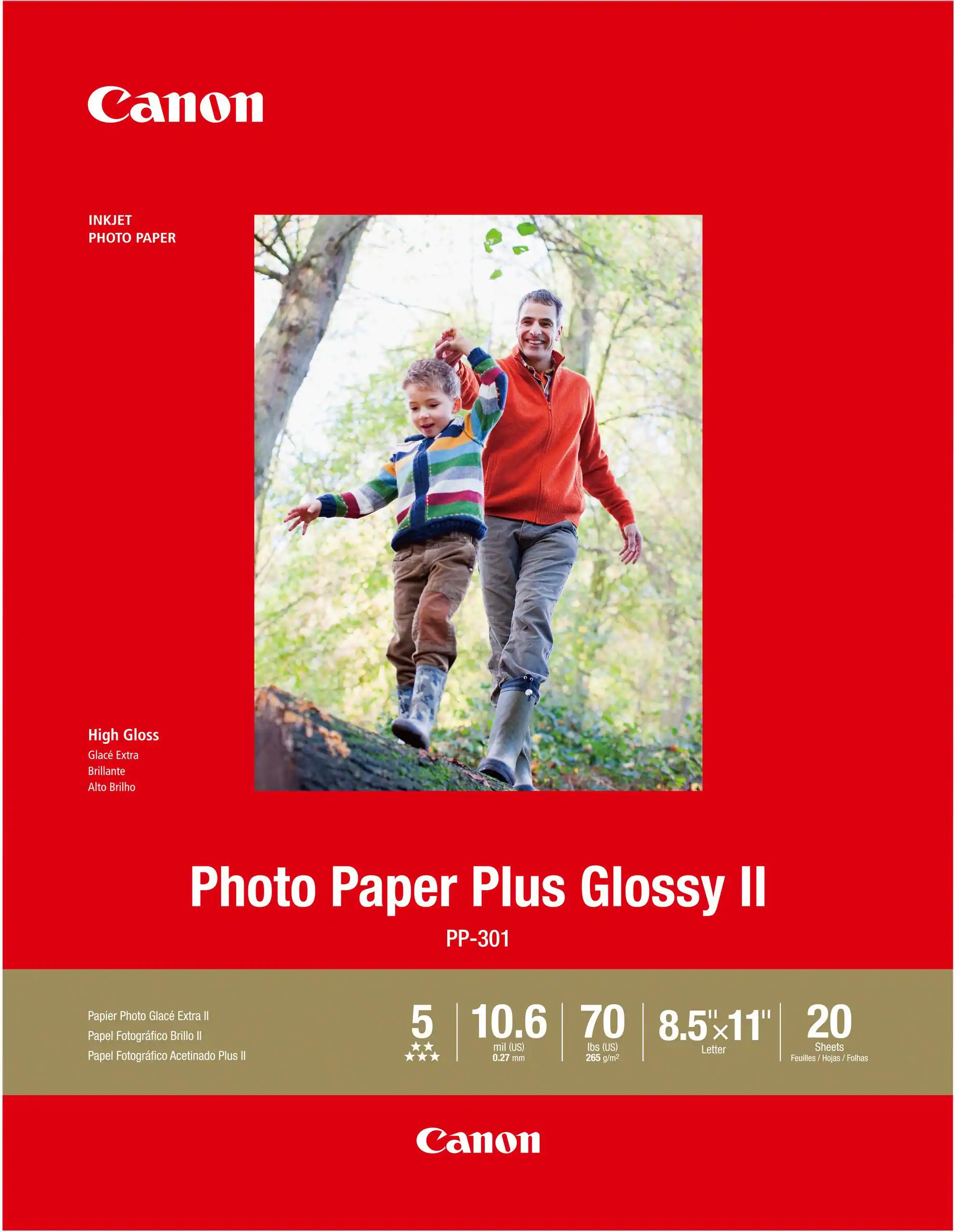 Photo Paper
More to consider
 Top Deal$149.99The price was $249.99
 $79.99The price was $159.99
 $249.00The price was $323.00
 $159.00The price was $248.00




Explore tech essentials Sponsored
- Top Deal$149.99The price was $249.99
 Top Deal$469.99The price was $499.99
 Top Deal$249.99The price was $379.99
Discover related products
 $614.99The price was $678.11
 $12.99The price was $13.99
 $249.00The price was $275.00








Keep exploring
 $149.00The price was $199.99