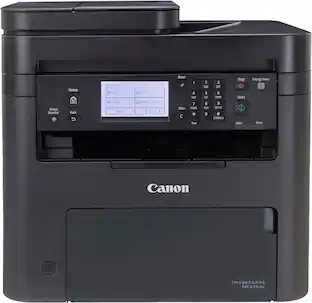
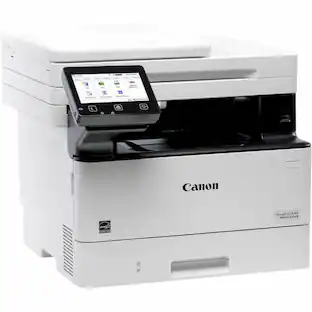
Canon - imageCLASS MF273dw Wireless Black-and-White All-In-One Laser Printer - Black
Customers are saying
Customers find value in the overall performance and fantastic print quality of this printer, which many users consider their best purchase. The device is frequently praised for its quick setup, ease of use, and convenient wireless connectivity. While users appreciate its compact size, quiet operation, and impressive speed, some note that the lack of a touch screen interface is a minor drawback.
Multifunction
Print, copy and scan for productivity and convenience
Fast print speeds
Print up to 30 pages per minute and spend less time waiting with a quick first print time of approximately 5.3 seconds.
5-Line adjustable screen
Get the job done with an intuitive and easy to use 5-line LCD Screen, that’s easy to use whether sitting at your desk or standing up.
Mobile device printing
Print from your favorite mobile devices2 using the free Canon PRINT Business app, Apple AirPrint, and Mopria Print Service.
Easy wireless connect
Easy Wi-Fi setup in minutes. Connect to Wi-Fi wihtout the need for a computer.
Auto document feeder
Copy and scan multi-page documents with the 35-sheet automatic document feeder.
Auto 2-sided printing
Save paper and limit paper replacements with automatic 2-sided printing.
Chromebook compatible
Works with Chromebook, so you can print schoolwork and other documents, hassle-free.
150 -Sheet Cassette
Easily load paper into the bottom paper cassette.
1-Year warranty
Have peace of mind with a 1-year limited warranty.
- NetworkingWireless, WiredENERGY STAR CertifiedYesPrinter TypeAll In One, Copier, Scanner, PrinterDuty CycleUp to 2,000ISO Mono Print Speed30 pages per minuteMonochromatic/ColorMonochromatic
Reviews
Rating 4.5 out of 5 stars with 343 reviews
- Overall Performance (104)
- Print Quality (92)
- Ease of Use (58)
- Setup (33)
- Connectivity (30)
- User Interface (5)
Customer Images
The vast majority of our reviews come from verified purchases. Reviews from customers may include My Best Buy members, employees, and Tech Insider Network members (as tagged). Select reviewers may receive discounted products, promotional considerations or entries into drawings for honest, helpful reviews.

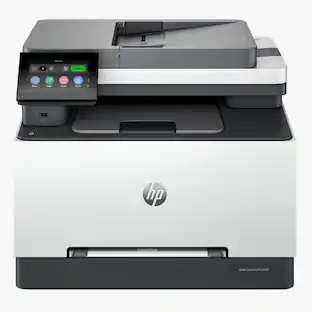
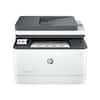
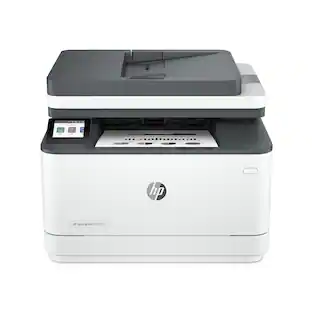
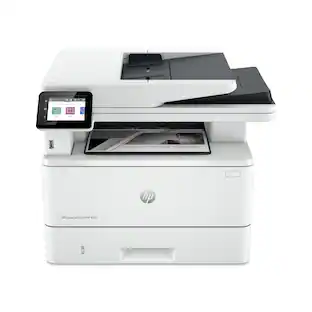
- HP - LaserJet Pro MFP 3301sdw Wireless AI-Enabled Color All-in-One Laser Printer - White$439.00The price was $539.00
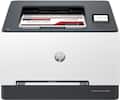
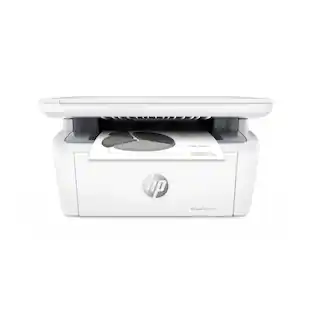
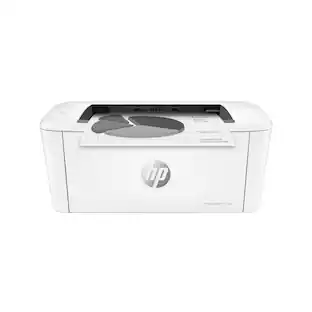
- HP - LaserJet M140w Wireless AI-Enabled Black and White Laser Printer - White$139.00The price was $209.00


Compare similar products

Designed for small and medium-size businesses, the imageCLASS MF273dw model balances speedy performance and minimal maintenance. The MF273dw is easy to set up and offers media versatility to print on a variety of media types and sizes, including envelopes. The 5-line, adjustable screen delivers an intuitive user experience. Produce crisp, bold documents with fast print speeds of up to 30 pages per minute 1, using high quality Canon Genuine Toner 071 / 071 H. The MF273dw offers paper capacity of up to 150 sheets in the paper tray and 35-sheet automatic document feeder. Easily connect and print through wirelessly2 from computers or mobile devices. Print using a variety of mobile apps, including the Canon PRINT Business app3 using your compatible mobile device. The MF273dw comes with a 1-year limited warranty4 and is backed by Canon's Service and Support network.

From America's most trusted printer brand, the LaserJet Pro MFP 3101sdw delivers compact design with reliable performance. Get fast black-and-white printing speeds, high-volume scanning, and easy management tools designed for the office.
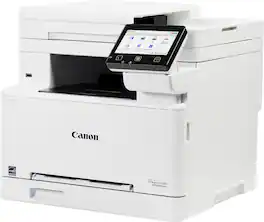
Designed for small / home offices and hybrid work environments, the imageCLASS MF663Cdw model balances speedy performance and minimal maintenance. The MF663Cdw is easy to set up and has a customizable, 5" color touchscreen that delivers an intuitive user experience. Produce crisp, colorful documents with fast print speeds of up to 26 pages per minute ¹, using high quality Canon Genuine Toner 075 / 075 H. Use Poster Artist Online to create professional-posters, banners and signage. The MF663Cdw offers a plain paper capacity of up to 250 sheets, 1-sheet multipurpose tray, and 50-sheet simplex (1-sided) automatic document feeder. Easily connect wirelessly ² from computers or mobile devices. Print using a variety of mobile apps, including the Canon PRINT app &179; using your compatible mobile device. The MF663Cdw comes with a 3-year limited warranty ⁴ and is backed by Canon's Service and Support network.

Best for small businesses, the Brother DCP-L2640DW Wireless Compact Black & White (Monochrome) Multi-Function Laser Printer combines three critical business functions in one footprint. Scan, copy, and produce professional-quality prints quickly and easily with this compact multi-function wireless printer. The DCP-L2640DW is the smart way for any business to create and share pristine prints, economize workspaces, simplify supply management, and reach operational goals. Efficient and affordable, this 3-in-1 printer is the practical choice for high-volume printing, copying, and scanning. Designed with features to save you time and cost: print speeds up to 36 ISO pages per minute (1) (ppm); automatic duplex printing; a 250-sheet paper tray (2) that reduces the frequency of paper refills; and a 50-page auto document feeder (2) that expedites multi-page copy and scan jobs. Dual-band wireless, Ethernet, and USB 2.0 interfaces provide an array of flexible connection options. Finally, advanced security features help safeguard information and maintain secure connections while printing.
| Pros for Canon - imageCLASS MF273dw Wireless Black-and-White All-In-One Laser Printer - Black | |||
|---|---|---|---|
| Overall Performance, Print Quality, Setup, Connectivity, Ease of Use | Print Quality, Setup Ease, Connectivity, Noise Level | Print Quality, Setup Ease, Connectivity, Noise Level | Print Quality, Overall Performance, Setup, Connectivity, Ease of use |
| Cons for Canon - imageCLASS MF273dw Wireless Black-and-White All-In-One Laser Printer - Black | |||
| User Interface | There were no cons for this product— | Duplex Scanning, Weight, Cartridge Life, Size | There were no cons for this product— |
Specs
Customers often buy these together
Toner Cartridges
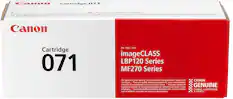
Canon - Toner 071 Standard Capacity Toner Cartridge - Black
$68.00The price was $73.24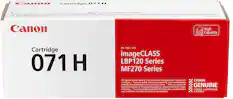
Canon - Toner 071XL High Yield Toner Cartridge - Black
$106.00The price was $125.51
Copy and Multipurpose Paper


More recommended items
 Printer Paper
 Office Software
Customers ultimately bought
 Top Deal$349.99The price was $479.99
 $293.58The price was $303.92
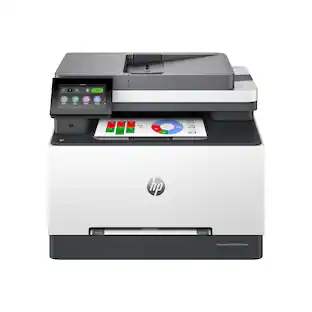 $439.00The price was $539.00

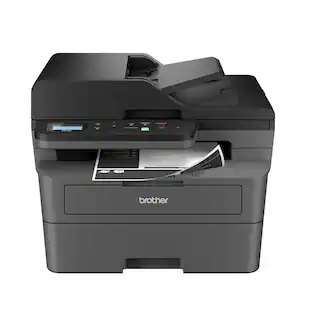



Explore tech essentials Sponsored
- Top Deal$349.99The price was $479.99
Discover related products









Keep exploring
 $499.00The price was $557.88
 $316.38The price was $432.52
 $573.35The price was $624.03
 $727.36The price was $759.08
 $569.99The price was $616.34
 $179.00The price was $239.00