Canon - imageFORMULA Mobile Document Scanner - Black
About this product
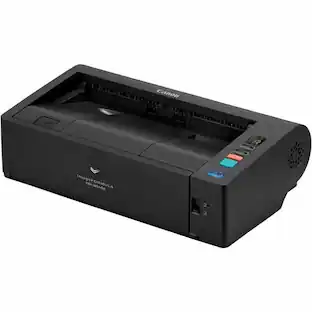
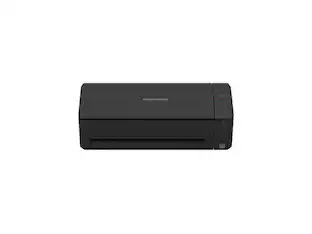
The Canon imageFORMULA P-215II Scan-tini mobile document scanner is a simple to use scanner that provides maximum efficiency for both home offices and on the go users. Complete with a built-in card scanner, the P-215II scanner helps bring sophistication to mobile information capture, storage, and collaboration. At 11 inches long and weighing approximately two pounds, this scanner is easily portable with the ability to fit in a briefcase. It's compact and convenient design is an ideal solution for both Windows® and Mac® environments. The P-215II scanner uses maximum image quality to help improve the legibility of hard-to-scan documents. It is powered by a single USB cable connected to the computer, allowing double page documents to be scanned simultaneously, ultimately saving time. Users can conveniently execute general purpose distributed scanning tasks and help reduce paper in the process.
Features
Stay Organized
Easily convert your paper documents into digital formats (searchable PDF, JPG, and more) or scan directly to the cloud (Dropbox, Google Drive, OneDrive, Box, QuickBooks Online, Evernote, SharePoint, and more)
Convenient and Portable
Use anywhere, from home offices, classrooms, remote offices, and anywhere in between
Handles Many Document Types
Receipts, photos, business cards, plastic or embossed cards, reports, long documents, and more
Fast and Efficient
Scans both sides of a document at the same time, in color, at up to 15 pages-per-minute, with a 20 sheet automatic feeder
Broad Compatibility
Supports Windows and Mac; TWAIN driver also included
Specifications
- Scan MethodSingle pass
Reviews
Rating 2.3 out of 5 stars with 3 reviews
The vast majority of our reviews come from verified purchases. Reviews from customers may include My Best Buy members, employees, and Tech Insider Network members (as tagged). Select reviewers may receive discounted products, promotional considerations or entries into drawings for honest, helpful reviews.
Compare similar products

The Canon imageFORMULA P-215II Scan-tini mobile document scanner is a simple to use scanner that provides maximum efficiency for both home offices and on the go users. Complete with a built-in card scanner, the P-215II scanner helps bring sophistication to mobile information capture, storage, and collaboration. At 11 inches long and weighing approximately two pounds, this scanner is easily portable with the ability to fit in a briefcase. It's compact and convenient design is an ideal solution for both Windows® and Mac® environments. The P-215II scanner uses maximum image quality to help improve the legibility of hard-to-scan documents. It is powered by a single USB cable connected to the computer, allowing double page documents to be scanned simultaneously, ultimately saving time. Users can conveniently execute general purpose distributed scanning tasks and help reduce paper in the process.
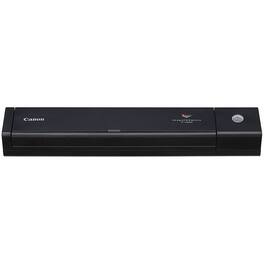
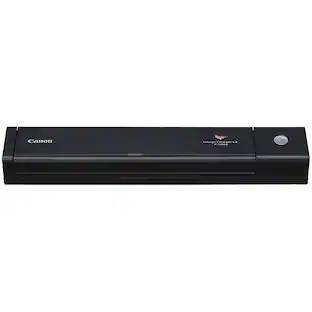
The Canon imageFORMULA P-208II Scan-tini personal document scanner provides the ultimate convenience for all professional customers. The P-208II scanner's ultra-compact size and robust features helps improve personal efficiency, organization, and productivity for both stationary and mobile users. This easy-to-use scanner is powered by a single USB cable when connected to a PC or a laptop, reducing cable clutter and providing a quick and simple scanning process. The P-208II scanner ensures no data is lost with the ability to handle long documents, and the detection of double feeds. It can be moved from location to location as easily as it moves paper-based information to Windows® and Mac® devices, and beyond. The sheer design of this scanner enables simple portability and the flexibility to scan items with ease. The P-208II scanner provides general purpose scanning of various items, including receipts, business cards, photographs, bills, contracts, reports, letters, plastic cards, and more. This scanner is ideal for environments in professional services, financial services, legal services, healthcare, and more.
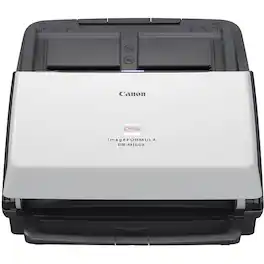
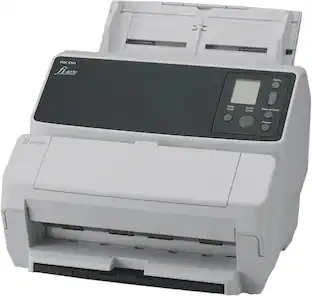
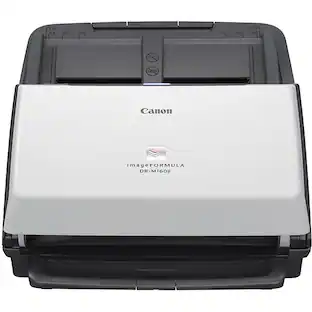
Well-suited for workgroups and departments in any industry, the DR-M160II office document scanner uses a combination of performance, convenience, and flexibility to streamline the digital filing process. With reliable handling, intelligent software, and a user friendly design, the DR-M160II scanner offers end-to-end options for capturing, converting, and communicating business information. It delivers capture capabilities that make it an ideal addition to legal, financial, healthcare, and government sectors. This scanner is compact but powerful, scanning 60 pages per minute with a 60 page holding capacity, quickly capturing and converting paper based documents into usable, digital information. The high quality scanning of the DR-M160II scanner includes accurate information capture in order to eliminate the need for manual data entry. The main objective of this scanner is to provide a digital filing process that is simple to use but highly effective.
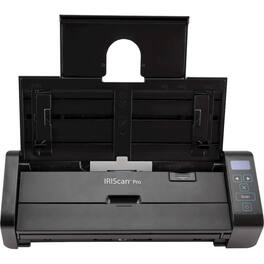
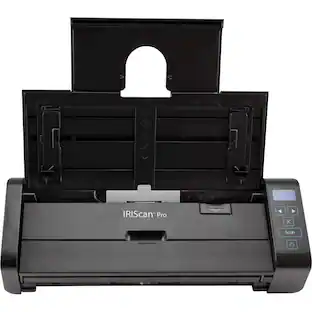
Digitize your most important paperwork with this IRIScan Pro scanner. The duplex scanning feature handles stacks of documents and compiles them into a compressed file, while the long-paper mode quickly scans receipts for maintaining your finances. Featuring nine unique smart functions, this IRIScan Pro scanner scans your documents to Dropbox, PDF files or several other formats for easy organization on your computer.
Specs
Customers often buy these together

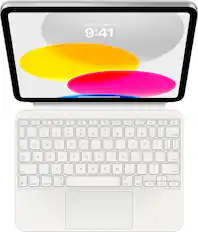
Logitech - Pebble 2 Mouse and Keyboard Combo for Mac - Tonal Blue
$69.53The price was $74.39



More to consider
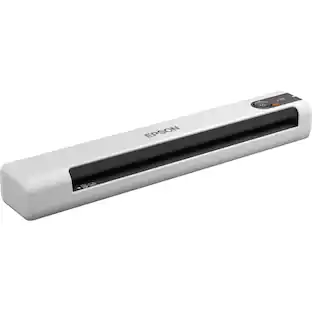
Epson DS-70 Sheetfed Scanner - 600 dpi Optical - 16-bit 10 ppm (Mono) - 10 ppm - USB
$180.68The price was $183.69




Discover lifestyle innovations Sponsored


Discover related products
Costway Corner Garment Rack L-shaped Clothes Rack with Open Shelves & Adjustable Foot Pads
$109.99The price was $209.99GTPlayer Gaming Chair Big and Tall High Back Computer Chair Ergonomic Office Chair with Pocket Spring Cushion
$134.99The price was $139.99Bestier L-Shaped Gaming Desk with Power Outlets LED Lights and Reversible Storage Shelves & Hooks - 42" Wide
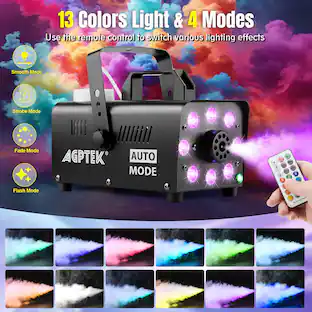
$102.99The price was $149.99AGPtek 500W Fog Machine with 13 Colorful LED Lights Effect for Wedding, Halloween, Party
$59.99The price was $61.99