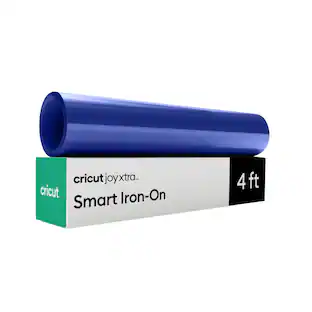
Cricut - Joy Smart Iron-On, Twilight Sampler - 5.5 in x 24 in, 6 ct
Reviews coming soon
About this product
Make quick fabric projects with Cricut Joy Smart Iron-On. This narrow Smart Iron-On roll is sized for Cricut Joy and cuts without a machine mat, making it beginner-friendly for small gifts, labels for fabric items, and everyday personalization. Create custom baby bodysuits, tea towels, pencil pouches, canvas bags, pet bandanas, birthday shirts, or matching vacation tees. It is ideal for makers who want to add names, monograms, simple shapes, or short sayings to soft surfaces without setting up a larger machine. Cut your design with Cricut Joy, weed the extra material, then press it onto compatible fabric with heat. Choose this material for wearable or washable fabric crafts, not hard-surface decals.
Includes:
6 sheets 5.5 in x 24 in (13.9 cm x 60.9 cm) in popular colors
- BrandCricutModel Number2012110Product NameJoy Smart Iron-On, Twilight Sampler - 5.5 in x 24 in, 6 ctProduct TypeCutting materialProduct Weight0.47 poundsUPC093573452604
Reviews
This product doesn't have any reviews yet.
Compare similar products
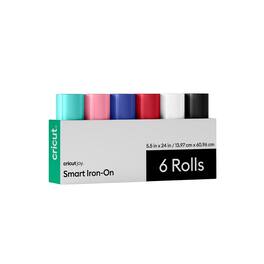
Make quick fabric projects with Cricut Joy Smart Iron-On. This narrow Smart Iron-On roll is sized for Cricut Joy and cuts without a machine mat, making it beginner-friendly for small gifts, labels for fabric items, and everyday personalization. Create custom baby bodysuits, tea towels, pencil pouches, canvas bags, pet bandanas, birthday shirts, or matching vacation tees. It is ideal for makers who want to add names, monograms, simple shapes, or short sayings to soft surfaces without setting up a larger machine. Cut your design with Cricut Joy, weed the extra material, then press it onto compatible fabric with heat. Choose this material for wearable or washable fabric crafts, not hard-surface decals.
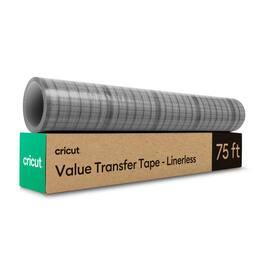
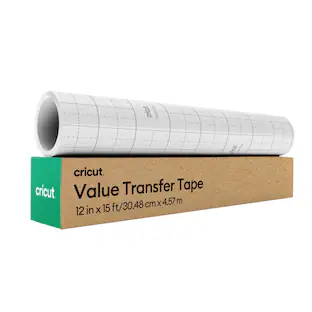
Make vinyl application easier with Cricut transfer tape with a linerless, perforated roll format. After you cut and weed your vinyl design, transfer tape helps lift the design from its backing and place it neatly on your blank. Use it for vinyl decals, quote signs, cup designs, pantry labels, party decor, and layered projects. It is especially helpful for beginners because it keeps letters, small details, and spacing together while you apply decals. Try it on smooth surfaces like tumblers, storage containers, signs, notebooks, and party decor. Burnish the design before lifting, apply slowly, and peel back at an angle for a cleaner finish. Tear off the size you need to reduce waste and keep your workspace simple.
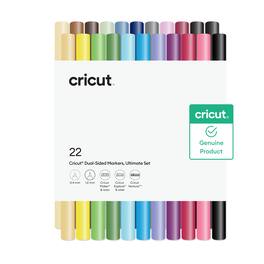
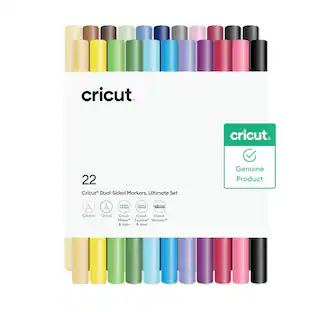
Add drawn details, lettering, and colorful accents to Cricut projects with this 22-count dual-sided marker set for Cricut Maker, Explore, and Venture machines. Use the fine tip for outlines, labels, and small writing, then use the broader tip for bolder accents and filled-in details. Project ideas include greeting cards, gift tags, envelopes, classroom labels, planners, scrapbook accents, and party invitations. These markers are great for beginners because your Cricut machine does the drawing for you, helping cards, tags, invitations, labels, and scrapbook pages look more finished with less hand-lettering pressure. Pair them with cardstock, compatible paper, or other Cricut writing projects when you want an easy way to add personality before cutting.
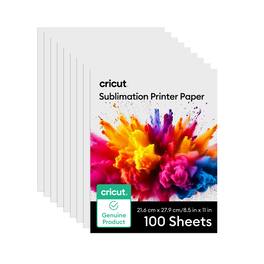
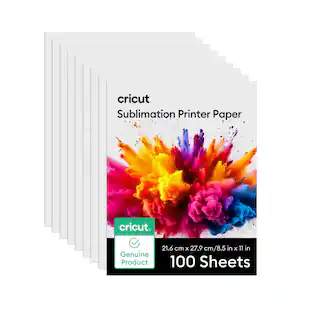
Create vibrant, full-color heat-transfer projects with Cricut sublimation printer paper. Use it with compatible sublimation printers, inks, heat presses, and sublimation-ready blanks to make mugs, shirts, coasters, totes, ornaments, photo gifts, and personalized home decor. This paper is a good choice when you want detailed artwork, photos, patterns, or colorful designs without layering separate materials. Print your design, position it on the blank with heat-resistant tape, and press according to the settings for your project. It is a helpful staple for makers ready to explore custom gifts and small-batch creations.
Specs
Be the first to ask a question.
We’ll try to get your question answered within 24 hours by a Best Buy customer or brand representative.
Customers often buy these together
More to consider
Explore, Play, Collect Sponsored
 $1,039.00The price was $1,099.00