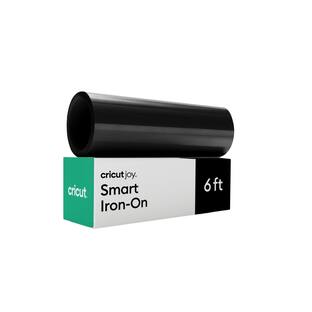
Cricut - Smart Iron-On Matless Heat Transfer Vinyl (13 in x 3 ft) - Black
Reviews coming soon
About this product
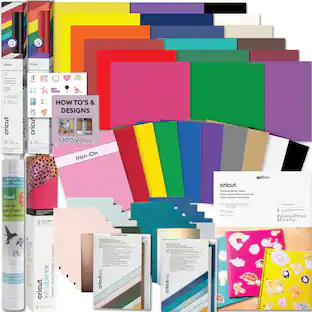
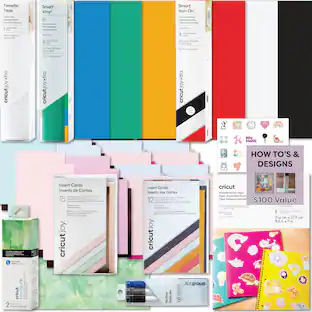
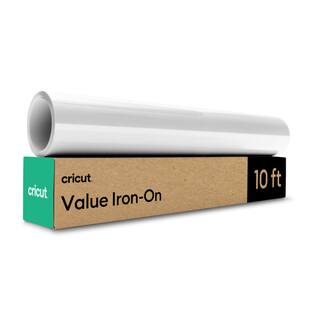
Just add heat! With Cricut Smart Iron-On Matless Heat Transfer Vinyl, you can personalize T-shirts, jackets, backpacks, and so much more. Plus, this material requires no machine mat, saving you time and simplifying your making experience. It's the same Smart Iron-On you love in bulk size and with simplified packaging, so we can pass the savings on to you. All Cricut materials are optimized for Cricut cutting machines with automatic cut settings in Design Space to ensure you have the best cutting experience. One roll Cricut Smart Value Iron-on - 13 in x 3 ft.
Color
BlackFeatures
Mat Free Smart Material technology
Load directly into compatible Cricut machines without a cutting mat and create larger designs with fewer interruptions with continuous cuts up to 12ft
Heat transfer vinyl for fabric projects
Great for custom apparel, t-shirts, monograms, team gear, and personalized gifts.
Easy to cut, weed, and apply
Designed for clean cuts and smooth heat-transfer application.
Long-lasting results
Engineered to maintain its appearance through repeated washing when applied according to instructions.
Compatible with
Cricut Explore and Maker Smart Material machines and optimized for Cricut Design Space material settings.
Specifications
- BrandCricutModel Number2012098Product NameCricut Smart Iron-On Matless Heat Transfer Vinyl (13 in x 3 ft)ColorBlackProduct TypeCutting materialProduct Weight0.36 pounds
Reviews
This product doesn't have any reviews yet.
Compare similar products
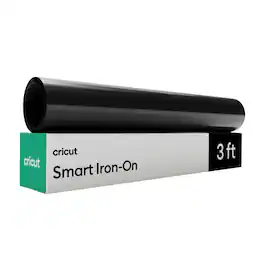
Just add heat! With Cricut Smart Iron-On Matless Heat Transfer Vinyl, you can personalize T-shirts, jackets, backpacks, and so much more. Plus, this material requires no machine mat, saving you time and simplifying your making experience. It's the same Smart Iron-On you love in bulk size and with simplified packaging, so we can pass the savings on to you. All Cricut materials are optimized for Cricut cutting machines with automatic cut settings in Design Space to ensure you have the best cutting experience. One roll Cricut Smart Value Iron-on - 13 in x 3 ft.

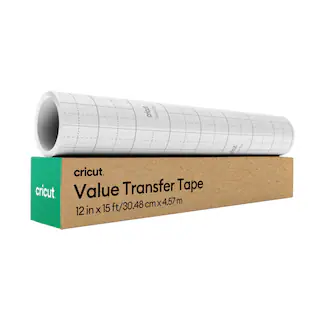
Make vinyl application easier with Cricut transfer tape in a 12 in x 15 ft roll. After you cut and weed your vinyl design, transfer tape helps lift the design from its backing and place it neatly on your blank. Use it for vinyl decals, labels, quote signs, cup designs, storage bins, and everyday smooth-surface projects. It is especially helpful for beginners because it keeps letters, small details, and spacing together while you apply decals. Try it on smooth surfaces like tumblers, storage containers, signs, notebooks, and party decor. Burnish the design before lifting, apply slowly, and peel back at an angle for a cleaner finish.

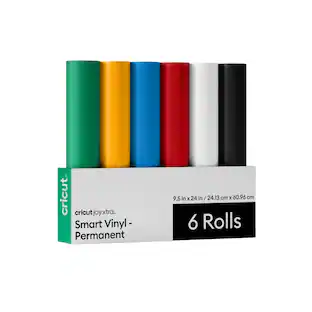
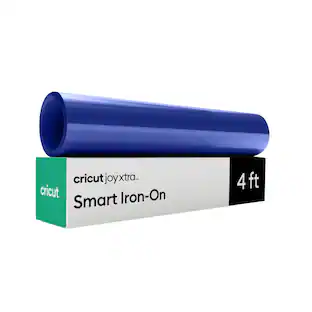
Just add heat! With Cricut Joy Xtra Smart Iron-On Matless Heat Transfer Vinyl, you can personalize T-shirts, jackets, backpacks, and so much more. Plus, this material requires no machine mat, saving you time and simplifying your making experience. It's the same Smart Iron-On you love in bulk size and with simplified packaging, so we can pass the savings on to you. All Cricut materials are optimized for Cricut cutting machines with automatic cut settings in Design Space to ensure you have the best cutting experience. One roll Cricut Joy Xtra Smart Value Iron-on - 9.5 in x 4 ft.

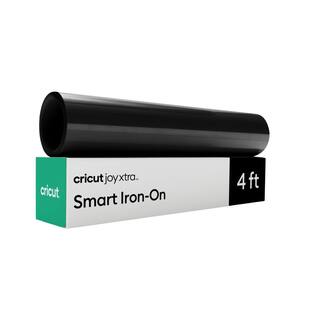
Add personality to fabric projects with Cricut Joy Xtra Smart Iron-On. This Smart Iron-On is designed for Cricut Joy Xtra and cuts without a machine mat, giving you more room than Cricut Joy for larger designs while still keeping setup simple. Use it for school spirit shirts, tote bags, sweatshirts, aprons, pillow covers, party shirts, and handmade holiday gifts. Beginners can start with a single-color word, number, or silhouette; experienced makers can create coordinated designs for teams, events, or family sets. Cut the design, weed away the unused iron-on, and apply it with heat to compatible fabric. Choose this product when your project belongs on fabric and needs a heat-applied finish.
Specs
Be the first to ask a question.
We’ll try to get your question answered within 24 hours by a Best Buy customer or brand representative.
Customers often buy these together



More to consider


Explore, Play, Collect Sponsored
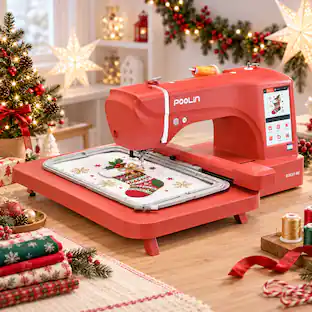
Poolin EOC07-RedEdition 15" x 8" Huge Area Computerized Embroidery Machine with 4 Hoops, Starter Kit & Wifi for Home Business
$1,439.99The price was $1,599.00VEVOR 3-in-1 Auto Hat Heat Press with 3pcs Interchangeable Platens(6.6" x 2.7", 6.6" x 3.8", 6.1" x 3")
$139.90The price was $174.99