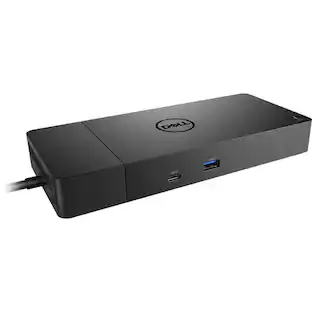
Dell - D6000S USB-C or USB-A Universal Docking Station - Black
Reviews coming soon
About this product
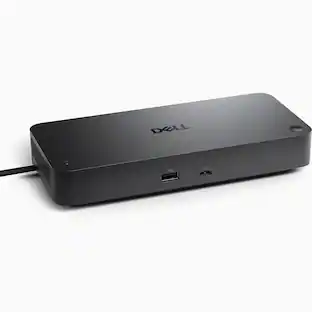
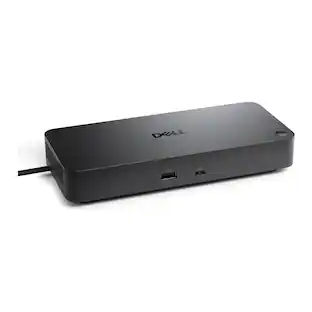
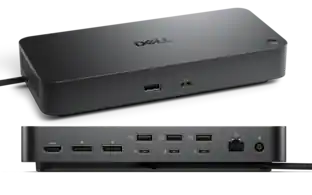
Conveniently attach any laptop equipped with USB-C or USB-A to the Dell Universal Dock - D6000S. Install the DisplayLink driver and connect up to three 4K displays while charging your USB-C laptop (up to 65W) simultaneously.
USB-C or USB-A connection
Simply connect the D6000S dock to the USB-C or USB-A port on your laptop and enjoy universal compatibility with a wide range of PC brands and operating systems.
Interfaces
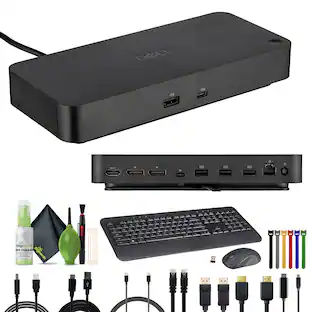
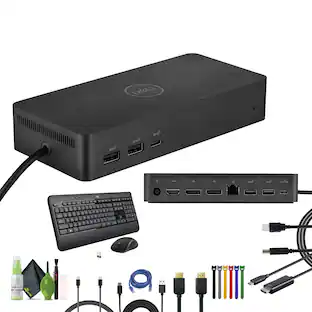
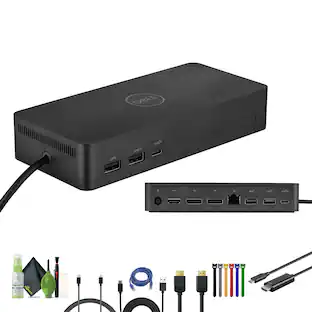
1 x USB-C, 1 x display / video - HDMI, 2 x display / video - DisplayPort, 1 x USB host, 3 x SuperSpeed USB 3.0, 1 x SuperSpeed USB 3.0 with PowerShare, 1 x USB-C with PowerShare, 1 x network
Connect with three 4K displays simultaneously
Enjoy Ultra HD 5K on a single screen or up to three 4K displays via USB-C thanks to DisplayLink technology.
Max Resolution Details
5120 x 2880 - 60 Hz (Single Display) - 3840 x 2160@60Hz, 3840 x 2160@60Hz - 60 Hz (Dual Display) - 3840 x 2160@60Hz, 3840 x 2160@60Hz, 3840 x 2160@30Hz (Triple Display)
Data Link Protocol
Gigabit Ethernet
Compatibility
PC brands and operating systems supported by DisplayLink Technology
Cables Included
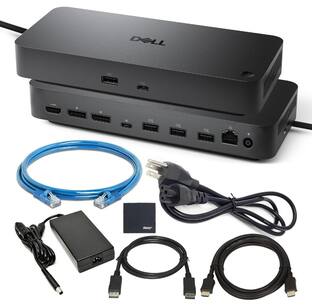
1 x USB adapter, 1 x USB-C cable
- Maximum Number of Displays Supported3Number of DisplayPort Outputs (Total)2Passthrough PowerYes
Reviews
This product doesn't have any reviews yet.
Compare similar products
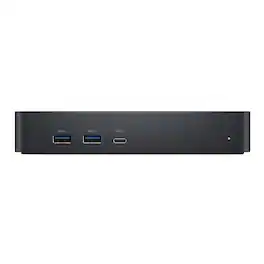
Conveniently attach any laptop equipped with USB-C or USB-A to the Dell Universal Dock - D6000S. Install the DisplayLink driver and connect up to three 4K displays while charging your USB-C laptop (up to 65W) simultaneously.

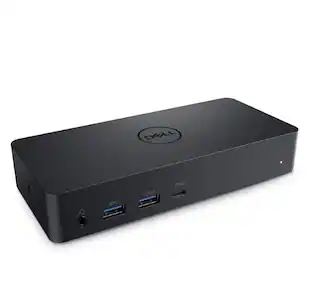
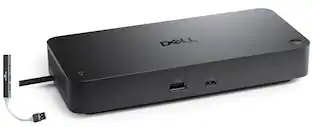
The Dell Universal Dock D6000 connects your laptop to multiple devices through a single USB-C or USB-A cable. Powered by DisplayLink technology, it supports up to three 4K displays simultaneously. Ports include 2 DisplayPort, 1 HDMI, 4 USB-A (one with PowerShare), 1 USB-C with PowerShare, Gigabit Ethernet, 3.5mm combo audio, and audio line-out. The dock delivers up to 65W power to your laptop while keeping peripherals connected, and the integrated USB-C cable includes a built-in USB-A adapter for wide compatibility.
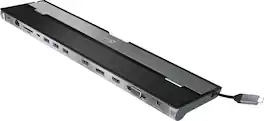
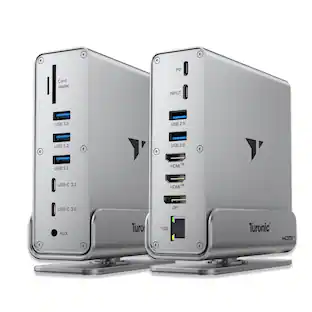
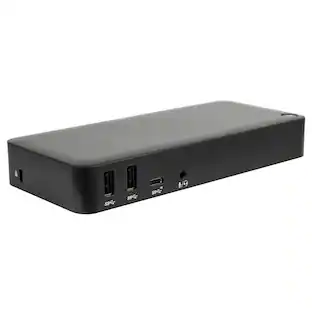
This triple display docking station turns your Mac or Windows laptop into a full workstation with a DisplayPort output, two HDMI outputs, and a VGA output, with resolution support up to 4K (3840 x 2160) on two displays and 1080p on the other one. You can also use your laptop screen for four displays in total, making it easy to access multiple applications at once. With 100W Power Delivery, three USB 3.0 ports, and a USB-C port, this docking station is perfect for your MacBook, Dell XPS, or other USB-C laptop requiring additional ports. This USB 3.0 docking station is also equipped with a RJ45 Gigabit Ethernet port, memory card reader/writer, and combo audio jack for maximum productivity. The elevated design assists with heat dissipation and, with its double-sided cable storage compartment, ensures an easy connection regardless of your USB-C port’s location. All 13 ports are combined into one slim docking station, so you’ll have all the connections you need to stay productive!
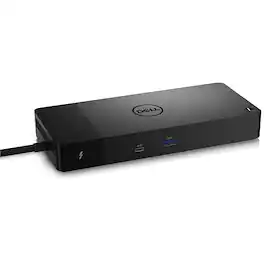
Connect displays and peripherals to your system with a single cable for ultimate productivity with the Dell WD22TB4 Thunderbolt Dock. This Thunderbolt 4 dock has ports to connect multiple 4K displays and Thunderbolt peripherals allowing you to not compromise with your work setup. Get the maximum from your peripherals with data transfer of 40 GB/s.
| Pros for Dell - D6000S USB-C or USB-A Universal Docking Station - Black | |||
|---|---|---|---|
| There were no pros for this product— | There were no pros for this product— | Ease of use, USB-C, Overall Performance, Ports, Connectivity | There were no pros for this product— |
| Cons for Dell - D6000S USB-C or USB-A Universal Docking Station - Black | |||
| There were no cons for this product— | There were no cons for this product— | Compatibility, Power Supply | There were no cons for this product— |
Specs
Why is this model unavailable?
Answered by YourDellTeamPlease reach out to the Best Buy support team for assistance with the product availability information.

Customers often buy these together
 Top Deal$107.99The price was $157.99
 Top Deal$31.99The price was $34.99




More to consider
 $219.89The price was $249.99


Explore tech essentials Sponsored




Discover related products
 $12.99The price was $13.99
 $249.00The price was $275.00











Keep exploring
- $219.89The price was $249.99
 $111.00The price was $139.00