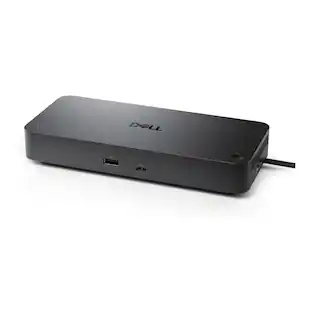
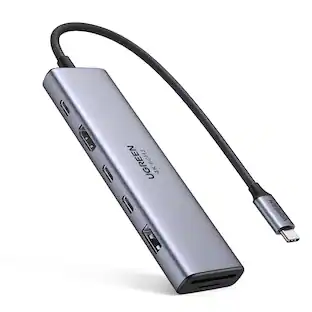
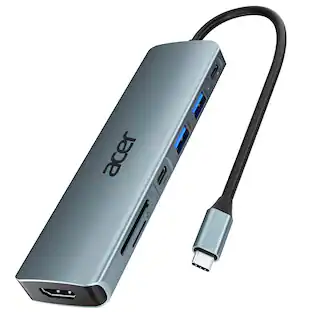
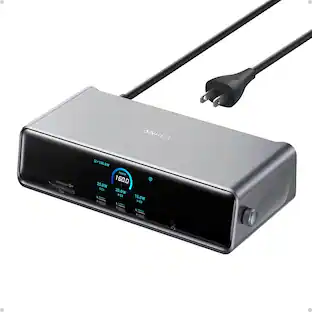
Dell - WD25 Pro Dock - Universal 100W USB-C Docking Station Bundle
Reviews coming soon
About this product
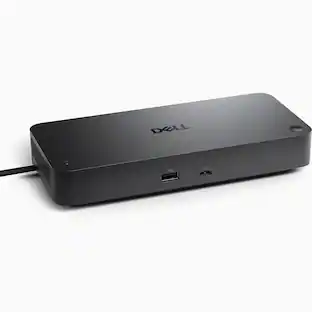
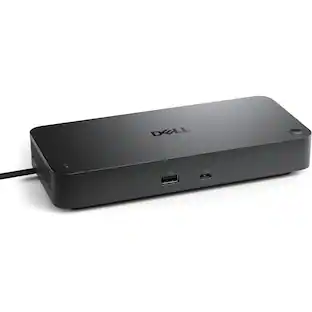
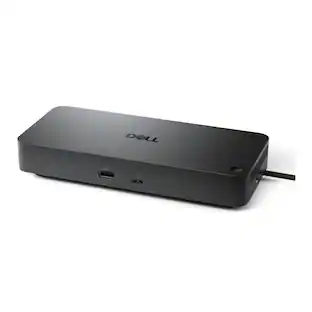
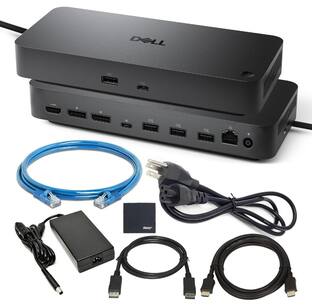
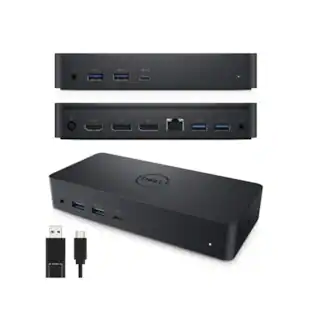
Up to 100W USB-C power delivery. Supports up to 4 external displays. Dual 5K or single 6K resolution. 2 × DP 1.4, 1 × HDMI 2.1, 1 × USB-C DP 1.44 × USB-A.
High‑Speed Data & USB Expansion
High‑Speed Data & USB Expansion: 4 × USB‑A 3.2 Gen 2 (10 Gbps) and multiple USB‑C 3.2 Gen 2 ports for peripherals like keyboards, mice, storage drives, and more.
Up to 100W Power Delivery
Up to 100W Power Delivery: Charge Dell laptops at 100W and non-Dell systems at 96W while docking.
Supports High‑Resolution Displays
Supports High‑Resolution Displays: Great for setups with multiple monitors or high‑resolution panels — including 4K and up to 6K for single display scenarios.
High-Speed Connectivity
High-Speed Connectivity: Includes HDMI 2.1, DisplayPort 1.4, USB-C with DP 1.4, 6 USB ports, and 2.5GbE Ethernet.
Efficient Workspace
Reduces cable clutter by consolidating multiple devices into one dock.
- Maximum Number of Displays Supported4Number of DisplayPort Outputs (Total)2
Reviews
This product doesn't have any reviews yet.
Compare similar products
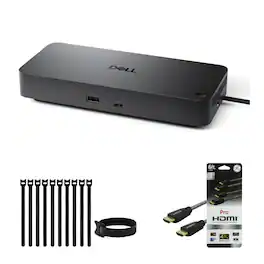
Up to 100W USB-C power delivery. Supports up to 4 external displays. Dual 5K or single 6K resolution. 2 × DP 1.4, 1 × HDMI 2.1, 1 × USB-C DP 1.44 × USB-A.
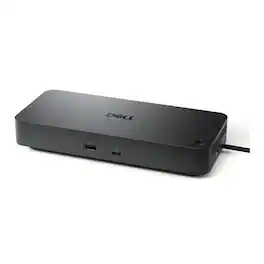
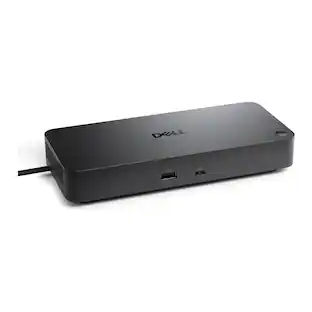
Dell Pro Dock WD25Z USB-C docking station - expand a compatible laptop with a single USB-C connection to add displays, Ethernet, USB peripherals and power delivery, reducing cable clutter and creating a streamlined desktop workspace.

Provides up to 100W USB-C power delivery and supports up to 4 external displays, including dual 5K or a single 6K resolution. Features 2× DP 1.4, 1× HDMI 2.1, 1× USB-C DP 1.4, 4× USB-A, and 2 additional ports for versatile connectivity.

A smarter workspace. Gain the versatility to create your ideal workspace and boost your AI PC productivity with support for up to 4 displays, up to 130W power delivery, and multiple ports to connect all your peripherals. Most manageable. Elevate the IT management experience with no software or PC connection required, allowing you to remotely manage all your Dell Pro Smart Docks. Most manageable. Remotely manage your smart docks without end-user presence from the Dell Device Management Console - the industry's first holistic peripheral management solution[2] that configures, deploys, and updates smart docks over Wi-Fi. Work securely. Keep users working confidently with enterprise-grade WPA-3 192-bit encryption for secure Wi-Fi communication. Safeguard your sensitive data with tamper-resistant, hardware-based encryption built into your Dell Pro Smart Dock. Effortless maintenance. Reduce IT efforts by scheduling updates during off-hours, while ensuring fleetwide firmware compliance and eliminating end user interruptions. Connect your way. Configure your workspace to your liking with an ambidextrous USB-C cable[4] that can be routed left or right. Designed for sustainability. The Dell Pro Smart Dock is built with at least 65% post-consumer recycled materials[5] and packaged with 100% recycled or renewable packaging.
Specs
Be the first to ask a question.
We’ll try to get your question answered within 24 hours by a Best Buy customer or brand representative.
Customers often buy these together
 $87.99The price was $89.99
 Top Deal$107.99The price was $157.99
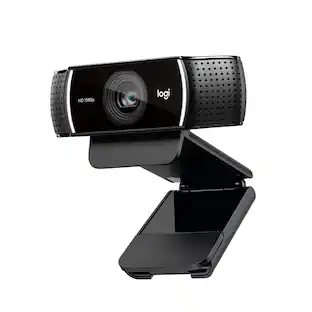 $99.00The price was $119.99
 Top Deal$119.99The price was $129.99
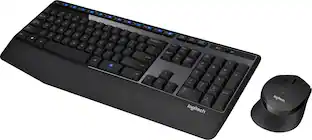 Top Deal$31.99The price was $34.99

Customers ultimately bought

Explore tech essentials Sponsored

Keep exploring
 $34.99The price was $49.99
 $219.89The price was $249.99
 $17.99The price was $21.99
 $111.00The price was $139.00