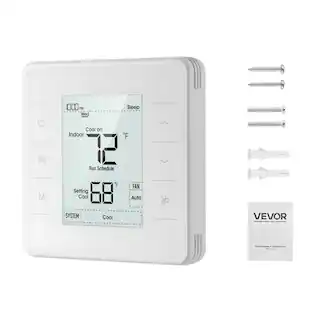
ecobee - Smart Thermostat Essential - Programmable Wi-Fi Thermostat - Works with Siri, Alexa, and Google Assistant - White
Customers are saying
Customers consistently note that this product is highly functional, easy to install, and offers impressive overall performance. Users appreciate the intuitive design and the convenience of the mobile app, which allows for seamless connectivity and effective temperature management. While the device integrates well with smart home systems, some users have suggested that the screen size could be slightly larger.
An energy-saving thermostat that pays for itself
Save up to 23%* every year on heating and cooling costs. That’s about $250* a year in savings, meaning the cost of the Smart Thermostat Essential is covered in just six months. *Compared to a hold of 72°F
Compatible with 85% of systems
Compatible with 85% of systems, check your system’s compatibility with our online ecobee Compatibility Checker on the ecobee support page
Easy to Use
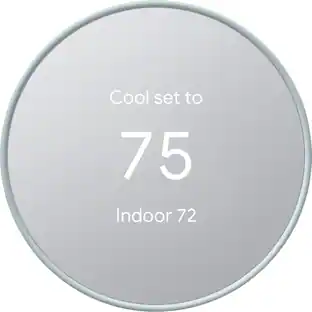
Change your temperature by easily tapping your thermostat's color touchscreen or using the top rated ecobee app. Plus, free software upgrades ensure you get the best out of Smart Thermostat Essential, for years to come.
Adjusts for savings and comfort.
Automatically adjusts to your set schedule to save energy when you’re gone and optimize comfort when you’re home. Keep track of your energy consumption when you're on the go on the ecobee app.
Installation is a breeze. Accessories avaiable.
Easy DIY install. No C Wire, no problem. Get the ecobee Power Extender Kit (PEK) for homes without a C-Wire and keep your walls looking nice with our trim kit – both sold separately.
Control from anywhere.
Works with leading smart home ecosystems. Pair Smart Thermostat Essential with Apple HomeKit, Google Assistant, and Alexa.
ecobee Compatibility Checker
Works with most 24 VAC HVAC equipment: Gas, oil, electric, dual fuel, forced air Conventional (2H/1C or 1H/2C) Heat Pump (2H/1C) Boilers. You can also check your system’s compatibility before purchasing with our online ecobee Compatibility Checker on the ecobee support page.
Rated best in category by customers and experts.
Helps you save monthly on energy bills. Our Smart Thermostats are consistently rated best in the industry by customers like you, tech reviewers and HVAC professionals.
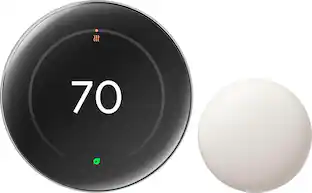
Pair with the ecobee SmartSensor 2 Pack.
Add in a SmartSensor which allows you to measure the temperature in rooms that matter most, like the nursery or bedroom. It reads temperature and movement in whatever room it is placed in for complete home monitoring and energy savings (SmartSensor 2 pack sold separately).
Save more on your energy bill, automatically.
Built in eco+ Smart Features: Indoor humidity detection, schedule assistant, time of use which preheats or precools your home when energy is less expensive to reduce energy use during peak hours.
Made for the planet.
From energy conservation to recyclable packaging, Smart Thermostat Essential helps lower your carbon footprint.
ecobee’s data promise.
Our mission is to transform lives and that begins with trust. As a welcomed guest into your home, we promise to protect your data.
- App CompatibleYesCompatible with 24V CoolingYesCompatible with 24V HeatingYesWorks WithApple Home, Amazon Alexa, Google Home, SmartThingsVoice Assistant Built-inNoTouch ScreenYes
Reviews
Rating 4.7 out of 5 stars with 134 reviews
- Ease of Use (47)
- Overall Performance (20)
- Installation (15)
- App Usability (12)
- Design (11)
- Screen Size (3)
Customer Images
The vast majority of our reviews come from verified purchases. Reviews from customers may include My Best Buy members, employees, and Tech Insider Network members (as tagged). Select reviewers may receive discounted products, promotional considerations or entries into drawings for honest, helpful reviews.
Compare similar products
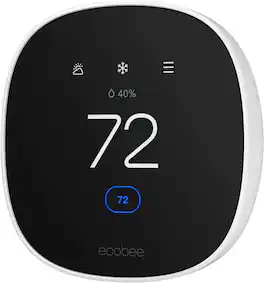
Join the millions who love and trust ecobee products with our most affordable thermostat yet: Smart Thermostat Essential. It saves you up to 23%* on your energy bills and is so efficient that it pays for itself in just six months. You'll love how easy it is to use and control, and with effortless installation, you can set it and forget it. *Compared to a hold of 72°F
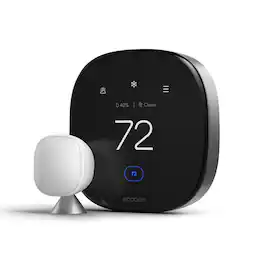
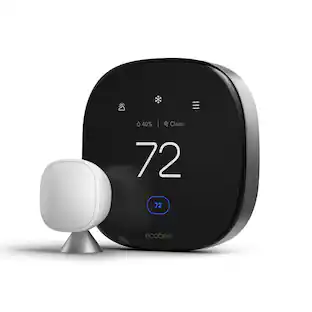
ecobee Smart Thermostat Premium optimizes comfort while saving energy through superior intelligence and technology. It has a built-in air quality monitor, doorbell Live View, smoke alarm detection, and geofencing technology to understand occupancy. Included SmartSensor eliminates hot and cold spots and adjusts the temperature in the rooms that matter most. Works with Siri*, Alexa, Google Assistant, HomeKit, and SmartThings. *Apple home hub required to enable Siri.
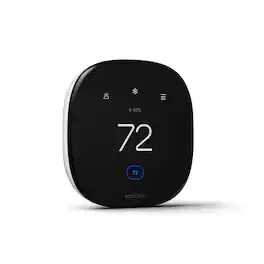
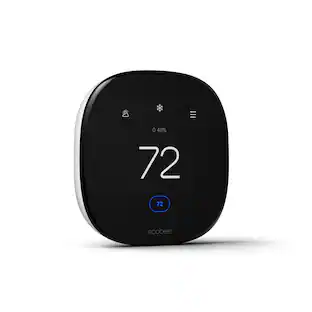
The ecobee Smart Thermostat Enhanced gives you automatic energy savings and adapts to your lifestyle by adjusting temperature based on occupancy, suggesting schedule changes, and optimizing your energy savings. eco+ comes with features that automatically turn temperatures down when you're away or asleep. Works with your smart device or Apple Watch and connects to your smart home system like Apple HomeKit, Amazon Alexa, Google Assistant, SmartThings.

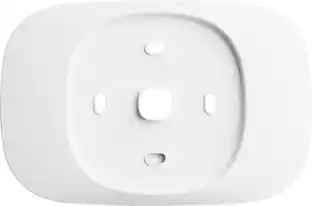
Install your Smart Thermostat Essential without worrying about wall imperfections. Specifically designed for Smart Thermostat Essential, the trim plate conveniently covers any scuffs, marks, gaps, and small holes left by your old thermostat.
| Pros for ecobee - Smart Thermostat Essential - Programmable Wi-Fi Thermostat - Works with Siri, Alexa, and Google Assistant - White | |||
|---|---|---|---|
| Ease of Use, Overall Performance, Installation, Design, App Usability | Overall Performance, Ease of Use, Installation, Design, Air Quality Monitoring | Ease of Use, Overall Performance, Installation, Remote Control, Connectivity | There were no pros for this product— |
| Cons for ecobee - Smart Thermostat Essential - Programmable Wi-Fi Thermostat - Works with Siri, Alexa, and Google Assistant - White | |||
| Screen Size | Compatibility, App Usability | Compatibility | There were no cons for this product— |
Specs
Can you lock the Ecobee smart thermostat essential to a temperature limit? So user can adjust temp only to that limit, eg a max limit for heating and a min limit for cooling?
Answered by ecobeeYes, the ecobee Smart Thermostat Essential allows you to set temperature limits for heating and cooling. This means you can define a maximum heating temperature and a minimum cooling temperature, ensuring users can only adjust settings within these specified ranges. This feature is beneficial for maintaining energy efficiency and preventing unauthorized temperature changes.
Does it run on a battery what would cause it to go out with no lights or no temperature display
Answered by ecobeeOur Smart Thermostats are wired. If you are experiencing issues with yours, please contact our support team, they would would be happy to help you. You can give us a call at 1-877-932-6233 (or 647-428-2220 if you’re outside North America). Our team is also online Monday to Friday from 9 am to 10 pm EST, Saturday and Sunday from 9am to 9pm EST to answer your questions at https://support.ecobee.com/s/contactsupport
How do I know if the ecobee Smart Thermostat Essential is compatible with my home's system?
You can check your system's compatibility using the online ecobee Compatibility Checker on the ecobee support page.
This question and answer was generated by AI based on customer and product data.What smart home ecosystems is the ecobee Smart Thermostat Essential compatible with?
This thermostat is compatible with Apple HomeKit, Google Assistant, and Alexa.
This question and answer was generated by AI based on customer and product data.Does the ecobee Smart Thermostat Essential work with heating and cooling systems?
Yes, it works with most 24 VAC HVAC equipment, including gas, oil, electric, dual fuel, forced air, conventional (2H/1C or 1H/2C), heat pumps (2H/1C), and boilers.
This question and answer was generated by AI based on customer and product data.

Customers often buy these together
Smart Doorbell
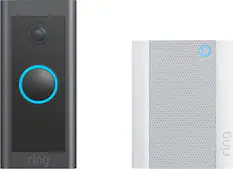
Ring - Wi-Fi Video Doorbell - Wired - Black
Clearance$39.99The price was $49.99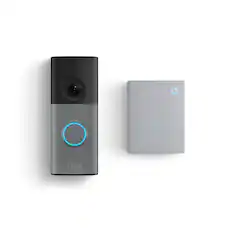
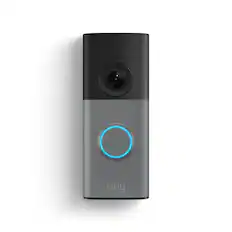
Ring - Wired Doorbell 2K (newest model), Speckled Gray + Chime (newest model) - Speckled Grey & White
$49.99The price was $99.99



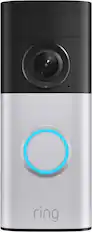
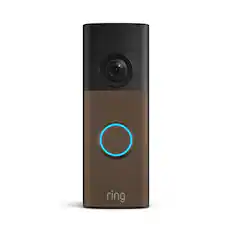
Security Camera

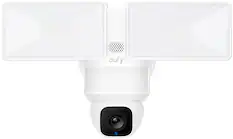
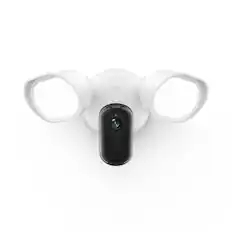
Ring - Floodlight Cam Plus Outdoor Wired 1080p Surveillance Camera - White
$89.99The price was $179.99
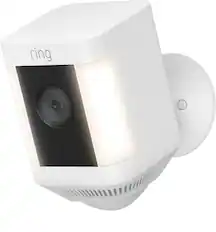
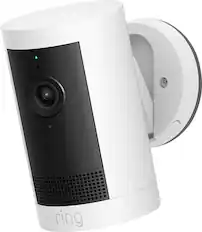
Ring - Outdoor Cam (Stick Up Cam) Indoor/Outdoor Wire Free 1080p Security Camera - White
Black Friday in July Deal$39.99The price was $79.99

More recommended items
 Home Security System
 Sensors and Detectors
 Smart Speakers and Displays
 Networking
More to consider
 $57.99The price was $79.99
Control, Comfort, Convenience Sponsored
Discover related products
 Black Friday in July Deal$79.99The price was $149.99
 $79.98The price was $139.99
 $129.99The price was $169.99
 $66.99The price was $67.99


Keep exploring
 $329.00The price was $333.49